


If you’ve ever scrolled through TikTok and stopped mid-swipe because a video instantly grabbed your attention, that wasn’t luck – it was editing mastery. In the fast-moving world of short-form video, your ability to cut, time, and polish clips determines whether people watch till the end or scroll away in three seconds.
This guide will show you how to make TikTok video editing that feels effortless yet irresistible – using proven creative techniques, modern tools, and insights trusted by professional editors and creators alike.
The Psychology Behind Scroll-Stopping Edits

Great TikTok editing isn’t just about transitions and filters – it’s about how the human brain responds to rhythm, surprise, and storytelling. Viewers decide in roughly 1.7 seconds whether to keep watching. That means your first few cuts matter more than any fancy effect.
Why the First Cut Decides Everything
When a video opens with motion, color contrast, or an unexpected sound, it triggers curiosity – the same reflex that keeps us watching movie trailers. Smart editors use this instinct by cutting directly into action instead of showing slow intros.
For example, instead of starting with “Hey guys, welcome back …,” jump straight to the highlight – then reveal the setup later. The brain stays engaged because it’s trying to “fill in the blanks.”
Rhythm: The Invisible Hook
Music drives momentum. TikTok’s editing tools let you snap clips to beats, but the real magic happens when visual rhythm matches emotional rhythm – when cuts, movements, and text appear in sync with energy shifts. Even silence, placed strategically, can make the next beat hit harder.
Once you understand this rhythm, editing becomes less about software and more about emotion.
Choosing the Right Editing Tools for TikTok Success

Before cutting your first frame, the software you choose shapes your workflow, quality, and creative speed. Whether you edit on a phone, tablet, or desktop, the best tool is the one that helps you bring your vision to life effortlessly-enabling smooth editing, intuitive controls, and professional results that match your storytelling style.
Mobile Editors: Quick and Creator-Friendly
Apps like CapCut, InShot, and VN Editor dominate TikTok editing because they’re built for vertical video, offer royalty-free sounds, and export directly to the platform. CapCut, owned by TikTok’s parent company ByteDance, even integrates trending templates so you can edit to viral formats in minutes.
If you’re just starting, these apps balance simplicity with creative freedom. Their learning curve is gentle, but they still support advanced features like masking, color grading, and AI-powered auto-captions.
Desktop Editors: Precision and Power
When you need full control – layering effects, mixing audio, or managing brand consistency – professional software such as Adobe Premiere Pro, Final Cut Pro, or DaVinci Resolve is worth the investment. These tools provide richer color correction, keyframe animation, and collaboration features that mobile apps can’t match.
Creators who batch-produce or manage multiple accounts often combine both: quick mobile edits for trend-based content and professional suites for polished brand videos.
| Platform | Best For | Key Advantage |
| CapCut | Everyday TikToks | Templates, auto-sync to sounds |
| VN Editor | Beginners | Free, no watermark |
| Premiere Pro | Professionals | Layer control, advanced effects |
| DaVinci Resolve | Filmmakers | Superior color grading |
Choosing your editor isn’t about prestige – it’s about efficiency. The faster you can move from idea to post, the more creative energy remains for storytelling.
Crafting Your Story: From Raw Clips to Relatable Moments
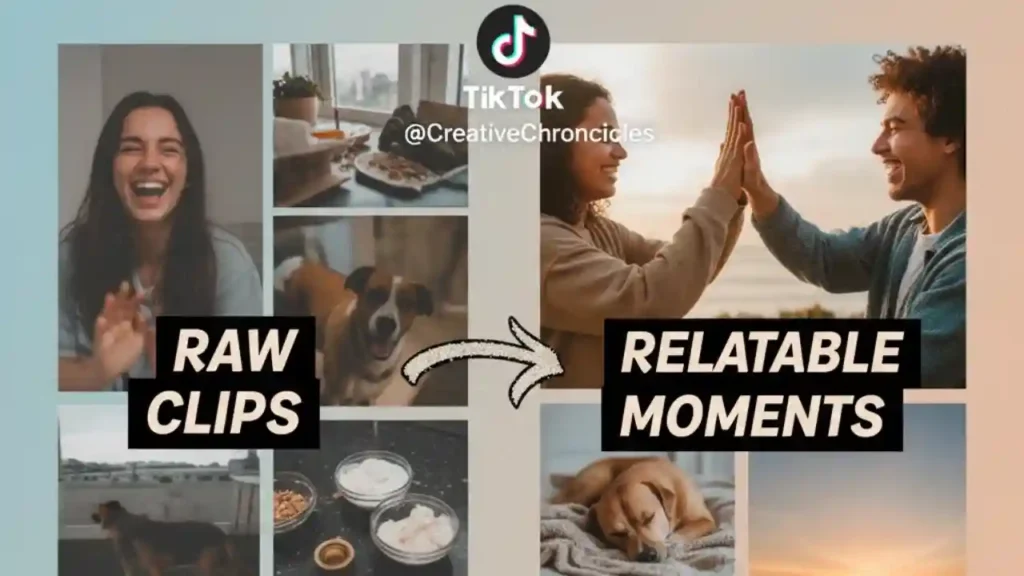
Every viral TikTok – whether it’s a cooking demo, comedy skit, or product reveal – follows a story pattern that instantly hooks viewers. Editing is where that story comes alive, turning raw clips into a seamless, emotional journey that grabs attention, builds anticipation, and keeps audiences watching until the very end.
The Hook–Hold–Reward Framework
- Hook: Grab attention in the first 2 seconds with motion, emotion, or mystery.
- Hold: Maintain curiosity through pacing – alternate quick and slow cuts to build rhythm.
- Reward: Deliver payoff: a reveal, transformation, or punchline that satisfies the initial promise.
This structure works because it mirrors the natural curiosity loop of human attention. When editing, ask: “What will keep someone watching after this clip?”
Emotion Over Perfection
Perfect transitions don’t matter if the story feels empty. A shaky handheld shot that feels real will often outperform a polished but cold sequence. Use editing to emphasize emotion – slow down reaction shots, cut closer during tension, or add subtle zooms to highlight feelings.
Inside Editors’ professionals often say: “You edit for feeling, not for frame.” That mindset transforms average content into memorable stories.
Timing Is Everything: Sync, Pacing, and Flow
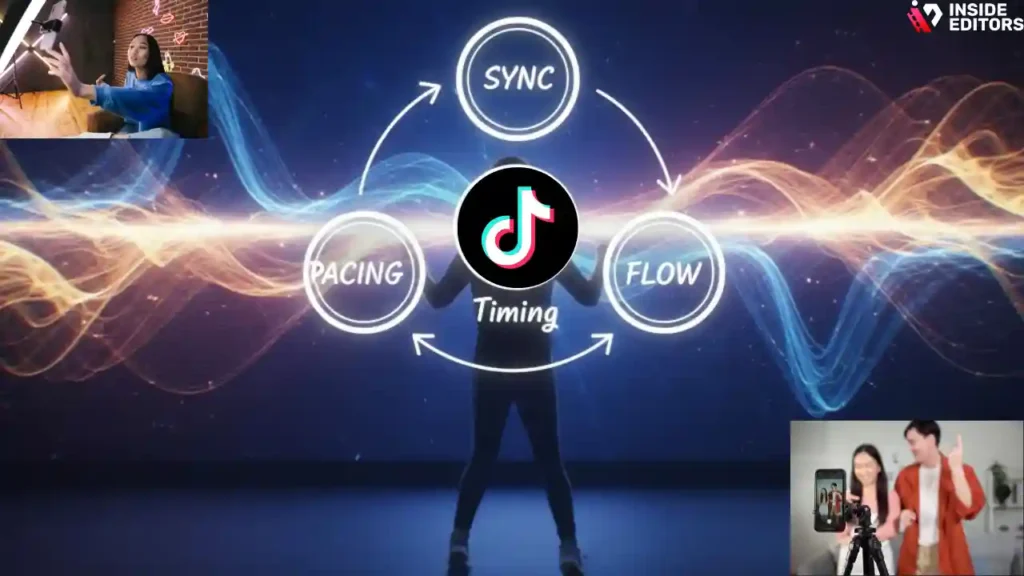
The difference between a decent edit and a viral one often comes down to milliseconds. TikTok’s short format rewards instinctive timing – cuts that land exactly when the viewer expects (or just before).
Mastering Beat Sync and Micro-Cuts
TikTok’s built-in audio markers help you align clips to music beats. But advanced editors go deeper – using micro-cuts (1–3 frames) to emphasize motion or transitions. These subtle trims keep the pace tight without overwhelming the viewer.
A good rule of thumb: if a clip feels one beat too long, it probably is.
Pacing for Personality
Every creator has a natural rhythm. Educational videos might benefit from longer holds on key visuals, while dance or humor content thrives on fast cuts. Try editing the same footage at two different tempos – you’ll immediately feel how pacing changes tone.
Once you master pacing, you’ll also improve retention – viewers sense your flow subconsciously, and that consistency builds brand trust.
Visual Effects That Add Energy – Not Distraction
Effects are like spices in cooking: use them to enhance flavor, not mask lack of substance. If you’re learning how to make TikTok videos editing that stand out, remember – too many transitions or filters scream “beginner.” Subtle, purposeful effects, however, can turn a good TikTok into a truly great one.
Text, Motion, and Layering
Adding dynamic captions improves accessibility and keeps attention. Use kinetic typography – text that moves with the beat or interacts with visuals – to reinforce key points. Simple motion graphics, such as zoom-ins or parallax layers, create depth without clutter.
Professional editors often follow the “one-motion-per-moment” principle: only one element (camera, text, or subject) should move at a time. This clarity makes each frame easier to process.
Color and Mood
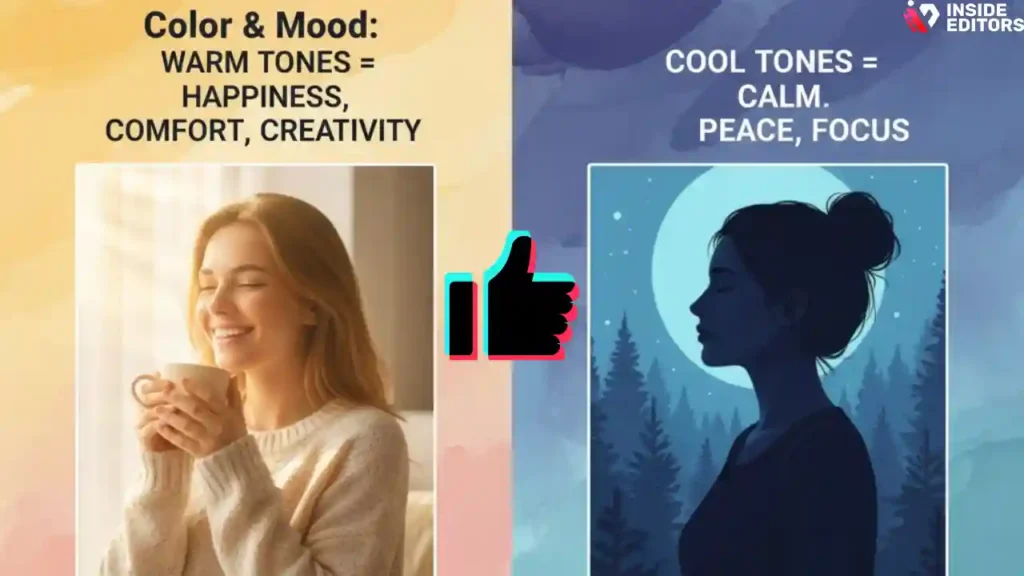
Color grading sets tone. Warm hues feel friendly and inviting; cooler tones add cinematic calm. TikTok’s viewers are drawn to contrast – vibrant scenes with clear subject separation stand out on small screens.
If you’re editing lifestyle or product content, test how different color filters affect engagement. Small tweaks often double retention.
Sound Design: The Secret Ingredient of Viral Edits
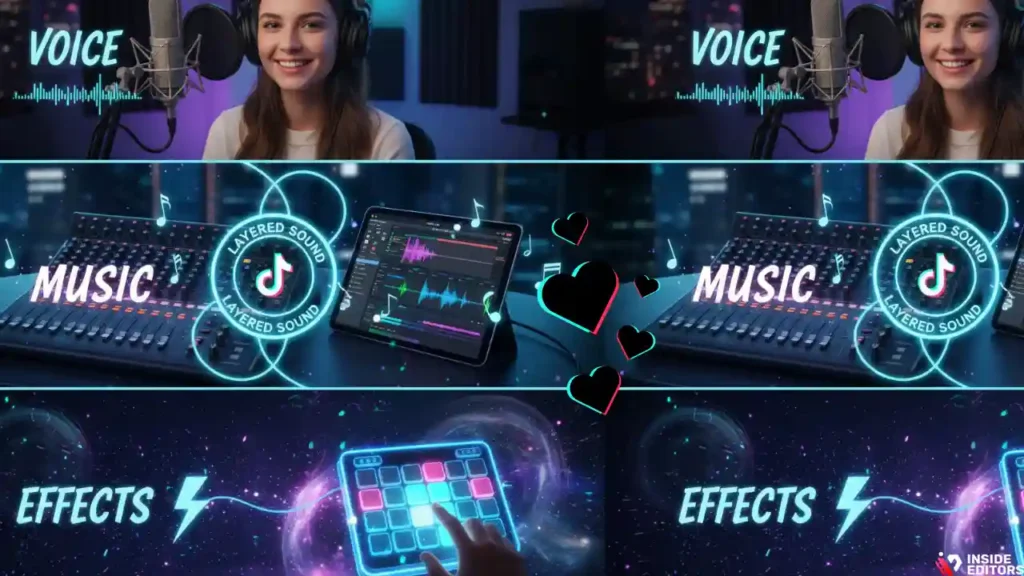
We process audio faster than visuals, which is why sound design plays a crucial role when learning how to make TikTok videos editing that capture attention. A clean, balanced mix can elevate even average footage, while poor audio quality instantly kills engagement. Crisp voiceovers, catchy background tracks, and seamless sound transitions keep viewers hooked longer.
Layering Music, Effects, and Voice
Use trending sounds strategically, but blend them with your brand’s own identity. Layer gentle background tracks under narration, add whoosh or pop effects for transitions, and keep volume consistent across clips.
When in doubt, edit to silence first, then add music. This ensures your pacing feels natural before rhythm takes over.
Advanced Editing Techniques to Elevate Every Frame
Once you’ve mastered timing and rhythm, the next step is refinement – polishing every second until it feels intentional. Advanced editing doesn’t mean adding more; it means knowing when to stop.
Transitions That Feel Natural, Not Noisy
Trendy transitions can grab attention, but they lose impact when overused. The trick is to match the transition with the emotion of the scene. A fast whip-pan fits comedy or dance edits, while a smooth crossfade works better for storytelling or tutorials.
When editing for TikTok, imagine how your transition feels on a phone screen: too many flashes or spins can make viewers dizzy and bounce. The best transitions are invisible – they guide the eye naturally from one idea to the next.
Professional editors often use motion-based cuts instead of graphic transitions. For example, cut mid-spin or during a camera movement to hide the edit. The result feels cinematic, even on a 9:16 frame.
Using Speed Ramping and Slow Motion
Speed ramping – accelerating and decelerating clips dynamically – adds tension and excitement. Use it sparingly to emphasize actions, like product reveals or dance hits. Slow motion, on the other hand, builds emotional weight. Combining both within one video creates contrast and keeps energy fresh.
A common mistake beginners make is applying speed effects uniformly. Instead, let pacing mirror your story: fast where curiosity peaks, slow where emotion deepens.
AI Tools and Smart Workflows: Editing Faster in 2025
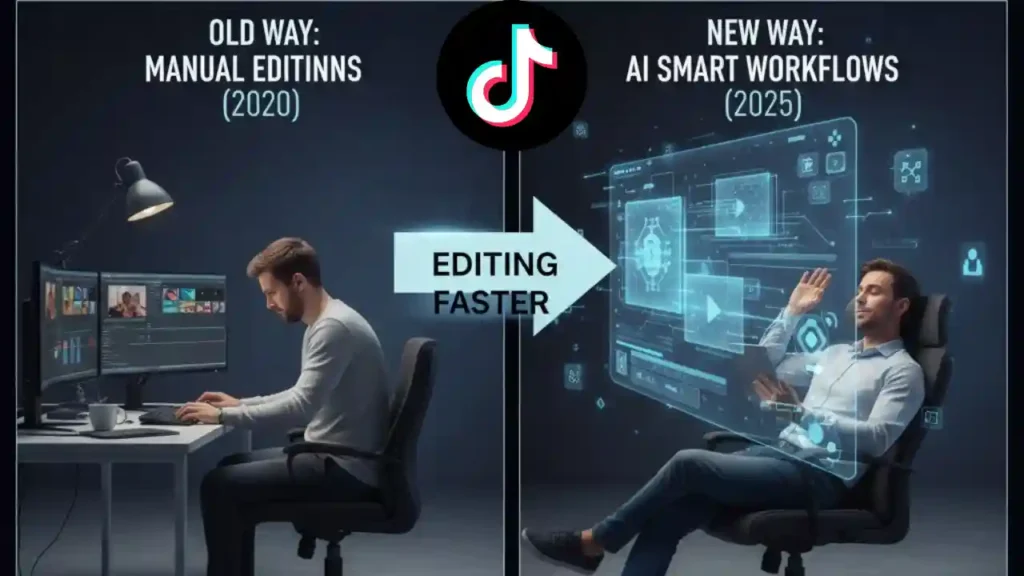
TikTok editing has evolved far beyond manual trimming. In 2025, creators rely on AI-assisted tools to cut, caption, and color-grade in minutes. If you’re wondering how to make TikTok video editing faster without losing quality, automation is your friend – not your replacement.
AI That Saves Hours
Modern software like Adobe Premiere Pro’s Sensei AI, Descript, and CapCut’s AutoCut can automatically detect highlights, sync clips to beats, and remove dead air. These tools don’t replace creativity; they remove repetitive tasks so you can focus on storytelling.
For instance, Inside Editors’ workflow combines AI-powered speech analysis with manual review. The AI handles trimming and captions, while human editors refine tone, pacing, and emotional rhythm. It’s efficiency meeting artistry – and that’s the balance most creators need.
Cloud Collaboration and Multi-Device Editing
Working across phone and desktop is easier than ever. Apps like VN and Premiere Rush automatically sync projects to the cloud, letting you start editing on your phone and finish on your laptop.
This hybrid workflow matters because creativity rarely happens in one place. You might film in a café, trim clips on your commute, and polish them on your desktop later. Cloud tools let you move seamlessly – no lost files, no frustration.
Common Editing Mistakes (and How to Fix Them)
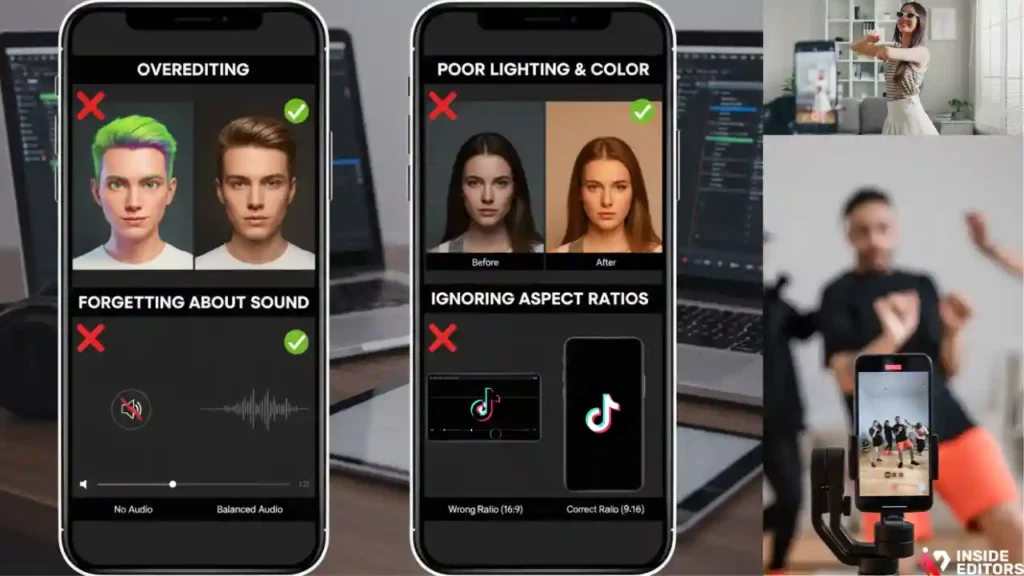
Even experienced creators fall into editing traps that limit engagement. Avoiding these pitfalls instantly boosts your content’s polish and watch time.
Mistake 1: Overediting
Too many effects can bury your message. The solution is restraint. Ask yourself after every cut, “Does this help tell the story?” If not, remove it. Your viewers care about emotion, not visual fireworks.
Clean, intentional edits often feel more “professional” than ones overloaded with animations or filters.
Mistake 2: Poor Lighting and Color Consistency
Uneven lighting across clips distracts the viewer. When editing, use auto color-match features or adjust brightness manually to maintain balance. Consistent color helps your video feel cohesive – especially important for brand creators or influencers building visual identity.
Mistake 3: Forgetting About Sound
It’s tempting to focus only on visuals, but sloppy audio breaks immersion. Always check volume levels across transitions and trim unnecessary background noise. Remember: great sound design makes cheap footage feel expensive.
Mistake 4: Ignoring Aspect Ratios and Export Settings
TikTok uses a 9:16 vertical format. Exporting in horizontal or wrong resolution can ruin framing and algorithm reach. Always preview your final cut in mobile view to confirm text, transitions, and focal points appear correctly.
Editing for Retention: How to Keep Viewers Watching to the End

TikTok’s algorithm rewards completion rate – the percentage of people who finish your video. Editing with retention in mind turns casual scrollers into engaged followers.
Build Curiosity and Momentum
Tease results early: show the “after” first, then reveal how you got there. This creates a mini-mystery that keeps viewers watching for closure. Use text overlays like “Wait for it…” or “Here’s the secret…” to maintain anticipation.
Add Micro-Payoffs
Attention isn’t sustained by one big moment; it’s built through micro-payoffs. Insert small visual or emotional rewards every few seconds – a clever cut, a reaction shot, or an unexpected sound cue. These mini highs keep dopamine flowing and viewers glued.
End Strong with a Loop
TikTok videos that loop cleanly perform better because they encourage replays. End your clip with motion that matches the beginning or fade audio smoothly into the first frame. When done right, viewers can’t tell where it ends – and the replay counts as extra engagement.
The Role of Professional Editing in Growth and Branding

At some point, DIY editing reaches its limit. As your audience grows or you start monetizing, consistent quality becomes non-negotiable. That’s where professional editors – like those at Inside Editors – can make a lasting difference.
Why Expertise Saves You Time and Frustration
Professional editors bring not only technical skills but also storytelling intuition. They know when a cut “feels right,” how to balance pacing with clarity, and how to tailor edits for TikTok’s algorithmic quirks. Instead of guessing what works, you gain expert guidance shaped by data and experience.
This doesn’t mean giving up creative control. Think of it as collaboration: you supply vision, they refine it. The result is content that looks sharp, sounds balanced, and flows seamlessly – every time.
What Inside Editors Offers
Inside Editors provides a full suite of TikTok video editing services tailored for creators, brands, and social storytellers. Whether you need trend-optimized cuts, caption integration, or cinematic transitions, our team ensures your videos don’t just look good – they connect emotionally and perform consistently.
From lifestyle and makeup clips to online course intros, we help creators transform raw footage into scroll-stopping stories. If you’ve ever wished your edits looked “just a bit more professional,” that’s exactly what we deliver – quickly, affordably, and with your style intact.
Practical Editing Tips from the Pros
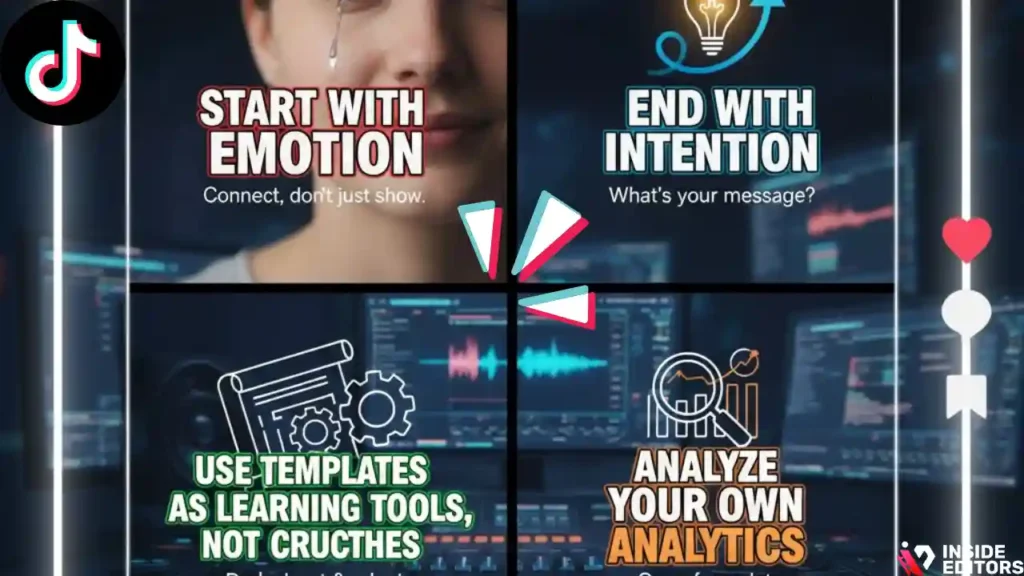
Professional editors often share subtle but powerful techniques that separate average content from standout clips.
Start With Emotion, End With Intention
Begin your edit by identifying what emotion you want viewers to feel – joy, curiosity, suspense. Every cut should serve that goal. End your video with a clear message or call to action: a follow request, a brand reminder, or simply a satisfying closure.
Use Templates as Learning Tools, Not Crutches
TikTok and CapCut templates are great for learning structure, but overreliance makes your videos blend in. Study templates to understand pacing, text placement, and sound alignment – then customize them to reflect your unique brand.
Analyze Your Own Analytics
Watch your retention graphs inside TikTok Analytics. Where do viewers drop off? What clips get replayed? These metrics tell you exactly where your editing connects – or loses momentum. Editing is both art and data science.
Real-World Example: From Ordinary to Viral
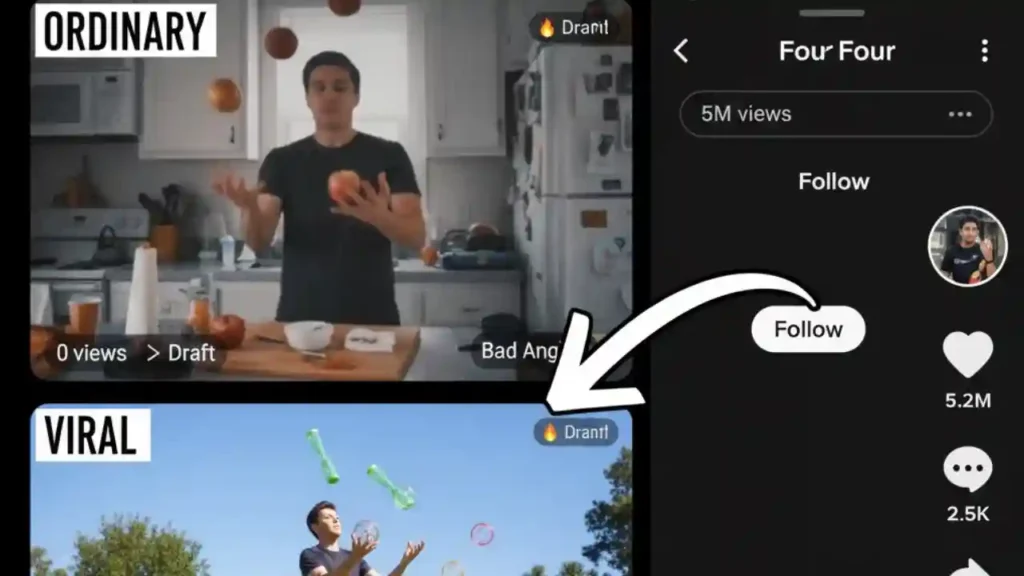
Imagine a small coffee brand posting a 10-second clip showing their latte art. The first version begins with a barista walking into frame and ends with a finished cup – nothing special.
After re-editing with Inside Editors’ guidance, the video starts mid-pour, synced perfectly to a trending lo-fi track. Quick zooms highlight the swirl, text appears with “Satisfying?” and the clip loops back to the pour seamlessly. Same footage, different story – and 12× higher engagement within 48 hours.
That’s the difference effective editing makes: not just more views, but stronger brand identity and memorability.
How to Build Consistency and Creativity Over Time
Editing well once is easy; doing it consistently is where growth happens. Great editors develop habits that keep their creativity sharp.
Create a Repeatable Workflow
Start every project with the same sequence: organize clips, mark beats, plan story flow, then polish. Consistency saves hours and ensures your brand’s look stays recognizable.
Tools like CapCut Projects or Adobe’s preset templates help automate routine steps – letting you focus on the creative moments that matter most.
Keep Learning and Experimenting
TikTok trends shift weekly. Challenge yourself to try new editing styles: split screens, reverse motion, or AI voiceovers. The more techniques you experiment with, the more flexible and confident you become.
As the saying goes at Inside Editors: “Your next viral video is hidden inside your next experiment.”
Final Thought : Editing That Connects Emotionally and Professionally
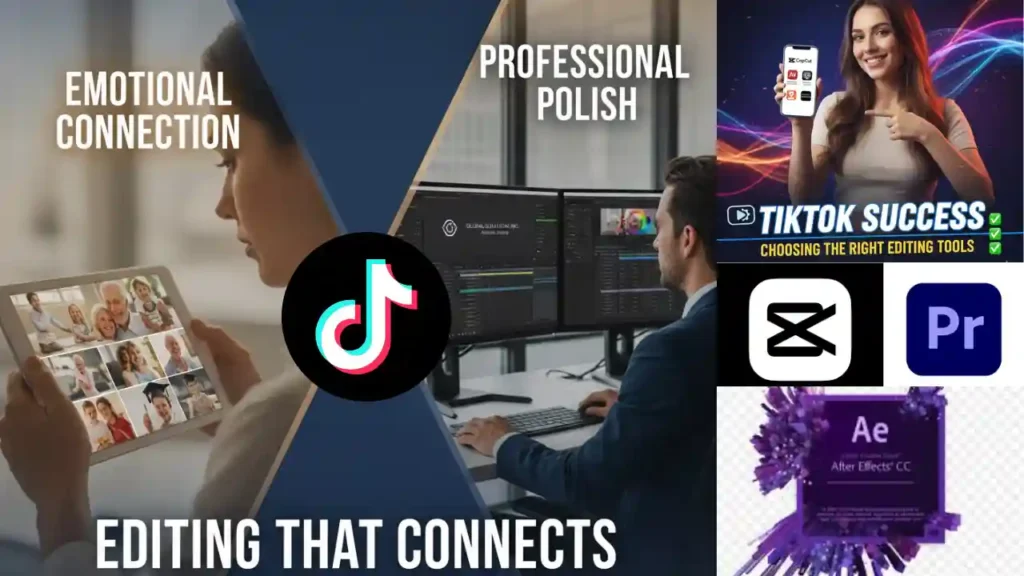
At its core, how to make TikTok video editing that hooks viewers isn’t just about transitions or software – it’s about emotion, rhythm, and connection. Every frame should make the viewer feel something: curiosity, excitement, delight.
Whether you’re just starting or refining your style, remember that editing is storytelling with rhythm. And if you ever want to elevate your content to a professional, brand-consistent level, Inside Editors is here to help craft the kind of videos that people don’t just watch – they remember.
FAQs – People Also Ask (Concise, SEO-Aligned Answers)
1. How much does professional TikTok video editing cost?
Professional TikTok editing typically ranges from $50 to $250 per video, depending on length, complexity, and effects. Basic packages include trimming, sound syncing, and captions, while premium tiers add color grading, motion graphics, and brand customization. Inside Editors provides transparent quotes so you know exactly what’s included before work begins.
2. How long does TikTok video editing take?
A standard TikTok edit usually takes 24–72 hours, depending on footage length and revisions. Rush options are available for next-day delivery when deadlines are tight. Turnaround time also depends on how quickly you provide assets such as footage, music preferences, and style notes.
3. What’s the difference between DIY TikTok editing and professional editing?
DIY tools like CapCut or InShot are great for quick posts, but professional editors bring cinematic polish and storytelling precision. Pro workflows include advanced color grading (for visual consistency), layered sound design, and brand-specific templates. The result is smoother pacing, higher engagement, and stronger audience trust.
4. How many revisions are included with Inside Editors’ services?
Most Inside Editors packages include two to three free revision rounds, ensuring your feedback shapes the final cut. Additional edits are available at a low hourly rate. Our process emphasizes communication – you stay involved from rough cut to final export, with full creative ownership of your content.
5. Who owns the final TikTok video after editing?
You retain 100% ownership of your final video, assets, and raw footage. Inside Editors provides fully licensed music and effects, so there are no copyright concerns. Once your project is approved and delivered, all rights transfer to you permanently.
6. How does Inside Editors protect client privacy and content security?
All projects are handled under strict non-disclosure and data-protection policies. Files are stored on encrypted servers and shared through secure, password-protected links. Only authorized editors access your content, and all materials are deleted upon request after delivery.


