


TikTok has turned short-form video into the heartbeat of modern storytelling. Whether you’re a content creator, a small business, or someone just discovering the joy of visual expression, the right TikTok video editing app can make or break your results. With new AI tools, filters, and editing workflows launching every month, 2026 is shaping up to be the most creative – and competitive – year yet for short-form content.
But here’s the challenge: with dozens of editing apps available, how do you know which one fits your goals, skills, and style? Choosing wrong can waste hours and dull your creative spark. Choosing right can help you edit faster, post smarter, and turn simple clips into scroll-stopping stories.
In this guide, we’ll explore exactly what to look for, which tools dominate in 2026, and how to confidently pick the editor that brings your ideas to life.
Understanding What Makes a TikTok Video Editing App “The Best”
Before diving into app comparisons, it’s essential to define what “best” really means – because the answer isn’t the same for everyone.
The Best Tiktok Video Editing App Matches Your Workflow, Not Just Your Device

A common mistake many creators make is choosing a video editor based on hype instead of workflow. An app that feels smooth and intuitive for one person might feel clunky for another. For instance, if you edit directly on your phone, you’ll prioritize speed, auto-effects, and easy export. But if you’re a professional creator working across platforms, you’ll care more about multi-layer editing, color correction, and file flexibility.
The best TikTok video editing app is the one that helps you create faster without compromising creative control. It adapts to how you think, not the other way around.
Simplicity Meets Power
Ease of use doesn’t have to mean basic. Many 2026 video apps now blend beginner-friendly interfaces with professional-grade features – AI-driven cut detection, smart audio syncing, and one-tap color grading. Look for software that streamlines your editing flow while still letting you grow creatively.
A helpful rule of thumb: if you can create a polished TikTok within 10 minutes on day one, yet still have room to experiment a month later, you’ve found a good match.
Why Choosing the Right Best Tiktok Video Editing App 2026 Saves You Hours of Work
Time is every creator’s most valuable currency. A good editor can cut your editing time in half while improving output quality.
Automation That Works With You
In 2026, the best editing apps use AI-assisted tools to handle repetitive tasks – from auto-trimming silence to aligning clips with beats. For example, apps like CapCut and InShot now feature AI storyboards that automatically suggest cuts and transitions based on your video’s theme. This allows you to focus more on creative direction rather than technical trimming.
Smart Workflows and Cloud Sync
If you post daily, switching devices mid-edit can be frustrating. Cloud-based editors such as Adobe Premiere Rush and Clipchamp now offer seamless synchronization between mobile and desktop. You can start editing on your phone during a commute and finish on your laptop without losing progress. This cross-platform flexibility not only saves time but also ensures consistent quality.
Choosing an app with smart automation and multi-device sync can mean the difference between publishing once a week and posting confidently every day.
The Key Editing Tools That Make Your Videos Stand Out
Every successful TikTok creator knows: technical quality is invisible when it’s done right, but painfully obvious when it’s not. Understanding the essential editing tools will help you evaluate any app quickly.
1. Precise Cutting and Layer Control
Fine control over clips, sound, and overlays defines professional editing. Look for frame-by-frame trimming, multiple video tracks, and keyframe animation. Apps like LumaFusion or VN Editor provide pro-level layering options – great for storytelling or educational content.
2. Color Grading and Visual Effects
Color influences emotion. A simple saturation tweak can change a clip’s entire mood. Modern TikTok editors integrate AI-based color balancing that adapts to lighting automatically. For creators chasing a consistent aesthetic, LUT (Look-Up Table) support is a must-have.
3. Sound Design and Beat Sync
A video without strong audio feels incomplete. Apps with beat synchronization tools automatically align your cuts with background tracks. CapCut, for instance, allows automatic sound matching that adjusts the visual pacing to rhythm. This creates that effortless “scroll-stopping” feel audiences love.
4. Text, Captions, and Subtitles
With so much of TikTok’s audience watching on mute, on-screen text is critical. Choose an app with automatic captioning and customizable fonts. AI transcription tools in 2026 have reached near 99% accuracy, turning accessibility into a creative advantage.
When your app handles visuals, sound, and text seamlessly, you spend less time troubleshooting – and more time storytelling.
The Evolution of TikTok Editing in 2026: What’s New?
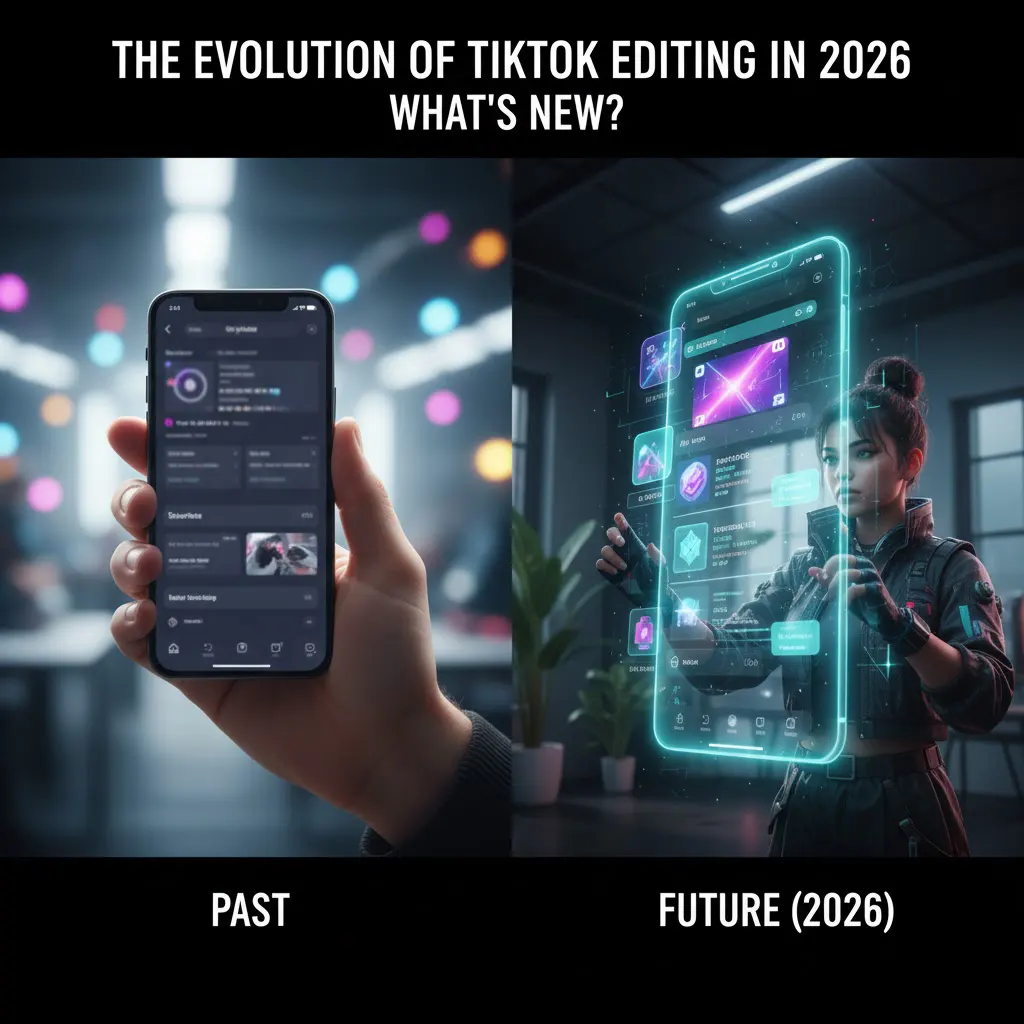
TikTok editing tools evolve as fast as its trends. The latest generation of apps is redefining how creators approach production.
AI-Powered Storytelling
The biggest shift in 2026 is how AI co-creates with editors. Instead of merely automating, tools like Pika and Runway ML now interpret narrative flow – suggesting transitions, titles, and pacing that fit your video’s tone. This collaboration reduces creative fatigue while improving output quality.
Real-Time Collaboration
Creators no longer work in isolation. Many apps support real-time co-editing, allowing multiple users to edit the same project simultaneously – perfect for teams, agencies, or brand partnerships. Imagine filming a product video in New York while your collaborator fine-tunes captions from London in real time.
Integrated Publishing and Analytics
Leading apps now bridge editing and performance tracking. You can preview, schedule, and publish directly to TikTok, complete with built-in insights on reach and engagement. This end-to-end workflow transforms editing from a technical task into a data-informed creative strategy.
Comparing the Top TikTok Video Editing Apps in 2026
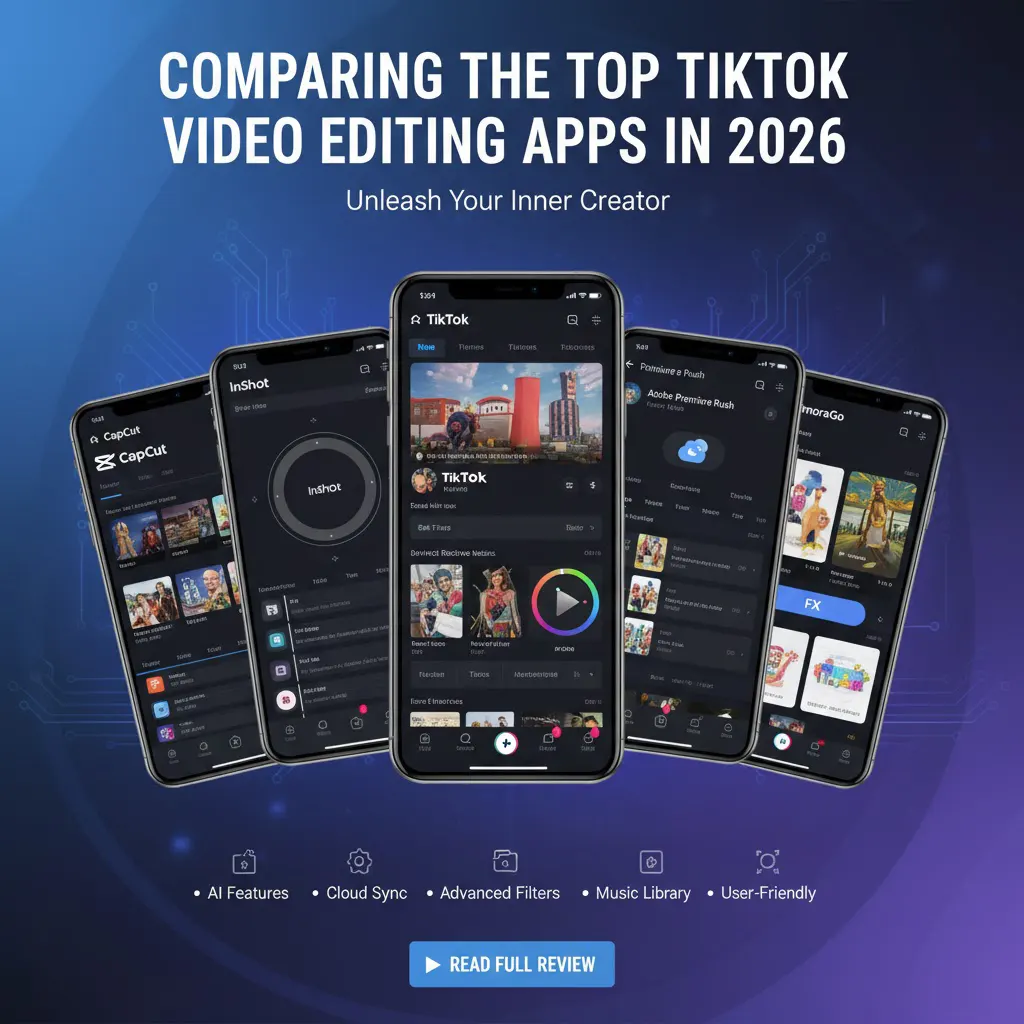
To help you narrow down your options, here’s a side-by-side look at some of the most popular apps dominating 2026. These choices balance usability, features, and cost across various creator levels.
Each app offers something unique. CapCut remains the most seamless for TikTok integration, while LumaFusion appeals to professionals seeking full control. The best choice depends on how deep you want to go into customization versus convenience.
| App Name | Ideal For | Key Strength | Pricing (2026) | Notable Feature |
| CapCut | All levels | Integrated with TikTok; strong AI | Free + Pro version | Auto Captions, Beat Sync |
| InShot | Beginners | Quick edits, mobile focus | Free + $3.99/mo | Trend templates |
| VN Editor | Intermediate | Pro layering, LUT support | Free | Multi-track control |
| LumaFusion | Professionals | Advanced timeline editing | $29.99 one-time | Keyframe animation |
| Adobe Premiere Rush | Multi-platform creators | Cloud sync, color control | $9.99/mo | Desktop + mobile sync |
| Clipchamp | Business & marketing | Templates, brand kits | Free + $12/mo | Brand presets |
How to Match Your Editing App to Your Creative Goals
Choosing an editor isn’t about “best overall” – it’s about “best for you.” To find your perfect match, focus on alignment between your creative vision and the app’s design.
For Quick Creators: Speed Over Precision
If your priority is to produce fast, trendy videos, opt for lightweight mobile apps like CapCut or InShot. They’re designed for quick turnaround and social-ready effects, making them ideal for influencers, lifestyle vloggers, and small businesses managing daily content.
For Visual Storytellers: Precision and Control
If you love storytelling or cinematic styles, LumaFusion or VN Editor gives you the tools to fine-tune every frame. These apps suit educators, filmmakers, or brands that value quality over quantity.
For Teams or Brands: Collaboration and Consistency
If multiple people handle content, cloud editors like Clipchamp or Adobe Premiere Rush are your allies. Their cloud-sync features allow editors, social media managers, and brand leads to work together without file chaos.
In short: choose based on how you create, not just what you create. Matching workflow to software is the fastest route to consistent, high-quality output.
Common Mistakes to Avoid in TikTak When Choosing a Video Editor
Even experienced creators make avoidable missteps when selecting tools. Recognizing them early saves time and frustration.
Ignoring Export Quality and Format
Not all editors export videos optimized for TikTok’s algorithm. TikTok prefers 1080×1920 resolution, H.264 codec, and under 50MB for faster uploads. Always test export settings before committing to an app – a crisp video that loads fast performs better algorithmically.
Overvaluing Effects and Transitions
While trendy transitions attract attention, overusing them can distract from your story. A good app offers stylish options but doesn’t rely on them to create impact. Focus on storytelling clarity, not just visual fireworks.
Forgetting About Learning Curve
Free apps often trade advanced features for ease of use, while pro apps demand time investment. It’s better to master a simpler tool fully than struggle with a complex one you barely use. Choose progress over perfection.
When you avoid these pitfalls, editing becomes smoother, your confidence grows, and your content quality naturally follows.
How AI and Automation Are Changing TikTok Editing Forever

Artificial Intelligence isn’t replacing creativity – it’s enhancing it. The new generation of TikTok video editing apps gives creators unprecedented power.
Smarter Cuts, Faster Results
AI now recognizes scene shifts, emotional tone, and even pacing. This means apps can suggest or perform edits that maintain narrative rhythm. The result: you can focus on storytelling while AI handles mechanical tasks.
Auto Captions and Localization
With global audiences in mind, auto-captioning has evolved beyond subtitles. Apps can now translate captions in real time, allowing creators to reach international followers effortlessly. For example, an English-speaking creator can auto-generate Spanish or French subtitles with one tap.
Predictive Trend Analysis
Some premium editors analyze trending TikTok sounds, hashtags, and styles to predict what will perform next. This data-driven creativity empowers users to stay ahead of algorithmic shifts without constant manual research.
As AI becomes your creative collaborator, the barrier between amateur and professional editing fades – it’s about creativity, not complexity.
Building on Your Skills: When to Move Beyond Mobile Editing
At some point, every creator outgrows their starter app. You might crave better motion tracking, smoother rendering, or more professional transitions. That’s when transitioning from mobile to desktop editing makes sense.
The Crossover Phase
Hybrid tools like Premiere Rush and Clipchamp make the jump painless. You can import your mobile projects directly into desktop editors, preserving timelines and effects. This lets you scale up production quality without starting from scratch.
When to Outsource Editing
If you find yourself spending more time editing than creating, it might be time to bring in professionals. Platforms like Inside Editors specialize in transforming raw clips into polished videos that match your brand’s identity. Outsourcing doesn’t mean losing control – it means gaining efficiency and creative bandwidth.
FAQs About TikTok Video Editing Apps in 2026
1. Are TikTok video editing apps safe and private to use?
Most reputable TikTok video editing apps follow strict privacy policies and use encrypted cloud storage for uploads. Always review their permissions – avoid apps requesting unnecessary access to contacts or location. Premium versions generally offer better data security and no watermarking, which is ideal for brand or client projects.
2. What’s the difference between editing with an app and hiring a professional editor?
Editing apps are great for quick DIY videos, but professional editors bring storytelling, pacing, and consistency you can’t automate. A pro service like Inside Editors handles revisions, color grading, and custom branding -ideal for creators or businesses that need reliable quality and consistent visual identity.
3. How much does professional TikTok video editing cost?
Prices vary depending on project length, style, and turnaround. On average, professional TikTok video editing ranges from $50–$300 per clip, including trimming, captions, transitions, and music sync. Packages often include bulk discounts or tiered options for agencies and influencers who post frequently.
4. How long does it take to get a video edited professionally?
Most short-form TikTok edits take 24–72 hours, depending on complexity and feedback rounds. Express or rush options (same-day delivery) are usually available at an added cost. Turnaround can also depend on clip length, number of revisions, and whether you request custom motion graphics.
5. What should I look for in a TikTok video editing app?
Choose an app with AI-assisted tools, fast exporting, and TikTok-friendly formats (1080×1920, H.264). CapCut, VN Editor, and LumaFusion are reliable 2026 options offering beat sync, auto captions, and LUT color grading. Test for ease of use and creative flexibility before committing to one platform.
6. Who owns the final videos edited using Inside Editors or similar services?
You retain full ownership of all final deliverables unless stated otherwise in your contract. Inside Editors transfers complete usage rights upon delivery – meaning you can repost, monetize, or resell your videos freely. Source files are also available on request for future edits or updates.


