


If you’re comparing tools before you commit time or money, you’re in the right place. In this friendly buyer’s guide, we’ll unpack what matters in 2026, compare leading apps side-by-side, and help you choose with confidence. We’ll also show you when a pro touch can turn good footage into a scroll-stopping story.
What You’ll Learn
- How to evaluate instagram video editing apps for your exact goals
- 2026-ready features (AI, captions, sound, speed) that actually save time
- Honest pros/cons of CapCut, InShot, VN, LumaFusion, DaVinci Resolve for iPad, and Adobe Premiere on iPhone
- Smart workflows, common mistakes to avoid, and when to call in a pro
Why Choosing the Right Editor Saves You Hours (and Lifts Results)
Editing Isn’t Just Cutting – It’s How You Tell the Story
Every creator hits that moment: you’ve got decent footage, but the cut feels flat. The right editor fixes this by speeding up boring steps (captioning, reframing, leveling audio) so you can focus on the story arc. In 2026, that increasingly means AI help for tasks like caption generation, color balance, and even clip extension – features that used to take ages by hand. Adobe, for instance, added Generative Extend in Premiere Pro to lengthen shots and ambient audio, a small change that can smooth jump cuts and keep pacing tight
Short-Form Is Still the Engine – So Polish Matters
Instagram’s audience hasn’t shrunk; it’s grown. In September 2025, Meta said Instagram reached 3 billion monthly active users, and Reels continue to be a pillar of engagement. That’s a massive audience – and a strong reason to use tools that help you stand out fast.
A modern editor should save you time on mechanical steps and give you creative control over pacing, color, and sound. Next, let’s clarify the features that really move the needle.

The Key Editing Tools That Make Your Videos Stand Out
Non-Negotiables for 2026
Look for auto-captions, beat-synced cuts, color presets/looks, audio cleanup, and social-first exports (9:16, 4K HDR when possible). These are the tools that create polish at speed. Newer AI features, such as extending a clip by a second or two or translating captions into multiple languages, reduce reshoots and broaden reach.
Mobile-First, Cloud-First Workflows
If you shoot and edit on a phone or iPad, cloud syncing matters. Blackmagic’s DaVinci Resolve 20 supports Blackmagic Cloud for real-time collaboration – great for creators working with remote assistants or brands reviewing drafts. That means fewer transfers, fewer relinking headaches, and faster approvals.
Prioritize caption speed, color control, audio clarity, and cloud collaboration. You’ll feel the time savings right away.
What’s New on Instagram in 2026 (and Why It Affects Your Edit)
Reels Duration Gives You More Wiggle Room
Instagram increased Reels length to 3 minutes in early 2025. That shift rewards editors who can pace a story – hook, payoff, and call-to-action – without bloat. If you’ve struggled to compress tutorials or product explainers into 90 seconds, this change opens creative breathing room.
The Audience Is There – So Quality Wins
Meta’s 2025 disclosures and third-party reporting point to heavy Reels consumption across Instagram and Facebook. Some estimates suggest daily views in the hundreds of billions and higher interaction than standard posts, underscoring how short-form continues to dominate attention. Treat sound design, captions, and color like essentials, not extras.
Longer Reels plus a bigger audience means competition is fierce. Pacing and finishing details ( sound, captions, color ) separate “watched” from “loved.”
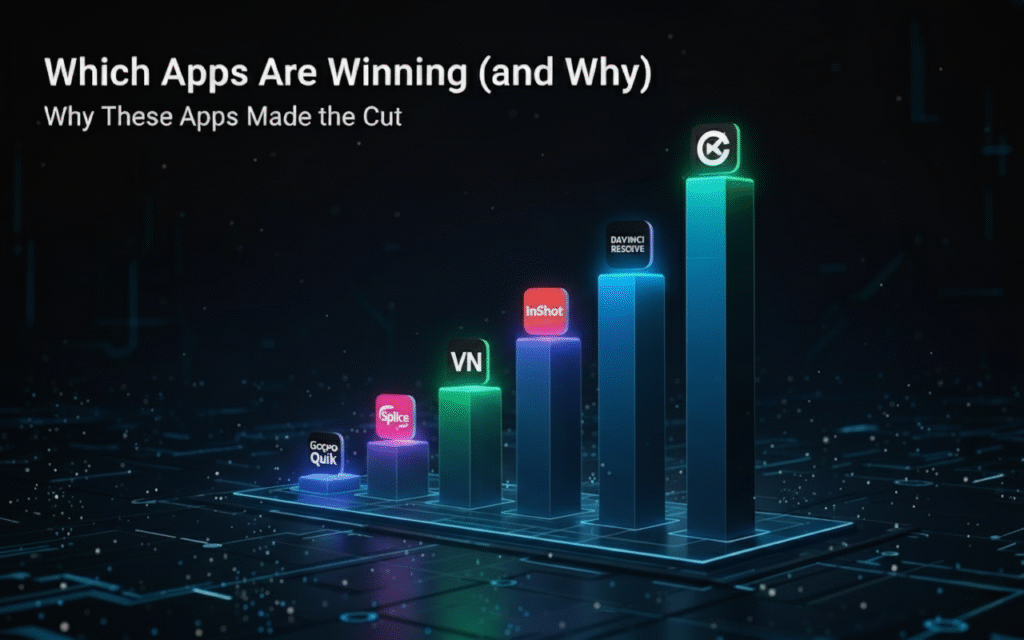
The 2026 Landscape: Which Apps Are Winning (and Why)
Why These Apps Made the Cut
We shortlisted editors based on time-saving features, quality exports, learning curve, and ecosystem (templates, effects, fonts, stock). We also considered credible adoption signals: In 2025, Adobe reported that 86% of global creators are integrating AI into creative workflows – evidence that AI-assisted features are table stakes, not novelties.
Fast Snapshot: Strengths at a Glance
| App (Platform) | Best For | Standout Strength | Watch-outs |
| CapCut (iOS/Android/Desktop) | Templates, fast social ads | Massive template library; easy captions; strong effects | Branding consistency can suffer if you overuse trending presets |
| InShot (iOS/Android) | Quick reels/stories on the go | Simple timeline; quick exports; huge install base | Fewer pro-grade color/audio controls than LumaFusion/Resolve |
| VN (iOS/Android) | Free multi-track editing | Good control without paywall; decent speed ramping | Asset management and color tools are more basic |
| LumaFusion (iOS/iPadOS) | Mobile pros, doc-style reels | Multi-track power, color controls; new 5.3 workflow tweaks | iOS-only; deeper learning curve |
| DaVinci Resolve for iPad (iPadOS) | Color-critical workflows | Blackmagic Cloud; pro color and audio pages | Requires newer iPads; Studio IAP for advanced AI |
| Premiere on iPhone (iOS) | Adobe users, cross-app flow | Pro timeline, auto captions, Firefly tie-ins | Android version “in development” |
CapCut vs. InShot vs. VN: The Creator-Friendly Trio
CapCut: Speed and Templates Win for Daily Publishing
If you post frequently, CapCut’s template ecosystem and auto-captioning make it easy to churn out consistent, on-trend edits. The app has surpassed 1B Android downloads and continues to push social-first effects, which speaks to its reach and plugin-like role in the TikTok/Instagram universe. The trade-off is sameness – lean too hard on templates, and your brand voice can blur into the crowd.
InShot: A Comfortable Middle Ground for Clean Reels
InShot feels like a friendly Swiss Army knife: quick trims, simple transitions, easy sound beds. It still pulls large download numbers and seven-figure monthly revenue, suggesting a loyal user base that values speed over maximal features. If you’re starting out or need a dependable basic editor, InShot is hard to beat. Just expect to hop into another app for nuanced color work.
VN: Multi-Track Freedom Without the Paywall
VN offers real timelines, keyframes, and speed ramps without forcing a subscription up front. For creators learning the craft, it’s a generous playground. However, asset management and color grading are limited versus LumaFusion or Resolve. If you outgrow VN, your next step is likely toward those pro-leaning apps.
Quick Tips to Choose Among the Three
- If you post daily and love trends: start with CapCut.
- If you want simple and reliable: try InShot.
- If you want a free multi-track editor to learn fundamentals: pick VN.
Transition: When your content (or clients) demand studio-level polish, step up to the pro-grade mobile editors below.
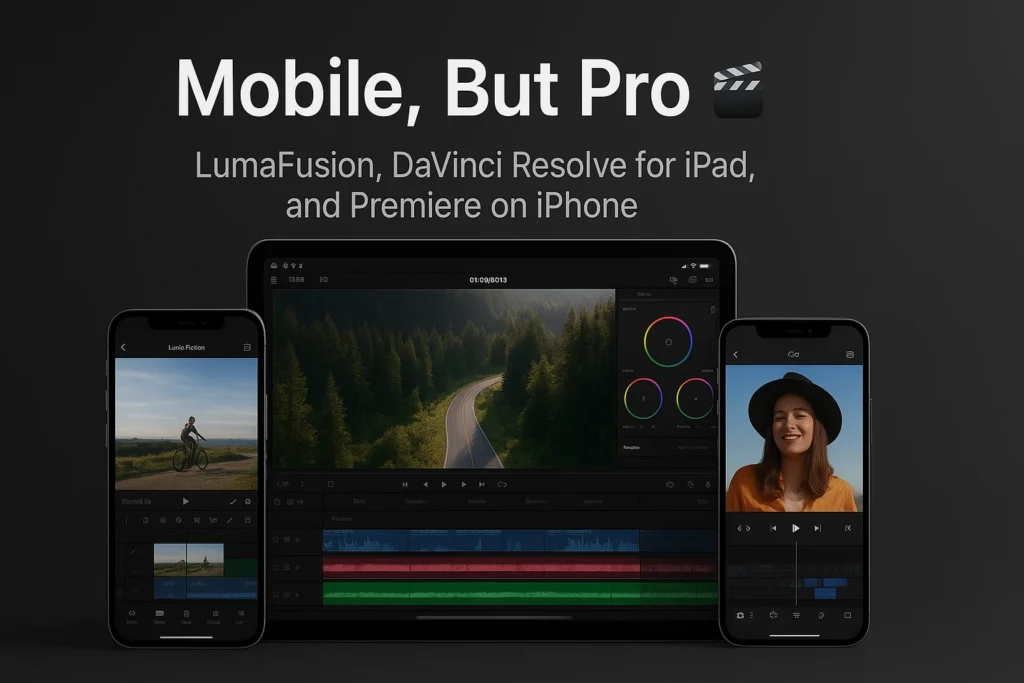
Mobile, But Pro: LumaFusion, DaVinci Resolve for iPad, and Premiere on iPhone
LumaFusion: Documentary-Style Control in Your Bag
LumaFusion’s latest versions push better timeline management and consolidated color/effects, which speeds up complex cuts. It’s ideal for creators who shoot on iPhone 15 Pro or mirrorless and want layered sound design, refined color, and stable 4K timelines. Expect a learning curve, but the payoff is editorial control you’ll feel immediately.
DaVinci Resolve for iPad: Color First, Collaboration Always
Resolve on iPad brings real color pages, serious audio tools, and Blackmagic Cloud to mobile. If your brand aesthetic relies on consistent color (skin tones, brand hues), Resolve’s grading tools make Instagram assets look premium. For teams, cloud collaboration reduces version chaos and speeds approvals – huge for agencies or UGC creators working with brands. Note that advanced AI features are in the Studio in-app purchase.
Premiere on iPhone: The Adobe Ecosystem, Now Pocket-Sized
In late 2025, Adobe announced Premiere on iPhone with multi-track timelines, auto captions, and Firefly AI tie-ins; Android is “in development.” If you already live in Photoshop, Lightroom, or After Effects, this mobile app makes sense. It’s also replacing Premiere Rush, which Adobe discontinued in September 2025. For creators who need cross-app consistency and brand kits, this is the most “big-studio” mobile path – especially as integrations like Frame.io + LucidLink accelerate camera-to-cloud workflows.
Choose LumaFusion for iOS power editing, Resolve for color-critical/remote collab workflows, and Premiere on iPhone if your creative suite is already Adobe-centric.
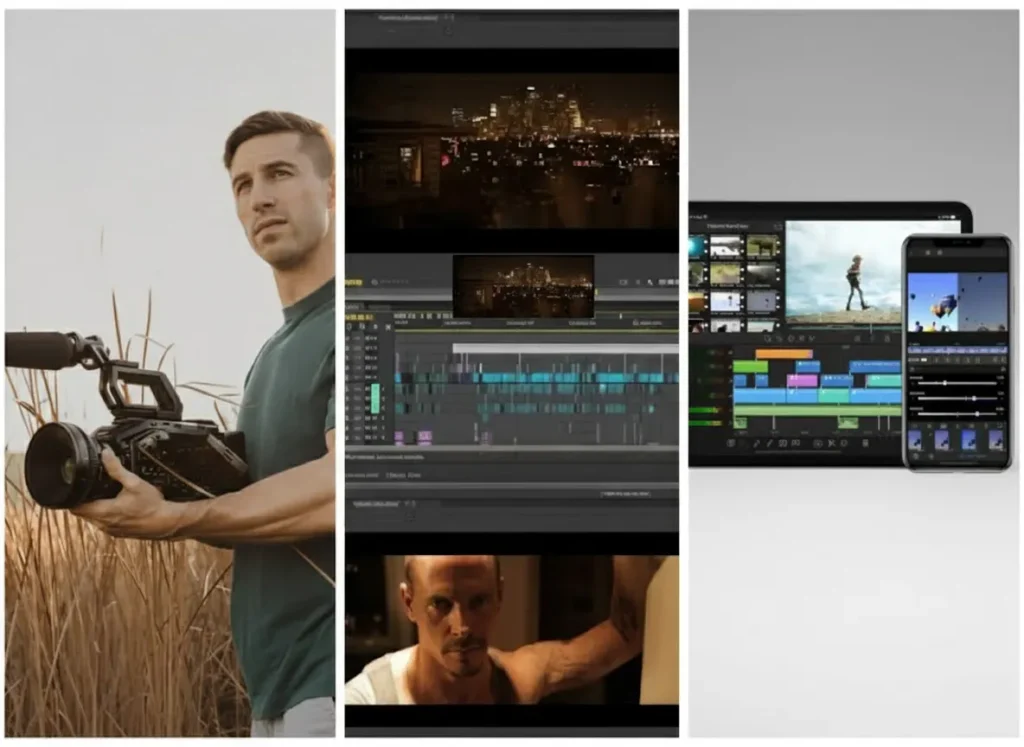
Real-World Scenarios: Which Editor Fits Your Use Case?
“I Post 5 Reels a Week and Need Consistency”
CapCut or InShot will keep you moving. Set up a brand kit (colors, fonts), standardize your lower thirds, and save templates. Then schedule weekly batch edits so every reel has consistent pacing and captions.
“My Brand Color Is Everything”
Reach for Resolve on iPad or LumaFusion. Do a one-time grade to nail skin tones and brand accent colors, then save looks to reuse. That’s how you make product shots feel like “your universe,” not just “another reel.”
“I Work With a Remote Assistant”
Resolve with Blackmagic Cloud (or Adobe + Frame.io) makes collaboration painless. You’ll both work from the same project library, reducing relink errors and speeding feedback cycles.
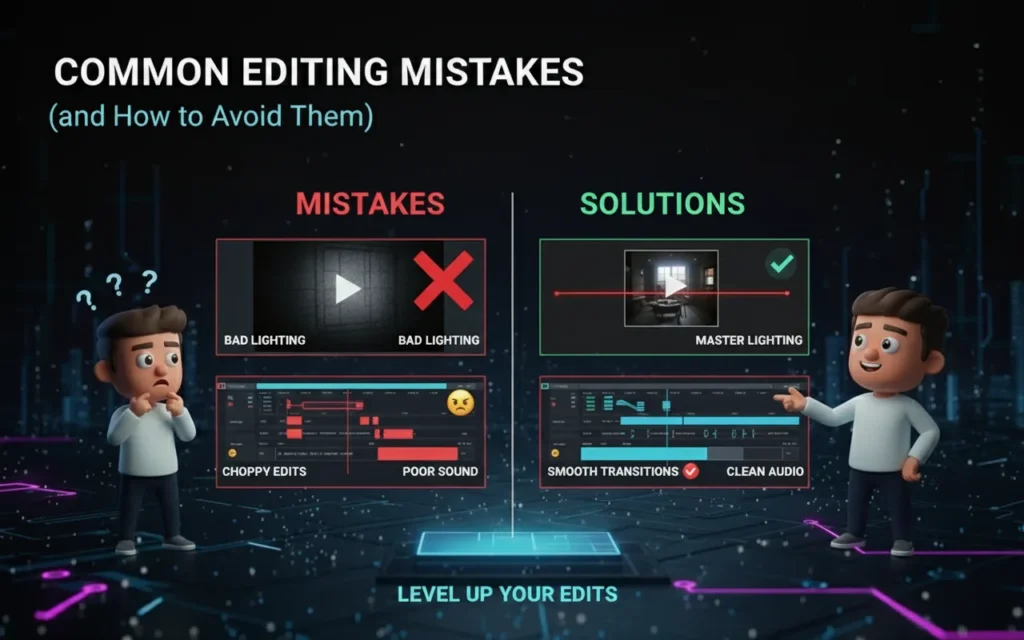
Common Editing Mistakes (and How to Avoid Them)
Overusing Transitions and Trend Effects
Trendy transitions can distract from the message. Use them to support a beat, not to replace storytelling. If your cut relies on transitions to feel exciting, revisit your hook and structure.
Neglecting Captions and Sound
Silent autoplay is common, and many viewers rely on captions. Auto-captioning is fast in 2026 – use it, then proof it to avoid misheards. Clean your audio; even light noise reduction and EQ can make amateur footage sound intentional.
Forgetting the First Three Seconds
Regardless of app, your opening must earn the next second. Start with motion, a bold claim, or the outcome (“Watch me turn a shaky clip into a cinematic shot”). The best tools can’t fix a slow start.
A Practical, Repeatable Workflow You Can Use Tomorrow
Plan, Capture, Edit, Finish – Tight and Simple
Start with a shot list and an A-storyline: hook – value – proof – CTA. In your editor, do structure first (trim, reorder), then polish (captions, color, sound), and export presets for Instagram. If collaboration matters, use Resolve Cloud or Frame.io to collect time-coded comments and approve faster.Keep a “Reels Assets” Library
Store intros, outros, stickers, and lower thirds. InShot and CapCut make reusing assets easy; LumaFusion and Resolve let you version these at a pro level. A library turns each new project into a remix – not a reinvention.
Micro-summary: A clear workflow plus reusable assets beats inspiration. That’s how creators publish consistently without burning out.
Mini Buyer’s Table: Match Your Goal to the Right App
| Goal | Best Fit | Why |
| Publish daily trends fast | CapCut | Templates + auto-captions + quick exports |
| Clean, simple edits on phone | InShot | Low learning curve; reliable publishing |
| Learn multi-track for free | VN | Multi-track without subscription pressure |
| Color-critical, iPad workflow | DaVinci Resolve iPad | Pro color/audio + Cloud collaboration |
| iOS power editing (multi-cam, FX) | LumaFusion | Mature pro features; 5.2/5.3 workflow gains |
| Adobe ecosystem on mobile | Premiere on iPhone | Auto captions, Firefly AI, replacing |
When DIY Isn’t Enough: How Pros Lift Your Brand (Gently, Not Hard-Sell)
The Gap Between “Good” and “Great”
Even with the best instagram video editing apps, there’s a difference between a neat clip and a branded short that sells the feeling of your product. Pros bring story structure, color discipline, and sound design that convey “premium” at a glance.
If you want that step-up – consistent grading, on-brand motion graphics, and tighter pacing – our editors at Inside Editors can help you turn raw clips into a cohesive visual language. Explore what we do on the Inside Editors homepage or see our Instagram Reels Video Editing Services for packages that fit creators and brands alike.
Promise, not pressure: Think of it as a safety net. You can shoot and draft in your favorite app, then let a pro finish the color, captions, and sound so you ship confidently – without missing your posting cadence.
Final Guidance: Choose Once, Improve Weekly
Start with the app that matches your publishing rhythm and brand needs. If you post frequently, pick the fastest path (CapCut/InShot). If your look and collaboration matter most, jump to LumaFusion or Resolve for iPad. If you’re an Adobe power user, Premiere on iPhone is the most natural fit – and it’s where Adobe is clearly investing. Adobe Help Center
As you publish, iterate on one variable per week – hooks, captions, color grades, or music choices. That steady improvement is what turns casual viewers into fans.
The Hidden Metrics: Why Editing Quality Affects Reach
Engagement and Retention Go Hand in Hand
Instagram’s algorithm prioritizes watch time, interaction, and completion rates. Smooth pacing, good audio, and on-screen text directly influence how long people stay. The better your editing, the higher your completion percentage – and the more the algorithm rewards you.
Many creators think the magic lies in hashtags or posting time. But in truth, editing that retains attention is the algorithm’s favorite signal. That’s why the right app and workflow matter more than ever.
Consistency Builds Brand Memory
Visual repetition creates familiarity. Use the same text animation, font, and transition style in all your videos. When viewers recognize your “look,” they associate it with your voice. This consistency increases perceived professionalism and boosts long-term brand equity.
The more cohesive your editing, the more likely your content is to be remembered – and surfaced by Instagram’s AI-driven feed.
What Pros Know: Small Tweaks That Multiply Impact
Audio Is Half the Experience
Good audio separates amateurs from pros. Even basic apps now let you remove background noise, balance dialogue, and add cinematic soundbeds. Spend a few minutes EQing your voice or adjusting background volume – it instantly improves polish. Apps like CapCut and Premiere now integrate automatic audio mixing, saving hours of trial and error.
Captions: Accessibility Meets Engagement
Most viewers scroll with sound off. Auto-captioning tools (in CapCut, VN, Premiere, and Resolve) ensure accessibility and engagement. Check for accuracy, adjust pacing, and match text style to your brand palette. Captions aren’t just functional – they’re visual storytelling aids.
Pay attention to what your audience hears and reads. Editing is as much about sensory experience as it is about visuals.
5-Step Checklist: From Raw Clip to Polished Reel
| Step | Action | Tool Suggestion |
| 1. Import and Trim | Cut to the story – remove dead air and irrelevant moments | CapCut, VN, InShot |
| 2. Sync to Sound | Use beat markers or auto-sync to align visuals | CapCut, Premiere, LumaFusion |
| 3. Add Captions | Auto-generate and style to match your tone | Premiere, CapCut |
| 4. Color and Sound Polish | Adjust tones, EQ voices, add light soundbed | Resolve, LumaFusion |
| 5. Export and Review | Check framing, motion, and clarity before upload | Any; save preset for Instagram Reels |
Batch-edit 3–5 videos in one session using templates. This reduces fatigue and maintains stylistic consistency.
When to Upgrade from Mobile to Desktop Editing
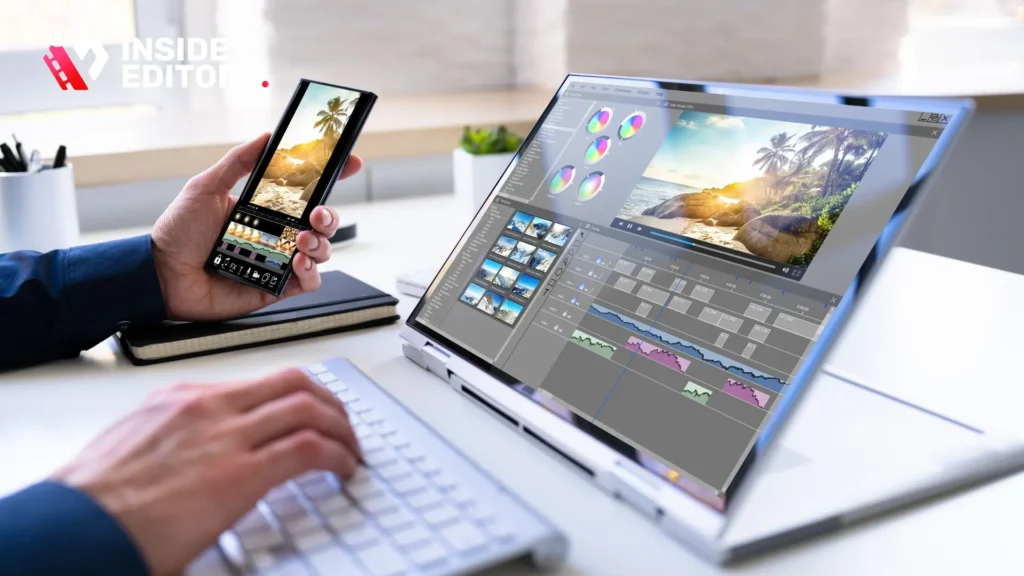
If your projects now include brand campaigns, multiple camera angles, or product storytelling, consider hybrid workflows. Start on mobile for rough cuts, then finish on desktop software like Adobe Premiere Pro or DaVinci Resolve Studio. These platforms offer greater control over motion graphics, sound mixing, and dynamic color matching.
Still, the line between mobile and pro tools is blurring fast. Apps like Resolve for iPad already rival desktop quality, especially with iPad Pro M2/M3 chips. So, your “mobile” setup might already be a professional suite in disguise.
Don’t upgrade for prestige – upgrade when your creative demands outgrow your current workflow.
The Future of Social Video Editing
The next phase of Instagram editing revolves around personalization and AI collaboration. Expect more adaptive tools that recommend cuts, moods, and captions based on audience data. You’ll soon be able to test two different edits of the same clip – one fast-paced, one cinematic – and let AI measure which resonates better.
At the same time, human creativity will matter even more. Authenticity is the currency of attention, and no algorithm can fake it. The best editors of 2026 will use automation as leverage, not replacement.
The Inside Editors Advantage
At Inside Editors, we understand that even the best software can’t replace trained eyes. Whether you’re a solo creator or a brand scaling up, our video editing services blend human storytelling with precision workflows. We handle Instagram Reels, video ads, and brand storytelling edits that retain authenticity while boosting engagement.
You can explore:
- Instagram Reels Video Editing Services
- Video Ad Editing Services
- Family Video Editing
- Road Trip Video Editing
Imagine focusing purely on creativity while professionals refine your visuals, color, and pacing.
That’s the future of editing – human creativity, professional polish, seamless collaboration.
Final Thoughts
Editing is where raw clips become emotional stories. Whether you’re crafting quick Reels with CapCut or refining cinematic mini-films in DaVinci Resolve, your tools should empower, not overwhelm. The best instagram video editing apps of 2026 are defined by one thing: how naturally they let you express your ideas.
So start where you are. Choose one app, learn its rhythm, and evolve your workflow as your vision grows. And when you’re ready for the next level, Inside Editors is here to help you turn ideas into experiences – one frame at a time.
FAQ
1. Can I trust Inside Editors with my video projects?
Absolutely. Inside Editors operates under strict privacy and confidentiality policies – every file you upload is handled securely and never shared without consent. Our editors sign NDAs, and clients retain full ownership of all edited footage and final exports.
2. What happens if I’m not satisfied with the edit?
Each package includes at least one free round of revisions, allowing you to refine pacing, color, or text overlays. Additional edits can be added affordably. We encourage clear feedback notes to ensure your final video matches your vision before delivery.
3. Who owns the videos after editing?
You do. Inside Editors transfers complete rights and ownership of all final deliverables once payment is complete. You can publish, resell, or reuse the content without restrictions or credit requirements.
4. How does Inside Editors protect my privacy and data?
All projects are processed through encrypted servers and secure cloud storage. Access is limited to your assigned editor and QA lead. After final delivery, raw files are archived or deleted per your preference, ensuring complete control over your data.
5. How do Inside Editors’ services compare to using editing apps like CapCut or LumaFusion?
DIY apps such as CapCut or LumaFusion are great for quick content creation. However, Inside Editors adds expert-level storytelling, color grading, and brand alignment that automated apps can’t replicate. You get both speed and professional polish – ideal for businesses, influencers, and marketers.
6. What’s included in each video editing package?
Typical packages cover trimming, transitions, audio leveling, color correction, and social-media formatting (Reels, TikTok, Shorts). Add-ons include subtitles, captions in multiple languages, and motion graphics. Every plan includes delivery in ready-to-upload formats for your chosen platform.
7. How much do professional Instagram video edits cost?
Prices generally range from $50 to $300 per video, depending on length, complexity, and turnaround time. Basic Reels are quicker and more affordable, while branded campaigns or ad sequences require additional creative direction. Bulk editing discounts are also available for recurring clients.
8. What’s the typical turnaround time for a project?
Most standard videos are delivered within 3–5 business days, while rush orders can be completed in 24–48 hours depending on queue size. Turnaround may vary based on file size, number of revisions, and complexity of visual effects.
9. How can I get started with Inside Editors?
Visit insideeditors.com, choose your preferred service package, and upload your footage directly through our secure portal. You’ll receive an editor match within hours, plus a private dashboard to track revisions and delivery.


