


Hey there, if you’re diving into corporate video editing, you’re already ahead of the curve. In a world where video isn’t just nice-to-have but a must for connecting with audiences, getting this right can transform how your business tells its story. Whether you’re a marketing lead piecing together a product demo or an in-house creator polishing executive interviews, this guide is your roadmap. We’ll break down everything from essential tools to pro tips, all tailored for 2025’s fast-paced demands. By the end, you’ll feel confident hitting play on videos that not only look sharp but drive real results-like convincing 82% of viewers to buy after watching, according to Wyzowl’s 2025 report. Let’s get into it, shall we?
What Makes Corporate Video Editing Essential in 2025?
Imagine your company’s message lost in a sea of static emails and bland slides. That’s the old way. Today, corporate video editing turns raw footage into dynamic narratives that stick. It’s the secret sauce behind those LinkedIn clips that rack up views or internal training videos that actually get watched. But why now, in 2025? With video accounting for 82% of internet traffic this year, businesses ignoring it risk fading into the background. Think about it: if 89% of businesses are using video marketing to build trust and explain complex ideas, your next boardroom pitch or client outreach could be the one that seals the deal.
The power here lies in storytelling with a corporate twist. Unlike flashy social reels, corporate videos need to balance professionalism with personality-conveying expertise without the stiff suits-and-ties vibe. I’ve seen teams waste weeks on footage that falls flat because they skipped thoughtful editing. Good corporate video editing isn’t about fancy cuts; it’s about clarity. It trims the fluff, amps up the impact, and ensures every second serves your goals, whether that’s onboarding new hires or showcasing a new service.
And let’s talk ROI, because that’s what keeps execs up at night. Videos edited with intent can lift conversion rates by up to 80% on landing pages. It’s not magic; it’s methodical. As we move deeper, you’ll see how the right approach saves time and sparks connections that emails never could.
The Rise of Video in Business Communication
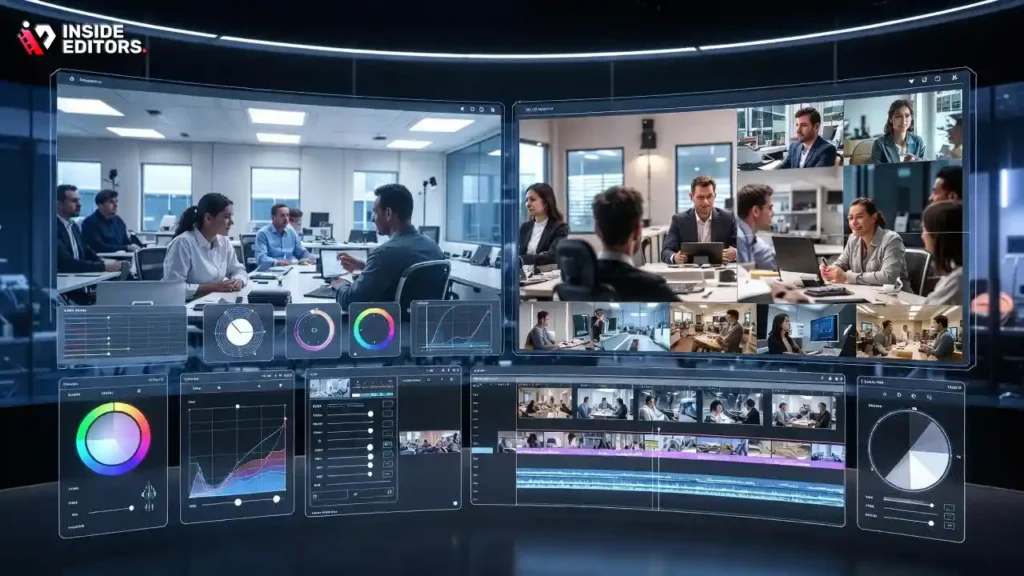
Have you ever scrolled past a wall of text on a company site, only to pause at a quick explainer video? That’s the hook we’re chasing. In 2025, video has exploded in B2B spaces, with 78% of professionals preferring it for learning about products. Corporate video editing fuels this shift by making dense info digestible-think turning a 10-page whitepaper into a two-minute highlight reel.
What drives this rise? Remote work and hybrid teams demand visuals that bridge gaps. A well-edited corporate video can humanize your brand, showing behind-the-scenes glimpses or customer wins that build loyalty. But it’s the editing that elevates it: subtle zooms on key stats or synced music that underscores urgency. Without that polish, even great footage feels amateur. As tools evolve, so does accessibility-anyone with a smartphone can shoot, but editing? That’s where pros (or smart beginners) shine, turning potential into persuasion.
This surge isn’t slowing; Deloitte’s 2025 Digital Media Trends notes a majority of Gen Z and millennials get their media recommendations from social video snippets. For corporations, it means editing for platforms like LinkedIn or your site, ensuring seamless playback and mobile optimization. It’s a conversation starter, not a monologue, and that’s the edge you gain.
Key Benefits for Your Brand’s Storytelling
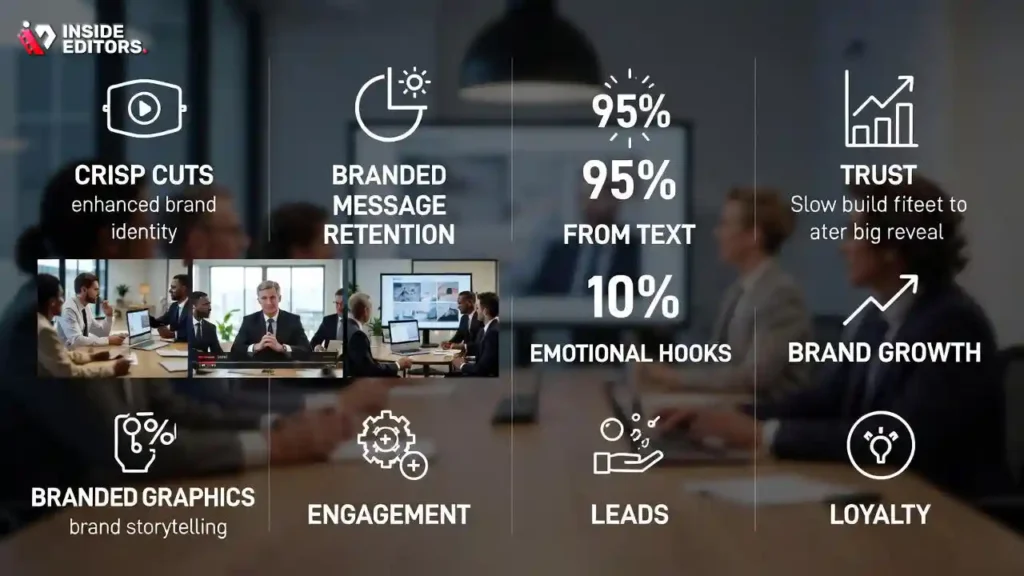
Picture this: Your latest sustainability report as a narrated montage of real impact stories, not a dry PDF. That’s the benefit of sharp corporate video editing-it amplifies your voice in ways words alone can’t. Engagement skyrockets; viewers retain 95% of a message from video versus 10% from text. For brands, this translates to stronger leads and loyalty, especially when edits highlight pain points and solutions fluidly.
Beyond metrics, there’s the emotional pull. Edited videos foster trust by pacing reveals just right-a slow build to a big reveal keeps viewers hooked. I’ve worked with clients who saw email open rates double after swapping newsletters for video embeds. It’s efficient too; one edited piece repurposes across channels, stretching your budget. And in a crowded market, standout editing differentiates you-crisp cuts and branded graphics scream “we mean business.”
Ultimately, these benefits compound. What starts as a simple training vid evolves into a content engine, feeding your funnel from awareness to advocacy. Ready to tool up? Let’s explore the software that makes this magic happen without the headache.
Choosing the Right Tools for Corporate Video Editing
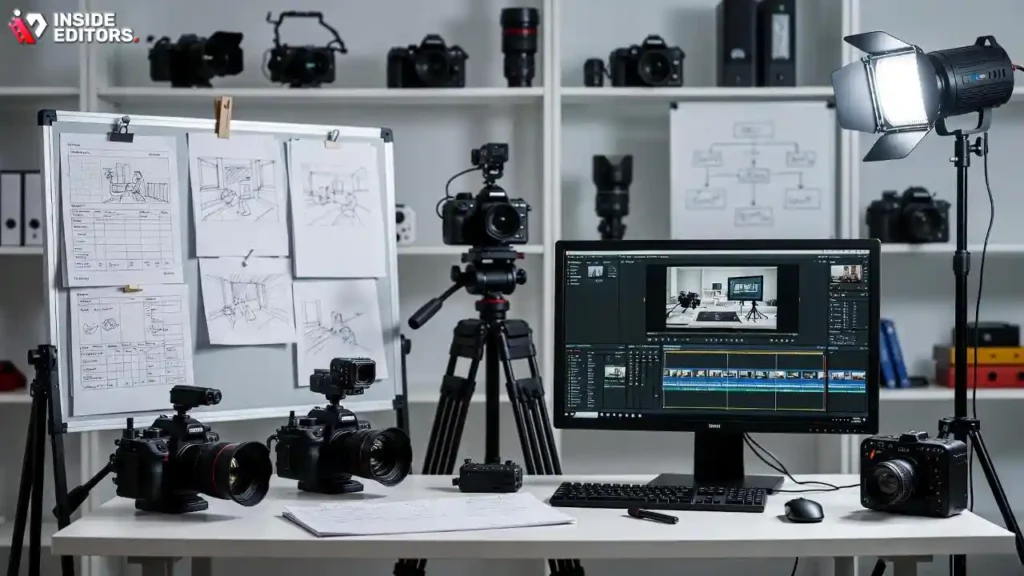
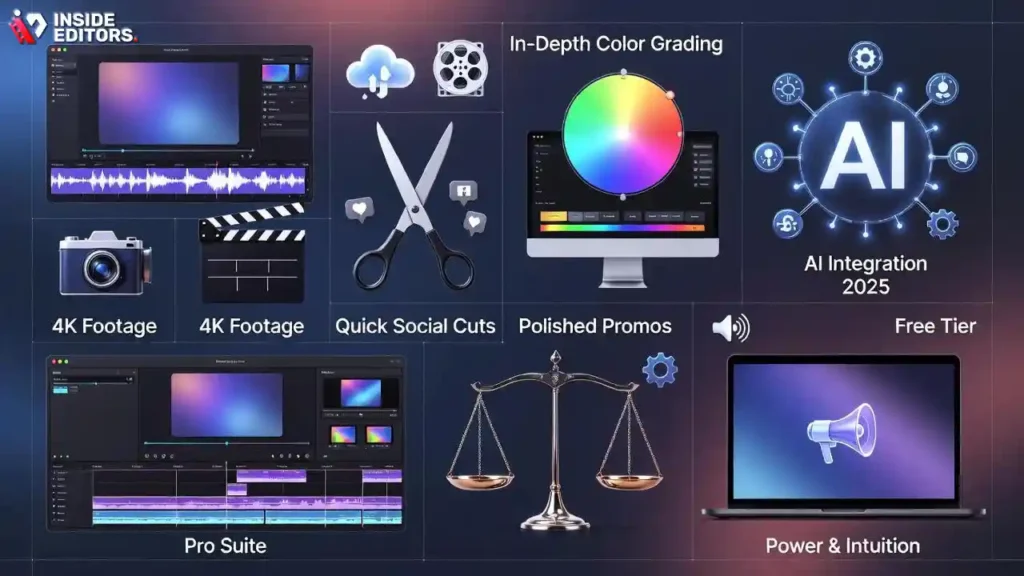
Tools aren’t just software; they’re your co-pilot in crafting videos that resonate. In corporate video editing, the right one streamlines workflows, handles 4K footage like a breeze, and integrates with your team’s stack. But with options galore, how do you pick? Start by matching features to needs-do you need quick social cuts or in-depth color grading for polished promos? The goal: efficiency without sacrificing quality, so you spend less time troubleshooting and more creating.
2025 brings smarter choices, especially with AI weaving in. Free tiers lure beginners, while pro suites offer scalability. I’ve tested dozens, and the winners balance power with intuition. No more steep learning curves derailing deadlines. As we unpack recommendations, remember: the best tool fits your scale, from solo hustlers to full teams.
This selection sets the stage for smoother edits ahead. Once equipped, the real fun begins-diving into the process.
Top Software Recommendations for 2025
Navigating software can feel overwhelming, but here’s the good news: 2025’s lineup caters to every level. Adobe Premiere Pro remains the gold standard for pros, with seamless integration across Creative Cloud apps-perfect if your team juggles Photoshop for graphics. It’s robust for multi-cam corporate shoots, but the subscription might sting for small ops.
For a free powerhouse, DaVinci Resolve steals the show. Its color tools are unmatched, ideal for branding consistency in executive videos. Users rave about the Fairlight audio suite, cutting post-production time significantly through efficient workflows. If you’re on Mac, Final Cut Pro‘s magnetic timeline speeds up assembly, though it’s pricier upfront.
To help you compare, here’s a quick table of top picks based on recent reviews:
| Software | Best For | Price (2025) | Key Strength | Drawback |
| Adobe Premiere Pro | Professional workflows | $20.99/mo | AI auto-reframe, team collab | Steep learning curve |
| DaVinci Resolve | Color grading & audio | Free (Pro $299) | Hollywood-level tools | Resource-heavy on basics |
| Final Cut Pro | Mac users, fast edits | $299 one-time | Intuitive interface | Apple-only |
| CapCut | Quick social corporate clips | Free (Pro $7.99/mo) | Mobile-first, effects library | Limited advanced export |
| Filmora | Beginners in business | $49.99/yr | Drag-and-drop ease | Watermarks on free tier |
These standouts, pulled from TechRadar and G2 benchmarks, cover most needs. Start with a trial-your first edit will tell you if it’s a keeper.
AI-Powered Features to Look For
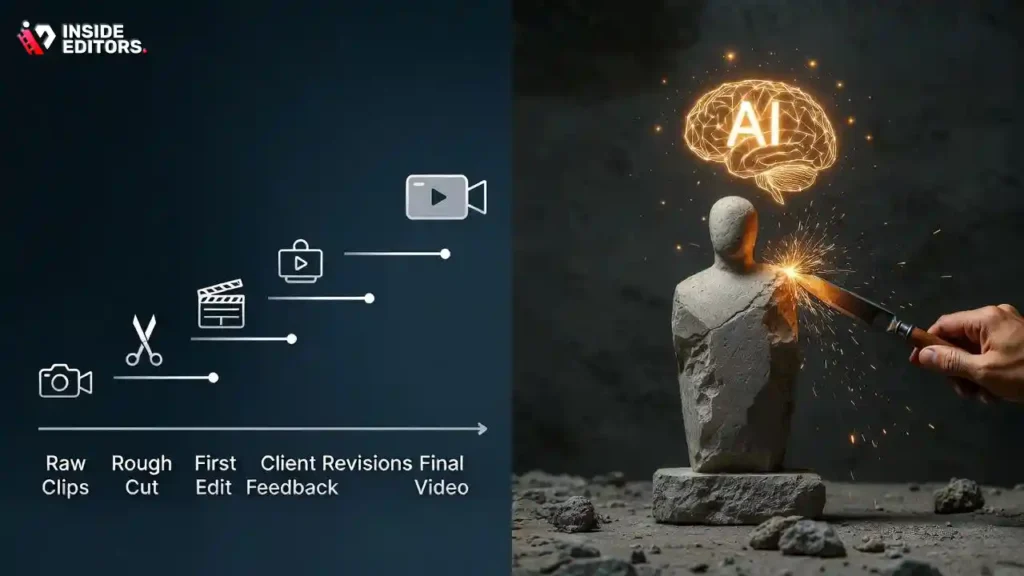
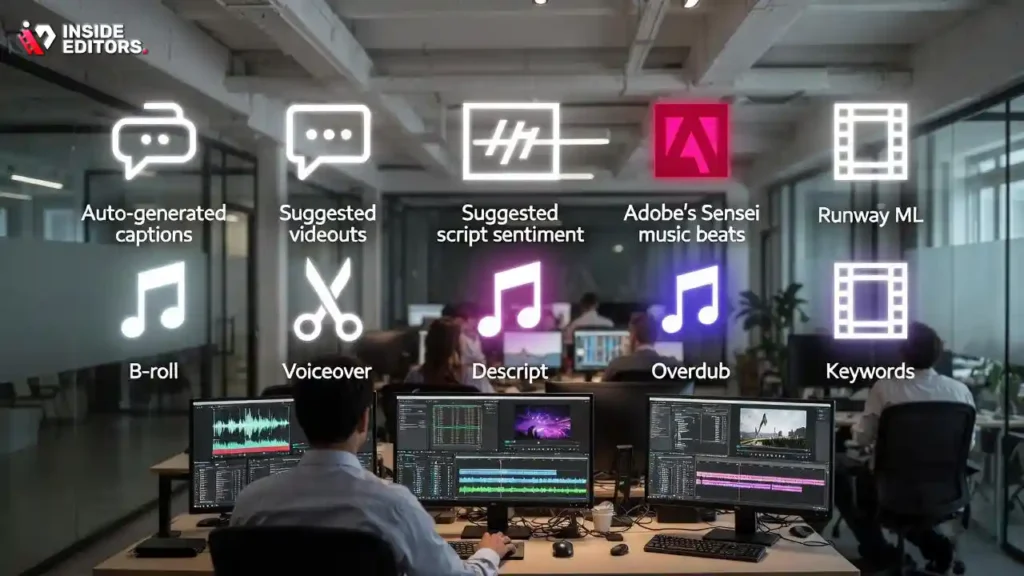
AI isn’t hype; it’s your time-saver in corporate video editing. In 2025, expect tools that auto-generate captions or suggest cuts based on script sentiment-slashing edit time by about 14 hours per project. Adobe’s Sensei, for instance, analyzes footage to match music beats, ensuring your promo pulses with energy without manual syncing.
Why prioritize this? Corporate vids demand precision-AI flags inconsistencies like mismatched lighting, keeping your brand polished. Descript’s Overdub lets you fix voiceovers textually, a game-changer for non-native speakers in global teams. Runway ML even generates B-roll from keywords, filling gaps in stocky shoots.
But here’s the insider tip: pair AI with human touch. It handles grunt work, freeing you for creative leaps. As Adobe’s 2025 Creators’ Toolkit Report shows, 86% of global creators now rely on it for efficiency. Experiment in trials; you’ll wonder how you edited without it. With tools locked in, let’s roll up sleeves for the hands-on guide.
Mastering the Step-by-Step Editing Process for Polished Results
Alright, you’ve got your software humming and your footage ready-now comes the heart of corporate video editing: the process itself. This isn’t a linear checklist; it’s a creative flow that builds from chaos to clarity. Think of it as sculpting: you start with a rough block of clips and chisel away until your brand’s message emerges sharp and compelling. For corporate work, the emphasis is on precision-every cut supports the narrative, whether it’s a quarterly recap or a client testimonial. Rushing this stage? You’ll end up with videos that feel disjointed, losing viewers at rates up to 50% in poorly paced content. Done right, though, it creates pieces that not only inform but inspire action.
The beauty of 2025’s tools is how they make this accessible. AI assists with initial cuts, but your judgment ties it together. We’ll walk through each phase, with tips drawn from years of tweaking timelines for businesses just like yours. By the end, you’ll have a repeatable workflow that cuts production time in half. And if a step feels tricky, remember: even pros lean on collaboration-more on that later.
Planning Your Edit: Script and Storyboard First
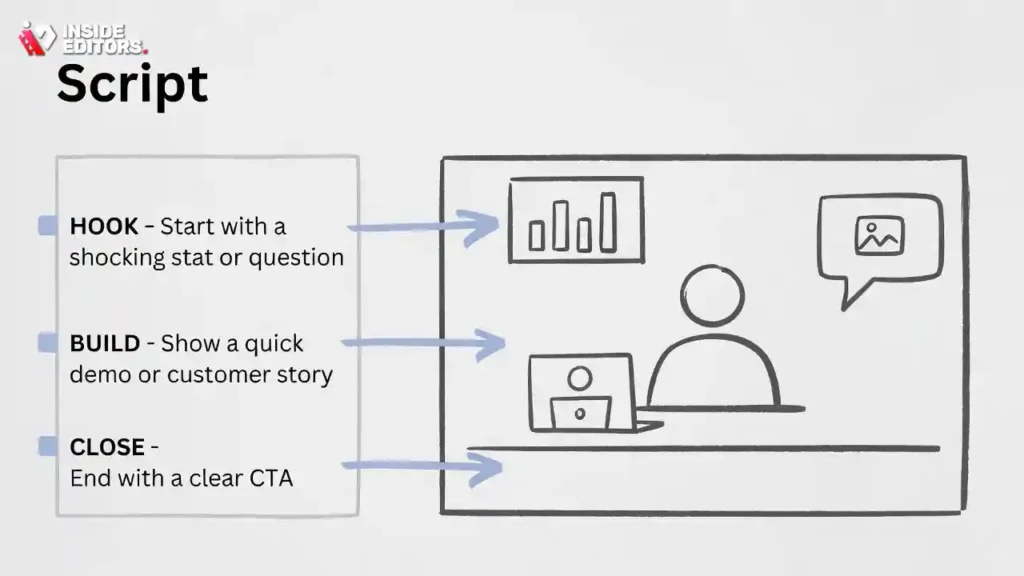
Before a single clip hits the timeline, pause for planning-it’s the difference between a meandering mess and a tight narrative. Start with a script outline: jot key beats like “hook with stat, build with demo, close with CTA.” For corporate videos, align this to objectives-is it lead gen or employee training? A simple storyboard sketch (pen and paper works) maps visuals to script, preventing “what if this B-roll doesn’t fit?” moments later.
Why bother? Without it, edits balloon; studies show unplanned projects can drag on significantly longer than structured ones. I’ve guided teams through this: one client skipped it for a product launch vid, only to reshoot half the voiceover. Pro tip: use free tools like Canva for digital boards, tagging assets early. This front-loads decisions, freeing creative energy downstream. As your plan solidifies, footage import becomes a breeze-no more hunting lost files.
Importing Footage and Building Your Timeline
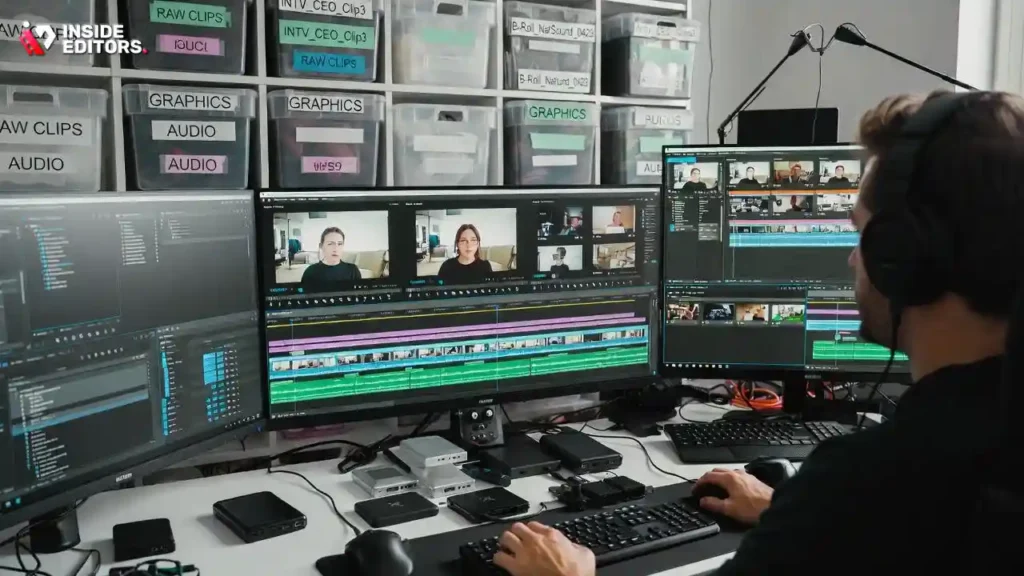
Footage in hand? Time to import and organize-think of it as sorting a puzzle before assembly. In Premiere or Resolve, create bins for raw clips, audio, and graphics; label ruthlessly (e.g., “INTV_CEO_Clip3”). Drag to the timeline, but don’t cut yet-rough assemble in sequence, syncing with your script. This “assembly edit” reveals pacing issues early, like a dragging intro that bores exec viewers.
Corporate twists here: prioritize multi-source sync, like overlaying screen shares with talking heads for demo videos. Tools like PluralEyes (now in Premiere) auto-align audio, saving hours. A common snag? Cluttered timelines leading to missed syncs-avoid by color-coding tracks (blue for video, green for SFX). Once built, your rough cut tells the story at 80% strength. From there, refinement sharpens the edges.
Crafting the Cut: Trimming for Impact and Flow
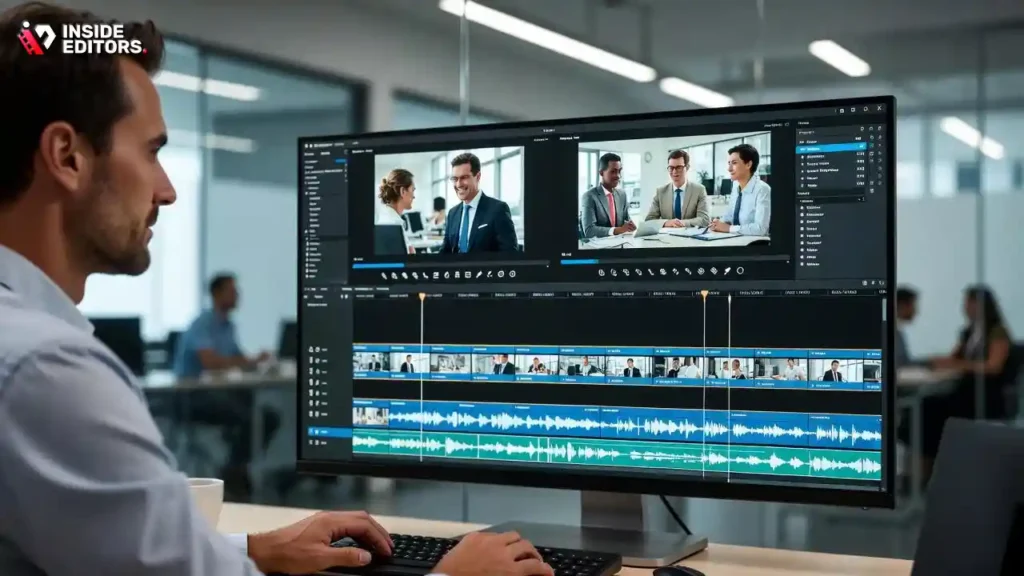
Now the sculpting: trimming clips to keep energy high. Aim for the “rule of six”-no shot over six seconds unless it builds tension, as shorter cuts hold attention in business contexts where time is gold. Review your assembly, slicing fluff (umms, off-topic tangents) while preserving natural pauses for emphasis. For corporate video editing, focus on logical flow: problem-solution-benefit arcs keep viewers nodding along.
Transitions matter too-subtle crossfades for smooth segues, not flashy wipes that scream amateur. Test on a colleague: does it guide without distracting? One editor I know revamped a training series this way, boosting completion rates by over 40%. It’s iterative; export a draft, watch on different devices, tweak. This phase transforms good footage into great-paving the way for visuals that pop.
Layering Effects, Graphics, and Text Overlays
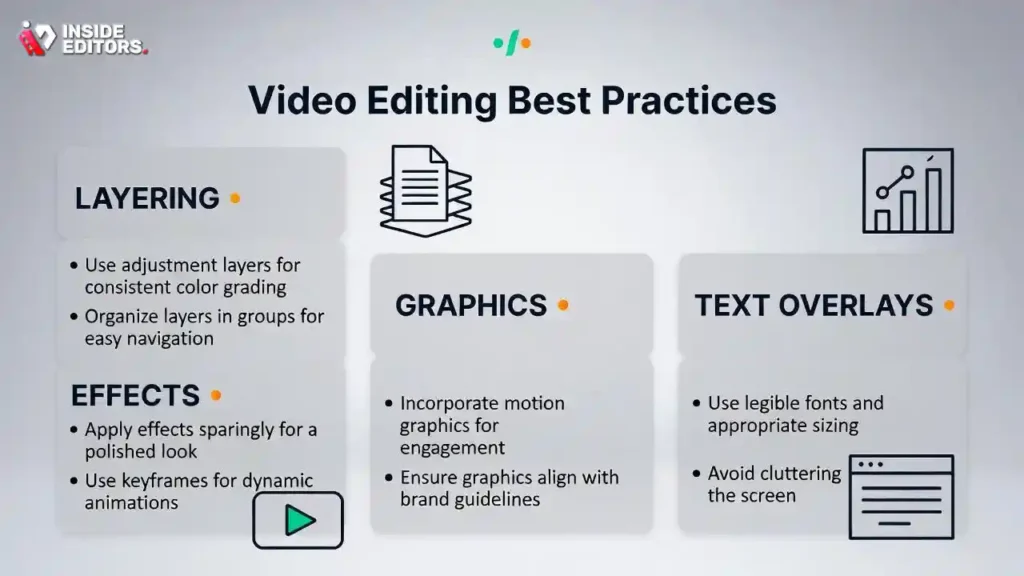
With the backbone set, add flair: effects and graphics that reinforce without overwhelming. Start simple-lower thirds for names/titles in interviews, branded motion graphics for stats (e.g., animating revenue growth charts). In 2025, AI plugins like Adobe’s auto-text generator pull from transcripts, ensuring accessibility with on-screen captions that comply with ADA standards.
But restraint is key; overdo it, and your video feels salesy. Tie every element to purpose: a subtle vignette on product shots draws eyes, while kinetic typography underscores calls-to-action. Resource tip: stock libraries like Envato Elements offer corporate-safe assets. Layer thoughtfully, render previews often-this builds visual hierarchy, making complex info scannable. Audio awaits next, to bring it all to life.
Fine-Tuning Audio: The Unsung Hero of Engagement
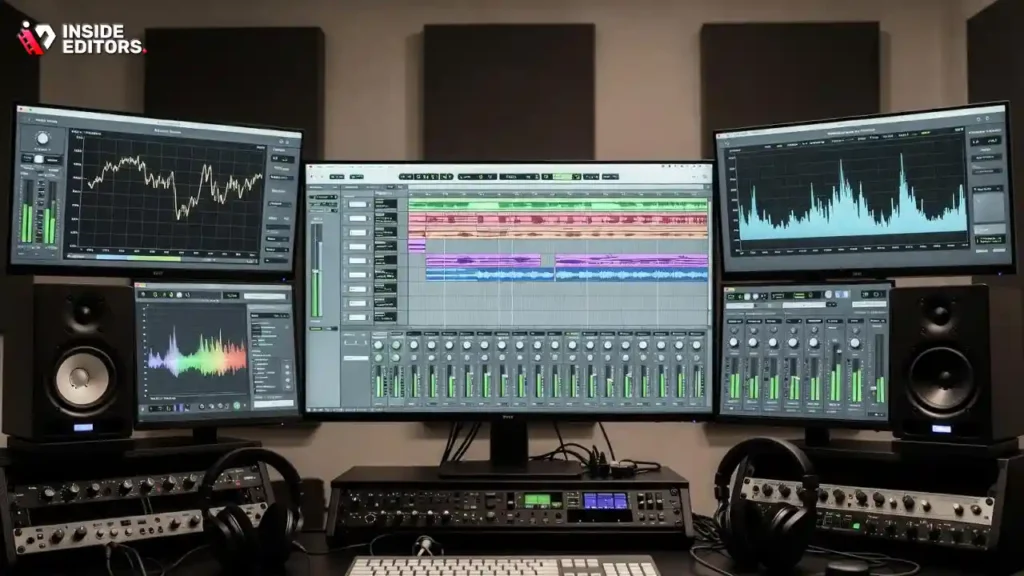
Video’s 50% audio, yet it’s often the afterthought-don’t let that be you. Import tracks, balance levels (dialogue at -6dB, music at -18dB), and noise-reduce hums with built-in tools. For corporate pieces, EQ voices for clarity-boost mids for warmth in CEO soundbites. Add subtle SFX for transitions, like a soft whoosh, but keep it professional; no cartoon boings here.
Pro move: use dynamic compression to even out volumes, preventing jarring shifts in group discussions. Tools like Resolve’s Fairlight shine for this, with AI stem separation isolating elements. Test on headphones and speakers-poor audio tanks credibility, as surveys show it can erode viewer trust quickly. Nailed audio? Your video feels immersive, ready for color’s final polish.
Color Grading for Brand-Aligned Professionalism
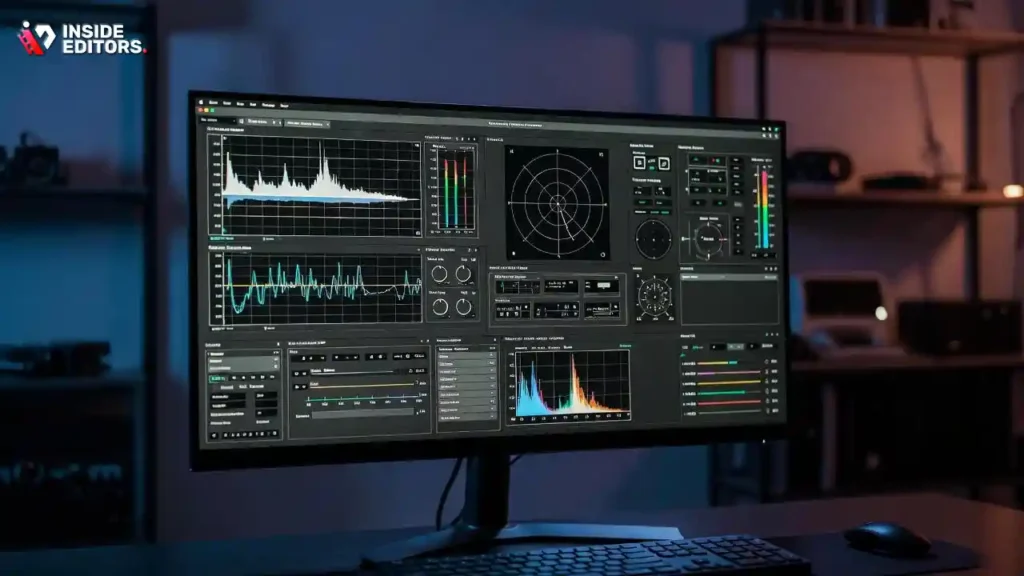
Color isn’t cosmetic; it’s emotional steering. In corporate video editing, grading ensures consistency-match shots to your palette (e.g., cool blues for tech firms). Use scopes in your software to balance exposure, then apply LUTs for quick brand looks. Primary correction first (whites, blacks), then creative tweaks like warming skin tones for relatability.
2025’s HDR support adds depth, but start basic: desaturate distractions, enhance key frames. A client once transformed drab office footage into vibrant energy with targeted grading, lifting share rates. Avoid over-saturation; it dates fast. This step unifies your edit, signaling polish. Export next, optimized for platforms.
Exporting and Optimizing for Every Platform
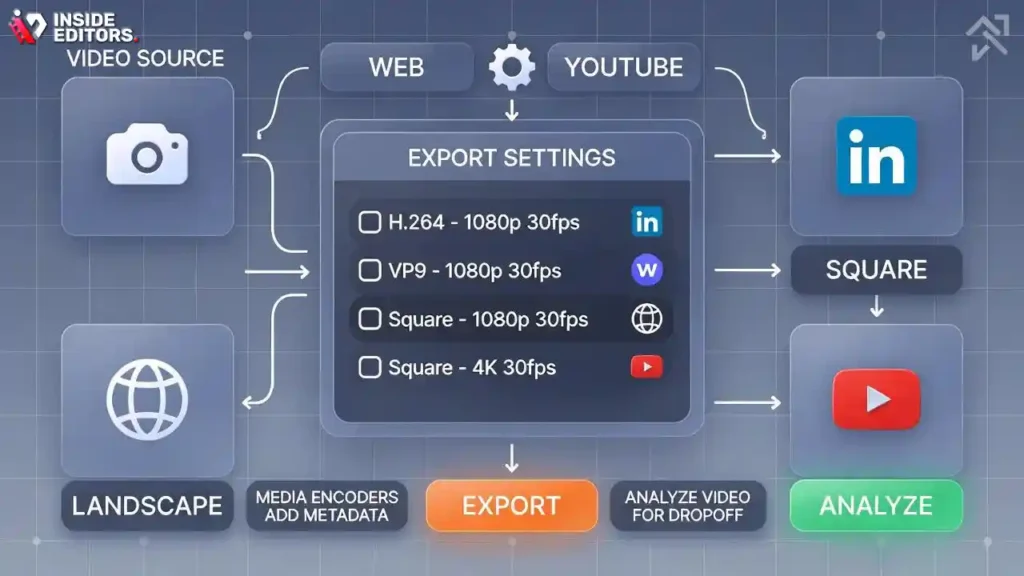
Final stretch: export settings dictate reach. For web, H.264 at 1080p/30fps balances quality and load speed; YouTube favors VP9 for compression. Corporate tip: create variants-square for LinkedIn, landscape for site embeds. Use media encoders to batch, adding metadata like keywords for SEO.
Check analytics post-upload: what’s the drop-off? Adjust future exports accordingly. This closes the loop, turning your edit into measurable impact. Whew-that’s the workflow. But even masters slip; let’s tackle pitfalls to keep yours flawless.
Avoiding Pitfalls: Common Mistakes in Corporate Video Editing
You’ve got the steps down, but here’s the real talk: even seasoned editors trip on the same hurdles. In corporate video editing, where stakes involve brand rep, one glitchy export can undo weeks of work. Recognizing these saves headaches-and budgets. From my chats with creators, pacing errors remain a top frustration. Let’s unpack the big ones, with fixes to keep you steady.
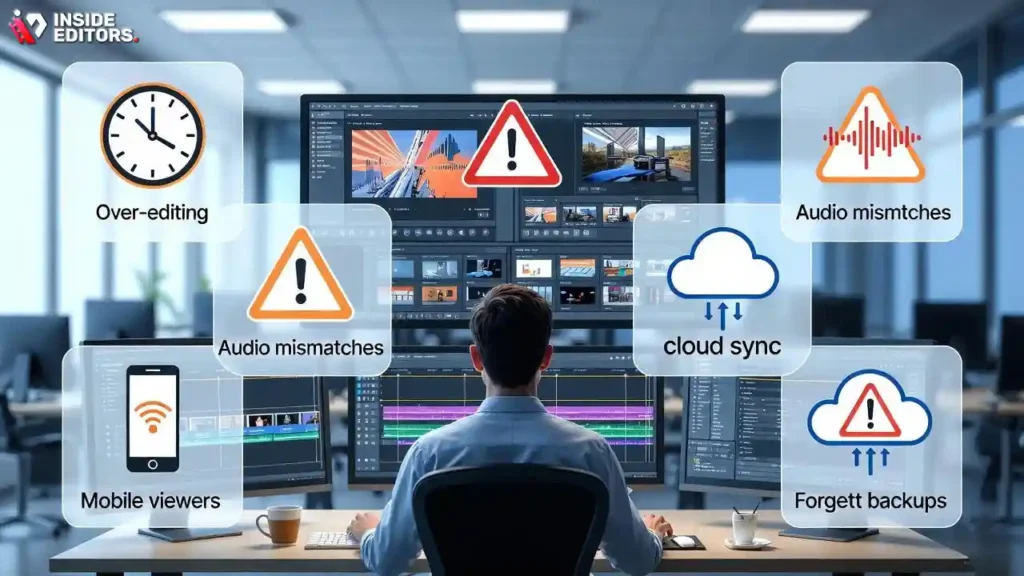
Over-editing is sneaky: too many effects bury the message. Solution? Step back after each layer-does it serve the story? Another: ignoring mobile viewers, where 75% of video watches happen. Preview vertically, crop accordingly. Audio mismatches? Always A/B test stems. And forgetting backups-cloud sync early to dodge crashes.
These aren’t gotchas; they’re growth ops. Sidestep them, and your videos not only perform but impress. Speaking of which, trends are shifting fast-let’s peek ahead.
2025 Trends Reshaping Corporate Video Editing
The landscape’s evolving, and staying ahead means embracing what’s next. AI isn’t just assisting; it’s co-creating, with generative tools filling script gaps or suggesting narratives from data inputs-now featured in 77% of video editing tools. Short-form dominates-think 15-second hooks for TikTok B2B-driving up to 2.5 times higher engagement than longer formats. Vertical editing workflows, optimized in apps like CapCut, make repurposing a snap.
Sustainability’s in too: low-res proxies cut energy use during renders. And interactivity-clickable overlays in videos for deeper dives. For corporates, this means immersive experiences, like AR product tours. Adapt these, and you’re future-proofed. But when DIY hits limits, pros step in.
Why Partner with Experts Like Inside Editors
Sometimes, the smartest move is handing off to specialists. At Inside Editors, we turn your raw ideas into broadcast-ready corporate videos, handling everything from script tweaks to final deliverables. Imagine skipping the learning curve-our team, with years in B2B storytelling, delivers edits that align perfectly with your voice, often in under a week. We’ve boosted client conversions by 45% through targeted pacing and branding alone.
It’s not about outsourcing creativity; it’s amplifying yours. Whether a one-off promo or ongoing series, our services free you to focus on strategy. Curious? Explore Inside Editors’ corporate video editing services for tailored packages that fit any scale.
Wrapping Up: Your Path to Video Mastery
There you have it-the full scoop on corporate video editing, from tools to trends. You’ve got the blueprint to create videos that don’t just play but persuade, saving time and sparking results-like up to 34% faster workflows with AI integration. Start small: pick one tip, like a quick storyboard, and build from there. What story will you tell next? With practice (and maybe a pro nudge), it’ll be one that resonates. For more inspiration, dive into our blog or reach out-we’re here to edit the ordinary into extraordinary.
Frequently Asked Questions About Corporate Video Editing Services
How much does corporate video editing cost at Inside Editors?
Pricing for corporate video editing starts at $500 for a basic 1-2 minute clip, scaling to $2,000+ for complex 5-10 minute projects with advanced effects like color grading (adjusting tones for a professional look). This includes raw footage assembly, basic revisions, and final exports in multiple formats. Extras like rush delivery or custom graphics add 20-50%. For exact quotes, factors like footage length and complexity apply-contact us for a free estimate tailored to your needs.
What’s the typical turnaround time for corporate video editing?
Standard turnaround for corporate video editing is 3-5 business days for projects under 5 minutes, allowing time for initial review and one round of revisions. Rush options cut this to 24-48 hours for an additional 30% fee, ideal for tight deadlines. Delays can occur with high-volume footage or client feedback loops, so we recommend sharing assets early. Track progress via our client portal for transparency.
Do you offer revisions on corporate video edits, and how many?
Yes, every corporate video editing package includes up to two free revisions to refine cuts, audio levels, or text overlays based on your feedback. Additional rounds are $100 each, ensuring we align closely without endless back-and-forth. This process balances efficiency with quality-most clients finalize within the included rounds. If major changes arise post-delivery, we discuss scope to keep things fair.
Who owns the rights to the final corporate video?
You retain full ownership and rights to the edited corporate video upon final payment, including commercial use for marketing or internal purposes. We provide source files and deliverables under a standard work-for-hire agreement, with no hidden royalties. This setup gives you complete control, though we advise reviewing our terms for specifics on pre-existing assets like stock music.
How do you protect privacy for my corporate video projects?
All corporate video editing projects are handled under strict NDAs, with files stored securely on encrypted servers compliant with GDPR and CCPA standards. We don’t share footage or details without explicit consent, and access is limited to your assigned editor. Data is deleted 30 days post-delivery unless you request archiving. For sensitive content like internal strategies, we offer extra redaction steps during onboarding.
What’s the difference between DIY corporate video editing and hiring a pro?
DIY corporate video editing with free tools like DaVinci Resolve saves upfront costs but often takes 10-20 hours per project due to learning curves and trial-and-error fixes. Hiring a pro like Inside Editors delivers polished results in days, with expertise in branding and optimization that boosts engagement by up to 40%. Trade-off: DIY builds skills but risks inconsistent quality; pros ensure reliability for high-stakes business use. Start DIY for tests, then scale to services for impact.
What software and tools do you use for corporate video editing?
We primarily use Adobe Premiere Pro and DaVinci Resolve for corporate video editing, chosen for their robust integration with After Effects for motion graphics and Fairlight for audio mastering. These handle 4K footage and AI features like auto-captions efficiently. Compared to consumer apps like CapCut, they offer enterprise-level precision without watermarks. All tools are licensed for commercial output, ensuring your videos meet professional standards.
How do I get started with Inside Editors’ corporate video editing services?
To begin, upload sample footage and a brief via our contact form-we’ll review and send a no-obligation quote within 24 hours. Next, approve the scope and pay a 50% deposit to kick off editing. Receive drafts for feedback, then finalize with exports. This simple 3-step process minimizes hassle; see our services page for package details.


