

Choosing the best gaming video editing app can feel overwhelming, especially when you’re juggling performance, features, and the realism of your own workflow. If you’ve ever spent hours cutting clips, only to feel your video still doesn’t capture the excitement of the game, you’re definitely not alone. Editing gaming footage is its own art form, and the right tool can make the difference between a highlight reel people scroll past and one they remember. In this guide, we’ll break down how to choose the right app with a friendly, practical approach – the same way we advise clients every day at Inside Editors.
Understanding What Makes a Gaming Editor Truly Stand Out
Why Your Editing App Shapes Your Final Story
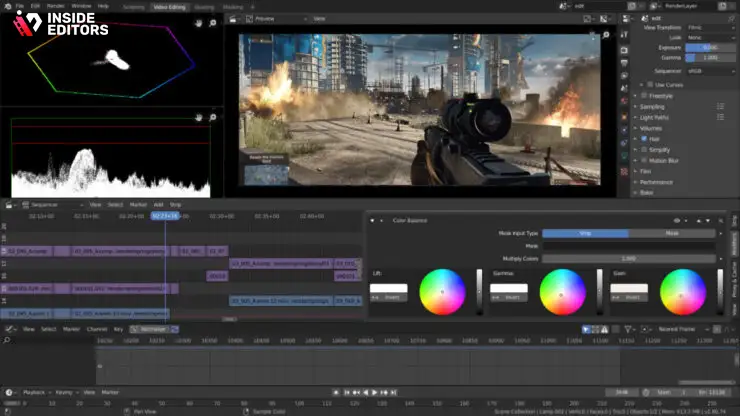
Before diving into features and comparisons, it helps to understand why your choice of editor matters so much. Gaming footage is fast-paced, detailed, and often chaotic. You’re not just trimming a vlog; you’re capturing clutch wins, combo sequences, or massive open-world moments. An app that struggles with performance or lacks the right effects can strip away the energy your gameplay naturally has.
When you use an editor built with gamers in mind, you gain tools that actually enhance the storytelling style gamers love – dramatic slow-motion, crisp motion blur, vibrant color grading, and audio layers that heighten tension and excitement. These tools aren’t just about aesthetics; they control how your audience experiences the moment. And once you realize how much an editor shapes the emotional tone of your content, choosing the right app becomes less about hype and more about fit.
It also sets the stage for the next decision: comparing apps not just by features, but by how those features support the kind of videos you want to create.
How Your Editing Goals Impact the App You Should Pick
Everyone edits differently. Maybe you’re a streamer who needs fast turnaround for daily uploads, or maybe you’re crafting longer narrative-style videos that require precise layering and effects. Your workflow determines what features matter most. For instance, a creator who produces meme-filled shorts probably prioritizes speed, templates, and mobile editing. But a creator who builds cinematic montages may need advanced color grading, multi-layer timelines, and high-resolution exports.
This goal-based approach leads naturally into one of the most important considerations: performance. After all, even the most talented editor can’t work efficiently in a laggy timeline.
Performance and Speed : The Hidden Backbone of Any Editing App
Why Smooth Playback Saves You Hours of Frustration
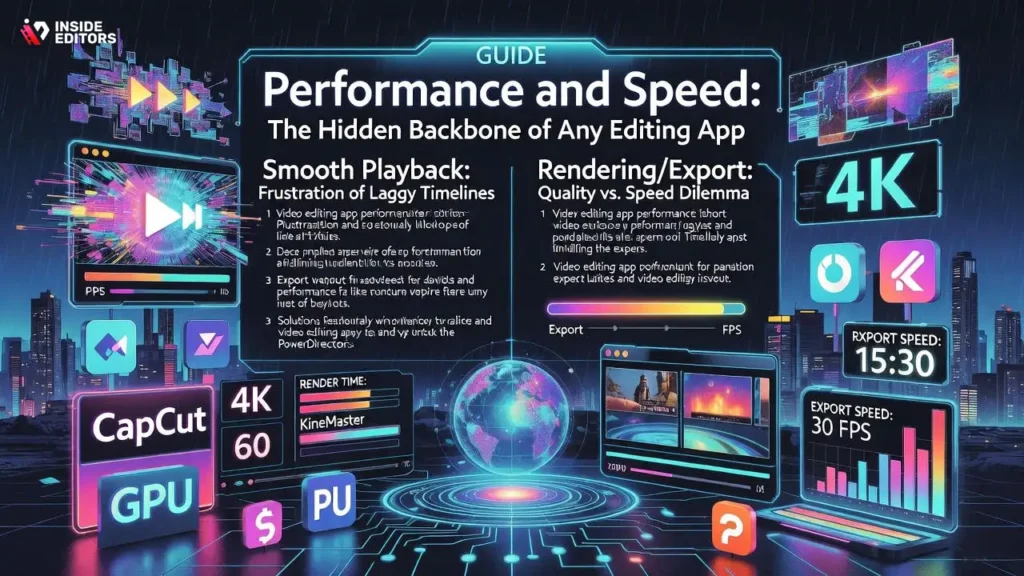
If you’ve ever tried editing high-FPS footage on an underpowered editor, you know the pain of choppy previews and delayed playback. Smooth performance is one of the biggest indicators of whether an app is built for gaming content. Games generate visually complex frames, so your app must handle motion-heavy footage without breaking your flow.
Performance affects everything – from how quickly you can scrub through your timeline to how efficiently you apply effects. A sluggish app forces constant replays and adjustments, turning what should be a fun creative process into slow-motion suffering. This becomes especially important for creators uploading consistently to YouTube or TikTok, where speed determines whether you stay on schedule or get buried under a backlog of unedited clips.
As you explore your options, notice how each app manages preview quality, GPU acceleration, and rendering – small differences in these areas can dramatically change your workflow.
Rendering Speed and Export Quality You Can Rely On
Rendering is the moment of truth. After hours of editing, no one wants to wait another hour for an export – especially when you’re working with multiple videos per week. A great gaming video editing app should deliver quick render times without sacrificing quality. Many beginner creators underestimate how much rendering affects productivity, but professionals know that slow export speeds stall your entire creative rhythm.
This is also where high-resolution exports matter. If your app can’t handle 1440p or 4K footage smoothly, your gameplay loses its crispness, and audiences definitely notice. As you compare apps, consider how each one handles high-resolution workflows, especially if you record with OBS, Nvidia ShadowPlay, or Elgato capture cards.
With performance in mind, the next step is to look at the creative features – the tools that actually make your videos shine.
The Editing Tools That Make Your Gaming Videos Stand Out
Effects and Transitions Designed for Fast-Action Footage
Gaming videos thrive on movement, so effects play a bigger role than many new editors realize. The right transition can enhance a jump cut, create intensity, or even build comedic timing. But not all effects are made equal – some apps offer basic fades, while others include advanced motion-based transitions that match the pace of gaming content.
For example, zoom cuts, whip transitions, motion blur, and glitch effects often appear in gaming montages because they amplify excitement. High-quality apps offer these natively, while others require third-party add-ons. Having these tools built-in not only saves time, but keeps your workflow streamlined.
Think of effects as spices: a little goes a long way, and the right ones bring your clips to life. When evaluating apps, look for variety and flexibility. You want tools that complement your style rather than overwhelm it.
Color Grading and Audio Tools That Elevate Immersion
Beyond flashy transitions, color and sound shape the emotional tone of your content. If your video editor includes strong color grading tools, you can instantly change the mood of a scene – turning a bright map into a dramatic battleground or enhancing the neon glow of sci-fi titles. Advanced editors allow you to adjust exposure, hues, and curves, giving you full artistic control.
Audio also plays a bigger role than many beginners expect. Gaming content often mixes voiceovers, environmental sound, music, and effects. Editors with strong audio-balancing features help ensure your voice stays clear even during explosive gameplay moments.
When you have control over both color and sound, your videos start feeling purposeful rather than accidental.
And as your creative vision becomes sharper, you’ll naturally start thinking about which platforms your tools support – which brings us to the importance of flexibility and device compatibility.
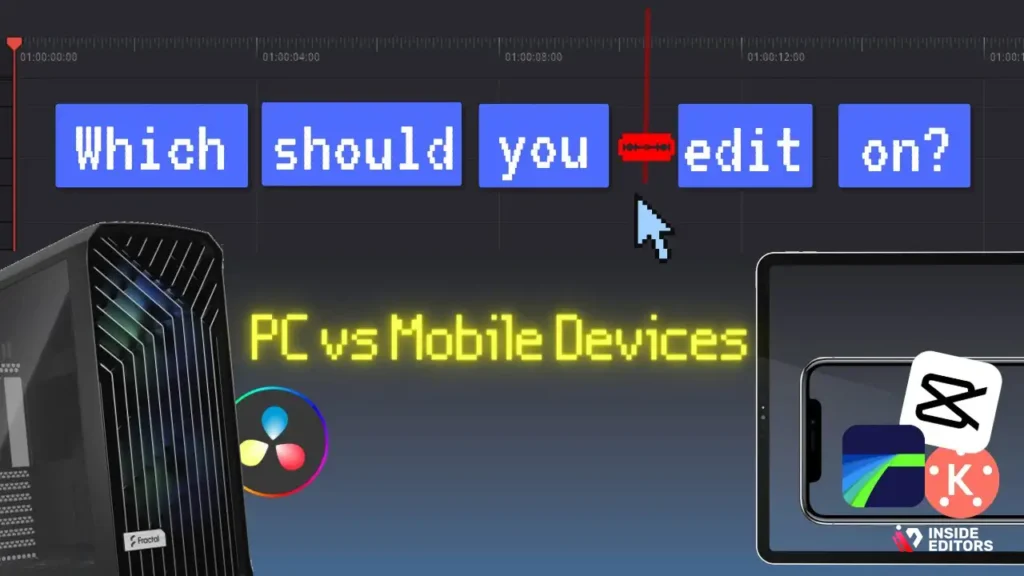
Choosing Between Mobile and Desktop: Which Editing Style Fits You?
Why Mobile Editing Works for Fast, On-the-Go Creators
Mobile editing has come a long way. Apps like CapCut, VN, and Kinemaster now offer impressive timelines, built-in effects, templates, and even AI-powered auto-cut features that were once limited to desktop software. If you create short-form content, record clips directly on your phone, or prefer a lightweight workflow, mobile editing can be extremely efficient. It’s perfect for TikTok highlights, reaction-style edits, or quick meme-format videos.
One of the biggest advantages of mobile apps is instant accessibility. You don’t need a high-end PC or a complicated setup – just your phone and a few minutes whenever inspiration strikes. Many creators who post daily find this freedom invaluable. And if your main goal is consistency rather than cinematic effects, a mobile-first workflow can help you stay ahead of schedule while still producing polished results.
Still, despite their convenience, mobile apps have limitations. As your videos become more complex, you may start to feel the constraints of screen size, fewer layers, and limited precision tools. That’s when desktop tools begin to shine.
When Desktop Editors Deliver the Power You Need
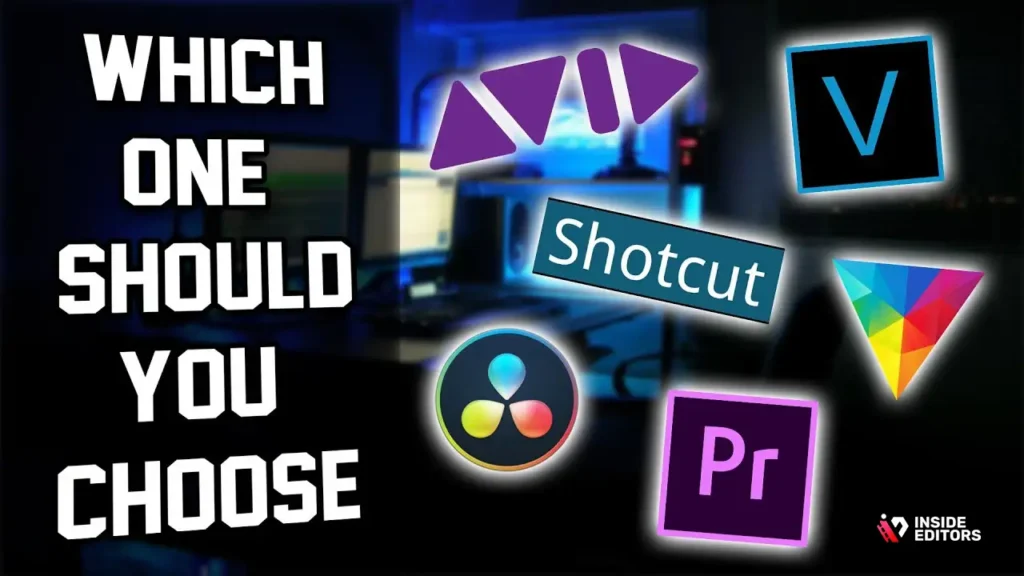
Desktop editors like DaVinci Resolve, Adobe Premiere Pro, and Vegas Pro excel with larger projects that demand fine control. If you want to create cinematic montages, multi-layer sequences, advanced color grades, or high-resolution exports, a desktop editor gives you far more power. The larger screen space alone makes a difference – you can work with detailed timelines, keyframes, and audio tracks without feeling cramped.
Desktop apps also tend to handle heavy files better. If you record 1440p or 4K gameplay, especially at high frame rates, a desktop editor equipped with GPU acceleration will give you smoother performance than most mobile apps can match. This becomes critical for creators who need reliability for client projects, sponsorships, or long-form YouTube videos.
As you weigh mobile against desktop, it’s smart to think about where your channel is headed. If growth is your goal, having an editor that scales with you ensures you’re not switching tools every few months – a surprisingly common mistake many new creators make.
Comparing Popular Gaming Video Editing Apps
To help you understand your options, here’s a concise comparison of some commonly used gaming video editors. This context will help you match features to your workflow.
| Editor | Best For | Strengths | Limitations |
| CapCut | Mobile and short-form creators | Fast, beginner-friendly, trendy effects | Limited precision on complex edits |
| DaVinci Resolve | Cinematic and advanced edits | Best color grading, pro-level tools | Steeper learning curve |
| Adobe Premiere Pro | YouTube pros and long-form creators | Industry standard, strong plugin ecosystem | Subscription cost |
| Wondershare Filmora | Beginners and casual creators | Easy interface, many templates | Less control for experts |
| Vegas Pro | Montage editors | Smooth timeline, strong audio tools | Pricier than beginner apps |
| iMovie | Apple users | Simple and reliable | Basic features only |
This table is a starting point, not a verdict. The right choice depends on your goals, editing style, and preferences. And once you understand what each editor excels at, it becomes easier to evaluate them based on real-world usage – not hype.
Common Mistakes That Keep Gaming Creators From Leveling Up

Overusing Transitions and Effects
One of the most common traps new editors fall into is overloading their videos with transitions, effects, and overlays. It’s tempting – especially when your app offers dozens of flashy templates – but too many visual elements can distract from your gameplay. Professional editors use effects to enhance the story, not overwhelm it.
You’ll notice this difference quickly when comparing amateur and polished channels. The best editors know when to hold back. A clean, purposeful transition carries far more impact than a chaotic one every five seconds.
Ignoring Audio Quality and Balance
Audio can make or break a video, particularly in gaming. Viewers want to hear footsteps, explosions, dialogue, or your voiceover – often all at the same time. If your editor doesn’t help you balance these elements properly, your message gets lost in the noise.
It’s worth spending a few minutes adjusting volume levels, removing background hum, and ensuring your voice cuts through clearly. Even a free app with basic audio controls makes it easier for viewers to connect with your content.
The moment you start paying attention to sound, the entire feel of your video upgrades – and it’s one of the easiest ways to stand out without needing advanced software.
How the Right Editor Speeds Up Your Workflow and Improves Consistency
Why Editing Efficiency Matters More Than You Think
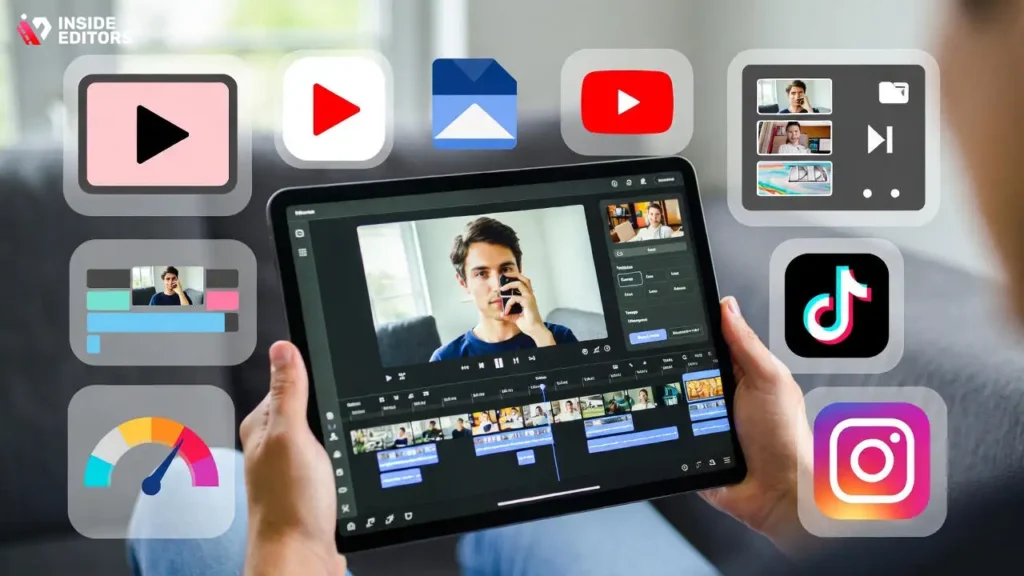
Many creators underestimate how much time editing consumes. Even small delays – choppy playback, rendering slowdowns, cluttered timelines – can drain your motivation. But once you find an editor that matches your pace, editing becomes smoother, faster, and even enjoyable.
A well-designed app helps you stay in the creative zone. You spend less time troubleshooting and more time shaping your story. This is especially important if you upload frequently, since YouTube, TikTok, and Instagram reward consistency more than perfection.
When your editing process feels efficient, you’re more likely to complete projects, experiment with ideas, and maintain a consistent posting schedule – all of which help your channel grow.
How Templates and Presets Save Beginners and Pros Alike
Templates aren’t cheating – they’re smart. Whether you’re adding text, transitions, or color styles, templates speed up your workflow while helping you maintain a consistent aesthetic. Many editors offer preset packs designed specifically for gamers, making it easier to build a recognizable brand.
As you gain more experience, you can modify these presets or create your own. Over time, your editing style becomes part of your channel identity, just like your logo or intro. And when your editor supports easy preset management, you save yourself hours in the long run.
When to Consider Professional Editing Help
Even with the best tools, sometimes bringing a professional into your workflow can elevate your videos beyond what’s possible alone. This isn’t about replacing your creative vision – it’s about enhancing it.
Inside Editors works with gaming creators who want consistent, polished edits without spending hours behind a timeline. Whether you need cinematic highlight reels, engaging montage videos, or branded content for sponsorships, our team helps streamline your workflow so you can focus on what you love: creating and playing.
If you want to explore professional help, you can check out our Gaming Video Editing Services. You’ll find examples, workflows, and ways to bring your footage to life with expert precision and creative style.
Choosing the Best Gaming Video Editing App With Confidence
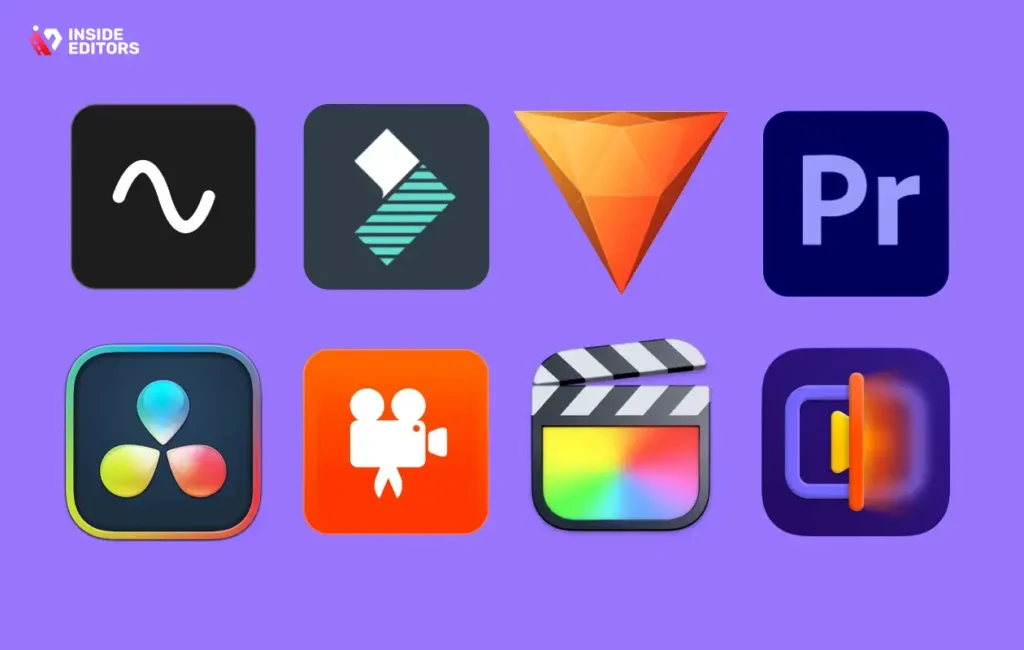
Selecting the right editing tool isn’t just about features – it’s about how those features support your goals, workflow, and storytelling style. Whether you prefer mobile convenience or desktop precision, the best choice is the one that helps you edit consistently, easily, and confidently.
Once you understand performance, features, compatibility, templates, and audio tools, picking the best gaming video editing app becomes much simpler. You’re no longer guessing – you’re choosing intentionally. And that puts you one step closer to creating videos that feel polished, powerful, and uniquely yours.
If you ever decide you want an extra hand turning your clips into professional-quality stories, Inside Editors is here to help you bring your ideas to life with clarity, creativity, and expert craftsmanship.
FAQs
1. What is the best gaming video editing app for beginners?
For beginners, apps like CapCut and Filmora are popular because they offer simple timelines, built-in effects, and fast exports without needing advanced technical skills. They handle gaming footage reliably and let you create clean highlight videos with minimal setup. As you grow, you can move to more advanced tools like DaVinci Resolve for deeper color grading and pro-level control.
2. How do I choose the best gaming video editing app for my style?
Start by matching your workflow to the tool: mobile apps work well for quick clips, while desktop editors support more layers and cinematic effects. Consider features you’ll use often, like slow motion, motion blur, or audio balancing. If you create long gameplay commentaries, a desktop editor with strong timelines may fit better than a short-form mobile app.
3. Are free gaming video editing apps good enough for YouTube?
Yes – many creators use free editors like CapCut, DaVinci Resolve, or VN to produce high-quality videos. These apps support effects, color grading, and high-resolution exports without requiring a subscription. The trade-off is that free tools may have fewer templates or slower rendering compared to paid editors.
4. What features should a good gaming video editing app include?
Look for smooth playback, GPU acceleration, clean timelines, and effects tailored for fast-paced footage. Color grading tools help shape your video’s mood, while audio controls ensure your voice stands out during chaotic scenes. Reliable export options like 1080p, 1440p, or 4K are essential for modern gaming platforms.
5. How much do professional gaming video editing services cost?
Professional editing ranges from $60 to $400+ per video, depending on length, complexity, and effects. Basic highlight cuts cost less, while cinematic montages, motion graphics, or sponsor-ready videos cost more. Most editors also offer package discounts if you upload regularly.
6. How long does gaming video editing normally take?
A typical gaming video takes 24-72 hours to edit, depending on length, effects, and requested revisions. Rush options are often available for an added fee. Complex projects with multiple camera angles or heavy color grading may require more time.
7. Do I keep full ownership of my edited gaming videos?
Yes – reputable editors and services return full rights to you once the project is complete. You own all footage, exports, and final project files unless you choose to license external assets like premium music or stock footage. Always confirm ownership terms before starting.
8. Can I request revisions if I’m not satisfied?
Most services offer 1-3 rounds of revisions, allowing you to fine-tune pacing, color, audio, or effects. Revisions usually cover minor adjustments, while major re-edits may cost extra. Clear feedback helps speed up the process and ensures the final video matches your vision.
9. Is my raw footage safe when using online editing services?
Reliable services use encrypted storage, private transfer links, and secure deletion policies. If privacy is a concern, ask about retention schedules and whether they delete uploaded files after project completion. Many editors also offer NDA agreements for added peace of mind.
10. Should I edit gaming videos myself or hire a professional?
Editing yourself is cost-effective and gives you creative control, especially if you enjoy the process. A professional editor is helpful when you want cinematic quality, complex effects, consistent uploads, or polished videos for sponsorships. Many creators blend both: DIY for simple clips and pros for major uploads.


