

If you’ve ever watched your footage look perfect on your laptop but oddly dull or oversaturated on your phone, you already know why your monitor matters. Video editing isn’t just about cutting clips together – it’s about ensuring that color, contrast, and detail appear consistently across every device your audience uses. This is where choosing the right screen becomes a game-changer. And if you’re searching for the best monitors for video editing, you’re already thinking like a professional.
A great editing monitor does more than brighten your workspace. It helps you see skin tones accurately, judge shadows properly, and preview your work exactly as your viewers will see it. Without that accuracy, even the most beautifully shot footage can lose its impact. That’s why editors, YouTubers, filmmakers, and even everyday creators now treat their monitor as an essential creative tool – not an afterthought.
As we explore the top five monitors editors love in 2025, we’ll break down what makes each one stand out, what type of creator it fits, and how real-world workflows benefit from the right display. By the end, you’ll have a clear understanding of what to buy, what to avoid, and how to set yourself up for long-term editing success. And if you ever feel overwhelmed by the technical details, just remember: your monitor’s job is to make your creative choices clearer, not more complicated.
The Top 5 Best Monitors for Video Editing in 2025

Each monitor listed here has been selected based on real-world performance, expert reviews, availability, and suitability for creators ranging from YouTubers to cinematic colorists. These models weren’t chosen because they’re expensive – they were chosen because they solve real editing challenges you face every day.
Let’s walk through each one in detail.
1. Apple Studio Display (5K) – The Ideal Monitor for Mac Editors
The Apple Studio Display has quickly become a favorite among Final Cut Pro and DaVinci Resolve users who work in the Apple ecosystem. What makes this monitor stand out isn’t just its stunning 5K resolution – it’s the combination of clarity, consistency, and ease of use. The 27-inch size strikes a perfect balance between immersive viewing and desk-friendly practicality, making it a natural upgrade for MacBook editors looking for a “true-to-life” editing experience.

Why Editors Love Its Razor-Sharp 5K Clarity
When you’re editing 4K footage on a 5K screen, you can preview your video at full resolution while keeping your editing tools visible. This alone is a major productivity boost. Text looks incredibly crisp, shadows appear natural, and every frame feels more alive. If you’ve ever struggled to fine-tune details on a lower-resolution panel, this improvement feels instantly noticeable.
How Its Color Accuracy Supports Serious Editing
Apple’s reputation for color quality shines here. With wide P3 coverage and excellent factory calibration, you can trust what you’re seeing without constantly tweaking settings. For editors who deliver work for YouTube, ads, client marketing videos, or online courses, that reliability eliminates the guesswork and inconsistency common on budget screens.
Who This Monitor Is Perfect For
The Studio Display is ideal for Mac users who want an accurate, premium display without diving into the complexity of professional reference monitors. While not designed for colorists working on high-budget films, it’s perfect for YouTubers, freelancers, agency editors, and designers who need reliable accuracy and a polished computing experience.
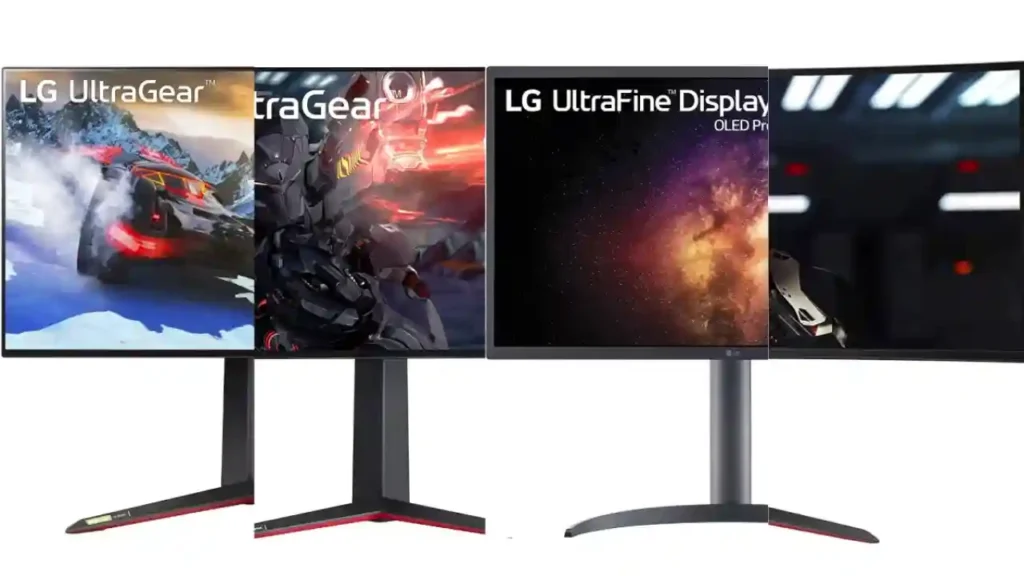
2. LG UltraFine OLED Pro 27 – The Best Monitor for Cinematic Color Work
If you want to see your footage with breathtaking contrast and deep, authentic shadows, OLED remains unmatched. The LG UltraFine OLED Pro brings that cinematic depth into your editing suite with near-perfect black levels and excellent color performance. For editors who frequently work with dramatic lighting or dark scenes, this monitor makes everything feel richer and more true-to-life.
Why OLED Makes Your Grading More Precise
The biggest advantage is contrast. OLED pixels emit their own light, meaning blacks are completely black instead of “dark gray.” This accuracy gives you better control over exposure adjustments, highlight roll-off, and subtle color transitions that can make or break a cinematic look. If you’ve ever edited a night scene or moody interior shot, you’ll immediately notice the difference.
How Its Professional Controls Benefit Serious Editors
Unlike consumer OLED TVs, this monitor includes hardware-controlled color accuracy, uniformity settings, and wide gamut coverage. You’re not just getting a beautiful picture – you’re getting a panel built for editing, grading, and professional post-production tasks.
Who Should Choose This Model
Colorists, filmmakers, and editors working in DaVinci Resolve stand to gain the most from OLED clarity. If your work involves visual storytelling, mood-driven scenes, or high-end client delivery, this monitor gives you a competitive edge. It’s not the cheapest option, but its quality is visible in every frame you create.
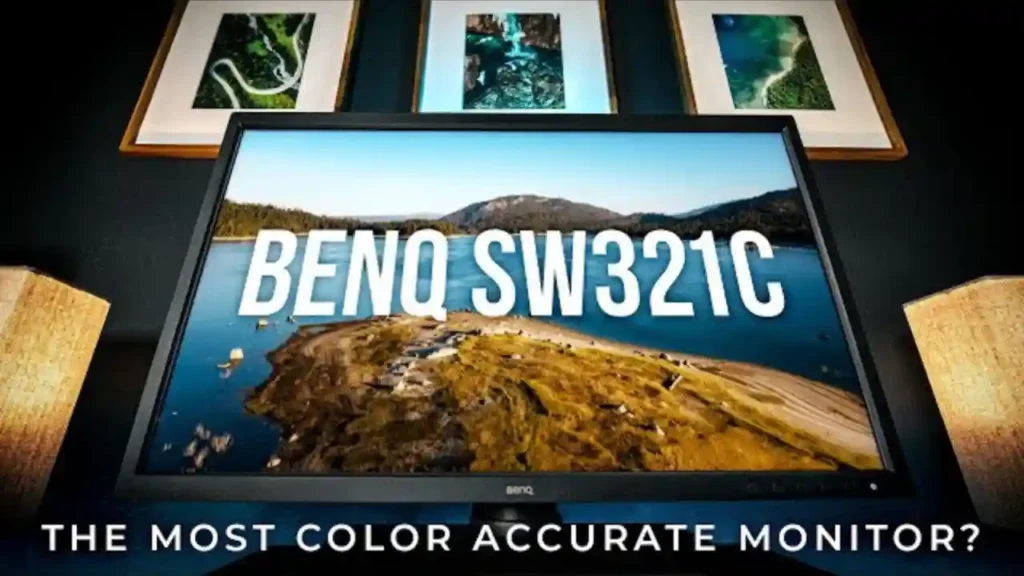
3. BenQ SW321C PhotoVue – The Most Color-Accurate Monitor for Editors
BenQ has built a strong reputation for delivering professional-grade displays at accessible prices, and the SW321C continues that tradition. This 32-inch 4K monitor covers AdobeRGB and DCI-P3 extensively, making it a top pick for editors who demand precision. Unlike consumer displays, this one includes hardware calibration support and uniformity correction – features usually found in more expensive models.
Why Its Color Profile Tools Make Editing Easier
What sets the SW321C apart is how it handles color workflows. With BenQ’s Palette Master software, you can fine-tune your calibration to match your camera’s color profile, your editor’s timeline settings, or your client’s delivery format. This gives you incredible control over consistency – a critical detail for editors working across multiple projects or collaborating with studios.
How Its 32-Inch Size Enhances Productivity
A larger screen helps you view more of your timeline, scopes, and assets without clutter. If you regularly work with complex projects, this extra space translates into smoother workflow, fewer clicks, and clearer creative decisions. The anti-glare coating also helps reduce distractions during long editing sessions.
Who Benefits Most From This Monitor
Freelancers, agency editors, and content creators who prioritize accuracy and value over brand prestige will find this monitor particularly compelling. It’s a powerful upgrade that still fits within semi-professional budgets, making it a practical choice for editors growing into more advanced work.
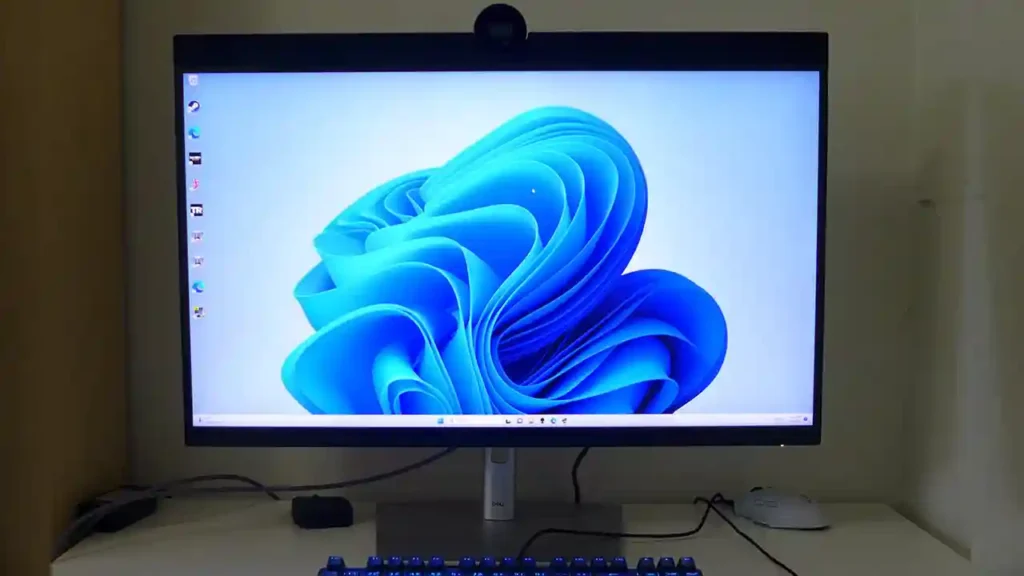
4. Dell UltraSharp U3224KB (6K) – The Sharpest Monitor for Multitasking Editors
If you’ve ever wished for more space to spread out your timeline, effects panels, and scopes without feeling cramped, the Dell UltraSharp U3224KB might be the upgrade you’ve been waiting for. With its impressive 6K resolution and 32-inch screen, it gives you extraordinary clarity and workspace freedom. Editors who jump between editing, sound syncing, color adjustments, and visual effects often describe this display as “breathing room” for their creativity.
Why the 6K Resolution Improves Workflow Efficiency
Even if your projects max out at 4K, a 6K screen lets you preview your footage at full quality while keeping your tools visible around it. There’s no constant zooming in and out, and no squeezing panels into uncomfortable corners. Everything feels more open and natural, which reduces strain over long editing sessions. For editors managing client workloads or daily deadlines, this efficiency boosts both productivity and comfort.
How Its Color Accuracy Helps Create Consistent Results
Dell’s UltraSharp monitors are known for strong factory calibration, and this model continues that trend. With wide DCI-P3 and Display-P3 coverage, the color reproduction is reliable and stable. Whether you’re producing YouTube videos, commercial content, or branded visuals, you’re seeing colors close to how your viewers will. That consistency builds confidence – especially when delivering professional client work.
Who This Monitor Is Best Suited For
This display is ideal for editors who want ultimate clarity without jumping into the ultra-premium reference monitor category. If you value workspace efficiency, sharp detail, and a modern, professional display that stays true over time, this monitor delivers in every way. It’s especially helpful for hybrid creators who switch between editing, design, and multitasking across apps.
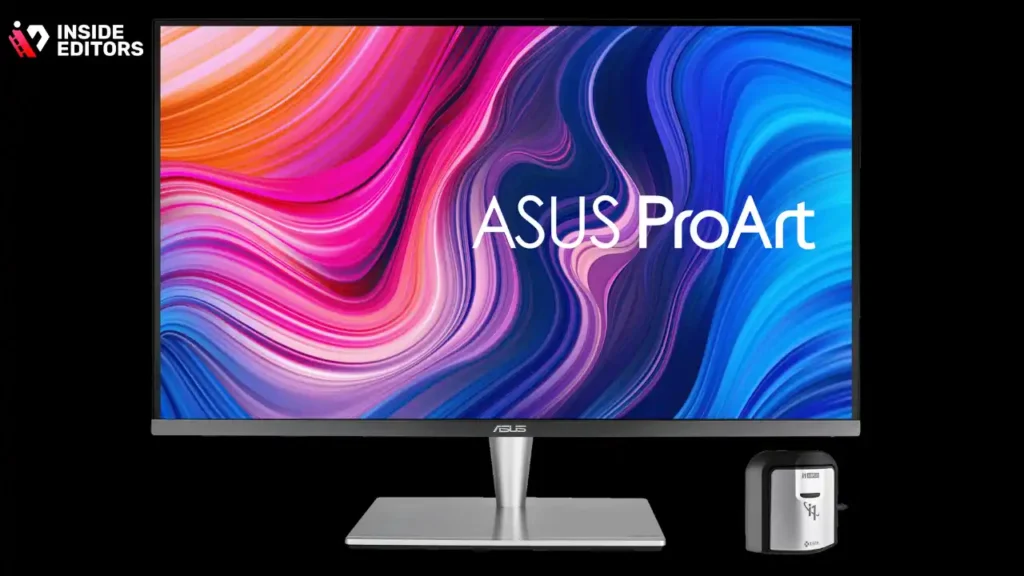
5. ASUS ProArt PA32UCR-K – The Perfect Balance of Mini-LED and Affordability
Not everyone needs-or wants-to spend thousands on a reference-grade display. The ASUS ProArt PA32UCR-K strikes a rare balance between price and performance, offering Mini-LED technology, high brightness, excellent HDR handling, and accurate colors at a more accessible cost. For many editors, this model provides most of the power of top-tier professional monitors without the financial leap.
Why Mini-LED Helps Reveal More Detail in Your Shots
Mini-LED panels improve on traditional LCD displays by offering better contrast and higher peak brightness. Shadows look deeper, highlights are more controlled, and HDR content looks far more realistic. If your editing often includes outdoor scenes, wedding videos, travel footage, or dramatic lighting, this improved contrast helps you judge tone and exposure more precisely.
How ASUS ProArt Tools Support Professional Quality
The ProArt series includes strong calibration tools, wide gamut support, and multiple color presets tailored for editing workflows. You don’t need to struggle with manual adjustments or inconsistent profiles – the monitor is designed to give editors confidence right out of the box. For creators upgrading from a standard office monitor, this improvement can feel transformative.
Who Should Choose This Monitor
This display is great for freelancers, aspiring colorists, or YouTubers ready to step up their editing quality without overspending. It’s also ideal for creators who work across bright and dark environments, thanks to its high brightness and versatile calibration options. For many, this model becomes the perfect entry point into professional-grade monitors.
Comparison Table: Top 5 Monitors for Video Editing (2025)
| Monitor | Panel Type | Size | Resolution | Strengths | Best For |
| Apple Studio Display | IPS | 27″ | 5K | Sharpness, color consistency, macOS integration | Mac editors, YouTubers |
| LG UltraFine OLED Pro | OLED | 27″ | 4K | Deep blacks, cinematic contrast | Colorists, filmmakers |
| BenQ SW321C | IPS | 32″ | 4K | Color accuracy, calibration tools | Freelancers, agencies |
| Dell UltraSharp U3224KB | IPS | 32″ | 6K | Huge workspace, crisp detail | Multitasking editors |
| ASUS ProArt PA32UCR-K | Mini-LED | 32″ | 4K | HDR performance, affordability | Creators upgrading |
This table gives you a simplified view, but choosing the right monitor still depends heavily on your editing style, your software, and the visual demands of your content.
How Inside Editors Helps You Create Better Videos With Less Stress
Even with the best tools, editing is a skill – one that takes years to master. At Inside Editors, our professional editing team helps creators turn raw footage into compelling stories that audiences connect with. Whether you’re filming lifestyle content, online courses, Amazon product videos, sports highlights, TikToks, or anything in between, our editors help you save time and elevate your results.
Instead of spending hours trimming clips or tweaking color, you can focus on planning new content while we handle the heavy lifting. You’ll notice your videos feel smoother, more polished, and more consistent – especially when paired with the right monitor setup.
If you’re ready to improve both your workflow and final output, our team is here to support your goals.
Final Takeaway: Choosing the Best Monitor Sets the Foundation for Great Editing
The top five monitors we explored – from the Apple Studio Display to the ASUS ProArt PA32UCR-K – each offer something unique. The right choice depends on how you edit, what you create, and how you want your audience to experience your videos.

By understanding color accuracy, brightness, panel type, and workflow needs, you’re now equipped with the knowledge to make a confident, future-proof choice. And once your monitor supports your creativity instead of holding it back, you’ll feel the difference in every frame you produce.
If you ever want expert help polishing your edits or taking your video quality to the next level, Inside Editors is ready to help you create videos that stand out – effortlessly and professionally.
FAQs: Best Monitors for Video Editing
How can I trust Inside Editors to deliver consistent, high-quality edits?
Inside Editors uses experienced editors, a transparent revision workflow, and clear delivery milestones so quality is predictable. We share samples, a revision allowance, and secure file transfer methods; for color-critical projects we can match your color profile and verify on industry-standard displays. If you’re comparing results across setups, check exports on one of the best monitors for video editing to confirm color and detail before final approval.
Who owns the final video files and how is my footage handled (privacy/ownership)?
You retain full ownership of the final videos and any original footage unless otherwise agreed in writing; Inside Editors provides a usage agreement clarifying rights and deliverables. We use encrypted transfers and temporary cloud storage, delete raw files on request, and can sign NDAs for sensitive projects. Ownership clarity makes it easy to publish, redistribute, or archive your finished work securely.
What is your revision policy and how long does an average project take?
A – Typical orders include 1-2 free revision rounds; additional rounds are billed based on scope. Standard turnaround for short-form content (2-6 minutes) is usually 3-7 business days, while long-form or color-graded projects take 7-14 days; rush options (24-72 hours) are available for an extra fee. Timelines vary with footage quality, number of revisions, and whether grading or motion graphics are required.
Should I edit my videos myself or hire a professional service like Inside Editors?
If your goal is rapid learning and low-cost experimentation, DIY makes sense; but when time, consistency, or delivery quality matter, hiring pros saves hours and often yields better results. Professional editors offer experience with color grading, pacing, client feedback cycles, and file delivery – plus guidance about hardware (e.g., best monitors for video editing) so your exports look consistent across devices.
How much does professional editing typically cost and what’s usually included?
Prices vary widely: basic cuts for short social clips often start around $30-$150 per video, intermediate edits run $150-$600, and full post-production (grading, sound mixing, graphics) typically ranges $600-$2,500+. Included items commonly cover a set number of revisions, an HD/4K export, and project backup for a limited period; extra services (rush, stock, complex VFX) are added a la carte.
What file formats, delivery options, and color profiles do you support?
We accept common camera codecs (H.264/H.265, ProRes, DNxHR) and RAW formats; final delivery options include MP4, ProRes, and direct cloud links. For color-critical work we deliver in Rec.709, DCI-P3, or custom LUT-applied exports and can provide both color-managed exports and reference stills. Tell us the target platform and we’ll deliver the correct codec, bitrate, and color profile for reliable playback.
How should I prepare and transfer footage to get the best color and quality from my edit?
Label your clips clearly, include camera metadata and LUTs, and export a reference frame or a short “color reference” clip to show intended tones. Use lossless or low-compression formats when possible and provide a short creative brief describing look, pacing, and delivery specs; if you have one, mention the best monitors for video editing you or your client will use so we match expected color and contrast. A clean, organized upload speeds turnaround and improves final accuracy.


