

Choosing the right budget laptop for video editing in 2025 can feel confusing, especially when you’re trying to balance performance with affordability. If you’ve ever edited a project on a slow machine, you know exactly how frustrating it can be – lagging timelines, stuttering previews, and export times that feel endless. The good news is that you don’t need a high-end workstation to edit smoothly anymore. Today’s budget laptops can handle everything from YouTube videos to 1080p client work, as long as you choose wisely. In this guide, we’ll explore the best options and explain what actually matters when buying a budget laptop for video editing, so you can feel confident about your next upgrade.
Understanding What Makes a Laptop Great for Budget Video Editing
Why Performance Matters More Than Price in the Long Run
Before diving into laptop recommendations, it helps to understand why performance is such a major factor in video editing. Editing software like Adobe Premiere Pro and DaVinci Resolve rely heavily on a mix of CPU speed, GPU power, RAM, and fast storage. Even if you’re working on basic projects, these components determine whether the timeline feels snappy or sluggish. Many editors try to save money by choosing the cheapest laptop available, only to realize later that the system simply can’t keep up. This often leads to spending even more on additional upgrades or a complete replacement.
A well-selected budget laptop solves this problem by giving you strong performance without unnecessary extras. It ensures that your workflow stays smooth, even when juggling large clips or applying color correction. And if you’ve ever waited fifteen minutes for a simple render to finish, you know how every second saved can improve your creative process.
The Components That Influence Your Editing Workflow the Most
When evaluating laptops, four key components influence real-world editing performance: processor, graphics card, memory, and storage. A modern quad-core or hex-core processor helps ensure responsive timelines. A dedicated GPU, even an entry-level one, speeds up effects, transitions, and rendering dramatically. At least 16GB of RAM prevents your project from stalling under pressure, and an SSD – preferably NVMe – ensures quick loading and smoother scrubbing.
These specs aren’t just numbers; they directly affect how enjoyable your day-to-day editing feels. If your laptop stutters during playback, your creative energy disappears. If your timeline loads instantly, you stay in the flow. In short, choosing the right specs is how you transform editing from a chore into a smooth, creative experience.
Avoiding the Most Common Mistakes Creators Make When Buying Budget Laptops
One of the biggest mistakes new editors make is prioritizing design or branding over raw performance. Another common issue is focusing on CPU power alone while ignoring the GPU, which plays a huge role in modern editing software. Some buyers also overlook thermal performance, which leads to aggressive overheating and throttling – something that can slow your system dramatically over time.
Understanding these pitfalls helps you make smarter decisions. Instead of relying on marketing, you can evaluate whether a laptop actually supports your editing goals. This approach gives you long-term value while staying well within a beginner-friendly budget.
How to Choose the Right Budget Laptop for Your Editing Style

Matching Your Laptop to the Type of Projects You Create
Every editor has a unique style, and your editing setup should support that. A daily vlogger might focus on quick edits with minimal color grading. A travel filmmaker may rely on heavy grading and effects. A freelancer handling client videos might need extra power for reliability. Understanding your editing style helps you decide whether you can get by with integrated graphics or if you really need dedicated GPU power.
For example, if you primarily edit 1080p footage, almost all modern budget laptops can handle it. But if you’re working with 4K files, multiple layers, or advanced transitions, a stronger GPU and faster SSD become essential. Matching your gear to your workflow ensures that you’re not overpaying – or underpowering your projects.
Why Display Quality Influences Your Final Outcome More Than You Think
Video editing isn’t just about performance; it’s also about how accurately you can see your footage. A laptop’s color accuracy and brightness significantly affect your editing decisions. If your screen has poor color reproduction, your final product may look completely different on your client’s device or social media platform.
Look for displays with at least a 1080p resolution, 300–400 nits brightness, and good color coverage (ideally 100% sRGB). While 4K screens are beautiful, they’re not essential for budget editors – especially since they drain battery faster and increase cost. What matters most is accuracy, not resolution.
Considering Long-Term Upgradeability and Workflow Flexibility
One overlooked advantage of budget laptops is their upgrade potential. Many models under $700–$900 allow you to add more RAM or swap in a faster SSD later. This means you can start small and expand as your editing needs grow. A simple upgrade from 8GB to 16GB RAM can often transform a laptop’s performance, letting you work more comfortably with larger projects.
Another way to extend your laptop’s value is through external drives. Storing raw footage on a fast USB-C SSD keeps your internal storage free while improving your workflow. These small upgrades make a budget laptop feel more powerful without requiring a new purchase.
Top 5 Budget Laptops for Video Editing in 2025
Acer Aspire 7 : The Best Overall Value for New Editors
The Acer Aspire 7 remains one of the most reliable choices for editors who want dependable performance without overspending. In 2025, it continues to stand out thanks to its balanced combination of a capable CPU, dedicated GPU, and solid build quality. Editors love it for its responsive timeline performance and surprisingly strong rendering speeds for the price.
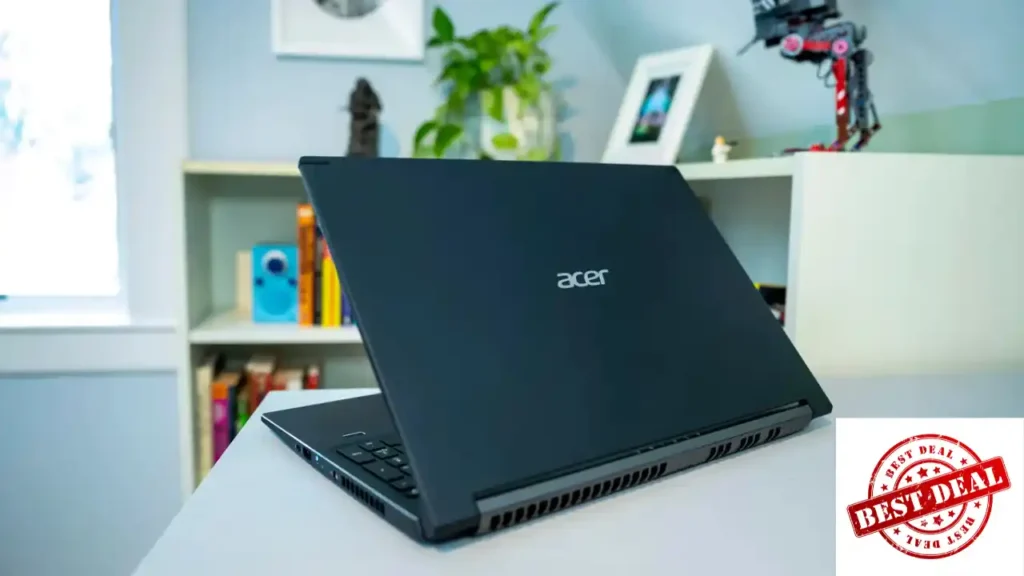
Inside, you’ll typically find a Ryzen 5 or Ryzen 7 processor paired with NVIDIA GTX 1650 or RTX 2050 graphics. This makes it ideal for editing 1080p footage and even light 4K projects. The 512GB SSD loads projects quickly, and the keyboard is comfortable enough for long editing sessions. If you’re looking for the best all-around budget laptop for video editing, the Acer Aspire 7 consistently delivers.
HP Pavilion 15 : A Smooth Performer for Everyday Editing
The HP Pavilion 15 is a go-to choice for creators who want a balance between portability, performance, and battery life. While it’s not the most powerful laptop on this list, it offers a smooth editing experience thanks to modern Intel or Ryzen processors and an efficient internal cooling system. For editors who prioritize reliability and day-to-day stability, it’s an excellent match.
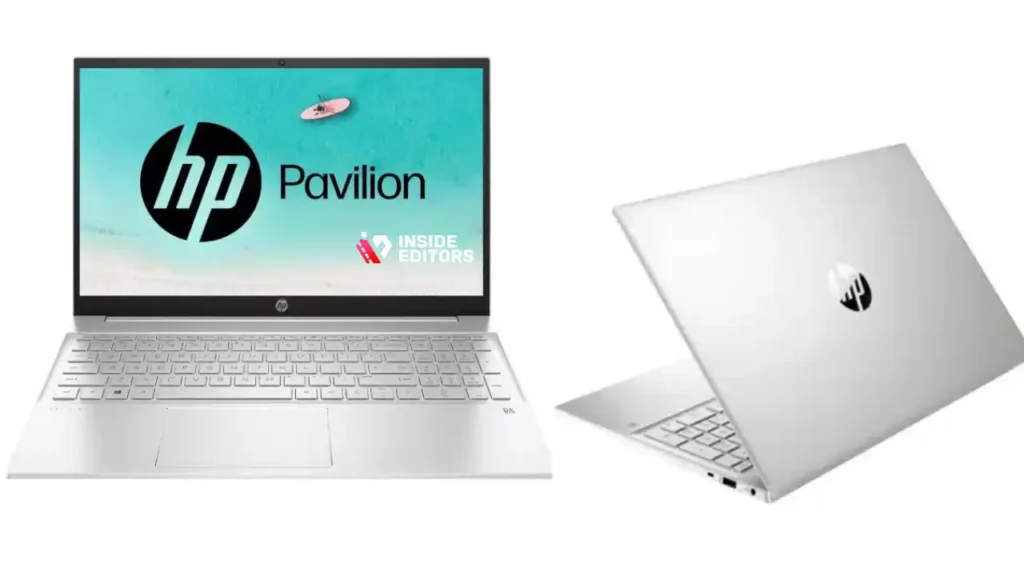
The display is bright and color-accurate enough for most creators, making it a comfortable option for projects destined for YouTube, Instagram, or TikTok. If your editing involves faster cuts, short-form content, or product videos, you’ll find its performance more than adequate.
Lenovo IdeaPad Gaming 3 : Power and Cooling Without the High Price
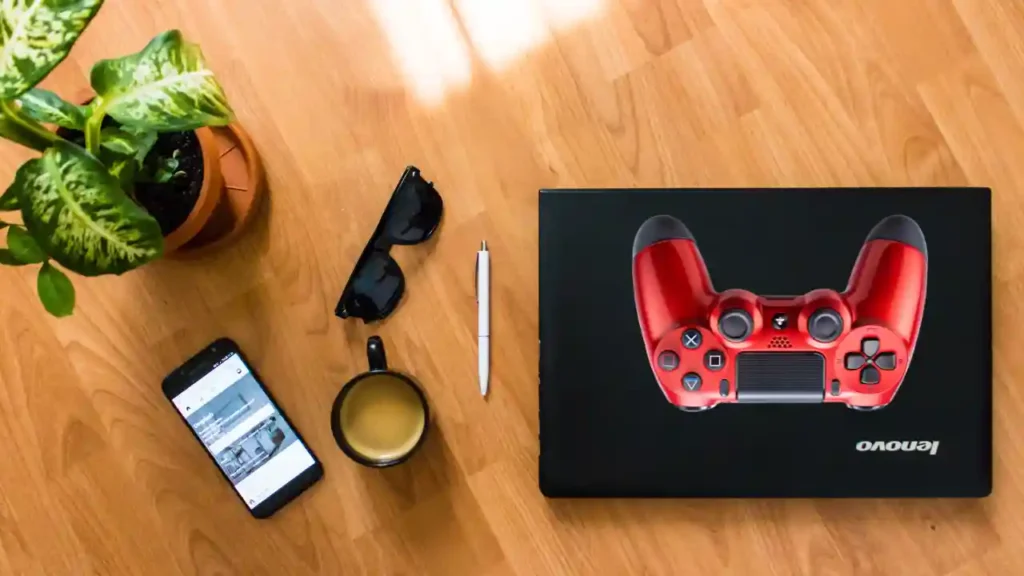
If you’re the kind of editor who frequently works with heavier files – such as 4K footage, multicam timelines, or color-intensive shots – the Lenovo IdeaPad Gaming 3 offers performance that reaches beyond the typical “budget” category while keeping its price surprisingly accessible. Its biggest advantage is the thermal design. Lenovo gives this machine a cooling system that prevents throttling during long renders, which is something many budget laptops struggle with. When your laptop stays cool, your editing software runs consistently – and your creative pace stays uninterrupted.
This model usually comes with Ryzen 5 or Ryzen 7 processors and NVIDIA RTX-series GPUs, making it one of the strongest performers in this lineup. The 120Hz or 144Hz display options are also great for smooth timeline scrubbing and preview playback. While it’s slightly bulkier than other laptops on this list, the performance it delivers feels much closer to a mid-range editing laptop than a budget one. If your goal is to handle advanced projects without breaking the bank, this is a reliable choice that grows with your skills.
Dell Inspiron 15 : A Practical and Reliable Choice for Everyday Editors
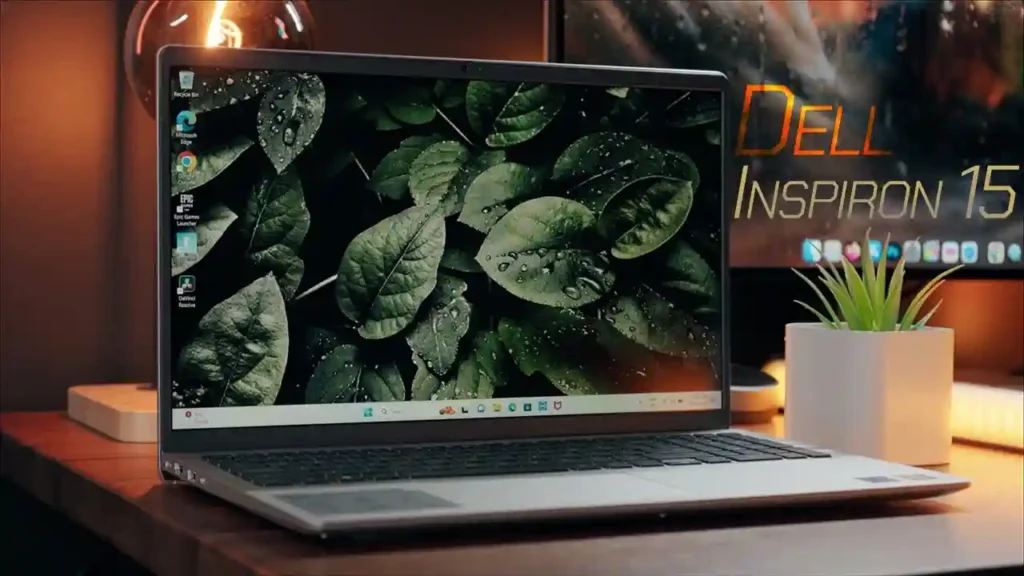
The Dell Inspiron series has always been a favorite among editors who value stability over flashy design. The 2025 Inspiron 15 continues that tradition by offering the kind of consistency many budget creators depend on. It’s not trying to impress with gaming-level specs, but it provides exactly what everyday editing requires: a capable processor, fast SSD storage, and a comfortable display for color-sensitive tasks.
For editors who work mostly with 1080p footage – especially YouTubers, educators, vloggers, and business creators – this laptop delivers a surprisingly smooth experience. Dell’s power management features also help maintain steady performance without overheating, even during longer sessions. That reliability is extremely important when you’re working on client deadlines or managing multiple projects at once. If your goal is steadiness rather than maximum power, the Inspiron offers a dependable foundation for creative work.
ASUS VivoBook 15 : Best for Students, Beginners, and Casual Creators
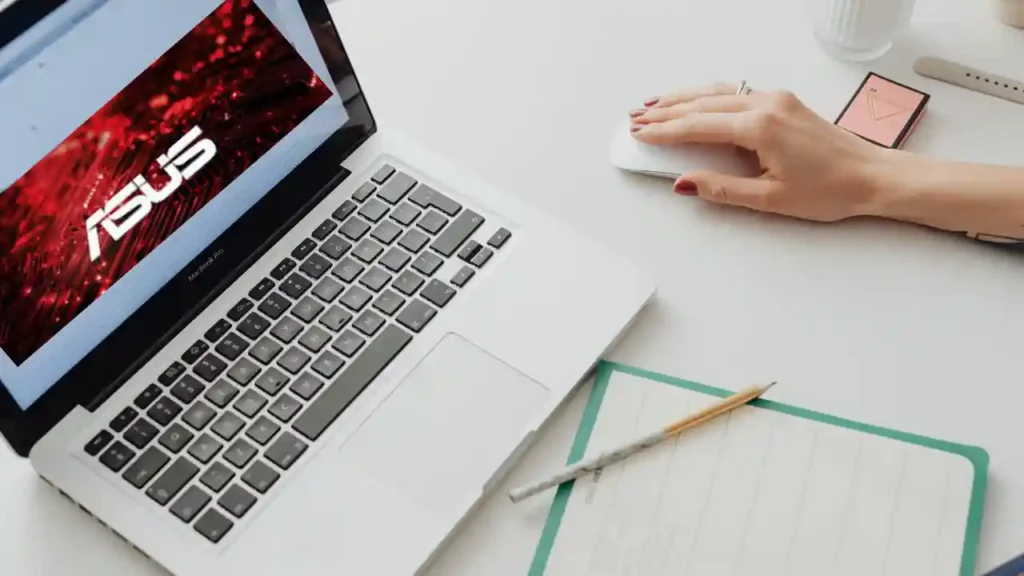
The ASUS VivoBook 15 stands out as one of the most beginner-friendly options on this list. It’s lightweight, budget-friendly, and ideal for new editors who are transitioning from mobile editing apps to full desktop software. While it won’t compete with gaming laptops in terms of pure performance, its modern processors and efficient design make it suitable for short-form content, social media editing, and lighter YouTube projects.
What makes the VivoBook especially appealing is its usability. The keyboard is comfortable, the display is bright enough for indoor work, and the overall design feels polished. This is an excellent option if you’re just starting your editing journey and want a laptop that won’t overwhelm you with unnecessary features. And if you eventually need more power, the VivoBook’s upgradeable RAM and SSD give you easy room to grow. It’s a great reminder that you don’t need the most expensive gear to create content that connects with viewers.
Comparing the Top 5 Budget Laptops: Key Differences That Matter

To help you choose confidently, here’s a clear side-by-side comparison of the five laptops discussed above. This makes it easier to understand how each one fits different editing styles, budgets, and goals.
| Laptop | Best For | Performance Level | GPU | Upgradeability |
| Acer Aspire 7 | Best overall value | Strong | GTX 1650 / RTX 2050 | RAM & SSD |
| HP Pavilion 15 | Everyday editing | Moderate | Integrated / Entry-level | RAM & SSD |
| Lenovo IdeaPad Gaming 3 | Heavy editing projects | Very strong | RTX series | RAM & SSD |
| Dell Inspiron 15 | Stable daily work | Moderate | Integrated / Entry-level | SSD |
| ASUS VivoBook 15 | Students & beginners | Light-moderate | Integrated | RAM & SSD |
This comparison shows that the “best” laptop depends on your workflow rather than one universally superior model. If your edits involve simple cuts or talking-head videos, the Pavilion or VivoBook will feel completely sufficient. But if you’re grading in DaVinci Resolve or handling transitions and effects frequently, the IdeaPad Gaming 3 or Aspire 7 will make your job far easier.
Understanding these differences helps you avoid overspending while making sure your laptop fully supports your creative goals. The more aligned the laptop is with your editing style, the smoother your projects will feel – and the more enjoyable your entire workflow becomes.
Practical Tips to Get Maximum Performance From Any Budget Laptop
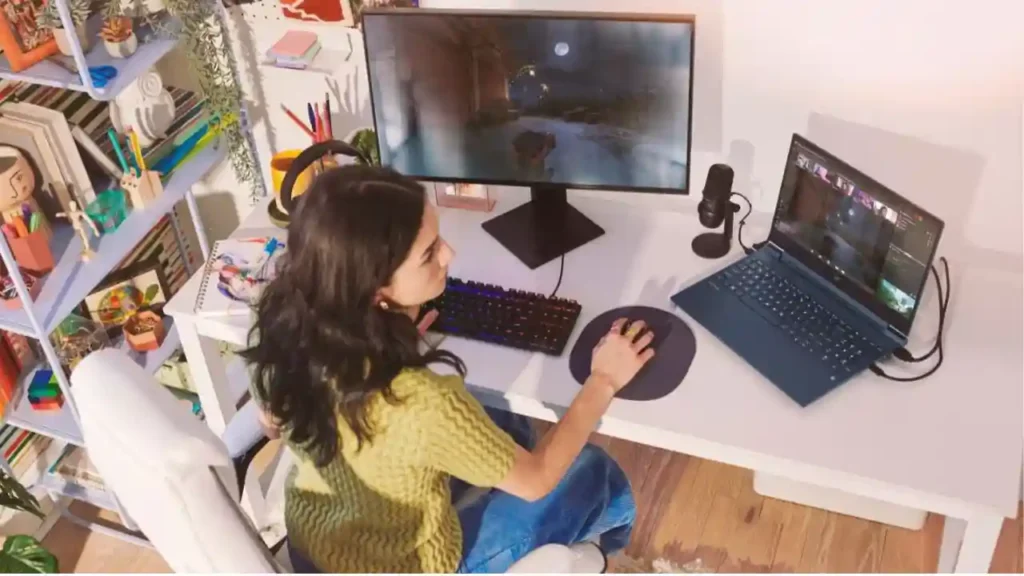
Budget laptops can deliver excellent editing performance if you optimize them properly. One of the most effective strategies is to use proxy files – lightweight versions of your original footage that make your timeline feel faster without affecting the final export quality. Both Premiere Pro and DaVinci Resolve support proxy workflows, and they can dramatically reduce lag on lower-powered machines.
Another helpful tip is storing your raw footage on an external SSD instead of your laptop’s internal drive. This keeps your system fast and prevents unnecessary slowdowns. Organizing your files properly also reduces loading times and makes your editing experience feel more professional. And finally, updating your graphics drivers and keeping your software optimized ensures your laptop gives you its full potential.
These small workflow improvements can turn even a modest machine into a surprisingly capable editing setup. It’s a great reminder that skill and optimization matter just as much as hardware.
When a Budget Laptop Isn’t Enough: How Professional Services Can Fill the Gap

Even with a solid laptop, there are moments when creators want their videos to look more polished than what they can achieve alone. Color grading, sound design, pacing, storytelling, and visual consistency can take years to master – and not every project allows time for that learning curve. That’s where professional editors become incredibly helpful.
At Inside Editors, we help creators, brands, and businesses bring their ideas to life with editing services tailored to their unique style. Whether you’re working on a home video, a TikTok reel, a sports highlight, a GoPro adventure, or a full online course, our team handles the heavy lifting so you can focus on creating. If you ever want to elevate a project beyond your current skill level or need a helping hand during tight deadlines, our video editing services are always here to support you.
You can explore everything we offer – from social media editing to Amazon product videos, lifestyle edits, online-course polishing, sports highlights, and more – directly at InsideEditors.com.
Final Thoughts: Choosing the Best Budget Laptop for Video Editing In 2025
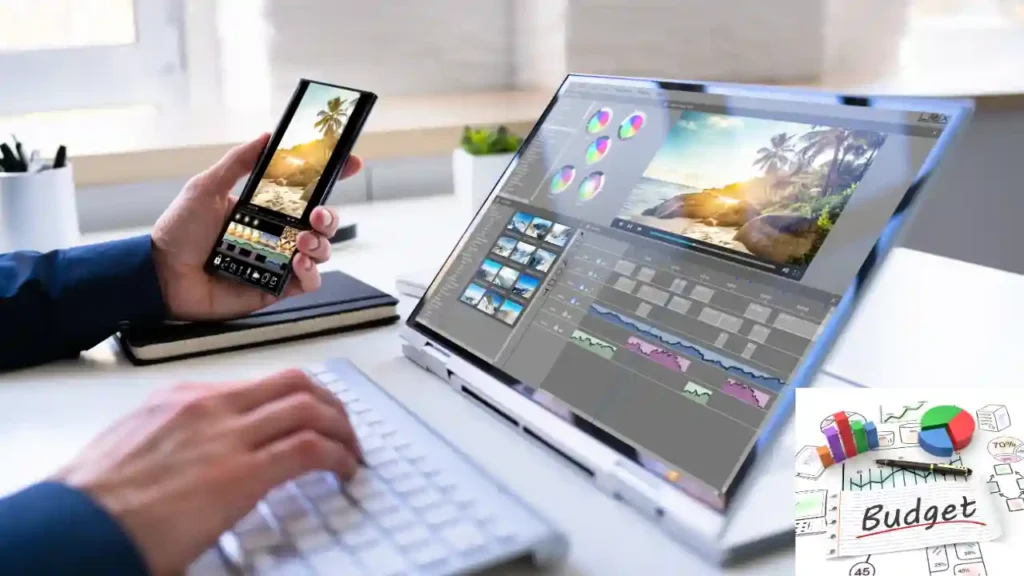
Choosing the right budget laptop for video editing isn’t about finding the most expensive machine you can afford. It’s about understanding what you create, how you work, and which features truly make editing easier for you. The laptops in this guide cover a range of performance levels to match beginners, hobbyists, students, freelancers, and even semi-professional editors who don’t want to overspend.
By combining smart hardware choices with good workflow habits, you can create professional-quality videos on a budget – without giving up speed, creativity, or reliability. And if you ever want to take your content even further, the team at Inside Editors is always ready to help shape your story into something memorable.
If you’re excited to level up your editing journey, explore our creative services and discover how professional editing can transform your footage into a polished, engaging story your audience will love.
FAQs : Top 5 Budget Laptop for Video Editing
Q1: How do you know I can trust Inside Editors with my footage and ownership rights?
A: Inside Editors keeps ownership and delivery transparent: you retain full copyright to your footage and final edits unless a separate transfer is agreed. Project terms typically state who owns source files, and our contracts include clear revision and delivery terms. For extra privacy, ask for an NDA and confirm secure file transfer (SFTP or private cloud). If ownership or licensing matters for monetization, request that wording up front.
Q2: What quality guarantees and revision policies do you offer?
A: We guarantee work meets the agreed brief and usually include 1–2 rounds of revisions in standard packages; additional rounds are available for a small fee. Quality checks include color, audio levels, and export format confirmation before final delivery. If a revision request falls outside the original scope (new scenes, major re-edit), we’ll estimate time and cost transparently. This approach balances quality control with predictable pricing.
Q3: How is client privacy handled when sending large video files?
A: Files are transferred via secure links (private cloud shares or SFTP) and removed from active project storage per your request after delivery. Access is limited to assigned editors and project managers; if you need extra confidentiality, request an NDA and encrypted transfers. We recommend using password-protected shares and deleting source footage from public cloud folders when finished to reduce exposure. Ask for a retention schedule to match your privacy needs.
Q4: Should I edit myself or hire a professional – which is better for my project?
A: DIY editing is great for quick social clips and learning, but professionals save time and polish for client work, product launches, or monetized channels. If you value storytelling, color grading, audio mixing, or tight pacing, hiring Inside Editors often yields faster, higher-value results; DIY is fine for practice and very small projects. Consider hybrid options: do rough cuts, then outsource polishing to control costs and quality.
Q5: Which editing tools are best – Premiere Pro, DaVinci Resolve, or others?
A: Premiere Pro is widely used for timeline flexibility and plugin support; DaVinci Resolve leads in color grading and offers a robust free tier. If budget is a concern, Resolve’s free version handles 1080p–4K editing and advanced grading; Premiere requires an Adobe subscription but integrates well with Adobe ecosystems. Match tool choice to workflow: choose the tool your editor uses (or you’ll learn fastest) for smoother collaboration.
Q6: How much should I budget for professional editing services?
A: Typical pricing ranges: simple social edits $30–$150 per video, polished long-form edits $150–$600+, and full packages (edit + color + sound + revisions) $400–$2,000 depending on length and complexity. Many services offer tiered packages so you can pick features (e.g., basic cuts vs. full post). Always confirm what’s included-source file handling, revisions, and final formats-to avoid surprise charges.
Q7: What are typical turnaround times and rush options?
A: Standard turnaround for a single short video is usually 2–7 business days; longer or multi-part projects range from 1–3 weeks. Rush delivery is commonly available for an extra fee (often 25–100% of base price) and depends on current queue and project complexity. Clear briefs, organized files, and timely feedback speed delivery; slow responses from clients are the most common cause of schedule delays.
Q8: How do I prepare my files to get the best results quickly?
A: Export or upload high-quality source footage (camera originals when possible), separate audio tracks if available, and include a short brief with desired style, reference links, and timecodes for key moments. Label files and compress into logical folders (e.g., “clips,” “music,” “logos”), and use a fast external SSD or cloud share for large footage. A clear brief + organized assets reduces revisions and shortens turnaround time.


