

Corporate video is now one of the most effective communication tools across UK businesses. From onboarding new hires to explaining complex services or sharing leadership updates, video lets companies present information clearly and memorably. But the quality of those videos depends heavily on the software behind them. That’s why understanding the best Corporate Video Editing Software UK options helps teams choose tools that support speed, collaboration, and reliable output.
If you’ve ever opened an editor and felt overwhelmed by timelines, menus, or countless effects, you’re not alone. Corporate video editors deal with tight deadlines and multiple stakeholders. One software change can either simplify the entire workflow-or make it far more complicated. So before choosing the perfect editor for your team, it helps to understand what corporate users actually need from their tools.
Why Corporate Editing Needs the Right Tools

Corporate video work is very different from creating content for personal projects or social platforms. You’re creating materials that reflect a brand’s identity, voice, and values. A single mistake-a colour inconsistency, audio pop, or poorly blended transition-can make training videos look rushed or reduce the impact of a product demonstration.
That’s why companies prefer stable, predictable editing platforms. When you’re working on long training modules or monthly leadership updates, you need a tool that won’t crash halfway through rendering. You also need dependable colour and export settings so every video feels consistent with your brand guidelines.
Imagine producing a five-part onboarding series: if each video feels slightly different, new employees will notice. The right software keeps everything uniform, helping your company present a polished and professional experience from start to finish.
Features That Save Time and Improve Workflow
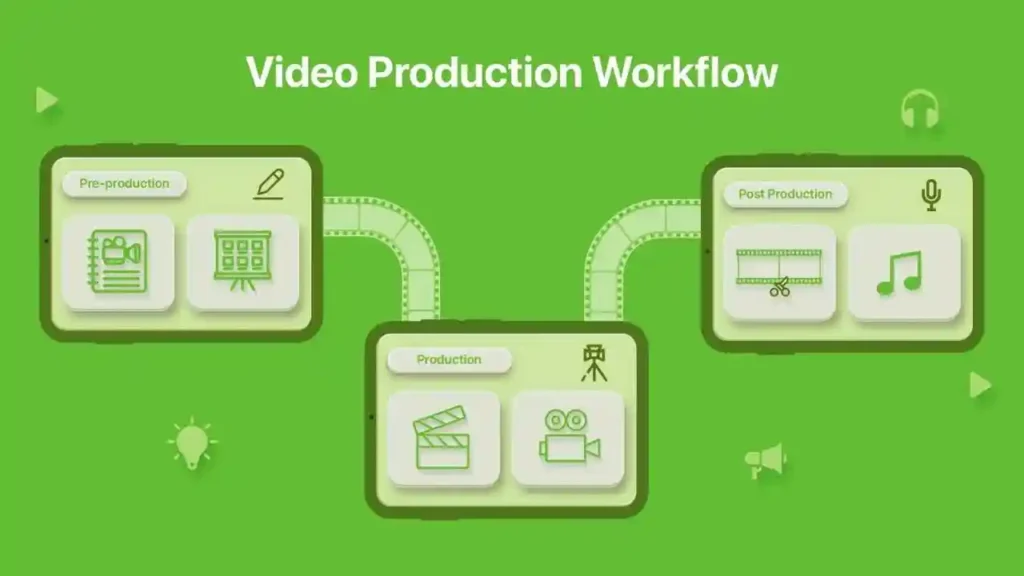
Corporate teams rarely work on just one project at a time. There may be product demos, HR explainers, marketing campaigns, and event recaps happening simultaneously. This is where workflow-friendly features matter most. Auto-captioning, templates, version history, cloud syncing, team libraries, and AI-assisted enhancements all save hours every week.
Consider something as simple as captions. Instead of manually typing every line, modern editors generate them automatically-saving significant time, especially for longer training videos. Or think about cloud collaboration: instead of exporting drafts, sending them through email, or managing endless shared drives, teams can review and comment directly inside the editing tool.
These small improvements add up quickly. Over a year, the right editing platform can free dozens of hours, reduce mistakes, and improve final project quality.
How the Right Editor Streamlines Projects
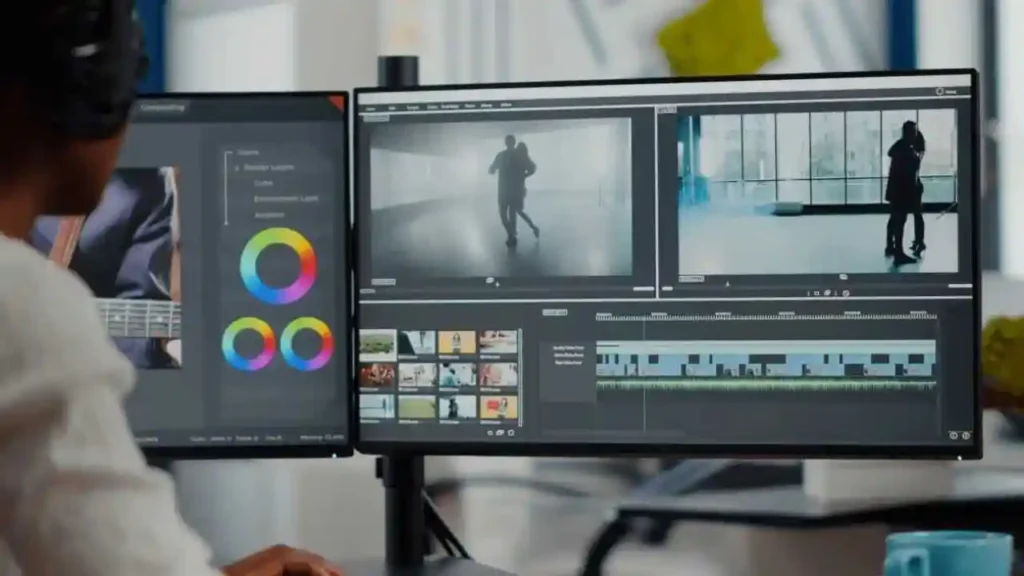
Most corporate videos go through multiple rounds of review. Marketing suggests new visuals, HR adjusts messaging, leadership changes tone, and the brand team tweaks colour or typography. Without organized tools, this process gets messy fast.
A strong editor keeps everything in order. Shared asset libraries ensure everyone uses the same colours, fonts, and graphic elements. Timeline markers help track revisions. Autosaves protect long projects from sudden crashes. Built-in templates make recurring videos, like monthly announcements, far easier to produce.
Better tools also improve how teams communicate. When editors have quick access to the right transitions, lower-thirds, and animation presets, they spend less time hunting for assets and more time polishing the story. That smooth workflow improves the experience for everyone involved, from the person filming to the team approving the final cut.
Top 10 Software for UK Businesses
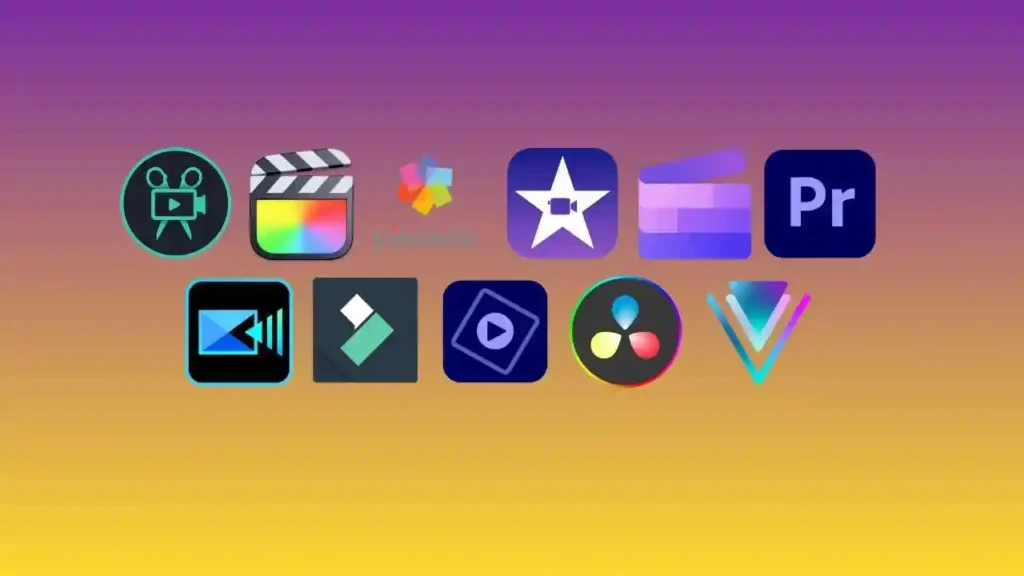
Below is the UK-relevant software list we’ll explore across the full article:
- Adobe Premiere Pro
- DaVinci Resolve Studio
- Final Cut Pro
- Adobe Premiere Rush
- Filmora Business
- VEGAS Pro
- Camtasia
- Clipchamp Business
- WeVideo for Business
- Kapwing Pro (Teams)
These platforms offer the stability, collaboration, and reliability required for modern corporate work.
Adobe Premiere Pro
Adobe Premiere Pro remains one of the most trusted editing tools in UK businesses because it offers both depth and flexibility. Whether you’re creating training videos, interviews, or polished brand stories, Premiere adapts to your workflow. It’s powerful enough for professional editors yet structured clearly enough for intermediate users.
One of its biggest advantages is how well it connects with other Adobe tools. If your team uses After Effects for motion graphics or Photoshop for assets, transitioning between apps is seamless. Its colour tools, audio panel, and organized timeline structure help keep videos consistent across multiple projects.
If your team wants expert help with Adobe-based video content, Inside Editors offers full-service support: Corporate Video Editing Services
DaVinci Resolve Studio
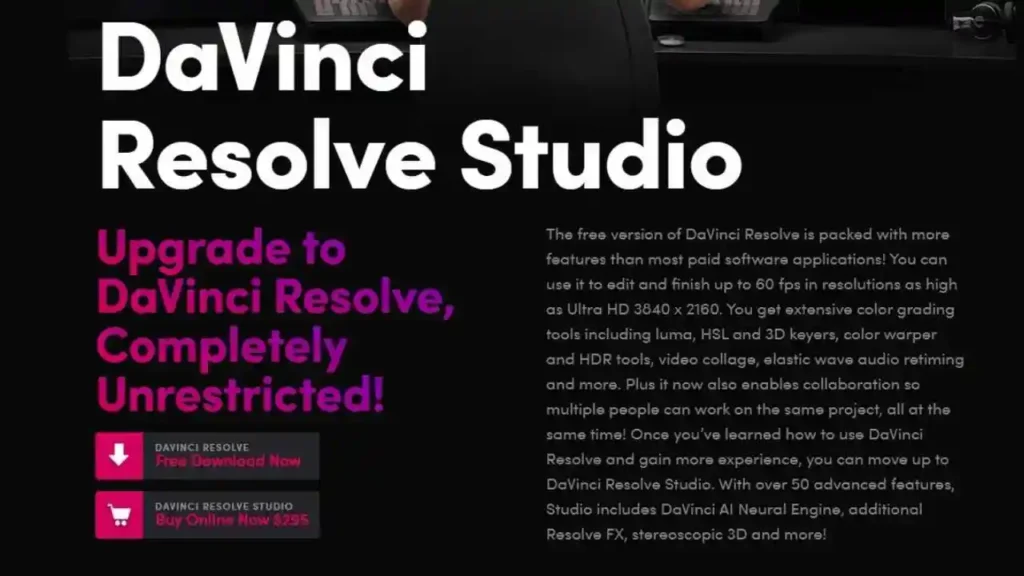
DaVinci Resolve Studio is widely respected in the UK for its incredible colour-grading capabilities. Many production companies and marketing teams rely on Resolve when visual accuracy and polish are essential. If your corporate content needs cinematic quality-such as product launches, brand videos, or event coverage-Resolve gives you unmatched control.
What makes Resolve particularly valuable is its all-in-one layout. Editing, audio mixing, motion graphics, and colour work all happen within the same interface. This reduces the need for multiple external tools and keeps the workflow smooth. Many UK teams begin with the free version before upgrading to Studio as their needs grow.
Final Cut Pro
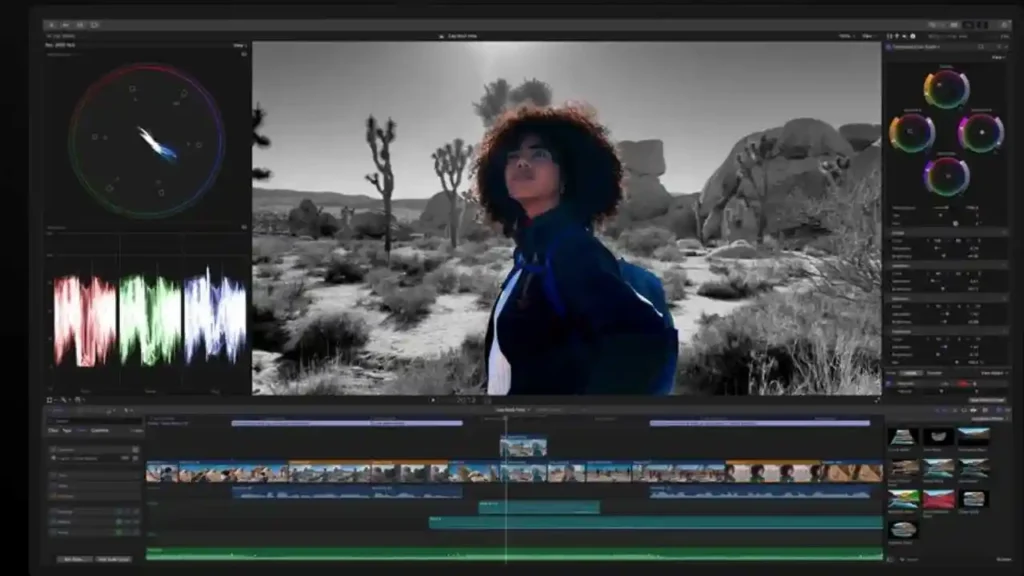
For corporate teams working mainly with Macs, Final Cut Pro is one of the fastest and most stable editing environments available. The magnetic timeline makes it easy to move clips around without creating gaps, and playback remains smooth even with large 4K files.
UK marketing teams, event creators, and internal video departments appreciate how quickly Final Cut renders finished projects. Its integrations with Motion and Compressor also make it ideal for producing branded graphics and consistent export formats.
Premiere Rush
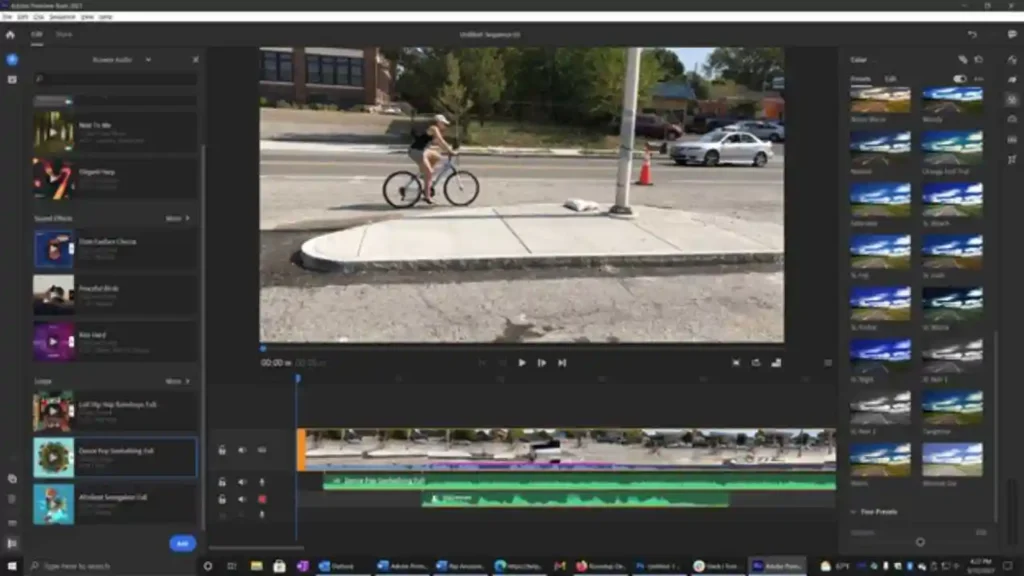
Premiere Rush is designed for simplicity. When your team needs to produce quick updates, internal announcements, or repeated video formats, Rush delivers clean results without the complexity of full professional editors. It syncs across devices, letting teams film on mobile and finish edits on desktop effortlessly.
Rush is especially useful for UK companies with fast-moving communication cycles where speed matters more than advanced effects.
Filmora Business
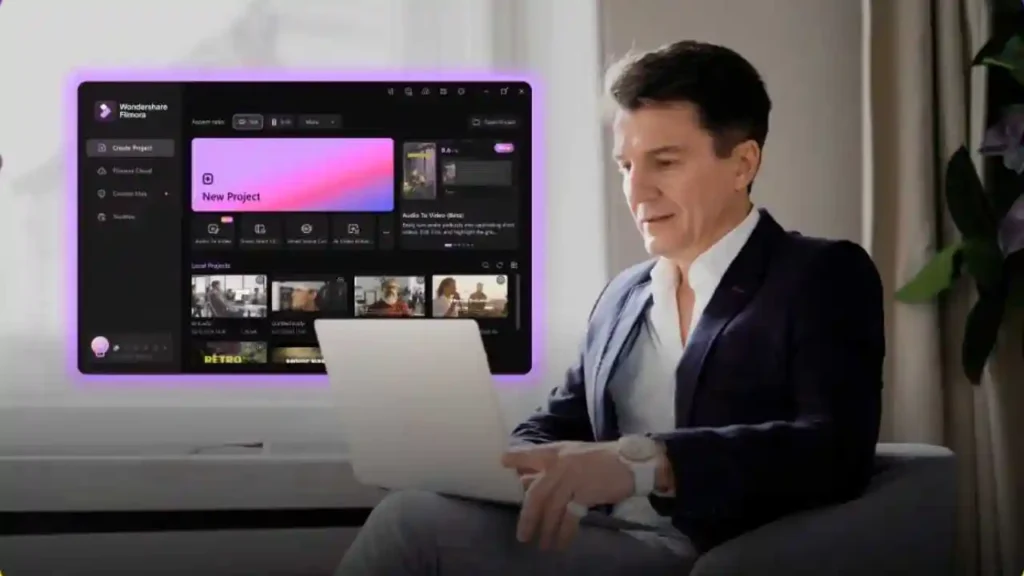
Filmora Business is ideal for teams that want professional visual quality without a steep learning curve. If multiple colleagues need to create internal content-such as HR explainers, onboarding modules, or quick recap videos-Filmora’s drag-and-drop structure keeps everything straightforward.
Its built-in templates and visual elements help maintain brand consistency while reducing editing time. Many UK companies choose Filmora for internal communication because it balances ease and quality well.
VEGAS Pro
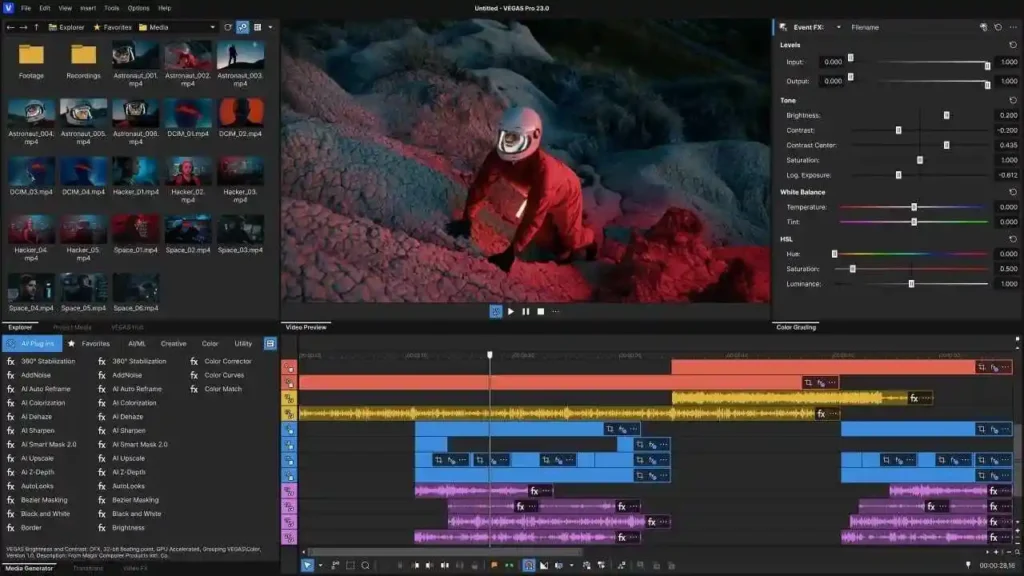
VEGAS Pro is a long-standing favourite among editors who want deep timeline control and strong audio tools. UK teams producing technical content, event recaps, and multi-camera videos often prefer VEGAS because it feels responsive even when handling heavy footage. Its layout is straightforward, but under the surface it offers a surprising amount of power, especially for motion tracking, colour adjustment, and advanced audio handling.
What stands out most is VEGAS Pro’s timeline speed. Editors can slice, trim, and rearrange clips with minimal delay, even when handling large corporate projects like product demos or camera-heavy event footage. For businesses needing fast turnaround times-like marketing agencies or internal media departments-this responsiveness saves hours over the course of a year.
Camtasia
Camtasia is one of the most widely used editors for training videos, screen recordings, tutorials, and software demonstrations throughout UK businesses. If your team produces onboarding modules or educational content, Camtasia’s screen-capture tools make the process much easier. With built-in transitions, cursor effects, annotations, and callouts, you can create polished training content without relying on external graphics tools.
Many UK companies choose Camtasia because it simplifies editing for non-specialists. HR teams, trainers, department leads-anyone can use it with minimal learning curve. Unlike more complex editors, Camtasia focuses on clarity. It helps organisations build understandable instructional videos that walk viewers through processes step-by-step. This is especially useful in remote and hybrid workplaces.
Clipchamp Business
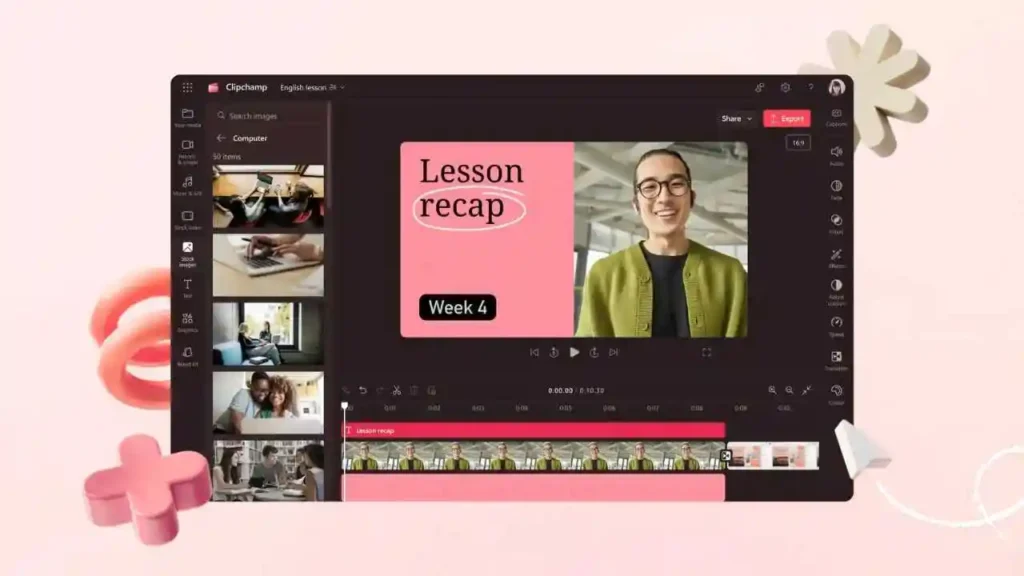
Clipchamp Business, now part of Microsoft, is becoming increasingly popular across UK organisations-especially those already using Microsoft 365. Since it’s cloud-based, your team can access projects from different locations without dealing with heavy software installations. This makes Clipchamp ideal for fast-turnaround corporate videos like internal updates, product explainers, or quick promotional messages.
Its template-driven approach helps non-editors produce consistent, brand-friendly videos. You can drag in logos, copy brand colours, and reuse layouts across multiple projects. Because Clipchamp sits inside the Microsoft ecosystem, UK teams find it easy to integrate it into existing workflows without adding new software to maintain.
WeVideo for Business

WeVideo for Business is built for collaboration. Because everything runs in the cloud, team members can log in from anywhere and edit together in real time. This is especially useful for UK companies with distributed teams or those managing mixed in-office and remote work. No one needs a high-performance computer-the processing happens in the cloud.
One of WeVideo’s strengths is its shared asset library. UK marketing teams often use this feature to maintain brand consistency across different content creators. Instead of storing graphics and templates across multiple drives, everything lives in one organised workspace. This ensures every video matches company style guidelines.
WeVideo also includes publishing tools for quick distribution to social channels or internal communication platforms, making it a good fit for teams delivering regular weekly or monthly updates.
Kapwing Pro (Teams)
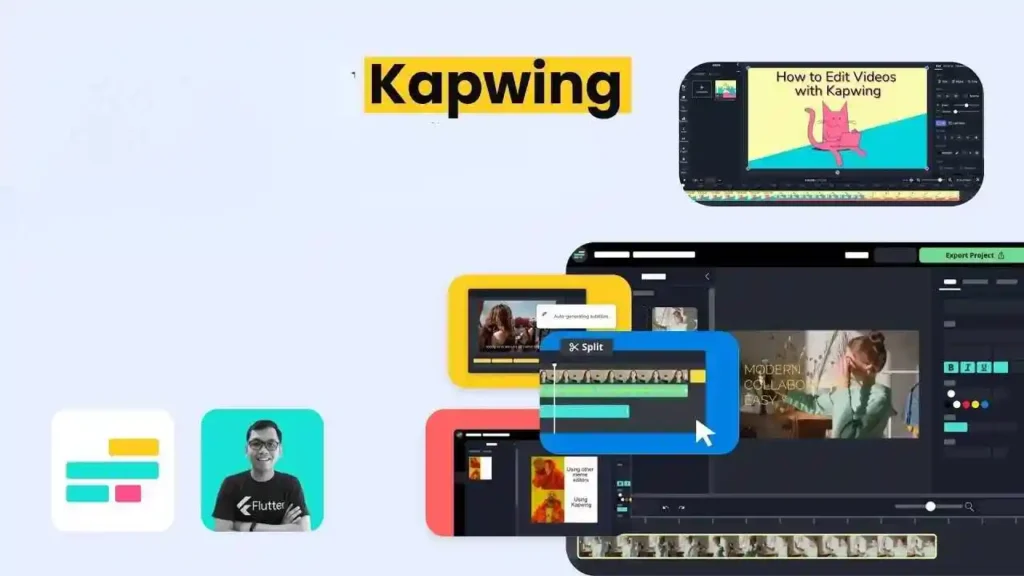
Kapwing Pro has grown quickly in the UK corporate space because of how lightweight and collaborative it is. It’s fully cloud-based, requires no installation, and lets teams edit, review, and export from any browser. For companies who need quick branded videos-like explainers, product teasers, or training snippets-Kapwing offers templates, AI tools, and rapid exporting.
One major benefit is how accessible it is. Even colleagues with little editing experience can produce clean corporate content using simple drag-and-drop elements. UK businesses working with tight schedules appreciate how Kapwing reduces the editing learning curve significantly.
Its AI tools, including automated subtitles and smart resizing, help create platform-specific versions of videos quickly-a major advantage when your company posts across multiple channels.
Comparing the Top UK Corporate Software
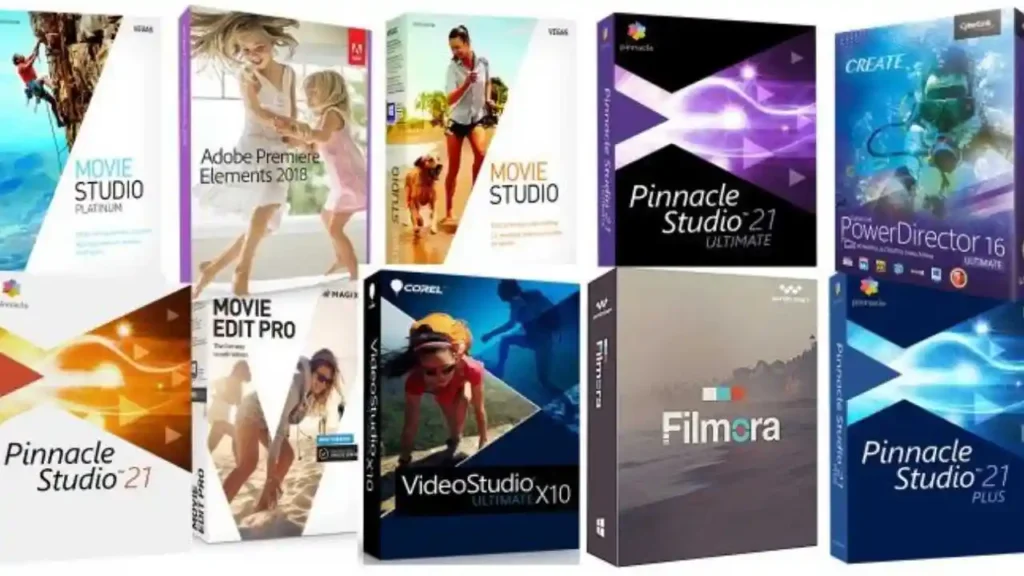
To help you see how these tools differ, here’s a simple comparison table based on common corporate needs:
| Software | Best For | Skill Level | Collaboration | Cloud-Based |
| Adobe Premiere Pro | Professional corporate video | Intermediate–Advanced | Limited | No |
| DaVinci Resolve Studio | Colour accuracy & film-quality visuals | Intermediate–Advanced | Limited | No |
| Final Cut Pro | Fast edits on Mac | Intermediate | Limited | No |
| Premiere Rush | Quick edits & mobile workflows | Beginner–Intermediate | Yes | Yes |
| Filmora Business | Internal communications | Beginner | Limited | No |
| VEGAS Pro | Timeline precision | Intermediate–Advanced | No | No |
| Camtasia | Training videos & screen recording | Beginner | Limited | No |
| Clipchamp Business | Office-integrated workflows | Beginner | Medium | Yes |
| WeVideo for Business | Team collaboration | Beginner–Intermediate | Strong | Yes |
| Kapwing Pro | Fast branded content | Beginner | Strong | Yes |
This table helps clarify which editor suits your team’s style. For example, training-heavy organisations may lean toward Camtasia, while multi-location teams often prefer WeVideo or Kapwing for collaborative work.
How to Choose the Right Editor for Your UK Business
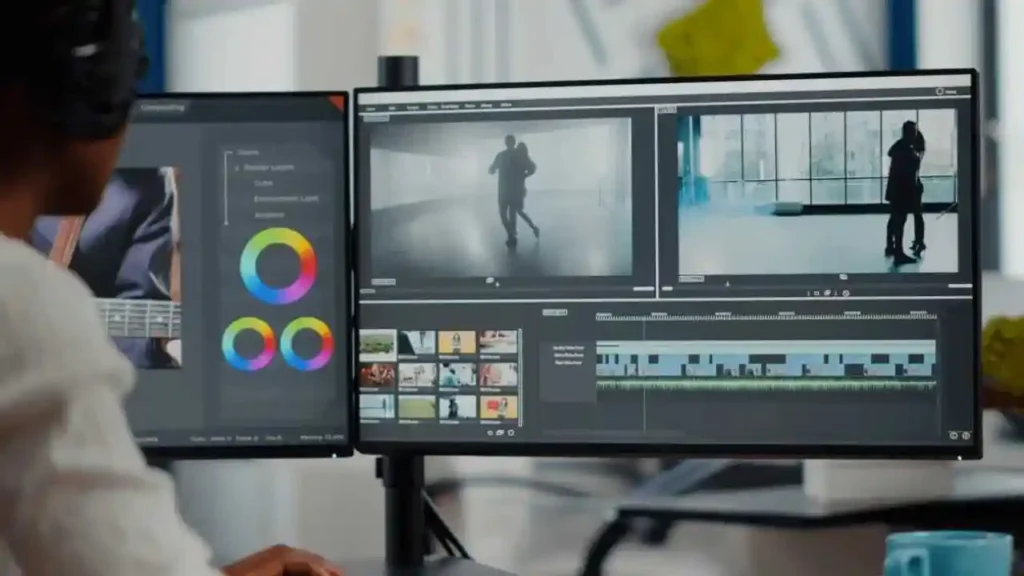
Match the Tool to Your Workflow
Before choosing a software, think about the type of videos you produce most. If your company creates polished client-facing video, tools like Premiere Pro or DaVinci Resolve offer the depth you need. If most content is internal training, Camtasia or Filmora Business might be smarter choices.
Consider Your Team’s Skill Level
Not everyone on a corporate team is an editor. If multiple colleagues need to create videos, choose something approachable and template-friendly. If you have dedicated editors, advanced software becomes more valuable.
Think About Your Hardware and Setup
UK teams using mostly Windows PCs have different needs than Mac-only teams. Cloud-based tools offer flexibility but may require strong internet connections.
Prioritise Collaboration
Hybrid teams benefit greatly from cloud workflows. Platforms like WeVideo and Kapwing Pro make remote collaboration far smoother.
When Professional Help Makes Sense
Even with the best software, some projects need more expertise or time than your team can give. That’s where professional support becomes invaluable. If you want polished results without losing hours in editing, you can explore the full range of services at: Corporate Video Editing Services
Inside Editors also offers specialised services for different niche needs, such as:
These services help teams stay productive while ensuring videos look consistent and professional.
Final Thoughts for UK Teams

Corporate video editing doesn’t have to be complicated. With the right software, your team can produce clean, on-brand content that feels polished and engaging. Whether you need cinematic visuals, quick internal updates, or collaborative cloud workflows, there’s a tool on this list suited to your style.
Choosing the right editor sets the foundation for smooth, efficient, and professional video creation. And if your team ever needs expert support, Inside Editors is always here to help elevate your content to the next level.
FAQs For Corporate Video Editing Software UK
Q1 -How can I trust a corporate video editor with my footage, revisions, and data?
Trust starts with clear terms: check revision limits, ownership clauses, and data-retention policies before you commit. Reputable providers usually grant you full ownership of final files, offer 1–3 rounds of revisions as standard, and store projects on encrypted servers; ask about backups and GDPR compliance if you’re operating in the UK. If privacy is critical, request a written Non-Disclosure Agreement (NDA) and confirm where assets are hosted.
Q2 -Should we use DIY software or hire pro editors for corporate videos?
DIY tools save money for simple projects (internal updates, short training clips) while pro editors give faster polish for external-facing or brand-critical work; expect DIY to cost under £100/year per seat and pro work to start from a few hundred pounds per video. If you need consistent brand quality, multi-camera editing, or motion graphics, hiring pros shortens revisions and typically delivers higher ROI.
Q3 -What are typical pricing ranges and what’s usually included or excluded?
Pricing varies: desktop licenses (one-off) range from £80–£400, subscription editors £8–£30/month per seat, and professional editing services typically start at £200–£600 per finished minute depending on complexity. Most packages include editing, basic colour correction and one revision; extras such as bespoke motion graphics, scriptwriting, or rush delivery are often charged separately-confirming exactly what’s in scope before you buy.
Q4 -How long does corporate video editing usually take and are rush options available?
Standard turnarounds are 3–10 business days for a short corporate video (2–5 minutes), while longer or complex projects (multi-camera, heavy graphics) commonly take 2–4 weeks. Many services offer rush options (24–72 hours) for an extra fee-expect a 25%–100% surcharge depending on workload and asset readiness-so preparing clean footage and clear briefs speeds delivery and reduces rush costs.
Q5 -What simple steps should a team follow to get a smooth edit (DIY or pro)?
Start with a one-page brief: objective, length, target audience, examples and brand assets (logo, fonts, HEX colours). Provide organised source files (labeled clips, a short shot list), a rough script or timestamps for key moments, and a single point of contact for revisions-this reduces back-and-forth and cuts typical edit time by 30–50%. If using professional help, include a short reference video so the editor nails the tone and pace on the first draft.
Q6 -Who owns the final videos and how is privacy handled with editing services?
Ownership usually transfers to the client once final payment is made-confirm this in writing; some vendors retain low-resolution previews until payment clears. For privacy, ask where files are stored, whether data is encrypted in transit and at rest, and whether the provider follows GDPR or ISO standards; for sensitive projects always request an NDA and specify deletion timelines for raw footage.


