


Finding high-quality remote video editing work has never been easier, but the sheer number of platforms available today can feel overwhelming. If you’ve ever opened multiple job boards, clicked through dozens of listings, and still wondered which sites are actually worth your time, you’re not alone. The digital workspace has exploded with new opportunities, and knowing where to look-and how to choose-can make the difference between inconsistent months and a stable editing career.
This guide explores the top five remote video editing jobs site options, helping you understand which ones match your skill level, career goals, and preferred workflow. As we walk through each platform, you’ll see how they differ, what they excel at, and how real editors use them to build steady income streams.
Before diving into the sites themselves, it helps to understand why remote video editing is suddenly in such high demand. Short-form video now dominates marketing, education, entertainment, and social media. Brands publish daily content. Creators expand across multiple channels. Businesses rely on video for product demos, online courses, training, and storytelling. With this rapid growth has come a constant need for editors who can deliver fast, clean, and creative work-especially those who know how to collaborate online. Whether you’re a beginner hoping to land your first freelance job or a seasoned editor searching for better-paying clients, choosing the right platform is the first step toward long-term success.
Why Choosing the Right Platform Shapes Your Editing Career

Selecting a platform isn’t just a matter of finding listings. Each remote video editing jobs site has its own culture, pricing expectations, client types, competition level, and workflow tools. Some reward niche skills like motion graphics or color grading, while others cater to fast-paced social content for creators and influencers. Many editors make the mistake of joining five or six platforms at once, only to get overwhelmed and lose consistency. The truth is, success often comes from picking two strong sites and mastering their system-how their algorithms promote profiles, how clients filter proposals, and how repeat work is rewarded.
A well-chosen platform also influences your creative growth. Editing is not just technical; it’s collaborative. Working with clients who provide clear briefs, realistic deadlines, and constructive feedback helps you improve faster. On the flip side, disorganized clients, unpaid revisions, and unclear workflows can drain your energy and shrink your earnings. The right job site filters out much of that noise, connecting you with clients who value professional work and understand the editing process. This is why it’s essential to assess stability, fairness, and client quality before applying to any job board.
The Hidden Costs and Benefits Editors Often Overlook
Every platform has strengths and trade-offs. Some take higher fees but offer steady, trustworthy clients. Others offer low fees but require constant bidding. A newer remote video editing jobs site might have less competition but fewer premium clients. Editors who understand these dynamics avoid common mistakes-like underpricing their work or accepting jobs that don’t align with their long-term goals.
Payment protection, dispute handling, revision policies, and communication tools also matter more than most beginners realize. For example, a site that protects milestone payments ensures you’re paid even when clients change direction. Meanwhile, sites that lack structured workflows often lead to messy revision cycles. Understanding these nuances helps you choose platforms that respect your value and support your growth, rather than ones that burn you out.
Why This Guide Focuses on Only Five Sites
You’ll find dozens of job boards claiming to offer editing opportunities, but only a handful consistently deliver reliable, good-paying remote work. This guide focuses on the top five because they represent the best mix of pay stability, long-term client relationships, platform tools, and growth potential. By understanding each one, you’ll know exactly where to begin-or where to pivot-based on your career stage and editing style. And as we explore them, you’ll notice natural differences that help you choose with confidence, not guesswork.
Upwork: A Flexible Platform for Editors Who Want Variety
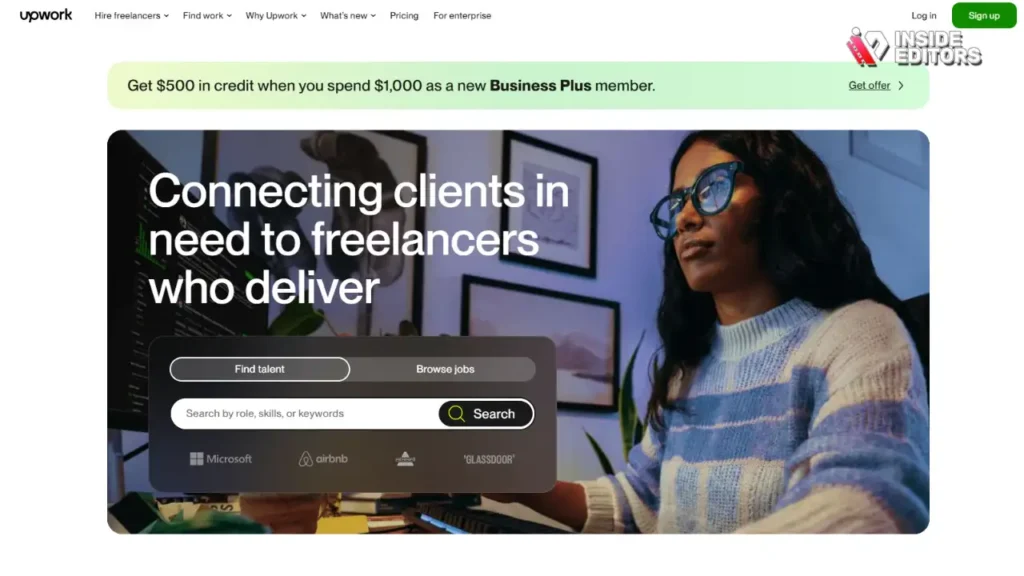
Upwork remains one of the most popular platforms for freelance editors because of its broad range of clients-from small creators to major brands. Editors often appreciate that the site encourages repeat projects; once you complete a job successfully, you’re far more likely to work with the same client again. This reduces constant bidding and lets you build stable monthly income. Because the platform tracks your “Job Success Score,” consistent high-quality work improves your visibility, making it easier to land new clients over time.
The variety of Upwork also helps editors explore different types of work. You might edit product videos one month, travel vlogs the next, and short ads after that. This range is ideal for editors who want to expand their portfolio quickly. Many editors start here because it’s easier to get initial traction with strong samples and a well-written proposal. And unlike some platforms, Upwork allows both hourly and fixed-rate contracts, giving you flexibility depending on your schedule.
Where Upwork May Fall Short
However, Upwork isn’t perfect. Competition can be intense, especially for beginner-level jobs. New editors sometimes underprice themselves, creating a race to the bottom that can make it harder for newcomers to maintain fair rates. Additionally, Upwork charges service fees, and the site tends to promote profiles with stronger histories. Despite these issues, editors who take the time to learn how the platform’s algorithm works-especially how proposals, keywords, and client reviews shape visibility-usually find consistent, well-paid work over time.
Fiverr: A Structured Marketplace That Rewards Specialization
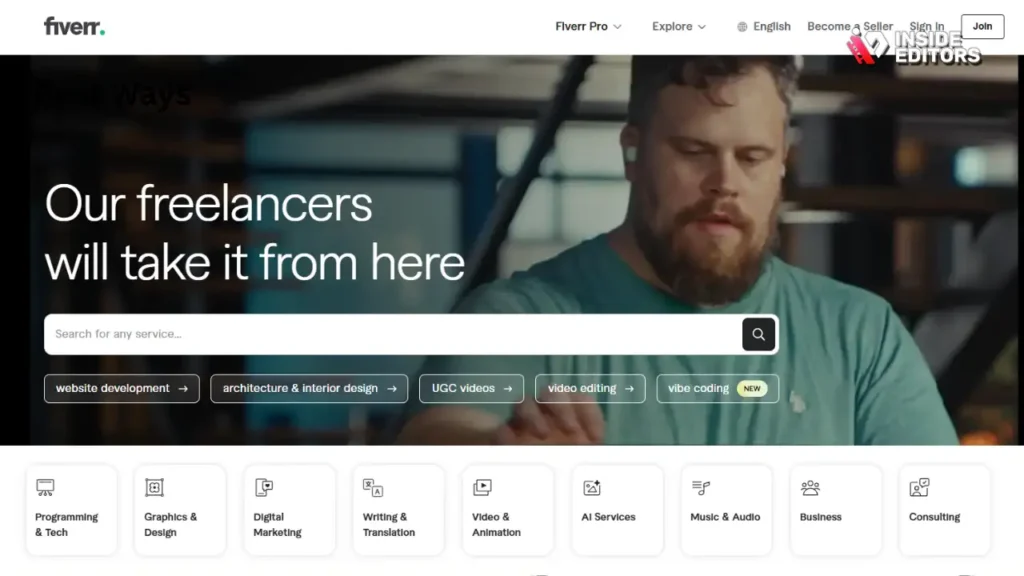
One of Fiverr’s biggest advantages is its gig-based structure. Instead of applying to jobs, you create packages-such as editing 60-second videos, color-grading footage, or producing cinematic ads-then clients come to you. This structure is perfect for editors who prefer clear boundaries and predictable workloads. Because Fiverr showcases visual portfolios, strong thumbnails and well-designed service pages often attract clients quickly. Editors who specialize in short-form content, especially for platforms like TikTok, YouTube Shorts, or Instagram Reels, often find Fiverr extremely effective.
Another benefit of Fiverr is its emphasis on speed. Clients often want quick turnarounds, creating opportunities for editors who are comfortable with fast-paced work. If you’re good at delivering polished results without long back-and-forth communication, Fiverr can provide a steady stream of projects. The platform also allows you to add “gig extras”-additional services like extra revisions or faster delivery-which can significantly boost your earnings.
Where Fiverr Might Feel Limiting
On the downside, Fiverr’s pricing competition can be tough. Many new sellers start at very low prices to get initial reviews, which can make it difficult for editors to maintain the value of their work. The platform also rewards high response rates, fast delivery, and consistent availability, which might feel demanding if you prefer slower-paced projects or have a full-time job. However, once you establish strong gig packages and accumulate positive reviews, Fiverr becomes one of the easiest ways to scale your editing career with predictable workflows.
Freelancer.com: A Great Option for High-Volume Job Seekers
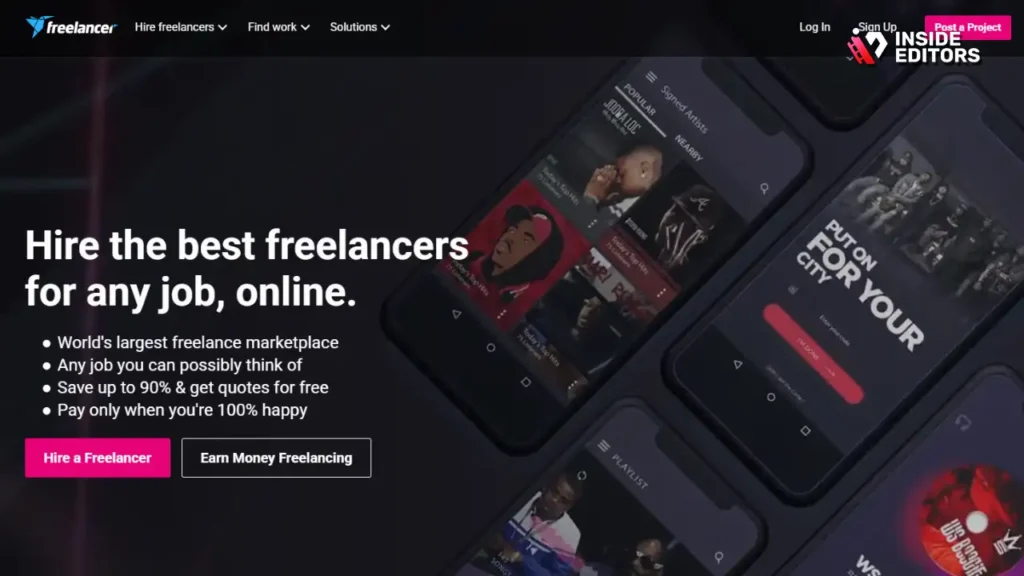
Freelancer.com is ideal for editors who like having a wide range of job listings to choose from. The platform posts hundreds of new projects daily, allowing editors to browse and filter through categories like motion graphics, YouTube editing, or promotional content. If you prefer applying to many opportunities per week, this site ensures you never run out of options. And because clients come from all over the world, you’ll see diverse project types, budgets, and communication styles-useful for editors looking to broaden their experience.
The platform also has a milestone-based payment system, which protects editors by releasing funds only when agreed-upon steps are completed. This system helps prevent misunderstandings and ensures you’re paid even when projects change direction. Another useful feature is the option to participate in contests, allowing editors to showcase creativity and potentially win high-paying projects without needing prior reviews.
When Freelancer.com Isn’t the Best Fit
However, the bidding process on Freelancer.com can feel tiring. Many editors compete for the same project, and beginners may find it difficult to stand out. Some listings have unclear requirements, and communication can sometimes be inconsistent depending on the client. Still, for editors who enjoy frequent applications and are comfortable adjusting proposals quickly, Freelancer can provide steady remote work and valuable experience.
PeoplePerHour: A Curated Marketplace for Serious Clients
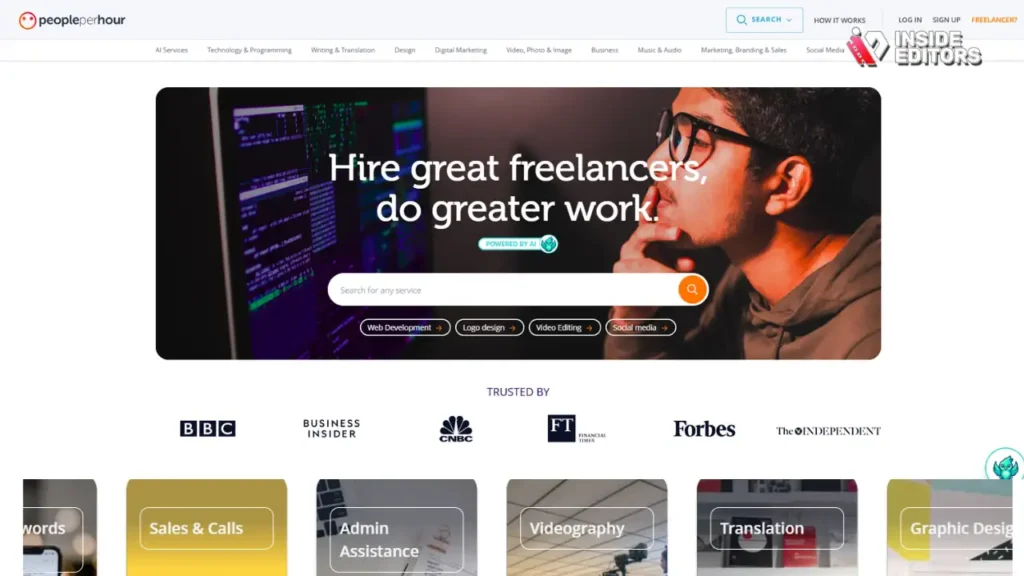
PeoplePerHour stands out because it uses a semi-curated system that filters both freelancers and clients. This means you’ll often find better briefs, clearer scopes, and clients who understand the cost of creative work. Many editors appreciate that PeoplePerHour allows you to set “Hourlies” – fixed-price service packages similar to Fiverr gigs – while also letting you apply to posted projects like on Upwork. This dual approach gives you flexibility: you can attract passive clients through your Hourlies while actively bidding on jobs that match your expertise.
Because PeoplePerHour highlights skills more prominently than many other platforms, editors who specialize-whether in color grading, cinematic editing, short-form cuts, or animated explainer videos-tend to do well. The site rewards niche positioning. If you’ve ever felt lost on a platform filled with thousands of generalist editors, PeoplePerHour’s structure can help you stand out quickly by showcasing the exact style and strengths you bring to the table.
When PeoplePerHour May Not Be Ideal
However, PeoplePerHour is less beginner-friendly than broader marketplaces. New editors sometimes struggle to get their first few reviews because competition tends to skew toward mid-level or experienced professionals. The platform also sometimes has slower project turnover than Upwork or Fiverr, meaning you may need patience before you build momentum. Once you establish a strong profile, though, PeoplePerHour can become one of the most reliable remote video editing jobs site options for consistent and well-paid work.
Behance: A Portfolio-Driven Platform That Attracts Creative Clients
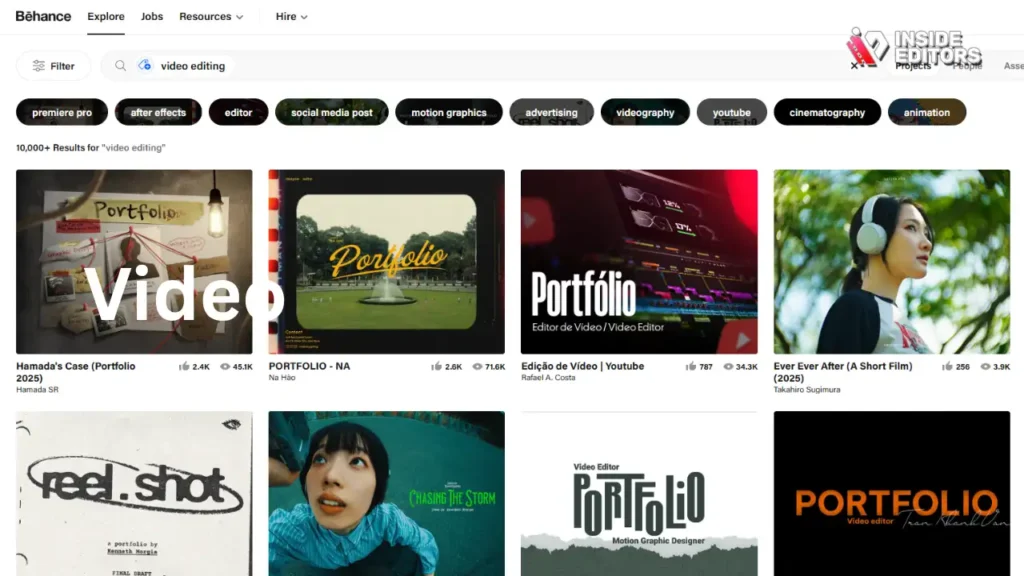
Behance isn’t a traditional job board; it’s a creative portfolio platform used by agencies, brands, and studios worldwide. But it also hosts a growing job marketplace, and editors with visually striking work often receive direct inquiries from potential clients. If your editing style includes strong storytelling, motion graphics, cinematic sequences, or high-end commercial aesthetics, Behance acts like a magnet for premium clients. Its algorithm favors polished, curated projects – meaning your best videos can attract ongoing attention for months or even years.
Behance is excellent for editors who want to build a brand around their work. Clients browsing the platform tend to value visuals first, not price. This makes it easier for editors to land higher-budget projects without chasing after job listings. It’s also a great place to post case studies or behind-the-scenes breakdowns that highlight your editing process, giving clients a deeper understanding of your expertise and creative thinking.
What Behance Doesn’t Offer
The downside is that Behance doesn’t have the same volume of daily listings as traditional job boards. It’s not ideal if you need immediate income or want to apply to many opportunities quickly. Instead, it functions more like an inbound marketing channel – the better your portfolio, the more clients reach out.
Still, for editors who want long-term career growth and premium connections, Behance is an essential part of a powerful remote editing strategy.
Comparing the Top 5 Platforms Side-by-Side
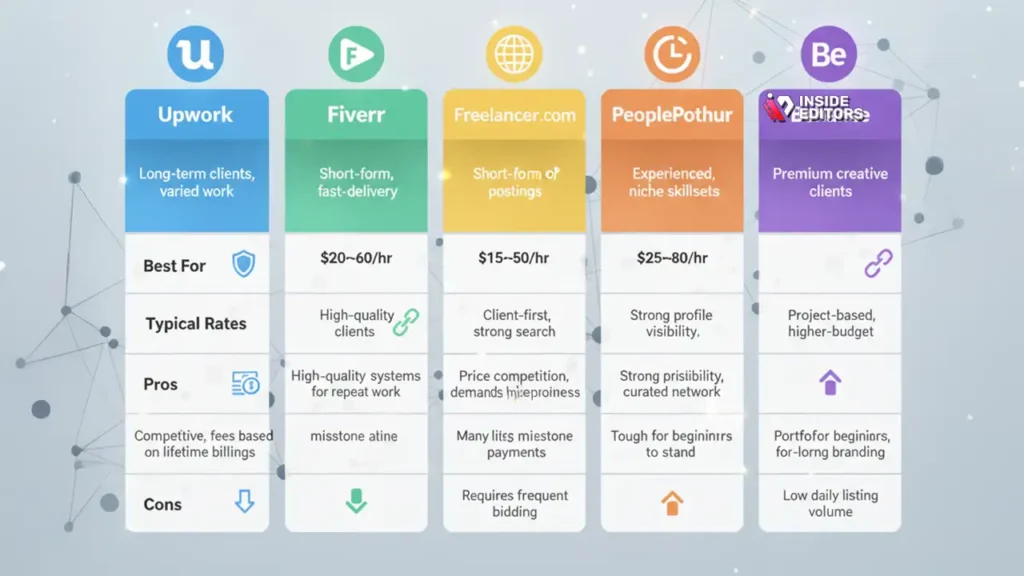
To help you make a clearer decision, here’s a simple comparison of the top platforms:
| Platform | Best For | Typical Rates | Pros | Cons |
| Upwork | Long-term clients, varied work | $20–$60/hr | High-quality clients, systems for repeat work | Competitive, fees based on lifetime billings |
| Fiverr | Specialized short-form or fast-delivery editing | $15–$150 per project | Client-first marketplace, strong search visibility | Price competition, demands high responsiveness |
| Freelancer.com | High volume of postings | $10–$50/hr | Many listings daily, milestone payments | Requires frequent bidding |
| PeoplePerHour | Experienced editors, niche skillsets | $25–$80/hr | Strong profile visibility, curated network | Tough for beginners to stand out |
| Behance | Premium creative clients | Project-based, often higher-budget | Portfolio-driven, ideal for long-term branding | Low daily listing volume |
Seeing this side-by-side helps you understand not just where jobs exist, but where you fit best based on your experience level, personality, and editing style.
Common Mistakes Editors Make When Finding Remote Work

One of the biggest mistakes beginners make is setting their rates far too low. It’s easy to assume that the only way to get clients on a remote video editing jobs site is to underbid, but this usually leads to burnout and poor-quality clients. When you price yourself too low, you attract clients who undervalue video quality – clients who often demand the most revisions and give the toughest deadlines.
A better approach is to start with fair pricing that reflects your actual skill level. Clients who understand the editing process are willing to pay for quality and reliability. Remember: the goal isn’t to win every project – it’s to win the right ones.
Ignoring the Power of a Targeted Portfolio
Many editors upload generic samples that don’t match the kind of clients they want. If you want to edit YouTube videos, show YouTube samples. If you want commercial clients, show polished, cinematic work. Clients make decisions in seconds; strong samples often matter more than your written profile. Tailoring your portfolio to your ideal client type doesn’t just help you get more work – it increases your chances of getting better-paying projects.
Not Understanding Platform Algorithms
Every job site promotes profiles differently. Fiverr relies heavily on gig optimization. Upwork favors consistent reviews and strong job histories. Behance pushes visual quality. Understanding these systems helps you work with the platform rather than against it. Many editors who struggle early on simply haven’t learned how their chosen site prioritizes freelancers.
When Professional Editing Services Can Help You Scale Faster
Even experienced editors sometimes feel overwhelmed by deadlines, revisions, or complex project demands. If you’re a creator, business owner, or brand managing multiple video projects, working with a professional editing service like Inside Editors can provide a huge advantage. Instead of spending hours adjusting color tones or trimming B-roll, you free up time to focus on storytelling, filming, or marketing.
Inside Editors specializes in services like product video editing, travel content editing, reaction editing, and fitness video editing. Whether you’re launching a new brand or managing multiple content channels, having experts handle your workflow helps ensure consistency and faster turnaround.
Why Many Freelancers Partner with Professional Teams
Some editors use professional editing services as a support system – especially during high-volume months. By outsourcing parts of the workflow to trusted teams, freelancers can increase their capacity without sacrificing quality. This hybrid model creates more opportunities for income and helps you take on bigger or more demanding clients. It also reduces revision pressure since professional teams provide structured quality control.
Final Thoughts: Choosing the Best Site for Your Remote Editing Career

Exploring the top five platforms gives you a clearer picture of how each remote video editing jobs site can support your career goals. Upwork helps you build long-term relationships, Fiverr rewards specialization, Freelancer.com offers high-volume work, PeoplePerHour elevates niche experts, and Behance strengthens your personal brand. The best one for you depends on your style, your availability, and the type of clients you want to attract.
What matters most is choosing platforms that empower you – sites that respect your time, your creativity, and your growth as a professional. Once you understand how each platform works, it becomes much easier to build a stable workflow and earn consistently from your editing skills.
If you’re ready to take your videos from simple to polished, explore Inside Editors’ editing services to get expert-level results without the stress. The right support can turn any creative idea into something memorable.
FAQs – Top 5 Remote Video Editing Jobs Site
1: Are remote video editing jobs site platforms safe for payments and privacy?
Most reputable platforms offer escrow or milestone payments to protect editors and clients, which prevents non-payment after delivery. Always verify client reviews, ask for a brief contract, and avoid sharing raw, unreleased footage until payment terms are clear. For privacy, use watermarked drafts and secure file-sharing tools (Google Drive, Dropbox, Frame.io) and confirm any NDA or licensing needs in writing.
2: Should I try DIY editing tools or hire a pro when starting out?
DIY tools (Premiere Rush, CapCut, iMovie) are perfect for learning basics and small social clips, while professional editors save time and boost production value for campaigns, courses, or paid ads. If your goals are growth or monetization, consider a hybrid approach: learn basics for quick edits and hire a pro for high-impact releases. Inside Editors can step in when you need consistent quality without the learning curve.
3: What do remote video editors typically charge and what’s usually included?
Rates vary by experience and project type: short social edits often run $15–$150 per video, hourly rates commonly fall between $20–$80, and higher-end commercial jobs can exceed $500. Typical packages include rough cut, one round of revisions, color correction, and delivered MP4/HEVC files; extras (source files, extra revisions, rush delivery) cost more. Always confirm deliverables and revision limits before starting.
4: How long should I expect a typical turnaround on remote editing work?
Turnaround depends on complexity: short social clips (30–90s) are commonly 24–72 hours, medium projects (5–15 minutes) take 3–7 days, and longer edits (courses, documentaries) can take weeks. Rush or expedited services are often available for a 25–100% premium, depending on scope. Build buffer time for client feedback and revisions – the fastest delivery rarely means the smoothest process.
5: What’s the quickest way to land your first job on a remote video editing jobs site?
Polish a short, niche portfolio (3–6 best examples), write a client-focused profile that explains benefits, and send tailored proposals that reference the client’s brief rather than generic copy. Offer a small, high-value trial (e.g., a 15-second clip) or clear milestone plan to reduce client risk. Follow up politely and ask for a short testimonial after successful delivery to build credibility.
6: Who owns the final video files and how do I protect my rights?
Ownership depends on contract terms: many clients expect full transfer of final files upon full payment, while editors sometimes retain rights to source project files or portfolio use. Protect yourself by specifying licensing (exclusive vs non-exclusive), usage scope, and whether source files are included – put it in the written agreement. If clients request exclusive long-term rights, expect higher fees.
7: How do I manage revisions and avoid scope creep on job sites?
Define the number of included revisions (e.g., two rounds) and what counts as a revision upfront, then add hourly or per-revision pricing for extras. Use clear briefs, timestamps for requested changes, and milestone checkpoints to keep work focused. If a client’s needs expand, pause work and issue a change-order with new pricing before proceeding.
8: What tech specs and software should I list on my profile to win clients?
List industry-standard tools (Adobe Premiere Pro, DaVinci Resolve, After Effects, Final Cut Pro) and practical specs: preferred codecs (H.264/H.265), deliverable resolutions (1080p, 4K), and typical frame rates (24/30/60fps). Note upload/download speeds, backup routines, and collaboration tools (Frame.io, Slack, Google Drive) so clients know you can handle large files and real-time feedback. These practical details improve client confidence and match expectations.


