

The world of video creation has never been more accessible, yet the technical demands placed on editors continue to rise. Whether you are a burgeoning YouTube creator, a freelance editor, or a small business owner producing marketing content, having the right tools is paramount. And arguably, the most critical tool in your arsenal, besides your computer itself, is your display. Finding the Best Monitor for Video Editing often feels like a trade-off between quality and cost, especially when working with a strict budget.
This comprehensive guide, crafted by the experts at Inside Editors, focuses on helping you identify the Best Monitor for Video Editing available in the competitive sub-$500 market for 2026. We will dive deep into the technical specifications that truly matter-color accuracy, panel type, resolution, and connectivity-ensuring you get professional-grade performance without breaking the bank. Our goal is to provide actionable insights so you can confidently choose a display that elevates your work from amateur to professional, all while keeping that budget constraint firmly in place.
Why Budget Monitors Need to Be Smart
When searching for the Best Monitor for Video Editing under $500, many assume they must compromise on fundamental quality. However, advancements in panel technology mean that excellent color fidelity and high resolution are now achievable at entry-level professional prices. The key is knowing which specifications to prioritize and which marketing jargon to ignore.
The Non-Negotiables: Color Accuracy and Gamut
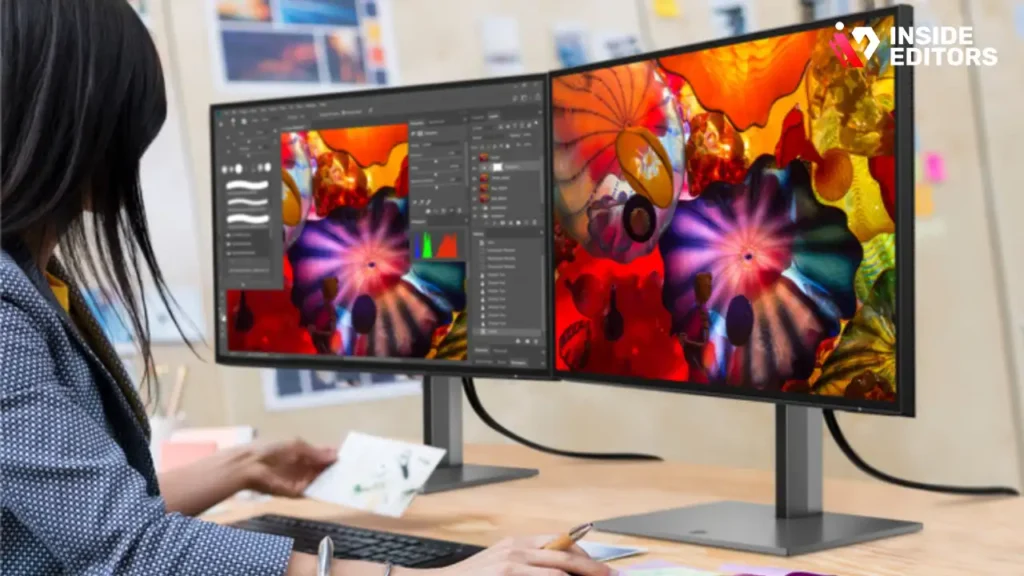
For video editing, the primary function of your monitor is to display colors accurately. If your monitor shows a muted red, but the final output is vibrant, you risk delivering inconsistent results. This is where color spaces (gamuts) and calibration come into play.
- sRGB: This is the standard color space for the web and general digital content. Any monitor you consider should cover 100% of the sRGB space.
- DCI-P3: This is the standard used in digital cinema projection and is increasingly important for HDR (High Dynamic Range) content and Apple ecosystem users. Aim for 90% DCI-P3 coverage or higher.
- Rec. 709: This is the standard for high-definition television (HDTV) and is essential for broadcast work. If you are editing for television, ensure your monitor supports this accurately.
“Color accuracy isn’t a luxury; it’s the foundation of professional video work. If you can’t trust what you see, you can’t trust what you deliver.” – Lia K., Senior Colorist
Panel Technology: IPS vs. VA
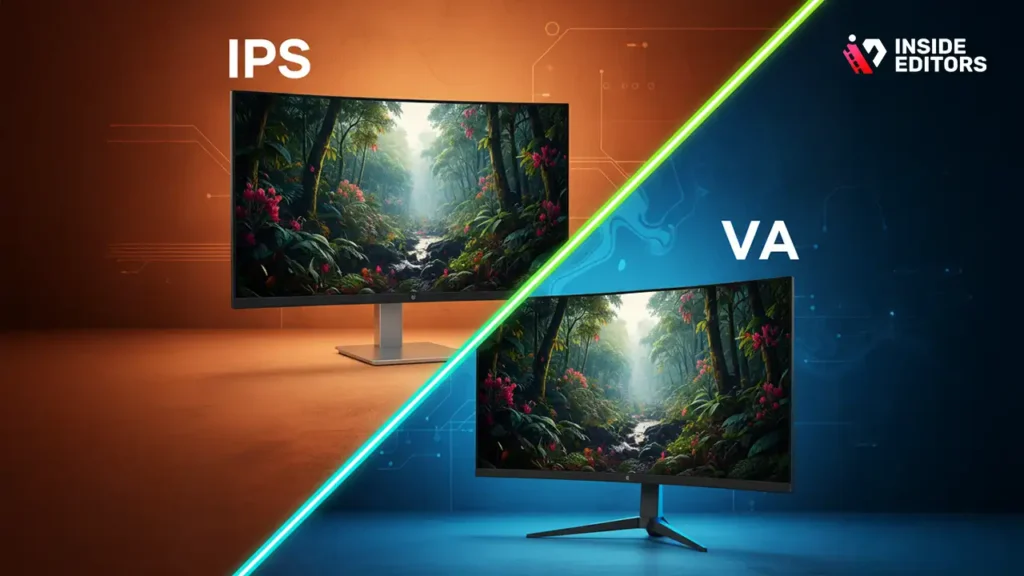
In the budget category, you will primarily encounter two panel types: IPS (In-Plane Switching) and VA (Vertical Alignment).
| Feature | IPS (In-Plane Switching) | VA (Vertical Alignment) |
| Color Accuracy | Excellent (Best for editing) | Good (Improving) |
| Viewing Angles | Wide (Minimal color shift) | Narrower (Color shift noticeable) |
| Contrast Ratio | Good (Typically 1,000:1) | Excellent (Typically 3,000:1+) |
| Response Time | Fast (Good for motion) | Slower (Can cause ghosting) |
| Best For | Color-critical work, wide viewing | Movies, deep blacks |
For the Best Monitor for Video Editing, IPS panels are the undisputed champion due to their superior color consistency and wide viewing angles, which are crucial when collaborating or simply shifting your head position during a long editing session.
Essential Specifications for the Best Monitor for Video Editing
To maximize your $500 investment, we need to look closely at resolution, screen size, and connectivity. These factors directly impact your workflow efficiency and the quality of the visual feedback you receive.
Resolution and Screen Real Estate
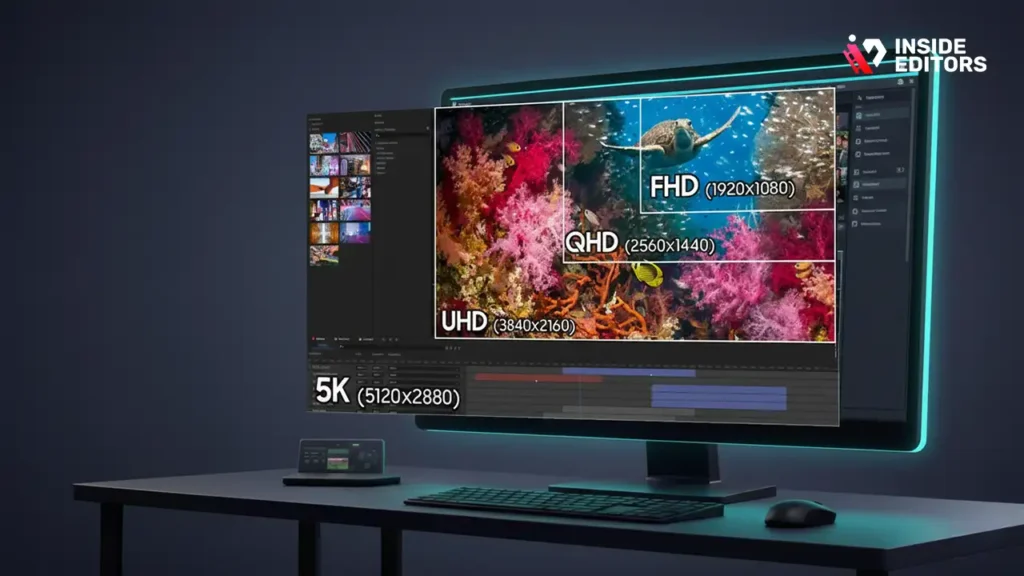
While 1080p (Full HD) is still common, modern video editing demands higher pixel density.
- 4K UHD (3840 x 2160): While difficult to find reliably under $500 with excellent color accuracy, a 4K monitor offers four times the workspace of 1080p. This allows you to view your 4K footage at full resolution while still having room for your timeline and effects panels.
- QHD (2560 x 1440): This is the sweet spot for budget-conscious editors. QHD offers a significant boost in screen real estate over 1080p, making timelines easier to manage, and these panels are much more likely to meet the strict color accuracy requirements (100% sRGB, 90%+ DCI-P3) within the sub-$500 price range.
For screen size, 27 inches is often considered the ideal minimum for professional editing, offering enough space for both the viewer and the timeline without requiring excessive head movement. A 32-inch QHD monitor can also be an excellent choice if desk space allows.
Connectivity and Ergonomics
A great monitor isn’t just about the screen; it’s about how it integrates into your workspace.
- USB-C/Thunderbolt: This is a major bonus. A single USB-C cable can often transmit video, data (for USB hubs), and power (up to 65W or 90W), drastically simplifying cable management. While rare in the sub-$500 category, some newer models are starting to include basic USB-C video input.
- DisplayPort (DP) and HDMI: Ensure the monitor supports the latest versions (DP 1.4 or HDMI 2.0) to handle high refresh rates and resolutions (like 4K at 60Hz).
- Ergonomics: Look for a monitor with full adjustability (height, tilt, swivel, and pivot). Editing sessions can last hours, and poor posture leads to fatigue and injury. VESA mount compatibility is also essential if you plan to use a monitor arm.
If you find yourself overwhelmed by the technical requirements of setting up your editing environment, remember that professional help is always available. Businesses and content creators often find it more efficient to delegate the heavy lifting. Inside Editors offers comprehensive professional video editing services designed to take the post-production burden off your shoulders, allowing you to focus on content creation while we handle the technical delivery.
The Top Contenders: Budget Monitors for Video Editing in 2026
By 2026, the market has matured, and several brands consistently deliver high-quality, color-accurate displays that fit squarely within our $500 limit. We focus on models that prioritize color fidelity over gaming speed.
Model A: The QHD Workhorse (Example: Dell UltraSharp U2723QE equivalent)
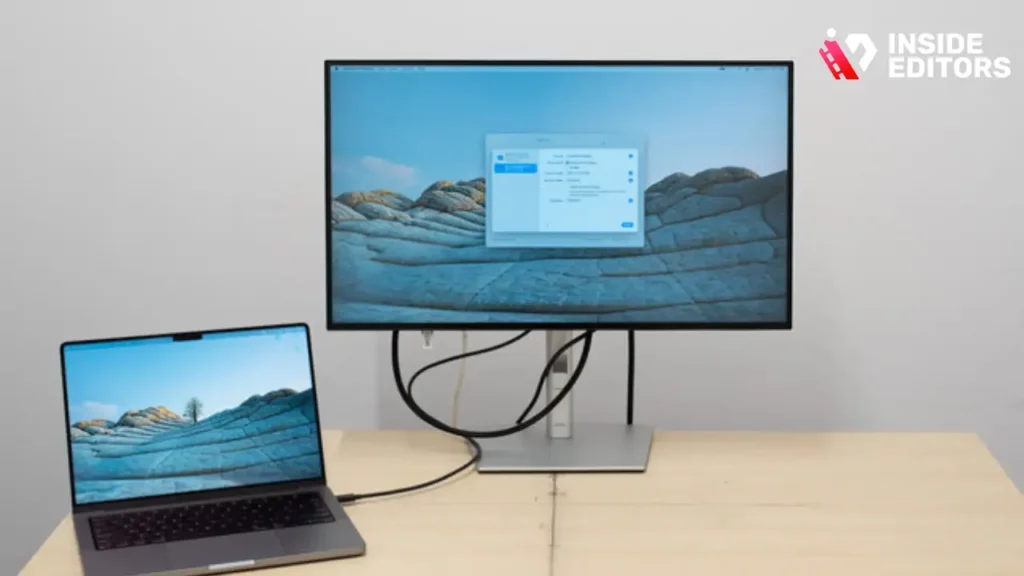
This category focuses on a 27-inch QHD (1440p) IPS panel. This is often the most reliable choice for editors needing accuracy on a budget.
Pros:
- Excellent factory calibration (Delta E < 2).
- 100% sRGB and typically 95% DCI-P3 coverage.
- Strong ergonomic stand included.
- Reliable brand reputation for longevity.
Cons:
- Lower contrast ratio (blacks may appear slightly grey).
- No high refresh rate (usually 60Hz).
Model B: The 4K Aspirant (Example: BenQ PD2700U equivalent)
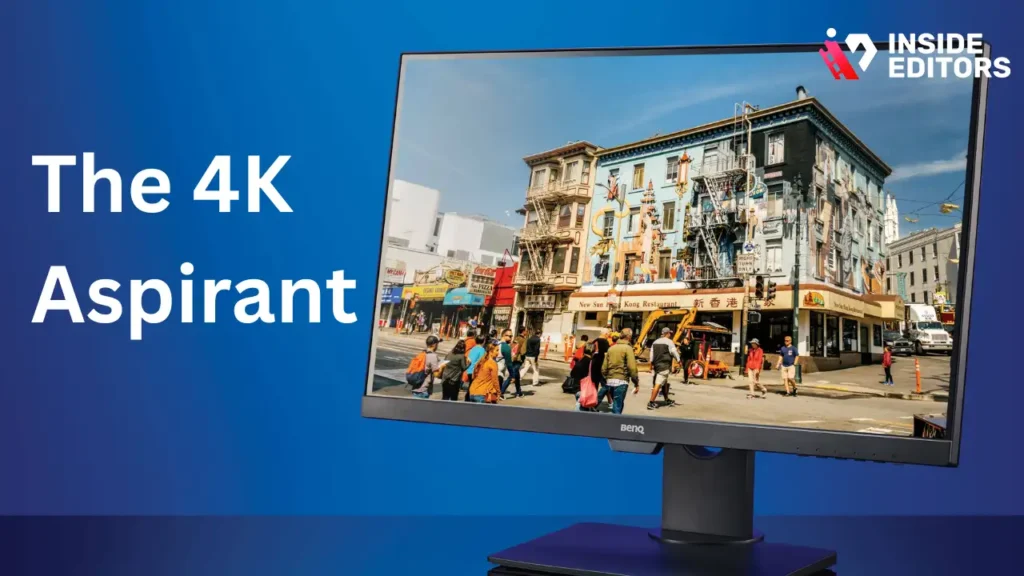
While true professional 4K monitors usually exceed $500, some entry-level 4K models slip into this budget, often during sales or as older stock.
Pros:
- Massive screen real estate (4K resolution).
- High pixel density makes text and detail incredibly sharp.
- Often includes specialized editing modes (CAD/CAM, Animation).
Cons:
- Color accuracy might require self-calibration to reach professional standards.
- Requires a powerful computer to drive 4K editing smoothly.
Model C: The Ultrawide Option (Example: LG 34WP65G equivalent)
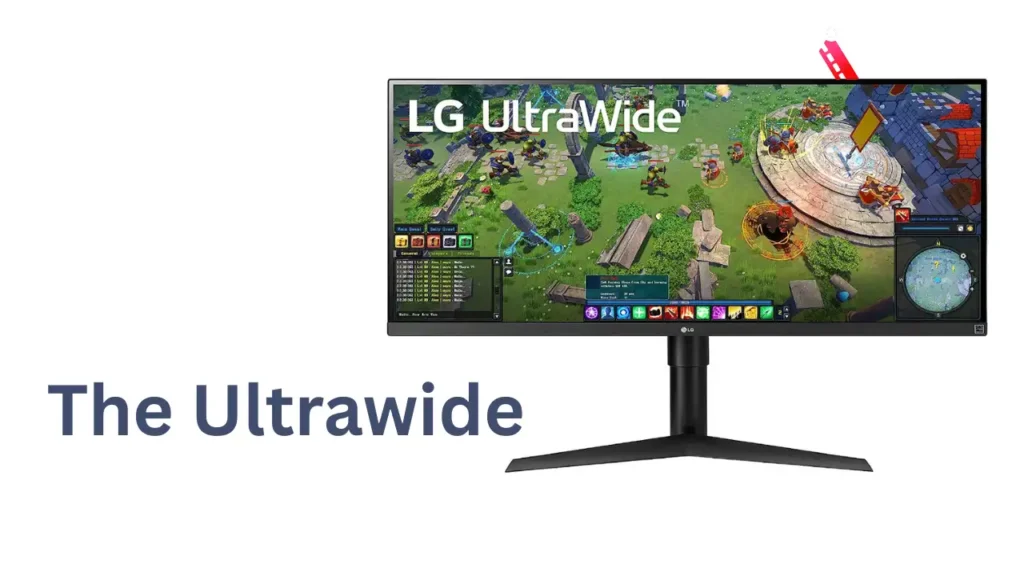
Some editors prefer ultrawide (21:9 aspect ratio) monitors, typically 34 inches, for the massive timeline space they provide.
Pros:
- Unparalleled timeline visibility-no more constant scrolling.
- Excellent for multitasking and dual-monitor replacement.
Cons:
- Not ideal for viewing standard 16:9 content without black bars.
- Curvature (if present) can distort straight lines slightly, which is a concern for graphic design, though less so for video editing.
When choosing between these options, consider your primary output. If you are creating cinematic content or working with HDR, the higher DCI-P3 coverage of Model A or B is crucial. If your main concern is managing complex timelines and multiple tracks, the ultrawide format of Model C might be the Best Monitor for Video Editing workflow efficiency.
Deep Dive into Color Calibration and E.E.A.T.
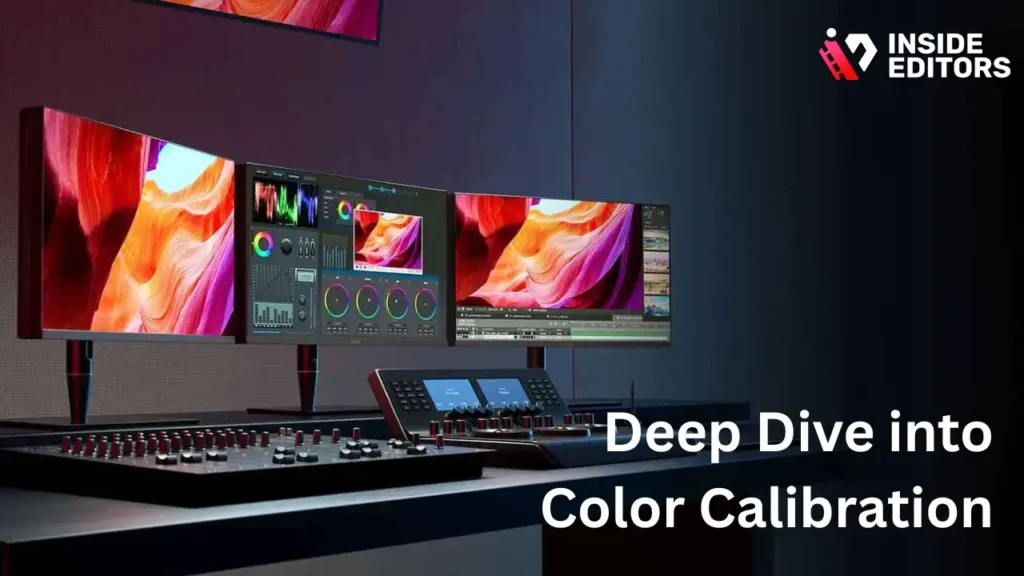
A monitor’s factory calibration is a good starting point, but true professional work requires regular calibration. This is where the concept of E.E.A.T. (Expertise, Experience, Authoritativeness, Trustworthiness) applies to your hardware setup. An expert editor trusts their tools, and that trust comes from verification.
Why Calibration is Not Optional
Even the Best Monitor for Video Editing under $500 will drift over time due to temperature changes, backlight degradation, and environmental factors. Calibration uses a hardware colorimeter (a device that measures the light output of the screen) to create a custom profile that corrects these inaccuracies.
Steps for Effective Budget Calibration:
- Purchase a Colorimeter: Entry-level models like the SpyderX Pro or X-Rite i1Display Studio are essential investments (typically $150-$250). This investment is non-negotiable for professional results.
- Set Targets: Calibrate to industry standards: D65 (6500K) white point, 2.2 Gamma, and 100–120 cd/m² brightness.
- Regular Checks: Re-calibrate every 2–4 weeks, or whenever you start a new, color-critical project.
If you are working on a collaborative project, ensuring your monitor is calibrated to the same standard as your team is vital. For teams seeking consistency and high-quality output across all projects, utilizing a centralized service is often the solution. Inside Editors ensures every project benefits from meticulous color grading and quality control, regardless of the client’s screen setup. We offer fast turnaround video editing without compromising on the color fidelity that defines professional work.
Avoiding Common Budget Monitor Pitfalls
When shopping in the sub-$500 range, beware of monitors that boast high specifications in one area while sacrificing another critical element.
- The High Refresh Rate Trap: Gaming monitors often boast 144Hz or 240Hz refresh rates. While great for gaming, these panels often use cheaper components that compromise color accuracy and uniformity to achieve speed. For editing, 60Hz is perfectly adequate, allowing manufacturers to invest in better color chips.
- The “HDR” Gimmick: Many budget monitors claim HDR support (High Dynamic Range) but lack the necessary peak brightness (minimum 400 nits) and local dimming zones to display true HDR content. These are often “software HDR” compatible, which is misleading. Focus instead on achieving high sRGB and DCI-P3 coverage.
- Poor Uniformity: This refers to the consistency of brightness and color across the entire screen. Cheaper monitors often have noticeable light bleed or patches where the brightness drops off, especially in the corners. Look for reviews that specifically test uniformity.
When you invest in the Best Monitor for Video Editing, you are investing in the quality of your output. If you are producing content for clients, maintaining that quality is non-negotiable. If you need assistance ensuring your final product meets the highest standards, consider our specialized services. We provide video editing for businesses who need reliable, high-quality content delivered consistently.
Integrating Your Monitor into a Professional Workflow
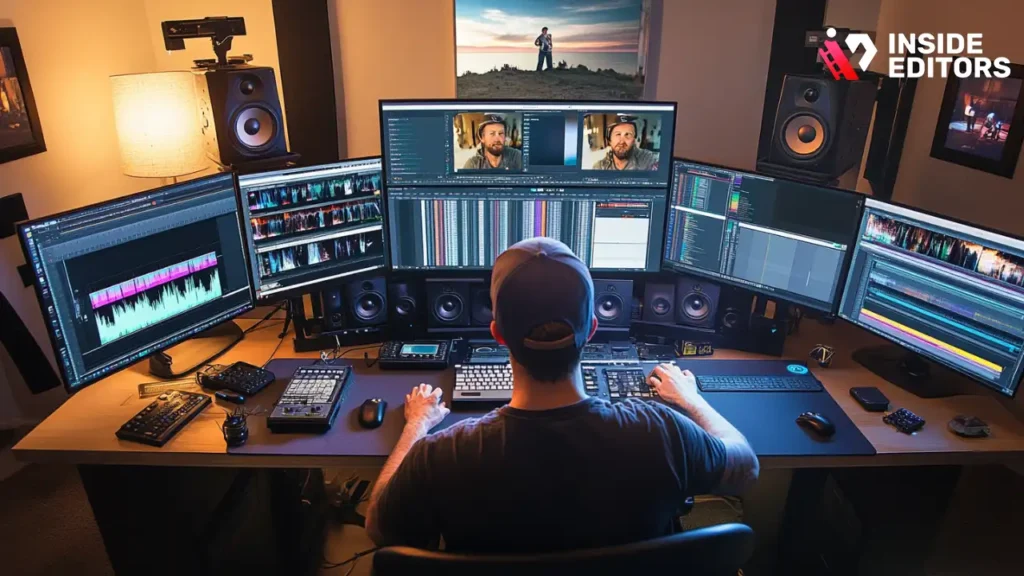
Choosing the Best Monitor for Video Editing is only the first step. To maximize efficiency, you need to integrate it seamlessly into your editing environment, often requiring a dual-monitor setup.
The Power of Dual Monitors
Even with a large 27-inch QHD display, a secondary monitor can dramatically improve workflow.
- Primary Monitor (Color-Critical): This is your new $500 monitor. It handles the program monitor (the video playback window) and the scopes (vectorscope, waveform). It must be calibrated.
- Secondary Monitor (Utility): This can be an older, cheaper monitor. It handles your timeline, bins, effects panels, and email/chat windows. Color accuracy here is less important.
This separation allows you to dedicate your best display solely to color and visual verification, while the secondary screen provides the necessary real estate for complex project management.
When to Outsource: Focusing on Creation
For many content creators, the time spent troubleshooting hardware, managing color profiles, and dealing with rendering issues is time taken away from generating new content. This is a common pain point we address at Inside Editors.
If your content creation demands are growing rapidly-perhaps you are a successful YouTuber or a marketing team scaling up-it may be time to consider outsourcing post-production. Our professional video editing services are built around efficiency and quality assurance.
Inside Editors Service Highlights:
- Expertise: Our professional editing team has 10+ years of experience, ensuring your footage is handled by seasoned experts.
- Speed and Reliability: We offer fast turnaround (24-72 hours) to keep your content pipeline moving.
- Quality Guarantee: Unlimited revisions until satisfied, including meticulous color grading and audio enhancement.
- Affordability: Affordable pricing starting at just $29/video.
By partnering with us, you save time and gain a professional quality that builds trust with your audience. We help you maintain a consistent brand style across all videos, acting as a scalable solution for growing channels. If you are ready to stop worrying about the technical minutiae and focus on your next great idea, let us handle the editing. Learn more about our video editing services for YouTube and see how we can accelerate your growth.
“The most successful creators are those who recognize when to delegate. Focusing on the content, not the color wheels, is the key to scaling.” – Marcus V., Digital Marketing Strategist
Future-Proofing Your Investment: Final Recommendations
Purchasing the Best Monitor for Video Editing under $500 in 2026 should be viewed as a 3-5 year investment. To ensure longevity and relevance, consider future trends like HDR adoption and increasing resolution demands.
The Importance of Bit Depth
Look for monitors that support 10-bit color (1.07 billion colors) rather than standard 8-bit (16.7 million colors). While your graphics card might only output 8-bit, a true 10-bit panel (often achieved via 8-bit + FRC, or Frame Rate Control, in this price range) significantly reduces color banding, especially in gradients like skies or subtle shadows. This is a crucial specification often overlooked in budget reviews.
Final Budget Recommendations (The 2026 Sweet Spot)
Based on our analysis, the ideal specifications for the Best Monitor for Video Editing under $500 are:
| Specification | Recommendation | Why It Matters |
| Panel Type | IPS | Superior color consistency and viewing angles. |
| Resolution | QHD (2560×1440) | Best balance of screen real estate and color accuracy at this price point. |
| Screen Size | 27 inches | Ideal size for professional editing workflow. |
| Color Coverage | 100% sRGB, 95%+ DCI-P3 | Essential for web, mobile, and cinematic color standards. |
| Bit Depth | 10-bit (8-bit + FRC) | Minimizes banding and ensures smooth gradients. |
| Connectivity | DisplayPort 1.4 or USB-C (if available) | Future-proof connections for high-resolution output. |
If you are a beginner looking to save even more, a high-quality 24-inch 1080p IPS monitor that hits 100% sRGB is a perfectly acceptable starting point, provided you have a colorimeter ready for calibration. However, for true professional work, the 27-inch QHD IPS panel remains the gold standard for the sub-$500 bracket.
The Ultimate Workflow Solution
Ultimately, the goal of finding the Best Monitor for Video Editing is to improve the quality and efficiency of your output. If you are spending hours trying to match colors or struggling with complex effects, your hardware might be slowing you down, or perhaps your time is better spent elsewhere.
Inside Editors provides a seamless solution for content creators and businesses who prioritize quality and speed. We handle the technical demands of post-production-from precise color grading to complex motion graphics-allowing you to focus on your core expertise. If you want to ensure your videos always look professional, regardless of your monitor setup, let our experts manage the final polish.
You can explore our full range of services, including video editing for social media and corporate video production, by visiting our service page. We are committed to helping you achieve professional results consistently.
Conclusion: Making the Final Decision
Choosing the Best Monitor for Video Editing on a $500 budget requires discipline. You must prioritize color accuracy (IPS panel, high sRGB/DCI-P3 coverage) and adequate resolution (QHD 1440p) over features like high refresh rates or misleading HDR claims. By focusing on these core specifications and committing to regular hardware calibration, you can acquire a display that provides professional-grade visual feedback, ensuring your creative vision translates accurately to your final audience.
Remember, the monitor is a tool for accuracy. Your expertise and creativity are what truly drive the project. If you ever find your workload exceeding your capacity, or if you need guaranteed professional quality delivered quickly, Inside Editors is here to support you. We offer the expertise and reliability necessary to scale your video content production effectively. Contact us today for a free consultation and let us help you elevate your video strategy.
Frequently Asked Questions
What specs matter most for video editing monitors?
Color accuracy is paramount; look for 99% sRGB and high DCI-P3 coverage to ensure true color representation. Resolution should ideally be 4K, but 1440p is a strong budget compromise. Also, prioritize an IPS panel type for superior viewing angles and consistent color reproduction, which is crucial for professional video editing.
Can I get a good 4K monitor under $500?
Yes, it is possible, especially when looking at 27-inch models from brands like Dell or BenQ during sales. However, achieving true 10-bit color depth and high refresh rates often requires spending slightly more. For reliable color performance under $500, a high-quality 1440p monitor usually provides better overall value than a low-end 4K monitor.
Why is IPS better than VA or TN panels?
IPS (In-Plane Switching) panels offer the best color consistency and the widest viewing angles, making them the standard for video editing. VA (Vertical Alignment) panels have better contrast but suffer from color shifting, while TN (Twisted Nematic) panels are fast but lack the necessary color accuracy for professional work. An IPS panel is essential for accurate color grading.
Should the monitor be calibrated out of the box?
While many budget monitors claim factory calibration, professional video editing demands custom calibration. Even the best monitor under $500 benefits from using a hardware colorimeter (like a Spyder or X-Rite) to create a precise ICC profile. This ensures your display matches industry standards and other devices.
What size monitor is best for budget video editing?
A 27-inch monitor is generally considered the sweet spot for budget video editing. It provides ample screen real estate for timelines and panels without requiring excessive desk space or significantly increasing the cost. For 4K resolution, 32 inches is ideal, but 27 inches offers the best balance of size and affordability within the $500 limit.


