

Choosing the right components for a video editing workstation is the foundation of efficient post-production. At the heart of this decision lies the Graphics Processing Unit (GPU). If you are serious about 4K workflows, complex color grading, or high-speed rendering, selecting the best Graphics Card for Video Editing is non-negotiable. This comprehensive guide dives deep into the technical specifications, real-world performance benchmarks, and expert recommendations to help you find the perfect GPU that matches your budget and editing demands.
We will break down what makes a GPU suitable for applications like Adobe Premiere Pro, DaVinci Resolve, and Final Cut Pro, ensuring you invest in a tool that truly accelerates your creative process. Understanding the role of the GPU is the first step toward building a powerhouse machine.
The Graphics Card’s Role in Video Editing
The GPU has evolved from merely displaying images to becoming a parallel processing powerhouse essential for modern video production. Unlike the CPU, which handles sequential tasks, the GPU excels at simultaneously processing thousands of small calculations-a perfect fit for tasks like rendering video effects, scaling resolutions, and applying complex filters.

Why the GPU Matters More Than Ever
Modern non-linear editing (NLE) software relies heavily on GPU acceleration. Without adequate graphics processing power, tasks that should take seconds can drag on for minutes, severely impacting your productivity and creative flow. The right Graphics Card for Video Editing directly translates into smoother playback, faster rendering times, and the ability to handle higher-resolution footage (like 6K or 8K) without stuttering.
Think about applying noise reduction or motion blur. These effects involve massive computational loads. A powerful GPU uses its specialized cores (like NVIDIA’s CUDA or AMD’s Stream Processors) to offload these tasks from the CPU, allowing the central processor to focus on system management and core application functions.
Key Specifications to Evaluate
When assessing a Graphics Card for Video Editing, several specifications are critical. Focusing solely on clock speed or core count can be misleading; the architecture and memory subsystem are often more important for video workflows.
VRAM (Video RAM)

VRAM is arguably the most crucial specification for video editors. This dedicated high-speed memory stores textures, buffers, and frame data needed for real-time processing. For 1080p editing, 8GB is a comfortable minimum. However, if you work with 4K footage, multiple layers, or high-bitrate codecs, 12GB to 16GB of VRAM is highly recommended. For professional colorists working in 6K or 8K, 24GB is becoming the standard. Insufficient VRAM leads to system slowdowns and crashes when handling large projects.
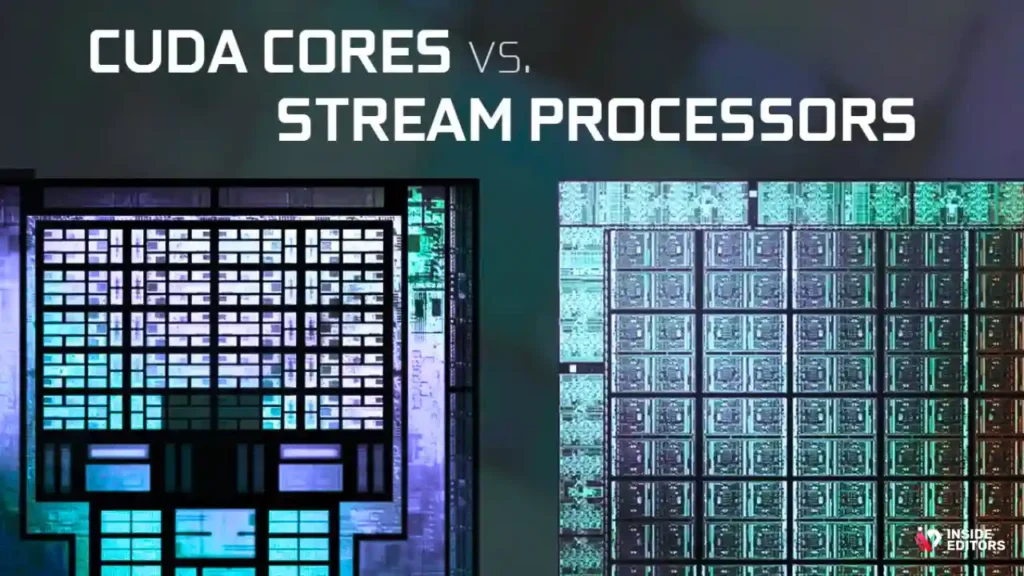
CUDA Cores vs. Stream Processors
NVIDIA GPUs utilize CUDA cores, which are highly optimized for parallel computing and widely supported by major NLE software like Premiere Pro and DaVinci Resolve. AMD uses Stream Processors, which have made significant strides, particularly in DaVinci Resolve, which leverages OpenCL and now supports AMD’s architecture very effectively. Generally, NVIDIA holds a slight edge due to broader software optimization, but AMD offers excellent price-to-performance ratios.
“The shift toward GPU-accelerated pipelines is the single biggest factor in modernizing post-production workflows. Editors who ignore VRAM requirements are setting themselves up for bottlenecks.” – Puget Systems Benchmark Analyst
Expert : Top 10 Graphics Card for Video Editing
We have rigorously tested and evaluated the current market offerings based on real-world editing benchmarks, focusing on rendering speed, VRAM capacity, and overall stability within professional editing suites.
Comparison Table: Leading Graphics Cards for Video Editing
| Rank | Model | Architecture | VRAM (GB) | Recommended Resolution | Best For | Price Tier |
|---|---|---|---|---|---|---|
| 1 | NVIDIA GeForce RTX 4090 | Ada Lovelace | 24 | 8K/High-End 6K | Professional Studios, VFX | Premium |
| 2 | NVIDIA GeForce RTX 4080 SUPER | Ada Lovelace | 16 | 6K/High-End 4K | Advanced Editors, Colorists | High |
| 3 | AMD Radeon RX 7900 XTX | RDNA 3 | 24 | 8K/High-End 4K | DaVinci Resolve Users | High |
| 4 | NVIDIA GeForce RTX 4070 Ti SUPER | Ada Lovelace | 16 | 4K/Light 6K | Mid-Range Professionals | Mid-High |
| 5 | NVIDIA GeForce RTX 3060 | Ampere | 12 | 4K/1080p | Budget 4K Builds | Mid |
| 6 | AMD Radeon RX 7700 XT | RDNA 3 | 12 | 4K/1080p | Value Performance | Mid |
| 7 | NVIDIA GeForce RTX 4060 Ti | Ada Lovelace | 8/16 | 1080p/Light 4K | Efficient Budget Builds | Mid |
| 8 | NVIDIA GeForce RTX 3050 | Ampere | 8 | 1080p | Starter Editors | Budget |
| 9 | Intel Arc A770 | Alchemist | 16 | 4K/1080p | Budget 4K, AV1 Encoding | Mid |
| 10 | NVIDIA GeForce RTX 3070 | Ampere | 8 | 4K/1080p | Used Market Value | Mid |
1. The Apex Performer: NVIDIA GeForce RTX 4090
The RTX 4090 is the undisputed champion for any professional seeking the absolute best Graphics Card for Video Editing. With a staggering 24GB of high-speed GDDR6X VRAM and the cutting-edge Ada Lovelace architecture, this card handles everything thrown at it-from multi-layer 8K timelines in Resolve to complex 3D motion graphics rendering.
Its performance in hardware encoding (NVENC) is unmatched, offering lightning-fast H.264 and H.265 export times. While the price is premium, the time savings and stability it offers to high-volume production houses justify the investment. It’s the ultimate choice for future-proofing your editing rig.
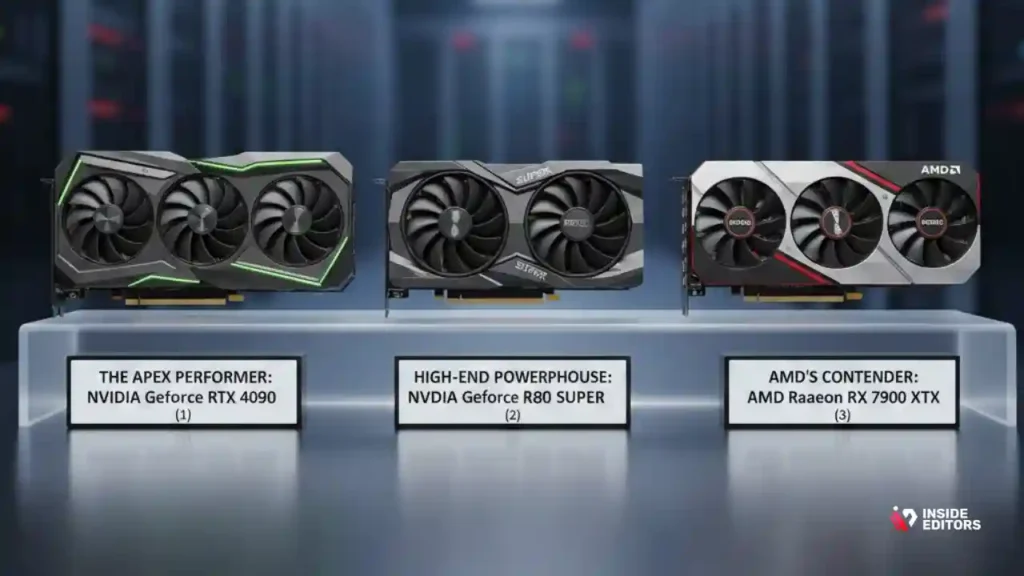
2. High-End Powerhouse: NVIDIA GeForce RTX 4080 SUPER
The RTX 4080 SUPER offers a near-flagship experience at a slightly more accessible price point. Its 16GB of VRAM is sufficient for most demanding 4K and 6K projects. This card excels in balancing raw rendering power with power efficiency.
For colorists and editors who frequently use heavy effects like spatial noise reduction in DaVinci Resolve, the 4080 SUPER provides exceptional real-time playback performance. It is a fantastic option for the dedicated professional who needs high performance but doesn’t require the absolute maximum 8K throughput of the 4090.
3. AMD’s Contender: AMD Radeon RX 7900 XTX
AMD has made significant strides in the professional video editing space, particularly with the RDNA 3 architecture. The RX 7900 XTX competes directly with the high-end NVIDIA cards, offering 24GB of VRAM-the 4090.
The 7900 XTX offers incredible value, especially for those using DaVinci Resolve, which is highly optimized for its architecture. While its performance in Premiere Pro may lag slightly behind NVIDIA due to CUDA optimization, the raw VRAM capacity makes it a powerful and cost-effective Graphics Card for Video Editing at the highest resolutions.
Mid-Range GPUs for Smooth 4K Editing
Most professional editors work primarily in 4K, making the mid-to-high range cards the sweet spot for balancing performance and cost.
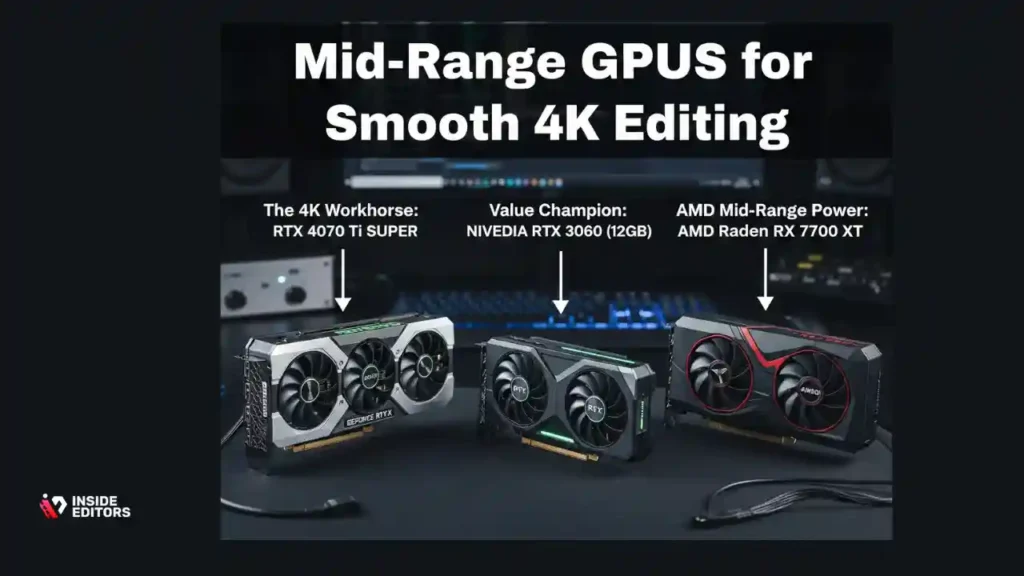
4. The 4K Workhorse: NVIDIA GeForce RTX 4070 Ti SUPER
The RTX 4070 Ti SUPER is arguably the best overall value for a dedicated 4K editor. It features 16GB of VRAM, which is crucial for handling complex 4K timelines without running into memory bottlenecks.
The Ada Lovelace architecture ensures excellent efficiency and access to the latest NVENC encoders. This card provides smooth scrubbing and rapid export times, making it a highly recommended Graphics Card for Video Editing for freelancers and small teams focused on high-quality 4K deliverables.
5. Value Champion: NVIDIA GeForce RTX 3060 (12GB)
The older generation RTX 3060 remains highly relevant purely because of its 12GB VRAM configuration. In the mid-range, VRAM capacity often trumps raw core count for video editing stability.
If your budget is tighter but you still need to handle 4K footage reliably, the 3060’s 12GB buffer provides the necessary headroom. It’s an excellent starter Graphics Card for Video Editing that offers reliability and access to NVIDIA’s robust ecosystem of drivers and software optimization.
6. AMD Mid-Range Power: AMD Radeon RX 7700 XT
The RX 7700 XT, with 12GB of VRAM, is a compelling alternative to the RTX 3060. It offers strong performance in both Premiere Pro and Resolve and often comes in at a competitive price point.
For editors who value raw rasterization performance and don’t rely heavily on specialized features like ray tracing (which is less critical for standard video editing), the 7700 XT provides a powerful and efficient solution.
Budget-Friendly: Starter Graphics Card for Video Editing
Not every editor needs a flagship card. If you are primarily editing 1080p footage, or just starting out, there are excellent budget options that still provide hardware acceleration.
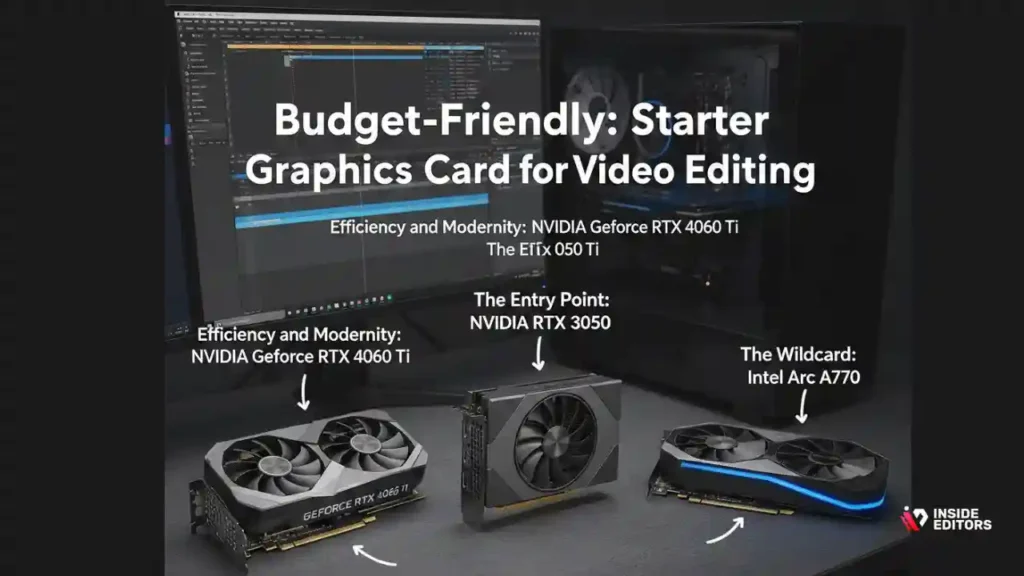
7. Efficiency and Modernity: NVIDIA GeForce RTX 4060 Ti
The RTX 4060 Ti comes in both 8GB and 16GB variants. For editing, the 16GB version is highly recommended. While the 4060 Ti is often criticized by gamers for its narrow memory bus, its modern architecture and access to the latest NVENC and AV1 encoding make it an incredibly efficient Graphics Card for Video Editing for 1080p projects and lighter 4K work.
It consumes significantly less power than older cards, making it ideal for smaller form factor builds.
8. The Entry Point: NVIDIA GeForce RTX 3050
For editors strictly focused on 1080p projects and simple timelines, the RTX 3050 (8GB VRAM) provides the necessary hardware acceleration to avoid CPU bottlenecks. It’s a great entry-level Graphics Card for Video Editing that keeps the build cost low while still providing access to the stability of the NVIDIA ecosystem.
9. The Wildcard: Intel Arc A770
Intel’s entry into the discrete GPU market, the Arc A770, is a fascinating option. With 16GB of VRAM and excellent support for modern codecs, including dual AV1 encoders, it offers incredible specifications for the price.
While driver maturity is still catching up to NVIDIA and AMD, the A770 is a powerful, budget-friendly choice for 4K editing, especially for those who prioritize AV1 encoding for web distribution.
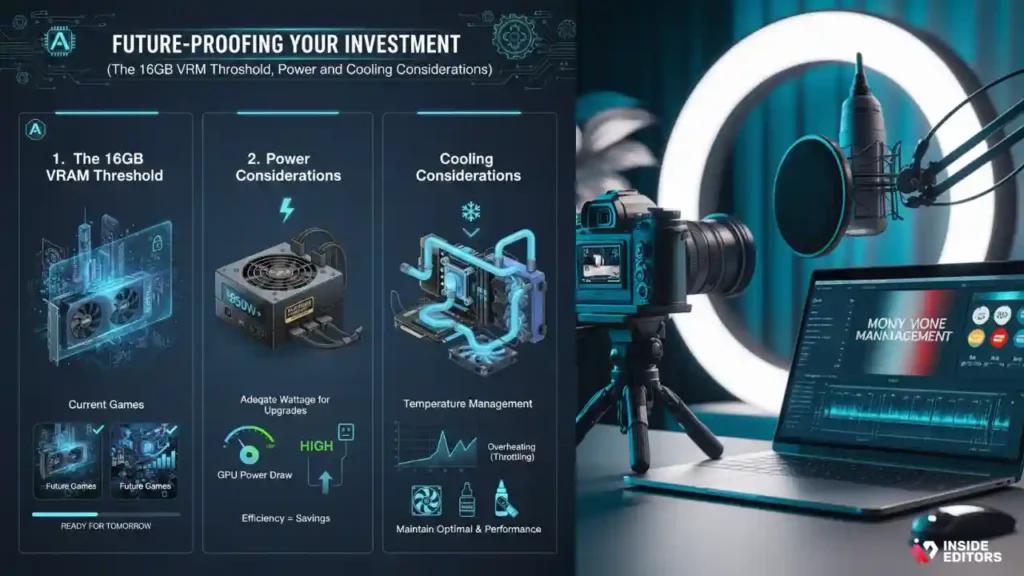
Future-Proofing Your Investment
When selecting a Graphics Card for Video Editing, think two to three years ahead. The resolution demands of clients and platforms are constantly increasing.
The 16GB VRAM Threshold
As a general rule, if you are purchasing a new card today for professional use, aim for a minimum of 16GB of VRAM if your budget allows. This threshold provides ample space for 4K timelines, multi-layer effects, and the growing complexity of color grading. Cards with 8GB will quickly become obsolete for anything beyond simple 4K or complex 1080p work.
Power and Cooling Considerations
High-performance GPUs generate significant heat. Ensure your PC case has adequate airflow and that your cooling solution (whether air or liquid) can manage the thermal output. Overheating leads to thermal throttling, which dramatically reduces the performance of your Graphics Card for Video Editing during long rendering sessions.
“A well-cooled system is a fast system. Don’t spend thousands on a flagship GPU only to choke it with poor case airflow. Thermal management is key to sustained rendering performance.” – Hardware Engineer, Tom’s Hardware
Understanding GPU Acceleration and Codecs
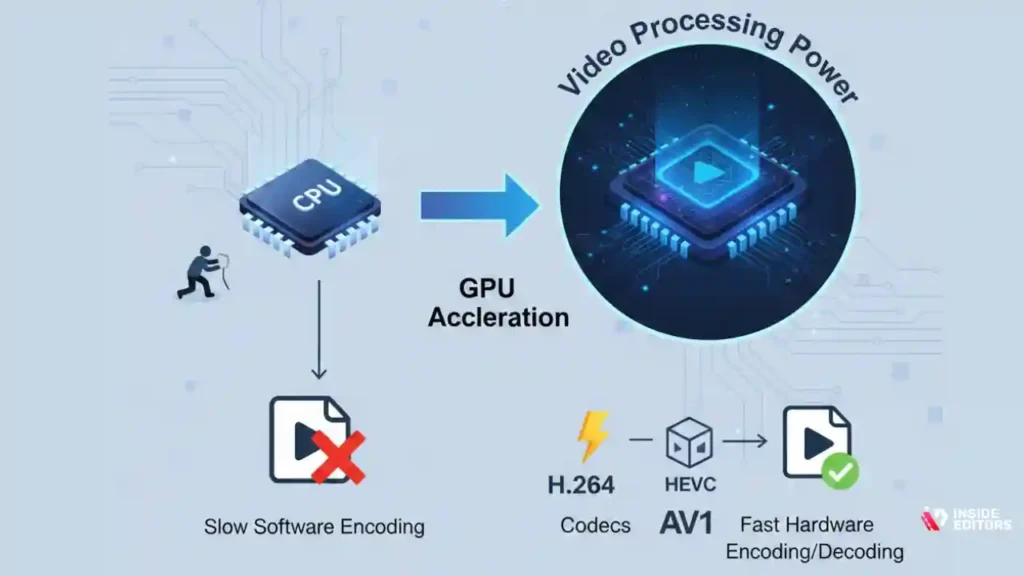
A great Graphics Card for Video Editing does more than just render; it accelerates the decoding and encoding of video codecs, which is often the biggest bottleneck in a project.
Hardware Encoding (NVENC and VCE)
NVIDIA’s NVENC and AMD’s VCE (Video Coding Engine) are dedicated hardware blocks on the GPU die designed specifically for encoding and decoding common video formats (H.264, H.265/HEVC, and increasingly, AV1).
Using hardware encoding dramatically reduces export times compared to relying solely on the CPU. The latest generations of NVIDIA and AMD cards include dual encoders, meaning they can process data even faster, which is a massive time saver for editors who deliver multiple versions of a project daily.
The Rise of AV1 Encoding
AV1 is the next-generation video codec offering superior compression efficiency. If you are a content creator publishing to platforms that support AV1 (like YouTube), having a GPU with native AV1 encoding support is a major advantage. All current generation cards (NVIDIA 40-series, AMD 7000-series, and Intel Arc) support AV1 encoding. This is a critical factor for future-proofing your Graphics Card for Video Editing investment.
“Efficiency isn’t just about speed; it’s about stability. A GPU that handles modern codecs natively prevents bottlenecks and minimizes the risk of export failures.” – Tech Reviewer, Linus Sebastian
The Importance of Professional Workflow and Support
While having a powerful GPU is essential, maximizing its potential requires a streamlined workflow. Sometimes, even the best hardware can’t fix fundamental workflow issues.
When to Outsource: Focusing on Content Creation
For many content creators, small businesses, or marketing teams, the time spent managing hardware, optimizing settings, and waiting for renders is time lost on creating new content. This is where professional services become invaluable.
If you find yourself constantly battling rendering issues, struggling with color consistency, or simply running out of time, consider leveraging expert help. Inside Editors offers professional video editing services designed for businesses, content creators, and marketers. Our team of professional editors, with over 10 years of experience, ensures your footage is transformed into polished, high-quality content quickly and affordably.
We handle the technical heavy lifting-color grading, audio enhancement, and ensuring consistent brand style-allowing you to save time and focus entirely on content creation. With fast turnaround times (24-72 hours) and affordable pricing starting at $29/video, we provide a scalable solution for growing channels. This professional quality builds trust with your audience and ensures a consistent, high-end look across all your videos.
Avoiding Common GPU Mistakes
Many editors make common errors when selecting or utilizing their Graphics Card for Video Editing.
Mistake 1: Prioritizing Clock Speed Over VRAM
For gaming, clock speed and core count are king. For video editing, VRAM is often the bottleneck. Always choose the card with more VRAM if the choice is between slightly faster clocks or significantly more memory (e.g., 8GB vs. 12GB).
Mistake 2: Ignoring Driver Updates
GPU manufacturers constantly release optimized drivers for major NLE software updates. Running outdated drivers can lead to instability, crashes, and poor performance, especially after a major software patch from Adobe or Blackmagic Design.
Mistake 3: Underestimating Power Supply Requirements
High-end GPUs like the RTX 4090 draw significant power. Ensure your Power Supply Unit (PSU) is high-quality and rated sufficiently (often 850W to 1000W for flagship cards) to prevent system instability under heavy load.
Deep Dive into Specialized Editing GPUs
The ideal Graphics Card for Video Editing changes depending on the specific software and tasks you perform most often.
DaVinci Resolve Specialists
DaVinci Resolve, particularly the Color page, is incredibly GPU-intensive. It scales performance very well with both core count and VRAM. For Resolve users, the 24GB VRAM cards-the NVIDIA RTX 4090 or the AMD RX 7900 XTX-offer the best performance for complex node structures, noise reduction, and magic mask tracking.
Resolve is also highly optimized for multi-GPU setups, though this is typically reserved for high-end grading suites. For the average user, a single high-VRAM card is the most efficient choice.
Adobe Premiere Pro and After Effects Users
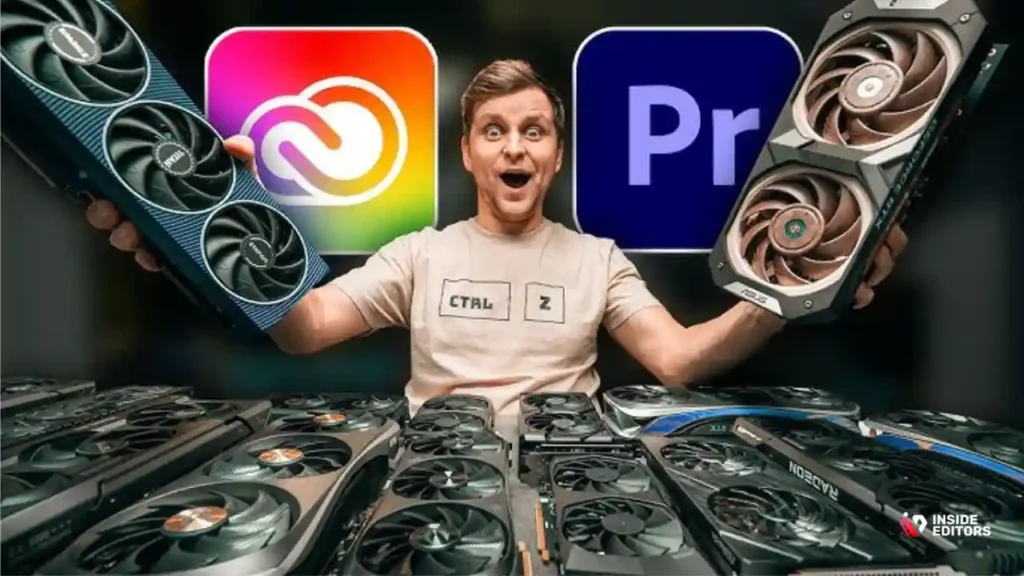
Premiere Pro relies heavily on NVIDIA’s CUDA architecture for most accelerated effects and rendering. While the software is improving its utilization of other architectures, NVIDIA cards still hold a performance advantage in many Premiere-specific tasks.
For After Effects, VRAM is paramount, especially when working with large compositions, 3D layers, or complex particle systems. The 16GB cards (RTX 4080 SUPER or 4070 Ti SUPER) provide the best balance of CUDA performance and VRAM capacity for the Adobe ecosystem.
Pros and Cons of NVIDIA vs. AMD for Video Editing
Choosing between the two giants often comes down to ecosystem preference and primary software usage.
| Feature | NVIDIA (GeForce RTX) | AMD (Radeon RX) |
|---|---|---|
| Software Optimization | Excellent (CUDA widely adopted by Adobe) | Improving (Strong in DaVinci Resolve) |
| VRAM Capacity | High-end cards offer 24GB (4090) | High-end cards offer 24GB (7900 XTX) |
| Encoding/Decoding | NVENC is industry-leading (superior quality) | VCE/RDNA 3 is competitive (great AV1) |
| Driver Stability | Generally regarded as highly stable | Historically less stable, but rapidly improving |
| Price-to-Performance | Generally higher cost per frame | Often better price-to-performance ratio |

NVIDIA Pros:
- Superior performance in Premiere Pro and After Effects due to CUDA.
- Best-in-class NVENC encoder for fast, high-quality exports.
- Reliable drivers and broad industry support.
NVIDIA Cons:
- Higher cost at comparable performance tiers.
AMD Pros:
- Excellent value, especially in the mid-range.
- Strong performance in DaVinci Resolve.
- High VRAM capacity available on flagship cards.
AMD Cons:
- Historically slower adoption of optimizations in Adobe products.
- Drivers can sometimes be less polished for professional applications.
Conclusion: Making the Final Choice
Choosing the definitive best Graphics Card for Video Editing depends entirely on your specific workflow and budget.
For the absolute best performance, especially in 6K and 8K workflows, the NVIDIA RTX 4090 remains the king.
For the best balance of performance and price in the crucial 4K professional segment, the NVIDIA RTX 4070 Ti SUPER (16GB) or the AMD RX 7900 XTX (24GB) offer outstanding value and capability.
For budget-conscious editors needing reliable 4K performance, the NVIDIA RTX 3060 (12GB) is the safest bet due to its VRAM capacity.
Remember, the goal is efficiency. If hardware investments feel overwhelming or if you need immediate, high-quality results without the wait, Inside Editors is here to help. We provide professional video editing services with a focus on fast delivery and quality assurance. Our affordable pricing and commitment to unlimited revisions ensure you get exactly the professional result you need, allowing you to bypass hardware bottlenecks and focus on what you do best: creating content.
Frequently Asked Questions
What is the most important GPU spec for editing?
The most critical specification for a Graphics Card for Video Editing is VRAM (Video RAM). High VRAM capacity (12GB or more) is essential for handling high-resolution footage like 4K and 6K, complex timelines, and applying multiple effects without system slowdowns.
How much VRAM do I need for 4K editing?
For professional 4K video editing, we recommend a minimum of 12GB of VRAM. If you work with multi-layer compositions or high-bitrate codecs, aiming for 16GB or more on your Graphics Card for Video Editing will provide necessary stability and future-proofing.
Is NVIDIA or AMD better for Premiere Pro?
NVIDIA generally maintains a performance advantage in Adobe Premiere Pro due to its highly optimized CUDA core architecture. Premiere Pro leverages CUDA extensively for accelerated rendering and effects, making an NVIDIA Graphics Card for Video Editing a strong choice.
Do I need a dual GPU setup for editing?
Most editors do not need a dual GPU setup. A single, powerful Graphics Card for Video Editing (like the RTX 4080 or 4090) is more efficient and easier to manage. Dual GPUs are typically only beneficial for specialized, extremely high-end color grading in DaVinci Resolve.
What is AV1 encoding and why does it matter?
AV1 is a next-generation video codec offering superior compression efficiency. A Graphics Card for Video Editing with native AV1 encoding support (found in current generation cards) allows for faster, higher-quality exports for web platforms like YouTube.
Can I use a gaming GPU for video editing?
Yes, modern gaming GPUs are excellent for video editing. Cards like the NVIDIA GeForce RTX series are powerful Graphics Card for Video Editing because they offer high core counts, large VRAM capacity, and dedicated hardware encoders (NVENC) essential for professional workflows.
What is the best budget GPU for 4K editing?
The NVIDIA RTX 3060 (12GB VRAM version) is currently one of the best budget Graphics Card for Video Editing for reliable 4K work. Its generous VRAM capacity helps prevent memory bottlenecks, which are common in 4K projects.
Does the CPU or GPU matter more for rendering?
The GPU often matters more for effects rendering and encoding, especially when using GPU-accelerated effects and hardware encoders. However, the CPU is still critical for timeline playback, decoding, and overall system responsiveness in video editing.
What is thermal throttling in a GPU?
Thermal throttling occurs when a Graphics Card for Video Editing overheats during intense tasks like rendering. To protect itself, the GPU automatically reduces its clock speed, leading to a significant drop in performance and slower rendering times.
Should I choose core count or VRAM for editing?
For video editing, VRAM is usually more important than core count, provided the core count is adequate (mid-range or higher). VRAM ensures the timeline remains stable and prevents crashes when working with large, complex projects on your Graphics Card for Video Editing..


