

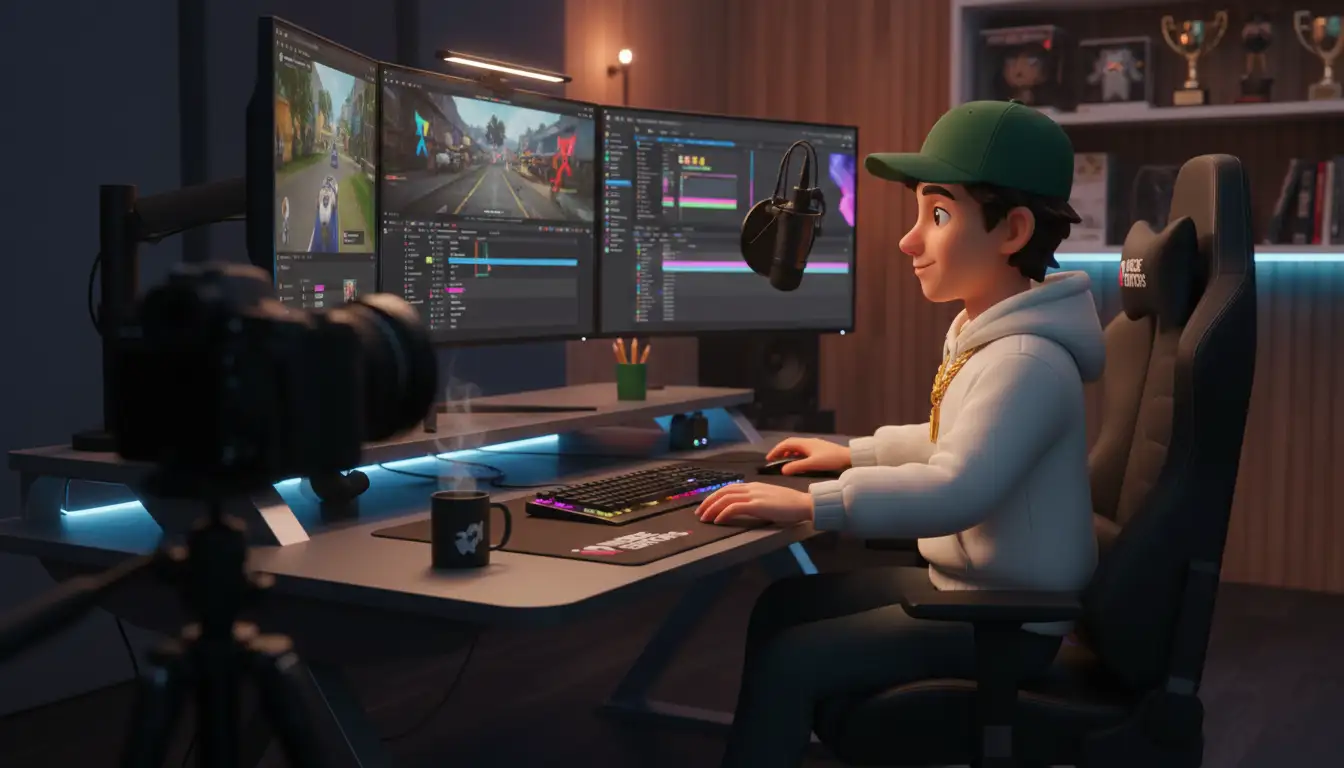
The modern gaming setup demands more than just powerful hardware; it requires an optimized environment. If you are serious about performance, comfort, and aesthetics, the foundation of your battle station is crucial. Choosing the right video gaming table is perhaps the most overlooked decision, yet it impacts everything from cable management to ergonomics. A standard office desk simply won’t cut it when you are running multiple monitors and complex peripherals.
This comprehensive guide reviews the top five smart desks engineered specifically for gamers. We analyze features like motorized height adjustment, integrated power, and durable construction. Whether you are a casual player or a professional streamer, finding the perfect video gaming table can drastically improve your long-session comfort and overall gameplay experience.
“The desk is the cockpit of the modern gamer. It needs to be ergonomic, spacious, and intelligent enough to manage the complexity of high-end PC setups.” – Dr. Anya Sharma, Ergonomics Consultant
The Essential Criteria for a High-Performance Video Gaming Table

Before diving into the reviews, it is essential to understand what separates a great gaming desk from a mediocre one. Smart gaming tables go beyond simple flat surfaces. They integrate technology and design elements that cater directly to the needs of heavy computer users.
Size and Load Capacity
The size of your video gaming table must accommodate your current and future setup. Most serious gamers require space for at least two large monitors, a full-sized keyboard, and ample mouse movement area. Look for depths of 30 inches or more to maintain proper viewing distance. Crucially, check the load capacity. High-end PCs, multiple monitors, and heavy accessories can easily exceed 200 pounds. A robust frame is non-negotiable.
Ergonomics and Height Adjustability
Ergonomics are paramount for marathon gaming sessions. A smart desk often features motorized height adjustment, allowing seamless transitions between sitting and standing. This variability is vital for reducing strain and improving circulation. Ensure the height range accommodates your specific body measurements, both sitting (usually 28-30 inches) and standing (up to 48 inches).
Integrated Technology and Cable Management
The hallmark of a “smart” desk is its integrated technology. This includes built-in power strips, USB charging ports, and sophisticated cable management systems. Effective cable routing is essential not only for aesthetics but also for safety and airflow. Look for desks with integrated cable trays, grommets, and even dedicated power hubs.
Top 5 Smart Video Gaming Tables Reviewed
We have evaluated the market leaders based on durability, features, design, and overall value. Here are the top contenders that redefine the gaming workspace.
1. The Apex Pro Max: The Workhorse
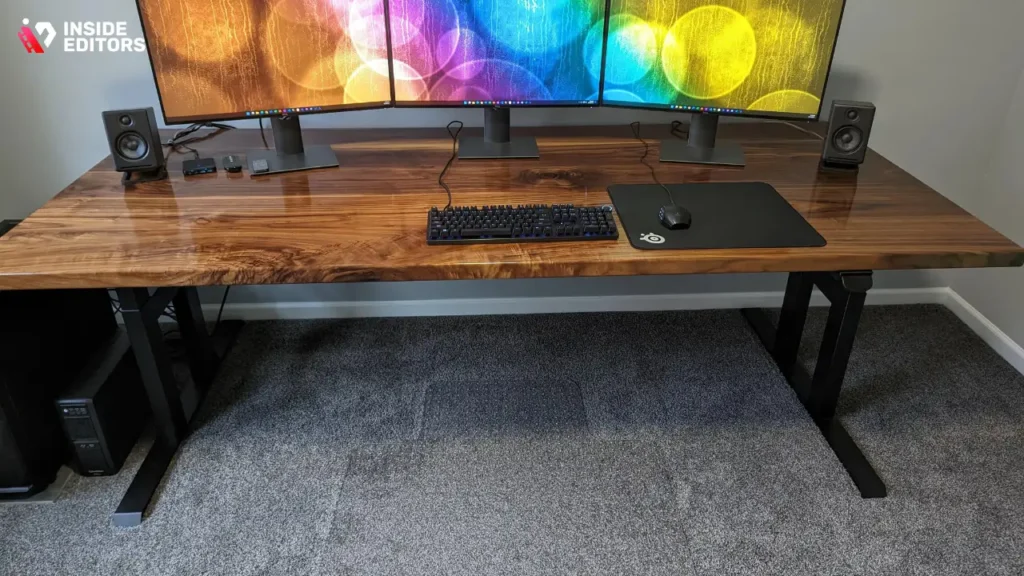
The Apex Pro Max is renowned for its sheer stability and massive load capacity. Designed with a heavy-duty steel frame and often featuring triple motors, this desk can handle the heaviest setups, including custom water-cooled PCs and triple monitor arrays. Its stability, even at maximum standing height, is unmatched, making it a favorite among professional streamers.
The desktop surfaces are typically high-pressure laminate or solid wood, offering exceptional durability against spills and scratches. While it might lack some of the flashy RGB lighting of competitors, its focus on core functionality-stability and space-makes it a top-tier choice.
2. The Secretlab MAGNUS Pro XL: Magnetic Mastery
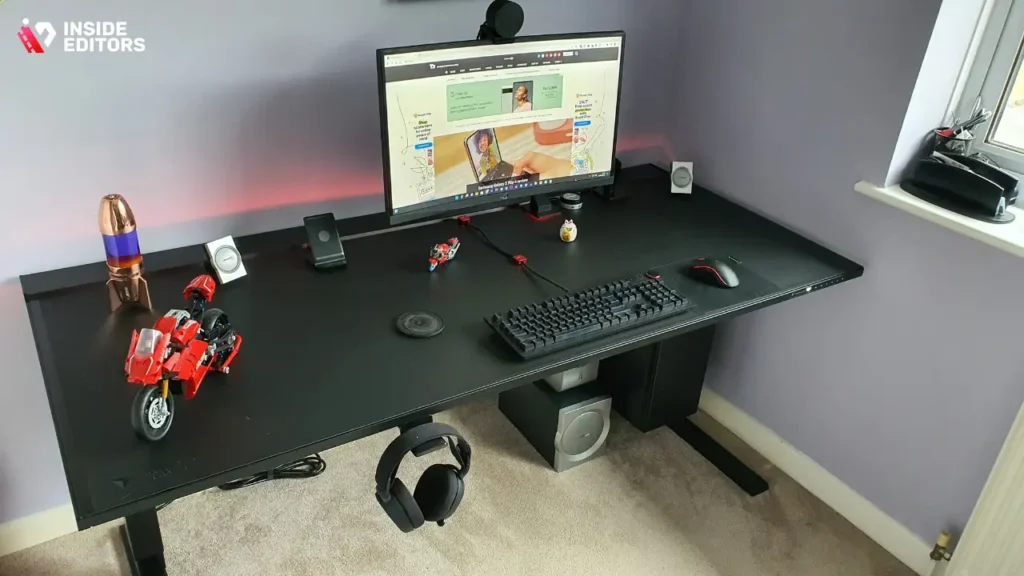
Secretlab, famous for its chairs, brought innovation to the desk market with the MAGNUS Pro XL. This video gaming table excels in cable management through its revolutionary magnetic system. A full-length cable tray runs along the back, covered by a hinged magnetic flap. This makes adding or removing cables incredibly easy and keeps the entire setup looking pristine.
The desk integrates seamlessly with Secretlab accessories, utilizing magnetic anchors for cable ties and peripheral mounts. It is a dual-motor standing desk that prioritizes a clean, minimalist aesthetic while offering robust performance and ample space for large gaming mats.
3. The Uplift V2 Commercial: Versatility and Customization
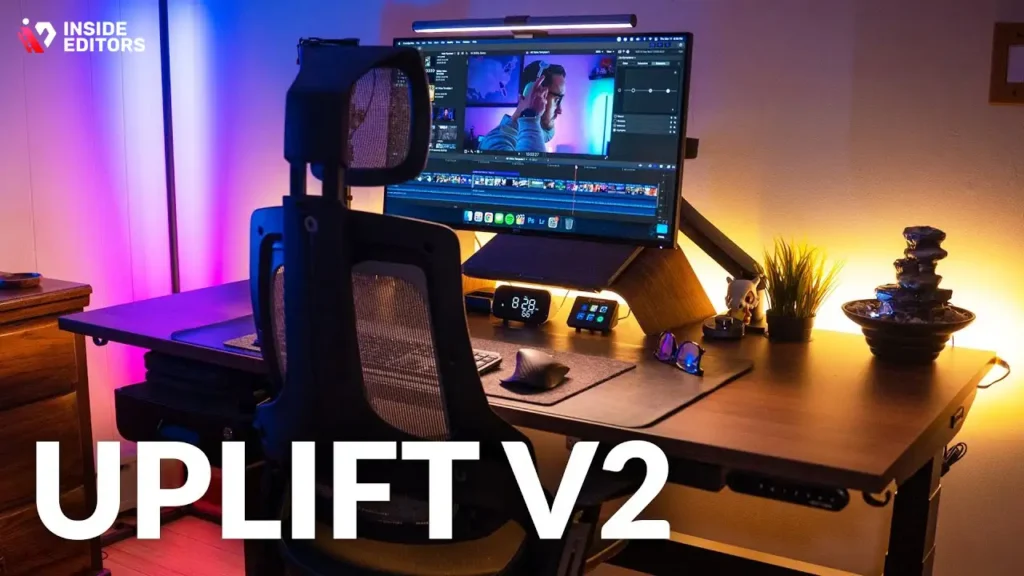
While not strictly marketed as a gaming desk, the Uplift V2 Commercial is a powerhouse of customization that appeals strongly to gamers. It offers an incredible range of desktop materials, sizes, and accessories. Gamers appreciate the optional keyboard trays, monitor arms, and especially the integrated power grommets that keep cords off the floor.
The V2 frame is extremely stable and reliable, backed by a significant warranty. Its commercial-grade stability ensures minimal wobble during intense gaming sessions. This desk is ideal for users who need a high-quality, reliable frame and want to build a highly personalized setup.
4. The Arozzi Arena: Pure Gaming DNA
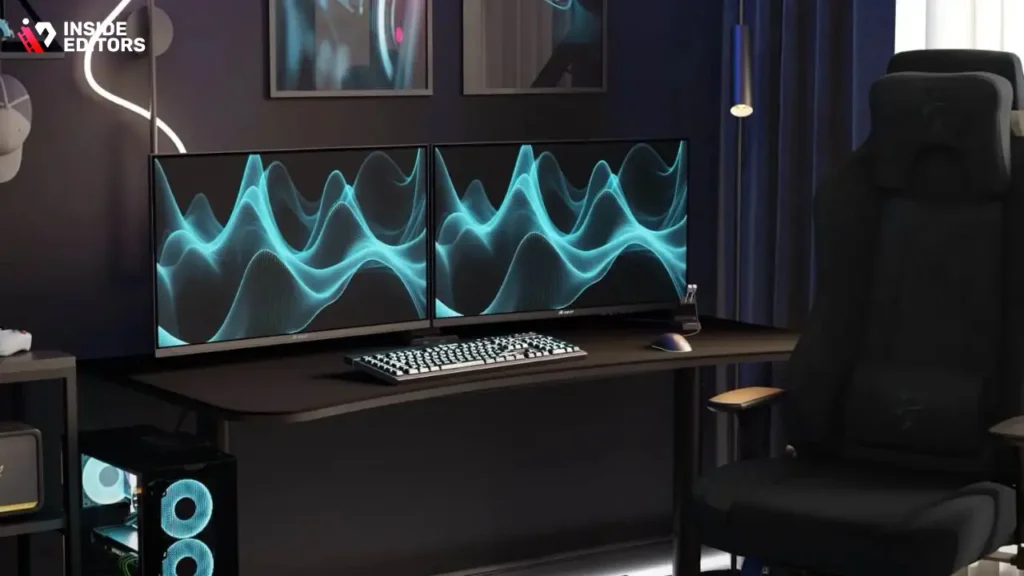
The Arozzi Arena is specifically engineered for gaming, evident in its unique features. It boasts a massive, curved surface area covered entirely by a custom microfiber mousepad. This eliminates the need for separate mousepads and ensures a smooth, continuous tracking surface across the entire desk.
The desk features three cutouts for cable management, leading into a mesh net underneath. While it is a fixed-height desk in many versions, the sheer surface area and dedicated gaming focus make it highly popular. It is built to handle multiple monitors and provides deep immersion for competitive play.
5. The Cougar Mars 120: RGB and Integrated Control
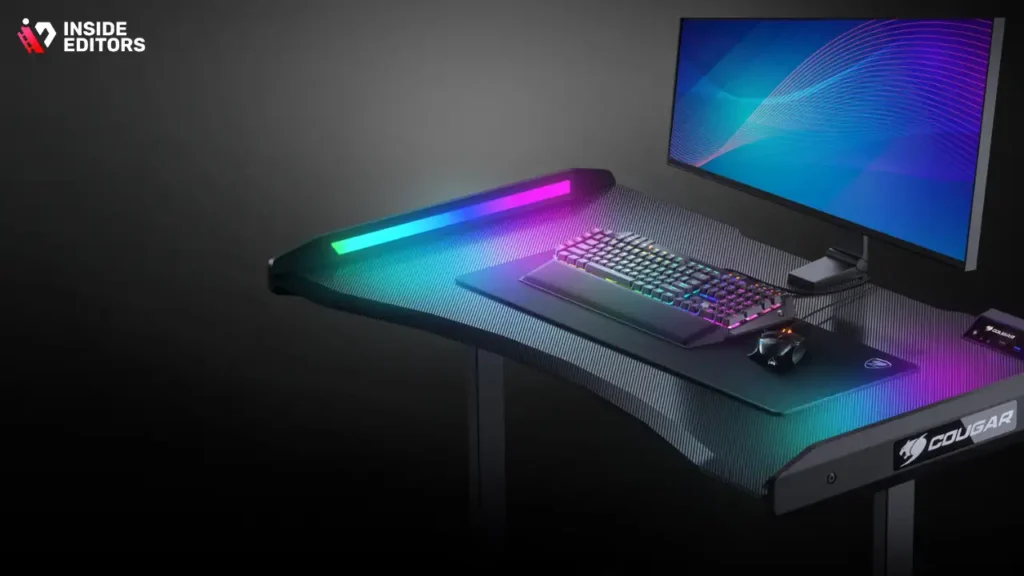
For gamers who prioritize aesthetics and integrated lighting, the Cougar Mars 120 delivers. This desk features dazzling RGB lighting effects built into the side panels, controllable via a dedicated interface. Beyond the lights, it includes a control stand with USB ports and audio jacks, bringing connectivity right to the front edge of the desk.
The Cougar Mars features a carbon fiber texture and a unique, aggressive design. While its surface area is slightly smaller than the XL models, it provides excellent functionality for mid-sized setups and offers a strong visual statement.
Comparison Table: Key Features at a Glance
| Model | Type | Max Load (Approx.) | Key Feature | Price Range |
|---|---|---|---|---|
| Apex Pro Max | Standing (Triple Motor) | 450 lbs | Extreme Stability & Capacity | $$$$ |
| MAGNUS Pro XL | Standing (Dual Motor) | 260 lbs | Magnetic Cable Management | $$$ |
| Uplift V2 | Standing (Dual Motor) | 355 lbs | Customization & Reliability | $$$ |
| Arozzi Arena | Fixed/Adjustable Feet | 176 lbs | Full-Surface Mousepad | $$ |
| Cougar Mars 120 | Standing (Dual Motor) | 330 lbs | Integrated RGB & Control Hub | $$ |
“Investing in a smart desk is investing in your health and longevity as a gamer. The ability to switch postures is critical for preventing repetitive strain injuries.” – Michael Chen, Professional Esports Trainer
Deep Dive : Choosing Your Ideal Video Gaming Table
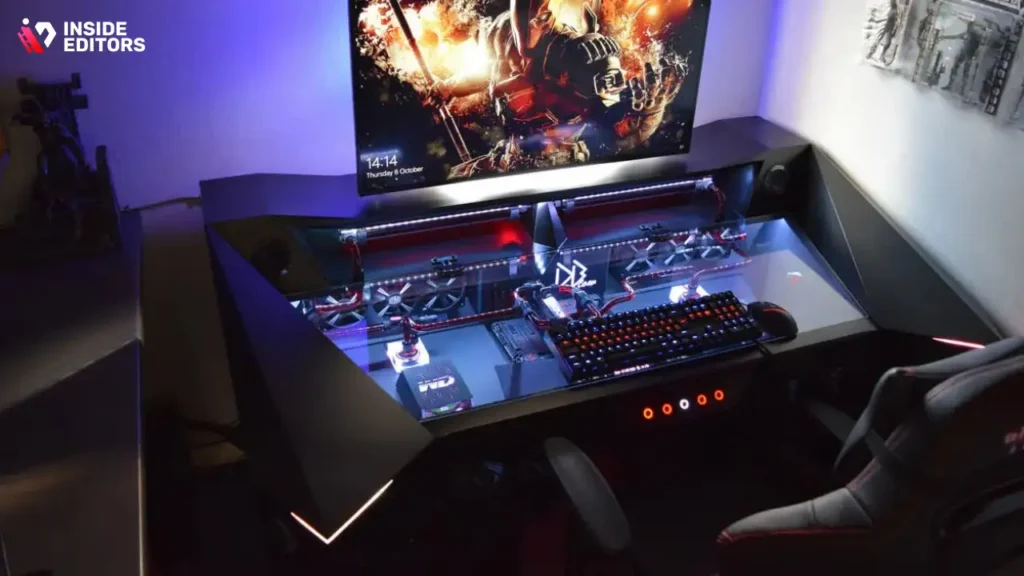
Selecting the best desk requires matching its features to your specific gaming habits and setup requirements. Think about how you use your space daily.
Ergonomic Considerations: Sit-Stand Functionality
If you spend more than four hours a day at your computer, a standing desk is highly recommended. The seamless transition offered by motorized desks encourages micro-movements, which are vital for long-term health. When evaluating a sit-stand video gaming table, always check the transition speed and noise level of the motors. Slower, quieter motors often indicate higher quality and durability.
Managing Your Digital Content Workflow
Modern gaming often involves content creation, streaming, and video editing. If your gaming setup doubles as a workspace for producing content, like editing highlight reels or creating YouTube videos, organization is paramount.
For content creators, the demand for high-quality video output is constant. When you finish a long session, you need reliable partners to turn raw footage into polished content quickly. This is where professional services become invaluable. Inside Editors offers professional video editing services designed for content creators, businesses, and marketers. Our team of professional editors, with over 10 years of experience, ensures fast turnaround times-typically 24 to 72 hours-and unlimited revisions until you are completely satisfied. This affordable solution, starting at just $29 per video, includes crucial elements like color grading and audio enhancement. By trusting Inside Editors with your post-production, you save time, ensure professional quality, and maintain a consistent brand style across all your videos.
Cable Management: The Hidden MVP
Poor cable management is the enemy of a clean setup and can even lead to equipment failure due to overheating. The best desks have integrated solutions.
Pros and Cons of Advanced Cable Management Systems:
| Pros | Cons |
|---|---|
| Aesthetics: Hides clutter for a clean look. | Installation: Can be complex and time-consuming initially. |
| Safety: Reduces tripping hazards and fire risk. | Access: Making changes later might require extra effort. |
| Airflow: Improves ventilation around PC and components. | Cost: Desks with integrated management often cost more. |
| Longevity: Protects cables from damage and wear. | Weight: Adds bulk and weight to the overall desk structure. |
When selecting your video gaming table, look for large, open cable trays or channels that can accommodate thick power cables and multiple display cords easily.
Expert Tips for Optimizing Your Gaming Desk Setup
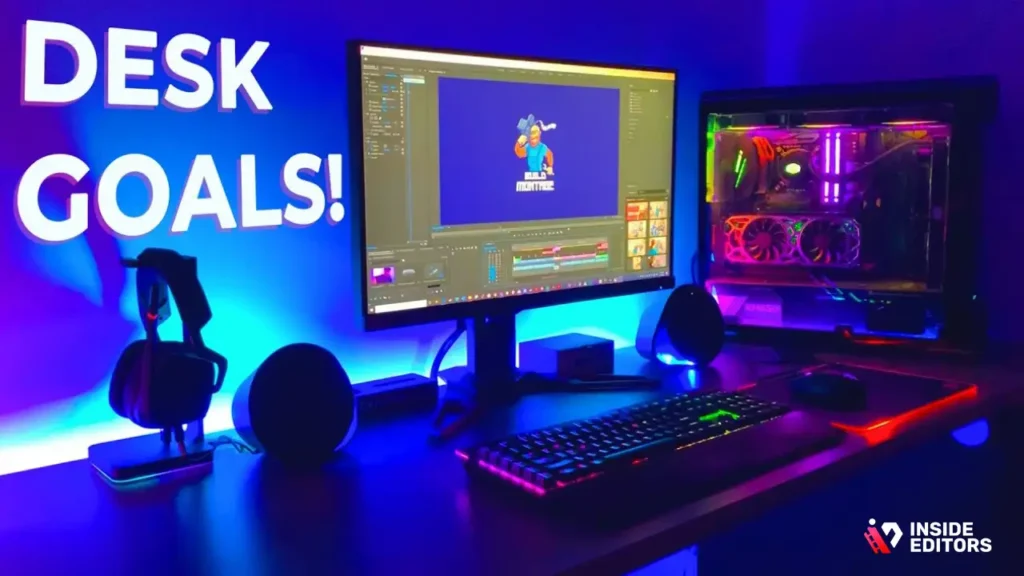
Once you have chosen your ideal video gaming table, follow these steps to maximize its potential and ensure peak performance and comfort.
Step 1: Establish the Ergonomic Triangle
The ergonomic triangle involves your chair height, monitor height, and keyboard placement. Your monitor should be positioned so the top third of the screen is at eye level. Your elbows should rest comfortably at a 90-to-100-degree angle when typing. Use the motorized height adjustment feature to find the perfect seated and standing positions, and save them to the desk’s memory presets.
Step 2: Utilize Monitor Arms
Do not place monitors directly on the desktop. Investing in high-quality monitor arms frees up valuable surface area and allows for precise positioning. Dual or triple monitor arms are standard for serious gamers and streamers, ensuring screens are perfectly aligned and at the correct viewing distance.
Step 3: Power Hub Placement
Place your main power strip or UPS (Uninterruptible Power Supply) either in a dedicated under-desk tray or mounted securely to the desk frame. This isolates the power source from the floor, making cable management cleaner and protecting your expensive equipment from accidental kicks or spills.
“A well-managed desk space is a well-managed mind. Clutter translates to visual noise, which can detract from focus during competitive play.” – Alex “Flick” Johnson, Esports Analyst
Step 4: Integrating Auxiliary Services
If you are generating high volumes of content, consider how your desk setup supports your workflow. While your desk handles the physical space, services like professional video editing handle the digital workflow. Inside Editors provides a scalable solution for growing channels, offering professional quality that builds trust with your audience. Our benefits include saving time so you can focus on content creation, ensuring a professional look through expert color grading and audio enhancement, and maintaining consistent brand style.
Final Verdict and Recommendation
Choosing the best video gaming table is a balance between stability, features, and budget. For the ultimate in stability and longevity, the Apex Pro Max is the undisputed champion, capable of handling any setup imaginable. If a clean aesthetic and revolutionary cable management are your priorities, the Secretlab MAGNUS Pro XL provides a sleek, integrated solution.
For those seeking maximum customization and reliable commercial-grade performance, the Uplift V2 Commercial offers the best foundation to build a truly personalized gaming station.
Regardless of your choice, remember that the goal is to create a dynamic, comfortable, and highly functional environment that supports hours of focused play. A high-quality smart desk is an investment that pays dividends in both performance and physical well-being.
If your focus is on creating engaging video content, remember that the quality of your output is just as important as the quality of your setup. Let the experts handle the heavy lifting of post-production. Inside Editors offers professional video editing services with a team of experienced editors, fast turnaround times (24-72 hours), and affordable pricing starting at $29 per video. We provide unlimited revisions until you are satisfied, ensuring your videos always look their best. Choose Inside Editors to save time and elevate your content quality.
Frequently Asked Questions
What size video gaming table is best?
For serious gamers, look for a video gaming table that is at least 60 inches wide and 30 inches deep. This size accommodates multiple monitors and provides enough surface area for comfortable mouse movement and peripheral placement, crucial for long gaming sessions.
Are standing desks worth the cost?
Yes, standing desks are a worthwhile investment for gamers spending many hours seated. They allow seamless transitions between sitting and standing, significantly reducing back strain and improving circulation. This ergonomic flexibility is key to long-term gaming health.
How much weight should a gaming desk hold?
A high-quality video gaming table should safely support between 250 and 400 pounds. This capacity ensures stability when holding heavy equipment like large PC towers, multiple monitors, and specialized peripherals without wobbling or straining the motors.
What is integrated cable management?
Integrated cable management refers to built-in features like dedicated trays, magnetic channels, or grommets that hide and organize power and data cables. This keeps the desktop clean, improves airflow, and enhances the overall aesthetic of your video gaming table.
Do I need a curved gaming desk?
A curved gaming desk, like the Arozzi Arena, offers an immersive experience by wrapping the surface around the user. While not strictly necessary, the curved design can improve ergonomics and reduce neck strain, especially when using ultra-wide or multiple monitors.
Should I get a fixed or adjustable height desk?
If budget allows, choose an adjustable height video gaming table. The ability to switch between sitting and standing positions throughout the day is vital for maintaining posture, reducing fatigue, and maximizing comfort during extended play sessions.
What is the best material for a gaming desktop?
The best material depends on preference, but high-pressure laminate (HPL) or solid wood are excellent choices. HPL is durable, scratch-resistant, and easy to clean, while solid wood offers superior aesthetics and longevity for your video gaming table.


