


Your wedding day is one of the most important moments in your life. From the dress to the venue, every detail matters. So why not set the tone right from the start with a stunning wedding invitation video? It’s a modern, memorable, and creative way to invite your loved ones to share in your big day.
In the past, sending wedding invitations meant painstakingly designing and mailing physical cards. But today, we live in a world of technology, and wedding video invitations are becoming more popular than ever. They’re not only personal but also eco-friendly, quick to create, and incredibly versatile.
Now, you might be wondering: How can I create a wedding invitation video without the hassle of expensive software or hiring a professional? The good news is, there are free online wedding invitation video makers that allow you to design your video with ease. In this guide, we’ll walk you through how to use these free tools, the benefits of wedding video invitations, and tips to make your video stand out.
Why Use a Free Online Wedding Invite Maker?

Creating your own wedding invitation video doesn’t have to be a daunting task. Using an online wedding invitation video maker free of charge offers a range of advantages, from simplicity to accessibility. Here are some reasons why this option is gaining popularity:
Cost-Effective and Accessible
The most obvious benefit of using a wedding invitation video maker online free is that it saves you money. Wedding expenses can quickly add up, so opting for a free tool to create your invitation can be a wise decision. Plus, you don’t need any specialized software or expertise to get started.
Most of these platforms are user-friendly and accessible directly from your browser, meaning you don’t need to worry about downloading large files or investing in complicated Wedding Video Editing software. Simply choose a tool, pick a template, and get started!
Customizable Templates for Personal Touch
Free online video makers come with a variety of templates designed specifically for wedding invitations. These templates are highly customizable, meaning you can add your personal touch – from the text, colors, and fonts to the music and transitions. With a bit of creativity, your video can truly reflect your style as a couple, whether you prefer a classic, romantic feel or a more playful and modern vibe.
Quick and Easy to Share
Once your wedding invitation video is ready, sharing it is a breeze. You can easily upload it to social media platforms, email it to your guest list, or send it as a direct link. Unlike traditional paper invitations, your guests can access the video immediately, wherever they are. Plus, digital invitations are far more environmentally friendly, helping reduce paper waste and postage costs.
Enhance Engagement with Multimedia Elements
Wedding invitation videos allow you to include more than just text. You can incorporate personal messages, voiceovers, video clips, and even animations. If you and your partner have a shared love story or a meaningful journey, you can integrate photos or short video clips that capture those precious moments. This approach adds a level of intimacy and creativity that paper invitations just can’t match.
Now that you know why an online wedding invitation video maker is such a great choice, let’s explore how you can create your own video using these free tools.
How to Use a Free Online Wedding Invite Maker
Creating your wedding invitation video with a free online tool is easier than you might think. Here’s a step-by-step guide to help you get started.
Step 1: Choose the Right Wedding Video Maker Tool
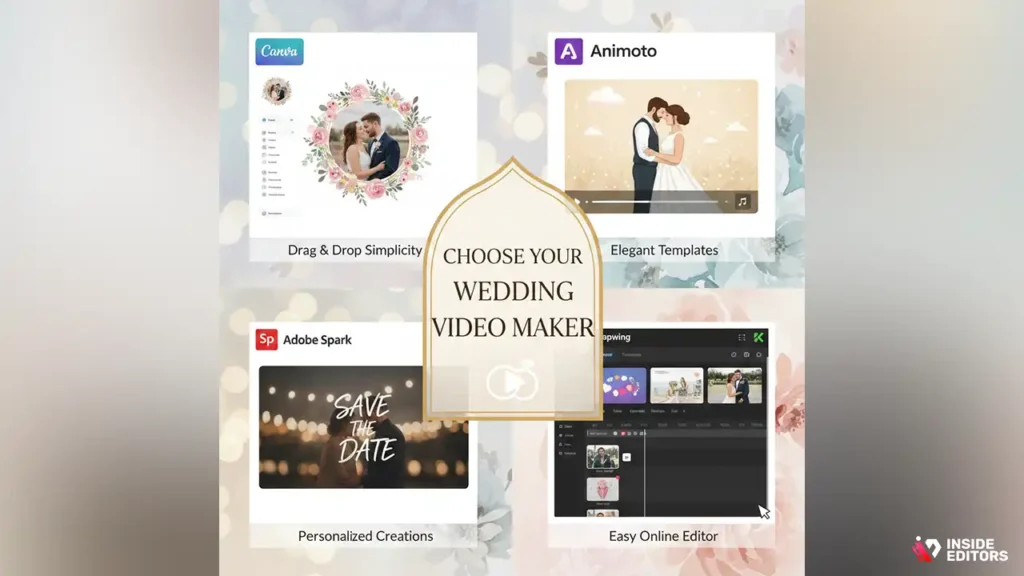
First things first – you need to find the best wedding invitation video maker that suits your needs. There are plenty of free options available online, each with its own set of features. Some popular free tools include:
- Canva: Known for its simple drag-and-drop interface, Canva offers a variety of wedding video templates that are easy to customize. You can add your own text, photos, and music.
- Animoto: Animoto provides templates specifically designed for wedding invitations, offering both free and paid plans. You can create professional-quality videos in minutes.
- Adobe Spark: Adobe Spark has free wedding invitation video templates that allow you to add images, text, and music to create a personalized video.
- Kapwing: Kapwing is another easy-to-use online video editor that allows you to make stunning wedding invitation videos for free.
Step 2: Select a Template or Start from Scratch
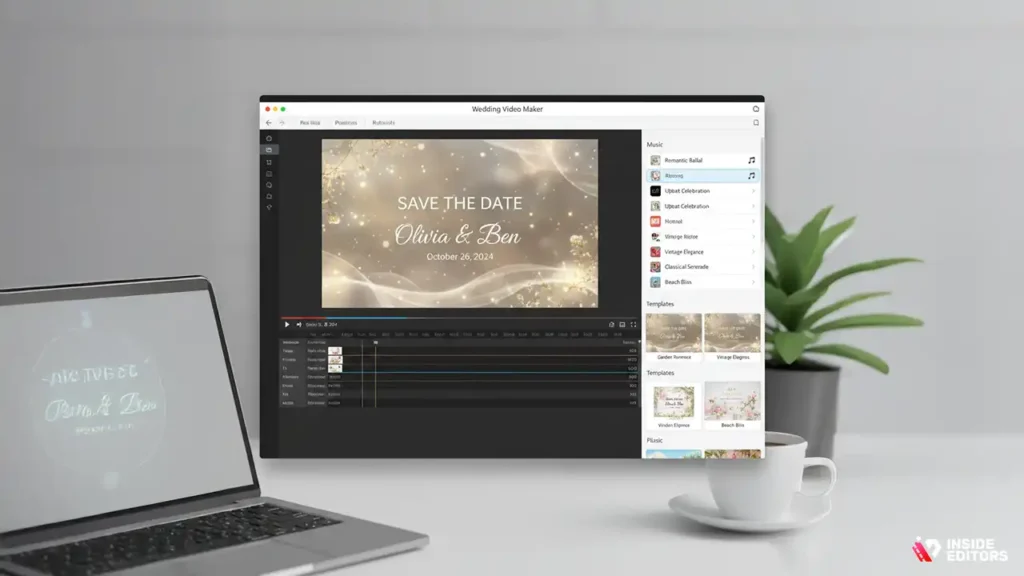
Once you’ve chosen a video maker tool, the next step is selecting a template or creating a video from scratch. Most free tools offer a wide range of templates designed specifically for wedding invitations. These templates are pre-built with animations, text styles, and backgrounds that fit wedding themes.
If you have a specific vision in mind for your invitation, you can opt to create your video from scratch. This allows for even more creative freedom, but may take a little longer. Choose a background music track that fits the tone of your video, such as a romantic ballad or an upbeat tune that matches your wedding vibe.
Step 3: Customize Your Invitation Video

Now comes the fun part – customizing your video! This is where you can truly personalize the invitation to reflect your unique love story. Most online wedding video makers let you:
- Upload photos and videos: Choose your favorite photos together and any short video clips you want to add. Include a special message or highlight a significant moment from your relationship.
- Edit text: Add your wedding details, such as the date, time, location, and a personal message to your guests. Make sure to use fonts and colors that reflect your wedding theme.
- Incorporate music: Adding music to your wedding invitation video sets the tone and creates an emotional connection. Choose a romantic song or a piece of instrumental music that complements your video. Many free tools offer royalty-free tracks, or you can upload your own.
- Adjust transitions and effects: Some video makers allow you to choose transition effects (like fades or slides) between different scenes or photos. Play around with these effects to make your video feel dynamic without being too distracting.
Step 4: Preview and Finalize
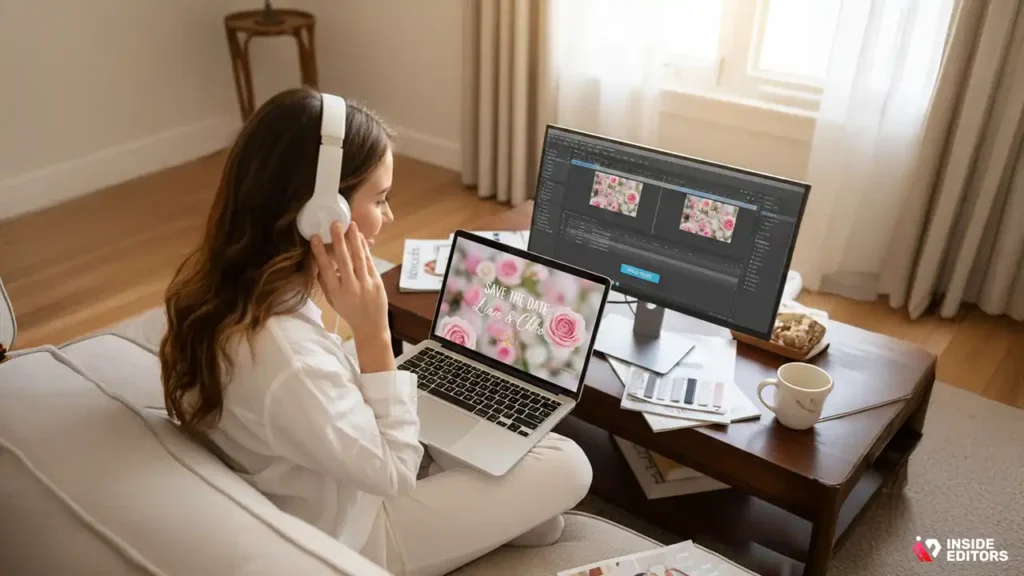
Once you’ve customized your wedding invitation video, it’s time to preview it. Most tools will let you watch the entire video to make sure everything flows smoothly. Check for any typos, make sure the music is at the right volume, and confirm that the video length is ideal for your invitation.
After you’re satisfied with the video, finalize the project. Some free tools may place watermarks on the video, but that can often be removed with a paid plan or by simply sharing the video directly.
Step 5: Share Your Wedding Invitation Video
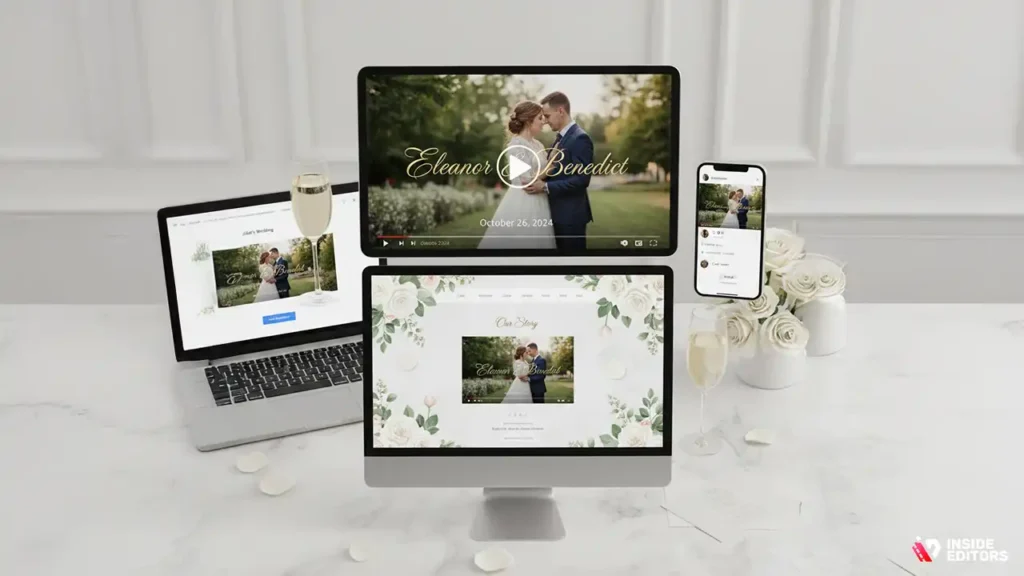
After finalizing your video, it’s time to send it out! Most video makers allow you to download your video file in various formats (e.g., MP4), making it easy to share across multiple platforms. You can:
- Email your video: Send it directly to your guest list via email, including a link or attachment.
- Share on social media: Upload it to Facebook, Instagram, or other platforms to spread the word and get everyone excited for your big day.
- Embed the video on your wedding website: If you’ve set up a wedding website, embed your invitation video there for easy access.
Once your invitation video is sent out, you’ll receive RSVPs in no time, all while impressing your guests with a creative, memorable invitation!
Key Tips for a Stunning Wedding Invitation Video
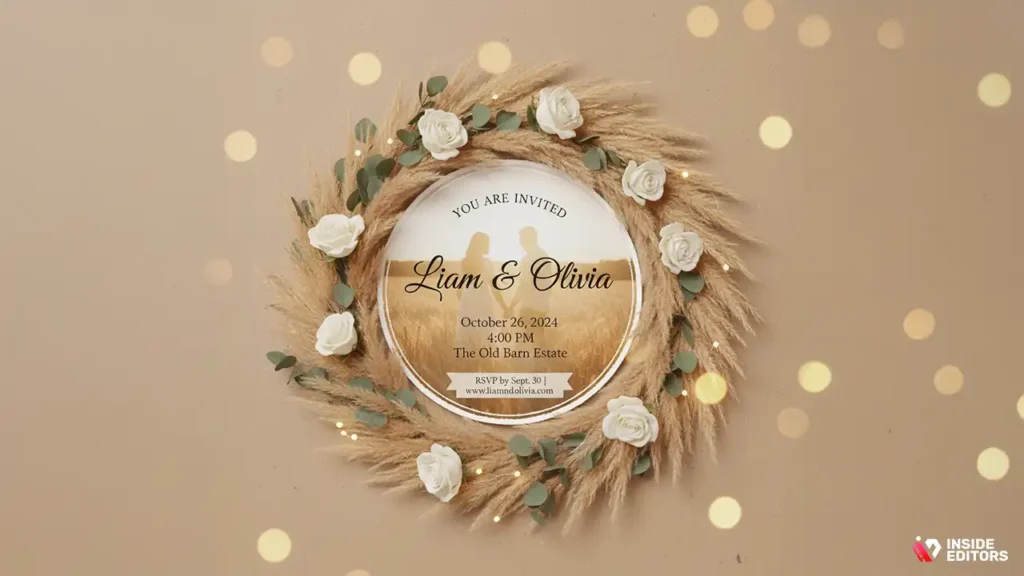
Creating a beautiful and memorable wedding invitation video is an art in itself. Here are a few tips to make sure your video stands out:
1. Keep it Short and Sweet
Your wedding invitation video doesn’t need to be long. Aim for 30 to 90 seconds – enough time to convey your message, showcase your personality, and leave a lasting impression, without losing the viewer’s attention.
2. Choose the Right Music
The music you select for your invitation video sets the mood. Choose a song that resonates with you as a couple, whether it’s something romantic, quirky, or modern. Make sure to check the licensing rules if you’re using copyrighted music.
3. Use Personal Photos or Clips
To make the video truly personal, include photos or short video clips from your relationship. Whether it’s a montage of special moments or a video of the two of you together, these elements add an emotional touch that will make your guests feel more connected to your celebration.
4. Keep Your Text Clear and Legible
Your invitation’s text should be easy to read, even on small screens. Use a large font size and high-contrast colors for clarity. Avoid overcrowding the screen with too much text – keep it simple and direct.
5. Make It Match Your Wedding Theme
Your wedding invitation video should reflect the tone and theme of your big day. If you’re going for a rustic, country wedding, incorporate earthy tones and natural visuals. For a more modern, sleek wedding, opt for minimalist designs and contemporary fonts.
Advanced Tips for the Perfect Wedding Invite Video
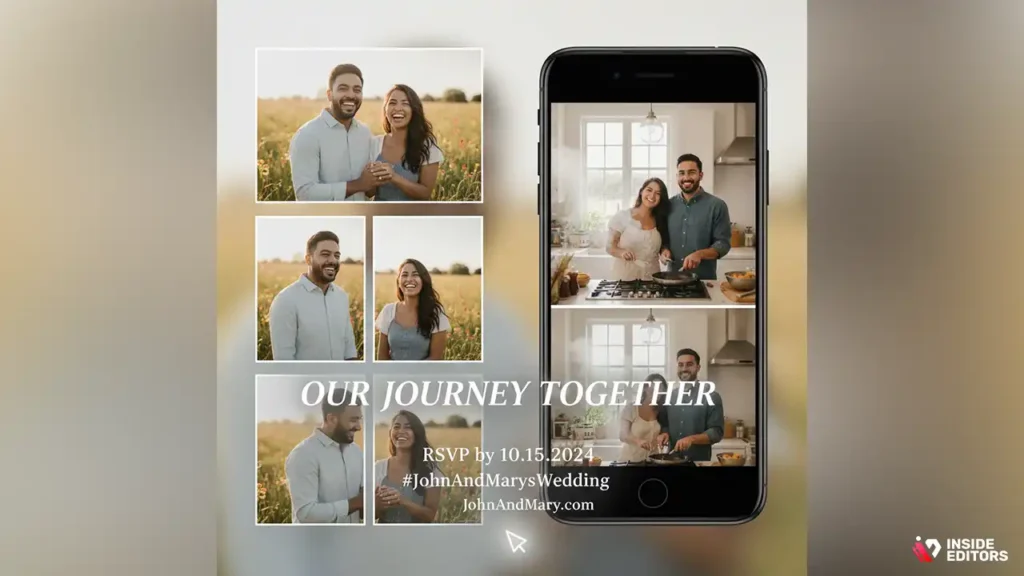
Creating a wedding invitation video with a free online maker is an excellent starting point, but there are additional tips and tricks that can elevate your video from great to spectacular. In this section, we’ll go deeper into advanced customization options, including tips on video quality, storytelling, and adding unique elements that make your wedding invitation even more special.
Use High-Quality Photos and Videos
While free video makers come with handy templates, the quality of the media you include plays a major role in the final result. Start by selecting high-resolution images and videos. Whether you’re using professional wedding photos, candid shots, or video clips, make sure they’re clear, crisp, and properly lit. Low-quality images will make even the most polished video look amateurish.
If you’re using smartphone footage, ensure it’s shot in good lighting conditions and at a high resolution. Many smartphones now offer 4K video, which is more than enough for a wedding video. This attention to detail ensures that your video will look polished and professional, even when it’s viewed on a big screen. For more specialized needs, consider Social Media Video Editing Services or Action Video Editing.
Craft a Strong Narrative or Theme
A wedding invitation video is more than just an announcement; it’s a story. So, think of your video as a mini-movie that introduces your wedding in a personal and engaging way. Whether you’re telling the story of how you met, recounting a funny anecdote, or showcasing your wedding theme, a good narrative makes the video memorable.
Here are some ideas to help craft your video’s narrative:
- The Journey Together: A timeline that highlights key moments in your relationship – from the first date to the proposal.
- Fun Facts: Incorporate light-hearted facts about you and your partner, such as quirky habits or favorite pastimes.
- Shared Hobbies: If you and your partner share a passion for something, like hiking, traveling, or cooking, you can integrate clips or photos that showcase that hobby to make the video more personal.
This personal storytelling element adds authenticity, helping your guests feel more connected to you both, even before the big day.
Choose Transitions and Effects Wisely
While it’s tempting to use every transition and effect available, overdoing it can make the video feel chaotic. Instead, choose transitions that complement your theme and enhance the flow of your story. For example:
- Simple fades or dissolves: These transitions work well for romantic and elegant wedding invitation videos.
- Slides or flips: These effects can add a playful or modern touch, but use them sparingly to avoid distraction.
- Dynamic text animations: If you’re adding messages or quotes to your video, use text animations that bring your words to life. Ensure the font is easy to read and that the animation doesn’t overpower the message.
Remember, less is often more. Aim for smooth transitions that guide the viewer through the video naturally, without making them feel overwhelmed.
Include a Call to Action (CTA)
While wedding invitation videos are primarily about sharing your big news, they can also be used to provide additional information or instructions. Including a call to action (CTA) can be a practical and engaging element to guide your guests. Here are some ways to use a CTA in your wedding video:
- RSVP Reminder: A gentle reminder for your guests to RSVP via email, a wedding website, or an online registry.
- Travel Information: If you’re hosting a destination wedding or expect guests to travel, include helpful details, such as hotel accommodations, flight information, or a link to your wedding website.
- Hashtags: If you want your guests to share their experiences on social media, encourage them to use a custom hashtag. For example: #JohnAndMarysWedding.
Including a CTA makes your video more functional while keeping it fun and engaging.
Best Free Online Wedding Invitation Video Makers
Now that you’ve got the tips for creating a stunning wedding invitation video, it’s time to look at some of the best free tools available online. Each of these platforms provides a range of features, making it easy for you to create a custom, high-quality wedding video that fits your style and budget.
1. Canva
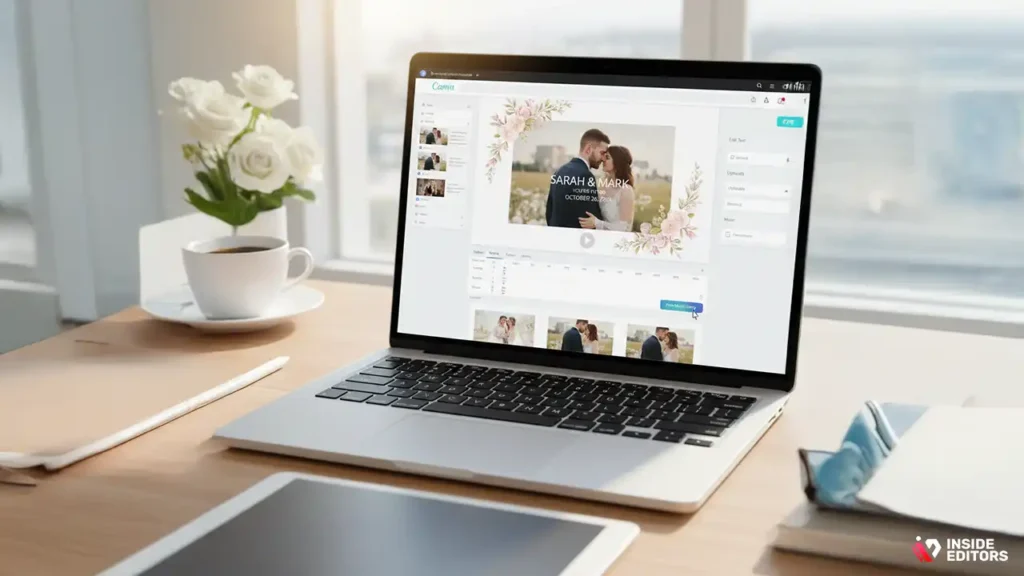
Canva is a versatile design tool, and its wedding invitation video templates are top-notch. With Canva, you can easily add personal touches by uploading your photos, editing text, and choosing from a variety of music tracks. The platform’s drag-and-drop functionality makes it easy for even beginners to create a professional-looking video.
- Pros:
- Simple interface.
- Wide range of customizable templates.
- Free music library.
- Cons:
- Limited video editing options compared to other tools.
- Some advanced features are locked behind a paid plan.
2. Animoto
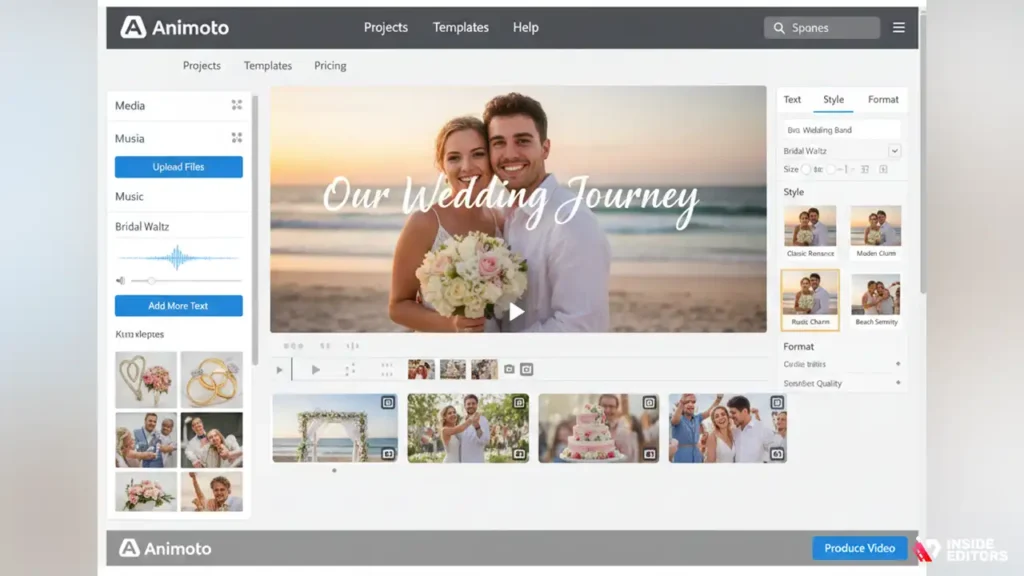
Animoto is known for its ease of use, making it a great choice for couples with limited video editing experience. It offers several wedding-specific templates, and the video creation process is highly intuitive. Animoto allows you to add text, music, and photos, and automatically adjusts the video to match the pacing of the music.
- Pros:
- Wedding-themed templates.
- Intuitive drag-and-drop interface.
- Ability to add both photos and video clips.
- Cons:
- The free version includes a watermark.
- Limited customization compared to some other platforms.
3. Adobe Spark
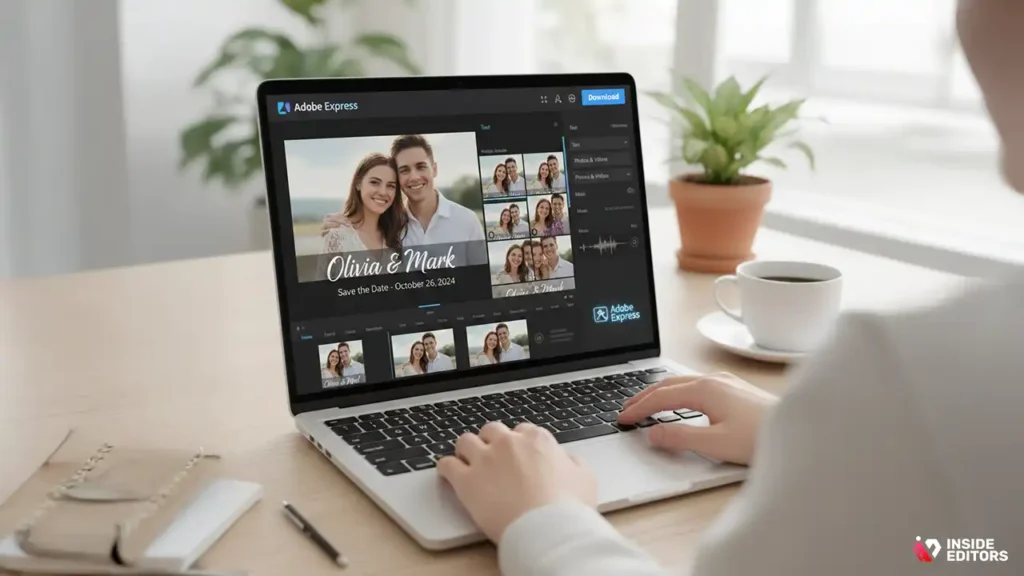
Adobe Spark is part of the Adobe family, offering powerful tools for creating videos with ease. It includes wedding invitation video templates, which you can easily personalize with your photos, text, and music. While the free version includes some limitations, it still offers plenty of functionality for creating a beautiful video.
- Pros:
- Great selection of free templates.
- User-friendly interface.
- High-quality output.
- Cons:
- The free version adds a watermark to the video.
- Limited video length and resolution options in the free version.
4. Kapwing
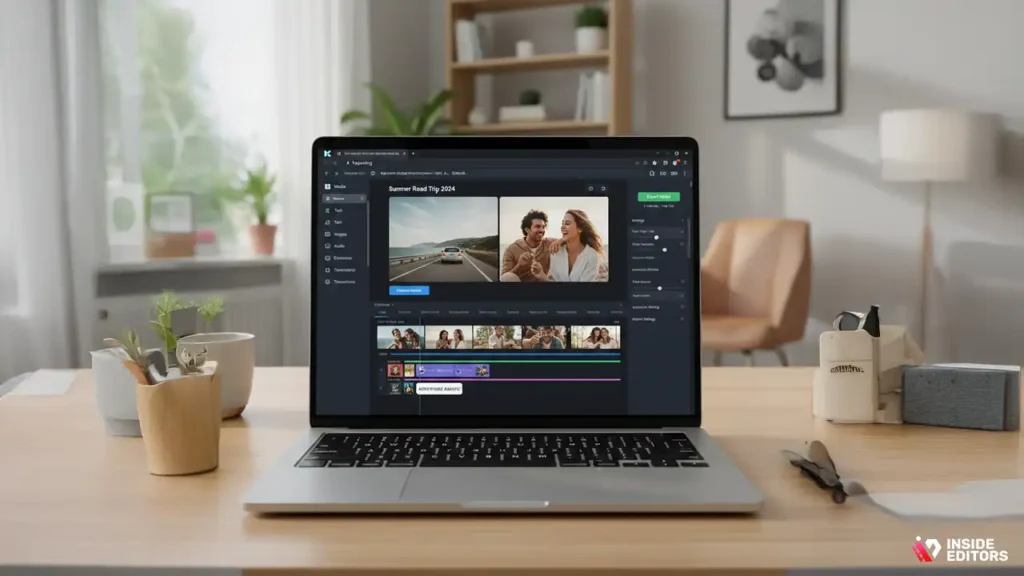
Kapwing is a free, web-based video editor with a user-friendly interface and robust customization features. You can upload your own media, add text, music, and animations, and export your video in high quality. Kapwing is perfect for those who want more control over their video without needing to download any software.
- Pros:
- No watermarks in the free version.
- High degree of customization.
- Great for editing both images and videos together.
- Cons:
- Video export limits in the free version (maximum of 7 minutes).
- Requires a stable internet connection for smooth performance.
5. Filmora
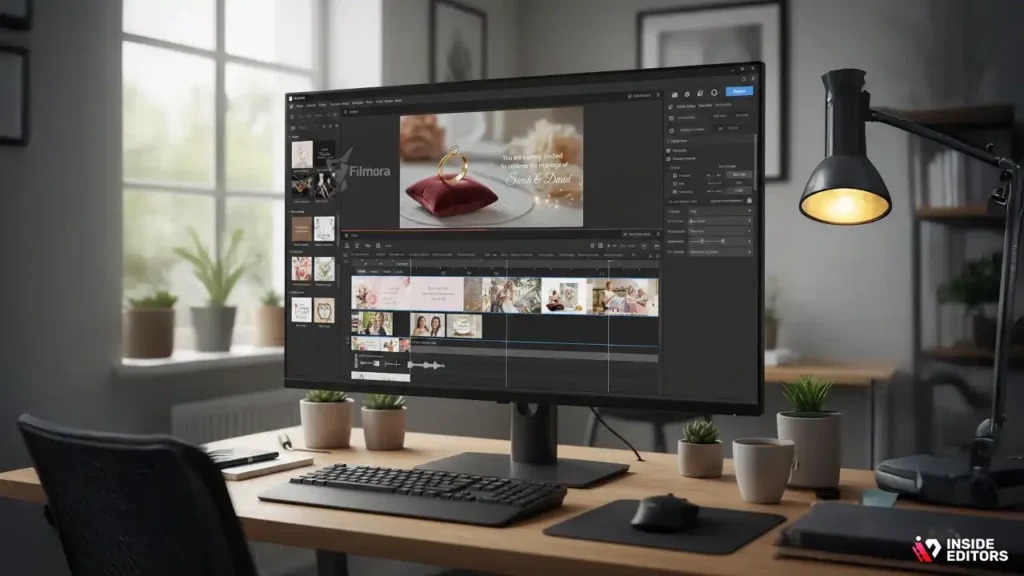
Filmora is another powerful tool for video editing, offering a free version with an impressive set of features. While it’s typically known for longer-form content, you can use Filmora’s wedding invitation templates to create short videos with ease. It also supports a variety of export formats, including MP4, MOV, and AVI.
- Pros:
- Advanced editing tools for a more professional finish.
- Easy-to-use interface.
- Wide range of music, effects, and transitions.
- Cons:
- Free version includes a watermark.
- Limited export options for free users.
Conclusion: Your Wedding Invite Video, Simplified
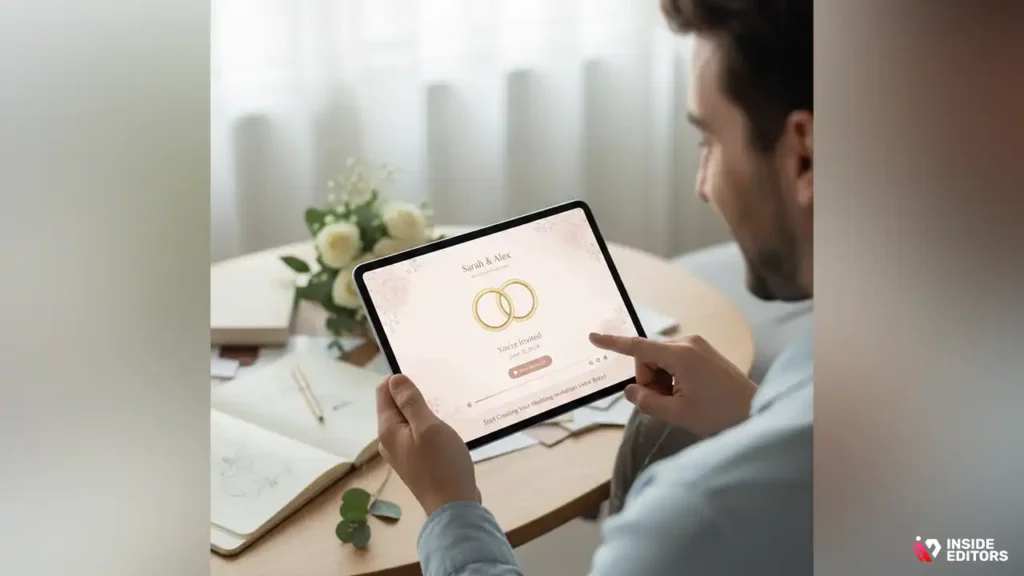
In the end, creating your wedding invitation video online for free is an excellent way to bring your creative vision to life without breaking the bank. Whether you’re using Canva, Animoto, Adobe Spark, or any other tool, the process is designed to be simple and user-friendly. Plus, with the ability to personalize and share your invitation instantly, it’s a practical and modern solution to traditional wedding invites.
By following the tips and using the best online tools available, you can make a wedding invitation video that is unique, memorable, and truly represents your love story. So, what are you waiting for? Start creating your wedding invitation video today, and get ready to impress your guests with something truly special.
If you’re looking for a professional touch or need help polishing your video, Inside Editors’ team of experts can take your wedding video to the next level. From editing and fine-tuning to adding special effects, we’ve got you covered.
Explore Inside Editors’ Wedding Video Editing Services
FAQs
How do I know my wedding invitation video will be high quality?
Many free wedding invitation video makers offer professional-looking templates with customizable features. However, the quality depends largely on the images and videos you upload. Make sure to use high-resolution photos and clear videos for the best result. While free tools are great for simple projects, advanced features such as 4K resolution may require a paid upgrade.
What are the differences between DIY wedding videos and professional services?
DIY wedding videos give you control over the design and personalization, allowing you to create a unique invitation at no cost. However, professional services, like those from Inside Editors, provide expert editing, advanced effects, and higher quality, ensuring your video stands out. If you want a polished, cinematic result without the effort, a professional service is a good option.
How much does a wedding invitation video cost?
Free video makers, like Canva or Animoto, are excellent for creating wedding invitation videos at no cost, but they may limit customization and feature options. Paid services, including professional editing, typically start at $50–$300 depending on the complexity and turnaround time. Inside Editors offers tiered pricing based on your needs, providing more control and creative options as you move up.
How long does it take to create my wedding invitation video?
Using free online tools, you can create a wedding invitation video in as little as an hour, depending on how much editing and customization you require. If you opt for professional video editing services, expect a typical turnaround of 3–7 business days. For rush editing, many companies offer expedited services for an additional fee.
How do I create a wedding invitation video online?
Start by choosing a free video maker like Canva or Animoto. Upload your images and videos, customize your template with text, transitions, and music, then preview the result. Once satisfied, download the final video. If you need help fine-tuning the video, professional services like Inside Editors can handle the editing process, offering expert guidance and revisions.


