

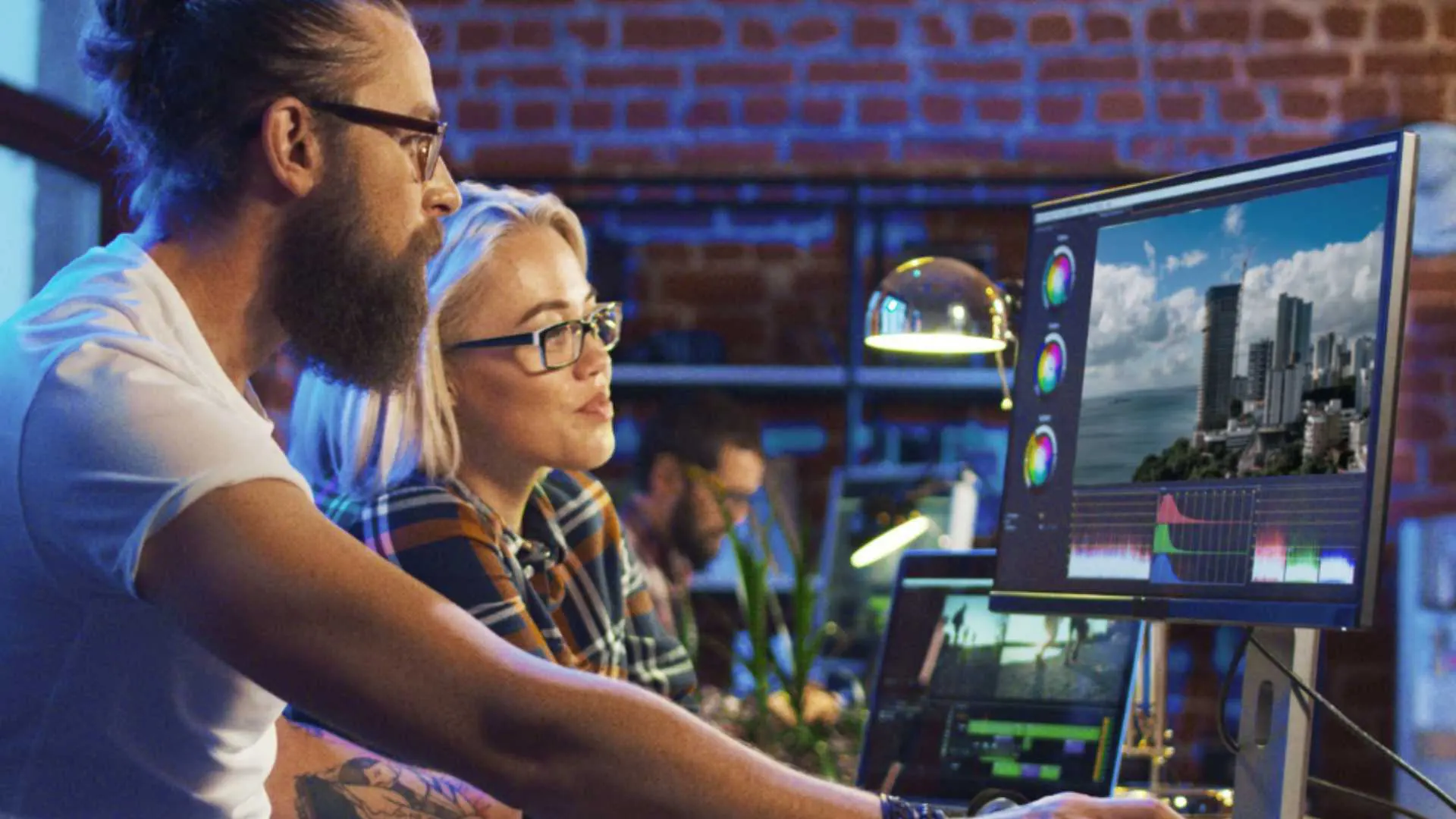
Choosing the Best Software for Editing Construction Time Lapse Videos in 2025 can feel overwhelming, especially when you’re trying to manage heavy footage, long-duration frames, stabilization issues, exposure shifts, and overall storytelling. Construction time-lapse videos have become one of the most powerful forms of visual communication for contractors, architects, developers, and agencies. So picking the right editing tools matters more than ever. In this guide, I’ll walk you through everything in a friendly, easy-to-follow way, whether you’re here to compare tools or pick one immediately.
As you explore your options, remember that time-lapse editing is different from normal video editing. It demands specialized features like batch color correction, frame deflickering, long-timeline rendering, motion blur control, RAW sequence handling, and automated processing. These features are what separate regular video editors from software actually optimized for construction time-lapse projects. If your goal is to create a clean, stable, cinematic, and client-ready final video, choosing the Best Software for Editing Construction Time Lapse Videos becomes a strategic decision, not just a technical one.
At Inside Editors, we work with brands, contractors, real-estate developers, and engineering companies, helping them edit professional construction time-lapse projects. So throughout this article, I’ll also share insights from real production workflows. If you ever feel like outsourcing the entire workload, you can always visit Inside Editors for professional, done-for-you video editing support.
Why Choosing the Right Software Matters
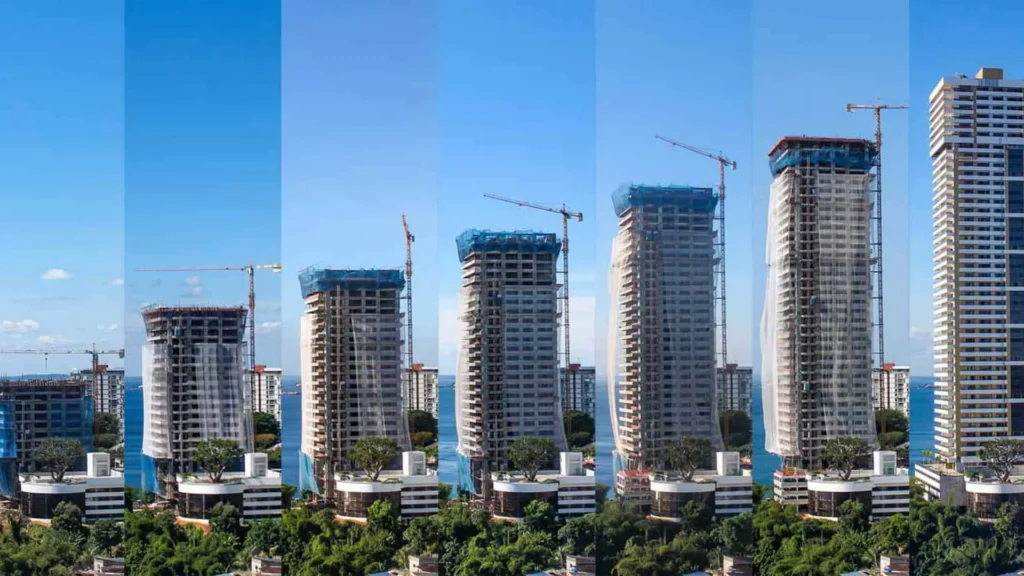
When you record a construction project for months or even years, you end up with thousands of image frames, lighting inconsistencies, weather changes, camera vibration, and unwanted scene flicker. This is where the Best Software for Editing Construction Time Lapse Videos shines-you need tools that handle these challenges automatically.
Good time-lapse software reduces hours of manual editing. It saves you from fixing flicker frame-by-frame, stabilizing long-term shots manually, or adjusting color for hundreds of individual clips. More importantly, it ensures the final output looks stable, clean, and visually consistent, which is crucial when you’re delivering a video for presentations, investors, websites, or marketing.
The right software also determines your overall post-production speed. Some programs render long sequences in minutes, while others take hours. Some handle RAW image files effortlessly, while others crash or choke when processing high-resolution frames. So the decision you make now will impact your workflow, your time, and the quality of your projects throughout 2025.
What Makes Good Time-Lapse Editing Software?
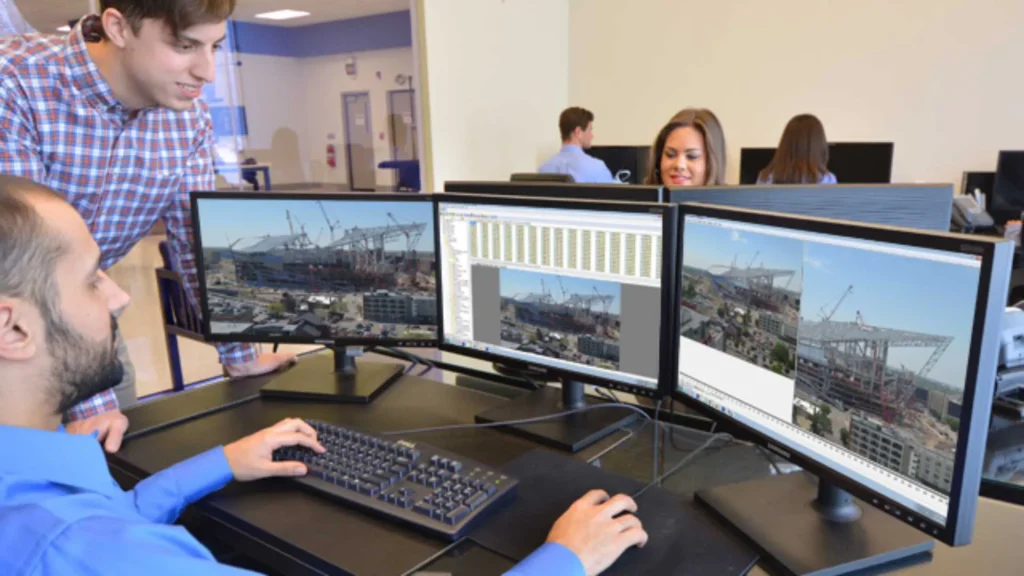
When choosing the Best Software for Editing Construction Time Lapse Videos, it’s helpful to understand the features that actually matter. Not every editing program is built for heavy time-lapse footage, and some will slow down or crash when handling thousands of images or long 4K sequences.
The primary features you should be looking for include precise frame control, flicker removal, stabilization tools, batch editing capabilities, and the ability to handle RAW photos without slowing down your workflow. Construction time-lapse often involves abrupt lighting changes, unpredictable weather, and large file sizes. A good editor should be able to fix these issues smoothly.
Color correction also matters because construction sites go through different lighting conditions depending on the time of day. Your software should make it easy to achieve consistent brightness, richer tones, and a stable white balance. And if you want to add branding, titles, or overlays, the program should offer simple ways to introduce logos or text without degrading quality.
When people search for the Best Software for Editing Construction Time Lapse Videos, they’re looking for more than just an editing tool-they’re looking for a complete solution that handles everything from image sequence preparation to final export. This is why your choice of software greatly affects the final video quality.

1. Adobe Premiere Pro (Most Versatile Choice for 2025)
Adobe Premiere Pro remains one of the strongest candidates for the Best Software for Editing Construction Time Lapse Videos in 2025. Whether you’re a beginner or a professional contractor looking to create polished project videos, Premiere gives you the flexibility to work with huge image sequences, multi-camera perspectives, and high-resolution RAW files.
Premiere Pro excels because it supports long timelines smoothly. Construction time-lapse edits often require combining multiple phases-day, night, interior, exterior, before-after-into one seamless narrative. Premiere handles these sequences without crashing, especially with GPU acceleration.
The best part is its full compatibility with Lightroom, After Effects, Photoshop, and Adobe Camera Raw. If you’re capturing photos instead of video clips for your time-lapse workflow, this gives you enormous control over deflickering, grading, and RAW corrections. You can pre-grade the images in Lightroom and send them into Premiere for final editing.
For storytelling, Premiere also offers easy transitions, motion effects, keyframes, text overlays, animated progress labels, and construction milestone markers. It’s incredibly flexible and works well for clients who want polished, modern, professional videos to show project progress.
2. LRTimelapse (The Industry Standard for Time-Lapse)
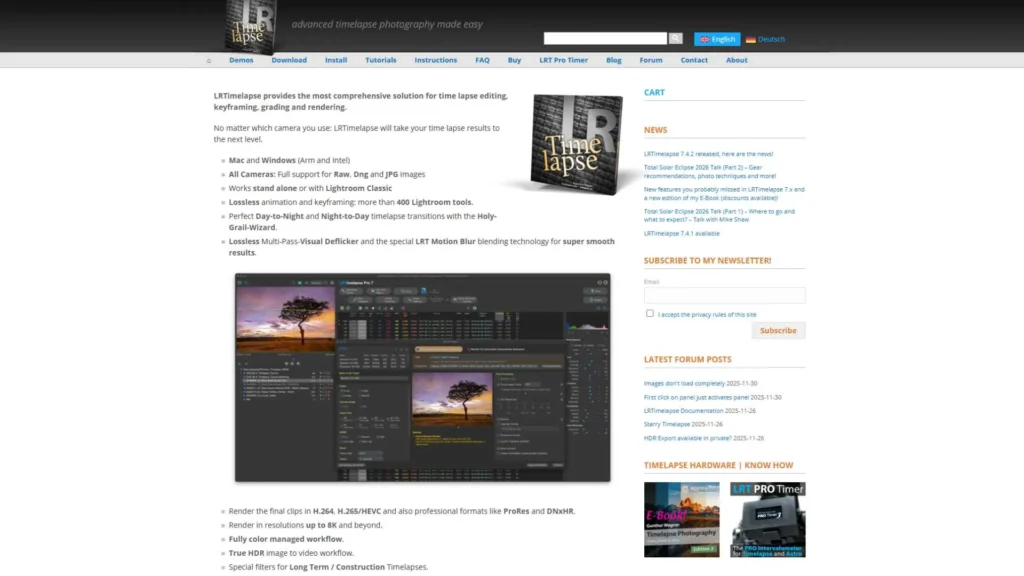
If there’s one tool designed specifically for time-lapse sequences, it’s LRTimelapse. Many professionals say it’s the Best Software for Editing Construction Time Lapse Videos because no other program offers the same level of control, precision, and automation.
LRTimelapse is perfect for construction time-lapse because long-term monitoring requires stability in exposure, color, and motion. Cameras recording for months often produce flickering footage-LRTimelapse solves this automatically with its advanced deflicker engine. It can stabilize exposure transitions, fix lighting inconsistencies, and create smooth, cinematic motion.
What really makes it stand out is the ability to process RAW image sequences with keyframing. You can create day-to-night or night-to-day transitions, which are essential when construction sites run 24/7. LRTimelapse integrates with Lightroom, meaning you can edit color grading with Lightroom’s powerful tools while letting LRTimelapse handle the automation.
If your time-lapse workflow involves thousands of high-resolution images instead of video clips, LRTimelapse is your best friend.
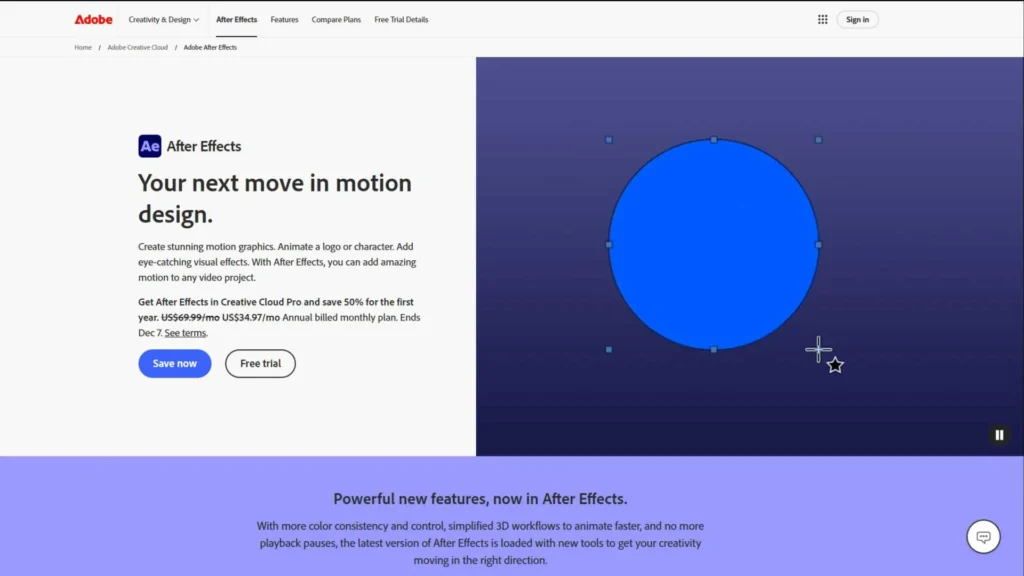
3. Adobe After Effects (Best for Advanced Animation & Stabilization)
After Effects is another powerful option in the list of the Best Software for Editing Construction Time Lapse Videos. While it’s not the easiest tool for beginners, it provides unmatched control over visual effects, stabilization, exposure smoothing, and animation.
Construction time-lapse videos often include camera shaking from wind, vibration, or long-term tripod shifts. After Effects’ Warp Stabilizer is incredibly effective for fixing these issues. You also have full control to:
- Add animated progress labels
- Add building elevation overlays
- Blend before-and-after frames
- Highlight construction phases
- Add motion blur or smoothing
After Effects also handles frame interpolation very well, giving you slow, smooth movement in your time-lapse without making it look jittery. If your project requires advanced cinematic style, After Effects is a must-have tool.
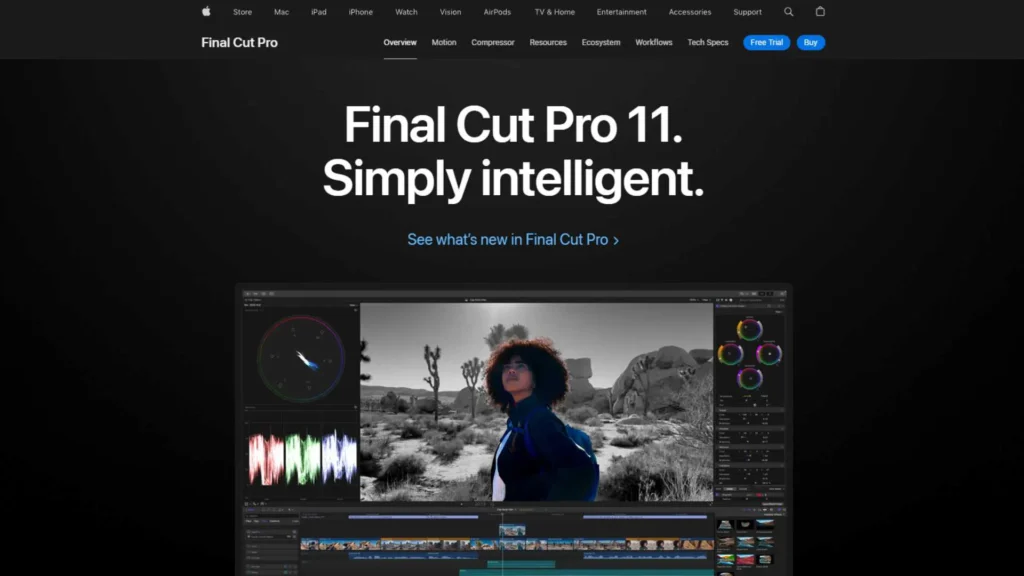
4. Final Cut Pro (Best for Mac Users)
If you’re a Mac user, Final Cut Pro is one of the strongest options for the Best Software for Editing Construction Time Lapse Videos in 2025. Its optimized performance on Mac devices makes it perfect for rendering long sequences quickly. Final Cut Pro is extremely efficient with large video files, and it rarely lags because it uses Apple’s Metal architecture to accelerate processing.
Final Cut Pro also offers seamless color grading tools, cinematic LUTs, easy stabilization, and a very clean timeline. If you work with clients who want fast turnarounds, Final Cut is a strong choice because of its rendering speed.
Many construction companies also prefer Final Cut because MacBooks and iMacs handle heat, resolution, and consistency better during long rendering tasks. So if you’re working on large site documentation videos, Final Cut Pro is extremely reliable.
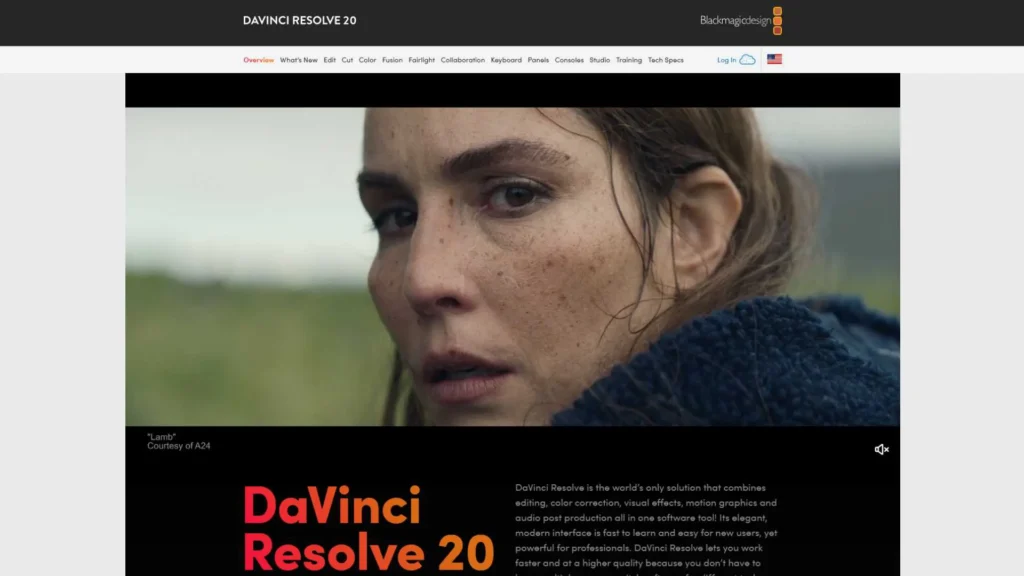
5. DaVinci Resolve (Best for Color Grading & Professional Finish)
DaVinci Resolve is one of the most advanced programs on this list. Many professionals consider it one of the Best Software for Editing Construction Time Lapse Videos because of its unmatched color grading features. Construction sites often have mixed lighting-sunlight, cloudy skies, nighttime lighting, indoor lighting, welding sparks, and shadows. Resolve handles these differences beautifully.
If you want your time-lapse to look cinematic and high-end, Resolve gives you more grading power than any other program. It handles HDR, RAW files, and large sequences without breaking. The Cut Page also helps speed up workflow for long-term projects.
Resolve’s Fusion tab is also great for adding:
- Animations
- Logos
- Site progress indicators
- Text callouts
- 2D/3D overlays
Overall, Resolve is professional-level, free to start, and extremely powerful for long-term construction videos.
How to Pick the Right Software (Beginner vs Professional)
If you are new to editing construction time-lapse videos, stick to software that is easy to understand, like Adobe Premiere Pro or Final Cut Pro. These tools offer a gentle learning curve and give you enough flexibility to produce commercial-quality videos.
However, if your project requires advanced stabilization, exposure correction, RAW sequence control, or long-duration rendering, tools like LRTimelapse and After Effects are ideal. They are more complex but offer deeper control over every aspect of the video.
For those looking for Hollywood-level color grading and a professional finish, DaVinci Resolve is the best choice. It handles color in a way no other program can.
Choosing the Best Software for Editing Construction Time Lapse Videos depends on your workflow, your hardware, and the complexity of your footage. Each program excels in different areas, so the right choice is the one that matches your project goals.
Why Many Companies Outsource Time-Lapse Editing
Managing thousands of photos or large video clips requires time, storage, and skill. Construction companies often outsource their editing because:
- They don’t have enough time
- They don’t want to deal with huge files
- They want a clean, cinematic end product
- They need videos for clients, investors, or marketing
- They want consistent editing across multiple projects
This is where Inside Editors plays an important role. We help companies create professional, high-quality construction time-lapse videos, handle all technical editing, and deliver a polished final result without the stress.
If you ever want to outsource your editing, you can visit Inside Editors anytime. We provide full video editing services for contractors, architecture firms, engineering companies, and content creators.
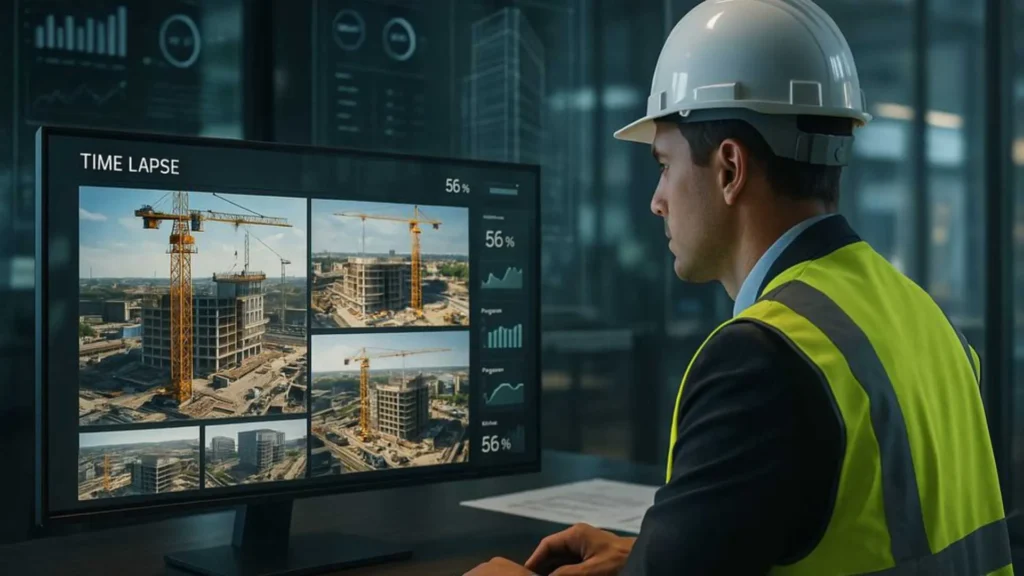
How Different Editors Compare for Construction Time-Lapse Work
When determining the Best Software for Editing Construction Time Lapse Videos, it’s helpful to compare how these tools perform in real-world situations. Adobe Premiere Pro and Final Cut Pro are excellent for general editing tasks, offering a balance of power and usability. They work well when combining multiple clips, adding text overlays, or creating storytelling sequences. LRTimelapse stands out because of its advanced deflickering and RAW keyframing features, making it perfect for professional photographers.
DaVinci Resolve, on the other hand, dominates in color grading. If you care about polished visuals, accurate color, and HDR output, Resolve is unmatched. After Effects is best for handling stabilization, animations, and advanced motion design. Meanwhile, camera-specific tools like GoPro Player and DJI software are ideal for pre-processing, ensuring that footage is ready for larger editing platforms.
Ultimately, each tool serves a unique purpose. The best approach is to combine multiple programs to get the highest quality results. Many professional editors use LRTimelapse + Lightroom + Premiere Pro, or Lightroom + Resolve, or GoPro Studio + Final Cut Pro. Your final decision depends on your hardware, your experience level, and your project’s complexity.
Future Trends in Construction Time-Lapse Editing for 2025 and Beyond
As construction documentation becomes more digital and more visual, editing trends evolve as well. Many companies now want near-real-time updates for stakeholders, which means editors are working with faster turnaround times. AI-assisted editing is becoming more common, automatically adjusting exposure, fixing flicker, and stabilizing footage. Tools like DaVinci Resolve already include AI tools that detect objects, track movement, and enhance visuals using machine learning.
Another growing trend is cloud-based editing. In 2025, more editors are uploading thousands of frames to cloud servers so multiple team members can edit the project simultaneously. This trend is especially helpful for construction companies that work across different locations. Cloud editing also allows for better collaboration and faster delivery.
Storytelling is also evolving. Instead of simple before-and-after videos, companies want progress markers, animated overlays, and professional motion graphics. This shift makes tools like After Effects more important. Modern time-lapse videos are no longer just documentation-they are marketing assets, investor presentations, and branding materials. Because of these evolving needs, choosing the Best Software for Editing Construction Time Lapse Videos becomes even more important in 2025.
Why Inside Editors Is a Great Choice for Outsourcing Your Time-Lapse Editing
While using the right software is crucial, not every construction company has the time, tools, or skills to deliver high-quality time-lapse videos consistently. This is where Inside Editors becomes extremely valuable. We specialize in professional video editing and understand the unique challenges of long-term construction documentation. Whether you have thousands of photos or long video clips, we can process your footage, remove flicker, stabilize shaking, grade colors, add motion graphics, design progress labels, apply music, and create a clean, cinematic final video.
Our team handles everything from RAW correction to final export, giving you a stress-free, done-for-you experience. If you’re working with investors, engineering partners, or marketing teams, we can help you create powerful time-lapse videos that truly impress. You can visit Inside Editors anytime to learn more about how we can support your projects. Whether you’re a contractor, construction agency, architecture firm, or real estate developer, our services are built to meet your needs.
Conclusion
Choosing the Best Software for Editing Construction Time Lapse Videos in 2025 comes down to understanding your workflow and your project goals. Premiere Pro and Final Cut Pro are perfect for most users who want a balance of power and simplicity. LRTimelapse is essential for photographers working with RAW images, while DaVinci Resolve offers industry-leading color grading. After Effects is best for stabilization and advanced animations. Meanwhile, camera-specific tools and cloud platforms help streamline the workflow even further.
The right software ensures your final video looks clean, stable, polished, and ready for presentation. But if you want professional help or need someone to handle all the complex editing for you, Inside Editors is always available. Our team specializes in high-quality video editing and can turn your footage into a stunning time-lapse story.


