

Sports content has exploded in 2025. Whether it’s a football match, a basketball game, a cricket highlight reel, or a quick boxing clip on social media, viewers want fast, high-quality, cinematic sports visuals. That means athletes, coaches, editors, and content creators need the Best Sports Video Editing Software to stay competitive. The quality of your edits can decide how engaging your highlights become, how many followers you gain, and even how well a team analyzes its performance.
Sports footage isn’t like regular footage; it’s quick, unpredictable, full of motion, and often shot in outdoor lighting that constantly changes. That’s why choosing the Best Sports Video Editing Software is not just about having the most features – it’s about picking a tool that can keep up with fast action, stabilize shaky clips, enhance color under harsh lighting, and export highlight reels quickly enough to stay ahead of other creators.
In 2025, the editing landscape has also shifted because of AI. Many tools now come with automatic highlight detection, auto-stabilization, motion tracking, and slow-motion enhancement. These are incredibly valuable for sports content because they remove hours of manual editing work. Whether you’re creating social media highlights or editing a full sports analysis video, the right software saves time, improves quality, and gives your content a professional finish that stands out.
By the end of this article, you’ll not only know the Top 10 picks for Best Sports Video Editing Software, but you’ll also understand which tool fits your skill level, style, budget, and sport. And if you need professional help, Inside Editors is always ready to handle your sports video editing with expert precision.
What Makes Sports Video Editing Different from Regular Editing?
When you’re editing sports footage, you’re dealing with more motion, more unpredictability, and more pressure to deliver quick results. Unlike traditional filmmaking, where scenes are planned and controlled, sports editors work with fast-paced, sometimes chaotic recordings. The Best Sports Video Editing Software must handle motion blur, shaky clips, sudden light changes, and quick transitions. This means tools with strong stabilization, high-speed rendering, frame-by-frame slow motion, and smart tracking features are essential.
Sports editing is also storytelling. You’re not just showing a match – you’re highlighting emotion, tension, energy, and key moments. That means your editing tool needs flexible timeline control, color grading options, and intuitive cutting tools that help you move quickly. The right software helps you build flow in high-energy highlight reels and break down plays in coaching videos.
These differences are what make choosing the Best Sports Video Editing Software so important in 2025. When the action is fast, your tools must be even faster.

Essential Features to Look for in the Best Sports Video Editing Software
Not all editing programs are built for sports. To choose the Best Sports Video Editing Software, you need a tool that can handle speed, movement, and high-performance rendering. Here are features that matter most:
Must-Have Features:
- Fast rendering and smooth timeline performance
- Clean slow-motion capabilities
- Strong motion-tracking tools
- AI auto-highlights for fast clipping
- Stabilization for shaky footage
- Color correction to handle outdoor and indoor lighting
- Multi-camera editing for team sports
- Audio syncing for commentary and background sound
The Best Sports Video Editing Software will always offer a balance of power, ease of use, and smart automation. If a tool slows you down, it’s not the right pick for 2025.
Adobe Premiere Pro 2025
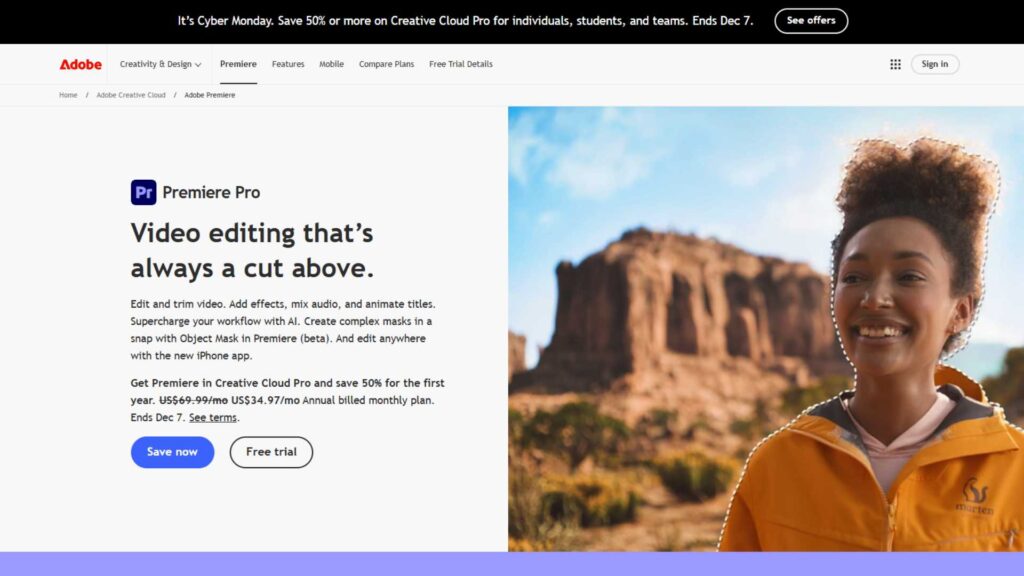
Adobe Premiere Pro 2025 remains one of the most dominant providers in the editing world, trusted by professional studios, marketing agencies, sports teams, and creators who want full control over their footage. Adobe’s ecosystem makes it easy to build fast workflows, especially for long highlight edits, multi-angle matches, and advanced color grading needs.
For sports content, Premiere Pro excels because of its improved AI analysis, smarter motion tracking, and updated stabilization engine that handles fast-paced action smoothly. Whether you’re editing a football match or a quick reel for social media, Premiere Pro offers consistency, speed, and professional-level accuracy.
Pros
- Excellent motion tracking for fast action
- Strong AI auto-highlight detection
- Fast rendering for time-sensitive content
- Powerful stabilization for shaky sports footage
- Deep color grading for outdoor and indoor sports
- Amazing multi-camera workflow
Cons
- Requires strong hardware
- Learning curve is higher for beginners
- Subscription pricing adds up
Final Cut Pro 2025
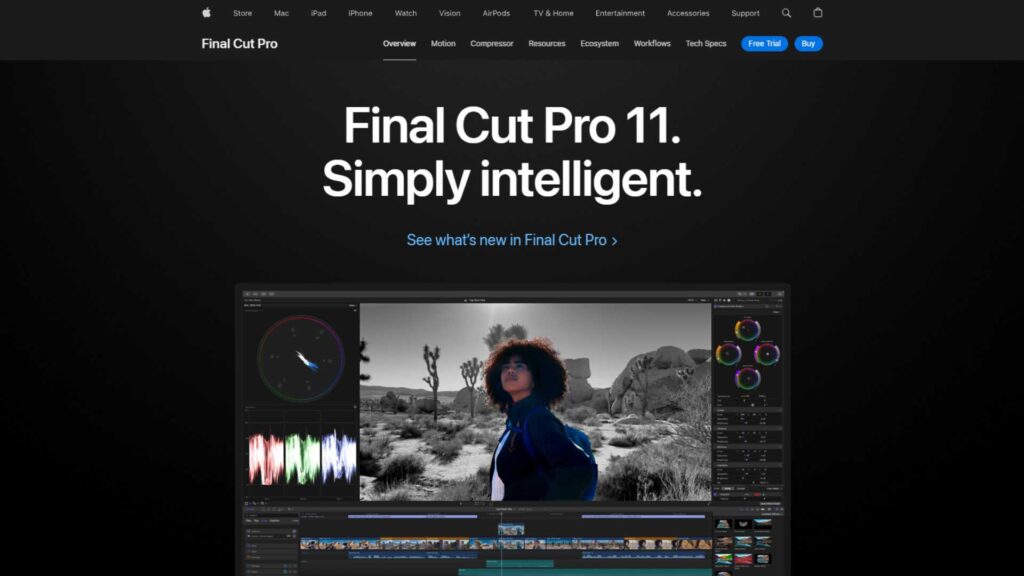
Final Cut Pro has long been Apple’s flagship editing solution, known for its smooth magnetic timeline and extremely fast performance on Mac devices. It’s widely used by creators, coaches, and editors who prefer speed and simplicity without giving up professional tools. Its optimization for Apple Silicon makes it one of the fastest rendering programs in 2025.
For sports editors, Final Cut Pro stands out because of its fluid slow-motion, precise tracking tools, and clean color grading features for correcting stadium lighting. The AI improvements this year also help automatically identify key plays, making it a solid choice for high-pressure sports editing workflows.
Pros
- Lightning-fast performance on Mac
- Clean, intuitive editing timeline
- Great slow-motion quality
- Accurate motion tracking
- Fast exporting for social media highlights
Cons
- Mac-only software
- Fewer plugins compared to Adobe
- Not as flexible for large studio workflows
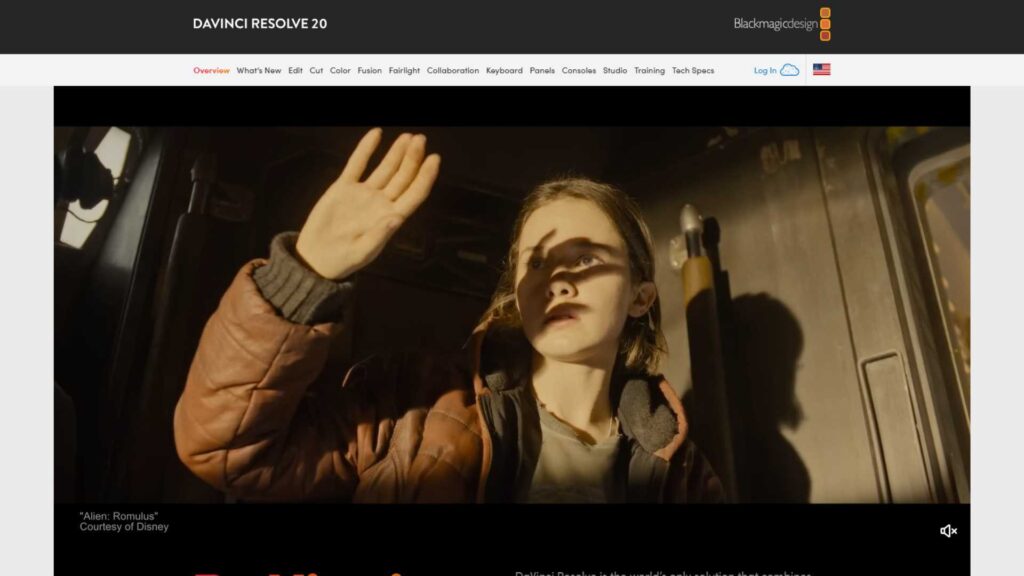
DaVinci Resolve 19
DaVinci Resolve 19 is a provider known for delivering cinematic color quality, advanced editing tools, and one of the most powerful AI-assisted workflows in 2025. It has become a favorite among sports creators transitioning into more cinematic, polished highlight styles. Resolve combines editing, color, audio, and visual effects into one seamless platform.
Sports editors appreciate DaVinci Resolve for its crisp slow motion, detailed tracking features, and world-class stabilization that drastically improves shaky action footage. If your sports content demands high-quality color and dramatic emphasis, Resolve is one of the Best Sports Video Editing Software options you can invest in this year.
Pros
- Best color grading engine available
- Excellent stabilization features
- Clean and precise motion tracking
- Great for cinematic sports storytelling
- Free version is powerful
Cons
- Requires a strong GPU
- Interface is complex for new editors
- Rendering can be slower on low-end devices
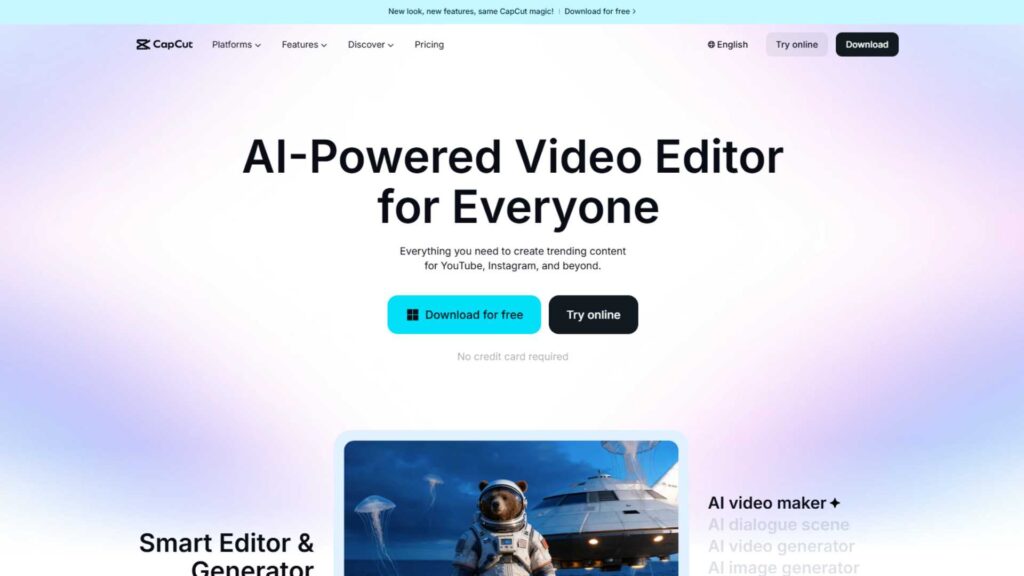
CapCut Pro 2025
CapCut Pro has evolved from a mobile tool into a serious video editing provider used by social media athletes, fitness influencers, sports streamers, and editors who need fast turnaround. Its cloud syncing and phone-to-desktop workflow make it especially attractive for creators posting sports highlights daily.
In 2025, CapCut Pro shines because of its advanced AI auto-editing, smart beat sync, object tracking, and quick slow-motion capabilities. It’s ideal for creating fast-paced sports reels, TikTok clips, Instagram highlights, and short-form edits without spending hours adjusting settings.
Pros
- Extremely easy to use
- Fast AI editing for auto-highlights
- Great templates for sports reels
- Phone + desktop workflow
- Very strong for social media content
Cons
- Not ideal for long, professional projects
- Fewer manual controls than Adobe/Resolve
- Cloud storage can fill quickly
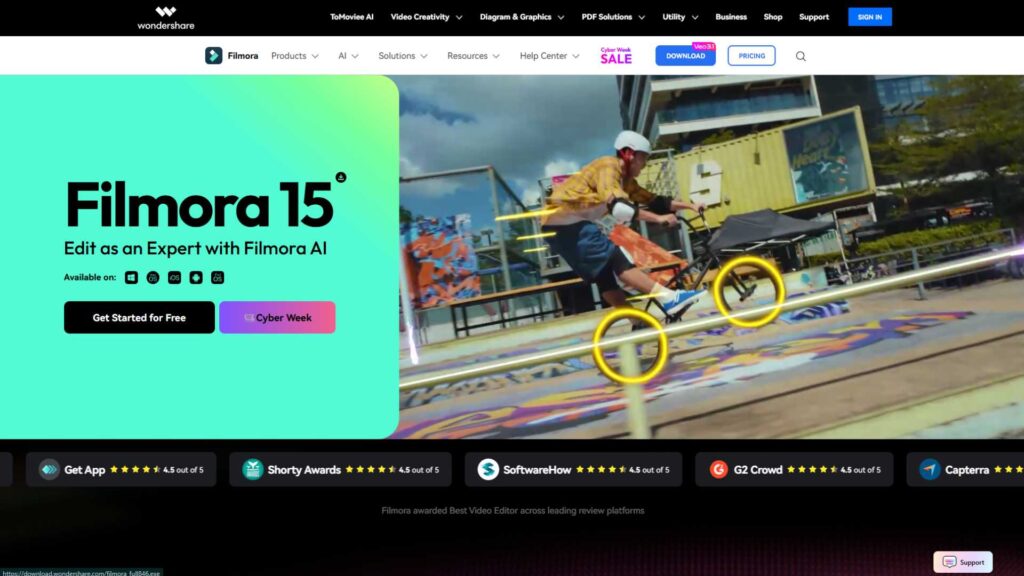
Wondershare Filmora 2025
Wondershare Filmora continues to be a beginner-friendly provider with creative effects, simple controls, and a clean interface. It’s popular among new editors, YouTube creators, and sports players who want to edit personal highlight reels without learning complicated tools.
Filmora 2025 includes updated AI features that detect fast moments, stabilize handheld footage, and improve slow-motion clarity. Its drag-and-drop style makes it enjoyable for casual users who want great-looking results quickly. It’s not as advanced as Premiere Pro or Resolve, but it delivers excellent value for sports creators.
Pros
- Very user-friendly
- Affordable pricing
- Good AI auto-editing
- Nice transitions and effects
- Smooth slow-motion support
Cons
- Not built for professional studios
- Limited color grading controls
- Occasional export limitations
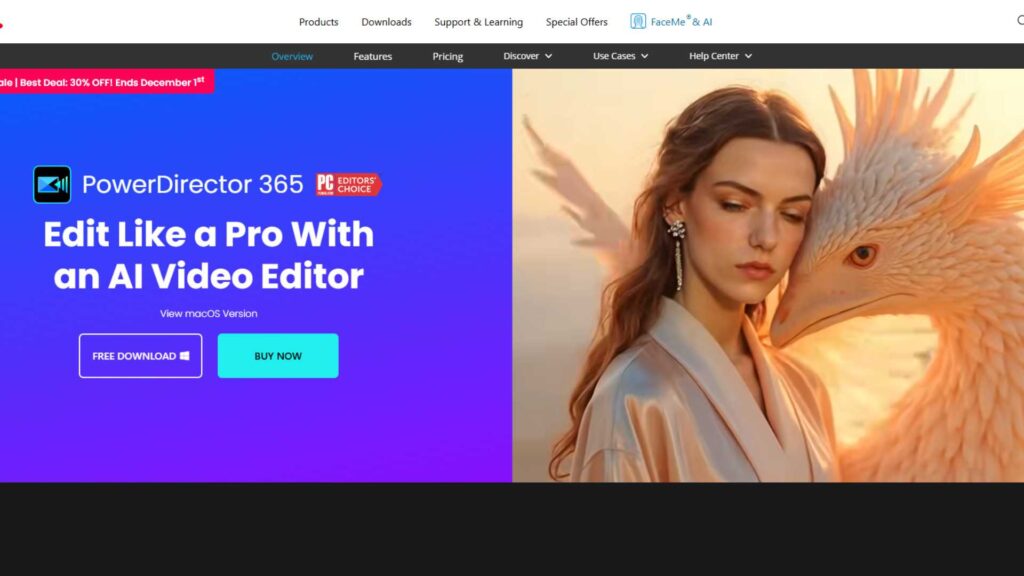
PowerDirector 2025
PowerDirector is a provider known for speed, simplicity, and surprisingly deep editing tools. Many sports editors enjoy its clean timeline, powerful stabilizer, and ready-to-use effects. It’s ideal for YouTube sports channels, small teams, and editors who need quick results.
Its 2025 version includes improved AI motion tracking, automatic highlight extraction, and better slow-motion interpolation. For creators who want a balance between professional quality and user-friendly features, PowerDirector is one of the best choices this year.
Pros
- Very smooth editing interface
- Strong stabilization tools
- Fast rendering speeds
- Great for sports vlogs and highlight edits
- Affordable
Cons
- UI looks dated compared to others
- Color tools are not advanced
- Some features require add-ons
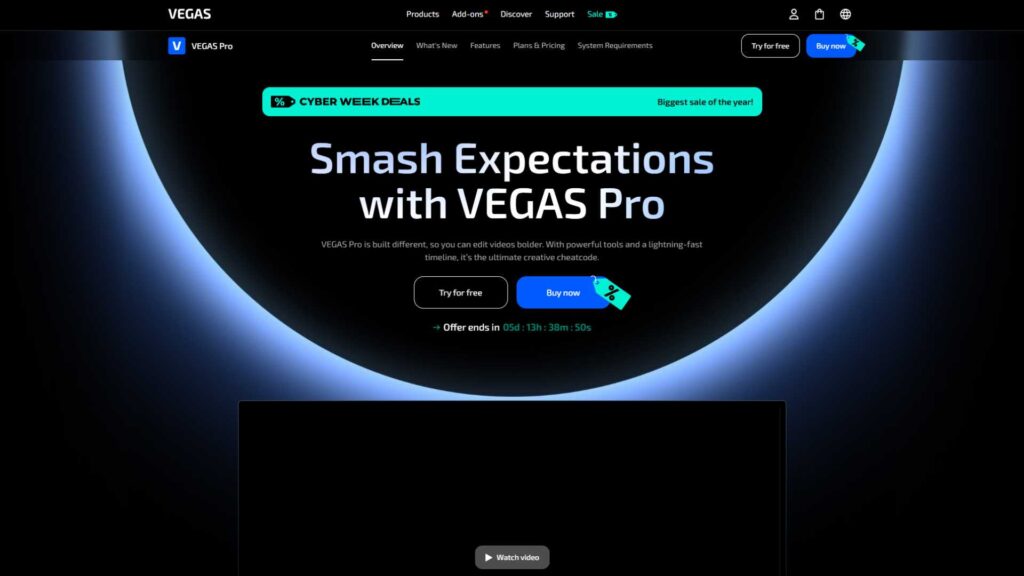
Vegas Pro 21
Vegas Pro remains a reliable editing provider for creators who want clarity, precision, and speed. It’s used by editors who enjoy timeline-focused workflows where cutting is smooth and natural. Its audio tools are also among the best in consumer editing programs.
Sports editors appreciate Vegas Pro for its fast timeline handling, accurate frame-by-frame cutting, and strong support for action cameras like GoPro or Insta360. The 2025 edition also includes better slow-motion, cleaner stabilization, and AI tools that help with highlight detection.
Pros
- Excellent for timeline cutting
- Great performance with action cameras
- Good slow-motion engine
- Strong audio editing tools
Cons
- Windows only
- Interface can feel old
- Fewer color grading controls than Resolve
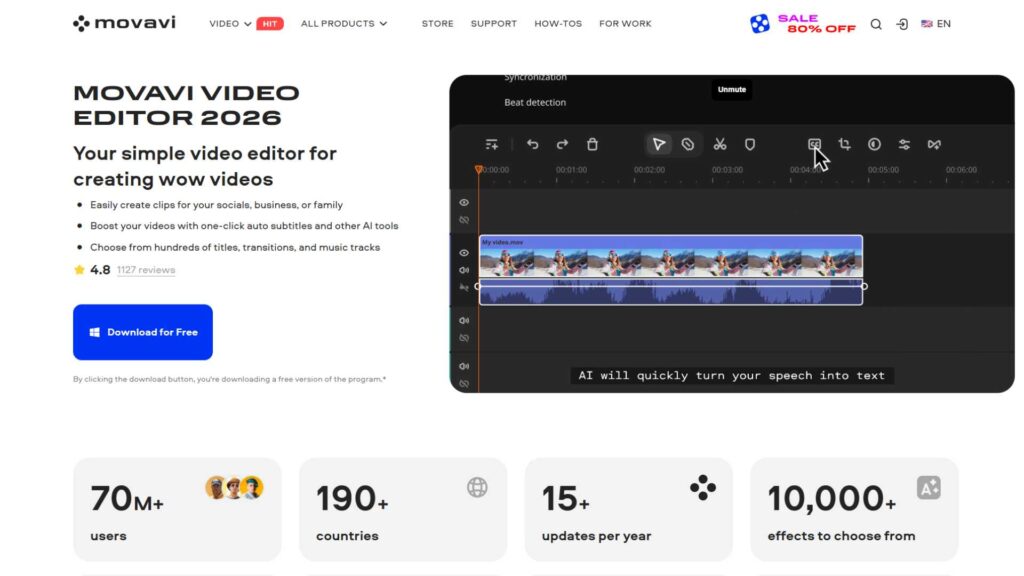
Movavi Video Editor Plus 2025
Movavi is a provider built for simplicity, speed, and easy highlight editing. It’s one of the best choices for beginners who want to create sports content without spending time learning advanced tools. Coaches, school teams, and casual players often use Movavi because it just works.
The 2025 version includes updated stabilization, cleaner slow motion, and AI tools for detecting important scenes in sports clips. If you need easy editing with consistent results, Movavi remains a solid and practical option.
Pros
- Simple learning curve
- Good stabilization
- AI scene detection
- Fast exporting
Cons
- Not suitable for complex projects
- Fewer professional tools
- Limited color grading
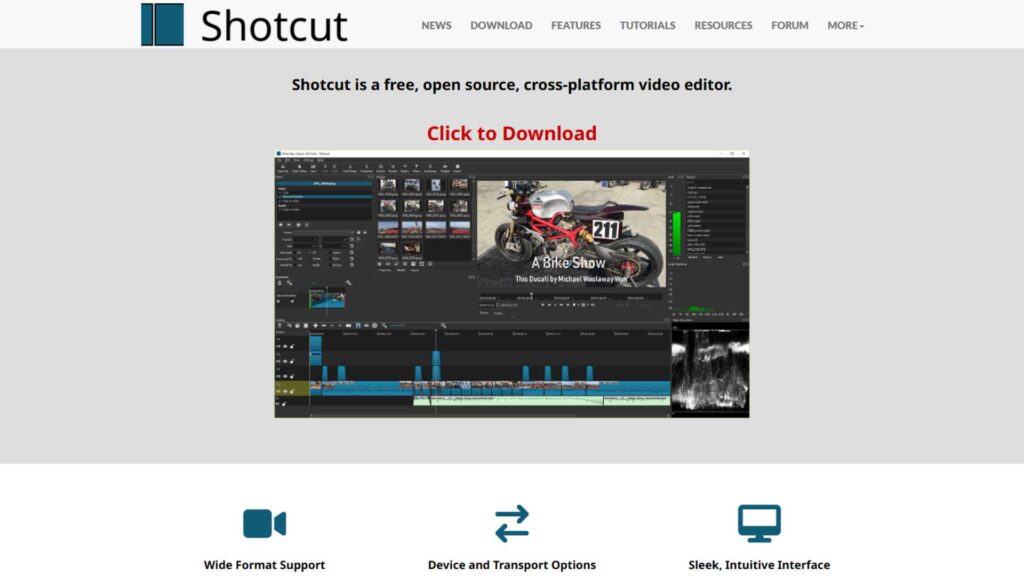
Shotcut (Free Option)
Shotcut is one of the most powerful free editing providers available, offering great flexibility for users who don’t want to spend on software. Its open-source nature makes it an excellent starting point for sports players, students, and beginners.
For sports editing, Shotcut handles 4K footage well, includes clean slow-motion features, and offers basic stabilization. While it can’t compete with high-end tools like Premiere Pro, it’s impressive for a completely free program in 2025.
Pros
- 100% free
- Supports high-resolution sports footage
- Decent stabilization
- Good slow-motion options
Cons
- Interface feels old
- Limited advanced features
- No AI tools
iMovie 2025 (Beginner Option)
iMovie is Apple’s beginner-friendly editing provider that many new creators start with. It’s simple, clean, and works perfectly on iPhones, iPads, and Macs. For casual sports highlight editing, iMovie offers surprisingly good slow-motion and stabilization.
Editors who want something easy and quick love iMovie because it removes complexity and focuses on storytelling. While it doesn’t offer pro controls, it’s a comfortable starting point before moving into Final Cut Pro.
Pros
- Simple and clean interface
- Good stabilization for phone sports clips
- Great for beginners
- Works seamlessly across Apple devices
Cons
- Very limited tools
- Not suitable for professional work
Which Software Performs Best for Specific Sports?
Different sports have different editing demands, and that’s why not every program works perfectly for every situation. The Best Sports Video Editing Software for football highlights may not be the best for a gymnastics montage or a high-speed boxing clip. The secret is understanding what each sport demands in terms of timing, color, motion, and camera movement. For example, high-motion sports like soccer, basketball, and rugby require strong stabilization and accurate tracking tools. Meanwhile, sports like swimming or cricket may need more precise color correction and cleaner slow-motion to capture the details that matter most.
Fast-action sports such as boxing, MMA, and basketball often benefit from Adobe Premiere Pro or DaVinci Resolve because their motion tracking is powerful enough to keep up with rapid movements. Outdoor sports like cycling and running, where lighting constantly changes, look better with the advanced color grading tools found in Resolve or Final Cut Pro. On the other hand, creators who post short highlight reels daily may prefer CapCut Pro because of its quick AI-driven editing. For school teams, small clubs, and casual players, Filmora and Movavi remain practical, easy-to-use choices that produce smooth, clean highlights without a heavy learning curve.
Ultimately, the best match depends on the type of footage, your device, and how deep you want your edits to go. Every sport carries its own visual challenges, and choosing the software that aligns with its pace will give you the cleanest and most exciting results.

Paid vs Free: Which Sports Editing Software Should You Choose in 2025?
When choosing the Best Sports Video Editing Software, many creators often wonder whether it’s worth paying for premium programs or if free options can still compete. In 2025, free tools have improved a lot, but they still can’t fully replace the performance and power of paid professional solutions. Free editors like Shotcut and iMovie are excellent for beginners who want to explore editing without commitment. They allow you to cut clips, create simple slow-motion, fix basic colors, and add titles – all essential for sports videos. However, they lack advanced features like deep motion tracking, AI-driven highlight detection, and professional stabilization.
Paid programs, on the other hand, offer stronger performance, better quality, and specialized tools that truly elevate sports footage. Premiere Pro, Final Cut Pro, and DaVinci Resolve deliver the accuracy and speed that professional editors need, especially when working with fast sports action. They also handle large resolutions like 4K, 6K, and even 8K more efficiently, ensuring that no frame is dropped during editing. If you’re serious about sports content creation – whether for YouTube, TikTok, client work, or team analysis – investing in a paid software is usually worth it.
In simple terms, free software is perfect for learning and basic highlight clips, but premium software is designed for high-performance sports editing. The choice depends on your goals, your device, and how polished you want your final videos to look.
How AI Is Transforming Sports Video Editing in 2025
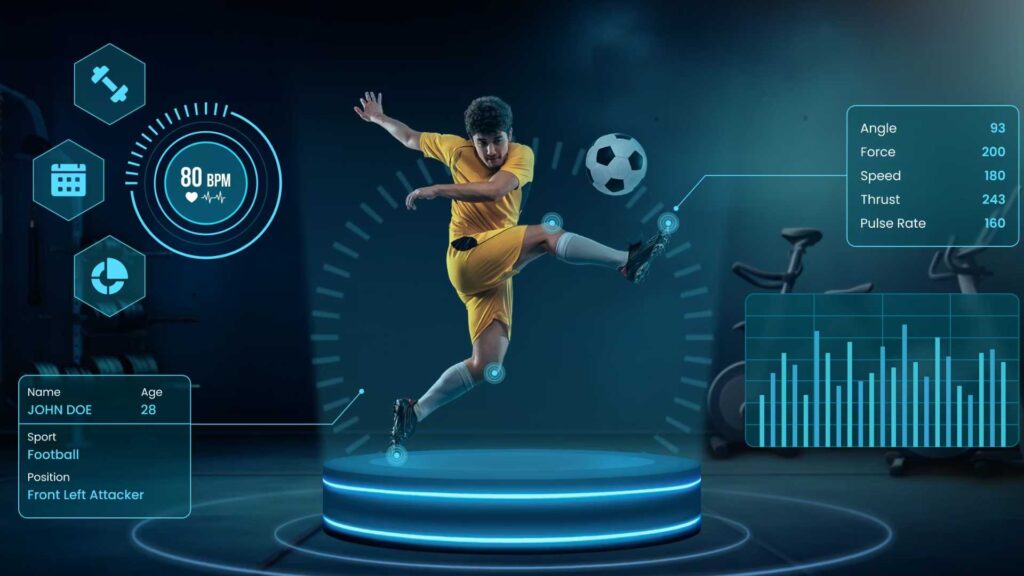
AI has become one of the biggest game-changers in sports editing this year. Advanced artificial intelligence can now analyze action much faster than a human editor, making the Best Sports Video Editing Software even more powerful. Many programs now detect important moments automatically – goals, strikes, sprints, dunks, saves, and more – cutting down the time needed to find and trim clips manually. This is especially useful for editors who need to produce highlights quickly after a match or event.
AI has also improved stabilization by analyzing the movement within each frame, helping remove shakes typically seen in handheld sports videos. Tools like Premiere Pro and Final Cut Pro now use AI to enhance slow motion by generating extra frames, creating smoother slow-motion sequences even from normal footage. Sports creators love this feature because it makes plays, jumps, and strikes look more dramatic and cinematic. Some software can even track players automatically, keeping them centered in the frame or applying effects that follow their movement.
Overall, AI is helping editors save hours of manual work while improving consistency. The more the technology evolves, the more it becomes essential for editors who want to produce professional-level sports highlights without spending too much time on repetitive tasks. AI is no longer a bonus – in 2025, it’s becoming a core part of the editing process.

How to Pick the Best Sports Video Editing Software for Your Needs
Choosing the Best Sports Video Editing Software depends on your skill level, your editing style, and the type of content you want to create. Before selecting a tool, think about whether you prefer short, fast social media highlights or long, detailed match breakdowns. Beginners usually enjoy Filmora, Movavi, or iMovie because these programs keep everything simple. If you’re aiming for high-quality social media content, CapCut Pro is an excellent choice because it delivers quick results with AI-driven tools and stylish templates.
More advanced editors or professionals who work for teams, agencies, or brands should consider Adobe Premiere Pro, Final Cut Pro, or DaVinci Resolve. These programs offer advanced capabilities such as precise motion tracking, deep color grading, and strong stabilization – all important for handling fast sports footage. You should also consider your device. Final Cut Pro only works on Mac, while Vegas Pro works only on Windows. Resolve and Premiere Pro run on both, but require strong hardware for best performance.
Your budget plays a role too. Premiere Pro uses subscriptions, while Final Cut Pro and Filmora require one-time purchases. Resolve has both free and paid versions, giving you flexibility. Once you understand your goals and editing habits, picking the right software becomes much easier.
Final Comparison: Which Software Is the Best Buy in 2025?
If you want the strongest all-around performer, Adobe Premiere Pro stands out as the most complete editing solution for all kinds of sports content. For Mac users, Final Cut Pro remains unbeatable in speed and smoothness. If color and cinematic visuals matter most to you, DaVinci Resolve is the top choice. For daily social media highlights, CapCut Pro delivers powerful results with minimal effort. And if you’re on a tight budget or just starting, Filmora, Movavi, Shotcut, and iMovie are practical entry-level options.
Every software shines for different users, which is why the “best buy” depends on your personal needs. The important part is choosing a tool that helps you stay consistent, fast, and creative as you produce sports content in 2025.
Need Professional Sports Video Editing? Inside Editors Can Help
If you want studio-quality sports videos without spending countless hours editing, Inside Editors is here to help. Inside Editors provides professional video editing services tailored for athletes, sports creators, coaches, and teams. Whether you need highlight reels, cinematic sports montages, team videos, or social media edits, Inside Editors delivers clean, polished, and engaging results.
You can visit InsideEditors.com anytime to get expert editing done for your footage. We make the process easy, fast, and affordable, so you can focus on performing while we handle the storytelling.


