

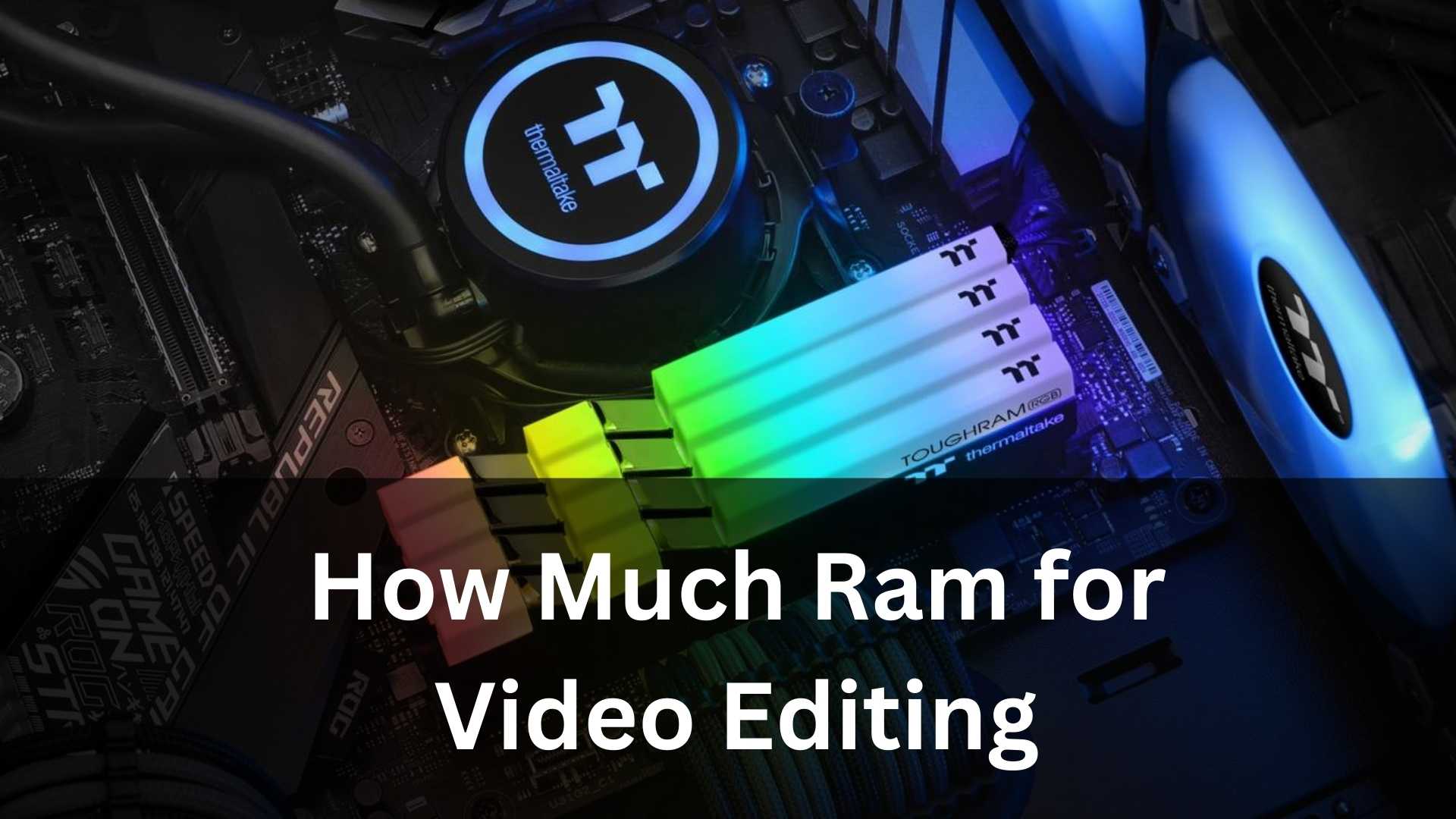
When someone asks how much RAM for video editing they really need, the answer isn’t as simple as tossing out a single number. Video editing is one of those tasks where the right amount of memory depends heavily on what you’re editing, the software you’re using, and how many things you like to have open at once. In 2025, editing is smoother than ever, but projects are also bigger, resolutions are higher, and creators expect instant responsiveness. That means RAM matters-maybe more than you think.
If you’re new to editing, it can feel confusing to know whether 8GB, 16GB, or 64GB is right for you. And if you’re an experienced editor, you already know that nothing kills your creative flow faster than a playback stutter or a timeline lag you can’t escape. In both cases, understanding how much RAM for video editing is necessary can save you from wasting money on hardware you don’t need-or from buying too little and regretting it later.
Here at Inside Editors, we talk with both beginners and professional creators all the time, and the same question pops up constantly: What’s the real amount of RAM needed for editing videos smoothly in 2025? So let’s break it down to help you figure out exactly how much RAM for video editing makes sense for you in 2025.
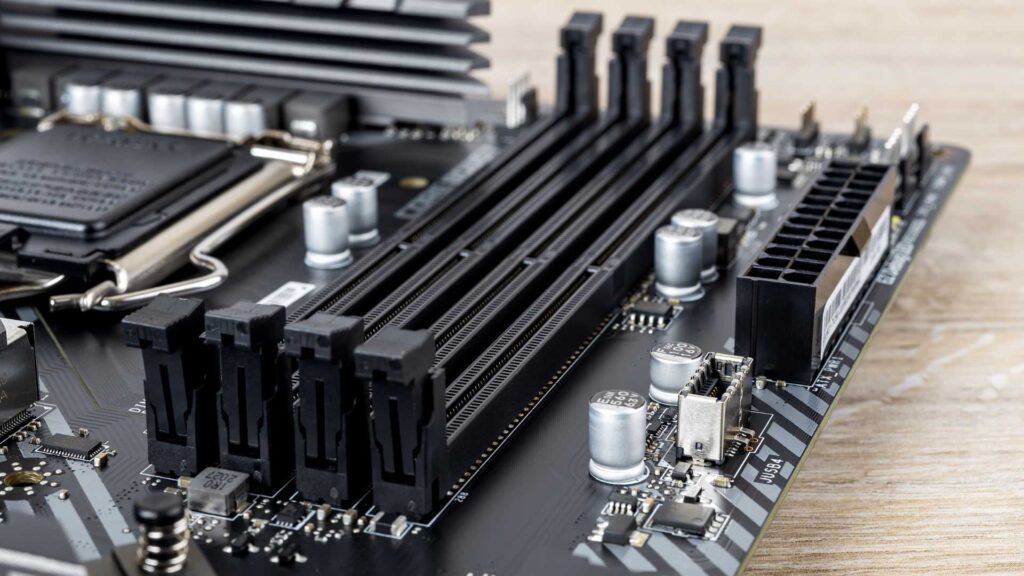
Why RAM Matters More Than Ever in 2025
RAM has always played a major role in editing, but 2025 has brought new challenges. Cameras are shooting in 6K and 8K by default, HDR workflows are more common, and even casual creators are layering multiple effects, color grades, sound designs, and motion graphics into their projects. Software like Adobe Premiere Pro, DaVinci Resolve, and Final Cut Pro has increased in capability, but also in memory demands.
Think of RAM as your editing workspace. Storage (HDD or SSD) is like your filing cabinet and CPU/GPU are like your creative tools-but RAM is the size of your desk. If your desk is tiny, you can still work, but you’ll constantly be shuffling papers around before you can pick up your pen again. If your desk is large, everything fits comfortably and your workflow feels smooth and uninterrupted.
In other words: When asking how much RAM for video editing is enough in 2025, what you’re really asking is how big of a workspace you need for the creative tasks you do most.
Understanding Modern RAM Requirements
To figure out the right amount of RAM, you first need to understand what your editing software actually does with memory. Every time you load footage into a timeline, apply effects, add transitions, create proxies, or adjust color correction, your editor stores parts of that data in RAM. The more layers, higher resolutions, or heavier effects you use, the more memory gets consumed.
In 2025, most popular editing programs-Premiere Pro, Resolve, and Final Cut-can easily chew through 20GB of RAM without breaking a sweat. If you’re working on a small project, that might not matter. But if you’re handling large files or running multiple programs at once, your computer needs the headroom to keep up.
So the classic question-how much RAM for video editing-becomes easier to answer when you break down your needs by project size and resolution. And that’s exactly what we’ll walk through next.

How Much RAM Do You Need for 1080p Editing?
Many beginners start with 1080p videos because they’re simple, lightweight, and still widely used for social content. In 2025, 1080p editing doesn’t require nearly as much power as 4K or 8K. If your workflow involves simple cuts, basic transitions, and minimal color grading, then editing 1080p is still very forgiving.
That said, even 1080p projects can grow heavy when you start stacking multiple layers of footage, adding motion graphics, or editing complex YouTube videos with animated elements. Some creators assume 8GB is enough because it used to be-but in 2025, 8GB will feel cramped almost instantly, especially with modern software updates.
A much smoother approach is 16GB. With 16GB of RAM, you get enough space for your editing program, background processes, and a few browser tabs without slowing your machine. So although 1080p isn’t demanding, answering how much RAM for video editing at this level comes down to comfort, not just capability.
How Much RAM Do You Need for 4K Editing?
4K is the real standard of 2025. Whether you’re shooting cinematic projects, YouTube videos, weddings, client work, or marketing content, 4K is everywhere. And it’s also where many editors begin to feel their RAM limits quickly.
If you use proxies, 16GB might technically be possible. But if you prefer smooth native playback, fast rendering, and efficient multitasking, 16GB will bottle your workflow more than you’d like. For many editors, this is where 32GB of RAM becomes the ideal sweet spot.
At 32GB, you can run your editing software, keep your effects panel loaded, color grade easily, and even have a browser open for reference without any major slowdowns. If you’ve ever tried editing 4K with too little memory, you already know the stuttery timeline feeling that makes you want to throw your computer out the window. This is why editors researching how much RAM for video editing usually find that 32GB becomes the recommended standard for 4K-heavy workflows.
In 2025, 32GB isn’t overkill-it’s the new norm.

How Much RAM Do You Need for 6K and 8K Editing?
Welcome to the heavy hitters. Cameras from RED, Blackmagic, Canon, Sony, and Panasonic now shoot 6K and 8K footage more affordably than ever, which means high–resolution workflows are becoming far more common. But with great resolution comes great memory usage.
If you’re working with 6K or 8K footage, you should seriously consider 64GB or even 96GB of RAM. While some editors use proxies to lighten the load, many want the full-quality editing experience, especially for color grading, VFX, or professional client work.
Software in 2025 is optimized better than previous years, but that doesn’t erase the raw computational demand of high-resolution footage. Big frames, more detail, heavier codecs-everything eats RAM.
If your creative business involves high-end production, documentary work, commercials, or anything requiring multiple layers of high-resolution footage, then answering how much RAM for video editing becomes simple: the more, the better. Going beyond 64GB isn’t excessive-it’s strategic.
Multitasking: The Hidden RAM Consumer
One of the biggest misconceptions about determining how much RAM for video editing you need is assuming video editing software is the only thing using your memory. Editors rarely work in a vacuum. You might have:
– A browser open for reference or tutorials
– Photoshop or Lightroom running for thumbnails
– Audio software running for sound cleanup
– Background tasks like cloud syncing or color LUT folders
All of this drains RAM.
Even if your editing program only needs 20GB, your total system usage could be closer to 30GB or 40GB without you noticing. That’s why editors with 16GB often feel slowed down even with simple projects-because the rest of their system is competing for space.
In 2025, multitasking is the norm. And if your workflow involves multiple programs, 32GB becomes a comfortable baseline, while 64GB gives you plenty of overhead to stay responsive and efficient.

Software-Specific RAM Differences
Not all editing software uses RAM the same way. Premiere Pro, for example, tends to consume more RAM during playback and rendering because of how it caches data. DaVinci Resolve uses RAM differently, especially when you enter the Fusion page for visual effects. Final Cut Pro is incredibly optimized on Apple Silicon machines, meaning it often needs less RAM for the same tasks.
This means your software choice can influence your RAM needs. But even with optimization improvements, higher resolutions, HDR workflows, and larger projects mean you’ll benefit from more memory no matter what program you choose.
So when people ask how much RAM for video editing is enough for a specific program, the real answer is that optimization helps, but RAM is always valuable, regardless of software brand.
Should You Upgrade to More RAM or Invest in Faster Storage?
Many editors wonder whether upgrading RAM is more important than upgrading to an SSD or NVMe drive. While storage speed does matter for overall system responsiveness, it doesn’t replace RAM. When your RAM runs out, your system begins using your drive as substitute memory, which is much slower-even on a lightning-fast NVMe SSD.
In other words, you can’t shortcut your way to more RAM by relying on storage. If you’re constantly running out of memory, you’ll feel it in playback, rendering, scrubbing, and even basic navigation. So yes, fast storage is great, but the real performance boost for editing comes from adding the right amount of RAM.

How Much RAM Actually Future-Proofs Your Editing Setup?
Because editing demands continue to rise, many creators want to future-proof their setups. It’s a smart idea in 2025, since hardware prices continue to change and footage resolutions keep climbing.
If you want a setup that will last several years, 32GB is the best entry point. For professional editors or people handling regular 4K or 6K footage, 64GB offers long-term stability. And for high-end filmmaking, color grading, or motion graphics, 96GB or 128GB ensures you won’t run into bottlenecks anytime soon.
When it comes to predicting how much RAM for video editing will be needed over the next few years, one thing is certain: more memory gives you more freedom to grow creatively.
The Bottom Line: The Real Answer to “How Much RAM for Video Editing?”
After breaking everything down, here’s the simplest way to think about it:
16GB – Minimum for 1080p, light editing, and beginners
32GB – The 2025 standard for 4K editing and steady workflows
64GB – Ideal for 6K, 8K, advanced effects, and professional editing
96GB–128GB – High-end, heavy VFX, advanced color grading, and commercial studios
But remember, these numbers become truly helpful when matched with your workflow. The more layers, effects, and programs you use, the more memory you need. The more you multitask, the higher your recommended RAM should be. And as your projects grow, so will your computer’s memory requirements.
So when someone asks how much RAM for video editing in 2025, the real answer is: enough to support the way you edit today-and enough to carry you smoothly into tomorrow.

Before You Go: A Helpful Tip from Inside Editors
If you ever feel overwhelmed by technical decisions-whether it’s upgrading RAM, choosing the right editor, or optimizing your creative workflow-just remember that you don’t have to do it alone. At Inside Editors, we work with creators, businesses, and editors every day, helping them produce polished, professional visuals. And if you ever need high-quality Video Editing Services to complement your video projects, Inside Editors can handle that part for you too-so you can focus on doing your best creative work.


