

Choosing the best nas for video editing in 2025 has become more important than ever, especially as creators work with heavier 4K footage, larger timelines, and multi-editor setups. Whether you’re a solo filmmaker storing passion projects or a production team building a shared editing environment, a reliable NAS can make your workflow smoother, faster, and more organized. Good storage is no longer a luxury-it’s the backbone of efficient editing.
Over the past few years, more editors have started using a NAS instead of relying only on external SSDs or single-disk drives. A NAS not only centralizes your media but also protects it, streams it smoothly, and keeps your projects accessible from anywhere. This article is here to help you understand which NAS systems actually work well for video editing and which ones offer the best value under $1,000.
If you’re new to network storage, you’ll find this guide straightforward and easy to follow. And if you’re already experienced, you’ll appreciate the practical comparisons and real-world considerations, like how many drives you truly need, what speeds to expect, and what makes a NAS suitable for video editing in the first place. As someone who works closely with editors through Inside Editors, I know how much a reliable nas for video editing impacts day-to-day workflow, especially when deadlines are tight.
A NAS won’t magically fix every bottleneck, but it can eliminate a lot of stress-especially when you’re dealing with unpredictable clients, multiple revisions, or large projects. Let’s break down what really matters when choosing a NAS and which models stand out in 2025 for 4K editors on a realistic budget.
Why the Right NAS Matters for Smooth Video Editing
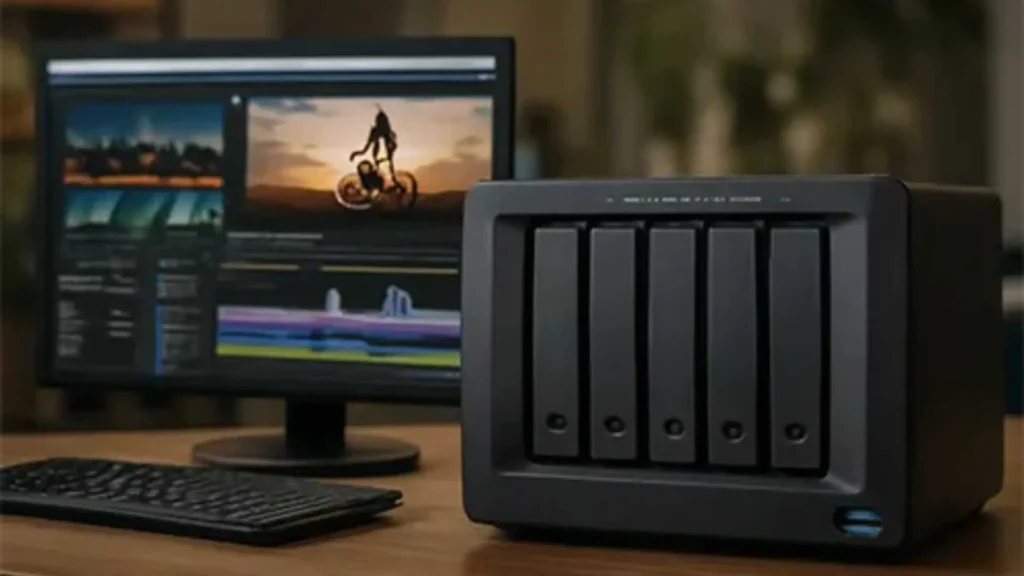
When you’re editing directly from a nas for video editing, the entire workflow depends on the NAS being able to deliver stable speeds, low latency, and consistent performance. Unlike simple storage devices, a NAS is a small computer with its own processor, RAM, and network capabilities. All these elements work together to determine whether you can scrub through a 4K timeline smoothly or whether your editing software becomes choppy after a few clips.
A good NAS keeps your project files accessible and safe. You don’t have to constantly copy media between drives, and you don’t have to worry about a single device failing. A NAS can also help organize client files, backups, and long-term archives. For many editors, having everything in one central place becomes a huge time-saver.
Another reason the right NAS matters is multi-user editing. More editors want to work collaboratively, either inside a studio or remotely. With a powerful nas for video editing, multiple users can pull footage at the same time without slowing each other down. Even small production teams benefit from this kind of setup.
And if you’re someone who prefers outsourcing some of the workload, especially color correction or complex edits, having all your media organized on a NAS makes sharing much easier. Several clients who work with Inside Editors use a NAS as their main project hub, and it dramatically improves collaboration.
Key Features to Look for in a NAS for Video Editing
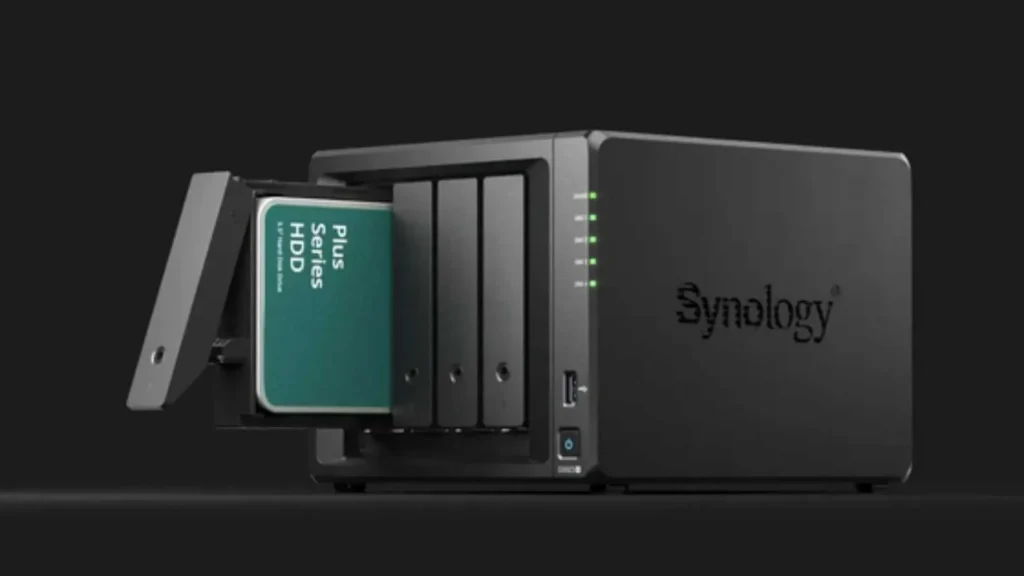
Before choosing a model, it helps to understand what makes a NAS suitable for editing rather than just file storage. Not all NAS devices have the power or speed to handle high-bitrate video. When you’re choosing the best nas for video editing, here are the core features that matter most:
Processor Power
A NAS needs a strong enough CPU to handle media indexing, file transfers, and sometimes even hardware transcoding. For most 4K editing workflows, at least an Intel Celeron or Ryzen-based NAS is recommended. These processors are efficient and stable for heavy workloads.
RAM Capacity
RAM plays a role in caching and file handling. A NAS with 4GB is usually the minimum for video editors, but 8GB or more delivers a noticeably smoother experience. Some models allow easy RAM upgrades, which is a bonus if your workflow grows.
Network Speed
A powerful NAS won’t help if your connection is slow. For smooth 4K editing, 2.5GbE or higher is ideal. Many 2025 NAS models now include 2.5GbE by default, which supports roughly 280–300 MB/s-fast enough for most timelines. If you need even higher speeds, some NAS units allow 10GbE expansion.
Drive Bays
More bays mean more flexibility. Four-bay NAS units are common for editors because they support RAID configurations that both protect data and improve performance. Two-bay models can still work, but four-bay systems offer better stability and smoother editing, especially when multiple drives share the workload.
RAID Options
RAID 5 is a popular choice for video editing because it balances protection and speed. RAID 0 is faster but risky, while RAID 1 is safe but cuts your usable storage in half. Your ideal setup depends on whether you prioritize performance, safety, or both.
Expandability
A NAS should grow with you. Look for systems that offer RAM upgrades, extra slots for SSD caching, and additional expansion ports. The right nas for video editing will last years instead of becoming outdated in two or three.
Top NAS for Video Editing in 2025 Under $1,000
Now let’s look at the NAS models that truly deliver great performance in 2025. All of these options offer a solid balance of speed, reliability, and price. While there are more premium systems on the market, these models give editors everything they need without crossing the $1,000 line.
Synology DS923+ – Best Overall NAS for Video Editing
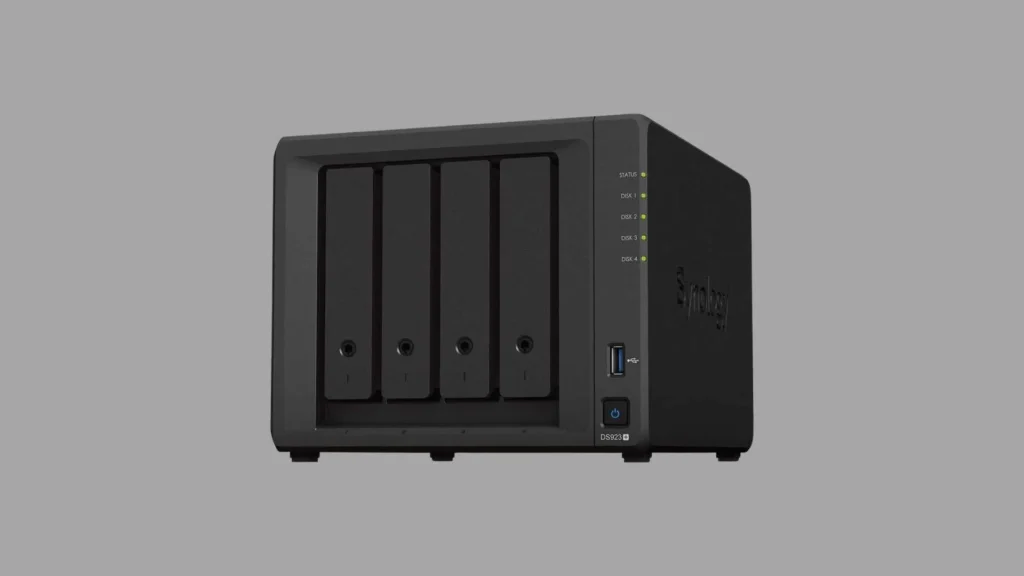
The Synology DS923+ continues to be one of the most popular NAS systems for editors in 2025. It combines power, flexibility, and excellent software support in a compact unit. Unlike many consumer NAS systems, this one is built for demanding tasks and performs impressively with 4K footage.
The DS923+ features a Ryzen R1600 processor, which is fast enough for multitasking and high-speed file access. With support for up to 32GB of RAM, editors can customize it to match their workflow. Synology also provides NVMe SSD cache options, which enhance performance further when working with large media libraries.
For most filmmakers, this NAS strikes the perfect balance. It’s fast, quiet, energy-efficient, and reliable. And when combined with 2.5GbE or upgraded to 10GbE, it becomes a powerhouse suitable for even multi-editor projects. Many professionals who work with Inside Editors rely on this NAS for storing and sharing client footage.
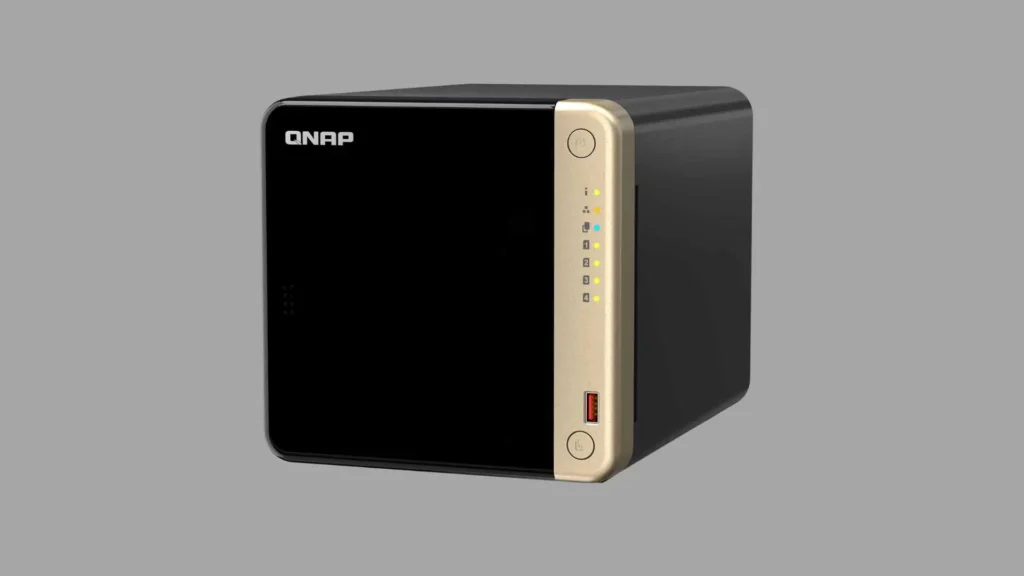
QNAP TS-464 – Best Value NAS for Video Editing
Another strong choice is the QNAP TS-464, known for offering premium features at a lower price point. QNAP tends to focus on giving users more hardware flexibility, and this is where the TS-464 shines.
It includes 2.5GbE ports, an Intel Celeron quad-core processor, and expandable RAM. The HDMI output also makes it useful as a media server if you want to preview footage without a separate computer. For editors who want a fast nas for video editing on a smaller budget, this system delivers excellent performance.
QNAP’s interface includes helpful tools for file handling, backup automation, and remote access. If you’re the type of creator who likes customization, QNAP gives you more advanced options than Synology, though the interface may feel more technical at first.
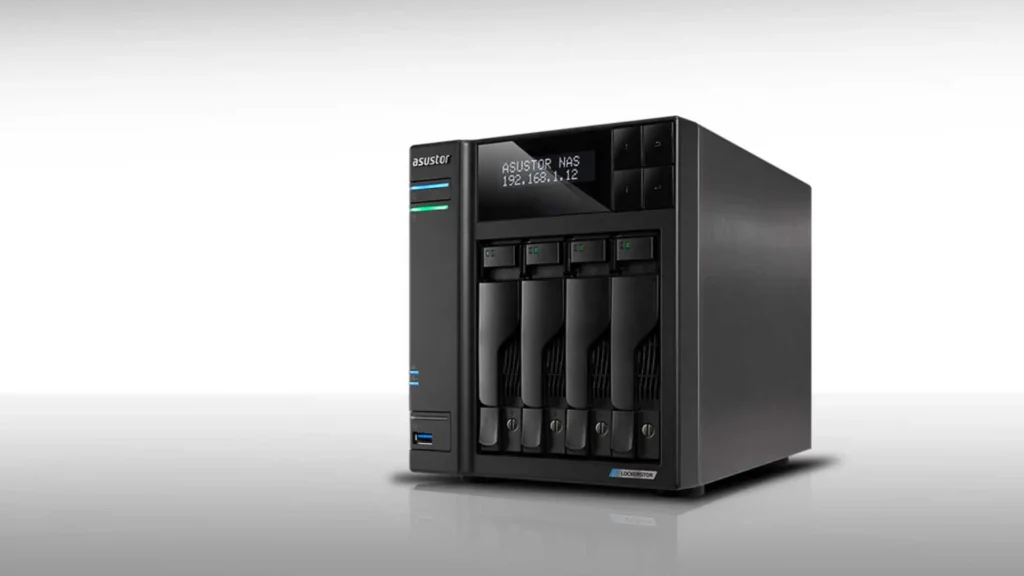
Asustor Lockerstor 4 Gen2 – Best NAS for Editors Who Want Speed
Asustor continues to impress editors with systems designed for creative workflows. The Lockerstor 4 Gen2 is one of the fastest NAS units under $1,000, especially when paired with SSD caching or all-SSD setups.
What makes this system a standout is its 2.5GbE and 10GbE upgrade capability. For workflows where multiple editors need to access the same media, the extra bandwidth makes a noticeable difference. This NAS handles 4K editing with ease and offers one of the most responsive performance experiences among consumer NAS devices.
If you edit high-bitrate footage, shoot ProRes, or regularly handle multicam projects, this Asustor model is one of the best investments. It stays within budget while offering premium speed and hardware options.
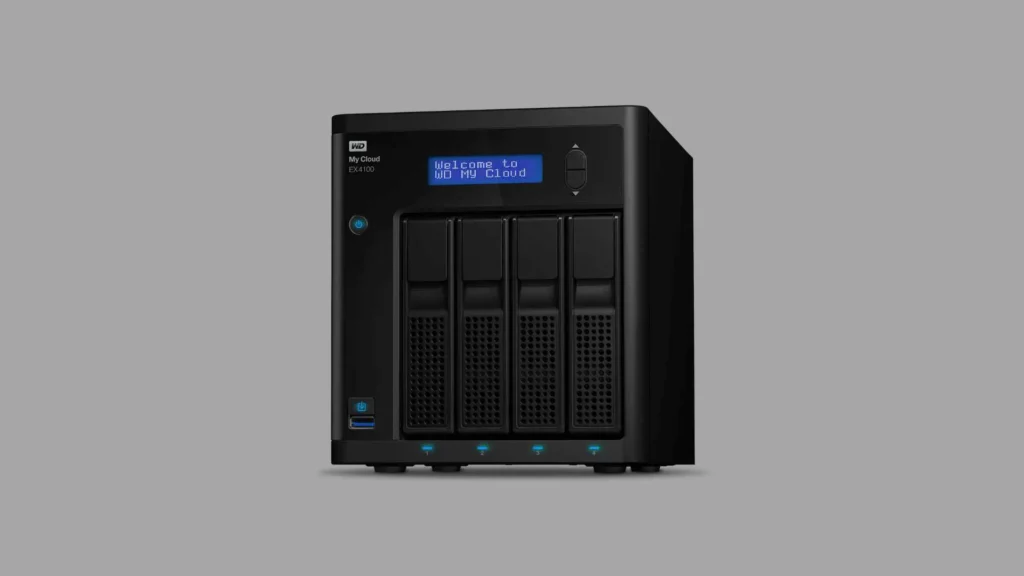
WD My Cloud EX4100 – Best Simple NAS for Video Editing Beginners
The WD My Cloud EX4100 remains a reliable option for editors who want something simple and easy to manage without sacrificing performance. While it doesn’t offer as many customization features as Synology or QNAP, its stability and straightforward interface make it a solid choice for those stepping into the world of NAS workflows for the first time.
For editors who want a nas for video editing that just works, the EX4100 offers a surprisingly smooth experience. Its quad-core processor handles file transfers well, and its network speed is enough to support several streams of 4K footage if configured correctly. The EX4100 also includes built-in apps for backup, syncing, and remote access, which makes it user-friendly right out of the box.
If you’re not the type who wants to tweak, configure, and optimize every setting, this NAS keeps things simple. It’s especially popular among wedding videographers and small YouTube teams who mainly want reliable storage without the complexity of enterprise-grade systems.
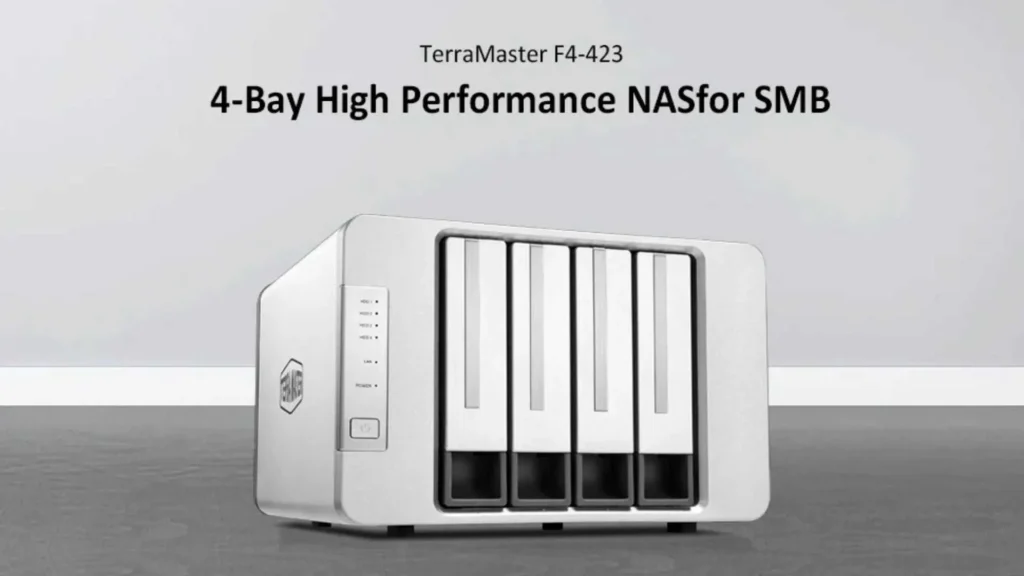
Terramaster F4-423 – Best Budget Performance NAS for 4K Editors
Terramaster has gradually earned a name among editors who want high performance without the premium price tag. The F4-423 is one of the best examples: an affordable yet powerful system built with creators in mind.
Its Intel Celeron processor, 2.5GbE ports, and NVMe SSD cache support make it excellent for demanding workflows. Many editors are surprised by how well this model handles multiple 4K streams and large projects. For anyone looking for a budget-friendly nas for video editing, this model delivers a professional experience at an entry-level cost.
Terramaster’s software isn’t as polished as Synology’s, but it’s improving every year. And when paired with fast NAS drives, its performance easily rivals systems that cost much more. If your budget is tight and you want the best possible speed under $1,000, the F4-423 is a strong contender.
Choosing the Right Drives for Your NAS
A NAS is only as fast as the drives you put in it. Even if you have a powerful nas for video editing, using slow or incompatible drives can bottleneck your entire system. For smooth editing, NAS-rated hard drives or SSDs are essential.
NAS drives like Seagate IronWolf and WD Red Plus offer better endurance, lower vibration, and stable long-term performance. These qualities matter when your drives are spinning for hours during rendering, uploading, or editing over a network.
Some editors choose all-SSD configurations to maximize speed. While this offers incredible performance-especially for 4K or 6K footage-it also raises the cost. A balance many editors prefer is using traditional NAS HDDs for storage and adding SSD cache to speed up frequently accessed footage.
When choosing drives, think about:
- How much footage you store per project
- Whether you work alone or with a team
- How often you revisit old projects
- Whether your editing software requires fast scrubbing
The right drive setup can transform the performance of your NAS, making your editing feel faster and more responsive.
How to Set Up a NAS for Video Editing
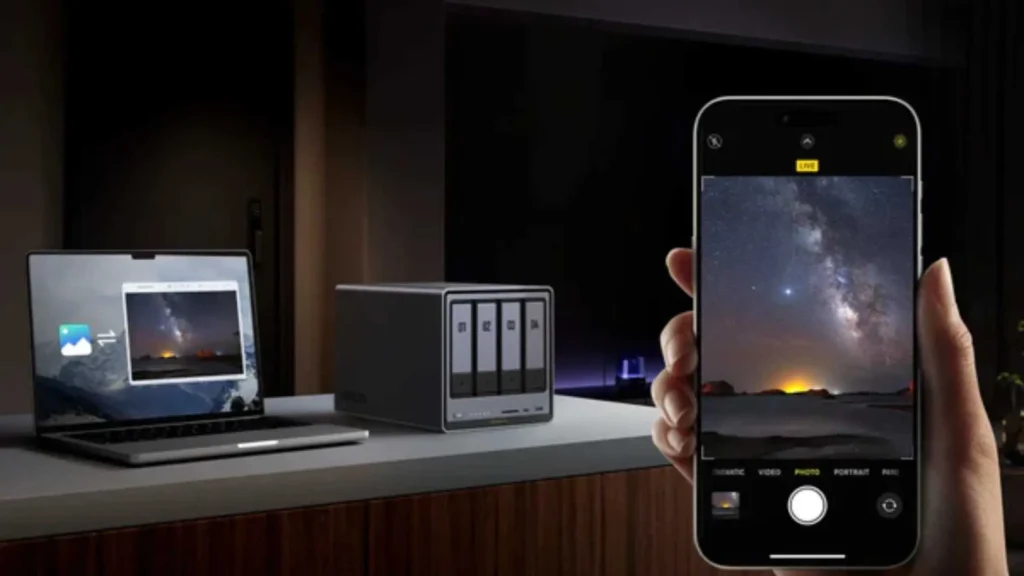
Setting up your nas for video editing doesn’t have to be complicated. Most creators want a system that supports smooth editing, reliable backups, and easy access from different devices. A typical setup includes choosing the right RAID configuration, connecting through a fast network, and organizing media in a way that keeps projects easy to manage.
For smooth performance, a 2.5GbE or 10GbE network connection is ideal. Even if your NAS supports fast speeds, your network switch and cables must also support them. Many editors overlook this and assume the NAS is slow, when in reality the bottleneck is in the network.
Your RAID setup also plays a big role. RAID 5 is often the best option for video editing because it balances performance with data protection. If you use RAID 0, you get more speed, but you risk losing everything if one drive fails. If you use RAID 1, you protect your data but cut your usable space in half.
Once the NAS is configured, most editors create folders for raw footage, project files, exports, and archives. Keeping things organized makes collaborative work easier, especially if you’re sharing files with a team or sending clips to professional editing services like Inside Editors.
Tips for Improving Your NAS Editing Workflow
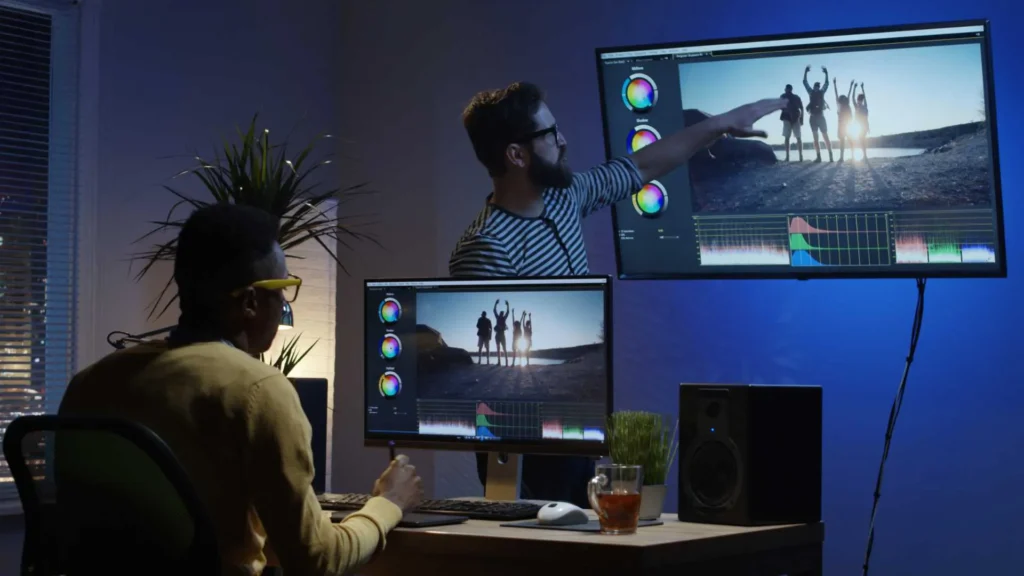
A nas for video editing can dramatically improve your workflow, but there are a few best practices that make the experience even better.
One important tip is enabling SSD caching if your NAS supports it. Caching improves access times for frequently used footage, especially large sequences and project files. It won’t speed up everything, but it can make scrubbing or seeking footage feel much smoother.
Another helpful strategy is maintaining clean project structures. When folders are organized and properly named, your editing software has an easier time locating files. It also helps if you switch between multiple editing programs.
Keeping your NAS firmware updated is also important. Manufacturers continuously release performance improvements and security updates. These can help your system run faster and safer, especially when you store client work or collaborate remotely.
Collaborative workflows are much easier today because NAS systems support cloud sync, remote login, and shared folders. Many creators use their NAS as a central hub while relying on Inside Editors for advanced or time-sensitive edits. With everything stored in one place, collaboration becomes smooth and fast.
Which NAS Is Best for Your Editing Style?
The best nas for video editing depends largely on how you work. If you’re a solo editor handling medium-size projects, a simple two- or four-bay NAS may be enough. If you manage large documentary projects, weddings every week, or big commercial edits, you’ll want something more powerful.
Editors who handle multiple 4K streams simultaneously will appreciate NAS systems with faster processors and 10GbE support. If your workflow mainly involves organizing footage and doing simpler cuts, speed may matter less than storage capacity and reliability.
Beginners often prefer Synology because of its user-friendly interface. More experienced editors or those who enjoy detailed configuration often choose QNAP. Budget-conscious filmmakers lean toward Terramaster or WD for their affordability.
No matter which route you take, a good NAS is not just a storage box. It becomes part of the editing process-speeding up your workflow, improving collaboration, and giving you the peace of mind that your footage is safe.
Future Trends in NAS Systems for Video Editing
In 2025 and beyond, NAS technology is moving toward higher network speeds, AI-assisted file management, and deeper integration with editing software. Many creators are already using NAS solutions that connect directly to cloud storage, allowing editors to switch seamlessly between local and remote work.
Faster processors and more efficient RAID options will make NAS units even more powerful for video editing. Some systems may eventually support direct editing acceleration, similar to how GPUs speed up rendering. As the industry evolves, choosing a capable nas for video editing ensures you stay ahead rather than constantly upgrading.
Affordability is also improving. A decade ago, 10GbE networking was considered advanced and expensive. Today, it’s becoming common even in sub-$1,000 units. That means more editors can enjoy fast, collaborative workflows without paying enterprise-level prices.
Final Thoughts: Finding the Right NAS for Your Budget
Choosing the best nas for video editing doesn’t have to be overwhelming. Once you understand the core features-CPU, RAM, networking, RAID, and expandability-you can easily identify which model matches your workflow. A powerful NAS acts like a long-term investment. It saves time, improves consistency, and protects your footage.
Whether you pick a Synology, QNAP, Asustor, Terramaster, or WD model, the key is making sure it supports the way you edit now while giving you room to grow later. With 4K and 6K footage becoming standard, a NAS that performs reliably will pay for itself many times over.
And if you ever need professional editing help-especially for color grading, complex timelines, or large client projects-a NAS makes collaboration smooth. Many creators share their project files directly with Inside Editors through their NAS systems, and the workflow feels effortless.
How Inside Editors Can Support Your Workflow
If you ever feel overloaded with projects, dealing with tight deadlines, or simply want to improve the quality of your edits, Inside Editors is here to help. Our team provides professional video editing services for creators, YouTubers, filmmakers, and businesses.
Whether you use a NAS or external storage, you can easily share your footage with us and let our editors handle the heavy lifting. We work with everything from corporate videos to weddings, commercials, and YouTube content. If you’re looking for reliable, high-quality editing support, Inside Editors can become an extension of your creative workflow.


