

Choosing the Best Video Editing Software for Video Games in 2025 has become more important than ever. Whether you’re a gamer creating highlight reels, a streamer posting weekly videos, an aspiring creator trying to grow your channel, or a professional editor handling complex gameplay footage, the right software can make a massive difference in both workflow and final quality.
The world of video game content has exploded. More people than ever are sharing gameplay clips, walkthroughs, reviews, and montage-style edits across YouTube, TikTok, Twitch, and every corner of social media. This means the tools you choose not only affect how good your content looks but how efficiently you can produce it. Good software can handle fast-paced action, high-resolution footage, quick cuts, smooth transitions, and special effects that bring your gameplay to life.
This guide is designed for beginners, hobby gamers, professional content creators, and editors looking for real insights. Instead of confusing jargon, you’ll find a friendly breakdown of what you should consider, how different apps compare, and which features matter most for gaming content. The goal is to help you choose the Best Video Editing Software for Video Games based on your skill level, your hardware, and the type of projects you want to create.
In this article, we’ll explore all the major contenders for 2025, look at how they perform, and help you understand which one fits your needs best. And if you ever feel your editing workload is getting too heavy, or if you want help producing polished, professional gaming content, teams like Inside Editors can support you with expert video editing services tailored to gamers and creators.
Understanding What Makes the Best Video Editing Software for Video Games
When you’re choosing the Best Video Editing Software for Video Games, it’s helpful to understand what separates an “okay” editor from an excellent one. Gaming footage is not like casual travel videos or simple talking-head clips. Gameplay is fast, colorful, and dynamic, which means your software needs to keep up.
Smooth timeline playback, fast rendering speeds, and support for high-resolution footage like 1080p 120fps or 4K 60fps are essential. You also want software that handles screen recordings well, because gameplay files tend to be larger and sometimes more difficult for weaker editors to process.
Another important factor is ease of use. Many beginners want something with a gentle learning curve, while advanced editors might need professional-grade tools. The Best Video Editing Software for Video Games should ideally give you the flexibility to grow-from simple trimming to color grading, transitions, motion graphics, and effects.
Finally, think about how you want your videos to feel. Different editors offer different styles and presets: cinematic looks, flashy transitions, anime-style edits, or esports-style overlays. The right software makes it easier to build your own style and keep your videos consistent over time.
Why 2025 Is the Best Time to Choose New Editing Software
Technology continues to improve each year, and 2025 marks a point where even mid-range computers can run high-performance editing programs. Many apps now use AI-powered tools that automatically cut gameplay highlights, clean up audio, remove background noises, detect scenes, and improve graphics. This has made the Best Video Editing Software for Video Games even more accessible to creators who don’t have years of editing experience.
Streaming platforms also reward better-looking content, so polished videos tend to perform better. Whether you’re editing Fortnite, Valorant, Minecraft, GTA, Call of Duty, FIFA, or indie games, good software helps your clips stand out from the rest.
And with competition growing on YouTube and TikTok, having the right editing setup gives you a real advantage. Even if you’re not planning to be a full-time creator, making clean, visually appealing videos feels effortless when your tools are reliable.
Comparing the Top Choices for the Best Video Editing Software for Video Games
Choosing the Best Video Editing Software for Video Games means looking at how well each editor performs with different types of gaming footage, from high-FPS clips to cinematic cutscenes. Below, we break down the most popular software options for 2025 and what they’re best suited for.
Adobe Premiere Pro – The Industry Standard for Gaming Content
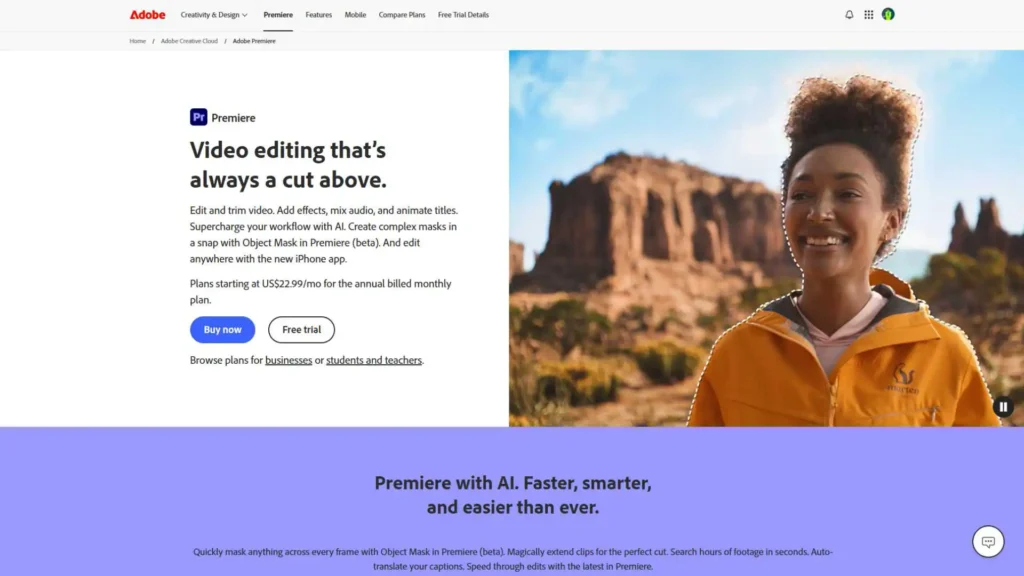
Premiere Pro has been a leader in the editing world for years. It’s known for its flexibility, powerful tools, and compatibility with virtually any footage type. For video game creators, Premiere Pro offers smooth playback, excellent stabilization, color grading, and a huge range of transitions. Many professional gaming channels use it because it integrates well with After Effects for motion graphics.
Premiere Pro is especially useful for long gameplay videos, commentary-based content, reviews, and cinematic edits. Its timeline is built for precision, making it easy to handle frame-perfect cuts often required in gaming montages. This makes it a strong contender when considering the Best Video Editing Software for Video Games for professional-level projects.
Where Premiere can feel challenging is its learning curve. New editors may feel overwhelmed at first, but once you get used to it, the workflow becomes fast and natural. Its subscription model may also be a downside for hobby creators.
DaVinci Resolve – Perfect for Cinematic Gaming Edits
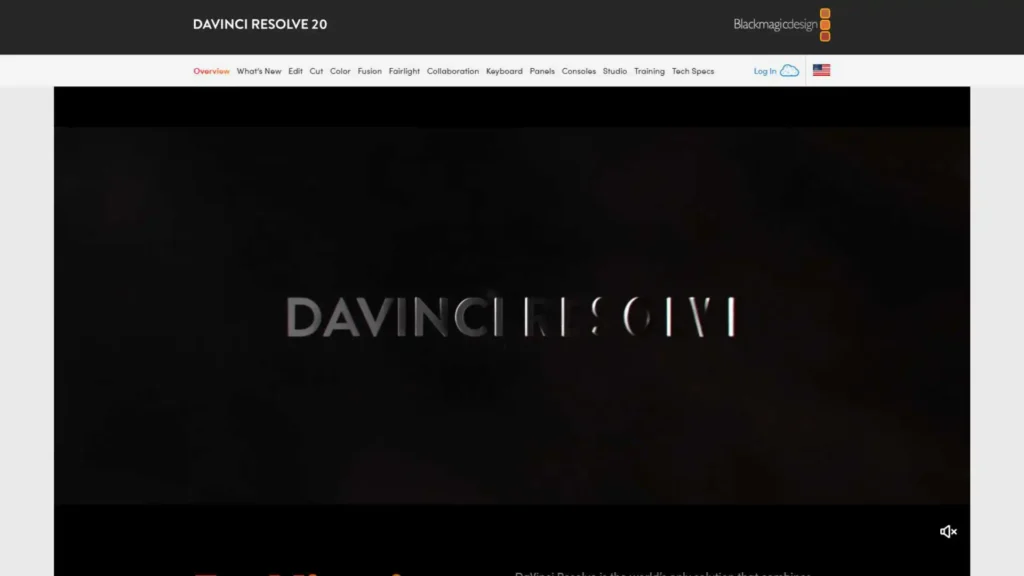
DaVinci Resolve is known for its incredible color grading tools and Hollywood-level performance. For many gamers, this software provides a perfect balance of power and cost, since the free version is already extremely capable.
If you want your gaming videos to look cinematic with dramatic shadows, enhanced colors, or stylized visuals, Resolve is one of the strongest choices. It handles large files extremely well and has excellent AI tools in the 2025 release that speed up repetitive editing tasks.
Many editors consider Resolve the Best Video Editing Software for Video Games when they want a powerful tool without paying for a subscription. Its Fusion tab allows for advanced effects, though it requires some learning. Beginners might need time to understand the interface, but once they do, the results can be stunning.
Final Cut Pro – Mac Users’ Favorite for Fast, Smooth Performance
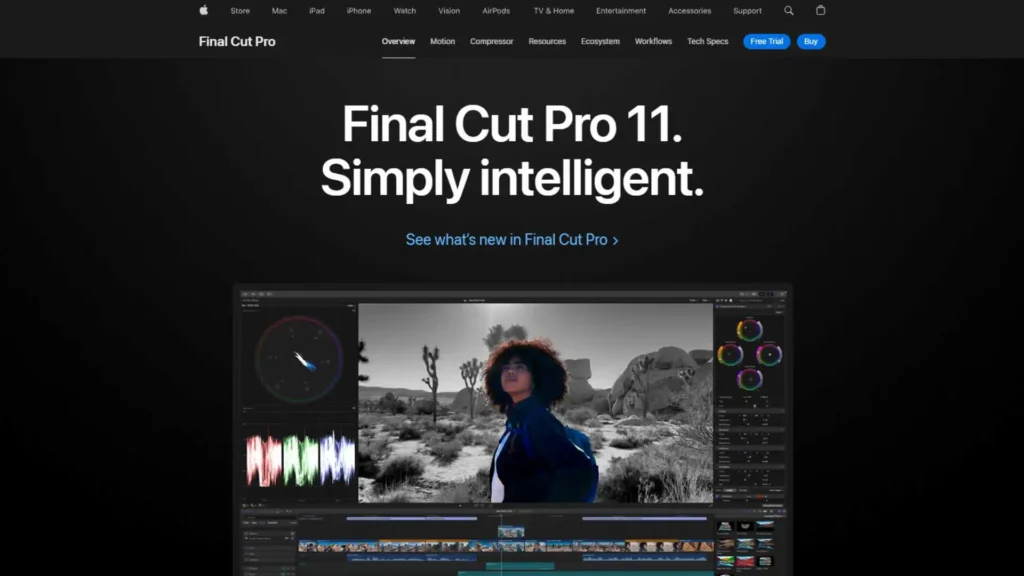
For creators using macOS, Final Cut Pro offers some of the smoothest playback and fastest rendering in the industry. The magnetic timeline makes editing intuitive, especially for gameplay clips where speed matters.
Final Cut Pro is great for fast-paced shooters or any game where precision cuts and smooth transitions matter. Although it’s available only on Apple devices, its optimization makes it a top pick for many content creators having strong Mac setups.
It’s one of the Best Video Editing Software for Video Games for Mac users because it’s simple to learn, highly efficient, and offers strong media management tools. You can easily create stylish edits with plugins and LUTs, which many gaming channels use to enhance their visuals.
CapCut Desktop – Beginner-Friendly and Surprisingly Powerful
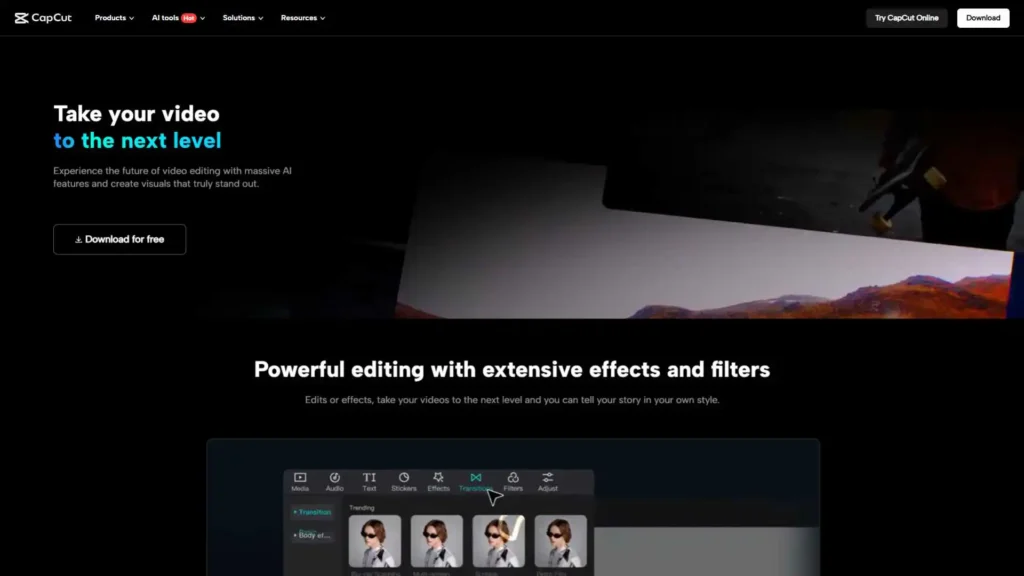
CapCut has grown rapidly in popularity, especially among TikTok and short-form creators. The desktop version offers more control and features than the mobile app, making it ideal for gamers who want quick edits without diving into complex software.
CapCut supports high-FPS clips, offers built-in transitions, music, filters, and AI tools like auto captions. For beginners who want to create stylish edits without spending money, CapCut can feel like the Best Video Editing Software for Video Games because of how easy and fast it is.
However, it isn’t ideal for long-form edits like 30-minute gameplay videos or cinematic projects. But for highlight reels, short clips, or montage edits, CapCut delivers excellent results.
Sony Vegas Pro – A Long-Time Favorite for Gaming Montages
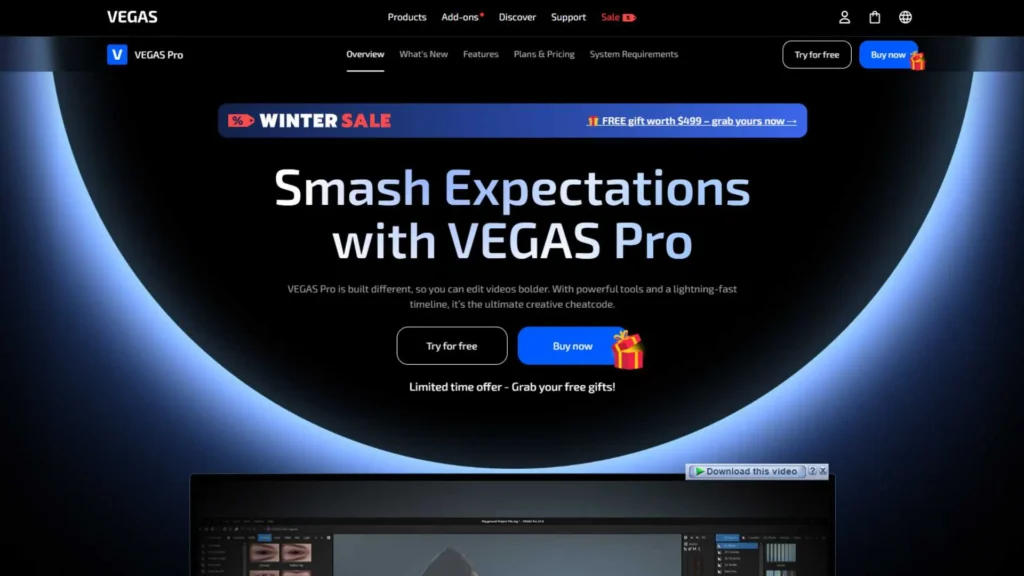
Vegas Pro has a long history in the gaming community. For years, montage creators used Sony Vegas for its ease of use and excellent timeline control. In 2025, the software has added new AI features, stabilization tools, and better performance.
Vegas Pro remains one of the Best Video Editing Software for Video Games for editors who want a straightforward program without navigating complicated menus. Its drag-and-drop workflow makes it simple to assemble clips, add effects, and render high-quality videos.
One challenge is that Vegas can struggle with extremely large or very high-FPS files unless your computer is powerful. But for most gaming content, especially YouTube edits, it performs very well.
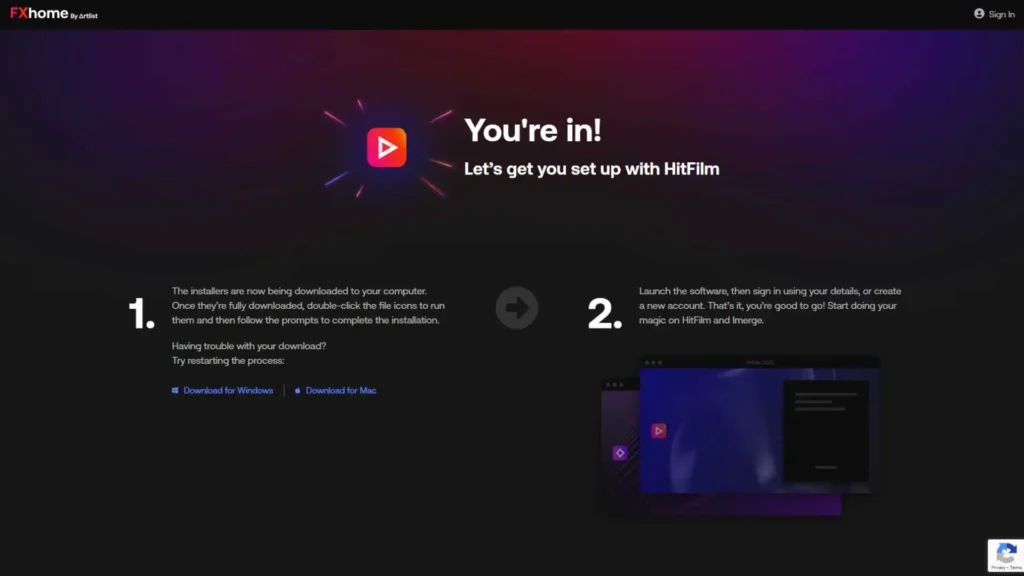
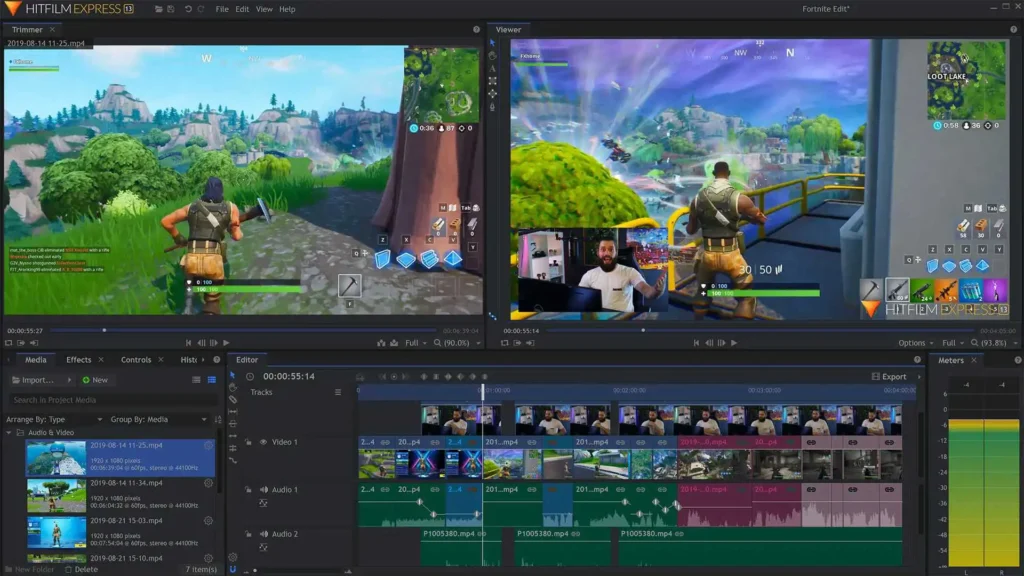
HitFilm – Great for Effects, 3D Elements, and Energetic Edits
HitFilm is known for being a blend of editing and visual effects software. For game creators who want dramatic transitions, explosions, particle effects, or 3D overlays, HitFilm stands out.
It’s a strong choice for creators who want to produce unique or stylized videos rather than simple cut-and-trim edits. Many users consider it among the Best Video Editing Software for Video Games if their goal is to add creativity and energy to their videos.
Where HitFilm can be challenging is performance. If your computer isn’t strong enough, previewing complex effects may become slow. But for creators with the right hardware, HitFilm is incredibly fun and powerful.
When You Should Use Professional Editors Instead of Software
Even if you choose the Best Video Editing Software for Video Games, editing can still be time-consuming. Many creators reach a point where the editing workload slows them down, especially when balancing streaming, recording, school, or full-time work.
That’s when outsourcing can help. Teams like Inside Editors provide professional video editing services for gaming content, helping creators maintain consistent uploads without sacrificing quality. Whether you need weekly highlight compilations, long-form commentary edits, cinematic trailers, or fast-paced montage styles, outsourcing gives you more time to focus on playing and growing your channel.
Inside Editors often works with creators who want better-quality edits but don’t have time to learn complicated software or refine advanced editing techniques. This is a smart alternative for gamers who want polished results without spending hours in front of a timeline.
Choosing the Best Video Editing Software for Video Games Based on Your Needs
No single editor is perfect for everyone. The Best Video Editing Software for Video Games depends heavily on what kind of content you want to create.
If you’re a beginner, tools like CapCut or Filmora make editing simple and enjoyable. If you want professional results, Premiere Pro and DaVinci Resolve stand out. And if you’re on Mac, Final Cut Pro is incredibly smooth.
Different genres of games also benefit from different editing styles. For example, fast-paced shooters like Apex Legends or Valorant look great in Premiere Pro or Vegas Pro due to their timeline speed. RPGs and cinematic games may benefit from DaVinci Resolve’s color grading tools.
Below is a simple breakdown that may help when comparing options:
• Premiere Pro: ideal for advanced editors and long-form videos.
• DaVinci Resolve: best for cinematic edits and color grading.
• Final Cut Pro: perfect for Mac users who want fast performance.
• CapCut: best for beginners and short-form gaming content.
• Vegas Pro: great for classic montage style edits.
• HitFilm: powerful for effects-heavy gaming videos.
This kind of comparison makes it clearer which software feels like the Best Video Editing Software for Video Games for your skill level and creative goals.
Hardware Matters: Pairing Your Software With the Right Setup
Even the Best Video Editing Software for Video Games won’t perform well if your hardware can’t keep up. Editing gaming footage is demanding because gameplay files are often large and high-frame-rate.
If you have a mid-range or older computer, CapCut, Filmora, Final Cut Pro (on Mac), or Vegas Pro run more smoothly. If you’ve built a strong PC or use a high-end laptop, Premiere Pro and DaVinci Resolve extend your creative possibilities.
Smooth performance helps you edit faster, preview clips without lag, and spend less time waiting for rendering to finish. Many creators overlook this and end up frustrated when the software is not the problem-the computer is.
Building Your Editing Skills Over Time
Whichever tool you choose as the Best Video Editing Software for Video Games, improving your skills will make a bigger difference than the software itself. Learning about color grading, pacing, transitions, music selection, and storytelling can transform even simple gameplay clips.
Editing is a skill that grows with practice. Start with simple videos, then slowly experiment with effects, overlays, and stylistic elements. Many creators learn by studying other gaming videos they enjoy and figuring out how to recreate those styles.
If you want to speed up this learning process, you can also watch tutorials or work with professionals like Inside Editors to study how edits are structured. Over time, your personal editing style will emerge naturally.
Final Thoughts: The Best Video Editing Software for Video Games in 2025
The world of gaming content is expanding faster than ever, and choosing the right software can elevate your videos in ways you might not expect. Whether you want speed, creativity, simplicity, or cinematic style, there’s a perfect tool for you.
Premiere Pro and DaVinci Resolve stand out for professionals. Final Cut Pro is unmatched for Mac users. CapCut and Filmora are beginner-friendly favorites. HitFilm and Vegas Pro remain strong choices for montage creators and effect-heavy edits.
No matter which option you choose, your goal is to find the Best Video Editing Software for Video Games that supports your creative vision and helps you produce content you’re proud of.
Need Help Editing? Inside Editors Is Here for You
If you ever feel like editing takes too much time, or if you want your videos to look more polished and professional, Inside Editors can help. Our team specializes in producing clean, engaging, high-quality gaming videos for creators of all sizes.
Whether you need weekly uploads, highlight reels, long-form content, stream recaps, or montage-style edits, we handle it all so you can focus on playing and growing your audience.
We’re always excited to help gamers and creators bring their ideas to life.


