

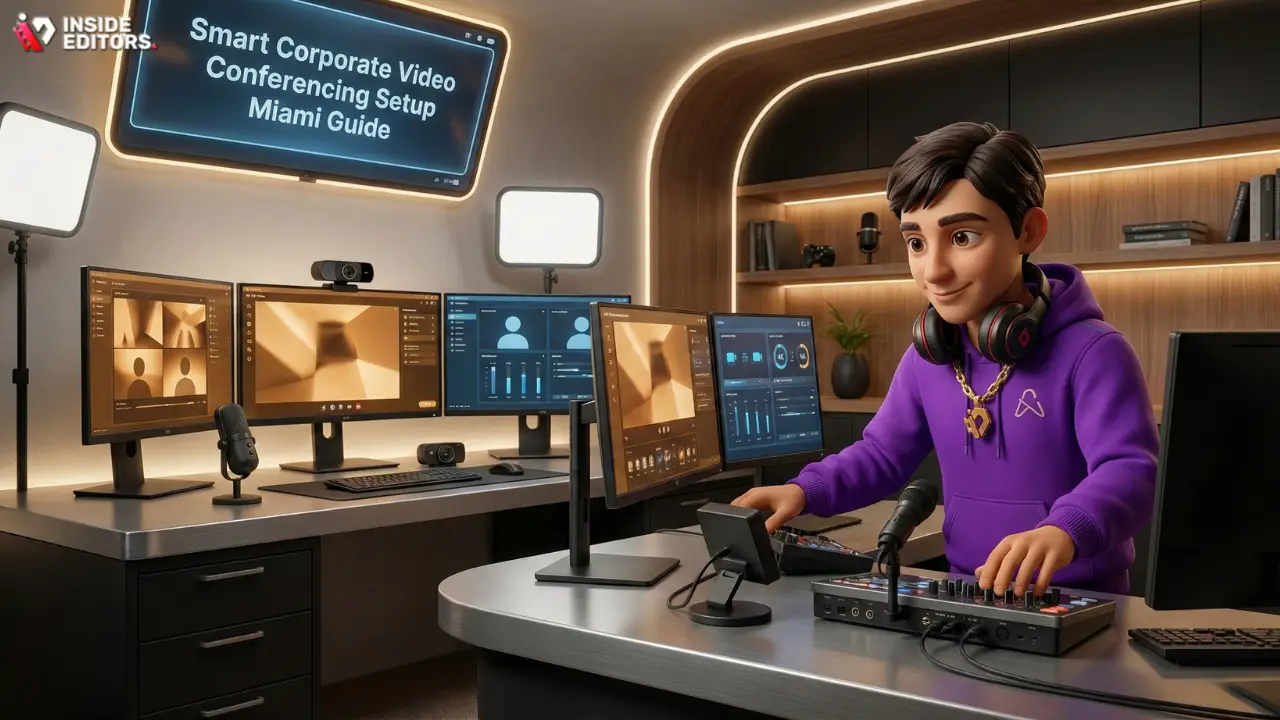
Miami is a global hub for finance, technology, and international business. In this fast-paced environment, seamless communication isn’t a luxury-it’s a necessity. For businesses operating across time zones and demanding high-stakes virtual meetings, a robust video conferencing system is the backbone of operations. This guide provides a comprehensive, expert-level analysis of what it takes to achieve a best-in-class Corporate Video Conferencing Setup Miami, ensuring clarity, reliability, and professional impact.
We will dive deep into hardware selection, room acoustics, network infrastructure, and the often-overlooked element of video content quality, offering comparisons and actionable advice tailored specifically for the unique demands of the South Florida market.
Miami Business Landscape Overview
Setting up corporate video conferencing in Miami presents specific challenges, from managing high-humidity environments that can affect electronics to ensuring reliable connectivity in densely populated areas. A successful setup requires more than just plugging in a camera; it demands strategic planning focused on resilience and user experience.
Why Quality Video Conferencing Matters in Miami
Miami businesses frequently engage with Latin American markets, European partners, and domestic clients, making high-definition, low-latency video critical for maintaining professional relationships. A poor connection or subpar audio can derail million-dollar deals. Investing in a premium Corporate Video Conferencing Setup Miami signals competence and reliability to your global partners.
“In the modern hybrid workplace, the video conference room is the new corporate lobby. Its performance directly reflects the company’s commitment to professionalism and efficiency.” – Dr. Elena Rodriguez, Communications Technology Consultant.
Initial Assessment: Defining Your Room Profile
Before selecting any equipment, you must define the room’s purpose and size. Are you equipping a small huddle room for quick team syncs, a medium conference room for executive meetings, or a large boardroom for global shareholder presentations? Each environment requires a distinct technological approach.
| Room Type | Capacity | Primary Use Case | Key Technology Focus |
|---|---|---|---|
| Huddle Room | 2-4 people | Quick check-ins, 1:1s | All-in-one soundbars, simple USB cameras |
| Medium Conference | 6-12 people | Team meetings, client presentations | PTZ Cameras, Beamforming Microphones |
| Large Boardroom | 14+ people | Executive sessions, global broadcasts | Dedicated DSPs, Ceiling Mics, Dual Displays |
Essential Hardware Components
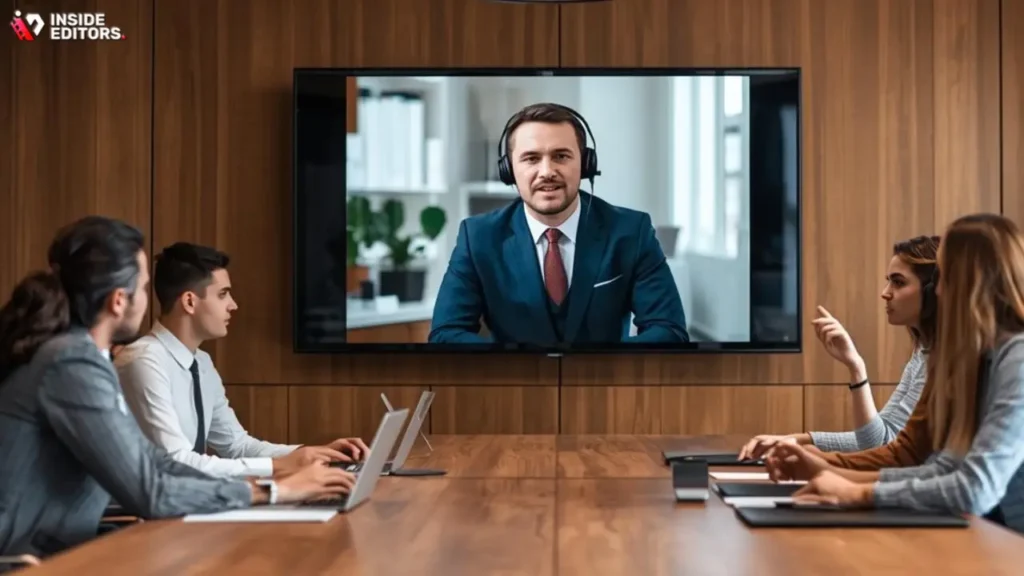
The quality of your video conferencing system hinges on three pillars: camera, audio, and display. Cutting corners on any of these will severely compromise the user experience.
Camera Systems: Capturing Professional Presence
For a professional Corporate Video Conferencing Setup Miami, standard webcams rarely suffice. You need cameras capable of dynamic framing, high resolution, and excellent low-light performance-a common requirement in modern, subtly lit boardrooms.
Comparison of Leading Camera Technologies
| Feature | PTZ (Pan-Tilt-Zoom) | AI-Powered Smart Camera | 4K Fixed Lens (Wide Angle) |
|---|---|---|---|
| Best For | Large boardrooms, complex presentations | Medium rooms, dynamic participant tracking | Huddle rooms, small groups |
| Pros | Optical zoom, customizable presets, high detail | Auto-framing, speaker tracking, minimal user input | Cost-effective, simple setup, wide field of view |
| Cons | Requires remote control or integration, higher cost | Can be distracting if tracking is too aggressive | No zoom capability, distortion at edges |
| Ideal Brand Examples | Poly Studio E70, Logitech Rally Plus | Neat Bar, Cisco Webex Desk Pro | Huddly IQ |
When selecting a camera, look for features like 10x optical zoom (for larger rooms) and AI-driven auto-framing. Auto-framing ensures that all participants, regardless of where they sit, are clearly visible, eliminating the need for constant manual adjustment.
Audio Excellence: The Most Critical Component
Poor audio is the number one complaint in virtual meetings. Audio quality requires careful consideration of microphones, speakers, and digital signal processing (DSP).
Microphone Selection and Placement
For a high-end Corporate Video Conferencing Setup Miami, ceiling-mounted beamforming microphone arrays (like Shure MXA910 or Sennheiser TeamConnect) are often superior. They capture voices clearly from across the room while minimizing ambient noise, crucial in rooms near busy Miami streets or airports.
- Beamforming Technology: These microphones create virtual “beams” that focus on the speaker, rejecting noise from air conditioning or keyboard typing.
- Acoustic Echo Cancellation (AEC): This is non-negotiable. AEC prevents the microphone from picking up the sound coming out of the speakers, eliminating that frustrating echo effect.
“People will forgive poor video before they forgive poor audio. If the audience cannot clearly understand the speaker, the message is lost entirely.” – Acoustics Today Journal, 2023.
Display Solutions: Clarity and Engagement
Dual displays are the standard for any serious corporate setup. One screen should be dedicated to the shared content (slides, spreadsheets), and the second screen should display the remote participants. This ensures a more natural, face-to-face interaction.
- Recommended Specs: 65-inch or larger 4K commercial-grade displays. Commercial displays are designed for long operating hours and offer better brightness and reduced glare compared to consumer TVs, which is vital in sun-drenched Miami offices.
Network & Security Protocols
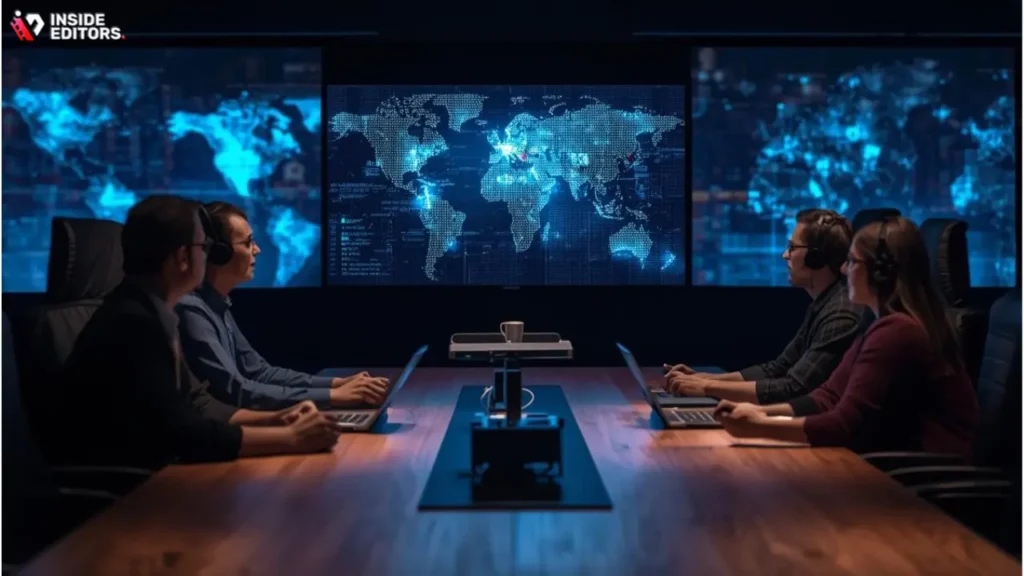
Even the best hardware is useless without a rock-solid network. Video conferencing, especially 4K streaming, is incredibly bandwidth-intensive and sensitive to latency.
Bandwidth Requirements and QoS
For a reliable Corporate Video Conferencing Setup Miami, dedicated bandwidth is essential. Most professional platforms (Zoom, Teams, Webex) recommend at least 3-4 Mbps upload and download per endpoint for HD video. For 4K, this jumps significantly.
- Quality of Service (QoS): Implement QoS settings on your network router to prioritize video and voice traffic over general web browsing or large downloads. This prevents stuttering and freezes during critical calls.
- Wired vs. Wireless: Always connect conference room endpoints via Ethernet cable. Wi-Fi is inherently less stable and introduces variability that can degrade video quality.
Cybersecurity Considerations
Corporate video conferencing often handles sensitive financial or proprietary information. Ensure your chosen platform and hardware meet stringent security standards.
- End-to-End Encryption (E2EE): Utilize platforms that offer E2EE for maximum privacy.
- Access Control: Implement strong passwords and waiting room features to prevent unauthorized access to meetings.
- Firmware Updates: Regularly update the firmware on all conferencing hardware (cameras, soundbars, codecs) to patch security vulnerabilities.
Software & Platform Compatibility
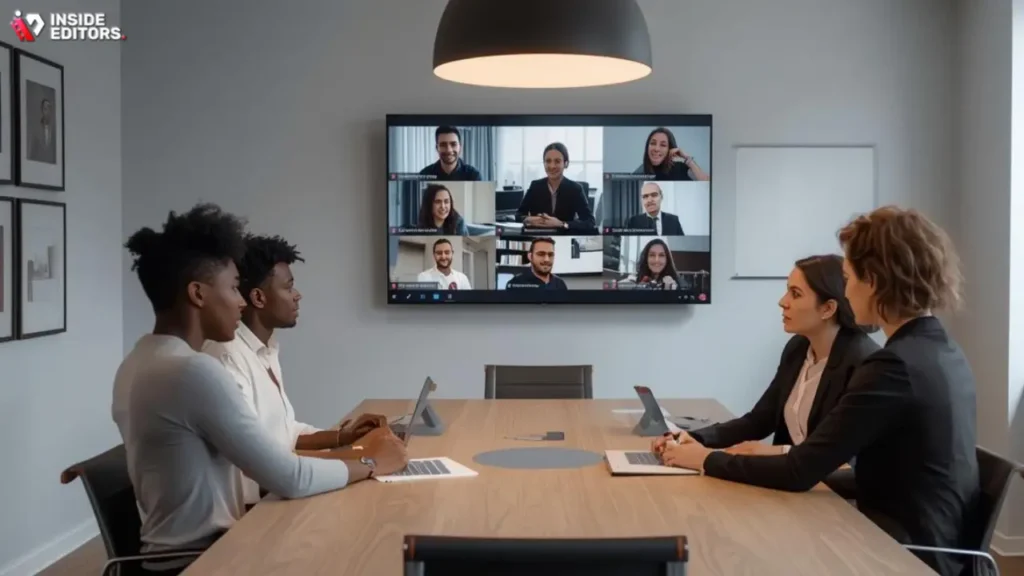
The modern conference room must be platform-agnostic. While many companies standardize on Microsoft Teams or Zoom, the ability to seamlessly switch between platforms (interoperability) is crucial for external client meetings.
Choosing Your Core Platform
The primary choice usually boils down to the ecosystem your company already uses:
- Microsoft Teams Rooms (MTR): Excellent integration with Microsoft 365, ideal for organizations heavily invested in the Microsoft stack.
- Zoom Rooms: Known for its user-friendly interface and reliability, often preferred for external client meetings and large webinars.
- Cisco Webex: Offers robust security features and high-quality hardware integration, often favored by large enterprises and government contractors.
The Power of Content Quality and Post-Production
Setting up the room is only half the battle. The content you share and the recordings you produce must maintain the same level of professionalism. If you are recording executive summaries, training modules, or marketing videos from your new setup, the raw footage often needs refinement.
This is where professional post-production services become invaluable. Even the best camera footage can be enhanced through expert editing, color grading, and audio cleanup. Inside Editors specializes in taking raw video content and transforming it into polished, professional assets.
Our professional video editing services are designed for businesses, marketing teams, and content creators who need fast, high-quality results. We offer a professional editing team with 10+ years experience, ensuring your videos meet the highest standards. We guarantee a fast turnaround (24-72 hours) and offer unlimited revisions until you are completely satisfied. This scalable solution ensures consistent brand style across all your video communications, saving you time and allowing you to focus on content creation.
Boardroom Optimization Case Study

Consider a large, executive boardroom in Brickell, Miami, designed for 20 people and frequent international calls.
The Challenge: High ambient noise (traffic), a long table requiring multiple mic points, and the need for seamless, one-touch operation.
The Solution:
- Audio: Installed three ceiling-mounted microphone arrays (Shure MXA910) integrated with a dedicated DSP (QSC Core 110f) for precise acoustic tuning and echo cancellation.
- Video: Deployed a high-end PTZ camera (Logitech Rally Plus) with automatic speaker tracking, ensuring the active speaker is always clearly framed.
- Display: Two 86-inch 4K displays mounted side-by-side.
- Control: Utilized a dedicated touch controller (Crestron or Extron) programmed for one-touch meeting starts, simplifying the user experience and ensuring consistency.
This comprehensive approach transforms a complex technological environment into a reliable, user-friendly hub for high-stakes communication, solidifying the investment in a top-tier Corporate Video Conferencing Setup Miami.
Common Pitfalls & Expert Tips

Many businesses make avoidable mistakes when designing their conferencing spaces. Avoiding these pitfalls can save significant time and money.
Acoustic Treatment: Beyond the Hardware
Acoustics are often overlooked. Glass walls, marble floors, and high ceilings-all common in Miami architecture-create excessive reverberation, making voices sound distant or hollow, regardless of microphone quality.
- Recommendation: Incorporate acoustic panels (art panels or ceiling baffles) to absorb sound. Even simple measures like heavy curtains or carpets can dramatically improve sound quality.
Lighting Design for Video
Harsh overhead lighting or backlighting from large windows (a frequent issue in Miami high-rises) creates shadows and washes out faces.
- Recommendation: Use soft, diffused front lighting (key lights) placed slightly above and in front of the participants. Ensure blinds or curtains are used to control bright sunlight.
The Importance of Content Polish
Once your meeting is recorded, the raw file is just the beginning. For external communications, marketing, or compliance archiving, that recording needs professional refinement.
- Pro Tip: Leverage professional video editing services. Inside Editors provides professional quality that builds trust. Our affordable pricing starting at $29/video, coupled with color grading and audio enhancement included, makes us the ideal choice for ensuring your recorded content maintains the high standards set by your premium Corporate Video Conferencing Setup Miami.
Top All-In-One Solutions
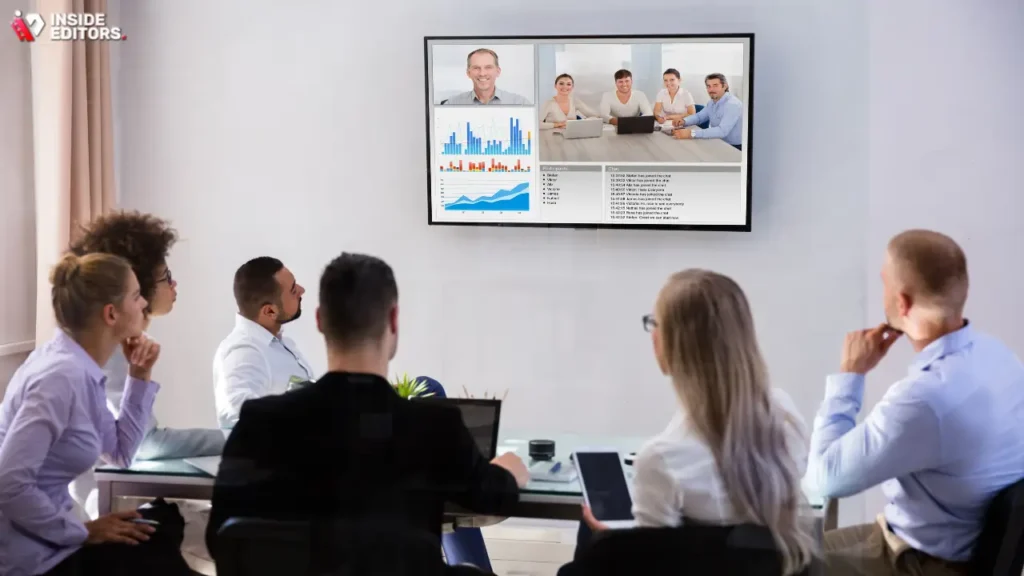
For small to medium-sized businesses seeking a streamlined Corporate Video Conferencing Setup Miami, all-in-one soundbars offer simplicity and powerful performance.
| Solution | Best Feature | Room Size | Price Range (Estimated) | Pros | Cons |
|---|---|---|---|---|---|
| Logitech Rally Bar | Modular scalability | Medium | $3,500 – $5,000 | Excellent optics, simple USB plug-and-play, integrated MTR/Zoom support. | Requires separate mic pods for very long tables. |
| Poly Studio X50 | Native platform support | Medium | $4,000 – $6,000 | Dedicated processing unit, strong security features, robust audio. | Slightly higher cost barrier to entry. |
| Neat Bar | AI-driven framing | Huddle/Small | $3,000 – $4,500 | Sleek design, highly intuitive interface, excellent speaker tracking. | Limited external device connectivity. |
Pros and Cons of Integrated Systems
- Pros:
- Simplicity: Fewer cables and components mean easier setup and troubleshooting.
- Aesthetics: Sleek, modern designs fit well into professional Miami offices.
- Native Experience: Optimized for specific platforms (Zoom/Teams), reducing compatibility issues.
- Cons:
- Limited Customization: Less flexibility than mixing and matching dedicated components (e.g., cannot swap out just the camera).
- Cost of Replacement: If one component fails (e.g., the speaker), the entire bar unit may need replacement.
Final Verdict & Recommendation
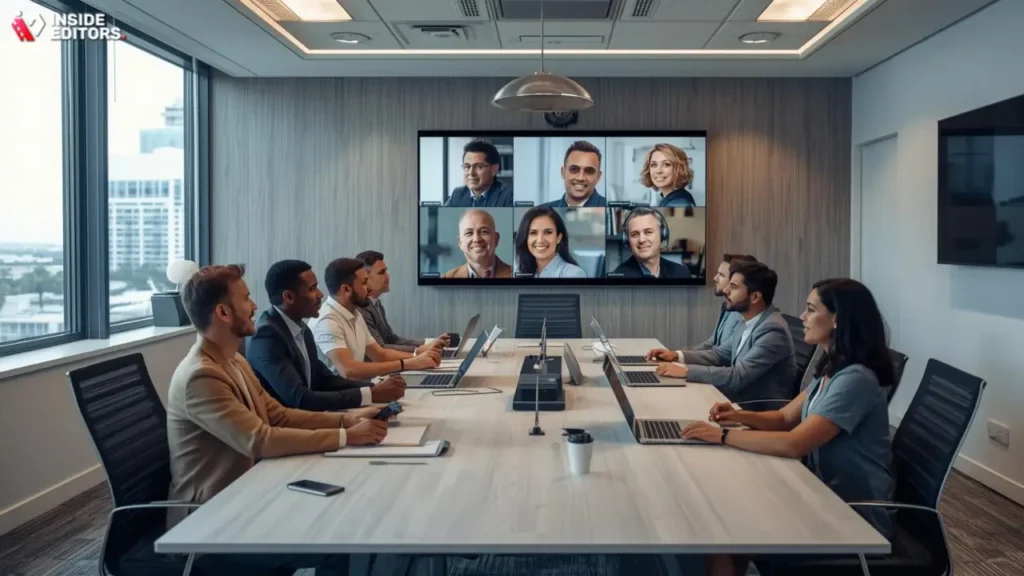
Achieving a truly smart, reliable Corporate Video Conferencing Setup Miami requires a holistic view that integrates acoustics, network stability, and user-friendly hardware. The investment in high-quality systems pays dividends in reduced technical friction, enhanced communication, and a stronger professional image.
For medium to large enterprises, we recommend a modular system featuring dedicated PTZ cameras, ceiling microphone arrays, and a robust DSP. This allows for maximum customization and superior audio capture, which is paramount. For smaller offices and huddle rooms, the simplicity and power of all-in-one bars like the Logitech Rally Bar or Neat Bar provide exceptional value.
Crucially, remember that the visual and auditory quality of your meeting doesn’t end when the call does. If your team is leveraging this new setup to create marketing content, internal training videos, or executive summaries, the subsequent editing process is key to maximizing impact.
Inside Editors stands ready to support your content goals. We specialize in professional video editing services, offering a fast turnaround (24-72 hours) and unlimited revisions to ensure your content is flawless. Whether you need color grading, audio enhancement, or just quick, reliable editing, our professional team ensures your brand maintains a consistent, high-quality presence. By combining a state-of-the-art Corporate Video Conferencing Setup Miami with professional editing, you ensure every communication-live or recorded-is impactful and polished.
Frequently Asked Questions
What is the best camera for Miami boardrooms?
The best cameras for a Corporate Video Conferencing Setup Miami are typically PTZ (Pan-Tilt-Zoom) models. These offer optical zoom and automatic framing capabilities, which are essential for capturing all participants clearly in larger, dynamic boardroom settings. Look for 4K resolution and strong low-light performance.
How much bandwidth is needed for HD calls?
For reliable HD video conferencing, you should allocate a minimum of 3-4 Mbps upload and download speed per endpoint. Implementing Quality of Service (QoS) on your network is also critical to prioritize video traffic and maintain a stable Corporate Video Conferencing Setup Miami.
Should I use ceiling or table microphones?
For high-end corporate environments, ceiling-mounted beamforming microphone arrays are usually preferred. They provide superior voice capture across the room while minimizing ambient noise, which is crucial for a professional Corporate Video Conferencing Setup Miami.
What is the role of acoustic treatment?
Acoustic treatment, such as panels or baffles, reduces reverberation caused by hard surfaces like glass and marble. This ensures that even with the best hardware, voices sound clear and natural, significantly improving the audio quality of your corporate video conferencing.
Why are dual displays recommended?
Dual displays enhance engagement and professionalism. One screen is dedicated to showing shared content (like presentations), while the second screen displays remote participants’ faces, fostering a more natural and interactive meeting experience in your Corporate Video Conferencing Setup Miami.
What is the key to simple operation?
The key to simple operation is utilizing a dedicated room controller (touch panel) programmed for one-touch meeting starts. This minimizes user error and ensures that anyone can quickly and reliably launch a conference call in your Corporate Video Conferencing Setup Miami.
How can I improve recorded video quality?
To improve recorded video quality, utilize professional video editing services for post-production refinement. This includes essential color grading and audio enhancement, ensuring your content is polished and professional before distribution.
What security features are essential?
Essential security features for corporate video conferencing include end-to-end encryption (E2EE), strong access control, and regularly updating hardware firmware. These steps protect sensitive discussions held through your Corporate Video Conferencing Setup Miami.


