


Choosing the right tools is the first step toward professional video production. Whether you are a seasoned filmmaker, a busy marketing professional, or a content creator aiming for cinematic quality, the software you use dictates your workflow, your output quality, and your scalability. The term Industry Standard Video Editing Software isn’t just a marketing buzzword; it refers to the platforms trusted by major studios, broadcast networks, and high-volume production houses worldwide. These tools offer the stability, feature depth, and integration capabilities required for complex projects.
In this comprehensive guide, we dive deep into the top seven platforms that define the modern editing landscape. We will compare their features, pricing models, and specific use cases to help you determine which Industry Standard Video Editing Software best fits your needs. We understand that investing time and money into learning a new platform is a major decision. Our goal is to provide the expert insight you need to make that choice confidently.
Guide to Professional Video Editing Software

Before diving into the specific applications, it’s crucial to define what makes a platform truly “industry standard.” It’s more than just popularity; it’s about ecosystem integration, stability under heavy load, and professional-grade features like advanced color grading, complex audio mixing, and compatibility with high-end camera codecs. These tools are designed to handle everything from 4K and 8K footage to complex visual effects pipelines.
The current market is dominated by a few key players, each catering to slightly different segments of the professional world. Adobe Premiere Pro and Avid Media Composer have long held the top spots in broadcast and feature film, respectively, while DaVinci Resolve has rapidly gained ground due to its unparalleled color science capabilities. When evaluating any Industry Standard Video Editing Software, you must consider the ecosystem it operates within-how well it integrates with motion graphics, audio post-production, and asset management systems.
“The true measure of industry standard software is not its feature list, but its reliability when you are under a tight deadline with a demanding client. Stability and interoperability are non-negotiable.” – Sarah Jenkins, Lead Post-Production Supervisor at Stellar Studios
Why Choosing the Right Software Matters
The software you select impacts everything from project turnaround time to collaboration efficiency. If you are working in a large team, compatibility is key. If you are a solo creator, ease of use and cost efficiency might be higher priorities. Furthermore, learning an industry-standard tool significantly boosts your employability, as employers actively seek editors proficient in these specific platforms. The learning curve can be steep, but the payoff in quality and efficiency is substantial.
For those who need professional results without the steep learning curve or high upfront cost, leveraging expert services is often the smartest path. Inside Editors offers professional video editing services, ensuring your content meets the highest industry standards without requiring you to master complex software yourself. Our experienced editors use the very best Industry Standard Video Editing Software to deliver polished, high-quality results quickly.
1. Adobe Premiere Pro: Creative Cloud Leader

Adobe Premiere Pro is arguably the most ubiquitous Industry Standard Video Editing Software today, particularly in the digital content, marketing, and corporate video spaces. Its strength lies in its tight integration with the Adobe Creative Cloud suite, allowing seamless transitions between Premiere Pro, After Effects (motion graphics), Audition (audio), and Photoshop (stills).
Core Features and Workflow
Premiere Pro operates on a subscription model, which provides continuous updates and access to a vast library of tutorials and third-party plugins. Its interface is highly customizable, making it adaptable for editors coming from different backgrounds. It excels in handling diverse media formats and offers excellent proxy workflow management for editing high-resolution footage on less powerful machines. The Lumetri Color panel provides powerful, yet accessible, color correction tools, bridging the gap between basic color grading and dedicated color suites.
| Feature | Description | Professional Use Case |
| Dynamic Link | Seamless integration with After Effects and Audition. | Creating complex VFX shots without rendering intermediate files. |
| Team Projects | Cloud-based collaboration tools for remote teams. | Managing large-scale documentary or corporate video projects simultaneously. |
| Speech-to-Text | Automated transcription and captioning directly within the timeline. | Generating accessible content and quickly finding soundbites. |
Strengths and Limitations
Premiere Pro’s subscription model is fantastic for professionals who rely on the entire Creative Cloud suite, but it can be costly for casual users. While highly flexible, it can sometimes be prone to stability issues on extremely complex timelines compared to rivals like Avid or Resolve. However, its widespread adoption means finding templates, tutorials, and collaborators is incredibly easy.
- Pros:
- Unmatched ecosystem integration (Creative Cloud).
- Highly intuitive and customizable interface.
- Excellent support for modern codecs and formats.
- Massive community and resource base.
- Cons:
- Subscription-only pricing model (can be expensive).
- Can sometimes suffer performance dips on heavy timelines.
2. DaVinci Resolve: The Color Grading Powerhouse
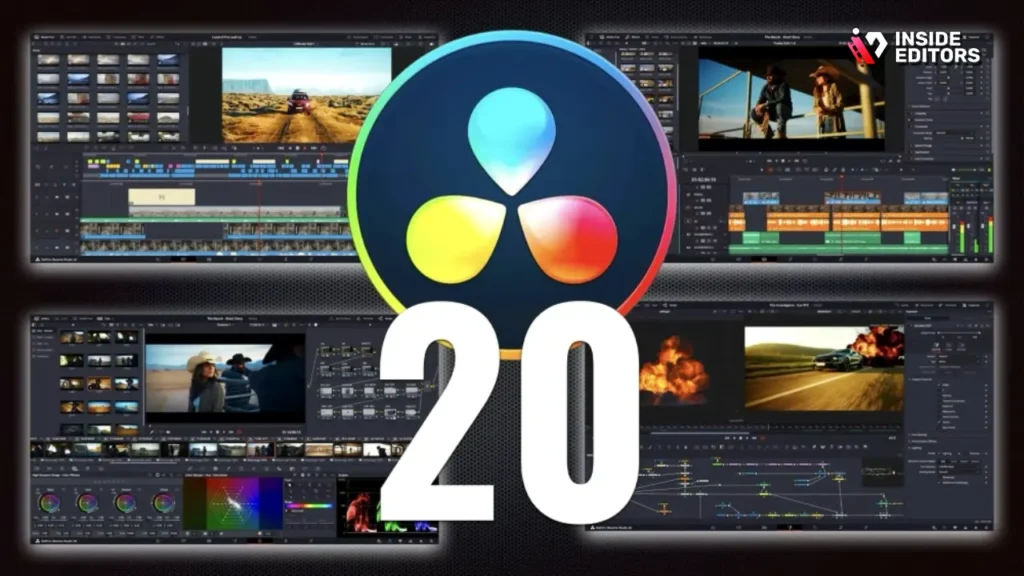
Blackmagic Design’s DaVinci Resolve has experienced a meteoric rise, evolving from a dedicated color grading tool into a full-fledged, comprehensive Industry Standard Video Editing Software. Its free version offers more features than many competitors’ paid tiers, making it incredibly popular among independent filmmakers and budget-conscious professionals.
The Fusion and Fairlight Advantage
Resolve is structured into distinct “pages” for Media Management, Editing (Cut and Edit pages), Color, Fusion (VFX/Motion Graphics), and Fairlight (Audio Post-Production). The Color page is legendary, offering node-based grading that is the gold standard in Hollywood. The integrated Fairlight audio suite is a professional-grade Digital Audio Workstation (DAW), allowing complex sound design and mixing without leaving the application.
Pricing and Professional Appeal
The fact that a highly capable version of Resolve is free is revolutionary. The paid Studio version (a one-time purchase) unlocks advanced features like noise reduction, HDR tools, multi-user collaboration, and specific codec support. For many high-end post-production houses, Resolve is now the primary tool for finishing, even if the initial cut was done elsewhere. Its stability and performance, especially with Blackmagic hardware, are exceptional.
“DaVinci Resolve democratized high-end color grading. It forced the entire industry to raise its game, offering tools previously reserved only for the most expensive post-production facilities.” – Jake Peterson, Professional Colorist, interviewed by Post Magazine.
For businesses that require consistent, high-quality color grading and audio enhancement but lack the internal expertise, Inside Editors provides specialized services. Our team leverages the power of DaVinci Resolve to ensure your videos have cinematic color and crystal-clear audio, maximizing their professional impact.
3. Avid Media Composer: Broadcast & Film Foundations
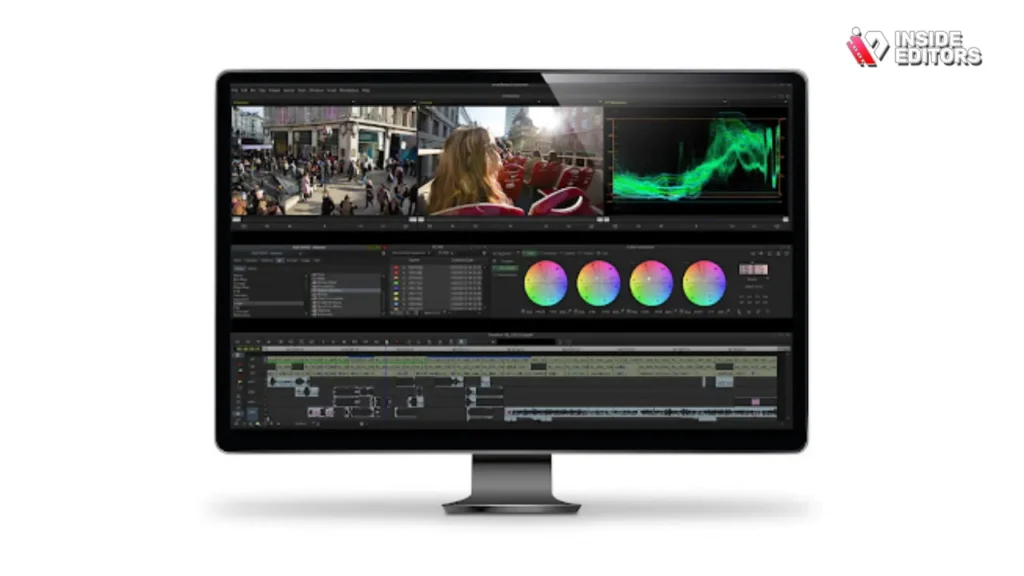
When discussing true Industry Standard Video Editing Software for broadcast television and major feature films, Avid Media Composer remains a cornerstone. While its interface might feel less modern than Premiere Pro or Resolve, its architecture is built for stability, media management, and collaborative workflows in massive, high-pressure environments.
Robust Media Management
Avid’s strength lies in its proprietary media management system. It is designed to handle immense amounts of footage efficiently and reliably, making it the preferred choice for long-form projects like episodic television and documentaries. Its reliance on specific, robust codecs ensures consistency across large editing teams and facilities.
Collaboration and Reliability
In a facility where multiple editors, assistants, and producers need simultaneous access to the same project files, Avid excels. Its bin locking and project sharing features are unmatched, ensuring data integrity and smooth collaboration across a shared storage network. This reliability under pressure is why major studios continue to invest heavily in Avid systems.
- Pros:
- Unrivaled stability and media management for long-form projects.
- Industry standard for broadcast and feature film workflows.
- Excellent project sharing and collaborative tools.
- Cons:
- Steep learning curve and less intuitive interface than competitors.
- Higher initial cost and often requires specialized hardware.
- Less integrated with modern motion graphics tools compared to Adobe.
4. Apple Final Cut Pro (FCP): SMac Speed and Efficiency
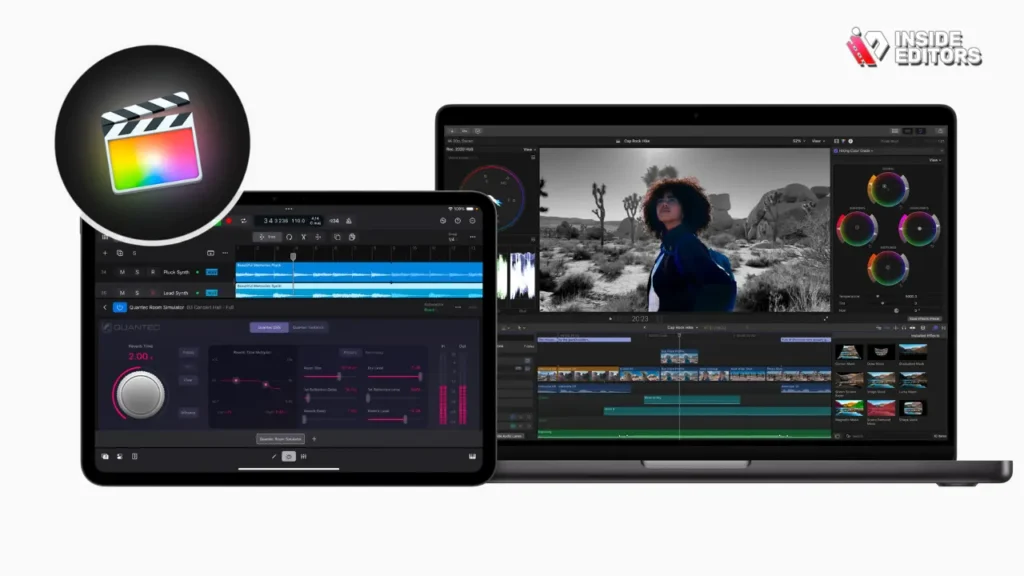
Apple’s Final Cut Pro X (now simply Final Cut Pro) revolutionized editing with its magnetic timeline concept. Exclusively available for macOS, FCP prioritizes speed, efficiency, and a streamlined workflow, making it a favorite among YouTube creators, documentary filmmakers, and fast-turnaround news editors working within the Apple ecosystem.
The Magnetic Timeline
The magnetic timeline is FCP’s defining feature, automatically managing clips and avoiding gaps. While initially controversial among traditional editors, it allows for incredibly fast assembly and rearrangement of clips. FCP is also highly optimized for Apple Silicon (M-series chips), offering exceptional rendering and export speeds that often surpass competitors on comparable hardware.
Integration with Apple Ecosystem
Final Cut Pro integrates seamlessly with other Apple applications, including Motion (for graphics) and Compressor (for encoding). Its deep optimization for the Mac hardware means it handles demanding codecs like ProRes with ease. This focus on speed and optimization makes it a powerful choice for anyone needing rapid production cycles.
Comparison of Top Industry Standard Video Editing Software
| Software | Primary Model | Best For | Ecosystem Strength | Collaboration |
| Premiere Pro | Subscription | Marketing, Digital Content, Corporate | Creative Cloud (AE, Audition) | Team Projects (Cloud) |
| DaVinci Resolve | Free/One-Time Purchase | Color Grading, Independent Film, High-End Finish | Integrated Fusion/Fairlight | Multi-User Database (Studio) |
| Avid Media Composer | Subscription/Perpetual | Broadcast TV, Feature Film, Large Facilities | Dedicated Media Management | Shared Storage (Bin Locking) |
| Final Cut Pro | One-Time Purchase | Fast Turnaround, Mac Users, YouTube | Apple Hardware Optimization | Limited (Relies on external tools) |
5. HitFilm Pro: The VFX-Centric Option

While often overshadowed by the “big three,” HitFilm Pro has carved out a niche as a powerful, affordable, and highly integrated video editing and visual effects platform. It appeals particularly to independent filmmakers and VFX artists who need a single application to handle both the cut and complex effects work.
Integrated VFX Pipeline
HitFilm Pro’s main selling point is its seamless integration of a full NLE (Non-Linear Editor) with a robust compositing and VFX environment. This means editors can jump directly from the timeline into complex 3D model integration, particle effects, and advanced keying without needing to switch applications or deal with complex dynamic links.
Value Proposition
Offering a perpetual license model, HitFilm Pro provides exceptional value, especially considering the depth of its visual effects library. While it might not have the same massive facility adoption as Avid or Premiere Pro, its capabilities ensure it qualifies as a professional, Industry Standard Video Editing Software for VFX-heavy projects.
6. CyberLink PowerDirector 365: Prosumer Editing Tools
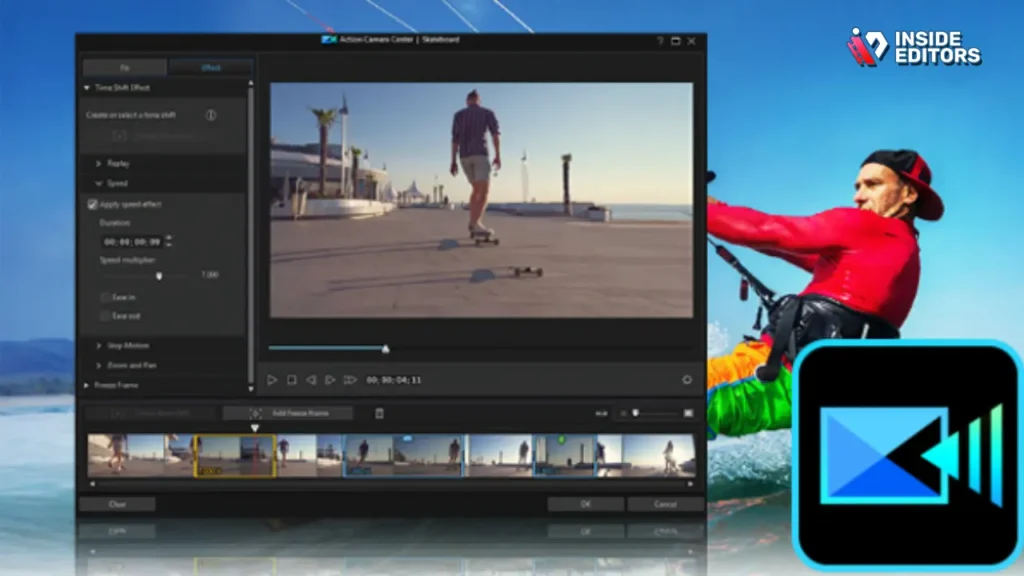
CyberLink PowerDirector 365 bridges the gap between consumer-level ease-of-use and professional-grade features. While traditionally aimed at the advanced enthusiast, its rapid adoption of AI tools and its comprehensive feature set have made it a viable option for small businesses and content creators who need professional results quickly.
AI-Assisted Editing
PowerDirector excels in incorporating AI features, such as automated object selection, sky replacement, and fast motion tracking. This significantly speeds up repetitive tasks, allowing editors to focus on creative decisions. Its subscription model (365) keeps it updated with the latest trends and features.
Accessibility and Speed
For those transitioning from simpler software, PowerDirector offers a more accessible entry point into professional editing techniques. It’s highly optimized for speed and offers robust rendering performance on both Windows and Mac platforms. It’s a strong contender for those who need a high-quality, fast solution but don’t require the deep facility integration of Avid.
7. Lightworks: The Veteran Editor’s Choice
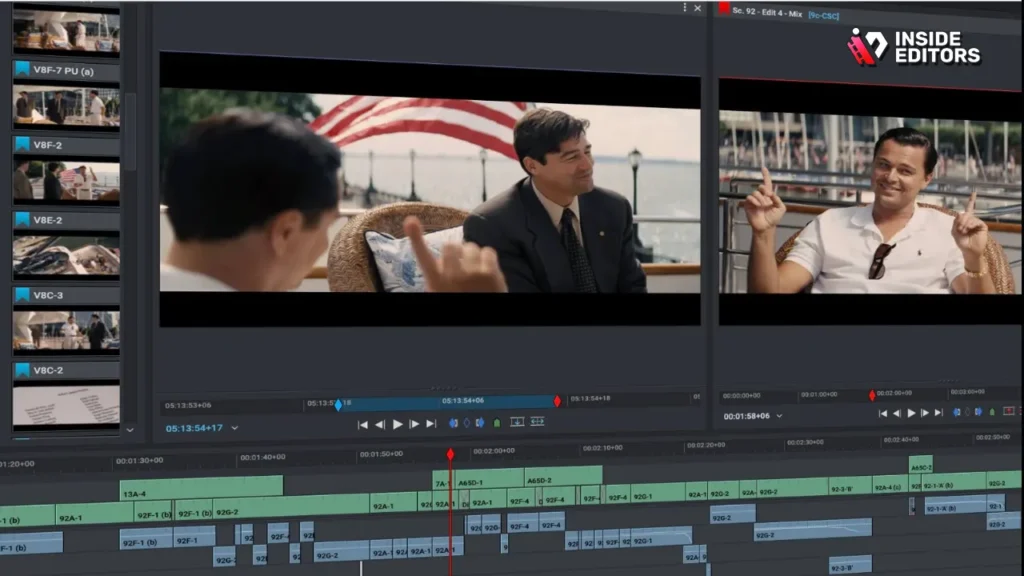
Lightworks has a long and storied history, having been used to edit major Hollywood films for decades. It offers a unique, highly flexible interface and is known for its incredible stability and speed, particularly in the trimming process.
Focus on Trimming and Speed
Lightworks is designed for speed in the edit bay. Its dedicated trimming tools are legendary among experienced editors, allowing for precise, rapid adjustments to cuts. Like DaVinci Resolve, Lightworks offers a free version that is surprisingly feature-rich, though it limits export resolution.
Unique Interface
The interface of Lightworks is project-centric and highly modular, allowing editors to arrange windows and tools exactly as they prefer. While this flexibility is powerful, it can be confusing for newcomers accustomed to the fixed layouts of Premiere Pro or Final Cut Pro. However, for those who master it, Lightworks is a fast and reliable Industry Standard Video Editing Software choice.
Choosing the Right Video Editing Software

The best software is the one that aligns perfectly with your specific project goals and team structure. Here is a breakdown of recommendations based on common professional use cases:
For Corporate and Marketing Videos
If your work involves fast-paced digital content, integrating motion graphics, and working with a large team of designers, Adobe Premiere Pro is the clear winner due to the Creative Cloud ecosystem. The ability to seamlessly move assets between After Effects and Premiere Pro saves countless hours in production.
For Feature Films and Broadcast Television
When stability, media integrity, and large-scale collaboration are paramount, Avid Media Composer remains the gold standard. Its robust architecture is built to withstand the pressures of a multi-month, multi-editor workflow.
For Independent Filmmakers and Color Professionals
If your priority is achieving cinematic quality color grading and robust audio post-production at an affordable price, DaVinci Resolve is unmatched. Its free version is powerful enough for many professional projects, and the Studio version is a one-time investment.
For High-Volume YouTube and Social Media Creators
If speed, optimization on Mac hardware, and a streamlined interface are key, Final Cut Pro offers the fastest rendering and export times, making it ideal for creators who need to publish daily or weekly.
Expertise Over Software: Inside Editors

Mastering any Industry Standard Video Editing Software takes years of dedicated practice. For businesses, marketers, and content creators, the time spent learning complex software is time taken away from generating content or focusing on core business operations.
This is where professional video editing services become invaluable. Inside Editors provides a seamless, high-quality solution for all your video needs. Our team of professional editors possesses over 10 years of experience, expertly utilizing the very best Industry Standard Video Editing Software (Premiere Pro, Resolve, and Avid) to deliver polished results.
The Inside Editors Advantage
We understand that speed and quality are critical. We offer a fast turnaround time-typically 24 to 72 hours-and unlimited revisions until you are completely satisfied. Our services include professional color grading and audio enhancement, ensuring your videos meet the highest broadcast standards.
Think about the cost savings: instead of investing in expensive software licenses and the extensive training required to master them, you can leverage our expertise affordably. Our pricing starts at just $29 per video, making professional quality accessible and scalable for growing channels and businesses.
Key Benefits of Partnering with Inside Editors:
- Expertise: Professional editors with deep knowledge of Industry Standard Video Editing Software.
- Efficiency: Fast turnaround (24-72 hours) allows you to maintain aggressive content schedules.
- Quality Assurance: Consistent brand style, professional color correction, and enhanced audio.
- Affordability: Scalable pricing that fits the budget of YouTube creators and marketing teams.
By choosing Inside Editors, you save time, reduce stress, and guarantee a professional quality that builds trust with your audience. We handle the technical complexities of the Industry Standard Video Editing Software so you can focus entirely on content creation and strategy.
Final Verdict and Recommendation
The landscape of Industry Standard Video Editing Software is rich and competitive. There is no single “best” option; only the best fit for your specific environment.
For the vast majority of digital content creators and marketing teams, Adobe Premiere Pro is the most flexible and widely supported choice. However, if your work is heavily focused on cinematic color and finishing, DaVinci Resolve offers superior tools, often at a lower cost. For those working in large, established facilities on long-form content, Avid Media Composer remains the undisputed king of stability and media management.
Ultimately, the goal is professional output. If mastering these complex tools is a barrier to your content production, remember that professional help is available. Inside Editors offers a reliable, expert solution, allowing you to bypass the learning curve and immediately achieve the professional quality your brand deserves.
Frequently Asked Questions
What are the top industry standard video editors?
The leading industry standard video editing software includes Adobe Premiere Pro, DaVinci Resolve Studio, and Apple Final Cut Pro. These platforms offer robust features necessary for professional workflows, such as advanced color grading, complex motion graphics, and multi-cam editing. Choosing the right software often depends on your operating system and specific post-production needs, but all are highly capable industry tools.
Is free software like DaVinci Resolve good enough?
Yes, the free version of DaVinci Resolve is exceptionally powerful and is often considered industry standard for color correction and basic editing. While the paid Studio version unlocks advanced features like neural engine tools, 3D stereoscopic editing, and specific codec support, the free version is more than adequate for most professional and independent projects, making it a great entry point into industry standard video editing.
How much do these editing programs cost?
Costs vary significantly. Adobe Premiere Pro uses a subscription model, typically around $22/month. Final Cut Pro is a one-time purchase for macOS users, usually around $300. DaVinci Resolve offers a free version, while the perpetual license for DaVinci Resolve Studio is a one-time fee of about $295. These costs reflect the high level of professional functionality provided by industry standard video editing software.
Which software is best for beginners?
For beginners aiming for industry standard skills, DaVinci Resolve is often recommended due to its powerful free version and structured workflow. However, if you are already familiar with the Adobe ecosystem, Premiere Pro might feel more intuitive initially. Final Cut Pro is excellent for Mac users seeking speed. Focus on learning core editing principles, as they transfer easily between different industry standard video editing platforms.
Do I need a powerful computer for video editing?
Yes, editing industry standard video formats, especially 4K or higher resolution footage, requires significant computing power. You will need a fast multi-core processor (i7 or equivalent), at least 16GB of RAM (32GB is better), and a dedicated GPU with ample VRAM. Adequate storage speed, preferably SSDs, is also crucial for smooth playback and rendering within any professional video editing software.


