

If you’ve ever stared at your computer screen while a video timeline struggles to render, you’ve probably asked yourself a simple but important question: is a gaming PC good for video editing? It’s a fair question. Gaming PCs are powerful, visually impressive, and often more affordable than professional workstations. But raw power doesn’t always equal the right tool for creative work.
At Inside Editors, we work daily with creators, brands, and businesses who edit everything from YouTube videos to high-end marketing content. Many of them use gaming PCs. Others don’t. The difference usually comes down to how they edit, what they edit, and how often they do it.
In this guide, we’ll walk through the real relationship between gaming PCs and video editing. Not marketing hype. Not brand loyalty. Just practical, experience-backed insight so you can decide with confidence.
Understanding Why Gaming PCs and Video Editing Overlap
Before comparing specs or budgets, it helps to understand why this question even exists in the first place. Gaming and video editing seem like different worlds, but under the hood, they rely on many of the same performance principles.
The Shared Power Needs Behind Games and Editing Software
Modern games and professional video editing software both demand high-performance hardware. Games push GPUs to render complex scenes in real time, while editing software pushes CPUs and GPUs to process effects, color grading, and exports. In both cases, the system must handle heavy workloads without slowing down or crashing.
That’s why gaming PCs often look attractive to editors. They’re already designed to handle demanding tasks. High clock speeds, dedicated graphics cards, and fast storage are standard in gaming setups, and those same components are critical for smooth video editing workflows.
The overlap becomes even clearer when you open tools like Adobe Premiere Pro or DaVinci Resolve. Scrubbing a timeline with effects applied can feel surprisingly similar to running a graphically intense game.
Why Creators Are Drawn to Gaming PCs First
For many creators, a gaming PC is simply more accessible. You can buy one off the shelf, customize it easily, and often get better specs for the price compared to traditional “workstation” systems. If you’re a YouTuber, streamer, or freelancer starting out, a gaming PC feels like a smart all-in-one investment.
However, attraction doesn’t always mean suitability. While gaming PCs are powerful, video editing stresses hardware in different ways. Understanding those differences is what separates a smooth editing experience from a frustrating one.
How Video Editing Actually Uses Your PC Hardware
Not all power is created equal. To answer whether a gaming PC is good for video editing, you need to know how editing software uses your system components in real-world scenarios.
CPU Performance: The Silent Workhorse of Editing
While games often rely heavily on GPUs, video editing leans more on the CPU than most people expect. Tasks like decoding footage, rendering effects, and exporting final videos are CPU-intensive. More cores and better multi-threading usually mean faster renders and smoother playback.
Many gaming PCs focus on high clock speed CPUs with fewer cores, optimized for gaming performance. That’s great for frame rates, but not always ideal for long exports or heavy timelines. A gaming PC with a strong multi-core processor, however, can perform exceptionally well for editing.
This is one of the most common mistakes we see. Editors assume “any fast CPU” is enough, only to discover bottlenecks when projects grow more complex.
GPU Acceleration: Where Gaming PCs Shine
This is where gaming PCs truly earn their reputation. Dedicated GPUs from NVIDIA or AMD dramatically improve performance in modern editing software. GPU acceleration helps with effects, transitions, color grading, and real-time playback.
For editors working with 4K footage, motion graphics, or cinematic color grading, a gaming GPU can make the difference between a laggy timeline and a smooth creative flow. In fact, many professional editors intentionally choose gaming-grade GPUs because of their performance-to-price ratio.
That said, not all GPUs are equal. Some entry-level gaming cards may struggle with heavy workloads, even if they perform well in games.
RAM and Storage: Often Overlooked, Always Important
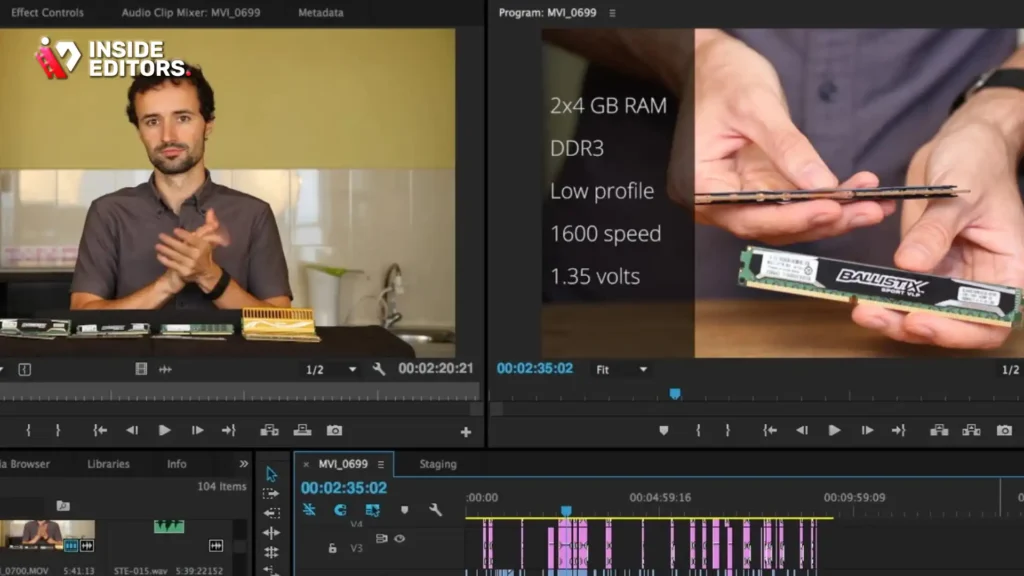
Gaming PCs typically ship with 16GB of RAM, which is fine for casual editing. But professional or long-form projects quickly benefit from 32GB or more. Video editing software caches previews, handles large files, and runs background processes that eat memory fast.
Storage matters just as much. Fast NVMe SSDs drastically improve load times, preview generation, and overall responsiveness. Many gaming PCs include these drives, but cheaper builds sometimes cut corners here, creating hidden bottlenecks that editors feel immediately.
Where Gaming PCs Excel for Video Editing
Once properly configured, gaming PCs can be excellent editing machines. In many cases, they outperform more expensive systems that are marketed specifically for creative professionals.
Performance Value That’s Hard to Ignore
One of the strongest arguments in favor of gaming PCs is value. You often get more raw power for your money. High-end GPUs, solid CPUs, and customizable builds allow editors to scale performance based on their needs and budget.
For freelance editors, YouTubers, and content creators who want flexibility, this value is hard to beat. You can upgrade parts over time instead of replacing the entire system, which makes gaming PCs future-friendly.
At Inside Editors, we see many creators using gaming PCs effectively for long-term projects, especially when they invest in the right components early.
Real-Time Editing and Smooth Timelines
When paired with enough RAM and a capable GPU, gaming PCs handle real-time playback impressively well. Scrubbing through footage, previewing effects, and working with multiple layers becomes far less frustrating.
This smoothness isn’t just about comfort. It directly affects creativity. When the system responds instantly, editors experiment more, refine transitions, and focus on storytelling rather than technical delays.
For many creators, this alone answers the question of whether a gaming PC is good for video editing.
The Limitations You Shouldn’t Ignore
Despite their strengths, gaming PCs aren’t perfect. Ignoring their weaknesses can lead to disappointment, especially as projects become more demanding.
Thermal Design and Long Rendering Sessions
Gaming PCs are designed for intense bursts of performance, not always sustained workloads. Long rendering sessions can push CPUs and GPUs to their limits, causing thermal throttling if cooling isn’t adequate.
This is something professional workstations handle better. They’re built for continuous heavy loads, often with superior airflow and stability-focused components. A gaming PC can still handle long renders, but only if cooling is properly managed.
Stability, Drivers, and Workflow Reliability
Gaming drivers prioritize performance in games. While they’re generally stable, occasional driver updates can cause issues with creative software. Professional-grade systems often use studio drivers designed specifically for editing reliability.
For editors working on client deadlines, stability matters as much as speed. A single crash during export can cost hours and credibility.
This is where some creators choose to combine a gaming PC setup with professional editing support instead of relying entirely on hardware.
Choosing the Right Setup: Gaming PC vs Other Editing Options
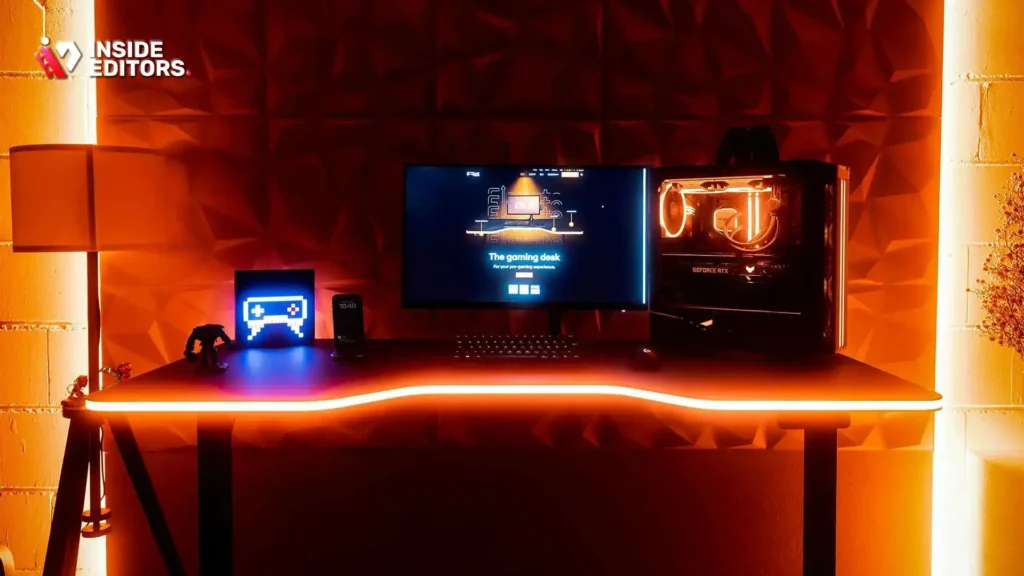
By now, it’s clear that a gaming PC can handle video editing well. But whether it’s the best choice depends on how you work, what you edit, and how reliable your setup needs to be. Let’s compare gaming PCs with other common editing setups so you can see where each truly shines.
Gaming PC vs Professional Workstation: Power vs Stability
Professional workstations are built for consistency. They prioritize stability, sustained performance, and error-free operation over long editing sessions. These systems often use workstation-grade CPUs, ECC memory, and studio-certified drivers. The result is fewer crashes and predictable performance, even under heavy loads.
Gaming PCs, on the other hand, prioritize performance per dollar. They often outperform workstations in GPU-heavy tasks like effects and real-time previews, especially at a lower price point. However, they may require more hands-on tuning, such as driver selection and thermal management.
For solo creators and freelancers, gaming PCs usually provide enough reliability. For large studios or mission-critical projects, workstations still hold an edge. Understanding this trade-off helps answer whether a gaming PC is good for video editing in your specific context.
Gaming PC vs Laptop: Freedom vs Flexibility
Editing on a laptop offers portability, but it comes with compromises. Thermal limits, reduced upgrade options, and lower sustained performance are common challenges. While modern laptops are impressive, they struggle with long rendering sessions compared to desktops.
Gaming PCs excel here. Better cooling, upgrade flexibility, and full-size GPUs make them ideal for serious editing. If you edit primarily at a desk and value performance over portability, a gaming PC is often the more practical choice.
Many Inside Editors clients start on laptops and eventually switch to desktop gaming PCs when their workloads grow. The difference in speed and comfort is immediately noticeable.
Who Benefits Most from Using a Gaming PC for Video Editing
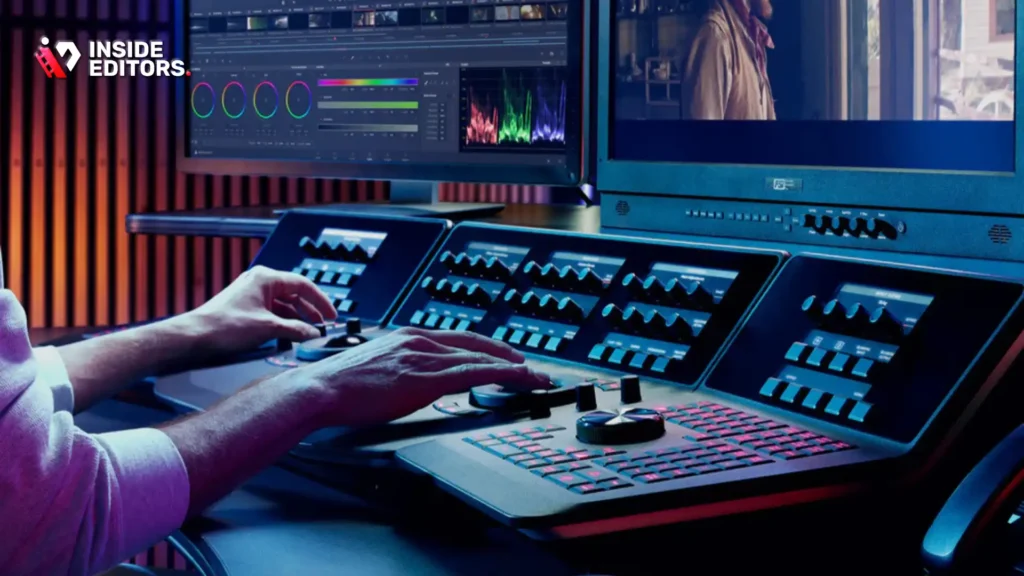
Not every editor has the same needs. Understanding where you fit helps you avoid overspending-or underpowering-your setup.
Beginner Creators and YouTubers
If you’re starting out, a gaming PC can be an excellent entry point. It handles editing, streaming, and even light motion graphics without demanding workstation-level budgets. You can grow into the system as your skills improve, upgrading RAM or storage when needed.
Beginners often ask if they should “future-proof” their PC. In reality, starting with a solid gaming PC and upgrading over time is usually smarter than overspending upfront.
Freelancers and Content Creators
Freelancers sit in the sweet spot for gaming PCs. They need power, speed, and flexibility-but not necessarily enterprise-level reliability. A well-built gaming PC allows freelancers to work efficiently across different clients and content types.
This is especially true for creators working with YouTube, social media ads, and branded content. If you’re producing consistent volumes of video, gaming PCs deliver excellent value.
Professional Editors and Studios
For high-end film work or broadcast-level projects, gaming PCs may start to show limits. Extremely complex timelines, massive raw footage, and long render queues benefit from workstation-grade stability.
That said, many professionals still use gaming PCs as secondary systems or for specific tasks like color grading or previews. The key is knowing where performance matters most in your workflow.
Common Mistakes Editors Make When Choosing a Gaming PC
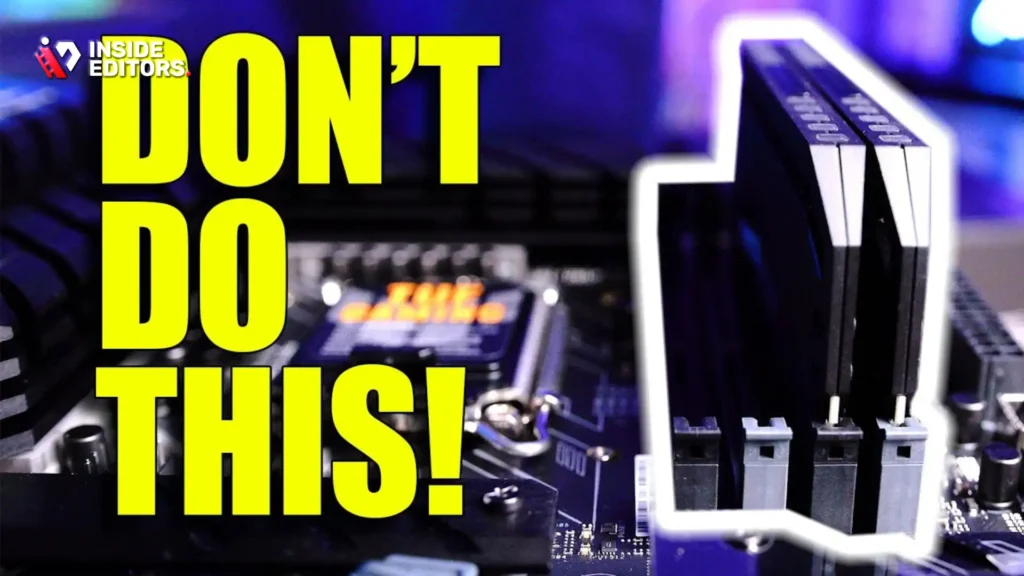
Even powerful systems can disappoint if chosen incorrectly. These mistakes are surprisingly common and often avoidable.
Prioritizing GPU Over CPU Too Heavily
Many editors buy the strongest GPU they can afford, assuming it will solve all performance issues. While GPUs matter, underpowered CPUs quickly become bottlenecks during exports and heavy effects processing.
Balanced systems always outperform GPU-heavy, CPU-light builds for editing tasks.
Ignoring RAM and Storage Needs
Running out of RAM causes stuttering timelines and crashes. Slow storage causes long load times and sluggish previews. These issues are often mistaken for “software problems” when they’re actually hardware limitations.
Investing in sufficient RAM and fast SSDs dramatically improves editing comfort.
Overlooking Cooling and Noise
Rendering generates heat. Poor cooling leads to throttling and reduced performance over time. Noise also affects focus, especially during long sessions.
A quiet, well-cooled gaming PC improves both productivity and comfort-two factors many editors underestimate.
When Hardware Isn’t the Real Problem

Here’s an uncomfortable truth many editors discover late: sometimes the PC isn’t the issue at all.
Editing Skill and Workflow Matter More Than Specs
Even the most powerful gaming PC can’t fix inefficient editing habits. Poor project organization, unnecessary effects, and heavy timelines slow down any system.
Professional editors focus on workflow optimization first, hardware second. That’s why two editors with identical PCs can have vastly different experiences.
Why Many Creators Choose Professional Editing Support
As workloads grow, many creators realize their time is better spent filming, scripting, or growing their audience. Editing becomes a bottleneck, not because the PC is weak, but because editing itself is time-consuming.
This is where professional services make a real difference. At Inside Editors, we work with creators who have powerful gaming PCs-but still choose to outsource editing to maintain consistency, quality, and peace of mind.
For example, gaming content creators often rely on dedicated services like
Inside Editors’ Gaming Video Editing Services
https://insideeditors.com/gaming-video-editing-services/
Final Takeaway: Confidence Comes From Clarity
So, if you’ve been wondering whether upgrading to a gaming PC will improve your editing, the answer is encouraging. With the right configuration and realistic expectations, it absolutely can. But remember-hardware is only one part of the creative equation.
Great videos come from clarity of purpose, efficient workflows, and knowing when to do it yourself and when to get help. Once you understand that balance, every decision becomes easier.
If you’re ready to take your videos from capable to exceptional, you don’t have to do it alone.
Explore Inside Editors’ professional video editing services and see how expert editing can transform your raw footage into polished, audience-ready stories-without the stress of doing everything yourself.
FAQs
Is a gaming PC good for video editing compared to a professional workstation?
Yes, a gaming PC is good for video editing for most creators, especially YouTubers and freelancers. Gaming PCs offer strong GPUs and fast CPUs at lower cost, but workstations provide better long-term stability for nonstop rendering. If you edit daily but not 24/7, a gaming PC is usually the better value. For broadcast or film pipelines, workstations still have an edge.
Can I rely on a gaming PC for professional-quality video edits?
You can achieve professional-quality results on a gaming PC if it has a multi-core CPU, dedicated GPU, and at least 32GB RAM. The final quality depends more on editing skill and workflow than the machine itself. However, complex color grading (creative look adjustment) and long renders may need better cooling and driver stability.
Is DIY video editing on a gaming PC better than hiring professionals?
DIY editing on a gaming PC gives full control and saves money upfront, but it costs time. Professional editors deliver consistency, storytelling, and faster turnaround-often within 24-72 hours. Many creators use a hybrid approach: they edit simple videos themselves and outsource complex projects.
How much does professional video editing cost compared to upgrading a PC?
Upgrading a gaming PC for editing typically costs $500-$1,500 depending on GPU, RAM, and storage. Professional video editing services usually range from $50-$300 per video, depending on length and complexity. If you publish frequently, outsourcing can be more cost-effective than constant hardware upgrades.
How long does video editing usually take with a gaming PC?
On a gaming PC, basic edits may take a few hours, while advanced projects with effects and color grading can take several days. Export times vary from minutes to hours depending on resolution and codecs. Professional editors often reduce timelines by 30-50% using optimized workflows.
Do professional editors own my footage or final videos?
No. With reputable services like Inside Editors, you retain 100% ownership of your footage and final files. Editors work under confidentiality agreements, and files are deleted upon request. Always confirm privacy and revision policies before starting a project.


