

The demand for engaging, digestible content has never been higher, and for businesses, this often translates into the need for compelling video. Specifically, the Corporate Animated Video has emerged as a powerful tool for explaining complex services, onboarding new employees, or delivering impactful marketing messages. These videos offer a perfect blend of professionalism and visual appeal, making dry subjects fascinating. But creating high-quality animation used to require specialized studios and massive budgets.
Fortunately, the landscape has changed dramatically. Today, several intuitive, cloud-based platforms empower marketing teams and small businesses to produce professional-grade Corporate Animated Video content quickly and affordably. This article dives deep into the five best platforms available, offering a comprehensive comparison to help you choose the perfect tool for your business needs. We will evaluate ease of use, feature sets, pricing, and overall suitability for creating effective business communications.
Power of Animated Video

Why are so many companies shifting their communication strategies toward animation? The answer lies in effectiveness. Animation simplifies complexity. It allows you to visualize abstract concepts-like software architecture or financial models-in a way that live-action video often cannot.
Defining the Need for Animated Content
A high-quality Corporate Animated Video acts as a universal translator for your brand. Whether you are explaining a new product feature (an explainer video), summarizing an annual report, or training a global sales force, animation provides consistency and clarity. Studies consistently show that animated content retains viewer attention longer than static text or basic slides.
“Animation allows brands to control the narrative completely, crafting environments and characters that perfectly align with their identity, which is crucial for building trust and recognition.” – Andrew Stanton, Director and Storyteller
Choosing the right platform is the first crucial step. You need a tool that balances powerful features with an intuitive interface, ensuring your team can focus on storytelling rather than struggling with complicated software. The goal is to produce polished, professional results without needing a dedicated animation degree.
1. Vyond: Business Animation Leader
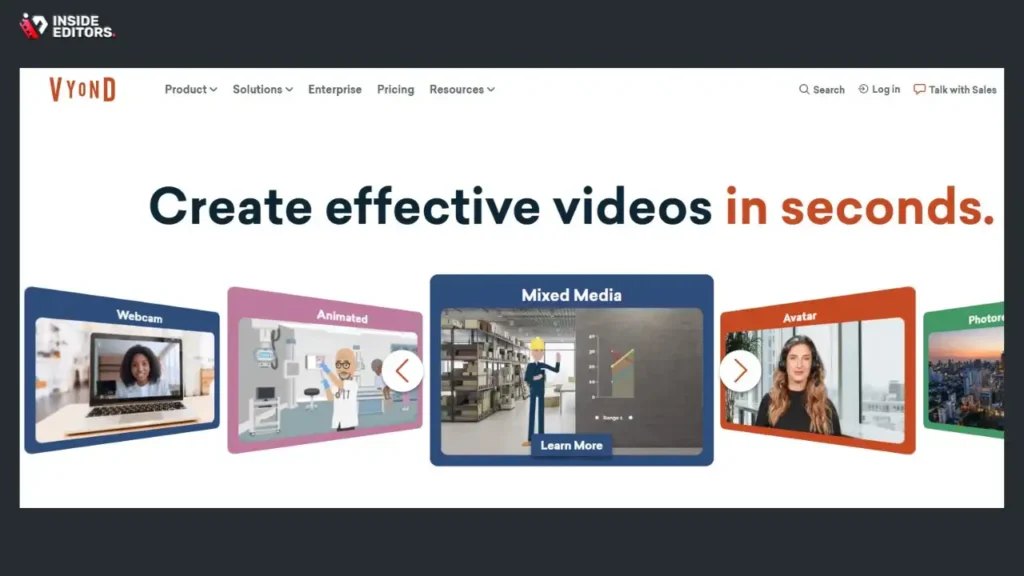
Vyond (formerly GoAnimate) is arguably the most recognizable name in the business animation space. It is specifically designed for enterprise and corporate users, focusing heavily on character-driven narratives and professional training content.
Detailed Feature Breakdown and Usability
Vyond excels in its vast library of pre-made templates, characters, and actions. The platform operates on a drag-and-drop interface, making the timeline easy to manage even for first-time users. Its strength lies in its character rigging system, which allows users to customize characters extensively and apply thousands of pre-set actions and lip-syncing options. This makes creating dialogue-heavy training modules simple.
One of Vyond’s standout features is its focus on compliance and security, offering features tailored for large organizations, such as single sign-on (SSO) and robust privacy controls. This ensures that sensitive internal communications remain secure while being visually engaging.
Pros and Cons of Using Vyond
| Aspect | Detail |
| Pros | Extensive library of business-specific characters and templates. Excellent for training and HR videos. Robust security features for enterprise. Intuitive timeline and easy lip-syncing. |
| Cons | Higher price point than competitors. The animation style is distinct and sometimes recognizable. Requires a paid subscription for full HD downloads and commercial rights. |
Best Use Case: Large organizations, HR departments, and training teams needing frequent, character-driven Corporate Animated Video content.
2. Animaker: Versatile Animation Platform
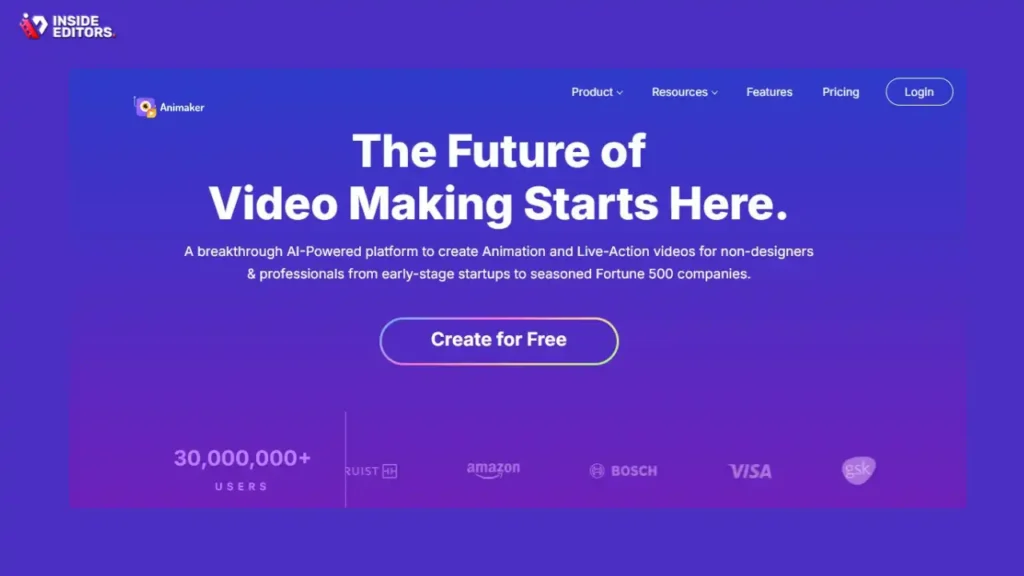
Animaker positions itself as a versatile tool, offering six different video styles within a single platform: 2D, 2.5D, handcraft, whiteboard, infographics, and typography. This broad range makes it suitable for diverse corporate needs, from marketing explainers to data visualization.
Comparing Animaker’s Design Flexibility
What sets Animaker apart is its flexibility in visual style. If your brand requires a modern 2.5D look for a product launch, or a simple whiteboard animation for a quick tutorial, Animaker handles both seamlessly. It boasts a massive asset library, including millions of stock images and videos integrated directly into the editor.
The platform also includes a powerful character builder, allowing users to create unique animated personas that truly reflect their target audience or internal team. Its user interface is colorful and engaging, though the sheer number of options can sometimes feel overwhelming to absolute beginners.
“The ability to switch animation styles without switching software saves tremendous time and ensures brand consistency across different types of corporate messaging.” – Sarah K., Marketing Director at a Tech Startup
Focus on Clarity: When producing a complex Corporate Animated Video, clarity is paramount. Animaker’s infographic style is particularly useful here, allowing data points to be animated dynamically, making dry statistics memorable.
3. Powtoon: Presentation-Style Animation
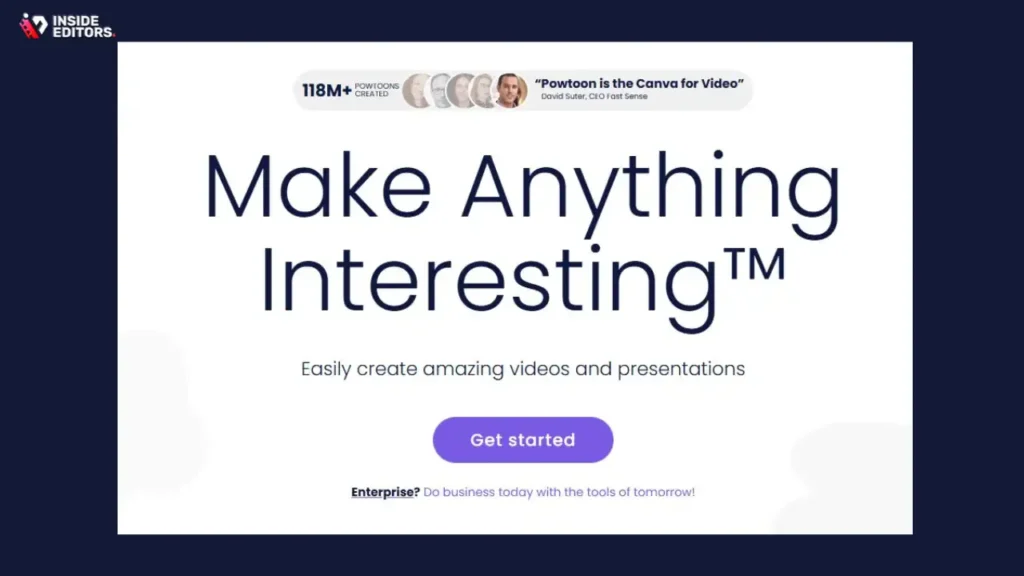
Powtoon started as a tool for animating presentations, and it retains that core strength. It bridges the gap between static PowerPoint slides and full-blown animated videos, making it incredibly fast for users already familiar with presentation software logic.
Speed and Simplicity for Internal Communications
Powtoon’s primary appeal is its speed. If you need a professional-looking Corporate Animated Video delivered by the end of the day, Powtoon is often the fastest solution. It uses a slide-based structure where you build scenes sequentially, adding animated elements, text, and transitions.
It offers a good selection of templates tailored for corporate use, including pitch decks, internal announcements, and short marketing clips. While its animation capabilities are generally simpler than Vyond or Animaker, its ease of use and rapid production cycle make it invaluable for fast-moving businesses.
Feature Comparison: Powtoon vs. Dedicated Animators
| Feature | Powtoon (Presentation Focus) | Vyond (Character Focus) |
| Primary Workflow | Slide-based scene building | Timeline-based frame editing |
| Character Customization | Moderate; pre-set styles | Extensive; detailed rigging and actions |
| Learning Curve | Very low (similar to PowerPoint) | Moderate (dedicated animation timeline) |
| Best for | Quick internal comms, animated presentations | Detailed training, complex character narratives |
| Pricing Model | Tiered, strong free/low-cost options | Higher enterprise focus, fewer free features |
Powtoon is excellent for teams that need to quickly convert existing static content into engaging video formats without a steep learning curve.
4. Renderforest: Template-Driven Suite
Renderforest is more than just an animation platform; it is a comprehensive creative suite that includes logo design, website building, and mockups, alongside its video creation tools. Its animation segment focuses heavily on template-driven production, making professional results accessible instantly.
High-Quality Templates for Corporate Animated Video
For businesses prioritizing high production value with minimal effort, Renderforest shines. Its library of templates is exceptionally diverse, covering everything from sleek 3D animations for product visualization to professional whiteboard explainers. You select a template, customize the text, swap out images and music, and the platform renders a polished video.
This template-first approach significantly reduces the time spent on design and keyframing. However, it also means that creative flexibility is somewhat limited compared to platforms that offer detailed timeline control. You are working within a pre-designed structure.
Addressing the Need for Speed and Polish
In the corporate world, time often equals money. Renderforest’s speed is a major asset. A typical 60-second explainer video can often be produced and rendered in under an hour. This makes it perfect for agencies or marketing teams with high volume requirements. The output quality is consistently high, often mimicking the look of custom-made studio animation.
“We needed a platform that could handle high-volume content creation for different clients while maintaining a professional, consistent look. Renderforest’s template library was the perfect scalable solution.” – David H., Head of Digital Content
5. Biteable: Simple Stock Integration
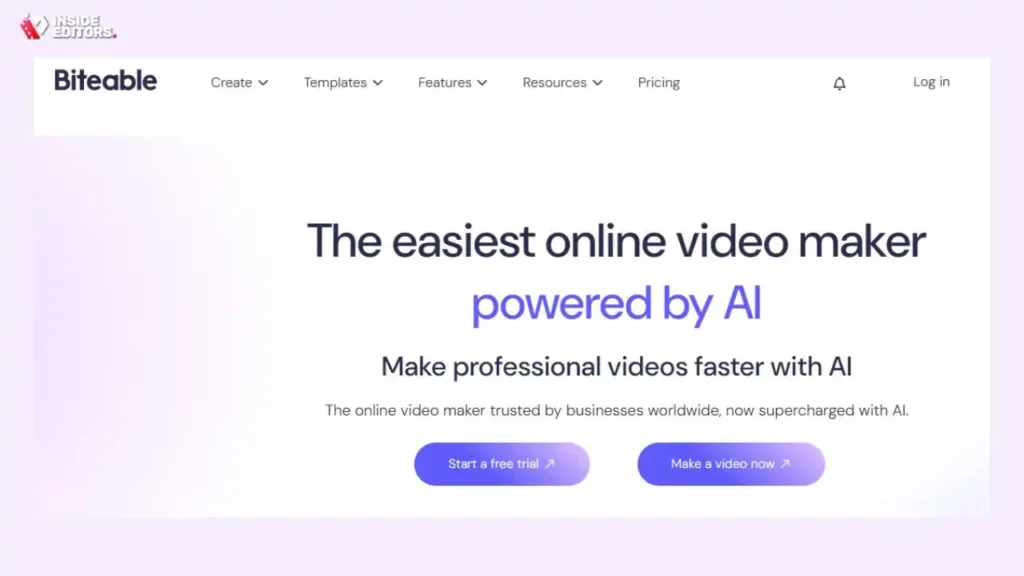
Biteable prides itself on being the simplest video maker on the market. It combines animation, live-action stock footage, and motion graphics seamlessly. This hybrid approach is highly effective for modern Corporate Animated Video content that needs to feel relevant and dynamic.
Blending Animation with Real-World Footage
Many corporate videos benefit from mixing animated explanations with real-world scenarios or product shots. Biteable makes this integration effortless. Its massive library of stock footage (often included in the subscription) can be dropped directly into animated scenes, creating rich, layered content.
The interface is extremely streamlined. Users are guided through a step-by-step process: choose a template, add scenes, edit text, and select music. If simplicity and speed are your top priorities, and you value the integration of live-action elements, Biteable is a strong contender.
Strengths and Limitations of Biteable
Biteable’s strength is its user-friendliness; its limitation is the depth of customization. While you can change colors, text, and music, you have limited control over the fine details of the animation movement or character design compared to a tool like Vyond. It is designed for maximum output efficiency rather than minute artistic control.
Ideal for: Marketing teams needing fast, social-media-ready content, and small businesses requiring simple, professional video explainers.
Animated Video Platform Comparison
Choosing the right platform depends entirely on your team’s skill level, budget, and the specific type of Corporate Animated Video you need to produce. Here is a summary comparison of the top five contenders:
| Platform | Primary Focus | Ease of Use (1-5, 5=Easiest) | Customization Depth | Best for |
| Vyond | Character Animation, Training | 4 | High | HR, Detailed Explanations |
| Animaker | Style Versatility, 6-in-1 | 3.5 | High | Diverse Marketing Needs |
| Powtoon | Presentation Conversion | 5 | Moderate | Quick Internal Comms, Pitches |
| Renderforest | Template-Driven, High Polish | 4.5 | Moderate | High-Volume, Sleek Aesthetics |
| Biteable | Stock/Animation Hybrid | 5 | Low-Moderate | Social Media, Fast Turnaround |
Evaluating Pricing and Scalability
When investing in a platform for Corporate Animated Video creation, consider not just the monthly fee, but also what is included:
- Watermarks: Most platforms require a paid tier to remove watermarks.
- Resolution: Ensure your plan supports 1080p (Full HD) or 4K resolution, essential for professional use.
- Commercial Rights: Verify that your subscription includes the necessary licenses for commercial use of the assets and the final video.
- Team Collaboration: For larger teams, look for features like shared asset libraries and centralized billing. Vyond and Animaker generally offer the most robust team features.
Maximizing Animated Video Impact

Simply having the tool is not enough; success lies in execution. Producing a high-impact Corporate Animated Video requires strategic planning and attention to detail.
Scriptwriting and Storyboarding
The script is the backbone of any effective explainer video. Keep it concise, focusing on the problem, the solution, and the call to action. Avoid jargon. Remember, animation thrives on visual metaphor. Storyboard your script scene-by-scene, detailing what the viewer will see as they hear the voiceover.
“A great animated video doesn’t just tell; it shows. Use the visual medium to explain concepts that words alone cannot capture.” – Nancy Duarte, Communication Expert
Voiceover and Audio Quality
The voiceover is critical. Even the most visually stunning animation falls flat if the audio is poor. While some platforms offer text-to-speech (TTS) options, investing in a professional voice actor usually yields far superior results, adding credibility and warmth to your Corporate Animated Video. Ensure background music is subtle and complements the tone, not distracts from the message.
Knowing When to Outsource Production
While these platforms make DIY animation accessible, there are times when outsourcing is the smarter financial and strategic decision. If you have a highly complex project, a tight deadline, or lack the internal resources to manage the entire production process-from script to final edit-professional help is invaluable.
This is where specialized services, like those offered by Inside Editors, become essential. If your team focuses on creating the raw animated scenes, professional editors can step in to handle the final polish. They ensure seamless transitions, perfect audio synchronization, color grading, and compliance with specific delivery formats. Leveraging professional video editing services means you save time and guarantee a polished, professional output that reinforces your brand’s quality standards.
Final Verdict and Recommendation

The landscape of simple animation tools is rich and competitive. For creating a high-volume, character-driven Corporate Animated Video for training, Vyond remains the industry leader due to its specialized focus and robust enterprise features. However, if versatility across multiple visual styles is key, Animaker offers the best range. For pure speed and simplicity in converting presentations, Powtoon is unmatched.
Ultimately, the best platform is the one your team will actually use effectively. Start with a free trial or a low-cost tier to test the interface and see if the style aligns with your brand guidelines.
The Role of Professional Editing in Animation
Even with the best animation platform, the final edit defines the quality. Many businesses overlook the importance of post-production-the subtle cuts, the perfect timing of music cues, and the enhancement of visual elements.
Inside Editors provides professional video editing services specifically designed for businesses, marketers, and content creators. We offer a professional editing team with over 10 years of experience, specializing in taking your raw animated footage and transforming it into a broadcast-ready asset. With fast turnaround times (24-72 hours), unlimited revisions until you are completely satisfied, and affordable pricing, we handle the technical heavy lifting. This allows your team to focus solely on the creative script and animation design, knowing the final product will be professionally polished, consistent, and ready to deploy.
By combining the accessibility of platforms like Vyond or Animaker with the quality assurance of professional editing, you can consistently produce high-impact Corporate Animated Video content that drives engagement and achieves your business objectives.
Frequently Asked Questions
What is a Corporate Animated Video?
A Corporate Animated Video is a short, professional video using animation to explain complex business concepts, products, or services. It is highly effective for training, marketing explainers, and internal communications, offering visual clarity and high engagement rates for corporate messaging.
How many platforms should I test?
You should test at least two to three platforms using their free trials. Evaluate their interface, asset library, and rendering speed. Ensure the platform’s animation style aligns with your brand identity before committing to a paid plan for your Corporate Animated Video needs.
Why is Vyond popular for business?
Vyond is popular because it specializes in character-driven animation, making it ideal for creating engaging training modules and HR content. Its robust security features and extensive library of business-specific templates cater directly to enterprise requirements.
Can I use stock footage with animation?
Yes, platforms like Biteable excel at seamlessly blending animated scenes with high-quality live-action stock footage. This hybrid approach adds realism and depth to your Corporate Animated Video, making it more dynamic and relatable.
What is the fastest way to make an animated video?
The fastest way is usually by using a template-driven platform like Renderforest or Powtoon. These tools allow you to select a pre-made structure, quickly customize text and assets, and render a professional Corporate Animated Video in minutes.
Should I hire a professional editor?
If you need guaranteed high-quality, polished results, hiring a professional editor is highly recommended. Editors ensure perfect timing, audio synchronization, and color grading, transforming raw animation into a broadcast-ready Corporate Animated Video.
What resolution is needed for corporate use?
For professional corporate use, your animated videos should be rendered in at least 1080p (Full HD) resolution. This ensures clarity and sharpness when displayed on large screens or high-definition monitors.
How important is the script?
The script is critically important. It dictates the pacing, visual flow, and overall message of the video. A concise, well-structured script is the foundation for any successful Corporate Animated Video, ensuring the message is clear and impactful.


