

Travel videos are no longer just personal memories saved on a phone. They are stories, experiences, and sometimes even a source of income. Whether you are creating videos for YouTube, Instagram, TikTok, or for your own travel archive, the editing app you choose plays a huge role in how professional and engaging your final video looks.
Many travelers ask the same question before starting their next project: what is the Best App for Travel Video Editing in 2026? The answer is not always simple because different apps offer different strengths. Some are perfect for quick social media clips, while others are built for cinematic travel films with color grading, sound design, and smooth transitions.
In this guide, we will walk through the Best App for Travel Video Editing options available right now. This article is written to help you compare features, ease of use, pricing, and performance so you can confidently choose the right tool for your travel content. We will also explain what makes an app truly great for travel videos and what you should look for before installing anything.
By the end of this article, you will have a clear understanding of which app suits your style, your skill level, and your goals. And if you ever feel that editing takes too much time or effort, professional services like Inside Editors can always take care of your travel video editing needs.
Why Choosing the Right Travel Video Editing App Matters
Travel videos are unique. They combine landscapes, people, movement, sound, and emotion in one story. A basic video editor might cut clips together, but a great travel video editor helps you enhance colors, stabilize shaky footage, add music that matches the mood, and create smooth transitions that feel natural.
When you use the Best App for Travel Video Editing, you save hours of work and avoid frustration. Good apps are optimized for mobile or desktop performance, offer templates designed for travel content, and support high-resolution formats like 4K or even 8K.
The right app also affects how consistent your content looks. If you are building a brand as a traveler or content creator, consistency is everything. Viewers start recognizing your style, colors, and pacing. That is hard to achieve without a reliable editing tool.
What Makes the Best App for Travel Video Editing in 2026?
Before jumping into the top picks, it helps to understand what actually defines the Best App for Travel Video Editing today. Technology evolves quickly, and in 2026 users expect more than simple trimming and filters.
Here are the main features modern travelers look for:
- Smooth performance on mobile and desktop devices
- Easy timeline editing for beginners
- Advanced tools like color grading and motion effects for professionals
- Built-in music libraries and sound control
- Export options for social media platforms and YouTube
- Cloud storage or project syncing
- Affordable pricing or flexible subscriptions
The best apps combine simplicity with power. They allow beginners to create beautiful videos without confusion, while still giving professionals enough control to fine-tune every detail.
How to Choose the Best App for Travel Video Editing for Your Needs
Choosing the Best App for Travel Video Editing depends on your goals.
If you mainly post short clips on social media, apps like CapCut, InShot, and VN are excellent. If you create full travel vlogs or cinematic films, LumaFusion, DaVinci Resolve, or Final Cut Pro might be better.
Think about:
- Your device, whether mobile or desktop
- Your editing experience
- Your budget
- Your content style
- How often you publish
There is no single perfect app for everyone, but there is a perfect app for you.
Top 10 Best App for Travel Video Editing in 2026 – Overview
Before we dive into each app in detail, here is a quick overview of the types of apps included in this list.
- Mobile-first apps for fast editing on the go
- Desktop editors for cinematic travel films
- Cross-platform tools for creators who switch devices
- AI-powered apps that automate repetitive tasks
Each app mentioned below has earned its place based on performance, popularity, and usefulness for travel creators.
1. CapCut – The Go-To Choice for Fast and Trendy Travel Videos
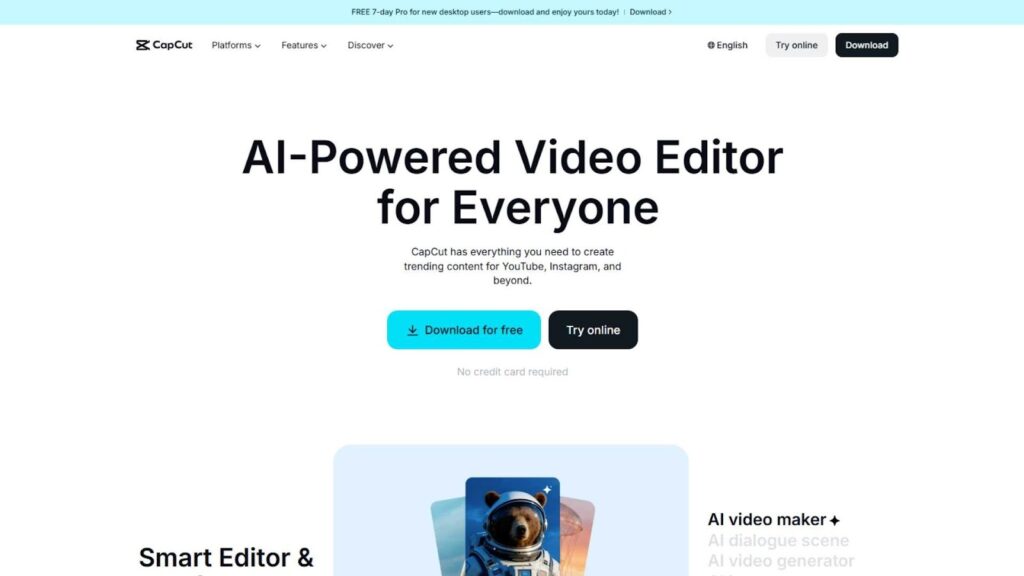
CapCut has quickly become one of the most popular choices among travelers, vloggers, and social media creators. Many users consider it the Best App for Travel Video Editing when speed, simplicity, and modern effects are the top priorities. Designed primarily for mobile users, CapCut makes it incredibly easy to turn raw travel clips into polished videos within minutes, even if you have no previous editing experience.
What makes CapCut stand out is its huge collection of ready-made templates, transitions, music tracks, and text animations. These are especially useful for travelers who want their videos to match current trends on platforms like TikTok, Instagram Reels, and YouTube Shorts. You can simply upload your clips, choose a template, and let the app do most of the work for you. It also supports manual timeline editing for users who want more creative control.
Another major advantage is that CapCut is free and exports high-quality videos without watermarks in most cases. For budget-conscious creators, this alone makes it a strong contender for the Best App for Travel Video Editing. While it may not replace professional desktop software for long cinematic projects, it is perfect for travelers who want fast, attractive results while on the move.
2. LumaFusion – Professional-Level Editing on Your Phone or Tablet
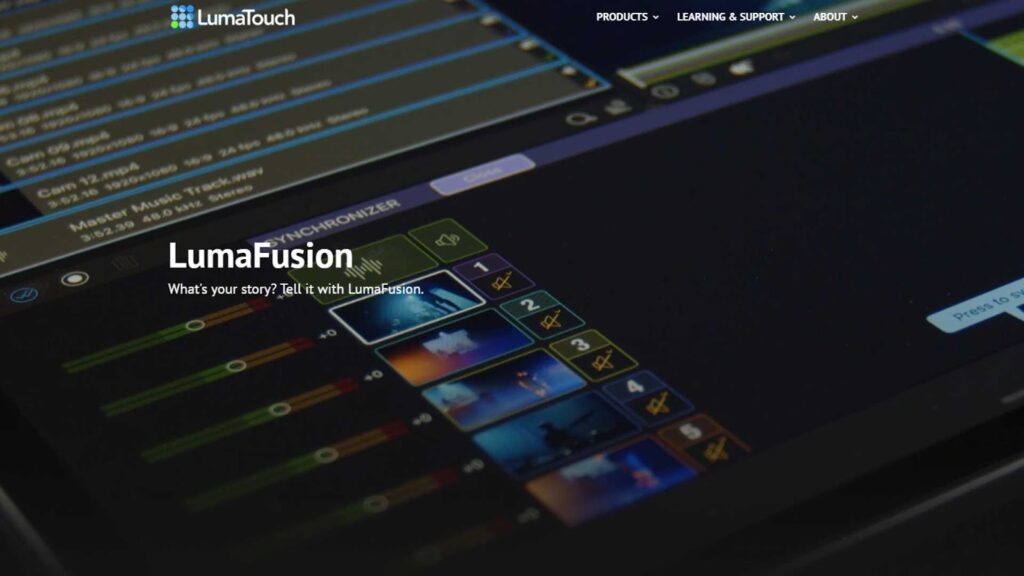
LumaFusion is often described as the most powerful mobile video editor available today, and for good reason. If you are looking for the Best App for Travel Video Editing that offers desktop-style control on a mobile device, LumaFusion easily stands at the top of the list. It is widely used by professional vloggers, journalists, and filmmakers who need serious editing tools while traveling.
Unlike simpler apps, LumaFusion supports multiple video and audio tracks, advanced color correction, keyframe animation, audio equalization, and precise timeline trimming. This means you can create full YouTube travel vlogs or cinematic travel documentaries directly from your iPhone or iPad. For travelers who do not want to carry a laptop, this flexibility is invaluable.
The interface is clean but more advanced than beginner apps, so there is a short learning curve. However, once you understand the workflow, editing becomes fast and efficient. LumaFusion is a one-time purchase instead of a monthly subscription, which many creators appreciate.
For serious travelers who value quality, control, and professional results, LumaFusion is often considered the Best App for Travel Video Editing on mobile platforms.
3. Adobe Premiere Rush – Perfect for Cross-Device Travel Editing
Adobe Premiere Rush is built for creators who want a smooth workflow across multiple devices. You can start editing on your smartphone while sitting in a café in Paris and finish the same project on your laptop when you return to your hotel. This flexibility alone makes it a strong candidate for the Best App for Travel Video Editing for frequent travelers.
Rush is part of the Adobe ecosystem, which means it integrates well with Premiere Pro. If you already use Adobe products, this app fits naturally into your workflow. The interface is clean and simple, making it suitable for beginners while still offering enough features for intermediate users. You can adjust colors, crop videos for different social platforms, add motion titles, and balance audio levels with just a few taps.
Another advantage is automatic cloud syncing, which keeps your projects safe and accessible from anywhere. This is extremely helpful if you switch between devices often.
Although it is not as powerful as full Premiere Pro, Rush focuses on speed and ease of use. For travel creators who value convenience and reliability, Adobe Premiere Rush is frequently recommended as the Best App for Travel Video Editing for multi-device workflows.
4. VN Video Editor – A Powerful Free Option with No Watermark
VN Video Editor has built a strong reputation as one of the best free editing tools available today. Many users who want professional features without paying monthly fees consider VN the Best App for Travel Video Editing in the free category.
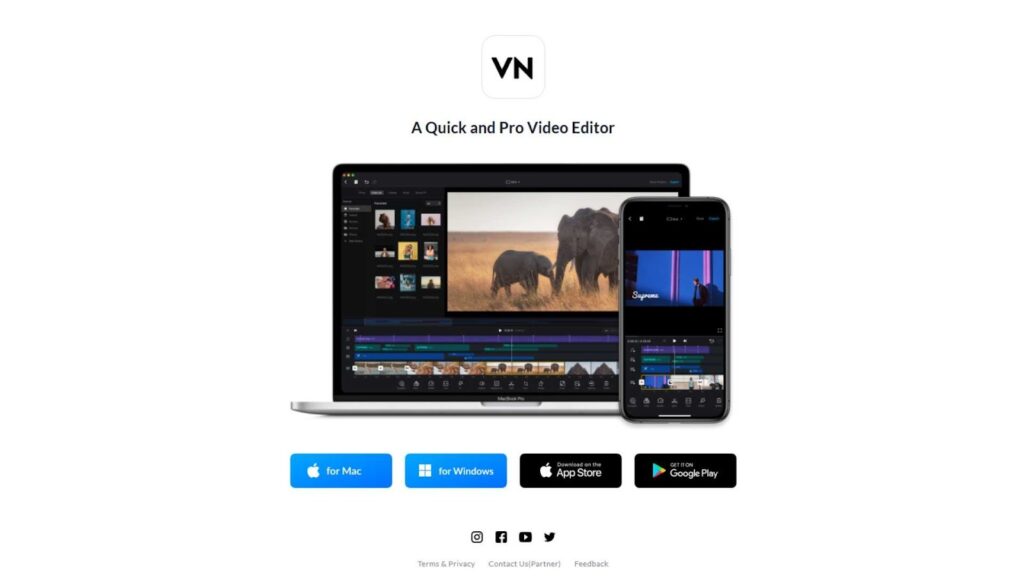
Despite being free, VN offers multi-layer timelines, advanced speed control, custom transitions, filters, and support for high-resolution exports. This means you can create detailed travel videos for YouTube or social media without worrying about watermarks or locked features.
The interface is clean and easy to understand, making it beginner-friendly. At the same time, it provides enough creative freedom for advanced users to customize animations, add cinematic effects, and fine-tune audio tracks. This balance between simplicity and power is rare in free apps.
VN works on both mobile and desktop, which adds to its flexibility for travelers. You can edit short clips on your phone and longer projects on your computer.
If you are starting your travel content journey or simply want a reliable free solution, VN is often viewed as the Best App for Travel Video Editing without financial commitment.
5. InShot – Best for Quick Social Media Travel Clips
InShot is designed for creators who want fast results with minimal effort. It is especially popular among Instagram and TikTok users who need to edit vertical videos quickly while traveling. For short-form content, many people consider it the Best App for Travel Video Editing because of its simplicity and smooth performance.
The app allows you to trim clips, adjust video speed, add background music, insert text, and apply filters in just a few steps. It also handles different aspect ratios very well, which is essential for social platforms. Travelers often use InShot to edit videos directly at airports, hotels, or during transit.
While the free version includes ads and watermarks, the paid version is affordable and unlocks all features. The interface is extremely easy to learn, even for complete beginners.
InShot is not meant for long cinematic films or complex editing projects, but it does exactly what it promises: quick, clean, attractive edits. If your focus is daily travel updates and social media storytelling, InShot easily qualifies as a practical Best App for Travel Video Editing option.
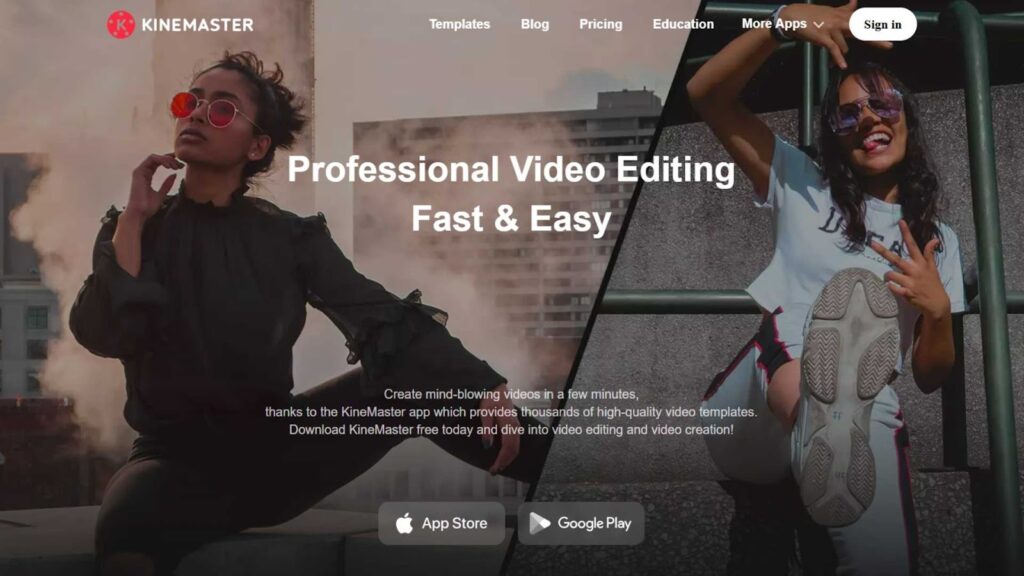
6. KineMaster – Advanced Editing Tools for Mobile Travelers
KineMaster is a feature-rich mobile editing app that has been trusted by creators for many years. It offers multiple video layers, chroma key support, blending modes, and precise trimming tools. Because of this depth, many mobile creators view it as the Best App for Travel Video Editing when they want professional control without using a computer.
Travel vloggers appreciate KineMaster for its ability to handle complex projects, including cinematic transitions, animated text, and layered sound effects. The editing experience feels closer to desktop software than most mobile apps.
The interface can feel slightly overwhelming at first, but it becomes intuitive after some practice. KineMaster also provides access to an asset store where you can download effects, music, and transitions.
It operates on a subscription model, which may not suit everyone, but frequent content creators often find the cost reasonable for the tools provided.
For travelers who want full creative freedom on their smartphone or tablet, KineMaster remains a strong candidate for the Best App for Travel Video Editing in 2026.
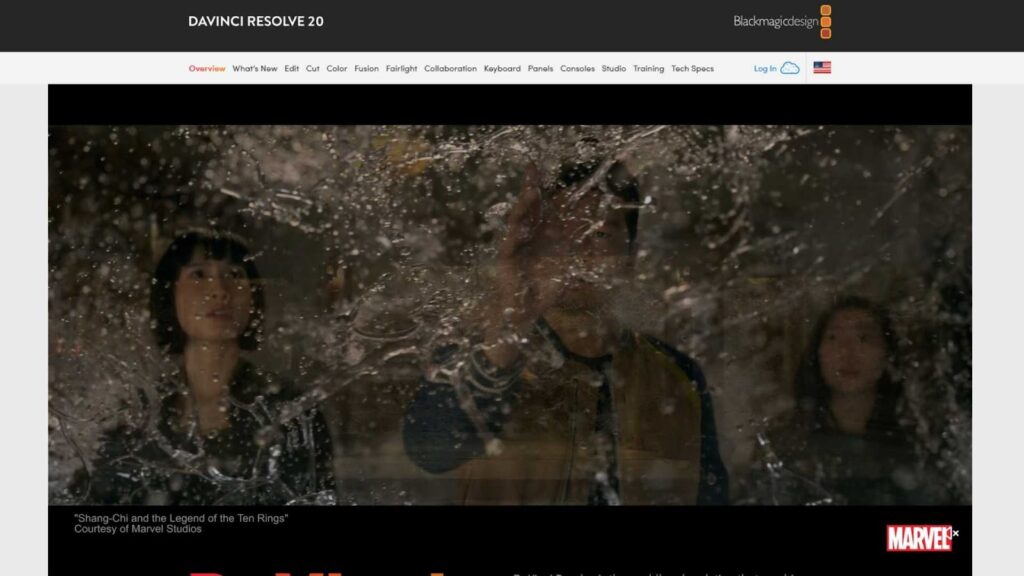
7. DaVinci Resolve – Cinematic Quality for Serious Travel Filmmakers
DaVinci Resolve is widely used in the film industry and is famous for its powerful color grading tools. If your goal is to produce cinematic travel documentaries or professional YouTube films, this software may be the Best App for Travel Video Editing on desktop.
The free version alone includes advanced editing features, multi-camera support, motion graphics, and professional audio tools. For travelers who shoot in 4K or higher, Resolve handles large files efficiently.
The biggest challenge is its learning curve. Beginners may find it complex at first, but the results are worth the effort. Many travel filmmakers choose Resolve because it allows complete control over visual storytelling.
If quality matters more than speed and you are willing to invest time in learning, DaVinci Resolve stands out as one of the most powerful options available.
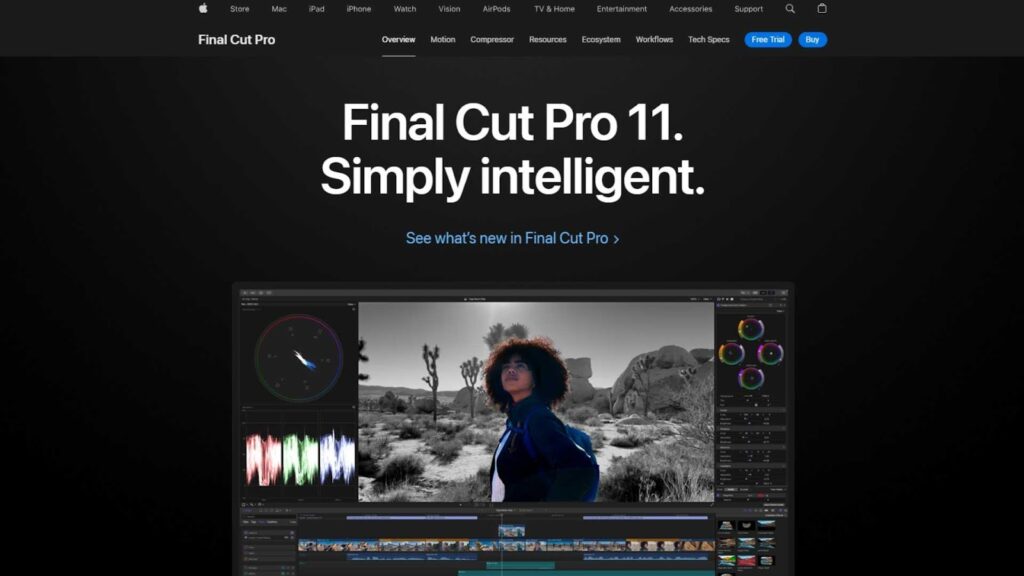
8. Final Cut Pro – A Premium Choice for High-Quality Travel Storytelling on Mac
Final Cut Pro is widely regarded as one of the most reliable and powerful video editing platforms for Mac users. For creators who are serious about producing professional travel content, it is often described as the Best App for Travel Video Editing within the Apple ecosystem. The software is built to handle high-resolution footage smoothly, including 4K and cinematic drone shots that are common in modern travel videos.
One of the biggest advantages of Final Cut Pro is its speed and stability. Rendering is fast, playback is smooth, and managing large travel projects becomes far less stressful compared to lighter editors. It also offers advanced tools for color grading, motion graphics, transitions, and sound design, which are essential for turning raw travel footage into an emotional story rather than just a collection of clips.
Although Final Cut Pro has a higher upfront cost, it does not require a monthly subscription. This makes it attractive to travel vloggers and content creators who publish consistently and want long-term value. For Mac users who want professional-level results and complete creative freedom, Final Cut Pro truly earns its reputation as a Best App for Travel Video Editing option.
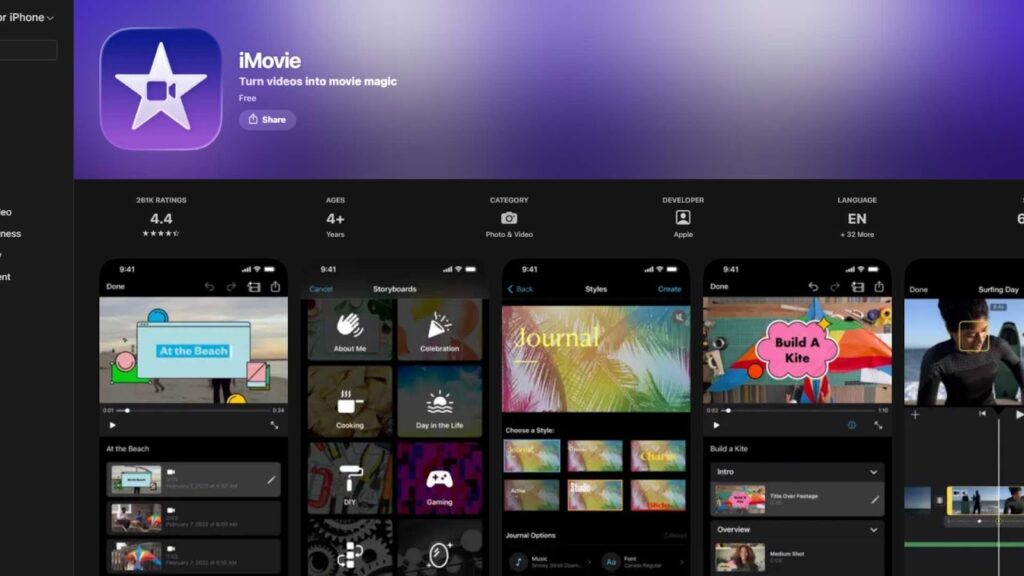
9. iMovie – A Beginner-Friendly Starting Point for Casual Travel Creators
iMovie is often overlooked because it comes free with Apple devices, but for many beginners it becomes their first introduction to video editing. While it may not be the most advanced platform available, it still deserves a place on any list discussing the Best App for Travel Video Editing, especially for casual travelers and first-time content creators.
The biggest strength of iMovie is simplicity. You can import your travel clips, drag them onto the timeline, add background music, insert titles, and export a clean video in just a few minutes. This ease of use is perfect for travelers who want to focus on enjoying their journey rather than learning complicated software.
iMovie also includes basic color adjustments, stabilization for shaky footage, and ready-made templates for storytelling. These features help beginners create videos that look polished without needing technical knowledge.
While professional creators may eventually outgrow iMovie and move to Final Cut Pro or DaVinci Resolve, many people start their journey here. For users who want a free, reliable, and simple editing tool, iMovie can confidently be considered a beginner-level Best App for Travel Video Editing solution.
10. Filmora – A Balanced Editor for Travel Creators Who Want Simplicity and Style
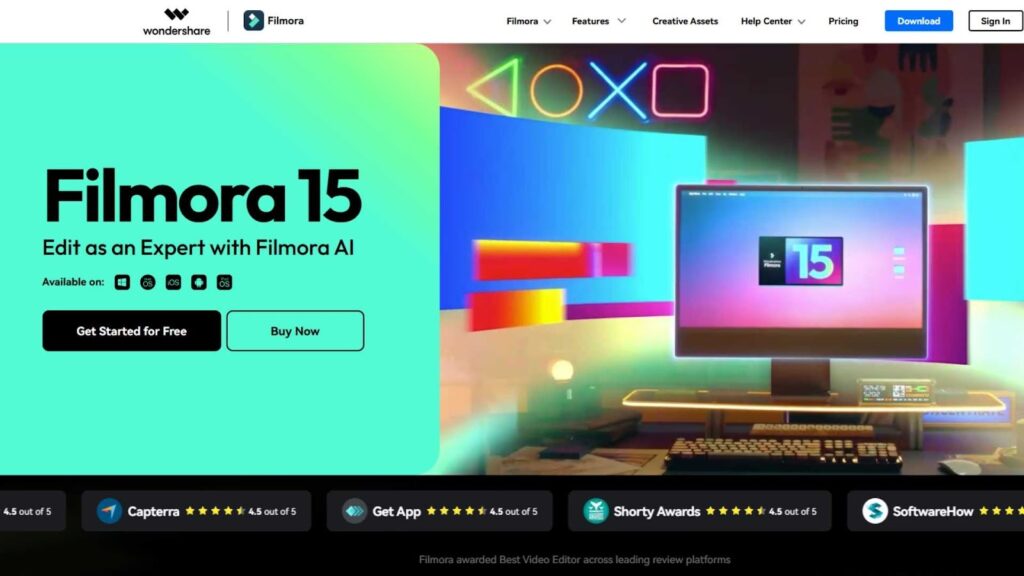
Filmora has become a favorite among travel creators who want professional-looking results without dealing with complicated timelines or overwhelming technical settings. It is available on both desktop and mobile platforms, making it a flexible choice for modern travelers. Because of this balance between ease of use and creative power, many users consider Filmora the Best App for Travel Video Editing for beginners and intermediate editors.
One of Filmora’s strongest features is its built-in library of effects, transitions, animated titles, and music tracks. These tools help transform simple travel clips into engaging stories that hold the viewer’s attention. You do not need advanced editing knowledge to create smooth scene changes, emotional intros, or dynamic outro sequences.
The interface is clean and well-organized, which reduces the learning curve significantly. Travelers who are new to editing often feel comfortable within their first session. At the same time, Filmora still provides enough customization options to satisfy users who want more control over colors, audio, and pacing.
Filmora offers affordable pricing plans compared to high-end software, making it attractive for creators who want quality without heavy investment. For travelers who want both simplicity and creative freedom, Filmora stands out as a practical and reliable Best App for Travel Video Editing in 2026.
When Using an App Is Not Enough: Professional Travel Video Editing Services
Even the Best App for Travel Video Editing cannot replace professional editors in some situations. Editing travel videos takes time, creativity, and technical skill. Many creators eventually realize that outsourcing editing allows them to focus more on traveling and filming.
This is where Inside Editors comes in.
Inside Editors provides professional video editing services for travel creators, vloggers, YouTubers, and brands. Instead of spending hours editing, you can send your raw footage to experts who know how to craft engaging stories, apply cinematic color grading, and optimize videos for different platforms.
Whether you are a beginner or a professional creator, outsourcing can dramatically improve your productivity and video quality.
Final Thoughts
Choosing the Best App for Travel Video Editing in 2026 depends on how you create content and how serious you are about quality. Some apps are perfect for fast edits on the road, while others are built for detailed storytelling.
Start with the app that matches your current skill level. As your content grows, you can always upgrade to more advanced tools or work with professionals.
If you ever feel overwhelmed by editing or simply want better results, remember that Inside Editors is always there to help transform your travel footage into stunning videos.
Visit www.insideeditors.com to explore professional travel video editing services and take your content to the next level.


