

Travel videos are no longer just personal memories saved on a hard drive. Today, they are YouTube content, Instagram reels, brand stories, and even full-time careers. Because of this shift, choosing the Best Travel Video Editing Software has become an important decision for creators, vloggers, agencies, and small businesses alike.
If you have ever returned from a trip with beautiful footage but struggled to turn it into something engaging, you already know how powerful the right software can be. Good editing software does more than cut clips together. It helps you shape emotions, control pacing, enhance colors, clean audio, add transitions, and tell a story that people actually want to watch.
In 2026, travel video editing tools are more advanced, more accessible, and more competitive than ever. Some focus on speed and simplicity, while others are built for full cinematic control. The challenge is not finding software, but choosing the one that truly fits your needs, budget, and skill level.
This guide is designed to make that decision easier. We will walk through what makes a tool worthy of being called the Best Travel Video Editing Software, explore the top options for this year, and help you understand which type of editor is best for your workflow. Whether you are editing videos for YouTube, social media, clients, or personal projects, this article will give you practical clarity instead of confusing technical jargon.
Why Travel Video Editing Software Matters More Than Ever
Travel content is everywhere. Viewers scroll through hundreds of videos daily, and attention spans are short. A shaky clip or dull transition can cause someone to move on within seconds. This is why using the Best Travel Video Editing Software is no longer optional if you want your videos to stand out.
Modern travel videos are expected to have smooth transitions, stable footage, vibrant colors, balanced sound, and engaging pacing. Editing software plays a direct role in achieving all of this. Even average footage can look professional when edited well, while great footage can lose its impact if edited poorly.
Another important factor is platform compatibility. YouTube, TikTok, Instagram, Facebook, and travel websites all prefer different formats and aspect ratios. The best tools make exporting easy, fast, and optimized for each platform.
Time is also a major concern. Many creators travel frequently and work on laptops in hotels, airports, or cafes. They need software that runs smoothly, saves projects reliably, and does not crash at critical moments.
Simply put, the Best Travel Video Editing Software helps you work faster, create better videos, and present yourself professionally in a crowded digital world.
What Makes the Best Travel Video Editing Software in 2026
Not every video editor deserves the title. The market is full of tools, but only a few truly deliver what travel creators need. In 2026, the standards are higher than ever.
First, performance matters. The software should handle high-resolution footage such as 4K and even 8K without freezing or lagging. Travel cameras and smartphones are improving every year, and your editing software must keep up.
Second, ease of use is critical. Even professionals prefer tools that feel intuitive. You should not need weeks of training to perform basic tasks. A clean interface and logical layout save hours of frustration.
Third, creative control is essential. Color correction, filters, transitions, text animation, music syncing, and sound design are no longer optional. They are part of modern storytelling.
Fourth, stability and updates matter. The best tools receive regular updates, fix bugs quickly, and introduce new features based on user feedback.
Finally, value for money is important. Expensive does not always mean better. The Best Travel Video Editing Software should justify its price through reliability, features, and long-term usefulness.
Types of Travel Video Editors You Will Find
Before diving into specific software names, it helps to understand the categories they fall into.
Some editors are built for beginners. These tools focus on drag-and-drop simplicity and automated features like one-click color grading and music syncing. They are perfect for casual travelers and social media users.
Other editors are designed for professionals. These platforms offer deep control over every detail, from color curves to audio waveforms. They are commonly used by filmmakers, agencies, and commercial creators.
There are also cloud-based editors that allow you to work directly in your browser. These are growing in popularity for collaboration and remote work.
Choosing the Best Travel Video Editing Software depends on which category fits your goals, not just which one is most popular.
Best Travel Video Editing Software for Beginners
If you are new to video editing, starting with complex professional software can be overwhelming. Beginner-friendly tools are designed to help you learn quickly while still producing attractive results.
These editors usually offer pre-made templates, simple timelines, automatic stabilization, and easy export options. They allow you to focus on storytelling rather than technical settings.
Most beginners look for software that runs smoothly on regular laptops, supports basic effects, and does not require expensive hardware upgrades.
Here are common features you will see in beginner-focused travel editors:
- Simple drag-and-drop timelines that feel natural even for first-time users
- Built-in templates for travel intros, titles, and transitions
- Automatic color correction and audio balancing
- Direct export options for YouTube and social media
Many people who later become professional creators begin with this type of software before moving to more advanced platforms. Even in 2026, these tools remain a strong part of the Best Travel Video Editing Software conversation because of how approachable they are.
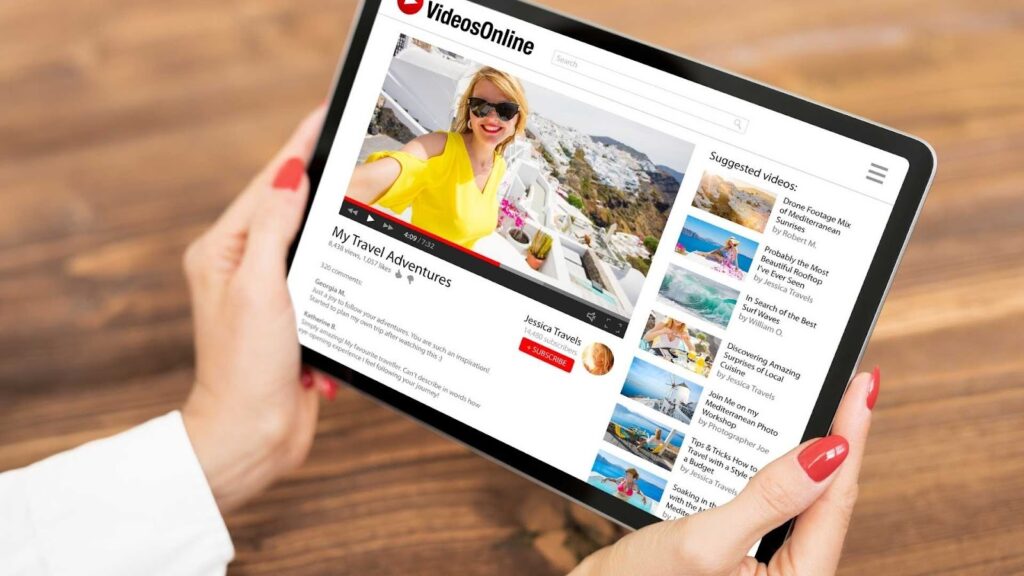
Best Travel Video Editing Software for YouTubers and Content Creators
YouTube creators sit somewhere between beginners and professionals. They need flexibility, but they also need speed.
For them, the Best Travel Video Editing Software is the one that balances creativity and efficiency. YouTubers often edit several videos each week, so workflow matters just as much as visual quality.
These editors usually include advanced trimming tools, layered timelines, subtitle support, motion graphics, and strong audio editing features. They also provide presets to maintain a consistent visual style across videos.
Popular features among content creators include:
- Fast rendering times to meet upload schedules
- Support for custom thumbnails and title animations
- Audio noise reduction for recordings made in busy locations
- Plugins and extensions for extra effects
If your goal is to build a travel channel or grow an online audience, this category of software is often the smartest choice.
Best Travel Video Editing Software for Professionals and Filmmakers
Professional travel filmmakers and agencies demand precision. They work with raw footage from drones, mirrorless cameras, action cameras, and external audio recorders. Everything must sync perfectly.
For them, the Best Travel Video Editing Software offers advanced color grading, multi-camera editing, professional codecs, and deep audio controls.
These tools are more complex, but they also unlock cinematic quality. They are commonly used for documentaries, tourism campaigns, and commercial projects.
Professionals also care about collaboration features, project backups, and integration with other creative software like motion graphics and sound design tools.
While these editors often require more powerful hardware, the results justify the investment for serious creators.
How Price and Licensing Affect Your Choice
Budget is a practical concern. Some of the Best Travel Video Editing Software options are free with limitations. Others use monthly subscriptions. Some require a one-time payment.
Free software can be excellent for learning, but it may include watermarks or restricted features. Subscription-based tools provide regular updates but can become expensive over time. Lifetime licenses are appealing but may offer slower updates.
The right choice depends on how often you edit and how professional your projects are. Occasional travelers may prefer free or low-cost tools. Businesses and agencies often choose subscriptions for reliability and support.
System Requirements and Hardware Compatibility
No matter how good the software is, it will disappoint you if your computer cannot handle it.
The Best Travel Video Editing Software should match your hardware. If you use a lightweight laptop, look for optimized tools that perform well with limited RAM and basic graphics cards.
High-end editors usually recommend more powerful CPUs and dedicated GPUs. Ignoring these requirements can lead to crashes, slow previews, and long rendering times.
Before purchasing, always check system compatibility. This simple step saves hours of frustration later.
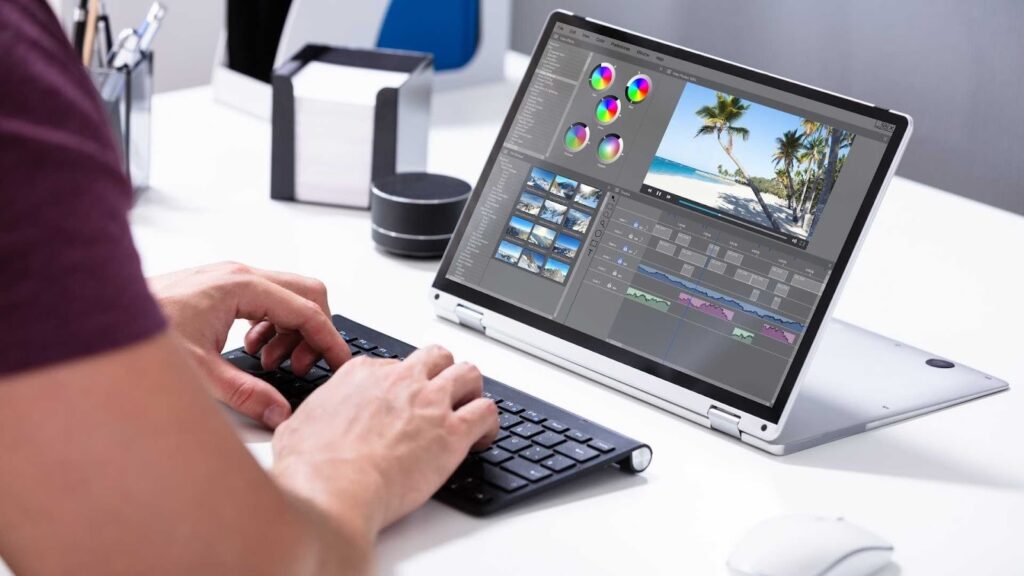
Cloud Editing vs Desktop Editing for Travel Creators
Cloud-based editing platforms are becoming more common. They allow you to edit from any device with internet access and collaborate with team members remotely.
Desktop software, on the other hand, offers more power and reliability when working offline.
Both approaches can be part of the Best Travel Video Editing Software ecosystem. Cloud tools are great for quick edits and teamwork. Desktop tools are better for heavy projects and long-form content.
Many creators now use both depending on the situation.
The Role of AI in Travel Video Editing Software
In 2026, artificial intelligence is no longer a novelty. It is built into most major editors.
AI can automatically remove background noise, stabilize shaky footage, detect faces, suggest music, and even create rough cuts based on highlights.
These features significantly reduce editing time and make professional-looking results more accessible to beginners.
While AI cannot replace human creativity, it has become an important part of what defines the Best Travel Video Editing Software today.
Why Many Creators Outsource Editing Instead of Doing It Themselves
Even with great software, editing takes time. Many travel creators prefer to focus on filming and storytelling while leaving post-production to professionals.
Outsourcing allows consistent quality, faster turnaround, and less technical stress. It is especially popular among YouTubers, agencies, and brands managing large volumes of content.
This is where professional video editing services become valuable partners rather than just vendors.
Later in this guide, we will also discuss how services like Inside Editors help creators who want professional results without spending hours behind an editing screen.
Top Picks for the Best Travel Video Editing Software in 2026
Now that we have covered what to look for, let us explore the most reliable and widely used tools that creators consider the Best Travel Video Editing Software in 2026. These platforms dominate the market because of their performance, creative flexibility, stability, and long-term value.
Instead of listing random names, this section explains how each type of software fits different users so you can clearly understand which option matches your goals.
Adobe Premiere Pro for Serious Travel Creators
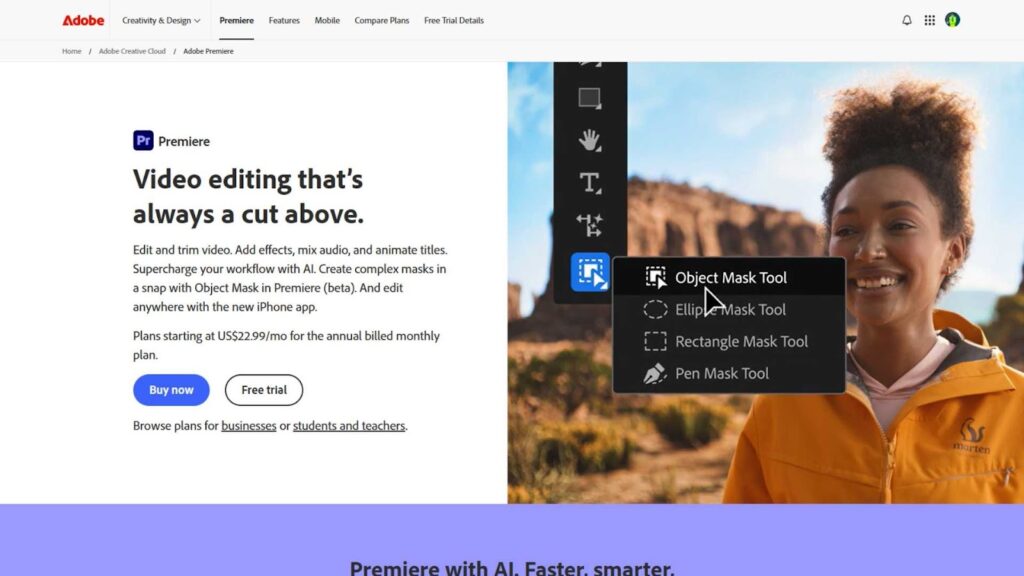
Adobe Premiere Pro continues to be one of the strongest contenders for the Best Travel Video Editing Software title. It is widely used by YouTubers, travel agencies, filmmakers, and content studios.
The reason is simple. It offers full creative control without forcing you into overly complex workflows. You can start with basic cuts and transitions and slowly move into advanced color grading, motion graphics, and cinematic effects.
Premiere Pro handles drone footage, action camera clips, and mobile videos smoothly. It also integrates seamlessly with Adobe After Effects and Photoshop, which is useful if you want advanced titles or animated maps for travel storytelling.
The subscription pricing may feel expensive for casual users, but for consistent creators and professionals, the value becomes clear over time. Regular updates and strong community support make it a long-term investment.
For creators who want full control and future scalability, this software remains a benchmark in the Best Travel Video Editing Software category.
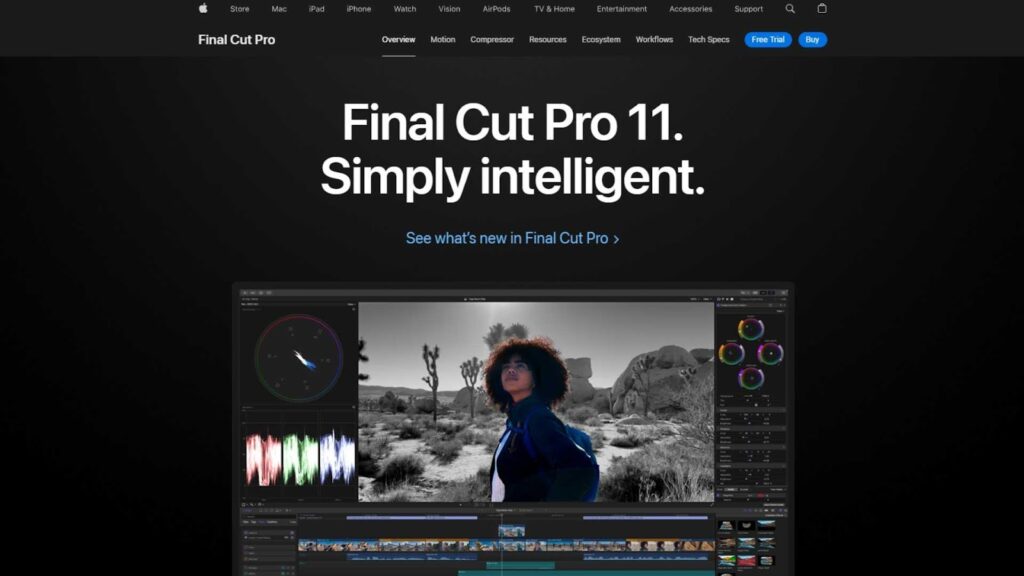
Final Cut Pro for Apple Users
Final Cut Pro is another strong candidate for the Best Travel Video Editing Software, especially for those using Mac computers.
It is known for its speed and stability. Many travel vloggers choose it because it renders videos faster than most competitors and handles large files efficiently. If you edit while traveling with a MacBook, this can be a major advantage.
The interface is clean and user-friendly, even for intermediate users. You can organize clips easily, apply color grading quickly, and export optimized files for YouTube or social media without complex setup.
Unlike subscription software, Final Cut Pro uses a one-time payment model. This appeals to creators who dislike monthly fees.
For Apple users who want professional results without long-term subscriptions, this tool consistently ranks among the Best Travel Video Editing Software choices.
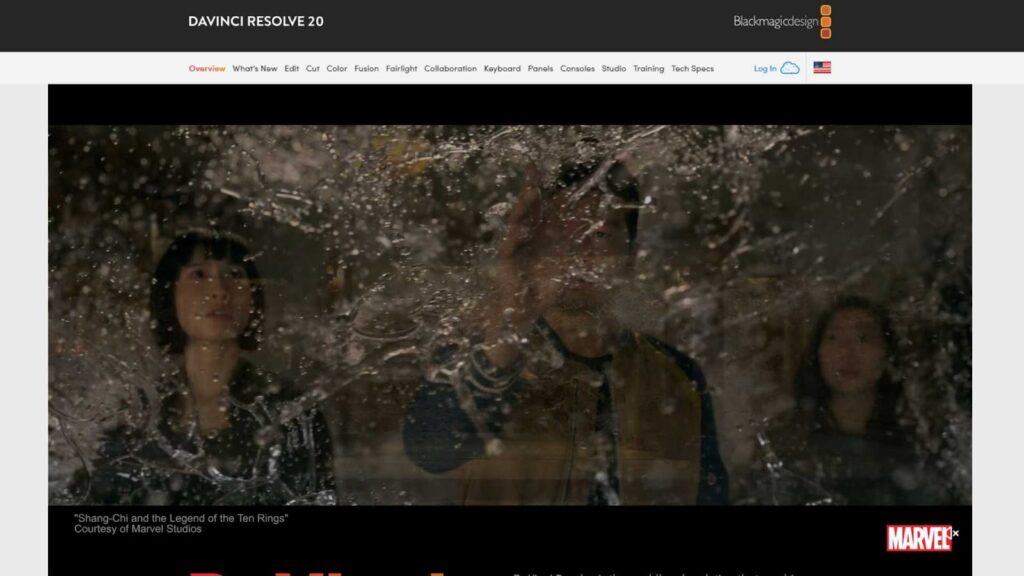
DaVinci Resolve for Cinematic Quality
DaVinci Resolve has grown rapidly and is now considered one of the most powerful tools available.
It stands out for its color grading system, which is widely used in professional filmmaking. If your travel videos focus heavily on visual mood, sunsets, landscapes, and cinematic tones, this software can elevate your content dramatically.
Another advantage is that it offers a free version with surprisingly advanced features. Many beginners start with it and never feel limited until they reach professional-level projects.
The interface may feel complex at first, but once learned, it becomes extremely efficient. It handles high-resolution footage well and offers advanced audio tools, which is important for outdoor recordings.
For creators who want studio-level results, DaVinci Resolve easily earns its place in the Best Travel Video Editing Software category.
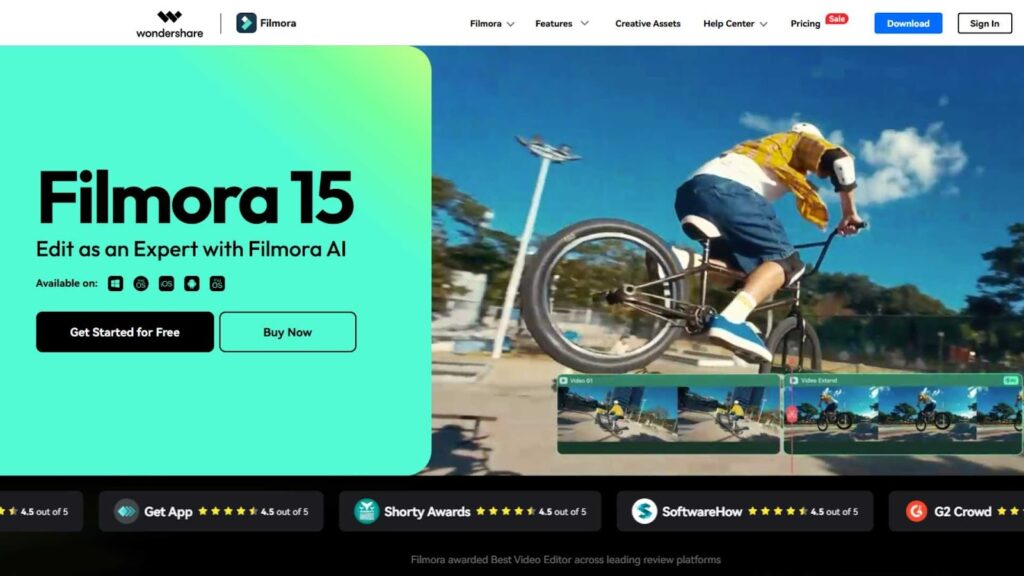
Filmora for Beginners and Casual Travelers
Filmora is designed for simplicity. It is ideal for people who want attractive videos without spending weeks learning technical workflows.
The interface is friendly, and most tools are clearly labeled. You can drag clips, add music, apply transitions, and export within minutes.
It includes many built-in effects and templates tailored to travel content, such as map animations, smooth transitions, and light color presets.
Although it does not offer the same depth as professional tools, it delivers excellent value for beginners and casual creators. For short YouTube videos, Instagram reels, and personal travel diaries, it performs very well.
For many users, Filmora becomes their introduction to the world of the Best Travel Video Editing Software.
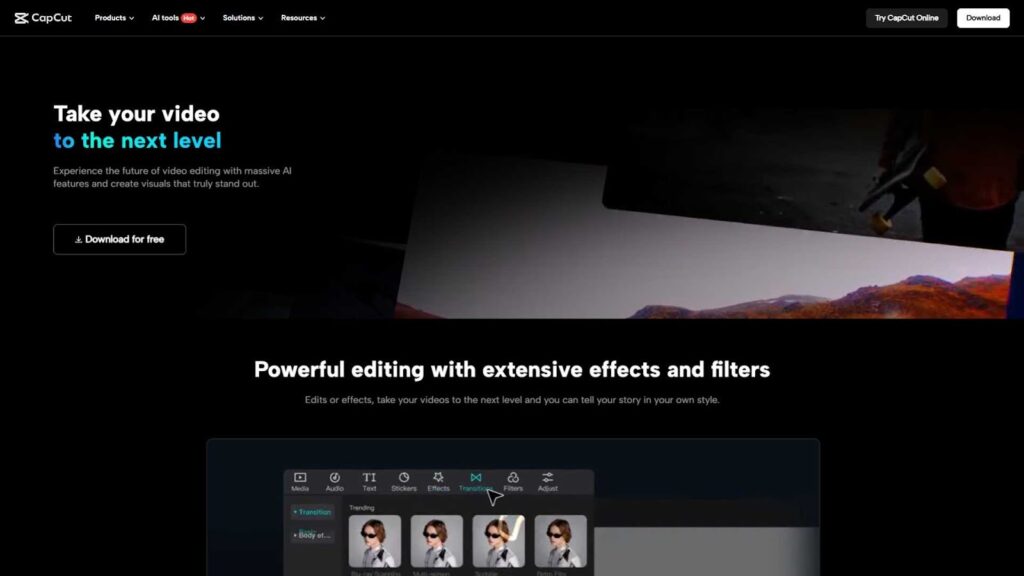
CapCut for Social Media Travel Videos
CapCut has become extremely popular among mobile creators and short-form video producers.
It is free, fast, and optimized for platforms like TikTok, Instagram Reels, and YouTube Shorts. Many travel influencers use it to edit on the go using smartphones or lightweight laptops.
CapCut includes automatic subtitles, music syncing, filters, and AI-based effects. These features make it perfect for quick edits when traveling.
While it is not suitable for long documentaries or commercial projects, it excels in social media storytelling.
For short-form content, it deserves recognition among the Best Travel Video Editing Software options of 2026.
CyberLink PowerDirector for Speed and Performance
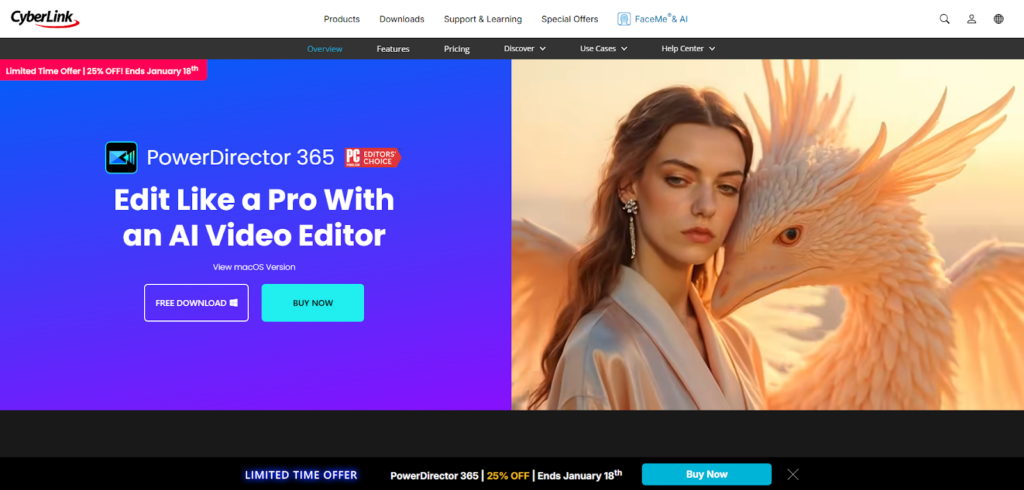
PowerDirector focuses on fast editing and quick rendering.
It supports high-resolution footage and provides a balance between beginner-friendly design and advanced tools. Many creators choose it because it runs smoothly on mid-range computers.
It also includes motion tracking, stabilization, and AI enhancements that are useful for travel footage shot in motion.
Its pricing model is flexible, with both subscription and lifetime options.
For users who want power without heavy system requirements, this tool remains competitive in the Best Travel Video Editing Software market.
Features That Truly Matter for Travel Video Editing
While marketing pages often list hundreds of features, only a few truly impact real-world travel editing.
The most important include smooth timeline playback, strong stabilization, good color correction, audio cleanup, and easy export settings.
You also want software that handles different file formats without crashing. Travel footage comes from drones, phones, action cameras, and professional cameras, often in the same project.
Software that struggles with mixed formats quickly becomes frustrating.
The tools recognized as the Best Travel Video Editing Software in 2026 perform well in these real scenarios, not just in advertisements.

Common Mistakes When Choosing Travel Editing Software
Many people choose software based only on popularity or price.
This often leads to frustration because the tool does not match their actual workflow.
Another mistake is ignoring system requirements. Installing heavy software on weak hardware leads to slow editing and crashes.
Some creators also underestimate the learning curve. Choosing overly complex software as a beginner can slow progress and reduce motivation.
The smartest approach is to choose the Best Travel Video Editing Software based on realistic needs, not trends.
Should You Edit Yourself or Hire Professionals?
Editing your own videos gives you full control, but it also consumes time.
Many creators reach a point where filming, traveling, managing uploads, and editing becomes overwhelming.
At this stage, outsourcing becomes a practical business decision rather than a luxury.
Professional editors can deliver consistent quality, faster turnaround, and polished storytelling.
This is especially useful for brands, YouTubers, and agencies managing regular content schedules.
How Inside Editors Helps Travel Creators
While choosing the Best Travel Video Editing Software is important, having skilled editors can make an even bigger difference.
Inside Editors provides professional video editing services tailored specifically for creators, agencies, and travel businesses.
Instead of spending hours learning software, fixing color issues, syncing audio, and rendering files, you can focus on filming, traveling, and growing your audience.
Inside Editors works with all major editing platforms and delivers high-quality travel videos optimized for YouTube, social media, and commercial use.
Whether you need cinematic storytelling, fast social media edits, or long-form travel documentaries, their team handles the technical side professionally and efficiently.
Final Thoughts on Choosing the Best Travel Video Editing Software
In 2026, creators have more options than ever. From beginner tools to professional platforms, the market offers something for everyone.
The Best Travel Video Editing Software is the one that fits your goals, your budget, and your workflow.
Some creators will thrive with simple tools like Filmora or CapCut. Others will need the power of Premiere Pro, Final Cut Pro, or DaVinci Resolve.
No matter which tool you choose, remember that software is only part of the equation. Storytelling, consistency, and quality editing practices matter just as much.
And if editing ever becomes a bottleneck, professional services like Inside Editors are there to help you scale your content without sacrificing quality.
Travel stories deserve to be told beautifully. With the right software or the right editing partner, your footage can become content that people truly enjoy watching.


