


Action cameras have changed the way we capture life. From mountain biking and surfing to travel vlogs and family adventures, these tiny cameras record moments that feel real, fast, and emotional. But raw footage alone is not enough. To turn shaky clips into something people actually enjoy watching, you need the right editing software.
If you are new to editing, choosing software can feel confusing. There are many tools, many prices, and many features that sound complicated. At the same time, professional creators want speed, control, and high-quality output. That is why this guide focuses on helping both beginners and experienced users find the Best Action Sports Video Editing Software for their needs in 2026.
In this article, we will walk through what really matters when choosing editing software for action cam footage, how different tools compare, and what kind of user each option is best for. Everything is explained in simple language, without unnecessary technical overload, so you can make a confident decision.
Whether you edit GoPro videos, DJI Action clips, Insta360 footage, or any other action camera recordings, the goal is the same: smooth motion, clean colors, exciting pacing, and a final video that feels professional. Let’s start by understanding what makes action sports editing different from normal video editing.
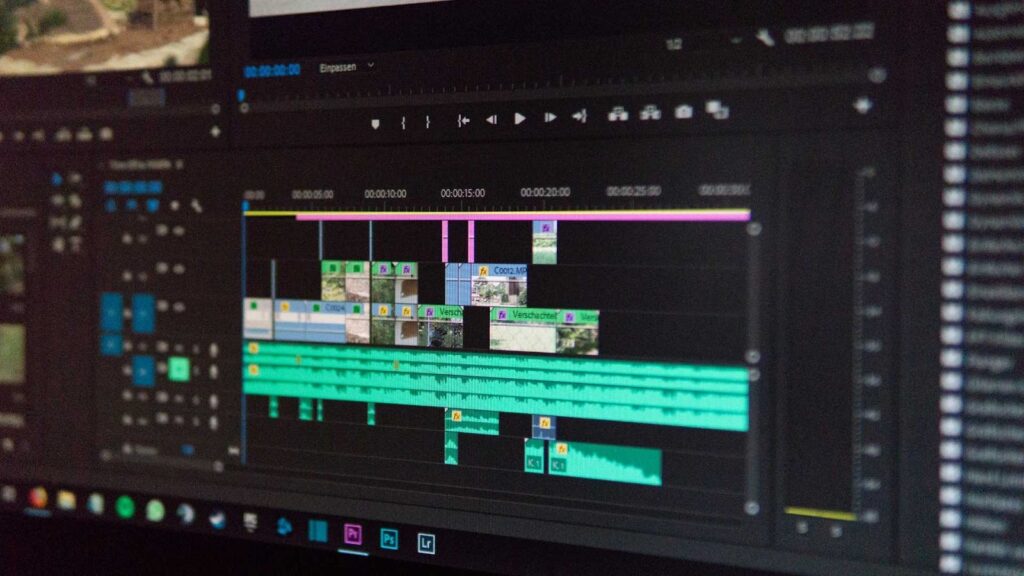
Why Action Cam Footage Needs Special Editing Software
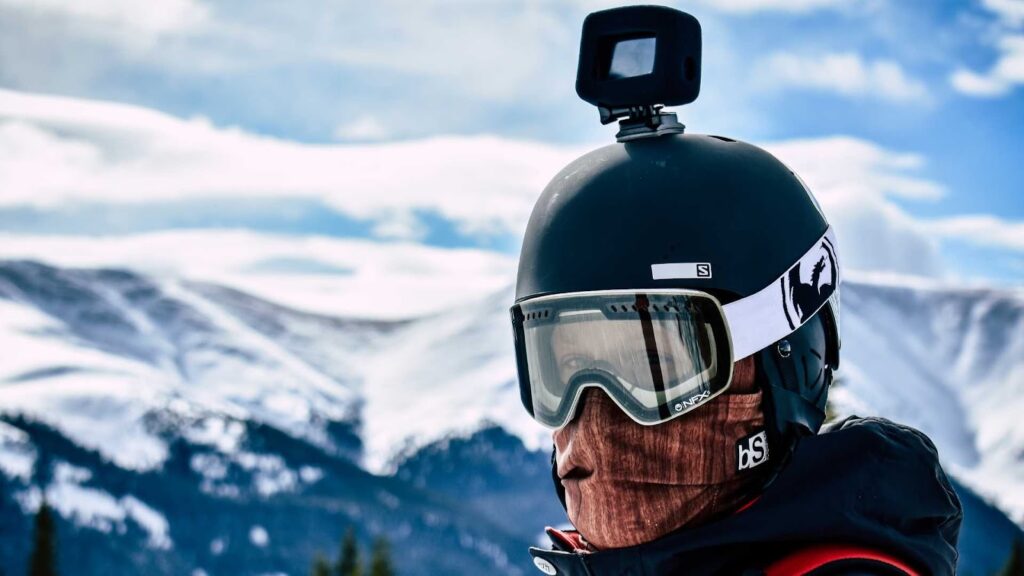
Action cam videos are unique. They are often shot in motion, in bright sunlight, underwater, or in low-light situations. The camera is usually attached to a helmet, chest, bike, or car, which means the footage can be shaky, wide-angled, and fast.
Because of this, the Best Action Sports Video Editing Software should handle a few important things very well. It must stabilize shaky clips without destroying quality. It should correct distorted wide-angle views. It should support slow motion for dramatic moments. And it should export videos that look sharp on YouTube, Instagram, TikTok, and other platforms.
Regular video editors can do some of these tasks, but software designed or optimized for action footage makes the workflow easier and faster. Beginners benefit from simple controls, while professionals need advanced features like motion tracking, color grading, and high-bitrate exports.
What Beginners Should Look For in Action Sports Editing Software
If you are just starting out, your main goal is to learn editing without feeling overwhelmed. You do not need complex timelines or advanced visual effects at the beginning. You need clarity, speed, and guidance.
The Best Action Sports Video Editing Software for beginners usually offers:
- A clean and simple interface that is easy to understand
- Drag-and-drop editing features
- Built-in templates for transitions and titles
- Automatic video stabilization
- Easy export settings for social media platforms
When software is beginner-friendly, you spend less time figuring out buttons and more time enjoying the creative process. This is especially important for travelers, vloggers, students, and hobbyists who want results quickly.
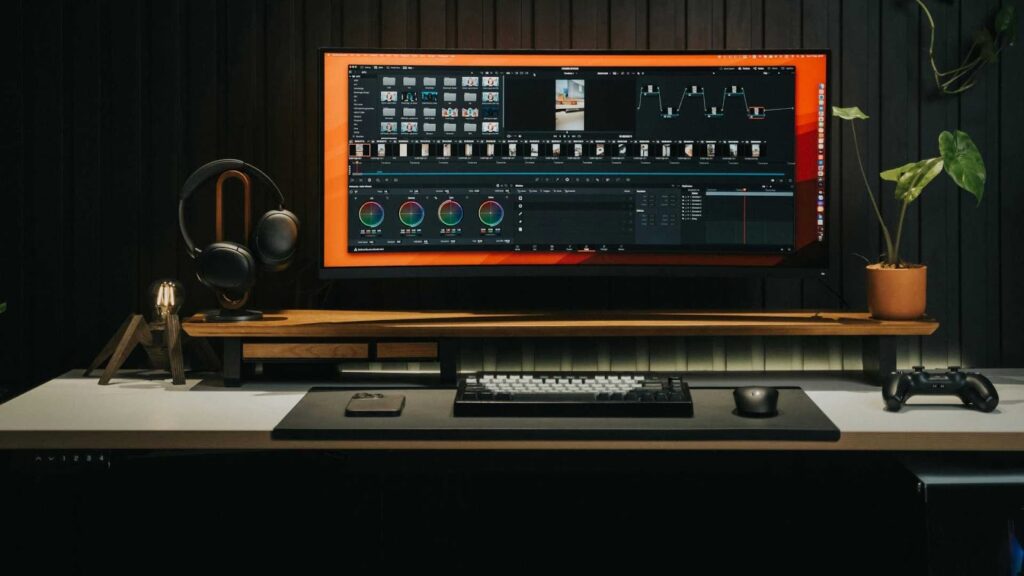
What Professionals Expect from High-Level Editing Tools
Professionals and serious creators have different needs. They work with longer projects, higher resolution files, and strict quality standards. They want full control over colors, sound, speed ramps, and visual effects.
For them, the Best Action Sports Video Editing Software should provide:
- Advanced timeline editing with multiple tracks
- High-quality color grading tools
- Support for 4K, 6K, and even 8K footage
- Professional audio editing features
- Fast rendering and GPU acceleration
The ideal software grows with you. You can start simple and later unlock deeper features when your skills improve.
Key Features That Matter Most for Action Cam Editing
Before comparing specific software options, it helps to understand the features that truly make a difference when editing action sports videos.
Video Stabilization
This is one of the most important features. Even with built-in camera stabilization, many clips still need extra smoothing. Good software can reduce shakes while keeping the video natural and sharp.
Speed Control and Slow Motion
Action videos look amazing in slow motion, especially during jumps, crashes, waves, or dramatic turns. A strong editor allows smooth slow-motion effects without choppy playback.
Color Correction and Filters
Action cams sometimes produce flat or washed-out colors. Editing software should help you boost contrast, fix white balance, and make the scene look alive again.
Easy Export for Social Platforms
Most people share their videos online. The Best Action Sports Video Editing Software makes it easy to export videos in formats optimized for YouTube, TikTok, Instagram, and Facebook.
Best Action Sports Video Editing Software for Beginners in 2026
Let’s start with beginner-friendly tools. These options focus on ease of use while still offering enough features to create impressive videos.
iMovie (Mac and iOS)
iMovie is often the first choice for Apple users. It is free, simple, and surprisingly powerful for basic editing. You can trim clips, add music, apply transitions, and export high-quality videos without much effort.
While it is not the most advanced option, many beginners create great action videos using iMovie. It supports stabilization and slow motion, which is important for action footage.
Filmora
Filmora is popular among beginners because it balances simplicity and features very well. The interface is friendly, and the software includes built-in effects designed for action content, such as speed ramps and dynamic transitions.
It is often recommended as one of the Best Action Sports Video Editing Software options for new creators because it does not require technical knowledge to get started.
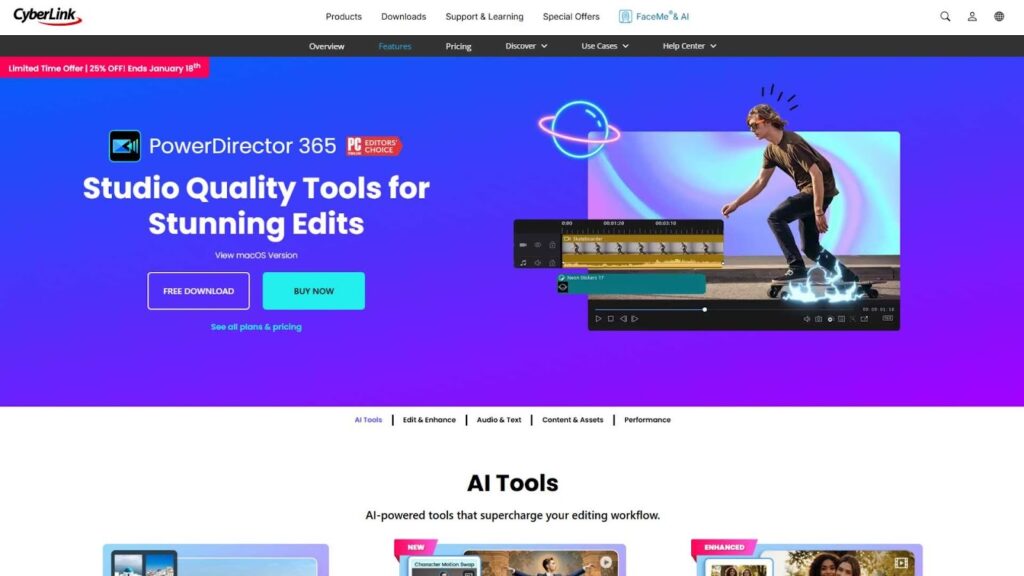
PowerDirector
PowerDirector is known for its fast performance and easy tools. It offers strong stabilization features, motion tracking, and quick export options. Many YouTubers use it for action and travel videos because it saves time.
Best Action Sports Video Editing Software for Intermediate Users
Once you understand the basics, you may want more control over your projects. Intermediate users look for better color grading, more flexible timelines, and advanced transitions.
Here are some strong choices that bridge the gap between beginner and professional editing.
Adobe Premiere Elements
This is a simplified version of Adobe Premiere Pro. It keeps the interface friendly while offering guided edits and automation tools. It is ideal for people who want professional-looking results without the complexity of full professional software.
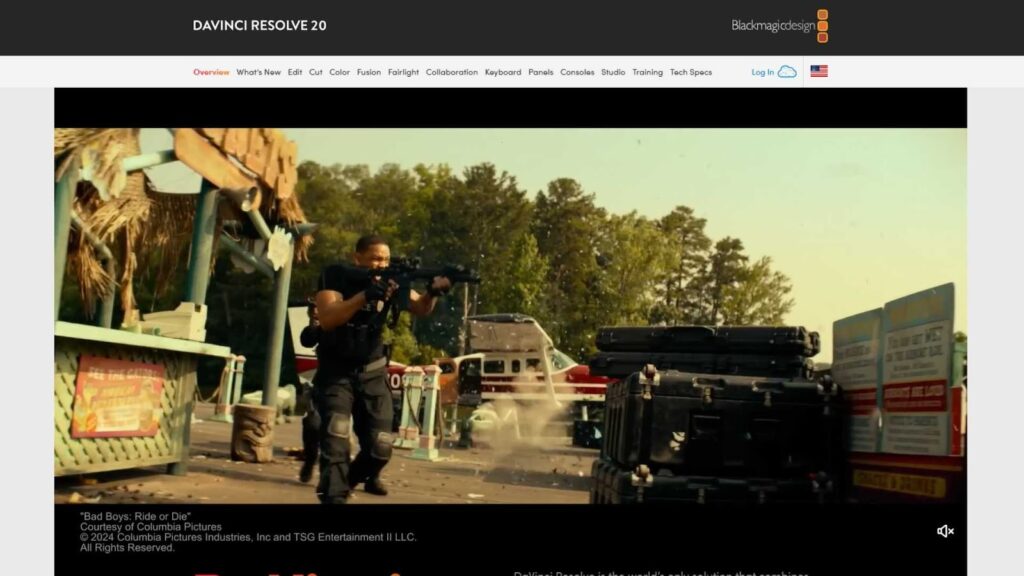
DaVinci Resolve (Free Version)
DaVinci Resolve is famous for its color grading tools. The free version is powerful enough for most users and supports action cam footage very well. It takes more time to learn, but the quality is excellent.
Many creators consider it one of the Best Action Sports Video Editing Software options because it grows with your skills.
Best Action Sports Video Editing Software for Professionals
Professional editors and agencies require maximum flexibility and performance. These tools are widely used in the film, TV, and YouTube industries.
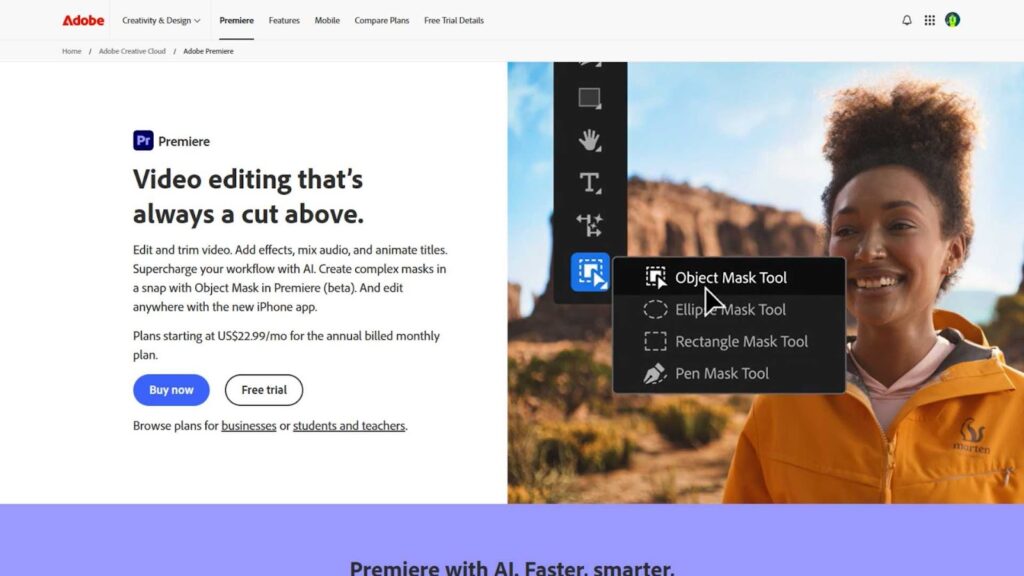
Adobe Premiere Pro
Premiere Pro is one of the most widely used editing tools in the world. It supports almost every file format, integrates with After Effects, and handles large action cam projects smoothly.
It is powerful, reliable, and constantly updated. For many professionals, it remains the Best Action Sports Video Editing Software when quality and workflow efficiency matter most.
Final Cut Pro
Final Cut Pro is optimized for Mac users and offers incredible speed. It handles 4K and higher resolution footage easily and includes advanced color grading and motion tools.
Many professional action sports filmmakers use it because of its performance and stability.
DaVinci Resolve Studio
The paid version of DaVinci Resolve unlocks even more professional features such as advanced noise reduction, HDR color grading, and AI tools. It is widely respected in the industry.
Mobile Action Sports Editing Software Is Also Growing Fast
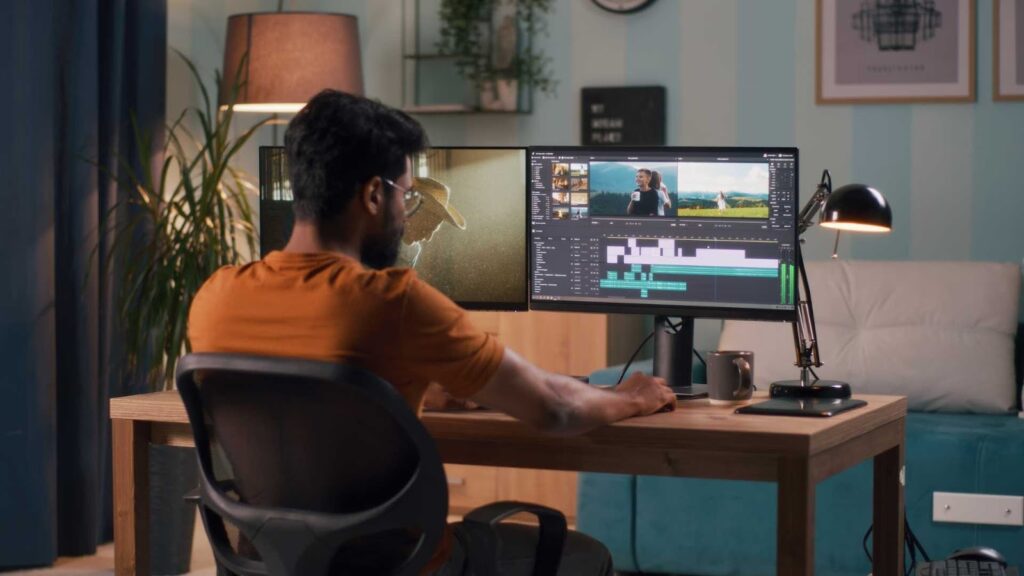
Not everyone edits on a computer. Many travelers and vloggers prefer editing directly on their phones. Mobile apps have become surprisingly powerful.
Popular mobile tools include CapCut, LumaFusion, and VN Editor. While they are not full replacements for desktop software, they are excellent for quick edits and social media content.
Some mobile apps are now competing with desktop tools in terms of speed and ease of use, especially for short-form action content.
How to Choose the Right Software for Your Needs
Choosing the Best Action Sports Video Editing Software depends on a few personal factors.
First, consider your skill level. Beginners should focus on simplicity. Professionals should prioritize control and performance.
Second, think about your device. Some software works better on Windows, others on Mac, and some are mobile-only.
Third, consider your budget. Free tools are great for learning, but paid software often saves time and delivers higher quality.
Finally, think about your long-term goals. If you plan to grow as a creator, choose software that can grow with you.
Common Mistakes to Avoid When Choosing Editing Software
Many people choose software based only on popularity. This can lead to frustration if the tool is too complex or too limited.
Another mistake is ignoring system requirements. Heavy software may run slowly on older computers.
Some users also underestimate the importance of workflow. If software feels uncomfortable, you will avoid editing, no matter how powerful it is.
The Best Action Sports Video Editing Software is the one that fits your style, your device, and your creative goals.
Real-World Performance: How These Tools Handle Action Cam Footage
When you move beyond feature lists, real performance becomes the deciding factor. Action cam files are often large, highly compressed, and recorded at high frame rates. This puts serious pressure on your computer and your editing software.
The Best Action Sports Video Editing Software should load clips quickly, allow smooth playback on the timeline, and export without crashes or quality loss. In real-world testing, professional tools like Premiere Pro, Final Cut Pro, and DaVinci Resolve handle long action projects better, especially when working with 4K or 5.3K footage from GoPro or DJI cameras.
Beginner software such as Filmora and PowerDirector performs well for short to medium-length videos, like YouTube content or travel highlights. They are optimized for speed and convenience, which matters when you want to edit quickly and publish consistently.
Mobile apps are impressive for short content, but they still struggle with large projects or heavy effects. If your goal is cinematic storytelling or commercial content, desktop software remains the safer choice.
Stabilization Quality: A Big Difference in Final Results
Stabilization can make or break an action video. Poor stabilization leads to shaky, uncomfortable footage that viewers quickly abandon.
Professional software uses advanced algorithms to analyze motion and smooth clips while preserving details. DaVinci Resolve Studio and Premiere Pro lead in this area. Final Cut Pro also delivers excellent stabilization with minimal effort.
Mid-range tools like PowerDirector and Filmora perform well for casual use, but sometimes crop the video more aggressively to hide shakes.
If your content includes biking, running, skiing, or handheld shots, investing in the Best Action Sports Video Editing Software with strong stabilization will noticeably improve viewer retention and professionalism.
Color Grading for Action Sports Videos
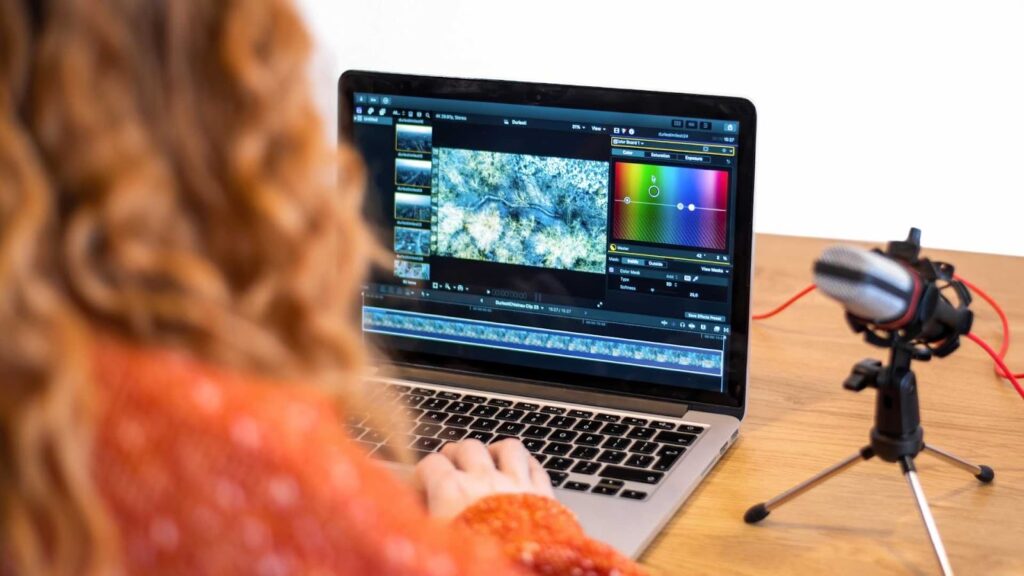
Action cams often record in flat or neutral color profiles to preserve details. Editing software then becomes responsible for bringing those colors to life.
DaVinci Resolve is widely regarded as the industry standard for color grading. It allows deep control over shadows, highlights, skin tones, and sky colors. Premiere Pro and Final Cut Pro also provide professional-level color tools.
Beginner software offers presets and simple sliders. These are easy to use but limited in precision. For social media and casual projects, presets are often enough. For commercial work, detailed color control is essential.
This is another reason many creators consider DaVinci Resolve and Premiere Pro as the Best Action Sports Video Editing Software choices for serious production.
Speed Ramping and Slow Motion Effects
Speed ramps are extremely popular in action videos. They create dramatic moments by slowing down motion during key scenes and speeding it up during transitions.
Professional software allows frame-accurate speed control, motion blur adjustments, and smooth interpolation. These tools are valuable for sports cinematography, travel films, and branded content.
Beginner software usually offers preset slow motion effects, which are quick but less customizable.
If dynamic motion is central to your content style, prioritize software that handles speed changes smoothly and without visual glitches.
Export Quality and Platform Optimization
Your video is only as good as its final export. Compression, bitrate, and resolution directly affect how your video looks online.
The Best Action Sports Video Editing Software provides optimized export settings for:
- YouTube
- Instagram Reels
- TikTok
- Facebook
- Vimeo
Professional tools allow manual control of bitrate, codec, and color space, which is essential for maintaining quality.
Beginner tools simplify this with platform presets, which is convenient but sometimes sacrifices fine control.
Pricing Models in 2026: What You Should Expect
Video editing software comes in three main pricing models.
Subscription-based software like Adobe Premiere Pro requires monthly payments. This ensures constant updates but adds ongoing cost.
One-time purchase software like Final Cut Pro and some versions of PowerDirector requires a single payment.
Free software like DaVinci Resolve offers powerful features but limits advanced tools to paid versions.
When choosing the Best Action Sports Video Editing Software, consider not just the initial price but long-term value, update frequency, and support.
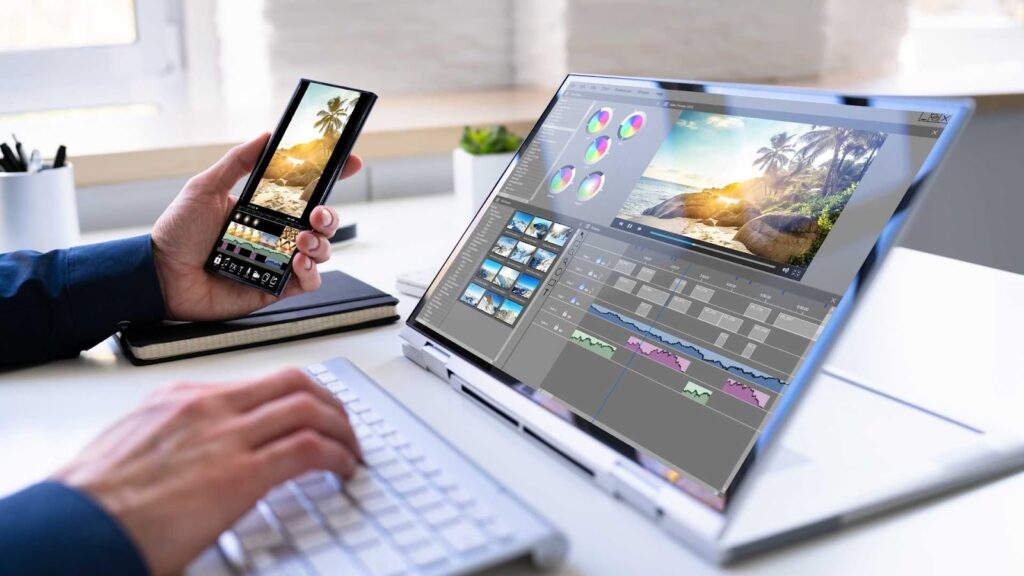
Desktop vs Mobile Editing: Which Is Better for You?
Mobile editing is convenient. Desktop editing is powerful.
If your workflow focuses on quick social media content, mobile apps may be enough. If you create long videos, documentaries, or professional client work, desktop software is strongly recommended.
Many creators now use both: mobile for quick edits and desktop for serious projects.
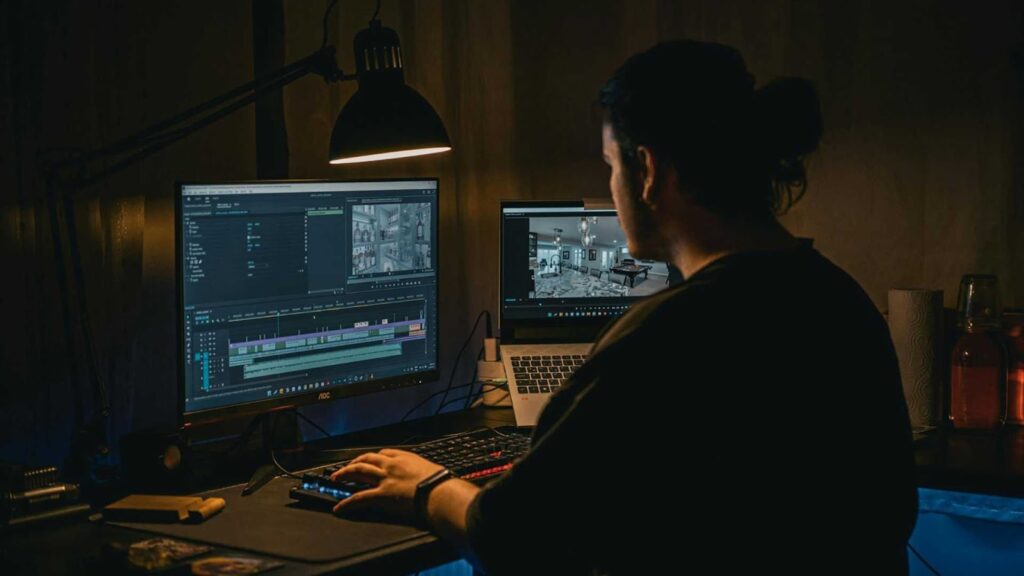
When Software Is Not Enough: The Case for Professional Editing Services
Even with the best software, editing action footage takes time, patience, and technical skill. Many creators reach a point where editing becomes a bottleneck.
This is where professional video editing services become valuable.
Outsourcing allows you to focus on filming and growing your audience while experts handle the technical side. This is especially helpful for:
- YouTubers producing content weekly
- Sports brands creating promotional videos
- Travel agencies
- Influencers managing multiple platforms
Professional editors use the Best Action Sports Video Editing Software daily and understand how to turn raw clips into polished stories.
Why Inside Editors Is a Smart Choice for Action Sports Video Editing
If you prefer to save time and ensure professional quality, Inside Editors offers dedicated video editing services for action sports, travel, vlogs, and commercial projects.
Our team works with industry-standard tools and experienced editors who understand pacing, motion, sound design, and storytelling. Whether you need YouTube videos, Instagram Reels, brand promos, or full-length travel films, we tailor each project to your goals.
You can explore our services at insideeditors.com to see how we help creators turn raw action footage into engaging content.
Many clients choose Inside Editors because we deliver consistent quality, fast turnaround, and clear communication. Instead of spending hours learning software, you get results that attract viewers and grow your brand.
Final Thoughts on Choosing the Best Action Sports Video Editing Software
In 2026, creators have more choices than ever. From beginner-friendly tools to professional production software, there is a solution for every skill level and budget.
The Best Action Sports Video Editing Software is not the same for everyone. For beginners, simplicity matters. For professionals, precision and performance are critical. For many creators, a balanced tool that grows with their skills is ideal.
No matter which software you choose, remember that storytelling, pacing, and emotion matter more than fancy effects. Software is just a tool. Creativity brings the footage to life.
And if you ever feel limited by time, skills, or technical complexity, professional services like Inside Editors are ready to help you scale your content without sacrificing quality.
Visit insideeditors to learn more about our action sports video editing services and how we support creators worldwide.


