


If you own a DJI Osmo Action camera, you already know how exciting it feels to capture smooth, wide-angle, high-energy footage. Whether it is travel, biking, vlogging, food content, or daily lifestyle videos, this small camera can record moments that look cinematic and professional. But raw clips alone are not enough to truly impress your audience. To turn simple footage into something people enjoy watching, you need the right editing tools.
That is where Osmo Action Video Editing becomes important. The software you choose can change everything. Good editing helps you fix colors, stabilize shaky clips, add music, trim boring parts, and create a story that people want to watch until the end. In 2026, creators have more options than ever, from simple mobile apps to powerful desktop programs used by professionals.
In this guide, we will walk through the best tools and software for Osmo Action Video Editing in a simple and friendly way. You will learn what features really matter, which tools are best for beginners, which ones are better for YouTubers and travel creators, and how to choose the right solution for your budget and skill level. If you are planning to upgrade your workflow or start editing your Osmo Action videos seriously, this article will help you make a smart decision.
Why Osmo Action Video Editing Matters More Than Ever in 2026
The way people watch videos has changed. Short-form content, travel vlogs, daily reels, and YouTube videos are more competitive than ever. Viewers scroll fast, and you only have a few seconds to grab attention. Clean cuts, good colors, smooth transitions, and balanced sound can make a huge difference.
Osmo Action cameras shoot in high resolution with wide dynamic range, but raw footage often looks flat or shaky before editing. With proper Osmo Action Video Editing, you can correct lighting, adjust colors, remove noise, and highlight the best moments of your clip. This is especially important if you record in difficult conditions like bright sunlight, underwater, or low light.
Another reason editing matters is branding. Many creators want their videos to have a consistent style. The same color tone, the same type of music, the same pacing. This consistency helps people recognize your content. The right editing software makes this much easier to achieve.
What to Look for in Osmo Action Video Editing Software
Before choosing any tool, it is important to understand what features actually help when editing Osmo Action footage.
First, performance is critical. Osmo Action cameras record in high resolution and high frame rates. Your software should handle large files smoothly without freezing or crashing.
Second, color correction and filters matter a lot. Action camera footage often needs adjustments to look natural. A good editor should allow you to control brightness, contrast, saturation, and white balance easily.
Third, stabilization and slow motion support are very useful. Even though the camera has built-in stabilization, extra software stabilization can make your footage even smoother. Slow motion tools help when you want to highlight action scenes.
Fourth, audio editing is often ignored but extremely important. Clear voice, balanced background music, and reduced wind noise can make your video feel professional.
Finally, ease of use should match your experience level. Beginners may prefer simple apps, while advanced users may want more control.
All of these points are essential for high-quality Osmo Action Video Editing in 2026.
Mobile Apps for Osmo Action Video Editing
Many creators prefer editing directly on their phone. It is fast, simple, and perfect for social media content. Here are some popular types of mobile tools that work very well with Osmo Action footage.
DJI Mimo and LightCut
DJI provides its own apps that are designed to work smoothly with their cameras. These apps are very beginner-friendly and perfect for quick edits.
They allow you to trim clips, add music, apply color filters, and export in high quality. For casual users and travelers, these apps are often enough.
Key benefits include:
- Direct camera connection and fast file transfer
- Automatic templates for quick videos
- Simple color presets for action footage
However, for more advanced storytelling, you may want extra features that third-party apps offer.
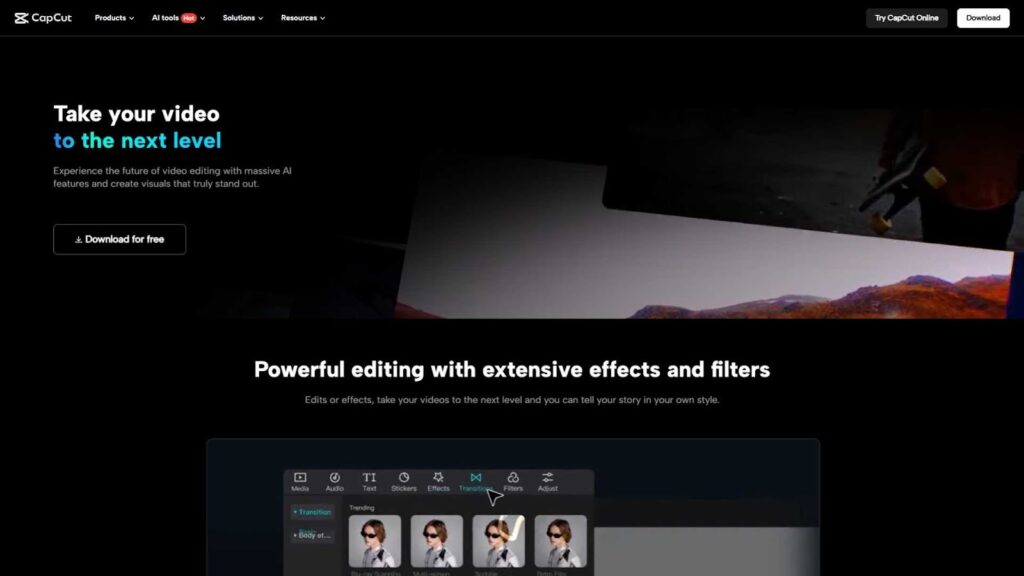
CapCut and Similar Editors
CapCut has become very popular among short-form content creators. It supports high-resolution video, has many effects, and works smoothly with Osmo Action clips.
You can add subtitles, transitions, music, and filters easily. For TikTok, YouTube Shorts, and Instagram Reels, this is a strong option for Osmo Action Video Editing.
Other similar apps like VN Editor or InShot also provide simple interfaces with good results.
Mobile apps are great if you want speed and convenience, but they may feel limited if you plan to create long YouTube videos or commercial projects.
Desktop Software for Osmo Action Video Editing
For serious creators, desktop software is often the best choice. These tools provide deeper control, better performance, and professional-level output.
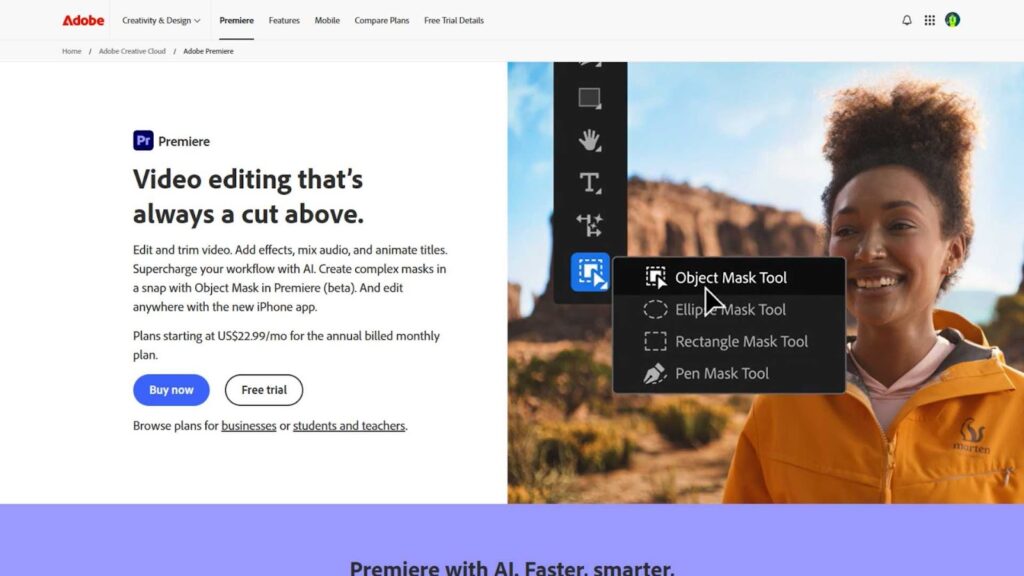
Adobe Premiere Pro
Adobe Premiere Pro remains one of the most trusted names in video editing. It supports Osmo Action footage perfectly and allows you to fine-tune every detail.
You can adjust colors precisely, stabilize clips, add cinematic transitions, and manage audio professionally. Many YouTubers and filmmakers rely on it for daily work.
Although it has a learning curve, the results are worth it if you want high-quality Osmo Action Video Editing for commercial or long-term projects.
Final Cut Pro
For Mac users, Final Cut Pro is a powerful option. It is fast, optimized for Apple hardware, and very stable with large files.
Osmo Action clips play smoothly, even in 4K or higher resolution. The magnetic timeline makes editing faster once you get used to it.
It is a one-time purchase, which many users prefer compared to monthly subscriptions.
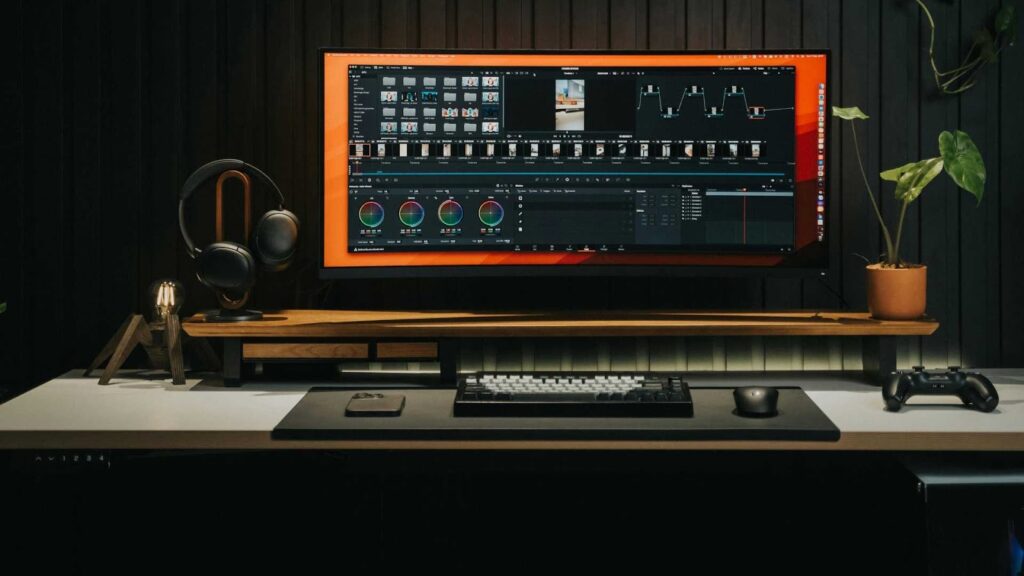
DaVinci Resolve
DaVinci Resolve is famous for its color grading tools. If you want your Osmo Action videos to look cinematic, this software is hard to beat.
It also offers professional audio editing and strong performance. The free version is powerful enough for most users, making it a great option for beginners who want to grow.
Cloud-Based and AI Video Editing Tools
In 2026, AI editing tools are becoming more common. These platforms help automate parts of the editing process.
They can detect highlights, match music beats, stabilize clips, and apply color correction automatically. This saves time, especially for creators who upload frequently.
Some cloud-based tools allow you to upload your Osmo Action clips and edit them in a browser without installing software. This is helpful if your computer is not very powerful.
While AI tools are improving, many creators still prefer manual control for creative projects. But for fast Osmo Action Video Editing, AI tools are worth considering.
Comparing Tools Based on User Type
Different creators have different needs. Choosing the right software depends on how you use your Osmo Action camera.
For Beginners and Casual Users
If you record vacations, daily life, or short clips for social media, simple apps are enough. Tools like DJI’s apps, CapCut, or InShot are easy to learn and fast to use.
You do not need complex timelines or advanced color grading to create enjoyable content.
For YouTubers and Travel Creators
If you publish regularly and want higher quality, desktop tools are better. Premiere Pro, Final Cut Pro, or DaVinci Resolve give you more flexibility and control.
These tools help you build a consistent style, manage long videos, and create professional-looking thumbnails and intros.
For Businesses and Commercial Projects
If you create content for brands, marketing, or clients, professional software is essential. Audio control, export quality, and color accuracy become very important.
High-level Osmo Action Video Editing often requires professional workflows that only desktop software can handle comfortably.
Hardware Considerations for Smooth Editing
Even the best software will struggle if your hardware is weak. Osmo Action videos are often heavy files.
A good setup usually includes:
- At least 16GB RAM
- A modern processor
- SSD storage for faster loading
- A decent graphics card for smooth playback
Mobile editing avoids this problem, but for desktop editing, hardware plays a big role in performance.
Why Many Creators Outsource Osmo Action Video Editing
Not everyone enjoys editing. Some creators prefer focusing on filming, traveling, or building their audience.
Editing takes time, learning, and patience. That is why many people choose professional video editing services instead of doing everything themselves.
Outsourcing Osmo Action Video Editing allows you to:
- Save time
- Maintain consistent quality
- Focus on content creation
- Get professional color grading and sound design
This is especially useful for YouTubers, travel vloggers, and businesses that need regular content.
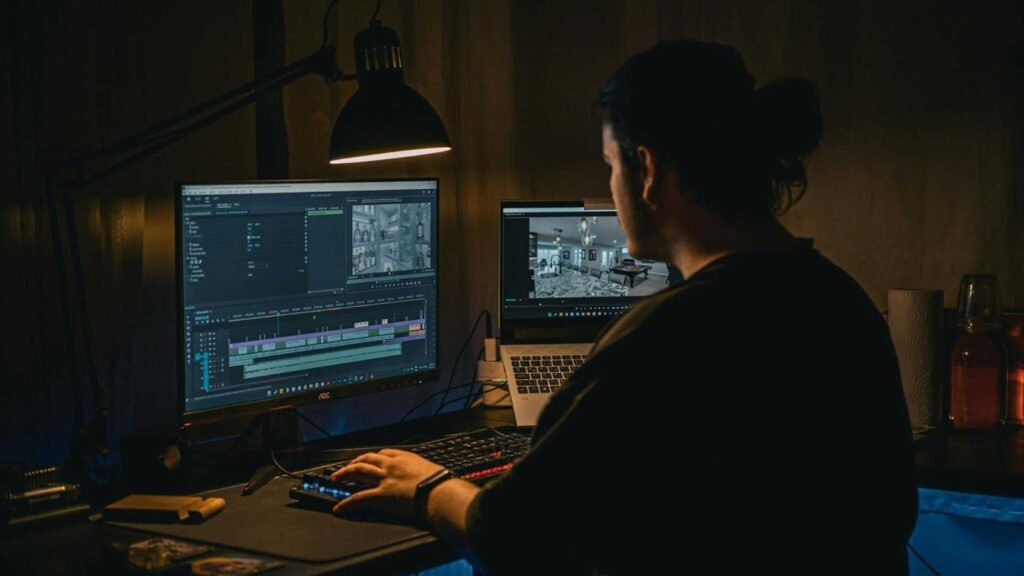
Editing Workflow Tips for Osmo Action Footage
A good workflow can make editing easier, faster, and less stressful. Many beginners struggle not because of the software, but because they lack an organized process.
Start by organizing your clips into folders based on date or location. This saves time later when searching for the right moment.
Next, trim unwanted parts before adding effects. Removing shaky or boring sections early keeps your timeline clean and helps you focus on storytelling.
After trimming, adjust colors. Osmo Action cameras capture a wide dynamic range, but slight color correction makes footage look natural and professional.
Then work on stabilization and slow motion. These two features are extremely powerful for action scenes like cycling, hiking, or water sports.
Finally, add music and adjust audio levels. Good sound design makes even simple videos feel premium.
This workflow applies whether you are using mobile apps or desktop software for Osmo Action Video Editing.
Common Mistakes in Osmo Action Video Editing
Many creators unknowingly reduce the quality of their videos by making simple mistakes.
One common problem is overusing filters. Too much color saturation or contrast can make footage look unnatural.
Another mistake is ignoring audio quality. Wind noise, uneven volume, or poorly chosen background music can distract viewers.
Some editors also use too many transitions. Clean cuts usually look more professional.
Export settings are another issue. Using low bitrate or wrong resolution can make your video blurry even if your editing was perfect.
Avoiding these mistakes can significantly improve your Osmo Action Video Editing results.
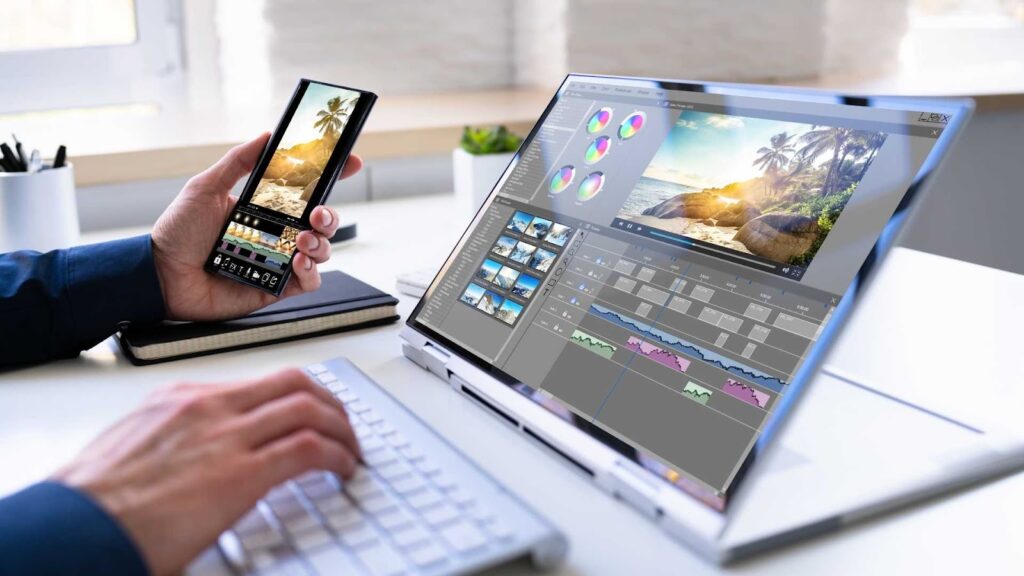
Mobile vs Desktop Editing – Which One Is Right for You?
Choosing between mobile and desktop editing depends on your goals.
If you mainly post short videos on TikTok, Instagram, or Facebook, mobile apps are more than enough. They are fast, free or low-cost, and easy to learn.
If you run a YouTube channel, create travel documentaries, or work with brands, desktop software is a better choice. You get full control, higher quality exports, and professional-level results.
Many creators use both. They edit short clips on mobile and longer videos on desktop.
There is no single perfect answer. The best choice is the one that matches your workflow and content strategy.
Why Professional Osmo Action Video Editing Services Are Growing
In 2026, content creation is more competitive than ever. Viewers expect high quality, clean visuals, and engaging storytelling.
Learning professional editing takes time. Buying powerful computers and software costs money. Managing deadlines can become stressful.
That is why more creators and businesses are outsourcing Osmo Action Video Editing to professional service providers.
Professional editors already have the tools, experience, and workflow to deliver consistent results. They know how to handle color grading, sound design, transitions, and platform-specific formats.
Outsourcing is no longer just for big companies. Even small YouTubers and travel vloggers now use editing services to grow faster.
How Inside Editors Helps with Osmo Action Video Editing
If you want professional results without spending hours editing, Inside Editors can help.
Inside Editors is a dedicated video editing service provider that works with creators, vloggers, travel channels, and businesses. If you record with an Osmo Action camera, their team can transform your raw clips into polished, engaging videos ready for YouTube, social media, or marketing campaigns.
They focus on:
- Clean storytelling and smooth cuts
- Natural color correction for action camera footage
- Professional sound balancing
- Platform-optimized exports
- Fast delivery and consistent quality
Instead of struggling with complex software or slow computers, you can focus on filming and growing your audience while experts handle the editing.
Cost Comparison: Software vs Professional Editing Services
Many creators think software is cheaper, but the full cost is often higher than expected.
You pay for subscriptions, plugins, storage, hardware upgrades, and your own time. Editing a 10-minute Osmo Action video can take several hours.
With professional services, you pay per project or monthly, and everything is handled for you.
For creators who publish regularly, outsourcing Osmo Action Video Editing can actually be more cost-effective in the long run.
Future of Osmo Action Video Editing Beyond 2026
Looking ahead, editing tools will become smarter and more automated. AI will handle more tasks like scene detection, color matching, and audio cleanup.
However, creative decisions will always matter. Storytelling, pacing, and emotional impact cannot be fully automated.
High-quality Osmo Action Video Editing will continue to be a combination of good tools and human creativity.
Creators who invest in quality, whether through learning software or hiring professionals, will stand out.
Final Thoughts
Choosing the right tools for Osmo Action Video Editing in 2026 depends on your goals, budget, and time.
Mobile apps are great for quick edits and social media. Desktop software is best for serious creators who want full control. AI tools help speed things up. And professional services provide stress-free, high-quality results.
If you enjoy editing, invest in good software and build your skills. If you want to save time and focus on content creation, outsourcing is a smart option.
For reliable, professional Osmo Action Video Editing services, you can confidently work with Inside Editors.


