

When you are working on a documentary, you are not just editing video. You are shaping real stories, real emotions, and real moments into something powerful. Choosing the Best Video Editing Software for Documentary can make a huge difference in how smoothly your project flows from raw footage to final masterpiece.
Documentary editing is different from editing vlogs, short films, or commercial ads. You often deal with long interviews, hours of B-roll, archival footage, and sometimes complex audio tracks. That means the Best Video Editing Software for Documentary must be reliable, organized, and flexible enough to handle large projects without slowing you down.
If you are here, you are probably comparing tools before making a purchase. That is smart. The right software will save you time, reduce stress, and improve your storytelling. In this guide, we will explore the Best Video Editing Software for Documentary, compare features, talk about pros and cons, and help you decide which one fits your needs.
Let’s dive in.
What Makes the Best Video Editing Software for Documentary?
Before we look at specific tools, it is important to understand what makes the Best Video Editing Software for Documentary truly stand out.
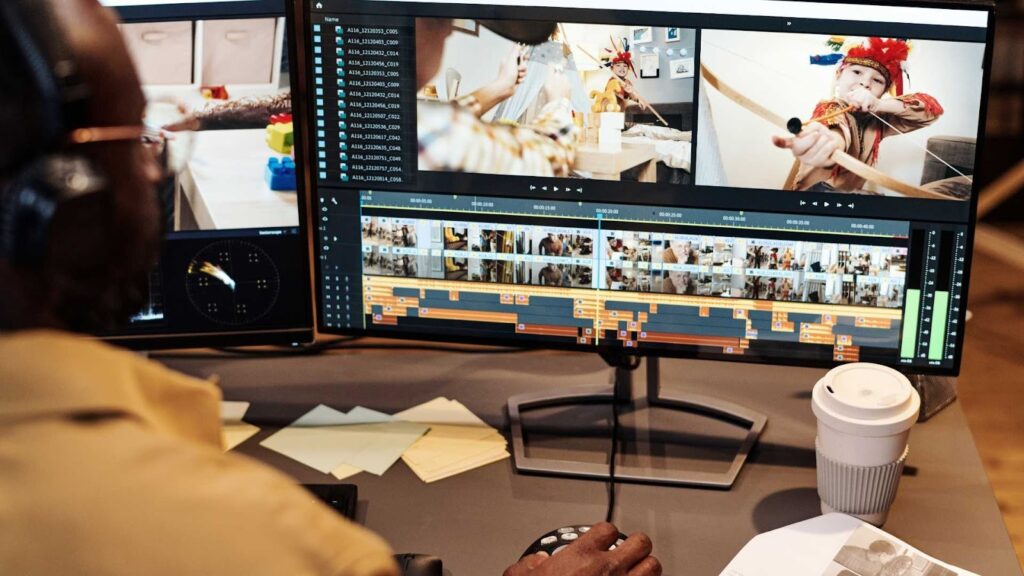
Documentary projects require strong media management. You might have hundreds of clips. So the software should allow you to organize footage using bins, tags, and metadata. You also need powerful timeline tools because documentaries often involve complex storytelling structures.
Color correction is another big factor. Interviews may be shot in different locations and lighting conditions. The Best Video Editing Software for Documentary should help you match colors easily and professionally.
Audio editing tools are equally important. Clear dialogue is essential in documentaries. Background noise reduction, multi-track editing, and audio syncing are must-have features.
Finally, stability matters. Crashes during long edits can cost hours of work. So reliability and performance are key when choosing the Best Video Editing Software for Documentary.
Adobe Premiere Pro
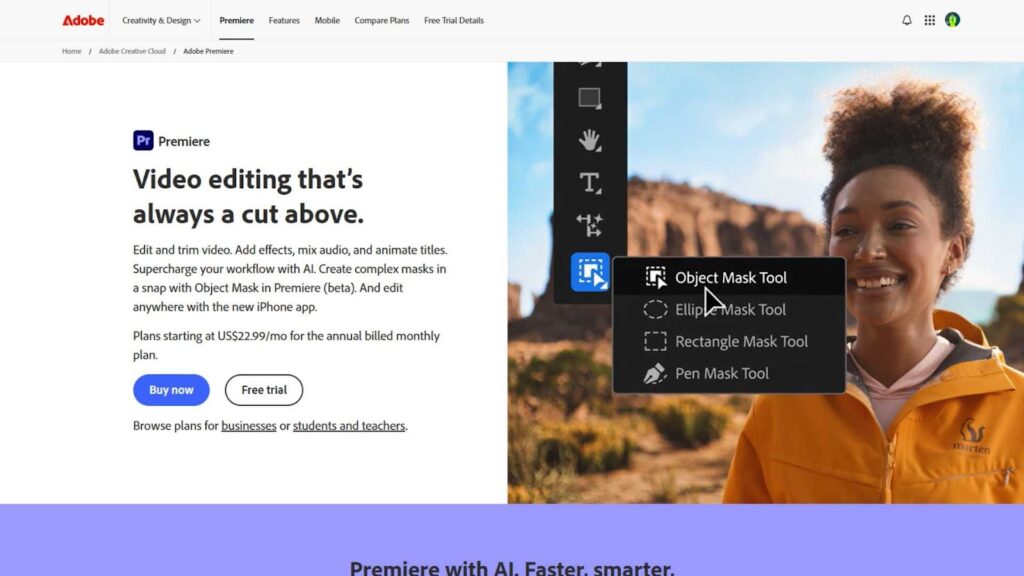
Adobe Premiere Pro is one of the most popular choices among professional editors. Many documentary filmmakers use it because of its flexibility and strong integration with other Adobe tools like After Effects and Audition.
Premiere Pro is known for handling large projects smoothly. It supports almost every video format, which is helpful when you are working with footage from different cameras. Its timeline is highly customizable, making it easier to manage complex documentary structures.
The software also offers powerful color grading tools through Lumetri Color. For documentaries, where interviews may be filmed under different lighting conditions, this feature becomes extremely useful.
Pros
- Industry-standard software used by professionals
- Excellent media organization tools
- Strong color grading and audio features
- Seamless integration with other Adobe apps
- Supports a wide range of formats
Cons
- Subscription-based pricing can be expensive over time
- Can feel overwhelming for beginners
- Requires a powerful computer for smooth performance
If you are looking for the Best Video Editing Software for Documentary and want something trusted by professionals worldwide, Premiere Pro is a strong choice.
Final Cut Pro
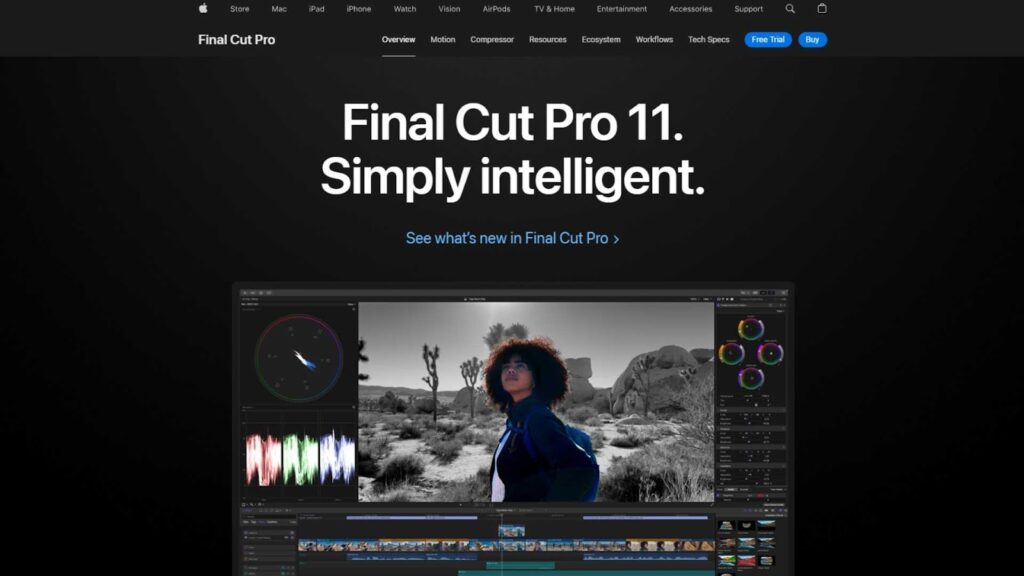
Final Cut Pro is Apple’s professional editing software. It is known for its speed and smooth performance on Mac systems. Many documentary filmmakers love it because of its magnetic timeline and fast rendering.
Final Cut Pro is optimized for macOS, which means it runs very efficiently. If you are editing long interviews and multi-camera footage, you will appreciate its speed. Background rendering also saves time because you do not have to wait for every small change.
The magnetic timeline may feel different at first, but it helps prevent accidental gaps and sync issues. For documentary storytelling, where structure often changes during editing, this feature can be very helpful.
Pros
- One-time payment, no subscription
- Extremely fast performance on Mac
- Powerful media organization tools
- Easy multicam editing
- User-friendly interface
Cons
- Available only on Mac
- Fewer third-party plugins compared to Premiere Pro
- Magnetic timeline may require adjustment for new users
If you use a Mac and want the Best Video Editing Software for Documentary without monthly fees, Final Cut Pro is a very attractive option.
DaVinci Resolve
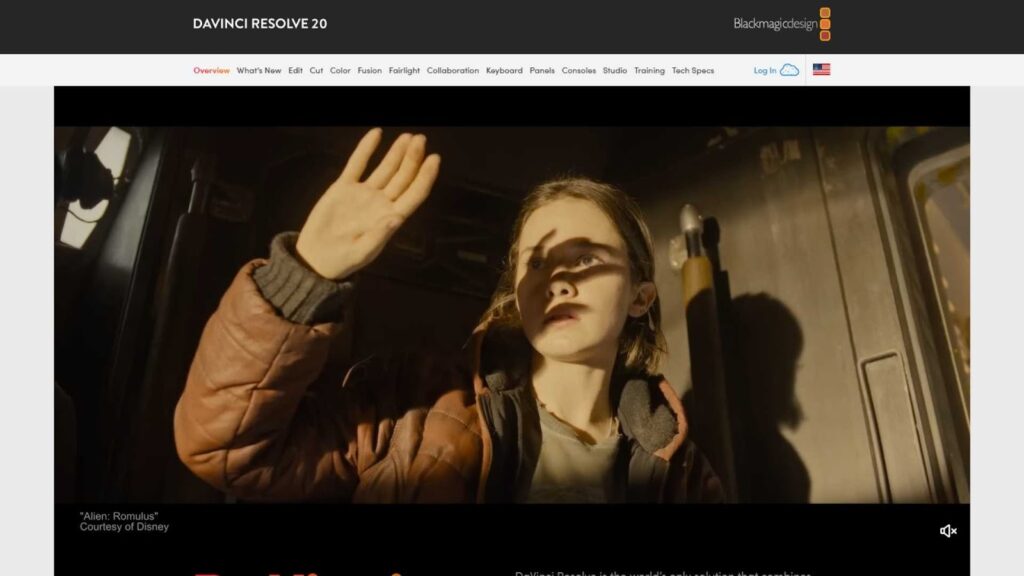
DaVinci Resolve has grown from being a color grading tool into a full professional editing system. Today, many filmmakers consider it one of the Best Video Editing Software for Documentary options available.
One of the biggest advantages of DaVinci Resolve is its powerful color correction tools. If your documentary includes footage from multiple sources, this software makes it easier to create a consistent visual style.
It also offers a free version with many professional features. This makes it very appealing for independent filmmakers or small production teams working on limited budgets.
DaVinci Resolve includes separate workspaces for editing, color, audio, and visual effects. This organized workflow is excellent for documentary projects that require detailed post-production work.
Pros
- Industry-leading color grading tools
- Free version with advanced features
- Integrated audio editing with Fairlight
- Professional-grade editing capabilities
- Regular updates and improvements
Cons
- Steeper learning curve for beginners
- Requires strong hardware for best performance
- Interface can feel complex at first
If color grading is a priority and you want professional tools without high subscription costs, DaVinci Resolve may be the Best Video Editing Software for Documentary for you.
Avid Media Composer
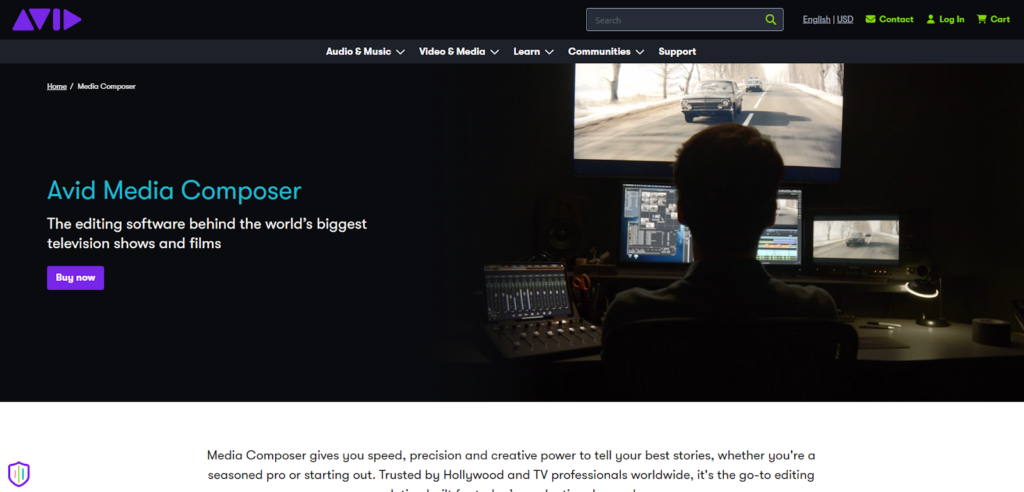
Avid Media Composer has long been a favorite in Hollywood and broadcast television. Many large-scale documentaries and TV documentaries are edited using Avid.
Avid is known for its powerful media management system. When you are working with hundreds of hours of footage, this becomes extremely valuable. It allows detailed organization, tagging, and collaborative workflows.
For large documentary productions with teams of editors, Avid’s shared project capabilities make it one of the Best Video Editing Software for Documentary at the professional level.
Pros
- Excellent media management
- Strong collaboration features
- Trusted in professional film and TV
- Stable for large projects
Cons
- Higher learning curve
- Subscription pricing
- Interface feels less modern compared to competitors
If you are working on a big documentary project with a team, Avid Media Composer can be the Best Video Editing Software for Documentary in a professional environment.
Filmora
Wondershare Filmora is more beginner-friendly compared to other tools on this list. While it may not have all advanced features, it is simple and easy to learn.
For small documentary projects, student films, or YouTube documentaries, Filmora can be a practical choice. It offers drag-and-drop editing, basic color correction, and audio tools.
However, if you are planning a large-scale documentary with complex editing needs, you may outgrow it quickly.
Pros
- Easy for beginners
- Affordable pricing
- Simple interface
- Quick learning curve
Cons
- Limited advanced features
- Not ideal for very large projects
- Fewer professional color grading tools
Filmora can be the Best Video Editing Software for Documentary for beginners who are just starting out and want something simple.
How to Choose the Best Video Editing Software for Documentary
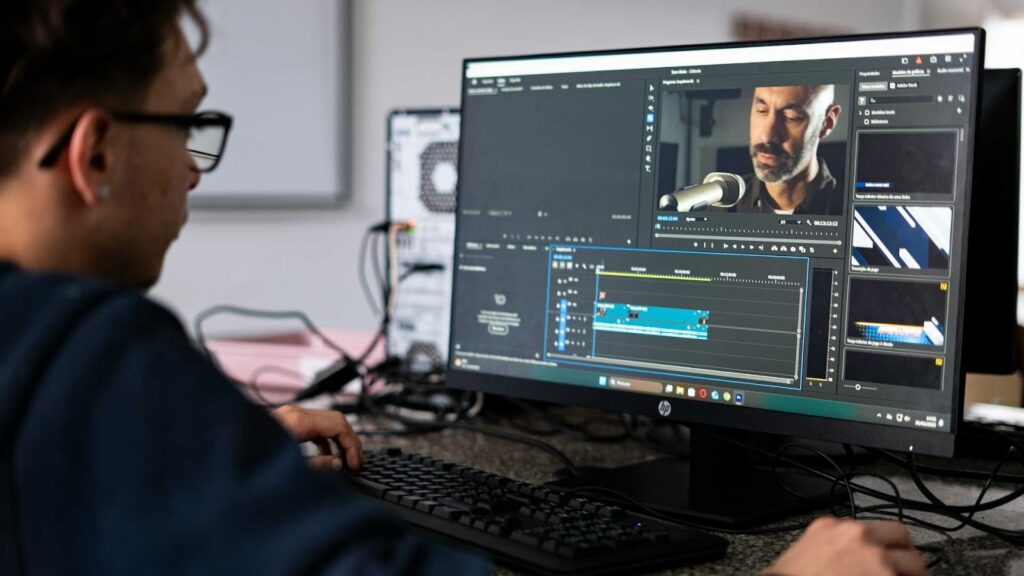
Choosing the Best Video Editing Software for Documentary depends on your experience level, budget, and project size.
If you are a professional filmmaker working on a feature-length documentary, you may need advanced media management, color grading, and collaboration tools. In that case, Premiere Pro, DaVinci Resolve, or Avid Media Composer might be the right fit.
If you are an independent filmmaker or YouTube documentary creator, you might prefer something affordable and easy to use like Filmora or even the free version of DaVinci Resolve.
You should also consider your computer system. Mac users may benefit from Final Cut Pro’s optimization, while Windows users might lean toward Premiere Pro or DaVinci Resolve.
Budget is another important factor. Subscription-based software costs more over time, while one-time purchase options can save money in the long run.
Ultimately, the Best Video Editing Software for Documentary is the one that supports your storytelling without slowing you down.
Final Thoughts: Which Is Truly the Best Video Editing Software for Documentary?
There is no single answer for everyone. The Best Video Editing Software for Documentary depends on your goals.
If you want industry-standard tools and flexibility, Adobe Premiere Pro is an excellent choice.
If you prefer Mac performance and a one-time payment, Final Cut Pro stands out.
If color grading and professional features at a lower cost matter most, DaVinci Resolve is hard to beat.
If you are part of a large production team, Avid Media Composer offers unmatched organization.
If you are a beginner, Filmora keeps things simple.
No matter which tool you choose, remember that software is just a tool. The real power comes from your storytelling skills.
Need Professional Help? Visit Inside Editors
Even with the Best Video Editing Software for Documentary, editing can be time-consuming and complex. If you want your documentary to look polished, professional, and emotionally powerful, getting expert help can make all the difference.
At Inside Editors, we provide high-quality video editing services tailored for documentaries, interviews, and storytelling projects. Our team understands how to organize long footage, enhance audio clarity, and create smooth narrative flow.
Inside Editors is here to transform your raw footage into a powerful documentary that connects with your audience.
Choosing the Best Video Editing Software for Documentary is important. But choosing the right editing partner is even more powerful.
Let us help you tell your story the right way.


