

Sports videography is one of the most exciting and challenging types of video production. Whether you are filming football, basketball, racing, or any fast-paced sport, capturing smooth and sharp footage requires the right camera setup. Many beginners buy great cameras but still struggle to get professional results because they do not understand the Best Camera Settings for Sports Videography.
The truth is that sports are unpredictable. Players move fast, lighting conditions change quickly, and action can happen in a split second. Without the Best Settings for Sports Videography, your footage may look blurry, shaky, or poorly exposed. This is why understanding the correct Sports Videography Settings can make a huge difference in the quality of your final video.
In 2026, modern cameras are more powerful than ever. Mirrorless cameras, DSLRs, and professional camcorders offer advanced autofocus, high frame rates, and incredible stabilization features. But technology alone does not guarantee good results. You still need to know how to configure your camera properly. Learning the Best Camera Settings for Sports Videography helps you capture crisp motion, smooth slow motion clips, and cinematic sports highlights.
Another reason these settings matter is that sports videography is often used commercially. Coaches, sports teams, brands, and media outlets all require professional-quality footage. If you want to attract clients or build a career in sports filming, mastering the Best Settings for Sports Videography is essential.
In this guide, we will explore the most important Sports Videography Settings used by professionals in 2026. You will learn how to adjust frame rate, shutter speed, ISO, autofocus, white balance, and stabilization to capture amazing sports footage. We will also discuss which camera features matter most when choosing equipment for sports videography.
By the end of this article, you will clearly understand the Best Camera Settings for Sports Videography and how to apply them in real-world sports situations.
Why Camera Settings Matter in Sports Videography
Sports move fast. Unlike interviews or studio filming, you cannot ask athletes to repeat a moment. If your camera settings are wrong, you may lose the most important action of the game.
This is why professional videographers always prepare their Sports Videography Settings before the match begins. The right configuration ensures that your camera reacts quickly to sudden motion and changing lighting conditions.
For example, if your shutter speed is too slow, fast movement will appear blurry. If your frame rate is too low, the video may look choppy during action scenes. If your autofocus is not set correctly, your camera may focus on the background instead of the athlete.
Understanding the Best Camera Settings for Sports Videography allows you to avoid these problems. With the correct setup, you can track players smoothly, capture detailed motion, and produce footage that looks professional.
Many sports videographers also shoot with the intention of editing highlights later. Clean footage makes editing much easier. This is another reason why using the Best Settings for Sports Videography is important if you plan to produce high-quality sports videos.
Frame Rate: The Foundation of Sports Videography
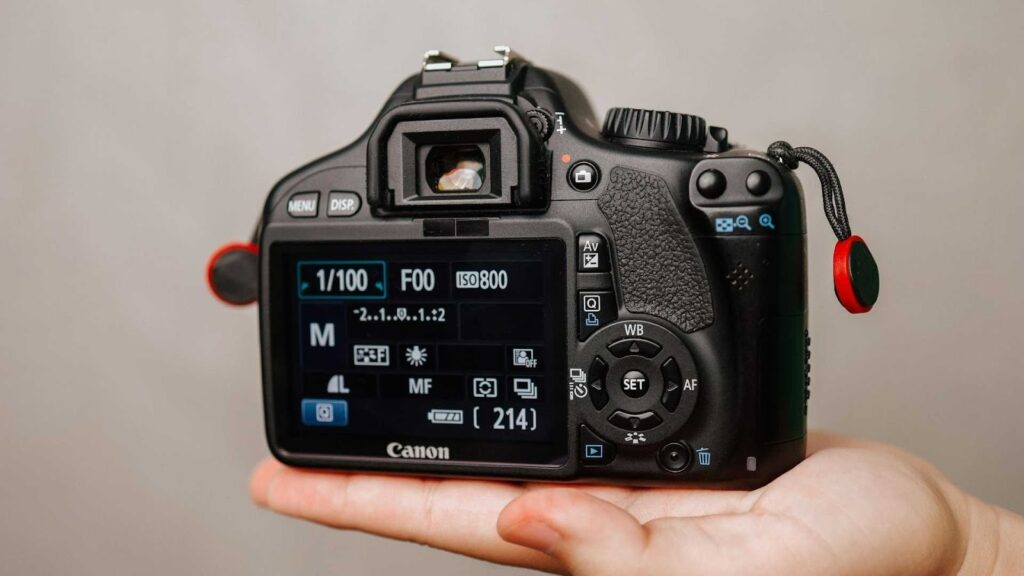
Frame rate is one of the most important Sports Videography Settings. It determines how many frames your camera records per second.
For sports, a higher frame rate usually produces better results because it captures more detail during fast movement. Most professional sports videographers use 60fps or higher when filming games.
Here are the most common frame rate options used in the Best Camera Settings for Sports Videography.
• 30fps – Suitable for general video recording but may struggle with very fast action.
• 60fps – One of the most popular choices for sports videography because it captures smoother motion.
• 120fps – Excellent for slow motion highlights and replay clips.
Using 60fps or 120fps allows videographers to slow down the footage in editing while maintaining smooth motion. This is why many professionals consider high frame rates part of the Best Settings for Sports Videography.
In 2026, many modern cameras even support 240fps recording, which allows for extremely dramatic slow motion clips. However, higher frame rates often require more storage and processing power.
Choosing the correct frame rate depends on your final goal. If you want cinematic highlights, a higher frame rate is often the best option.
Shutter Speed: Controlling Motion Clarity
Shutter speed plays a critical role in determining how motion appears in your video. When filming sports, you want movement to look sharp and natural.
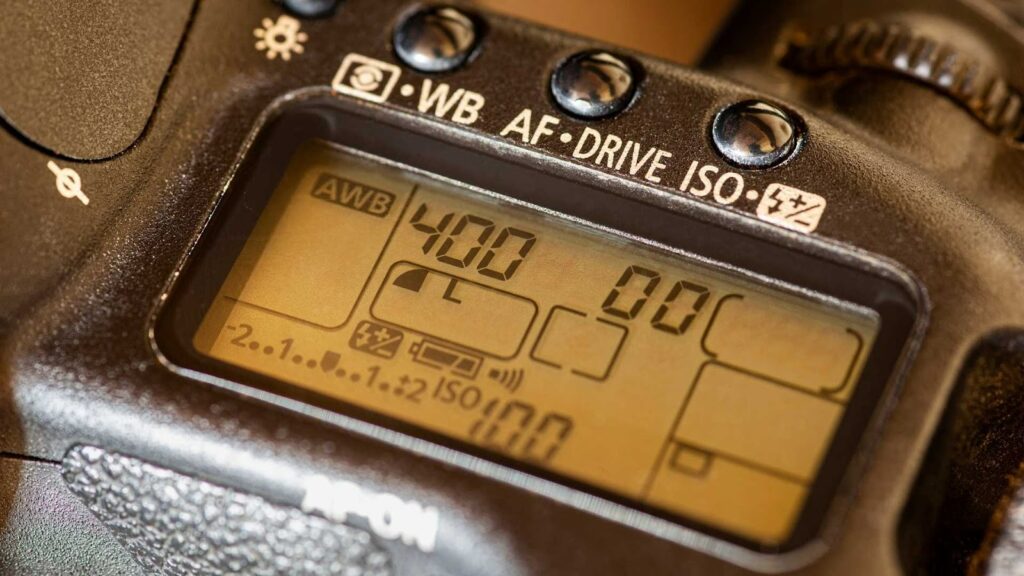
One of the most widely recommended rules in the Best Camera Settings for Sports Videography is the 180-degree shutter rule. This rule suggests setting the shutter speed to roughly double your frame rate.
For example:
• If you shoot at 30fps, use a shutter speed near 1/60.
• If you shoot at 60fps, use around 1/120.
• If you shoot at 120fps, use around 1/240.
Following this rule helps maintain natural motion blur while keeping fast movement clear. This approach is considered one of the most reliable Best Settings for Sports Videography used by professionals.
However, there are times when you may want a faster shutter speed. For example, extreme sports or racing events may benefit from sharper motion capture. Increasing the shutter speed slightly can help freeze fast movement.
The key is finding the balance between clarity and natural motion blur.
ISO Settings for Sports Videography
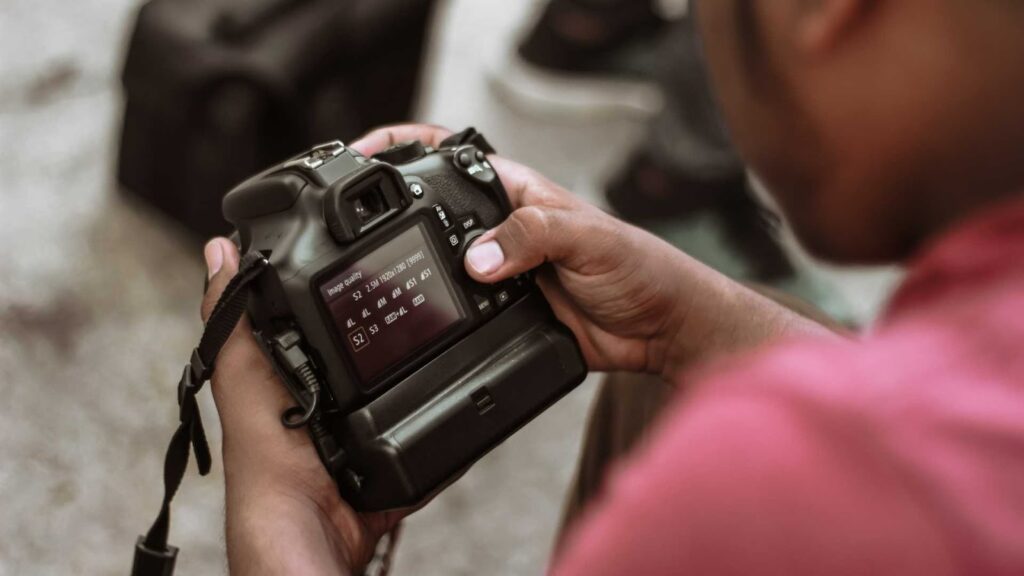
ISO controls how sensitive your camera is to light. This setting becomes very important when filming indoor sports or night games.
When possible, videographers try to keep ISO as low as possible because higher ISO levels introduce noise and grain in the footage. Clean video is essential when trying to achieve the Best Camera Settings for Sports Videography.
Outdoor sports during the daytime usually allow you to keep ISO between 100 and 400. This range provides very clean video quality.
Indoor sports venues often require higher ISO settings because lighting conditions are weaker. In these situations, videographers may increase ISO to 800, 1600, or even higher depending on the camera.
Modern cameras released in 2026 handle high ISO much better than older models. Many mirrorless cameras now produce clean footage even at ISO 3200. This advancement has improved the overall Sports Videography Settings used in challenging lighting conditions.
Understanding how to balance ISO with shutter speed and aperture is an essential part of achieving the Best Settings for Sports Videography.
Aperture and Depth of Field in Sports Videos
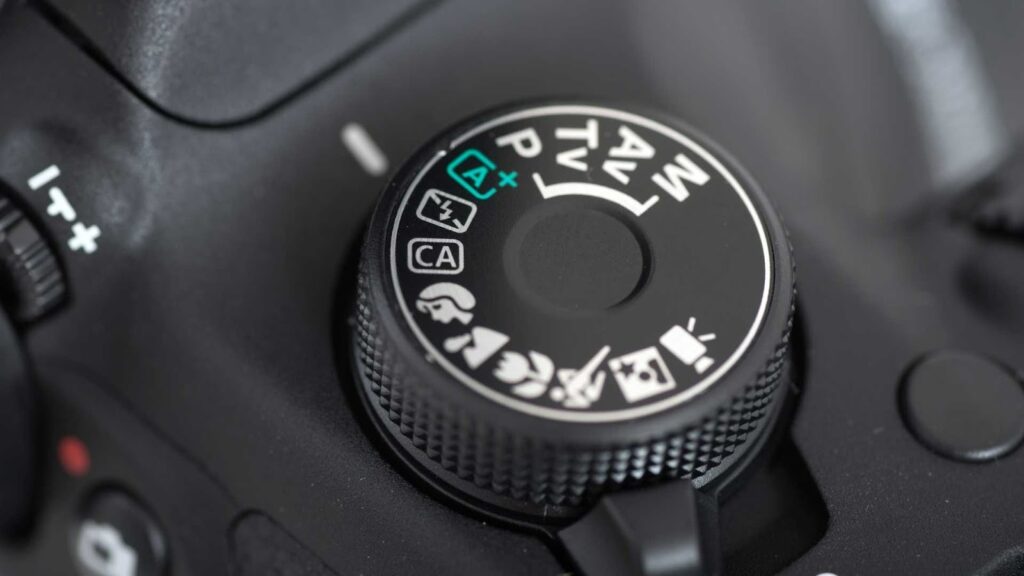
Aperture controls how much light enters the camera and also affects depth of field. When filming sports, aperture choices influence how the athlete stands out from the background.
Many videographers prefer wide apertures such as f/2.8 or f/4 because they create a shallow depth of field. This makes the athlete stand out while the background becomes softly blurred.
However, shooting with extremely wide apertures can make focusing more difficult because the depth of field becomes very narrow. If the athlete moves quickly, they may move out of focus.
Because of this, many professionals consider f/4 to f/5.6 part of the Best Camera Settings for Sports Videography. This range keeps subjects sharp while still providing good background separation.
Outdoor sports typically allow smaller apertures because there is plenty of light available. Indoor arenas may require wider apertures to maintain proper exposure.
Balancing aperture with ISO and shutter speed helps create the ideal Sports Videography Settings for different environments.
Autofocus Settings That Track Fast Action
Autofocus technology has improved dramatically in recent years. Modern cameras can track athletes, vehicles, and even animals with incredible precision.
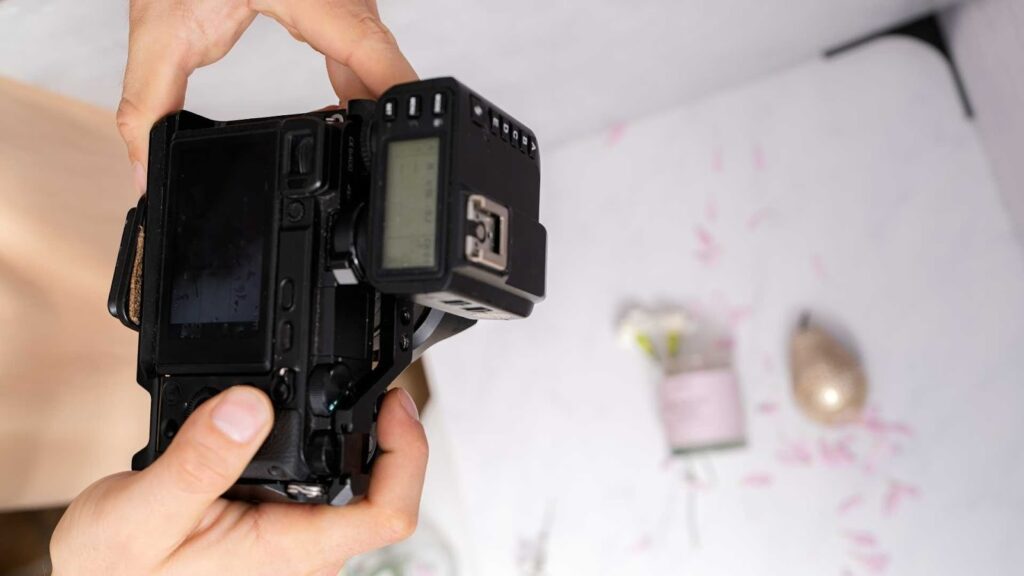
Using the correct autofocus mode is an important part of the Best Camera Settings for Sports Videography. Continuous autofocus is usually the best option because it constantly adjusts focus as the subject moves.
Most sports videographers rely on the following autofocus settings:
• Continuous AF or Servo AF
• Subject tracking or object tracking
• Face or eye detection for close-up sports coverage
These features allow the camera to follow athletes automatically during fast movement. This is especially useful when filming unpredictable sports like soccer or basketball.
Professional cameras released in 2026 now include AI-based tracking systems. These systems recognize subjects and maintain focus even when players move quickly across the frame. Such technology has significantly improved Sports Videography Settings for both beginners and professionals.
White Balance and Color Accuracy
White balance ensures that colors appear natural in your video. Incorrect white balance can make footage look too warm or too blue.
Sports venues often use different lighting types. Stadium lights, indoor LED lighting, and natural sunlight all affect color temperature.
For consistent results, many videographers manually set white balance instead of relying on automatic settings. This approach helps maintain accurate color throughout the recording.
Typical white balance values include:
• 5600K for daylight outdoor sports
• 3200K to 4000K for indoor arenas
• Custom white balance for mixed lighting environments
Using the correct white balance is another key element of the Best Settings for Sports Videography, especially when shooting long games under changing lighting conditions.
Stabilization and Camera Movement
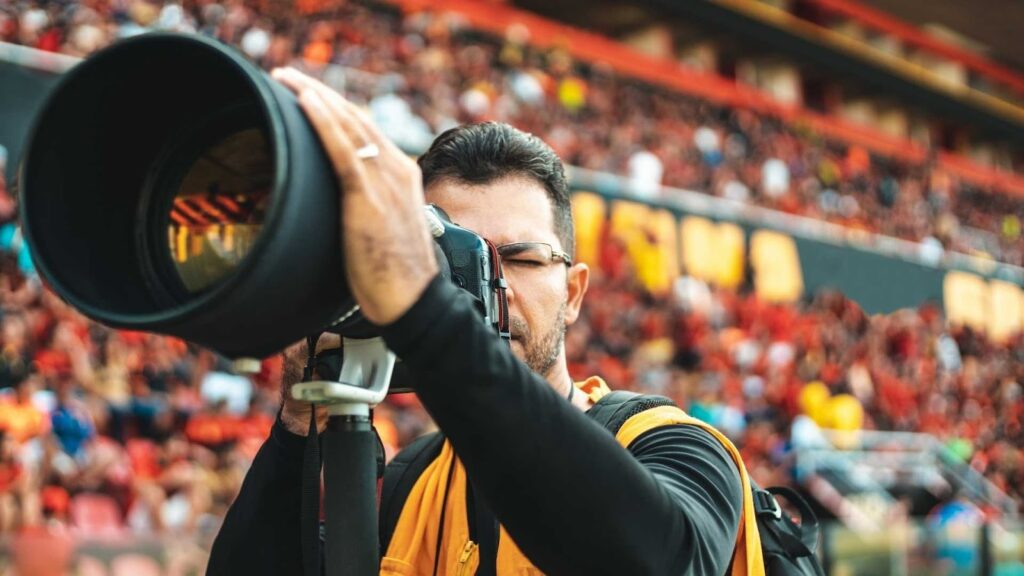
Sports videography often involves tracking fast subjects while moving the camera. Without stabilization, footage may appear shaky or difficult to watch.
Many modern cameras include built-in stabilization systems. These systems reduce shake and make handheld filming much smoother. Optical image stabilization in lenses also contributes to better video stability.
However, professionals often use additional equipment to achieve the Best Camera Settings for Sports Videography and smoother results.
Common stabilization tools include:
• Gimbals for smooth motion tracking
• Monopods for steady long-lens shots
• Tripods for wide stadium angles
Combining good camera settings with proper stabilization helps create footage that looks professional and cinematic.
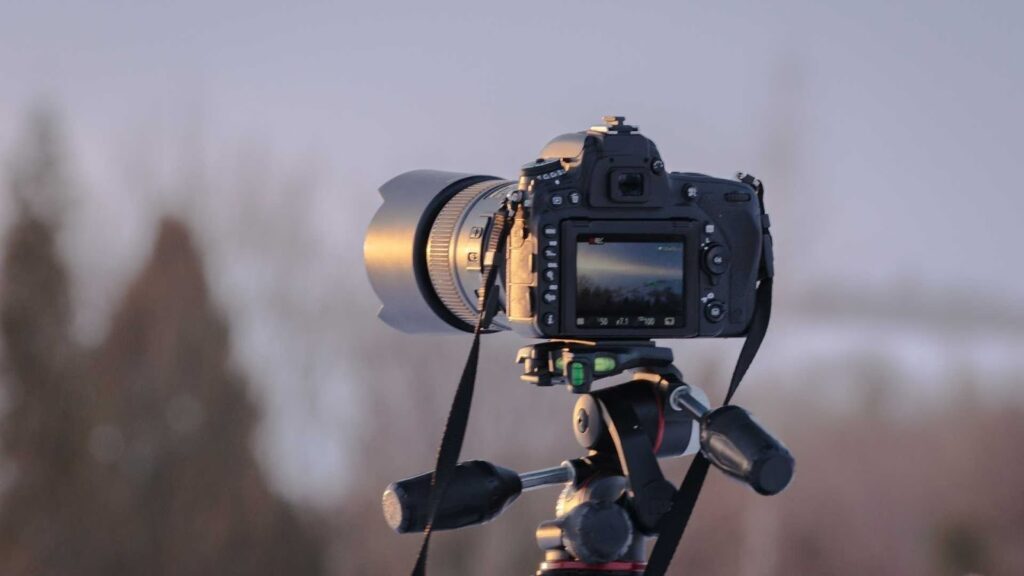
Choosing the Right Camera for Sports Videography
While understanding Sports Videography Settings is important, the camera you use also plays a big role in your results. Modern sports videographers often choose cameras that support high frame rates, fast autofocus, and strong low-light performance.
Popular choices in 2026 include mirrorless cameras from brands like Canon, Sony, and Panasonic. These cameras offer advanced video features and powerful subject tracking systems.
Many professionals also use dedicated camcorders designed for sports broadcasting. These cameras provide long recording times, built-in zoom lenses, and reliable autofocus systems.
When comparing equipment, always look for cameras that allow flexible control over the Best Camera Settings for Sports Videography. Manual control over shutter speed, ISO, and frame rate is essential for achieving consistent results.
Editing Sports Footage for Professional Results
Capturing great footage is only part of the process. Editing plays a huge role in transforming raw clips into exciting sports highlights.
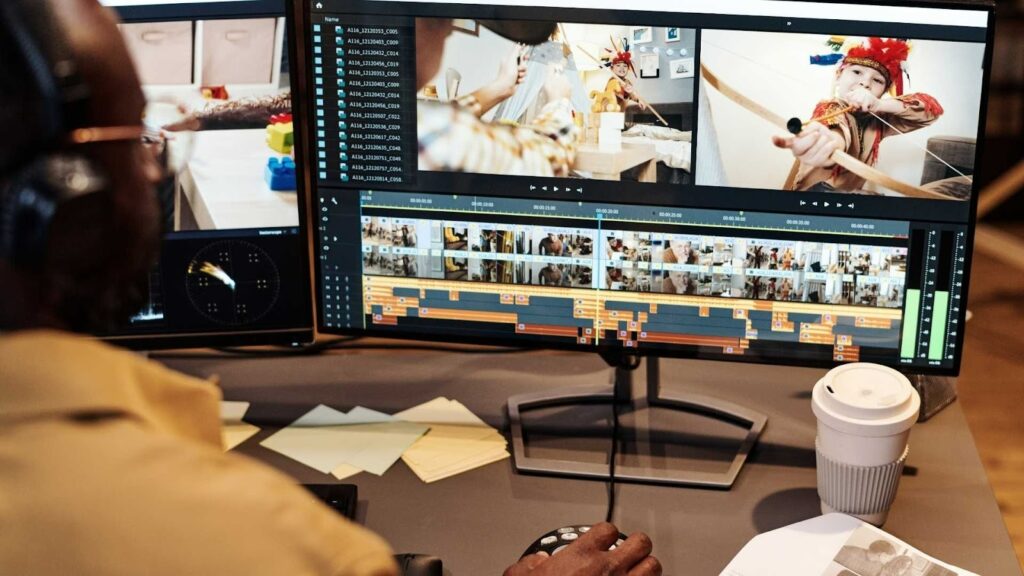
Sports editing often involves trimming fast action moments, adding slow motion, adjusting color, and syncing music with key moments. This process requires skill and experience to produce professional results.
If you film sports regularly, working with professional editors can save a lot of time and significantly improve the final video quality.
That is where our team at Inside Editors can help.
Inside Editors provides professional video editing services designed for content creators, sports videographers, and production teams. Whether you are creating highlight reels, sports documentaries, or promotional videos, our editors can turn raw footage into polished content.
Our team understands the workflow of sports videography and can help bring your footage to life with cinematic editing, color correction, and smooth transitions.
Final Thoughts on the Best Camera Settings for Sports Videography
Sports videography requires preparation, skill, and the right camera configuration. Understanding the Best Camera Settings for Sports Videography allows you to capture fast action clearly while maintaining professional video quality.
The key elements include choosing the right frame rate, using appropriate shutter speeds, managing ISO levels, and selecting reliable autofocus settings. When combined with good stabilization and proper white balance, these adjustments create the ideal Sports Videography Settings for recording exciting sports footage.
As cameras continue to evolve in 2026, new technologies will make sports filming even easier. However, mastering the fundamentals of the Best Settings for Sports Videography will always remain essential.
If you want your sports footage to look truly professional, remember that filming is only half the process. High-quality editing is what transforms raw clips into powerful sports stories.
That is why many videographers trust Inside Editors for professional post-production services.
Visit insideeditors.com today and see how our expert editing team can help you create stunning sports videos that capture every moment of the action.


