

Gaming videos have grown from simple hobby clips into a massive content category watched by millions. Whether you’re creating YouTube walkthroughs, Twitch highlights, or story-driven cinematic edits, the quality of your editing determines how long viewers stay-and whether they come back. In today’s competitive creator landscape, polished editing isn’t optional anymore. It’s your biggest advantage. That’s why understanding gaming video editing, choosing the right tools, and building a smooth workflow can transform your content more than any camera or console ever could.
Before we dive into tools, workflows, and professional options, it helps to understand why editing matters as much as gameplay itself. Over the next sections, we’ll explore how gaming creators can craft better videos, avoid common mistakes, and use editing techniques to stand out-whether you’re doing it yourself or partnering with professionals like Inside Editors.
Understanding What Makes Gaming Video Editing Different
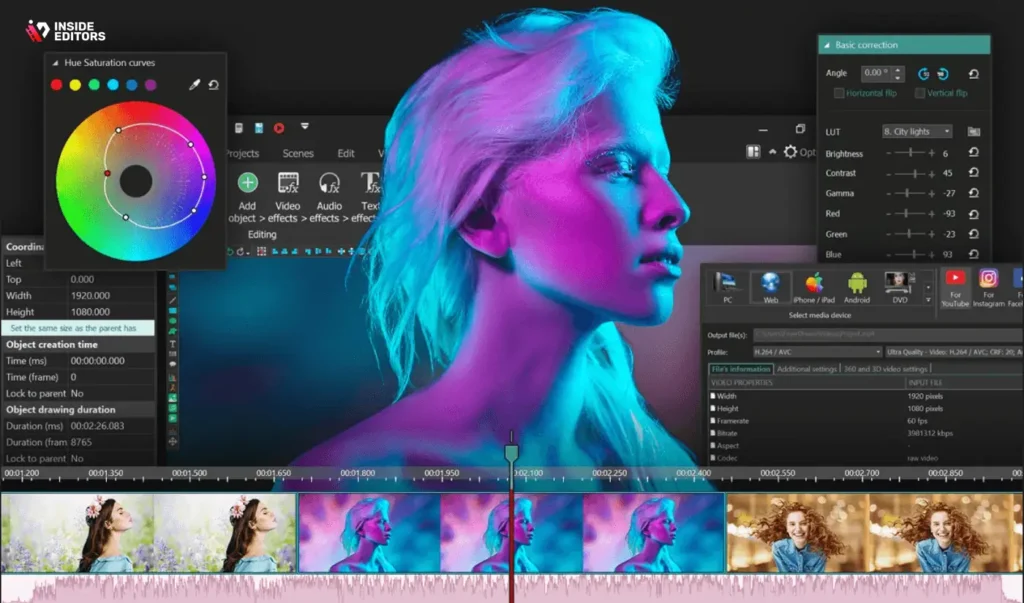
Gaming footage is unique. Unlike traditional video, gameplay isn’t scripted, lighting isn’t controlled, and exciting moments don’t always happen when you want them to. That means editing plays a bigger role, shaping raw gameplay into something entertaining, understandable, and visually polished. If you’ve ever captured hours of footage only to find a handful of watchable moments, you already know how crucial the process is.
Why Raw Gameplay Alone Isn’t Enough to Keep Viewers Watching
Most creators eventually realize that great gameplay doesn’t always translate into great content. Viewers expect tight pacing, smooth transitions, helpful overlays, and reactions synced perfectly with key moments. Without editing, even high-skill gameplay can feel slow or confusing. Editing helps highlight your best moves while removing dull stretches, making every second worth watching.
How Editing Turns Random Clips Into Watchable Stories
One of the strengths of gaming video editing is its ability to shape chaos into a structured narrative. A long match becomes a quick highlight reel. A stream turns into a polished montage. A complex boss fight turns into a clear tutorial. By choosing the right sequences and adding captions, music, and effects, creators guide viewers through the story behind the gameplay. This storytelling aspect is where most creators start developing their personal style.
Why High-Quality Editing Helps Build Your Brand Faster
Professional editing elevates your identity as a creator. Smooth pacing, consistent visual style, branded intros, and clean audio make your content recognizable across platforms. When viewers notice your polish, they assume the rest of your content is high-value too. This builds trust-an essential element if you aim to grow your audience or monetize your channel. Later in this article, when we talk about outsourcing, you’ll see why many successful creators rely on professional editors for this reason.
Choosing the Right Tools for Gaming Video Editing
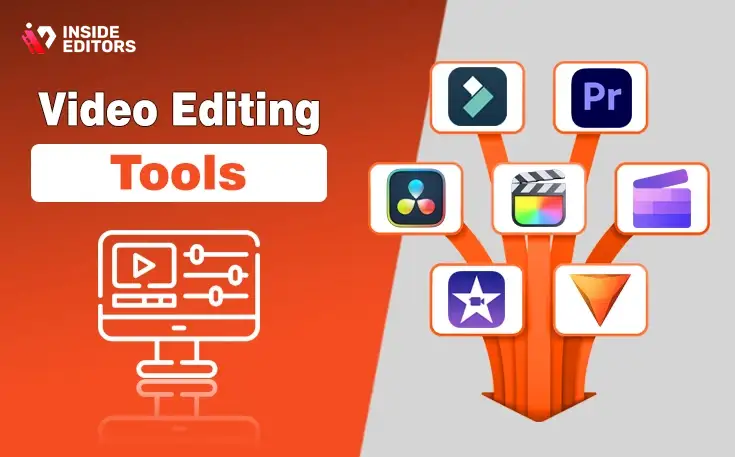
Once you understand why editing matters, the next step is choosing the right software. The tool you use will influence your workflow, the quality of your output, and how much time you spend editing each video. Many creators start with free tools, but as they grow, they often switch to more advanced options for speed and reliability.
The Editing Features That Matter Most for Gameplay Footage
Gaming videos rely heavily on timeline precision and visual clarity. Features like multitrack editing, color correction, motion graphics, and fast rendering make a noticeable difference in the final quality. Tools that allow easy trimming, clipping, and syncing of audio also help streamline your workflow. The more your editor automates repetitive tasks, the more time you save for creativity.
Comparing Beginner, Intermediate, and Professional Software
To help you understand how different tools stack up, here is a quick comparison based on common creator needs:
| Software | Difficulty | Best For | Key Strengths |
| CapCut | Easy | Shorts, TikTok, simple edits | Fast templates, mobile-friendly |
| DaVinci Resolve | Medium | YouTube tutorials, cinematic edits | Color grading, professional tools |
| Adobe Premiere Pro | Medium | Long-form videos, stream highlights | Reliable workflow, integrations |
| Final Cut Pro | Medium | Mac creators | Fast rendering, smooth UI |
| Sony Vegas Pro | Medium | PC creators | Great for gaming timelines |
The best choice often depends on how fast you want to work and how complex your edits need to be. If you’re producing short highlight clips, simple apps may be enough. But if you’re building cinematic game edits with transitions, color grading, or VFX, a more advanced tool pays off quickly.
Why Workflow Matters More Than the Software Itself
Most creators think upgrading software will solve their editing problems, but workflow matters far more. A smooth process-from recording to exporting-saves hours of frustration. Organizing your files, using presets, labeling clips, and pre-building templates for intros or transitions can transform how efficiently you edit. Even the best editing tool can feel slow if your workflow is messy. As we move into the next section, you’ll see how pro editors handle large volumes of gaming footage without burning out.
Developing an Efficient Workflow for Gaming Videos
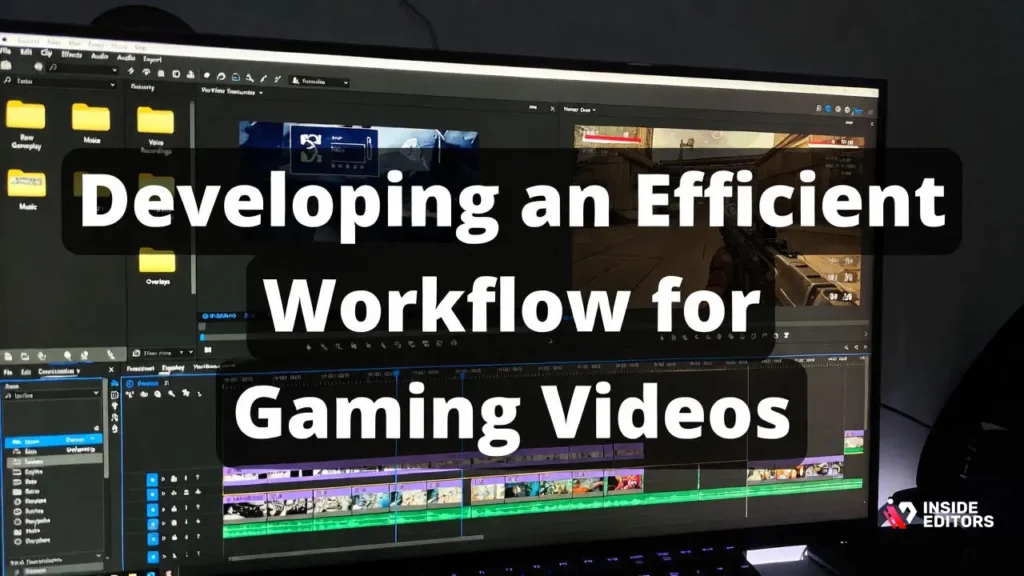
If you’ve ever spent an entire day editing what should have been a simple video, you know how quickly gaming projects can spiral out of control. Learning to structure your workflow from the start can reduce stress and improve consistency.
How to Capture Gameplay Footage That’s Easier to Edit
Good editing starts before you press record. Stable frame rates, clear audio, and proper resolution settings reduce your workload significantly. Recording in consistent quality helps avoid mismatched clips that complicate your timeline. Even using a capture card can make a difference, ensuring smooth footage that renders cleanly during editing.
Organizing Files Like a Professional Editor
Once your footage is recorded, the next step is organizing it. Create folders for raw gameplay, voice recordings, music, and overlays. Use clear file names instead of relying on random timestamps. Professional editors spend more time organizing than most people realize-it prevents confusion and speeds up the entire process.
Using Presets, Templates, and Shortcuts to Save Hours
Small efficiencies add up quickly. Keyboard shortcuts, automation tools, and reusable templates dramatically reduce editing time. Having pre-made transitions, color grades, and sound profiles can turn a multi-hour process into something manageable. This is one of the main advantages of hiring experienced editors-they already have professional templates and workflows ready to use.
Why Many Creators Outsource Their Gaming Video Editing
At some point, growing creators realize they spend more time editing than playing games or planning new content. Outsourcing solves this problem by handing off the editing workload to a professional team. It’s more common than most viewers realize, especially among full-time creators who publish multiple videos per week.
How Outsourcing Helps You Focus on Creating, Not Editing
Editing is rewarding, but it can also be time-consuming. When you outsource, you get those hours back. Instead of spending a whole weekend inside your editing timeline, you can record more gameplay, engage with your audience, or explore new content ideas. Outsourcing is especially helpful for creators who want to upload consistently without burning out.
What Professional Gaming Editors Do That Most Creators Miss
Skilled editors bring a level of polish that’s hard to achieve alone. They refine pacing, structure your footage into a compelling narrative, enhance your audio, and apply consistent branding. They also catch small details-like timing transitions to music or removing awkward pauses-that elevate the viewing experience. Many creators report huge improvements in watch time after working with professional editors.
Inside Editors: A Reliable Partner for Gaming Video Editing
Inside Editors helps creators transform raw footage into engaging, polished videos. Whether you’re producing high-energy montages, story-style walkthroughs, or reaction-based gaming content, our team can help bring your ideas to life. We’ve worked with creators across multiple platforms and understand the unique pacing, style, and personality that gaming videos require.
If you want to explore more, you can check our Gaming Video Editing Services page here:
https://insideeditors.com/gaming-video-editing-services/
How to Make Your Gaming Videos More Engaging
Even with great tools and a solid workflow, your content still needs personality, pacing, and clarity. Engagement is what determines whether viewers watch for 20 seconds or 20 minutes. Many creators focus only on gameplay, but the real difference comes from how you present and guide the experience.
Using Storytelling Techniques to Keep Viewers Interested
Every great gaming video tells a story-even if it’s subtle. It might be the story of an unexpected victory, a funny glitch, or the tension of a high-stakes match. Viewers stay because they want to see what happens next. When you lead with a hook, highlight key moments, and build a satisfying conclusion, your video becomes memorable. This storytelling layer is what transforms a standard highlight into a video people share.
The Simple Edits That Make a Big Difference
Small refinements can elevate your content dramatically. Cutting silence between thoughts, adding background music, and tightening your pacing keep videos fresh and dynamic. Clean audio is especially important; if viewers struggle to hear commentary or gameplay sounds, they lose interest. Even using subtle color grading can make your footage look more polished and professional. These adjustments might seem small individually, but together they help your videos feel intentional and high-quality.
Avoiding the Common Editing Mistakes That Hurt Watch Time
Many creators make similar mistakes early on-overusing transitions, adding too many sound effects, or leaving long unedited stretches of gameplay. While experimenting is part of growth, it’s important to avoid overwhelming your viewers. Good editing supports the content without drawing attention to itself. When in doubt, keep things simple: clean cuts, smooth pacing, and intentional visuals almost always perform better than overly busy edits.
Comparing DIY Editing and Professional Editing Services
As your channel grows, you’ll eventually face a decision: continue editing everything yourself or hire someone to help. Both options have advantages, and choosing the right one depends on your goals, schedule, and budget.
When Editing Yourself Makes the Most Sense
If you’re new to content creation or prefer having full control, editing your own videos can be rewarding. You learn what resonates with your audience and develop a personal style. DIY editing is also ideal for shorter videos or casual clips where speed matters more than perfection. Many creators start here because it’s cost-effective, and modern tools make high-quality editing more accessible than ever.
When Outsourcing Becomes the Smarter Choice
As soon as editing starts limiting your productivity, it might be time to partner with an editor. If you’re spending more time editing than recording-or missing upload schedules because your timeline is overloaded-outsourcing can restore balance. Professional editors also bring experience that takes years to develop. They know how to shape your personality into a polished final product, turning each video into something viewers will remember.
A Quick Look at DIY vs. Professional Editing
To help you compare at a glance, here’s a simple table:
| Factor | DIY Editing | Professional Editing |
| Time Investment | High | Low |
| Cost | Free-Low | Medium |
| Skill Level Required | Beginner to Advanced | None for the creator |
| Consistency | Depends on experience | High |
| Speed of Delivery | Slower | Faster |
| Creativity | Personal style | Expert-driven |
As you decide, reflect on what your time is worth. If you could grow your channel faster by delegating editing, outsourcing becomes a strategic investment rather than an expense.
Advanced Editing Techniques to Level Up Your Content
Once you master the basics, advanced techniques can help your videos look more cinematic and professional. These techniques don’t require expensive tools-just time and practice. However, they do require attention to detail and a clear understanding of your audience.
Using Motion Graphics and HUD-Style Overlays
Gaming content pairs naturally with motion graphics. Elements like animated kill counters, combo meters, or quest markers add personality and clarity. HUD-style overlays replicate in-game visuals, making your edits feel more immersive. When used sparingly, these graphics enhance storytelling and improve viewer immersion without distracting from gameplay.
Color Grading That Enhances Game Atmospheres
Color grading isn’t just for filmmakers. It helps unify scenes recorded at different times, highlight key moments, and add mood. For example, a darker grade can intensify horror gameplay, while a vibrant grade enhances fast-paced action games. Even simple LUTs can elevate your visuals significantly.
Advanced Audio Editing for Clarity and Impact
Viewers forgive imperfect visuals, but they rarely forgive poor audio. Advanced sound design involves balancing music, voice, and in-game effects so nothing feels overwhelming. Soft compression can level volume, EQ can clean up your voice, and carefully chosen sound effects can add punch to key actions. Once you hear well-balanced audio, you’ll never go back to rough commentary tracks again.
Real Examples of How Editing Elevates Gaming Content

Real-world scenarios show how editing changes viewer experience. Many creators who struggled with retention found success after improving pacing and structure. For example, a creator who uploaded unedited streams noticed viewers only watched a few minutes. After switching to polished highlights with commentary overlays, watch time doubled. Another creator saw subscriber growth after adopting consistent branding, transitions, and color grading. These examples show that editing is often the missing link between good content and great content.
Why Editing Helps Build a Loyal Audience
A viewer who enjoys your editing style is more likely to subscribe and return. Consistency in pacing, transitions, and storytelling builds familiarity. Think of your editing style as part of your brand-it’s how viewers recognize your content instantly. Over time, this trust and recognition lead to stronger audience engagement.
When Creators Partner With Inside Editors
Many creators choose Inside Editors because they want reliable, high-quality gaming edits without the stress of doing everything themselves. Our team understands pacing, humor, intensity, and storytelling-essential elements of great gaming content. We’ve helped creators refine their style, increase watch time, and build predictable upload schedules. If you’re looking to elevate your videos effortlessly, partnering with a professional team makes the journey smoother.
If you’d like to explore options, visit:
https://insideeditors.com/gaming-video-editing-services/
Final Thoughts: Becoming a Better Creator Through Stronger Editing
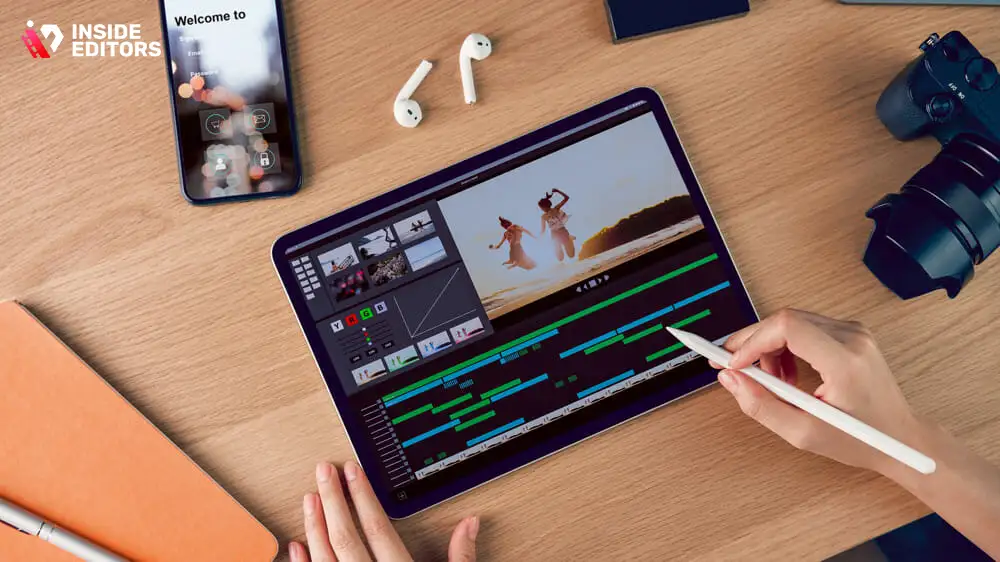
Great editing is one of the fastest ways to level up your gaming content. It helps you tell better stories, retain more viewers, and stand out in a crowded space. Whether you’re doing everything yourself or considering professional help, investing time in your editing skills pays off with every video you publish. By understanding tools, building strong workflows, avoiding common mistakes, and experimenting with advanced techniques, you create videos that feel polished, purposeful, and distinctly yours.
FAQs
Q1. What is gaming video editing and why does it matter?
Gaming video editing is the process of trimming raw gameplay, adjusting audio, adding effects, and shaping a clear storyline viewers can follow. It matters because viewers expect smoother pacing, fewer dull moments, and polished visuals that highlight the best action. Even simple edits-like color grading or clean transitions-can double watch time. Good editing also builds trust in your content quality and helps define your channel’s identity.
Q2. How long does gaming video editing usually take?
A typical gaming edit takes 24-72 hours depending on video length, complexity, and whether you need advanced elements like motion graphics. Rush delivery is often available within 12-24 hours for an additional fee. Complex cinematic edits or multi-camera setups may require more time because they involve syncing audio, color grading, and layered effects. Turnaround also depends on how organized your footage is when you submit it.
Q3. How much does professional gaming video editing cost?
Most gaming video editing services range from $40-$250 per video depending on length, style, and revision policy. Basic highlight cuts cost less, while cinematic edits with VFX or motion graphics cost more. Some services offer flat monthly packages for creators who upload frequently. Always check what’s included-color grading, subtitles, thumbnails, and revisions may be separate add-ons.
Q4. Should I edit gaming videos myself or hire a professional editor?
Editing your own videos is great if you enjoy the creative process and have time to learn the tools. Hiring a professional saves hours each week and ensures consistent quality, especially if you need fast uploads or branded visuals. DIY gives full control but requires patience and practice; pros bring speed, experience, and advanced techniques you may not have. Many creators start DIY and switch to professional editing as their audience grows.
Q5. What should I look for when choosing a gaming video editing service?
Look for editors with gaming-specific experience, clear pricing, unlimited or transparent revision policies, and a portfolio that matches your style. Trust indicators-like client reviews, turnaround guarantees, and privacy protections-are essential when sharing raw gameplay files. A good service should explain what’s included, from sound design to color grading. If possible, compare a sample edit from each provider before choosing.
Q6. Do I keep ownership of my gaming videos after outsourcing?
Yes-reputable editing services ensure you retain 100% ownership of your footage and final videos. Editors work on your content under a service agreement and have no claim to your intellectual property. Make sure the contract states that your assets, branding, and gameplay remain yours. This protects your YouTube monetization and any future commercial use.
Q7. How do revisions work for gaming video editing?
Most professional services include 1-3 free revisions to adjust pacing, effects, or music. Revisions are usually completed within 12-48 hours depending on complexity. Clear revision policies help you avoid surprise fees-especially if you want changes to titles, memes, or commentary sync. The best editors encourage detailed notes to speed up the revision cycle.
Q8. What files do I need to provide for gaming video editing?
You should submit your raw gameplay footage, commentary tracks, music preferences, and any branding assets like logos or intros. Many editors accept cloud upload links for convenience. Clear labeling of clips helps reduce time spent organizing and ensures more accurate results. If you’re unsure what to send, most services provide a simple upload checklist.


