

Choosing the best laptop for podcasting and video editing can feel confusing, especially when every brand claims to be “the fastest” or “perfect for creators.” If you’re a podcaster, YouTuber, or video editor, you already know your laptop is not just a device -it’s your main work partner. A slow system can ruin your workflow, delay exports, and make editing frustrating instead of fun.
The good news is that you don’t need to buy the most expensive machine on the market to get professional results. Today, there are excellent laptops available at different price levels that can easily handle audio recording, video editing timelines, effects, color grading, and exporting. What matters most is choosing the right balance of processor power, RAM, storage, graphics performance, and display quality based on your work style.
In this guide, we’ll walk through everything you need to know to choose the best laptop for podcasting and video editing, whether you’re just starting out or upgrading to a high-end setup. I’ll explain what specs actually matter, which laptops are best for different budgets, and how these machines perform in real-world creative tasks. This article is written in a simple, friendly way, so you don’t need to be a tech expert to understand it.
By the end, you’ll have a clear idea of which laptop fits your needs and budget -and how to get the most out of it for podcasting and video editing.
What Makes the Best Laptop for Podcasting and Video Editing?
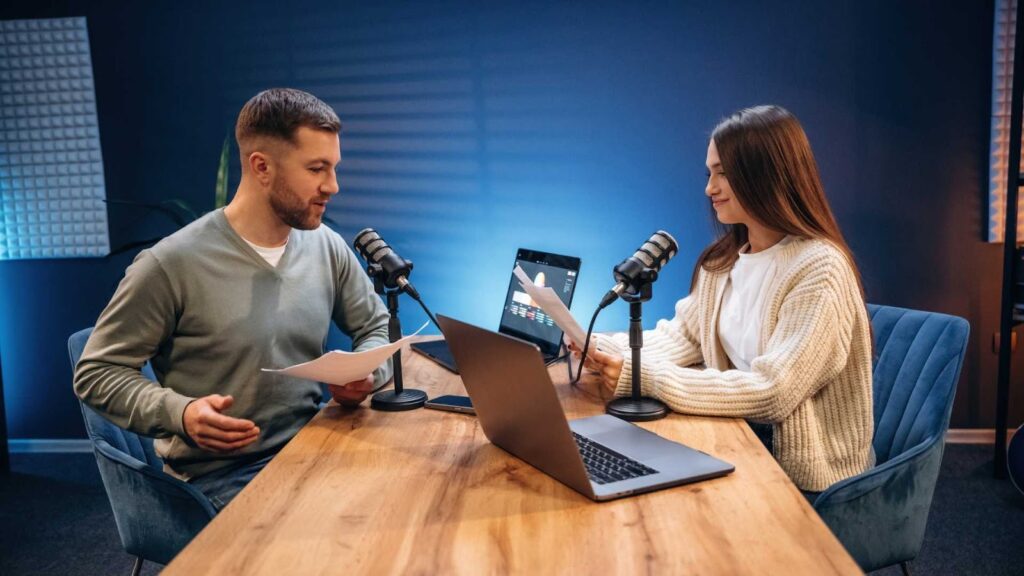
Before looking at specific laptops, it’s important to understand what actually makes a laptop good for creative work. Podcasting and video editing are both demanding tasks, but they stress your system in slightly different ways.
Podcasting relies heavily on stable performance, fast storage, and enough RAM to handle multiple audio tracks, plugins, and background apps. Video editing adds another layer of complexity, requiring strong CPU and GPU power to smoothly play timelines, apply effects, and render videos without lag.
The best laptop for podcasting and video editing should feel fast, responsive, and reliable even during long editing sessions. It should also have a good screen so you can accurately see colors and details, especially if you create video content for clients or platforms like YouTube.
How to Choose the Best Laptop for Podcasting and Video Editing
With so many options, choosing the Best Laptop for Podcasting and Video Editing really comes down to how you work. If your focus is mainly podcasting, you don’t need extreme graphics power, but you do need reliability, enough RAM, and fast storage. For video editing, especially in 4K, stronger CPUs and dedicated GPUs make a noticeable difference.
Portability is another factor. If you travel often or work remotely, lighter laptops like the MacBook Air or HP Spectre x360 make sense. If you mostly work from one place and want maximum performance, laptops like the MacBook Pro, Lenovo Legion Pro, or ASUS ROG Zephyrus G14 are better choices.
It’s also smart to think long-term. Buying slightly more power than you need today helps your laptop stay relevant as your content grows more complex.
Apple MacBook Air M2
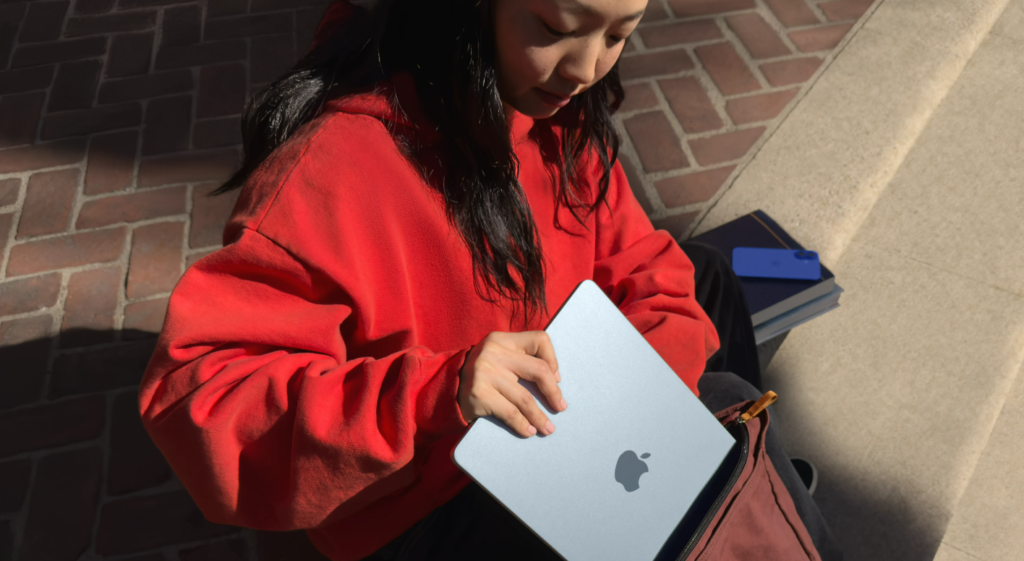
The Apple MacBook Air M2 is often the first serious laptop many podcasters and beginner video editors consider. It’s thin, silent, and surprisingly powerful for its size. Apple designed the M2 chip specifically for creative workloads, and it shows in day-to-day performance.
What makes this laptop special is how smooth it feels. Editing audio, cutting clips, adjusting levels, and even light video editing feels effortless. For podcasters who record long sessions or edit multiple episodes per week, the MacBook Air stays fast without overheating or making noise. It’s especially attractive if you work in cafés, shared spaces, or while traveling.
Pros
- Excellent battery life
- Silent fanless design
- Sharp and color-accurate display
Cons
- Limited power for heavy video effects
- Base storage fills quickly
- Not ideal for long 4K projects
In real-world podcasting, this laptop performs beautifully. Apps like GarageBand, Logic Pro, Adobe Audition, and Audacity run smoothly. For video editing, it handles 1080p projects and light 4K edits well, especially in Final Cut Pro. Export times are reasonable, though not blazing fast.
If your main focus is podcasting with some video content for YouTube or social media, the MacBook Air M2 is still a strong contender for the Best Laptop for Podcasting and Video Editing in the entry-level category.
Apple MacBook Pro M3
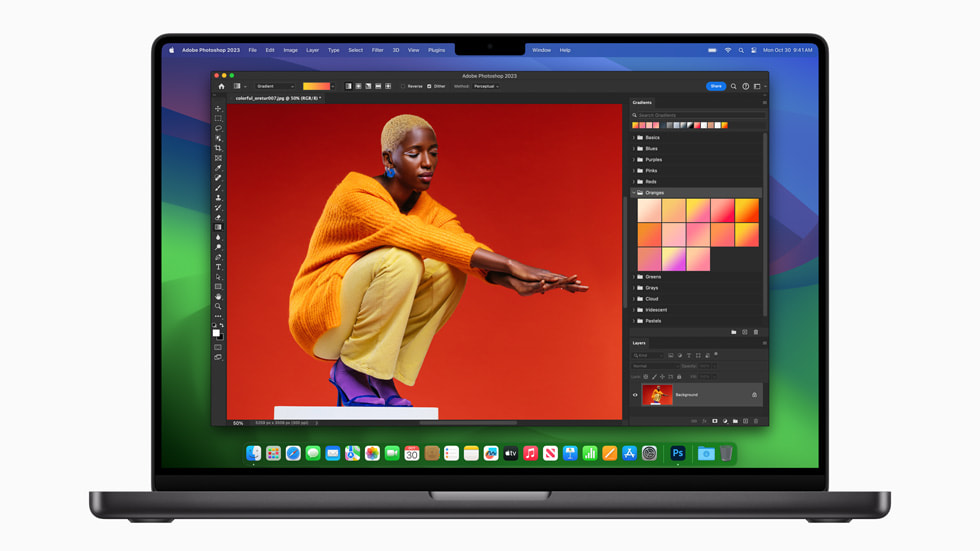
The MacBook Pro M3 is built for creators who want power without compromise. This is not just a faster MacBook Air – it’s a workstation-level laptop designed for serious audio and video professionals.
For podcasters, this laptop feels rock solid. You can stack plugins, run noise reduction, EQ, compression, and background apps without worrying about slowdowns. For video editors, the difference becomes even more obvious when working with 4K footage, color grading, and effects-heavy timelines.
Pros
- Extremely fast performance
- Long battery life under heavy load
- Industry-leading display quality
Cons
- Expensive compared to most laptops
- Limited upgrade options
- Fewer ports on some models
The display alone makes a big difference. Colors look accurate, highlights are bright, and details are clear. This helps both audio editors who work visually with waveforms and video editors who care about color accuracy.
If you want a laptop that will last for years and handle demanding workloads without stress, the MacBook Pro M3 is easily one of the Best Laptop for Podcasting and Video Editing options available today.
Dell XPS 15
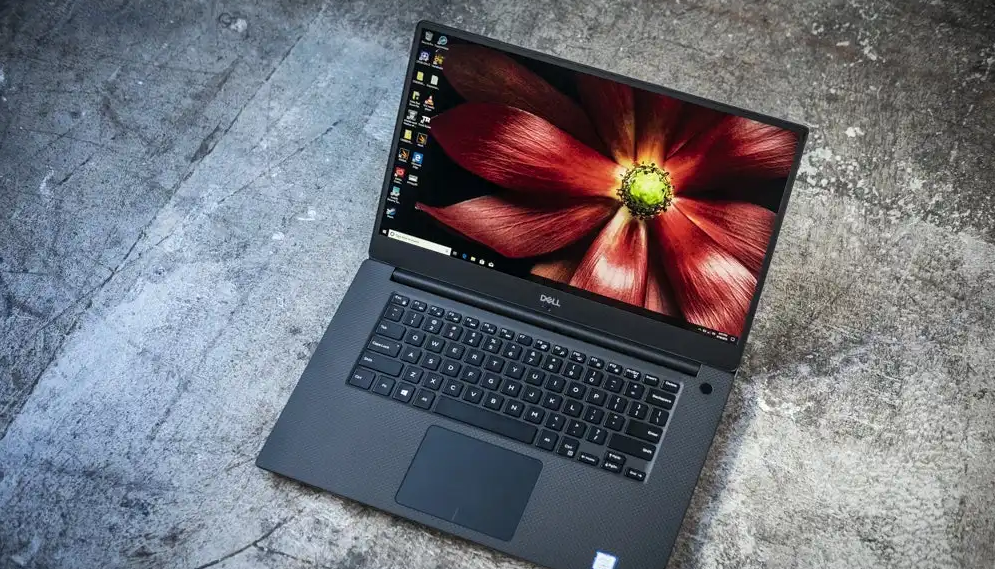
The Dell XPS 15 is one of the most respected Windows laptops for creative professionals. It offers a premium feel while still delivering serious performance for both podcasting and video editing.
This laptop shines in flexibility. You can configure it with powerful Intel processors and dedicated NVIDIA graphics, which gives it an advantage in GPU-accelerated video editing tasks. For creators who use Adobe Premiere Pro, After Effects, or DaVinci Resolve on Windows, this laptop feels fast and reliable.
Pros
- High-resolution display options
- Strong CPU and GPU performance
- Premium design and build quality
Cons
- Battery life varies by configuration
- Can run warm under heavy loads
- Higher price than budget models
For podcasting, the Dell XPS 15 handles large sessions smoothly and exports audio quickly. For video editors, the dedicated GPU helps with effects, transitions, and rendering. The keyboard and trackpad are also comfortable, which matters during long editing sessions.
For Windows users looking for the Best Laptop for Podcasting and Video Editing, the Dell XPS 15 remains a top-tier choice.
ASUS ROG Zephyrus G14
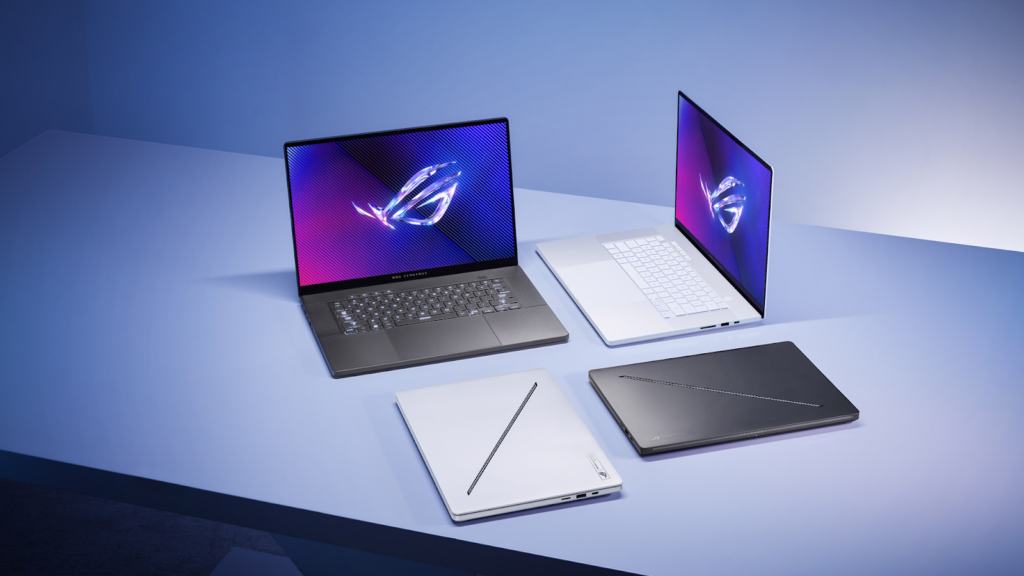
The ASUS ROG Zephyrus G14 is proof that gaming laptops can be excellent creative machines. While it’s marketed toward gamers, its powerful hardware makes it very attractive for video editors and podcasters who need extra performance.
This laptop is especially good for creators who work with demanding video projects. High-resolution footage, motion graphics, and GPU-heavy effects feel much smoother on this machine than on traditional ultrabooks.
Pros
- Powerful CPU and GPU combination
- Compact size for its performance level
- Great cooling for long sessions
Cons
- Battery life is average
- Display isn’t fully color-focused
- Heavier than thin creator laptops
For podcasting, performance is effortless. For video editing, the dedicated GPU makes a noticeable difference in preview smoothness and export speed. If you create gaming content, tutorials, or high-energy videos, this laptop offers excellent value.
The Zephyrus G14 is a strong pick for creators who want raw power and still want a Best Laptop for Podcasting and Video Editing that doesn’t feel bulky.
HP Spectre x360
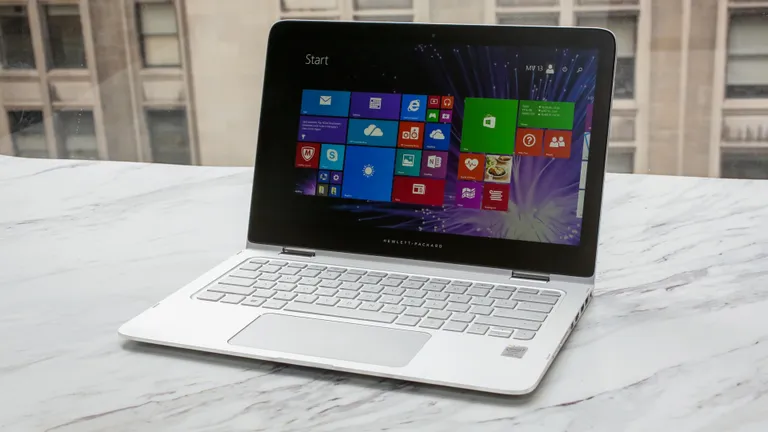
The HP Spectre x360 is a favorite among creators who want flexibility without sacrificing performance. This is a premium convertible laptop, meaning you can use it as a traditional laptop or flip it into tablet mode. For podcasters and video editors who like to review edits, annotate scripts, or do light touch-based work, this flexibility can be surprisingly useful.
In daily use, the Spectre x360 feels fast and refined. It handles podcast editing smoothly and performs well for light to medium video editing tasks. While it’s not designed for extremely heavy visual effects, it’s excellent for creators who focus on talking-head videos, tutorials, interviews, and social media content.
Pros
- Beautiful high-resolution display
- Flexible 2-in-1 design
- Lightweight and premium build
Cons
- Not ideal for very heavy video effects
- Integrated graphics only
- Price is higher for top configurations
For podcasting, this laptop is quiet, reliable, and comfortable for long editing sessions. Audio tools run smoothly, and multitasking feels effortless with enough RAM. For video editing, it’s best suited for 1080p and moderate 4K workflows rather than complex cinematic projects.
If you value portability, style, and flexibility, the HP Spectre x360 can still be a smart choice for the Best Laptop for Podcasting and Video Editing, especially for solo creators and educators.
Lenovo Legion Pro 5
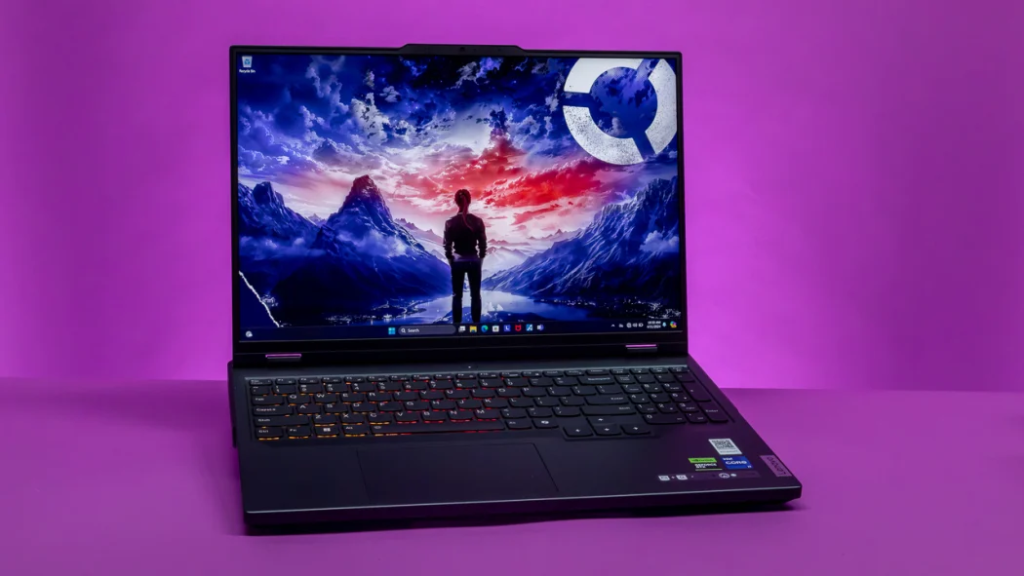
The Lenovo Legion Pro 5 is another gaming laptop that quietly excels at creative work. It doesn’t look overly flashy, but under the hood it packs serious power. This makes it a great option for video editors who need strong performance but want better value than ultra-premium creator laptops.
What stands out immediately is how well this laptop handles sustained workloads. Long exports, heavy timelines, and GPU-accelerated effects don’t slow it down easily. For creators who regularly edit long videos or work with multiple layers, this reliability is a big advantage.
Pros
- Excellent performance for the price
- Strong cooling system
- Dedicated GPU for video editing
Cons
- Heavier than ultrabooks
- Battery life is average
- Design is more functional than stylish
For podcasting, performance is more than enough, even with complex sessions and plugins. For video editing, the Legion Pro 5 shines in Adobe Premiere Pro and DaVinci Resolve, offering smooth playback and fast exports.
If you want raw performance and value, the Lenovo Legion Pro 5 is a strong contender for the Best Laptop for Podcasting and Video Editing, especially for creators who care more about power than portability.
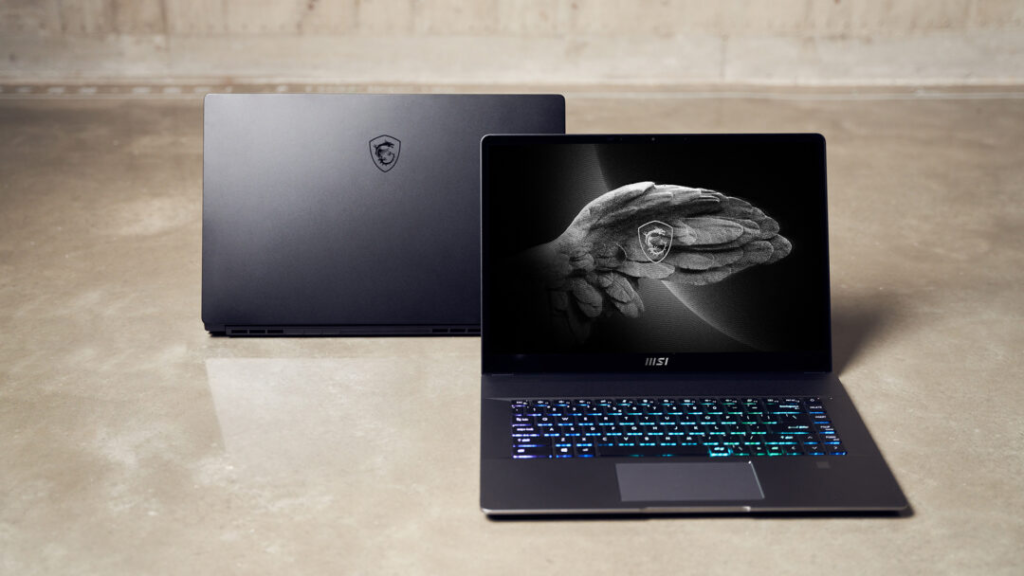
MSI Creator Z16
The MSI Creator Z16 is designed specifically for creators, and that focus shows in both performance and display quality. Unlike gaming laptops, this machine balances power with color accuracy, making it appealing for professional video editors.
This laptop feels solid and professional. It’s built for people who spend hours editing audio and video every day. The screen is one of its strongest features, offering excellent color accuracy that helps with color grading and visual consistency.
Pros
- Creator-focused performance
- High-quality color-accurate display
- Strong CPU and GPU options
Cons
- Battery life could be better
- Runs warm under heavy load
- Premium pricing
For podcasting, the Creator Z16 offers stable, quiet performance and handles large projects with ease. For video editing, the dedicated GPU and powerful CPU allow for smooth previews, fast rendering, and reliable multitasking.
If color accuracy and professional-level performance matter to you, the MSI Creator Z16 deserves serious consideration as a Best Laptop for Podcasting and Video Editing option.
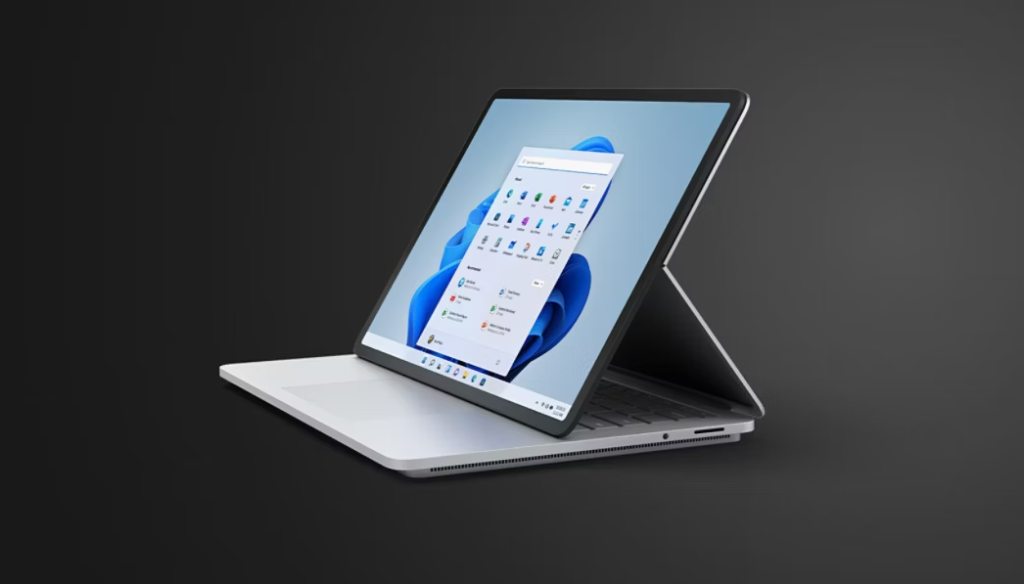
Microsoft Surface Laptop Studio
The Microsoft Surface Laptop Studio is one of the most unique laptops on this list. Its flexible design allows you to pull the screen forward into a creative mode, making it ideal for editors who like hands-on interaction.
This laptop is especially appealing to creators who do a mix of podcasting, video editing, and visual work. The design encourages creativity, and the performance is strong enough for professional workloads, especially in audio editing and moderate video production.
Pros
- Unique and flexible design
- Excellent build quality
- Smooth performance for creative apps
Cons
- Expensive for its specs
- Limited port selection
- Not the most powerful GPU
Podcast editors will appreciate how responsive and stable this laptop feels during long sessions. Video editors working on tutorials, interviews, or short-form content will find it very comfortable to use, especially with touch-based controls.
For creators who value design, workflow comfort, and versatility, the Surface Laptop Studio can still be considered a Best Laptop for Podcasting and Video Editing, particularly for hybrid creative work.
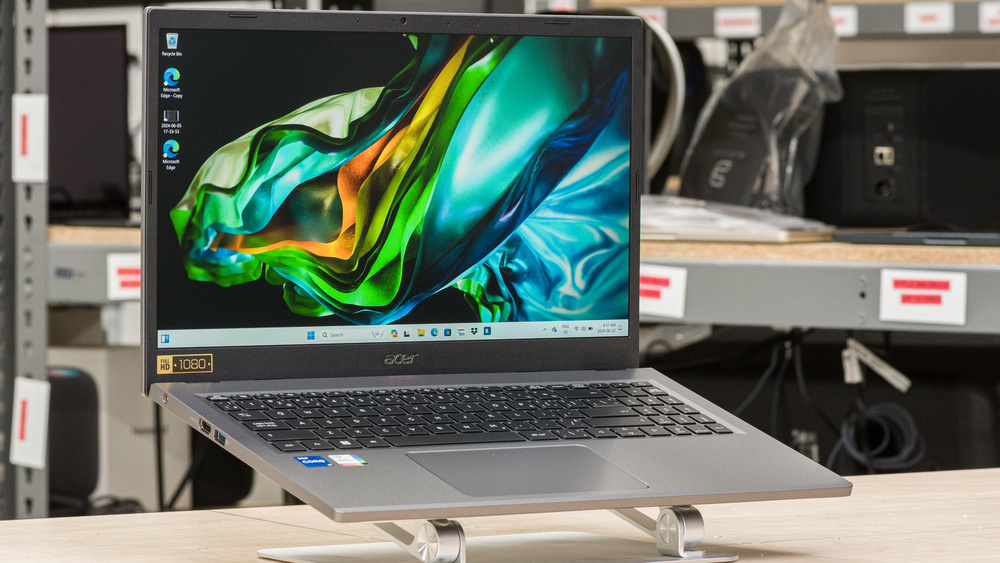
Acer Aspire 5
The Acer Aspire 5 is one of the most popular laptops among beginners, and for good reason. It’s affordable, widely available, and capable enough to handle podcasting and light video editing without overwhelming new creators. This is the kind of laptop people buy when they want to start creating content without a big upfront investment.
In real-world use, the Aspire 5 feels simple and dependable. Podcast recording and editing work smoothly, especially when paired with fast SSD storage and enough RAM. While it’s not built for heavy visual effects or long 4K timelines, it performs well for basic YouTube videos, interviews, and short-form content.
Pros
- Affordable and beginner-friendly
- Good CPU performance for the price
- Lightweight and easy to carry
Cons
- Average display quality
- Limited graphics power
- Not ideal for advanced video editing
For podcasting, this laptop is more than enough for recording, editing, and exporting episodes. For video editing, it works best for simple edits, talking-head videos, and social media clips. If you’re just starting out and want a safe entry-level option, the Acer Aspire 5 can still be considered a budget Best Laptop for Podcasting and Video Editing choice.
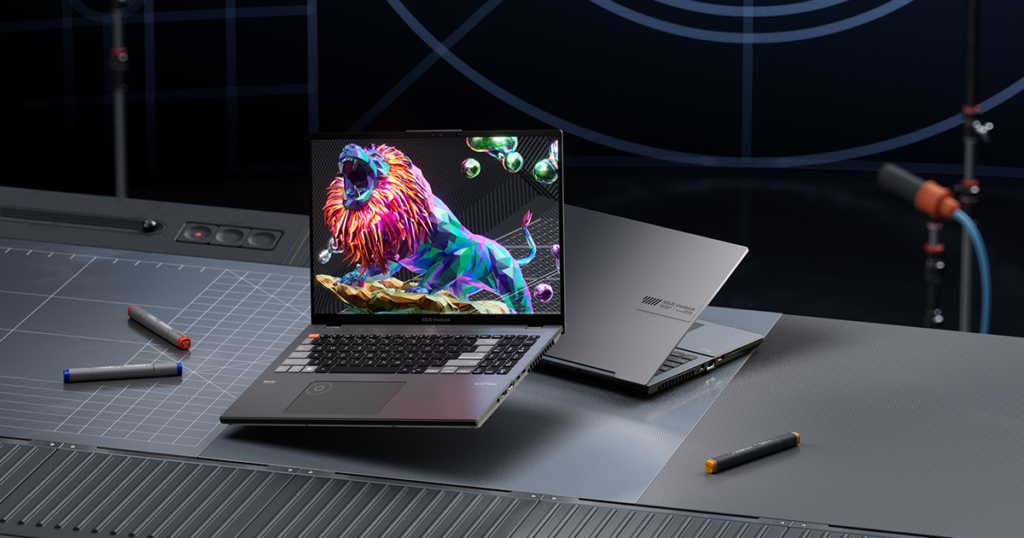
ASUS Vivobook Pro 16X
The ASUS Vivobook Pro 16X is designed for creators who want a large screen and strong performance without paying premium workstation prices. It sits nicely between mid-range and high-end laptops, making it attractive for growing podcasters and video editors.
The first thing you notice is the large, high-resolution display. This gives you more space for timelines, tracks, and panels, which makes editing feel less cramped. Combined with strong CPU options and dedicated graphics on many models, this laptop handles demanding workloads comfortably.
Pros
- Large, sharp display
- Strong performance for editing
- Good value for creators
Cons
- Not very portable
- Battery life is average
- Build quality isn’t ultra-premium
For podcast editing, the Vivobook Pro 16X feels fast and stable even with long sessions. For video editing, it handles 4K timelines, effects, and color grading much better than basic laptops. If screen size matters to you, this laptop is a serious contender for the Best Laptop for Podcasting and Video Editing in the value-performance category.
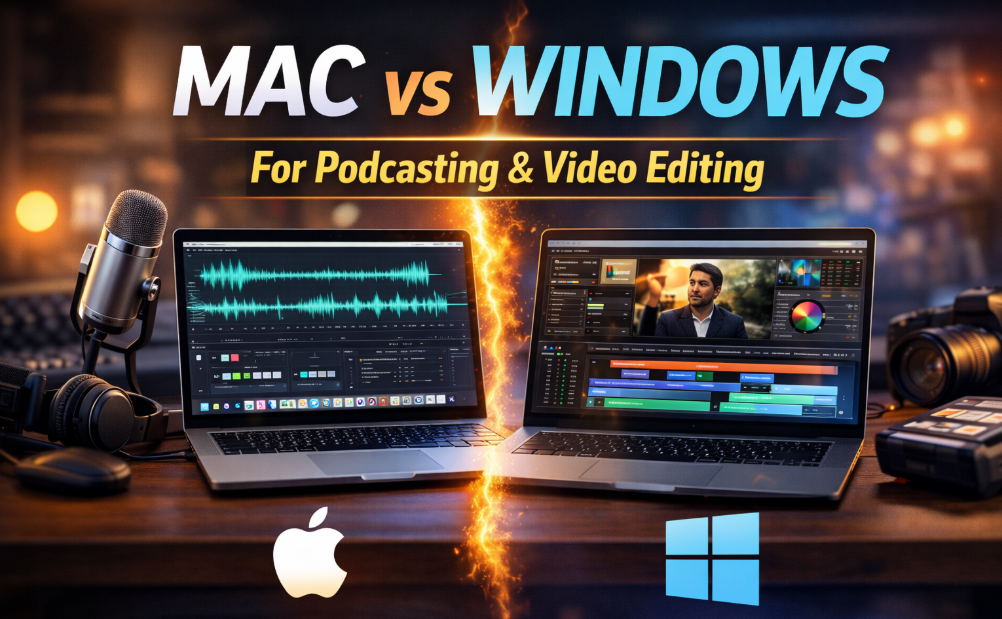
Mac vs Windows for Podcasting and Video Editing
This question comes up all the time, and the honest answer is that both platforms are excellent. MacBooks are known for stability, battery life, and optimized creative software. Windows laptops offer more variety, customization, and often better value for raw performance.
If you use Final Cut Pro or Logic Pro, Apple laptops are the obvious choice. If you prefer Adobe Premiere Pro, After Effects, or DaVinci Resolve, Windows laptops with dedicated GPUs can offer excellent performance.
No matter the platform, the Best Laptop for Podcasting and Video Editing is the one that fits your workflow, not just your budget.
Final Thoughts Before You Buy
Your laptop is the foundation of your creative work. A good one saves time, reduces frustration, and lets you focus on storytelling instead of technical issues. Whether you choose a budget laptop or a premium machine, the goal is the same: smooth editing, fast exports, and reliable performance.
Remember, even the best laptop doesn’t automatically guarantee perfect results. Skills, consistency, and workflow matter just as much.
Need Professional Help With Video Editing?
If you want to focus more on creating content and less on editing, Inside Editors is here to help. We provide professional video editing services for podcasters, YouTubers, content creators, and businesses. Whether you need clean cuts, advanced edits, or full post-production support, our team delivers high-quality results that save you time and effort.
Many creators combine the Best Laptop for Podcasting and Video Editing with professional editing support from Inside Editors to scale faster and produce better content without burnout.


