

Traveling with a camera is exciting. Traveling with heavy, slow, or unreliable editing equipment is not. If you create videos on the go, your laptop becomes your mobile studio. It needs to be fast, lightweight, color-accurate, reliable, and powerful enough to handle 4K footage, effects, and long rendering sessions without slowing you down or overheating in a hotel room.
Choosing the Best Laptop for Travel Video Editing in 2026 is more important than ever. Video files are larger, software is more demanding, and audiences expect higher quality than before. At the same time, creators want to travel lighter, work faster, and publish content from anywhere in the world.
This guide is written to help you make a confident buying decision. We will compare the most practical laptop options for travelers, explain what truly matters in real-world video editing, and help you avoid expensive mistakes. Whether you are a YouTuber, travel filmmaker, content creator, digital nomad, or agency editor working remotely, this article will give you clear direction.
We will focus on performance, portability, battery life, screen quality, thermals, and long-term value. And yes, we will talk honestly about what specs you actually need and which ones are marketing hype.
Let’s begin with the most important question.
Why Choosing the Best Laptop for Travel Video Editing Matters
Video editing is one of the most demanding tasks a laptop can handle. When you add travel into the equation, the difficulty doubles. You are working in airports, cafés, hotel rooms, coworking spaces, and sometimes even cars or trains. You cannot afford crashes, lag, color inaccuracy, or slow exports when deadlines are tight.
The Best Laptop for Travel Video Editing should allow you to edit smoothly without feeling like you are carrying a brick in your backpack. It should boot quickly, open large projects without freezing, and export videos while staying cool and quiet.
Many creators make the mistake of buying gaming laptops that are powerful but heavy, loud, and have poor battery life. Others choose ultra-thin laptops that look beautiful but struggle with real editing workloads. The right choice sits in the middle: powerful enough for professional editing but optimized for mobility.
In 2026, editing software like Premiere Pro, DaVinci Resolve, Final Cut Pro, and After Effects rely heavily on GPU acceleration, fast storage, and high-efficiency CPUs. That means the laptop you choose today will shape your workflow for years.
When people search for the Best Laptop for Travel Video Editing, they are usually looking for three things:
Performance that handles modern video formats
Portability that does not break their back
Reliability that protects their work
If even one of these is missing, frustration follows.
What Makes a Laptop Truly Great for Travel Video Editing
Before looking at specific models, it is important to understand what separates an average laptop from the Best Laptop for Travel Video Editing.
First, performance must be consistent, not just impressive on paper. A laptop that boosts high for five minutes and then throttles is not helpful when exporting a 20-minute 4K video.
Second, the screen must be accurate. Color grading on a poor display leads to disappointing results when your video is viewed on other devices.
Third, battery life matters more than many people admit. Power outlets are not always available while traveling.
Fourth, weight and build quality matter. A laptop should survive backpacks, flights, and constant movement.
Finally, thermals and noise control are critical. Editing for hours on a laptop that sounds like a jet engine is exhausting and unprofessional in shared spaces.
All of these factors combined define the real Best Laptop for Travel Video Editing, not just raw benchmark scores.
Key Features to Look For in the Best Laptop for Travel Video Editing
Here are the features that actually matter in 2026 if you want smooth editing while traveling.
Performance Essentials
A strong CPU and GPU combination is non-negotiable. Modern editing software uses both heavily. Apple’s M-series chips and AMD/Intel laptops with dedicated GPUs dominate this space.
RAM should start at 16GB, but 32GB is ideal if you work with 4K or complex timelines.
Storage should be SSD only, preferably NVMe, with at least 1TB if you store footage locally.
Display Quality
Your display should be sharp and color accurate. Look for:
- High resolution, ideally 2.5K or 4K
- At least 100% sRGB or DCI-P3 coverage
- Good brightness for working in daylight
- Proper factory calibration
Editing on a poor screen is like color grading with sunglasses on.
Portability and Battery
Weight under 2 kg is ideal for frequent travel.
Battery life should realistically be 7 to 10 hours for mixed use.
USB-C charging is extremely convenient because one charger can power multiple devices.
Best Laptop for Travel Video Editing: Top Choices in 2026
Below are the laptop categories and models most professionals consider when searching for the Best Laptop for Travel Video Editing. Instead of overwhelming you with dozens of options, we focus on realistic, proven choices.
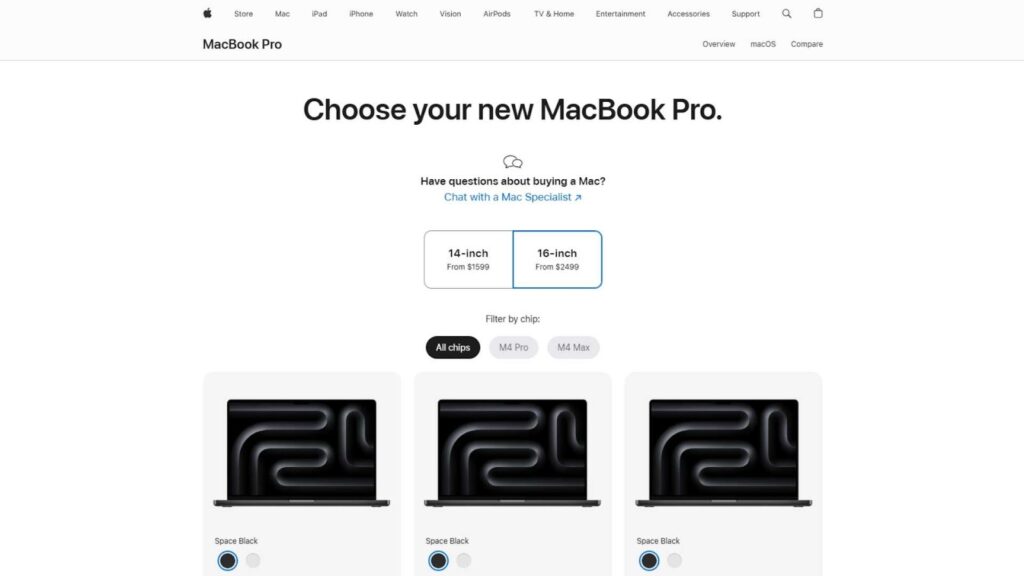
Apple MacBook Pro 16-inch (M3 Pro / M3 Max)
For many professionals, this model still defines what the Best Laptop for Travel Video Editing should look like in 2026. Apple’s M3 Pro and M3 Max chips deliver exceptional performance for 4K and even 8K timelines while maintaining impressive energy efficiency. Editing in Final Cut Pro feels instant, but Adobe Premiere Pro and DaVinci Resolve also run smoothly with fast rendering and stable playback.
One of its strongest advantages is the Liquid Retina XDR display. Colors are accurate, brightness is excellent, and contrast levels are ideal for serious color grading. This allows editors to trust what they see, even when working from hotel rooms or temporary workspaces.
Battery life is another major win. You can realistically edit for an entire work session without needing to recharge, which is invaluable while traveling. Combined with premium build quality, quiet cooling, and reliable performance, this MacBook remains one of the safest long-term investments for mobile video creators.
Apple MacBook Air 15-inch (M4)
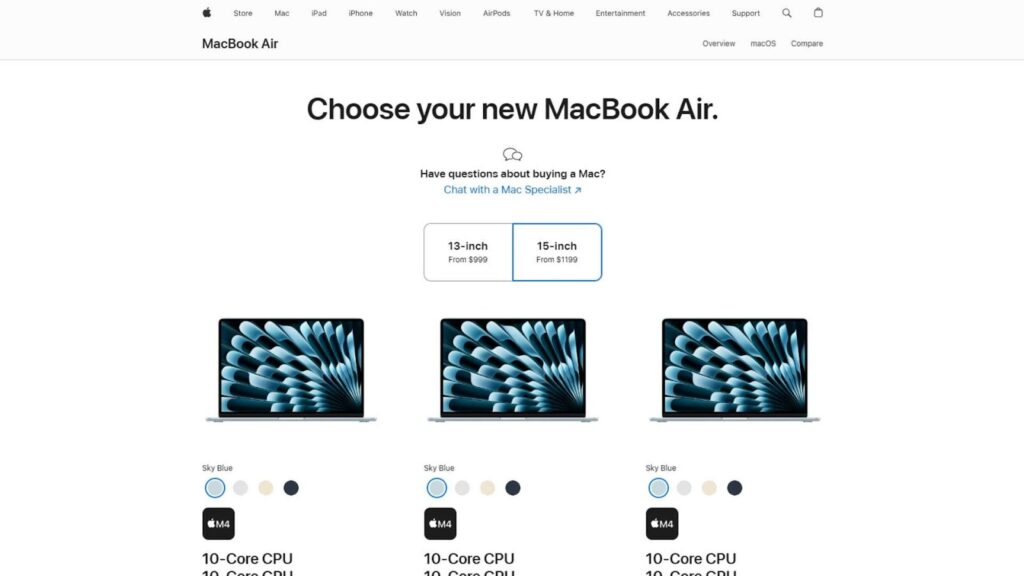
The MacBook Air proves that power does not always need to come in a heavy body. With Apple’s M4 chip, this laptop handles everyday video editing far better than its slim design suggests. It is perfect for YouTubers, travel vloggers, and content creators who focus on short-form and medium-length projects.
Its lightweight build makes it extremely comfortable to carry in backpacks or shoulder bags, especially for frequent flyers. You can edit comfortably in cafés, airports, or coworking spaces without drawing attention or struggling with bulky hardware.
The display is sharp and color-accurate enough for general editing, although not as advanced as the MacBook Pro. Battery life remains excellent, allowing several hours of editing and exporting on a single charge.
For creators who value portability first but still want reliable editing performance, this model deserves serious consideration as a practical Best Laptop for Travel Video Editing option in 2026.

Dell XPS 16 (2026 Edition)
The Dell XPS 16 continues to attract creators who prefer a professional, minimal design combined with strong performance. The 2026 edition improves cooling efficiency and power management, making long editing sessions more stable than before.
With modern Intel processors and optional NVIDIA graphics, this laptop handles multi-layer timelines, transitions, and moderate visual effects with ease. Adobe software runs smoothly, and export times remain competitive within its class.
The display is another highlight. Dell offers high-resolution panels with excellent brightness and color accuracy, making this laptop reliable for both editing and color correction tasks. The thin bezels also create a more immersive workspace without increasing overall size too much.
While it is slightly heavier than ultraportable models, the performance tradeoff is worth it for serious editors. For Windows users seeking the Best Laptop for Travel Video Editing, the XPS 16 remains one of the most balanced and professional choices available.
ASUS ProArt P16
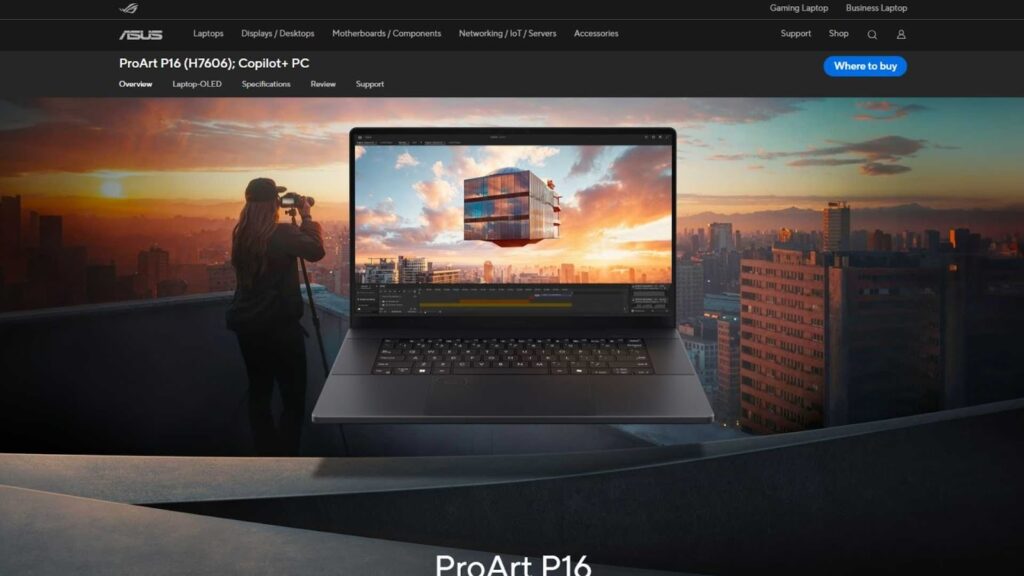
The ASUS ProArt P16 is built specifically for creative professionals, not gamers. This difference becomes clear the moment you start editing. The laptop focuses on consistent performance, thermal stability, and display accuracy, which are critical for professional video workflows.
Its OLED screen offers deep blacks, rich colors, and high contrast, making it excellent for cinematic projects and detailed color grading. Many editors appreciate how closely it matches external reference monitors.
Performance is equally impressive. Equipped with powerful CPUs and dedicated GPUs, it handles complex timelines, heavy effects, and high-bitrate footage smoothly. Rendering and encoding tasks are fast and reliable even during long sessions.
Despite its power, the laptop remains portable enough for travel. It fits easily into standard backpacks and does not feel overly bulky.
If your work involves serious color correction and professional delivery standards, this machine strongly competes for the title of Best Laptop for Travel Video Editing in the Windows ecosystem.
ASUS ROG Zephyrus Duo
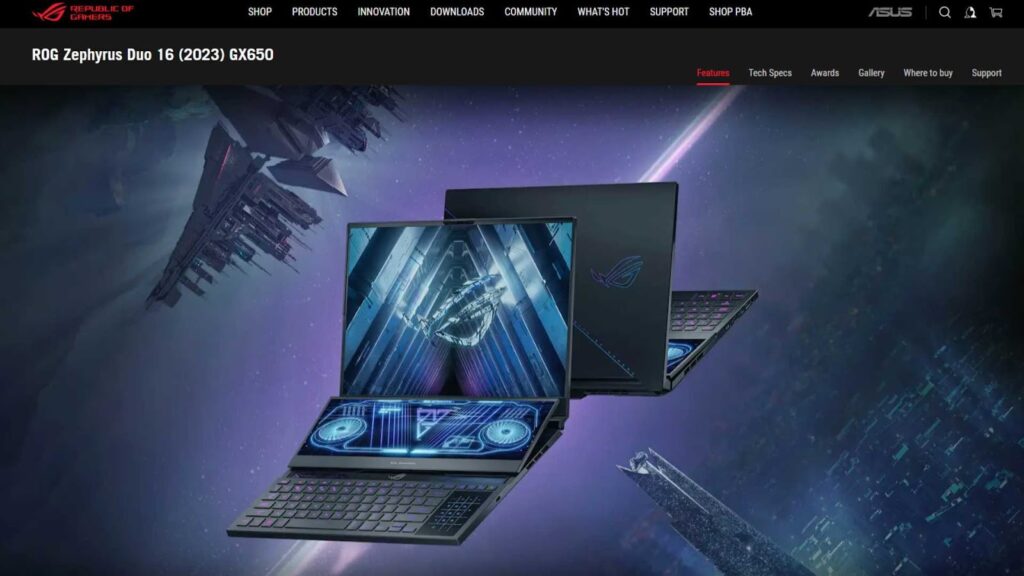
The Zephyrus Duo stands out because of its dual-screen design. The secondary display above the keyboard provides extra workspace for timelines, audio tracks, or tool panels, which many editors find increases productivity significantly while traveling.
Under the hood, this laptop offers high-end CPUs and NVIDIA RTX graphics, making it capable of handling demanding editing projects, 3D effects, and motion graphics. Playback remains smooth even on heavy timelines, and export speeds are impressive.
The main display is fast, sharp, and color-accurate, suitable for professional work. Cooling performance is better than expected for such a compact powerhouse, although the fans do become noticeable under heavy load.
It is slightly heavier than standard ultrabooks, but the added functionality often justifies the weight for professionals who multitask heavily.
For creators who want maximum screen real estate and power in one portable system, this is a strong candidate for the Best Laptop for Travel Video Editing category.
MSI Prestige 16
The MSI Prestige 16 targets creators who want performance without the aggressive gaming look. It features a clean design, strong internal hardware, and one of the better battery performances among Windows laptops in its class.
This model is well suited for Adobe Premiere Pro, DaVinci Resolve, and other professional software. It handles layered timelines smoothly and offers reliable GPU acceleration for rendering and effects.
The OLED display delivers vibrant colors and sharp detail, making editing and previewing footage enjoyable even in bright environments. Color accuracy is good enough for professional work, which is often rare in lightweight Windows laptops.
Its lightweight chassis makes it comfortable to carry during long trips, and the keyboard is suitable for extended editing sessions.
For editors who want portability, battery efficiency, and serious performance in one package, the MSI Prestige 16 comfortably qualifies as a realistic Best Laptop for Travel Video Editing option.
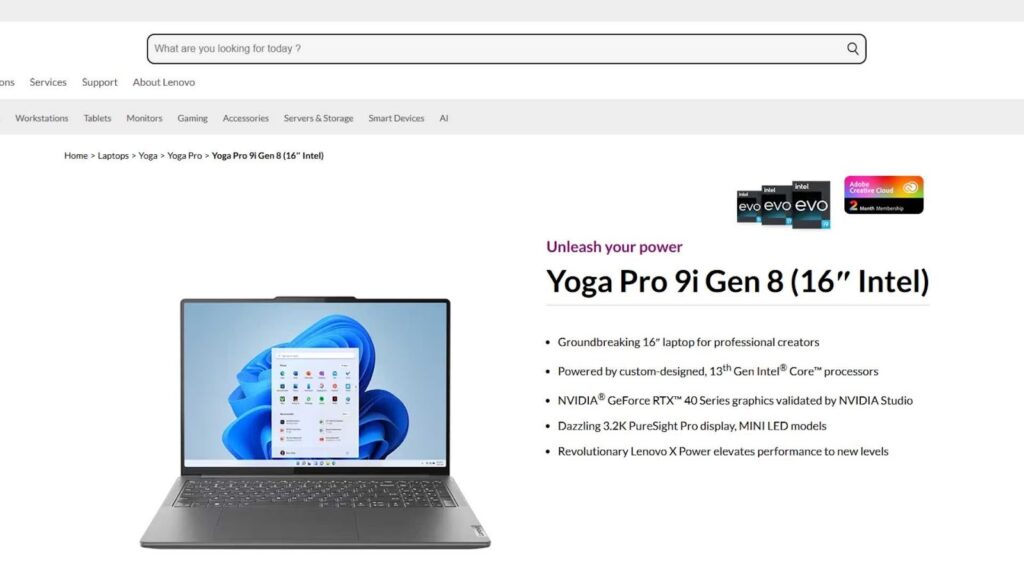
Lenovo Yoga Pro 9i (16-inch)
The Yoga Pro 9i combines premium design with strong performance, making it appealing to creators who want flexibility along with power. Its high-brightness OLED display is excellent for editing in various lighting conditions, including bright hotel rooms or near windows.
Performance is driven by modern processors and dedicated graphics, which handle complex projects without frequent slowdowns. Timeline scrubbing remains smooth, and rendering speeds are competitive.
The convertible design is a bonus for creators who like touch interaction or stylus input for storyboarding and light design tasks. While this feature is not essential for everyone, some editors find it valuable during creative planning.
Battery life is respectable for its class, though not class-leading. Portability remains good despite the larger screen size.
For users seeking versatility along with editing power, this model remains a practical contender in the Best Laptop for Travel Video Editing discussion.
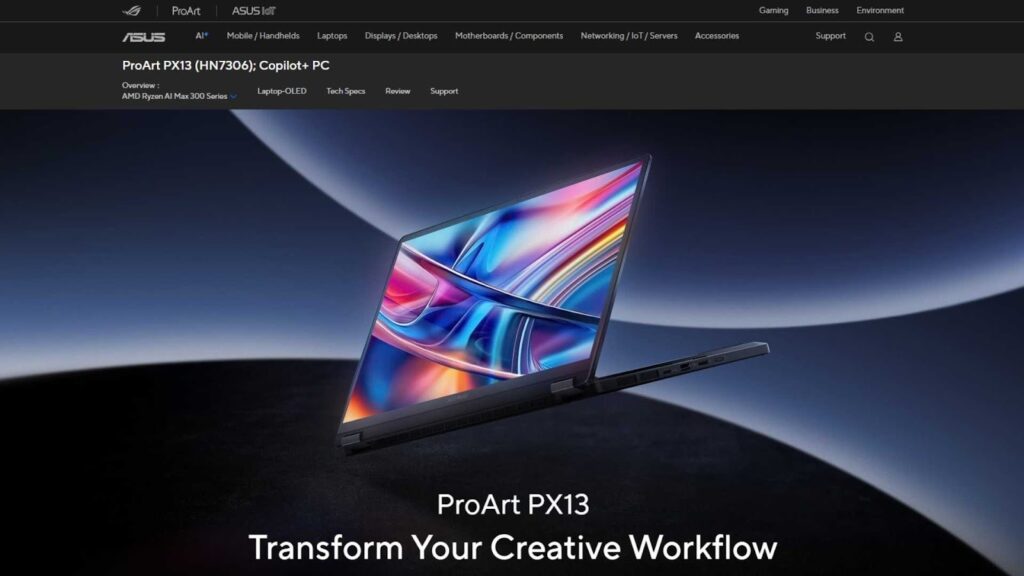
ASUS ProArt PX13
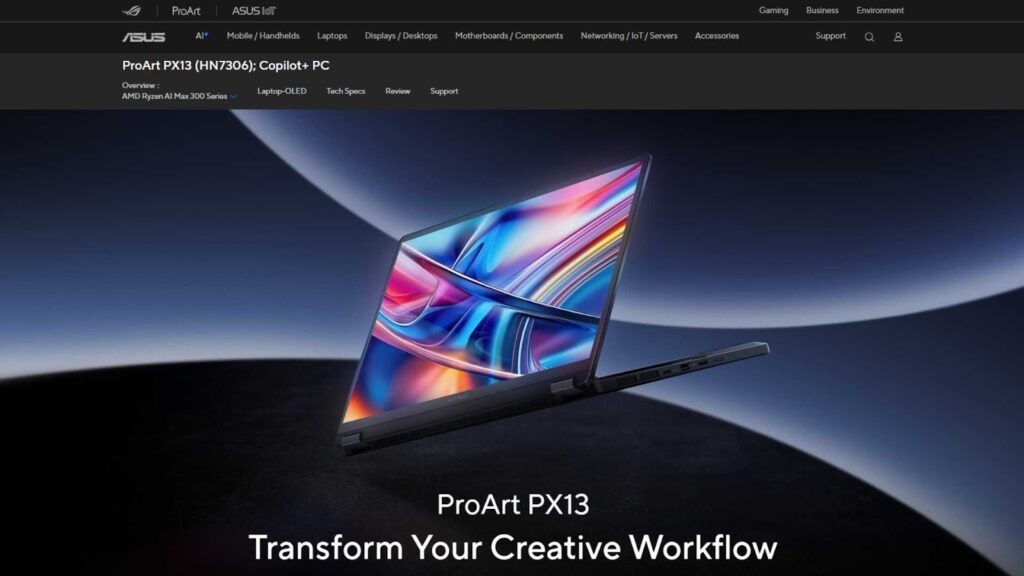
The ProArt PX13 is designed for creators who prioritize extreme portability without sacrificing color accuracy. It is compact, lightweight, and easy to carry, making it ideal for frequent travelers and digital nomads.
Despite its small size, it offers impressive performance for short-form and medium-length video projects. It handles 4K footage reasonably well and remains stable during exports.
The OLED display is a major advantage. Colors are vibrant and accurate, which is critical for maintaining visual consistency across platforms. Many editors trust this screen for quick color work when external monitors are unavailable.
Battery life is optimized for mobile use, allowing productive editing sessions without constant charging.
While it is not meant for extremely heavy effects work, it performs exceptionally within its category. For creators who value portability above all else, it stands as a compact yet capable Best Laptop for Travel Video Editing solution.
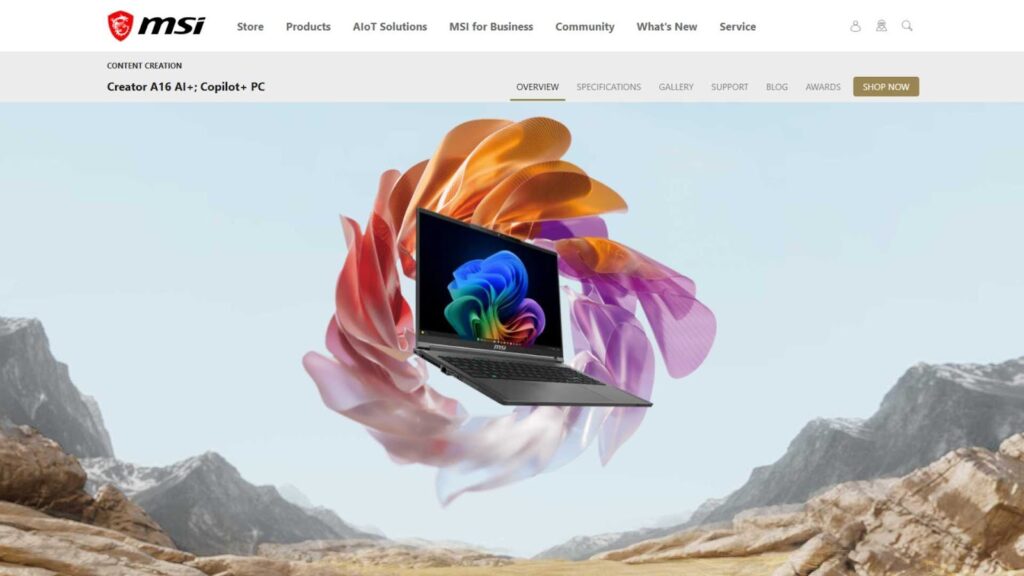
MSI Creator A16 AI+
The MSI Creator A16 AI+ focuses on delivering professional performance at a more accessible price point. It combines modern processors with dedicated graphics to handle demanding workloads efficiently.
This model performs well in Premiere Pro and Resolve, especially for creators working with multi-track footage and color correction. Rendering speeds are reliable, and overall system stability remains strong during long editing sessions.
The display is sharp and color-accurate enough for commercial editing work, although not as premium as OLED alternatives. However, it remains trustworthy for content production on the move.
Its chassis is sturdy, and thermal management is better than expected for its size. The laptop is slightly heavier than ultraportable models but still manageable for travel.
For editors seeking strong value without compromising professional capability, this model deserves recognition as a budget-friendly Best Laptop for Travel Video Editing option.
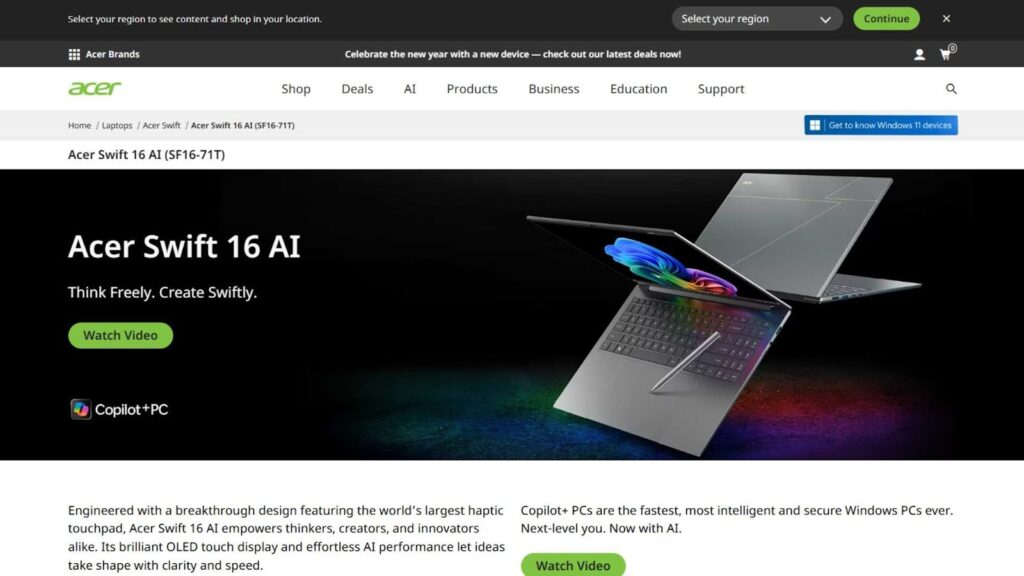
Acer Swift 16 AI
The Acer Swift 16 AI is built for creators who want a balance between affordability, portability, and modern performance. It features new-generation processors optimized for creative workloads and AI-assisted tasks.
This laptop performs well for YouTube editing, social content production, and moderate 4K projects. Timeline playback remains smooth for most standard workflows, and exports are consistent.
The OLED display option provides excellent clarity and color depth, which is a pleasant surprise in this price category. It allows editors to confidently preview their work without relying on external monitors.
Battery life is solid, making it dependable for editing during travel days or long transit hours.
Although it is not intended for heavy cinematic effects work, it offers exceptional value for mobile creators. For budget-conscious professionals, it stands as an underrated but capable Best Laptop for Travel Video Editing candidate.
How to Choose the Best Laptop for Travel Video Editing Based on Your Work Style
Not every creator works the same way. Some edit short YouTube videos daily, others work on cinematic travel documentaries, and some manage client projects while constantly moving between cities. This is why choosing the Best Laptop for Travel Video Editing should depend on how you actually work, not just on specifications.
If your projects involve simple cuts, transitions, subtitles, and light color correction, a lightweight laptop like the MacBook Air or Acer Swift 16 AI may be more than enough. These machines prioritize portability, battery life, and convenience.
If you handle client work, brand videos, or commercial projects, you should consider laptops with dedicated GPUs such as the MacBook Pro, ASUS ProArt series, or Dell XPS models. These provide smoother playback, faster rendering, and better stability during long sessions.
For creators who multitask heavily with motion graphics, sound design, and color grading, high-performance machines like the Zephyrus Duo or Lenovo Yoga Pro become more practical.
Ultimately, the Best Laptop for Travel Video Editing is the one that matches your workflow, not just your budget.
Common Mistakes Buyers Make When Choosing a Travel Editing Laptop
Many creators regret their purchase within months. Here are the most common reasons why.
Some people focus only on CPU speed and ignore GPU performance, which leads to poor playback in modern editing software. Others buy ultra-thin laptops with beautiful designs but weak cooling systems, causing performance drops during exports.
Another mistake is underestimating storage needs. Video files grow quickly, and running out of space during a project while traveling can be stressful and costly.
Many buyers also ignore screen quality. Editing on a low-quality display can ruin color grading accuracy, which damages professional credibility.
Finally, some users buy gaming laptops that are powerful but extremely heavy, noisy, and uncomfortable for daily travel.
Avoiding these mistakes will help you truly benefit from the Best Laptop for Travel Video Editing instead of struggling with limitations.
Performance vs Portability: Finding the Right Balance
Travel creators constantly walk a fine line between power and weight.
Powerful laptops deliver faster editing and smoother workflows, but they often weigh more and consume more battery. Lightweight laptops offer comfort and convenience but may struggle with complex timelines.
In 2026, the sweet spot is laptops between 1.4 kg and 2.1 kg with modern CPUs, strong integrated or dedicated GPUs, and efficient thermal design.
This balance ensures you can edit professionally without feeling burdened during long trips.
Choosing wisely here is what separates a frustrating experience from a productive one when searching for the Best Laptop for Travel Video Editing.
How to Future-Proof Your Laptop Purchase
Technology moves fast, and editing software becomes more demanding every year.
To keep your laptop relevant for the next three to five years, aim for:
- At least 16GB RAM, preferably 32GB
- A modern multi-core processor
- A GPU with good software support
- Fast SSD storage
- A color-accurate display
Future-proofing may cost more today, but it saves money and frustration long term.
The true Best Laptop for Travel Video Editing is not just good today, but reliable tomorrow.
Editing on the Road: Practical Workflow Tips
Even the best hardware needs smart habits.
Always keep a portable SSD for backups. Use cloud storage only as a secondary option while traveling. Keep your software updated before trips. Carry a compact USB-C hub for flexibility.
Lower preview resolution when working on heavy timelines to save battery and reduce heat. Export projects overnight when possible.
These habits allow you to get the most out of your Best Laptop for Travel Video Editing, no matter where you are working.
Final Thoughts: Investing in the Right Laptop for Your Creative Freedom
Travel video editing is not just about hardware. It is about freedom. Freedom to work anywhere. Freedom to accept projects remotely. Freedom to publish content without waiting to return home.
The right laptop removes technical barriers and lets creativity flow.
Whether you choose a MacBook, ASUS, Dell, Lenovo, MSI, or Acer, make sure it supports your vision, workflow, and long-term goals.
When chosen carefully, the Best Laptop for Travel Video Editing becomes more than a tool. It becomes your creative partner on every journey.
Need Professional Video Editing Support? Inside Editors Is Here to Help
Even with the best laptop, professional editing takes time, skill, and consistency. That is where Inside Editors can support you.
Inside Editors provides high-quality video editing services for travel creators, YouTubers, agencies, content marketers, and businesses worldwide. Whether you need cinematic editing, YouTube content optimization, color grading, transitions, sound design, or complete post-production support, our team is ready to help.
Outsourcing part of your workload allows you to travel more, shoot more, and grow your brand faster without being tied to your laptop every night.
Let your laptop handle the travel. Let Inside Editors handle the editing.


