


Choosing the best macbook pro for video editing in 2025 is one of the smartest decisions you can make as a creator or professional editor. Whether you’re a YouTuber producing weekly content, a travel filmmaker documenting your adventures, or a brand-focused editor working with agencies, the MacBook Pro remains one of the most reliable tools in the industry.
At Inside Editors homepage, we work with thousands of creators through services like corporate video editing services, travel video editing services, and product video editing services. We’ve seen firsthand how the right laptop can dramatically improve editing workflow, reduce frustration, and boost output quality.
This guide gives you the full breakdown of the best MacBook Pro options, what specs actually matter, and how to choose the right model for your style of editing in 2025.
Why You Need a High-Performance MacBook Pro for Editing

Video editing is one of the most demanding tasks you can perform on a laptop. It pushes the processor, GPU, storage, and memory all at once. Every slow component creates lag -and lag kills creativity.
Real Editing Challenges You Face
Imagine dropping multiple 4K clips on a timeline for a travel vlog you’ll later enhance with travel video editing services. You apply LUTs, transitions, music sync, color correction, and stabilize a few shaky shots. If your machine doesn’t have enough unified memory or GPU cores, everything slows:
- Playback stutters
- Effects take long to load
- Render times explode
- Final export becomes painfully slow
This is why professional buying guides like the B&H video editing guide emphasize the importance of strong CPU/GPU chips, unified memory, and SSD performance.
Why 2025 Demands More Power
Modern cameras now shoot 4K as a baseline. Many creators use 6K and 8K RAW, HDR formats, multi-cam sequences, and heavy color grading.
Apple’s latest models -as detailed in the official MacBook Pro specifications -offer huge unified memory options, extremely fast GPUs, and massive efficiency improvements.
Choosing a high-performance machine isn’t luxury anymore -it’s a requirement for serious editing.
The Specs That Matter Most for Editors
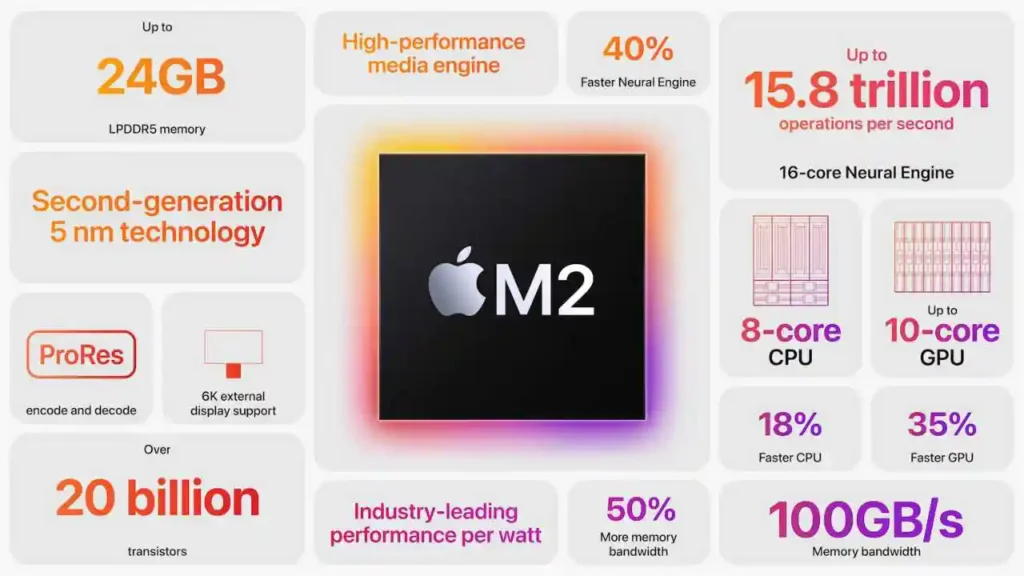
Let’s break down the essential components that actually affect your editing experience.
M4, M4 Pro & M4 Max Chips
The M-series changed the editing world, and the M4 generation is even more powerful.
The M4 is good for light editing, but the M4 Pro and M4 Max offer enormous gains in:
- GPU acceleration
- Real-time playback
- Color grading
- Effects
- AI tools in Final Cut & DaVinci Resolve
According to the official MacBook Pro specifications, the M4 Max supports extremely high unified memory configurations -ideal for professionals who handle 6K/8K footage.
Unified Memory (RAM)
Unified memory is crucial because it’s shared across your CPU, GPU, and Neural Engine.
If you edit professionally (especially content that goes through product video editing services or comparison video editing services), memory determines:
- Timeline smoothness
- Effect responsiveness
- Multitasking performance
The B&H video editing guide recommends:
- 16GB = bare minimum
- 32GB = standard for 4K workflows
- 64GB+ = ideal for colorists, filmmakers, 6K/8K projects
SSD Storage
Your storage affects how fast your media loads and how quickly your timeline updates.
500GB fills fast. For editors:
- 1TB = safe baseline
- 2TB–4TB = ideal for PRO workflows
XDR Display
The Liquid Retina XDR display is a major advantage for color-based content. It’s bright, accurate, and HDR-capable. Great for editors producing visual-heavy projects like:
- adventure video editing services
- fitness training video editing services
- reaction video editing services
Ports, External Displays, and Cooling
Professionals need flexibility.
The MacBook Pro gives you:
Thunderbolt ports
- HDMI
- SD card slot
- Multi-display support
Consistent performance is crucial, especially for clients using Inside Editors homepage for output.
Comparing the Top MacBook Pro Models in 2025

14-Inch MacBook Pro (M4)
Perfect for travel creators and editors working in the field. Lightweight, portable, and handles most 4K editing workflows.
If you’re constantly filming outdoors or moving from place to place, this model pairs well with travel video editing services.
16-Inch MacBook Pro (M4 Pro / Max)
The editor’s dream machine.
- Better cooling
- Stronger sustained performance
- Bigger screen real estate
- More GPU cores
- More unified memory options
Perfect for professionals producing videos for brands through corporate video editing services.
OLED MacBook Pro Rumored for 2025
Industry sources like the – Tom’s Hardware OLED MacBook report and CincoDías MacBook Pro report suggest Apple is preparing an OLED MacBook Pro with touch-enabled display technology.
If released, it could redefine mobile color grading.
How Your Workflow Determines the Best MacBook Pro

Different creators have different editing needs. A travel vlogger, a filmmaker, and a corporate editor all require different things from their MacBook Pro. Understanding your workflow helps you choose the model that makes editing smooth rather than stressful.
Light to Medium Editing (Social, YouTube, Reels/TikTok)
If you primarily edit:
- short videos
- YouTube vlogs
- travel content
- reaction clips
- simple color correction
Then the 14-inch MacBook Pro with M4 is a strong choice. It’s portable, lightweight, and powerful enough for most 1080p and 4K timelines.
If you later enhance your content using travel video editing services or reaction video editing services, you’ll appreciate the flexibility of a machine you can take anywhere.
Professional Editing (Client Work, Corporate, Brand Content)
If your content includes:
- corporate promotions
- interviews
- B-roll heavy edits
- educational videos
- branded content
then the 16-inch M4 Pro is the smarter long-term choice.
This is ideal if you handle projects for brands or clients who later depend on corporate video editing services or product video editing services.
The larger screen gives you more timeline visibility, the cooling system is stronger, and you won’t experience throttling when exporting long videos.
High-End Cinematic Editing (6K/8K, RAW, Multi-Cam)
Filmmakers, colorists, and advanced editors who handle:
- RED RAW footage
- Blackmagic RAW
- 6K–8K workflows
- Multi-layer VFX
- Heavy color grading
will want the 16-inch M4 Max.
With high unified memory options and more GPU cores, this machine is built for serious production work. If you produce cinematic content later refined through adventure video editing services or fitness training video editing services, the M4 Max ensures your timeline stays responsive, even under heavy pressure.
Mobile Editors & Travel Creators
If you edit on-the-go:
- on airplanes
- cafes
- outdoor locations
- while traveling
the 14-inch M4 model is perfect.
It pairs beautifully with a workflow that uses cloud backup, small SSDs, or service-based support like travel video editing services.
Common Mistakes Editors Should Avoid

Many creators spend thousands on a MacBook Pro but still pick the wrong configuration. Avoid these mistakes to get the most out of your investment.
Mistake 1 -Choosing Too Little Memory
16GB unified memory may feel enough today, but it isn’t.
Video editing eats RAM like crazy.
Even the B&H video editing guide recommends 32GB minimum for 4K editors.
If your content includes multi-cam, color grading, or AI tools, 64GB is the real sweet spot.
Mistake 2 -Buying Too Little Storage
Video files are huge. Cache files grow fast.
A 512GB model fills up almost immediately.
Professional editors who handle content for product video editing services or comparison video editing services often regret buying smaller SSDs.
Mistake 3 -Underestimating Thermals
A smaller laptop = less cooling = more throttling.
For long exports or heavy effects work, the 16-inch MacBook Pro performs better consistently.
Mistake 4 -Choosing Based Only on Budget
A MacBook Pro is a long-term investment.
Don’t choose the cheapest model-choose the one that saves you time.
Time saved = more projects delivered = more money earned.
Real Buying Scenarios Choose Your Best Fit
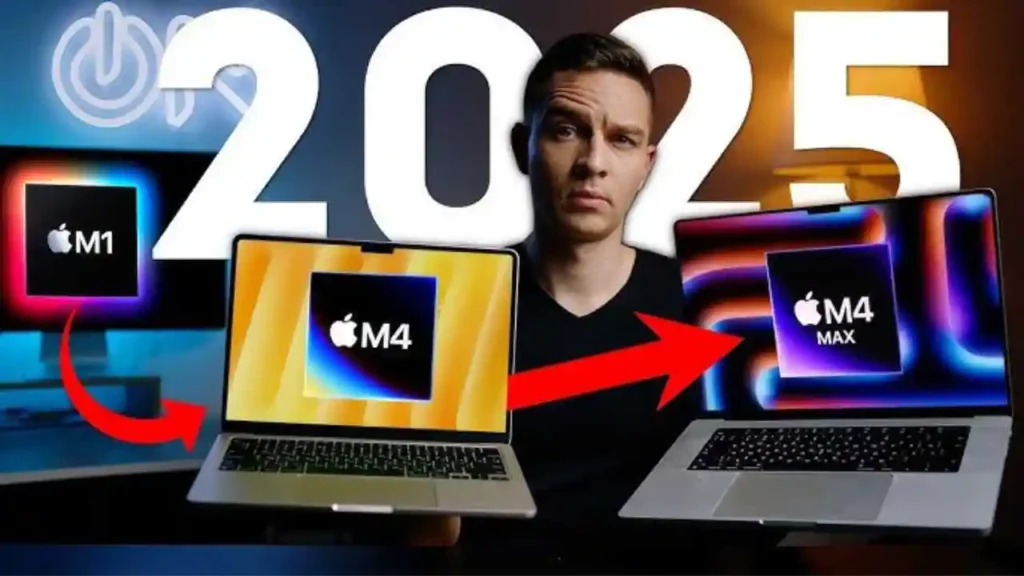
Scenario A -YouTuber, Vlogger, Influencer
You film:
- lifestyle
- tutorials
- reaction content
- product reviews
Your best choice:
14-inch MacBook Pro (M4)
Pairs well with:
YouTube thumbnail editing services
vertical video editing services
Scenario B -Freelance Editor Working With Brands
You handle:
- corporate projects
- product promos
- long-form content
- educational videos
Your best choice:
16-inch MacBook Pro (M4 Pro)
Works perfectly with:
corporate video editing services
product video editing services
Scenario C -Filmmaker or Cinematic Editor
You edit:
- narrative films
- wedding films
- music videos
- commercials
- multi-cam 6K/8K RAW
Your best choice:
16-inch MacBook Pro (M4 Max)
Scenario D -Travel Creator
Your best choice:
14-inch MacBook Pro (M4)
Pairs well with:
travel video editing services
The Future: 2026 OLED MacBook Pro
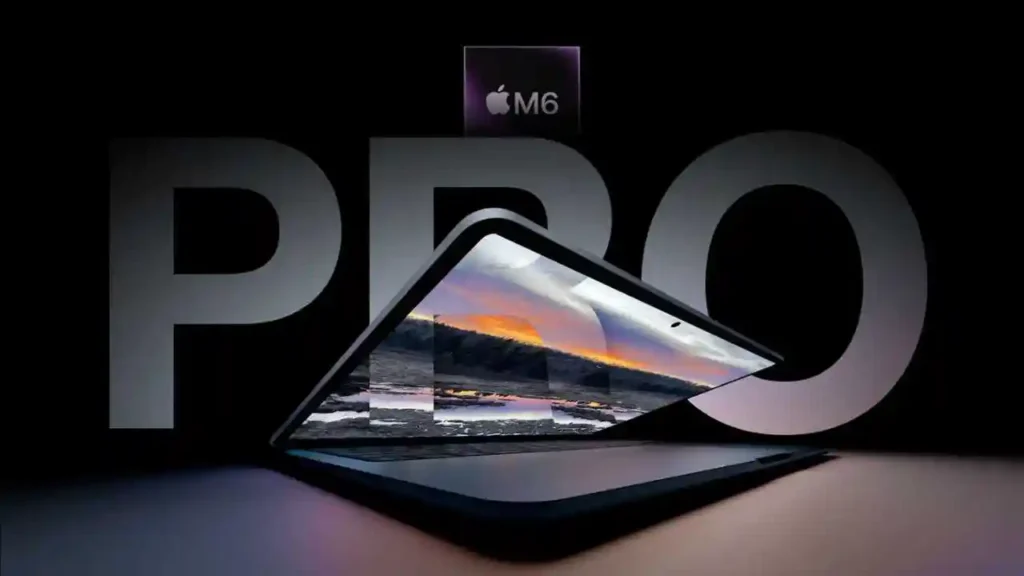
Industry predictions from the
Tom’s Hardware OLED MacBook report
and
CincoDías MacBook Pro report
suggest Apple is preparing an OLED MacBook Pro with:
- deeper blacks
- higher contrast
- better color accuracy
- integrated touch
This could transform mobile color grading and become the best editing laptop Apple has ever made.
If you can wait for late 2025, it may be worth it.
How Inside Editors Enhances Your Workflow
Even the best MacBook Pro can’t replace professional editing expertise.
This is where Inside Editors supports creators, brands, and filmmakers.
We provide specialized services such as:
- corporate video editing services
- travel video editing services
- reaction video editing services
- fishing video editing services
- fitness training video editing services
- comparison video editing services
Explore the Inside Editors homepage or reach out through the Contact Us page to get started.
Final Verdict: Which MacBook Pro Should You Buy in 2025?
| Best For | Recommended Model | Why It’s the Best Choice |
| Most Professionals | 16-inch MacBook Pro (M4 Pro) | Balanced power, excellent thermals, fast performance, and strong long-term value. Ideal for agency editors, freelancers, and corporate projects. |
| Heavy Editing (6K/8K, RAW) | 16-inch MacBook Pro (M4 Max) | The ultimate editing machine with top GPU performance, high unified memory options, and smooth handling of RAW, multi-cam, and VFX work. |
| Portable Editing Setup | 14-inch MacBook Pro (M4) | Lightweight, travel-friendly, and strong enough for 4K social content, vlogs, and on-the-go creators. |
| Future-Proof Color Work | OLED MacBook Pro (Expected 2026) | Next-gen OLED panel with deeper blacks and superior contrast for advanced color grading and HDR workflows. |
Whichever model you choose, pairing it with the right editing workflow -and professional support from Inside Editors -ensures your videos look polished, cinematic, and ready for any platform.
FAQs For best macbook pro for video editing
1. What makes the best MacBook Pro for video editing worth the cost?
The best MacBook Pro for video editing is worth the investment because it reduces lag, shortens render times, and handles 4K–8K timelines without slowdowns. You’re paying for performance, long-term reliability, and Apple’s optimized software ecosystem. While cheaper laptops exist, they often require upgrades or replacements sooner, making the MacBook Pro a better long-term value.
2. How much should I expect to spend on a video-editing-ready MacBook Pro?
Most editors spend between $2,199 and $3,999 depending on chip choice (M4, M4 Pro, or M4 Max), unified memory, and SSD size. A professional setup with 32–64GB RAM and at least 1TB SSD is ideal. Cheaper configurations work for beginners, but professionals should avoid low RAM or small storage to prevent workflow bottlenecks.
3. Is a 14-inch or 16-inch MacBook Pro better for video editing?
A 14-inch MacBook Pro is perfect for travel editors and creators needing portability, while the 16-inch model offers better cooling, bigger screen space, and stronger sustained performance. For heavy 6K/8K editing or multi-layer projects, the 16-inch MacBook Pro is the safer choice. Light YouTube editing works well on either.
4. Do I need 32GB or 64GB RAM for professional editing?
For 4K work, 32GB unified memory is the practical baseline. If you use color grading, multi-cam sequences, or 6K/8K RAW formats, 64GB–128GB provides the stability needed for smooth playback and export. RAM cannot be upgraded later on MacBook Pros, so choosing enough memory upfront is essential.
5. How long does a MacBook Pro typically last for video editing?
A properly configured MacBook Pro usually supports professional editing workflows for 5–7 years. Models with M-series chips and larger unified memory tend to stay relevant longer because they handle newer codecs and heavier software updates. Choosing higher RAM and SSD capacity extends longevity noticeably.
6. Can I edit videos professionally using only a MacBook Pro?
Yes-many editors run full productions entirely on a MacBook Pro, especially with M4 Pro and M4 Max chips. Its XDR display, unified memory, and GPU acceleration make it capable of handling demanding projects. For larger workflows, you can expand with external SSDs, cloud storage, and monitors without needing a desktop.
7. How fast is the turnaround time when editing on a MacBook Pro?
Timeline responsiveness is nearly instant on M4 Pro/Max systems, and 4K exports often finish 30–60% faster than older Intel models. Turnaround also depends on footage type, storage speed, and effects complexity. For time-critical projects, editors commonly use optimized media or proxies to keep workflows smooth.
8. What storage size is best for video editing on a MacBook Pro?
A minimum of 1TB SSD is recommended because project files, cache, and 4K media accumulate quickly. Editors handling long-form or multi-camera footage often prefer 2TB–4TB to avoid constantly offloading files. External SSDs help, but your internal drive still influences export and caching speed.
9. Is Final Cut Pro or DaVinci Resolve better for MacBook Pro users?
Final Cut Pro is more optimized for macOS and offers very fast real-time performance, making it ideal for speed-focused editors. DaVinci Resolve excels at color grading and advanced post-production. Both run well on M-series chips, so the better choice depends on whether you value speed (FCP) or color artistry (Resolve).
10. Should I upgrade from an older Intel MacBook Pro?
Yes-Intel MacBook Pros struggle with modern codecs like 10-bit H.265, 6K RAW, and HDR footage. M-series MacBooks deliver dramatically faster playback, lower fan noise, and much shorter render times. Even base M-series models often outperform top-tier Intel models in video editing workloads.


