

Welcome to Inside Editors! If you are here, you probably want to learn the Best Practices for Editing Video Podcasts and turn your recordings into polished, professional content. Video podcasts are growing fast, and more creators are moving from audio-only shows to full video formats. But recording is just one part of the journey. The real magic happens in the editing room.
Editing a video podcast is not just about cutting mistakes. It is about shaping the conversation, improving the visual experience, and keeping your audience engaged from start to finish. When you follow the Best Practices for Editing Video Podcasts, you create a show that looks professional, sounds clear, and feels enjoyable to watch.
In this detailed guide, we will walk through everything you need to know. Whether you are a beginner or already publishing episodes regularly, understanding the Best Practices for Editing Video Podcasts will help you grow your audience and improve your content quality. Let’s dive in.
Why Editing Matters So Much in Video Podcasts
Many creators underestimate how important editing is. They think if the conversation is good, that is enough. But viewers on platforms like YouTube or Spotify video podcasts expect high-quality visuals and audio. If your video has awkward pauses, background noise, or distracting camera angles, people will leave.
The Best Practices for Editing Video Podcasts focus on three main goals: clarity, engagement, and professionalism. Clarity ensures your message is easy to understand. Engagement keeps viewers watching. Professionalism builds trust with your audience.
Editing also helps you control the pace. Even great conversations can feel slow without proper cuts. By trimming unnecessary pauses and tightening transitions, you make your episode more dynamic.
Start With Organized Files and Proper Planning
Before you even open your editing software, organization is key. One of the most overlooked Best Practices for Editing Video Podcasts is proper file management. When you record a podcast, you may have multiple camera angles, separate audio tracks, intro music, and graphics. If your files are messy, editing becomes stressful and time-consuming.
Create clearly labeled folders for each episode. Separate raw footage, audio files, graphics, music, and final exports. This simple habit saves hours in the long run.
Planning is also important. Know the structure of your episode. Identify key discussion points. If possible, mark important moments during recording. This makes it easier to find highlights when editing.
Focus on High-Quality Audio First
In video podcasts, audio quality is even more important than video. Viewers may tolerate average visuals, but they will not tolerate poor sound. One of the core Best Practices for Editing Video Podcasts is cleaning and enhancing audio before focusing on visuals.
Start by removing background noise. Use noise reduction tools carefully so the voice does not sound robotic. Next, balance the volume levels between speakers. If you have multiple hosts or guests, make sure everyone sounds consistent.
Add light compression to even out volume spikes and soft moments. You can also use equalization to improve clarity by reducing harsh frequencies and boosting warmth in the voice.
Good audio editing transforms your video podcast from amateur to professional instantly.
Cut Unnecessary Pauses and Mistakes
Natural conversation includes pauses, filler words, and occasional mistakes. But leaving too many of them in your episode can make it feel slow and unpolished.
A key part of the Best Practices for Editing Video Podcasts is removing long silences, repeated sentences, and off-topic sections. However, do not over-edit. Some natural pauses make the conversation feel real and authentic.
The goal is balance. Keep the flow natural while maintaining a steady pace. When viewers feel the episode moves smoothly, they are more likely to watch until the end.

Use Multiple Camera Angles Creatively
If you record with more than one camera, you have a big advantage. Switching between angles keeps the video visually interesting. This is one of the most powerful Best Practices for Editing Video Podcasts.
Cut to a close-up when someone makes an important point. Use wide shots during group discussions. If someone reacts emotionally, switch to their angle to capture that moment.
Avoid switching too often, as it can feel distracting. Instead, change angles naturally during pauses or topic shifts. The idea is to support the conversation visually, not overwhelm the viewer.
Add Branding and Graphics
Your video podcast should reflect your brand. Consistent branding builds recognition and trust. Another essential part of the Best Practices for Editing Video Podcasts is adding professional graphics.
Include an intro and outro with your logo and music. Use lower-thirds to display guest names and titles. Add subtle transitions between segments. If you mention statistics or key points, consider showing them on screen.
Make sure your graphics are clean and not too flashy. Simple and elegant designs usually work best for podcasts.
Improve Engagement With Visual Enhancements
Modern audiences expect dynamic content. Even if your podcast is conversation-based, small visual improvements can boost engagement significantly.
Zoom in slightly during important moments. Add light background music in intro and outro sections. Use smooth transitions instead of abrupt cuts. Insert short clips or images if they add value to the discussion.
These small touches are part of the Best Practices for Editing Video Podcasts because they make your show feel intentional and polished.
Maintain Consistent Color Correction
Lighting conditions can change during recording, especially in long sessions. One camera may look warmer than another. This is why color correction is crucial.
Adjust brightness, contrast, and white balance so all shots look consistent. The Best Practices for Editing Video Podcasts recommend using basic color grading to create a uniform and professional look.
You do not need cinematic color effects. Simple, clean corrections are enough to make your video visually appealing.
Create Short Clips From Long Episodes
Repurposing content is a smart growth strategy. After editing the full episode, identify highlight moments. Turn them into short clips for social media platforms like Instagram, TikTok, and YouTube Shorts.
This approach follows the Best Practices for Editing Video Podcasts because it increases reach and brings new viewers to your full episodes. Short clips should be fast-paced, captioned, and focused on one strong idea.
Adding subtitles is especially important since many people watch short videos without sound.
Optimize for Different Platforms
Each platform has its own requirements. YouTube, Spotify, and social media channels have different aspect ratios, thumbnail styles, and duration expectations.
When following the Best Practices for Editing Video Podcasts, always consider where your content will be published. Create compelling thumbnails. Write clear titles and descriptions. Export videos in high resolution.
For YouTube, focus on SEO-friendly titles and keywords. For social media, make your first few seconds highly engaging.
Keep a Consistent Editing Style
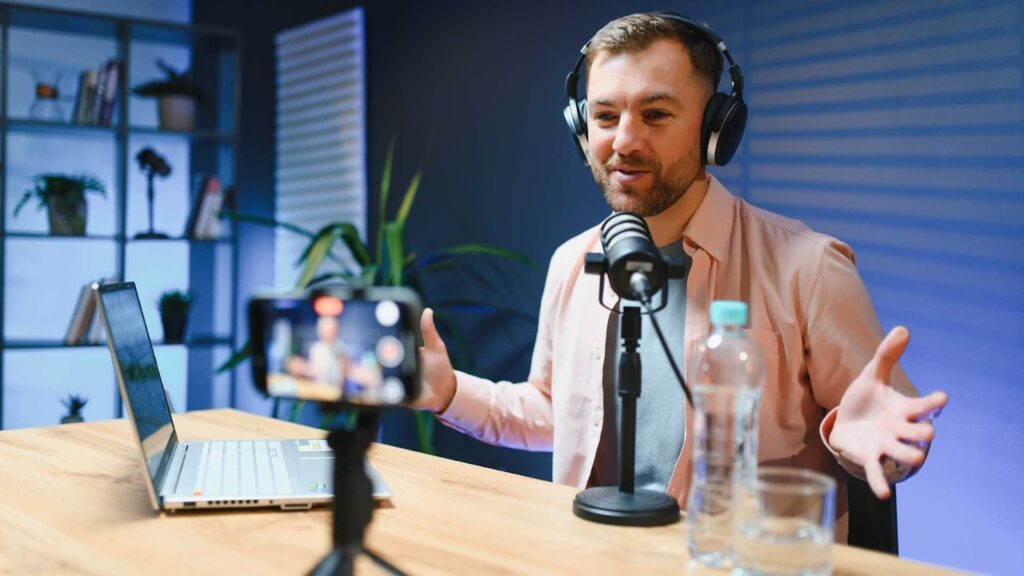
Consistency builds identity. When viewers watch your episodes, they should recognize your style immediately. This includes intro music, graphics, transitions, and pacing.
The Best Practices for Editing Video Podcasts emphasize developing a repeatable editing workflow. Create templates for intros and lower-thirds. Save presets for color correction and audio processing.
Over time, this saves editing hours and strengthens your brand image.
Review Before Publishing
Never publish without reviewing the final version carefully. Watch the entire episode. Check for audio glitches, spelling errors in graphics, and awkward cuts.
It is helpful to step away for a few hours before reviewing. Fresh eyes catch more mistakes. Careful review is one of the simplest yet most important Best Practices for Editing Video Podcasts.
Common Mistakes to Avoid
Many beginners make the same errors. Overusing effects is one of them. Too many transitions, sound effects, or zooms can distract viewers.
Another mistake is ignoring audio quality. Even beautiful visuals cannot save poor sound. Some creators also forget to back up their files, which can be disastrous.
By understanding the Best Practices for Editing Video Podcasts, you avoid these problems and produce high-quality content consistently.
Choosing the Right Editing Software
There are many editing tools available, and choosing the right one depends on your experience and needs. Popular software options include Adobe Premiere Pro by Adobe, Final Cut Pro by Apple, and DaVinci Resolve by Blackmagic Design.
Adobe Premiere Pro is widely used by professionals and offers powerful tools for both video and audio editing. Final Cut Pro is popular among Mac users because of its smooth performance and intuitive interface. DaVinci Resolve is known for its advanced color grading features and offers a strong free version.
No matter which software you choose, mastering it is part of following the Best Practices for Editing Video Podcasts. The tool is important, but your editing decisions matter even more.
Build an Efficient Editing Workflow
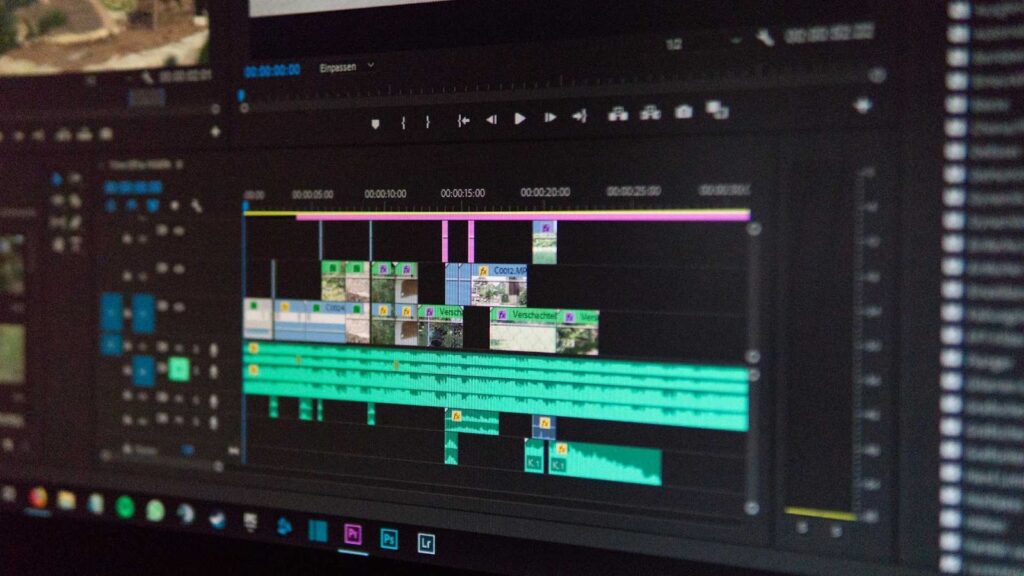
Efficiency is essential, especially if you publish weekly episodes. Create a step-by-step workflow. Start with syncing audio and video. Then clean the audio. Next, trim the content. After that, add graphics and color correction. Finally, export and review.
A structured process ensures you follow the Best Practices for Editing Video Podcasts every time. It reduces stress and speeds up production.
When to Outsource Your Editing
Editing takes time and skill. If you are busy focusing on content creation, marketing, or growing your audience, outsourcing may be a smart move.
Professional editors understand the Best Practices for Editing Video Podcasts deeply. They know how to enhance pacing, improve sound, and maintain visual consistency.
At Inside Editors, we specialize in professional video podcast editing. Our team understands what keeps viewers engaged and how to transform raw footage into high-quality episodes that represent your brand perfectly.
Final Thoughts on Best Practices for Editing Video Podcasts
Learning the Best Practices for Editing Video Podcasts is one of the most powerful steps you can take to improve your show. Editing shapes the viewer’s experience. It controls pacing, enhances audio, strengthens visuals, and builds your brand identity.
When you organize your files, prioritize audio quality, use camera angles wisely, maintain consistent color, and review carefully before publishing, your video podcast stands out in a crowded market.
If you want expert help, Inside Editors is here for you. We provide professional video editing services designed specifically for podcasters who want to grow faster and look more professional. Let us handle the technical work while you focus on creating amazing conversations.
Visit Inside Editors today and take your video podcast to the next level with our expert Video Editing Service.


