

Video podcasts are growing fast. More creators are moving from audio-only shows to full video episodes on YouTube, Spotify, and other platforms. But to stand out, you need clean visuals, sharp audio, smooth transitions, and professional branding. That’s where choosing the Best Software for Editing Video Podcasts becomes extremely important.
If you are comparing tools before investing your time and money, you’re in the right place. In this detailed guide on Inside Editors, I will walk you through the Best Software for Editing Video Podcasts for every budget level – from beginners to professionals running full-scale productions.
Editing a video podcast is not the same as editing a short social media clip. You are dealing with long recordings, multiple camera angles, separate audio tracks, intros and outros, branding overlays, captions, and sometimes even live-stream recordings. The Best Software for Editing Video Podcasts should help you manage all of that easily without slowing down your workflow.
Some creators want something simple and affordable. Others want advanced color grading, audio mixing, and multi-camera editing. No matter your needs, there is a tool for you. Let’s explore your options in depth.
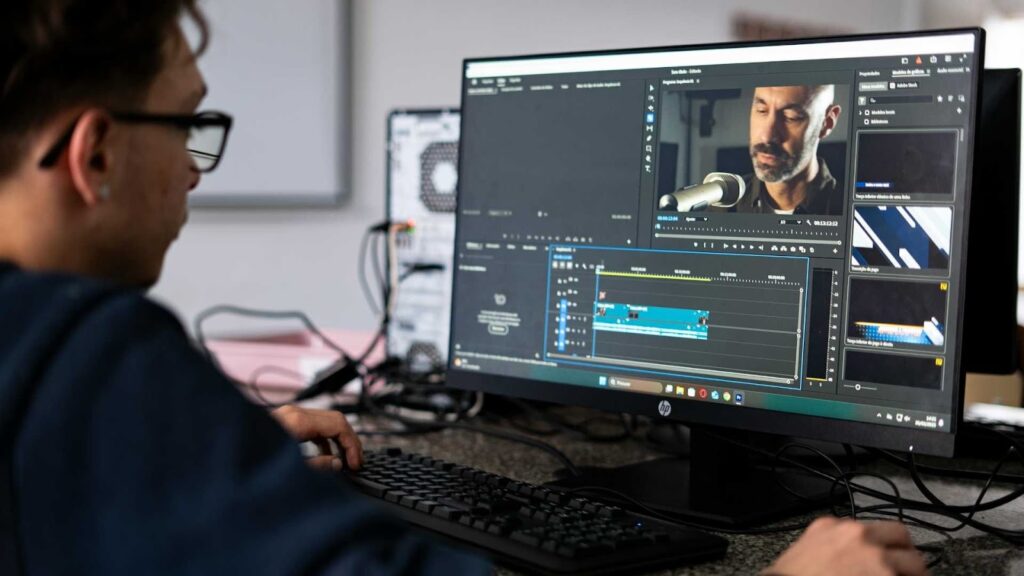
What Makes the Best Software for Editing Video Podcasts?
Before we jump into the tools, let’s quickly understand what features actually matter. When choosing the Best Software for Editing Video Podcasts, you should focus on performance, ease of use, and long-term scalability.
A strong podcast editing software should include:
- Multi-camera editing support
- High-quality audio controls and noise reduction
- Easy cutting and trimming tools for long-form content
- Titles, lower-thirds, and intro/outro templates
- Export options optimized for YouTube and social platforms
If your podcast runs for 45 minutes to an hour, your software must handle large files smoothly. Laggy editing can waste hours of your time.
Now let’s dive into the 7 best options available today.
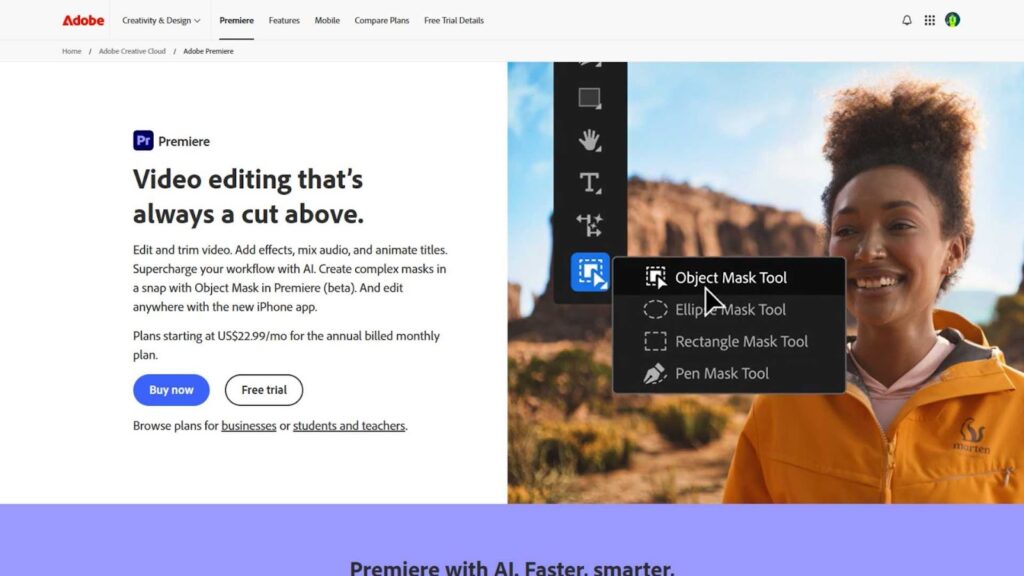
1. Adobe Premiere Pro – Professional-Level Control
When people talk about the Best Software for Editing Video Podcasts, one name comes up again and again: Adobe Premiere Pro.
Adobe Premiere Pro is widely used by professional editors, YouTubers, and even film studios. It offers advanced editing features while still being flexible enough for podcast workflows.
Premiere Pro is perfect for multi-camera editing. If you record your podcast using two or three cameras, you can sync them automatically and switch between angles smoothly. The audio tools are powerful, especially when combined with Adobe Audition for deeper sound editing.
Key strengths include:
- Advanced timeline editing
- Seamless integration with other Adobe apps
- Professional color grading tools
- Auto reframe for social media clips
The main downside is the subscription pricing. However, if you want industry-standard quality, this is easily one of the Best Software for Editing Video Podcasts available today.
It’s ideal for serious creators and agencies producing podcasts regularly.
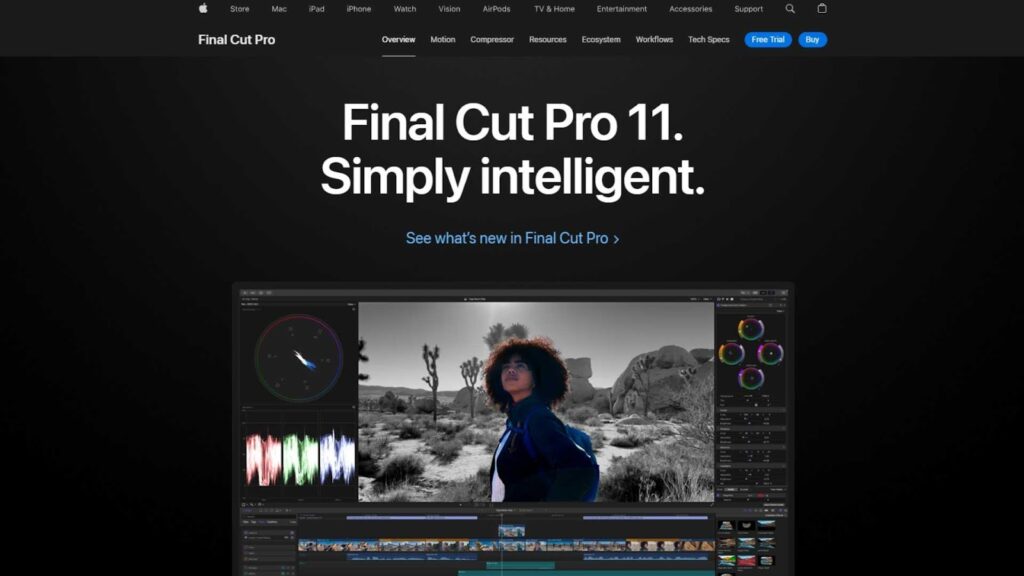
2. Final Cut Pro – Perfect for Mac Users
If you are a Mac user, you’ve probably heard of Final Cut Pro. This software is fast, optimized for macOS, and excellent for long-form editing.
Final Cut Pro stands out because of its magnetic timeline. It makes editing smoother and reduces accidental mistakes when cutting long podcast episodes.
Why many creators consider it the Best Software for Editing Video Podcasts:
- One-time payment (no monthly subscription)
- Excellent performance on Mac devices
- Smooth multi-camera editing
- Built-in titles and effects
For podcasters who record interviews, discussions, or roundtables, Final Cut Pro makes syncing and organizing footage extremely easy.
It’s especially powerful on Apple Silicon Macs, where rendering and exporting are incredibly fast.
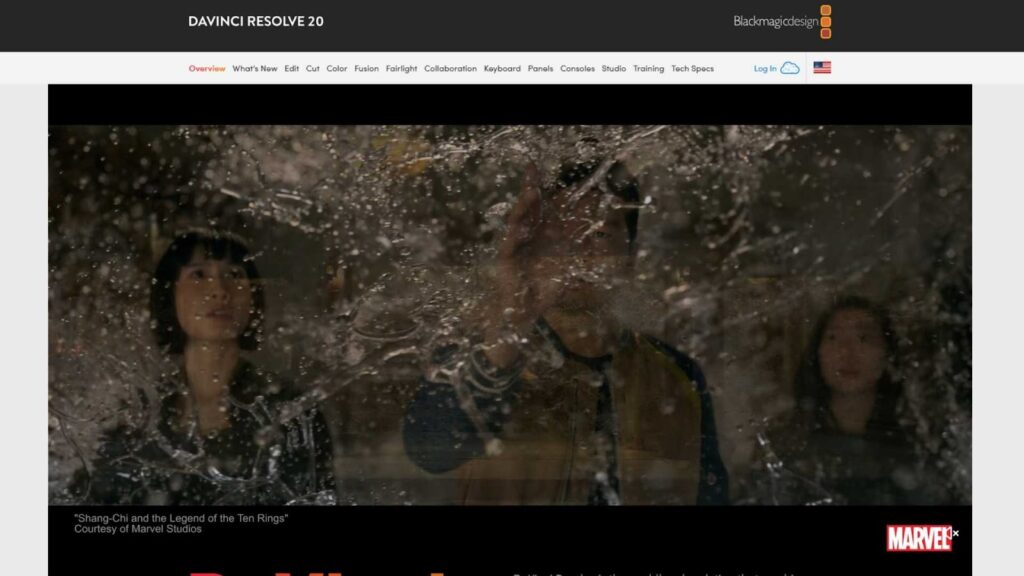
3. DaVinci Resolve – Powerful and Budget-Friendly
If you’re looking for professional features without paying a high price, DaVinci Resolve might be the Best Software for Editing Video Podcasts for you.
DaVinci Resolve offers a free version that includes advanced editing, color grading, and audio mixing tools. That alone makes it attractive for new podcasters.
It’s known for:
- Industry-leading color grading
- Fairlight audio tools built in
- Multi-camera editing
- Free version with strong features
The interface may feel complex at first, especially for beginners. But once you get comfortable, it becomes one of the most powerful tools on the market.
Many growing podcast creators start with DaVinci Resolve before upgrading to paid tools.
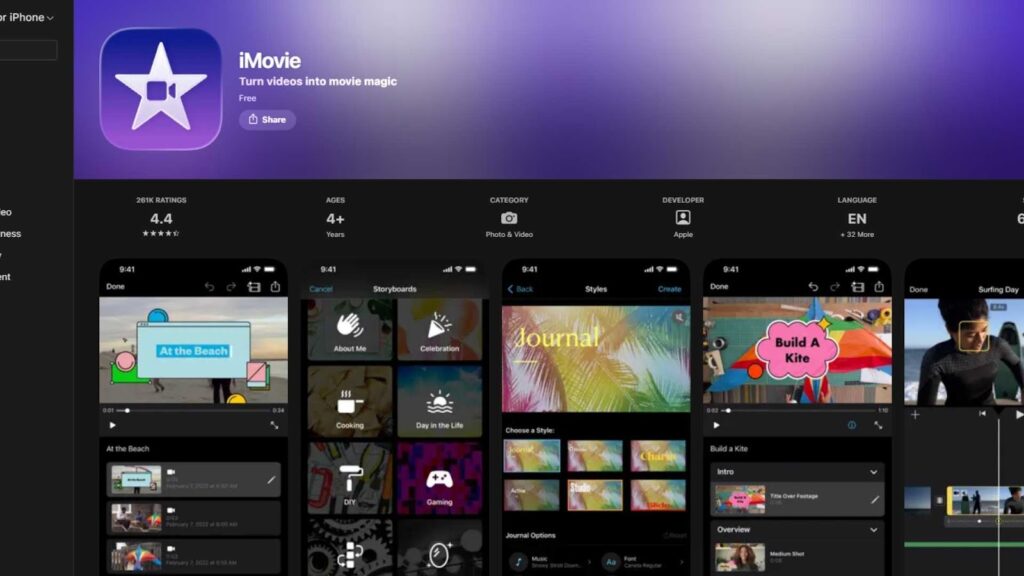
4. iMovie – Best Free Option for Apple Beginners
iMovie is a free video editing tool that comes with most Apple devices. While it’s basic, it’s still useful for beginners who want to test video podcasting without spending money.
The software is simple and clean, making it easy to cut clips, adjust audio, and export videos for YouTube.
For video podcasters, iMovie is suitable if you want:
- A completely free solution
- Simple editing tools
- Easy exports for social platforms
- No learning curve
iMovie does have limitations, and most creators eventually outgrow it. Still, it can be a starting point when exploring the Best Software for Editing Video Podcasts as a beginner.
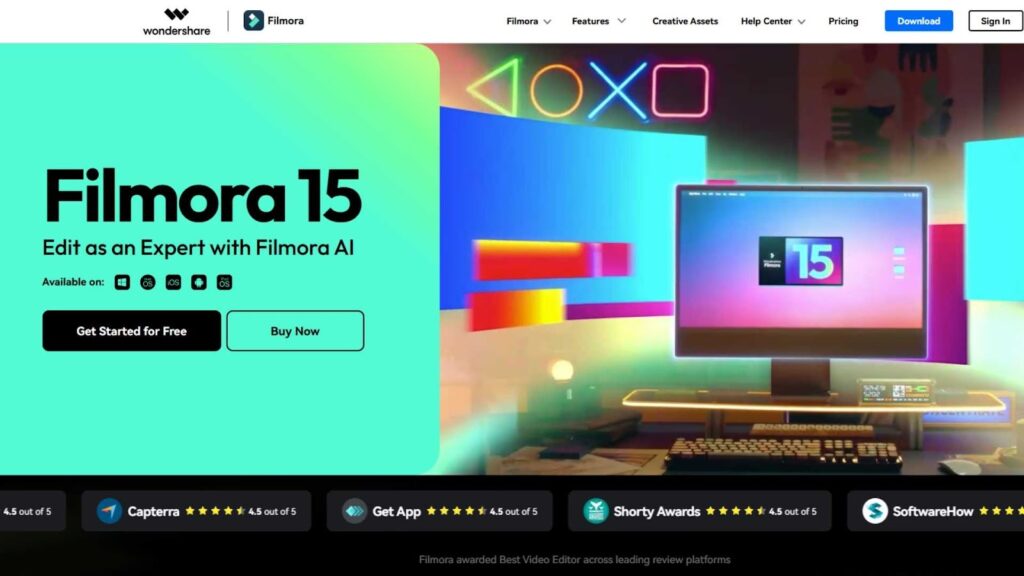
5. Filmora – Best for Beginners Who Want Fast Results
Not everyone wants complicated editing tools.
If you are just starting your podcast and want something simple, Wondershare Filmora is a great choice.
Filmora is designed for ease of use. The interface is clean, simple, and beginner-friendly. You can drag and drop clips, add titles, apply transitions, and export your episode without feeling overwhelmed.
For podcast creators, this software includes:
- Built-in templates for intros and lower-thirds
- Easy background music integration
- Simple audio cleanup tools
- Social media export presets
Filmora may not have Hollywood-level color grading like DaVinci Resolve, but it’s more than enough for YouTube podcasts, interviews, or educational video shows.
When comparing the Best Software for Editing Video Podcasts, Filmora stands out for speed and simplicity. It helps you publish faster, which is very important if consistency matters in your podcast strategy.
It’s affordable, and for many beginners, it’s the perfect starting point.
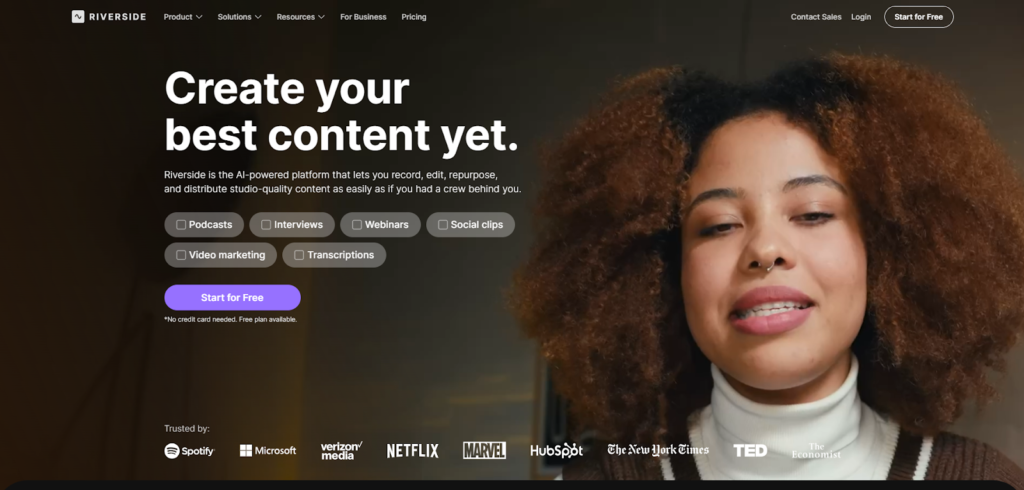
6. Riverside – Best for Recording and Editing in One Place
If your podcast is recorded remotely, you might want an all-in-one solution. That’s where Riverside.fm becomes interesting.
Riverside is primarily known as a remote recording platform, but it also includes built-in editing tools. You can record guests in high quality and edit your podcast directly inside the platform.
For podcasters who don’t want to download heavy software or learn complex editing systems, this can be very convenient.
Riverside offers:
- High-quality local recording
- Separate audio and video tracks
- AI-powered editing tools
- Quick clip creation for social media
It’s not as advanced as Premiere Pro or DaVinci Resolve, but it saves time. If your main goal is efficiency rather than advanced effects, it can be considered one of the Best Software for Editing Video Podcasts in terms of workflow simplicity.
This option works especially well for interview-style podcasts and business shows.
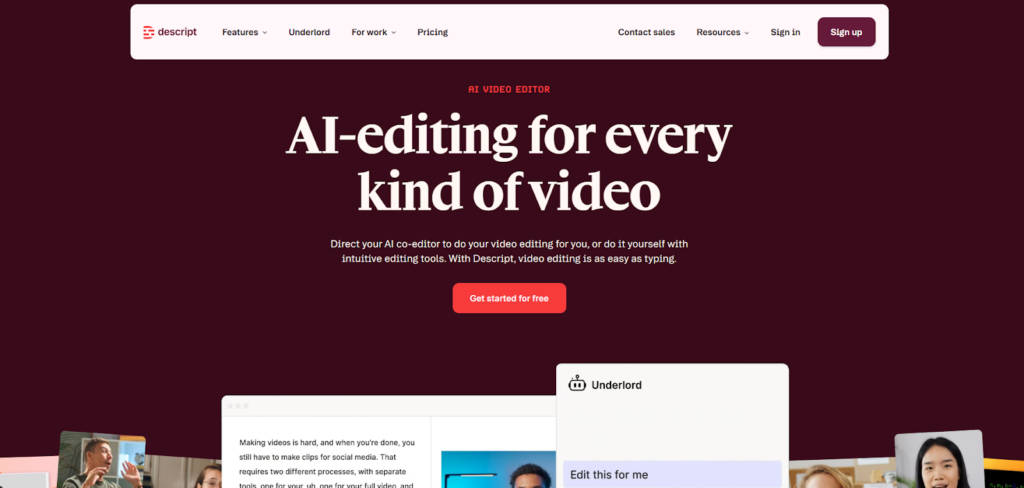
7. Descript – Best for AI-Based Editing
Editing video the traditional way can take hours.
But Descript changed the game.
Descript allows you to edit video by editing text. Yes, you read that correctly.
It automatically transcribes your podcast. Then, if you delete a sentence from the transcript, it removes that part from the video. This makes cutting mistakes, filler words, or awkward pauses incredibly easy.
For podcast creators who care about speed and simplicity, this can feel revolutionary.
Descript includes:
- Automatic transcription
- Screen recording
- AI voice correction
- Multi-track editing
- Easy subtitle generation
If your priority is fast content production, Descript may be the Best Software for Editing Video Podcasts for you.
However, for complex visual edits, you might still need traditional software. Many creators actually use Descript for rough cuts and then finish the project in Premiere or Final Cut.
How to Choose the Best Software for Editing Video Podcasts
Now that you’ve seen the top options, how do you decide?
Choosing the Best Software for Editing Video Podcasts depends on your experience, budget, and goals.
If you are a beginner, go for something simple like Filmora.
If you are a Mac user who wants speed, Final Cut Pro is strong.
If you want professional-level control, Premiere Pro or DaVinci Resolve are powerful choices.
If you prefer AI-based editing, Descript might be perfect.
If you want an all-in-one recording solution, Riverside makes life easier.
There is no single “perfect” software for everyone. The best one is the one that fits your workflow.
Features That Actually Matter for Podcasters
When people search for the Best Software for Editing Video Podcasts, they are not just looking for “video editing software.” They are looking for something that fits podcast-style content specifically.
Video podcasts are different from cinematic films or gaming edits. They usually focus on conversations, interviews, education, and storytelling. So the software must support that style.
Let’s look at what really matters.
Audio Control and Cleanup
For video podcasts, audio quality is more important than visual effects. Viewers will forgive average lighting, but they will not forgive bad sound.
The Best Software for Editing Video Podcasts must include strong audio tools such as:
- Noise reduction
- Audio syncing for multiple microphones
- Equalization (EQ)
- Compression tools
- Background hum removal
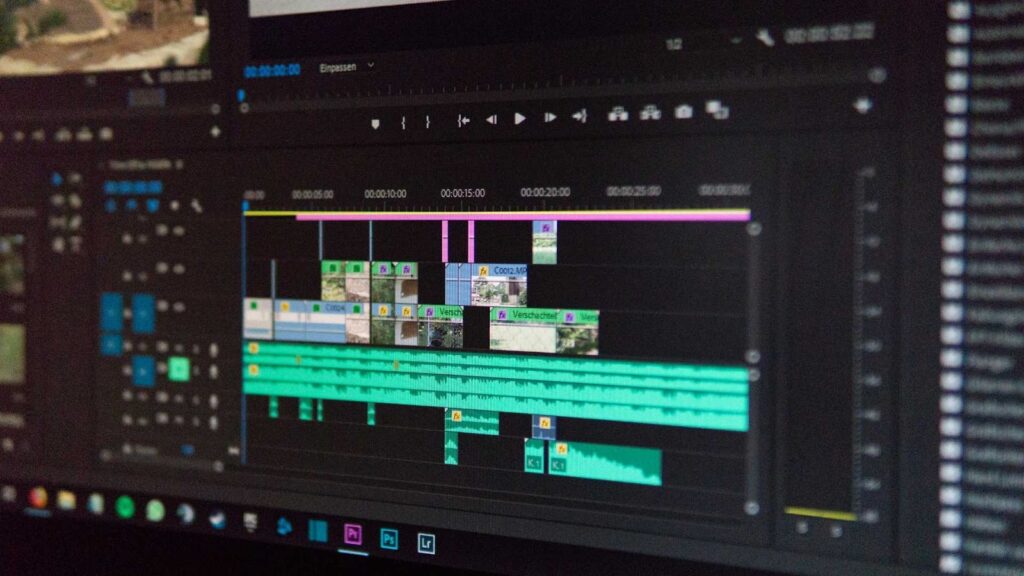
Adobe Premiere Pro works perfectly with Adobe Audition, while DaVinci Resolve includes Fairlight – a powerful built-in audio system. Descript also simplifies audio cleanup with AI-based tools.
If your podcast involves multiple speakers, good audio control is not optional. It’s essential.
Why Editing Quality Matters for Video Podcasts
Many creators underestimate editing.
Good editing keeps viewers engaged. It removes awkward pauses. It improves audio clarity. It adds subtitles, transitions, branding elements, and visual interest.
If your podcast looks messy, viewers may leave – even if your content is great.
That’s why choosing the Best Software for Editing Video Podcasts is not just a technical decision. It’s a branding decision.
Your editing style represents your professionalism.
Don’t Want to Edit Yourself? Let Inside Editors Handle It
Let’s be honest.
Video podcast editing takes time. Even with the Best Software for Editing Video Podcasts, you still need hours of work, creativity, and technical skills.
If you would rather focus on recording great conversations and growing your audience, we can help.
At Inside Editors, we provide professional video editing services specifically designed for podcasters, content creators, and online brands. We use industry-standard tools and advanced editing techniques to transform raw footage into engaging, polished episodes.
Whether you record interviews, solo shows, or educational content, our team ensures your podcast looks clean, professional, and optimized for platforms like YouTube and social media.
Visit our website at:
Inside Editors helps you save time, improve quality, and publish consistently.
Because sometimes, the real Best Software for Editing Video Podcasts is having experts handle it for you.


