

Underwater videos are magical. The floating motion, the soft light, the colorful fish, and the calm feeling can instantly pull people into another world. But if you have ever tried to edit underwater footage, you already know it is very different from editing normal videos. Colors look washed out, videos can feel shaky, and details are often hidden by water haze. That is why choosing the Best Underwater Video Editing Software is so important.
Many beginners think any video editor will work. In reality, underwater footage needs special care. You need strong color correction tools, good stabilization, noise reduction, and support for high-resolution action camera files. Without these, even the most beautiful dive can look dull and unprofessional.
In this guide, I will walk you through the Best Underwater Video Editing Software options available today, covering free tools, affordable software, and professional platforms. This article is written in a simple, friendly way so you can easily compare tools and decide what fits your budget and skill level.
Whether you are a YouTuber, travel vlogger, scuba diver, marine researcher, or just someone who loves ocean videos, this list will help you make a smart decision before spending your money.
Why You Need Specialized Software for Underwater Videos
Underwater footage has unique technical problems. Water absorbs red light first, then orange and yellow, leaving everything blue or green. Even expensive cameras struggle with this. Good editing software helps bring life back into your clips.
The Best Underwater Video Editing Software usually offers advanced color wheels, LUT support, white balance recovery, and selective color adjustments. These tools let you fix skin tones, coral colors, and ocean depth naturally.
Another challenge is movement. Waves and currents cause constant shaking. Without proper stabilization tools, your video can make viewers uncomfortable. Professional underwater editors include motion tracking and smart stabilization features designed to fix this problem.
Finally, underwater videos are often recorded in 4K or higher using GoPro, DJI, or Insta360 cameras. Your software must handle large files smoothly without crashing or lagging.
What to Look for in the Best Underwater Video Editing Software
Before jumping into the top tools, it helps to understand what features actually matter. You do not need everything, but some things are essential.
Good underwater editing software should offer:
- Strong color correction and grading controls
- Video stabilization for shaky footage
- Support for 4K and action camera formats
- Noise reduction for low-light scenes
- Easy timeline editing
- Export presets for YouTube and social media
Some programs are perfect for beginners, while others are built for professionals working on documentaries or commercial projects.
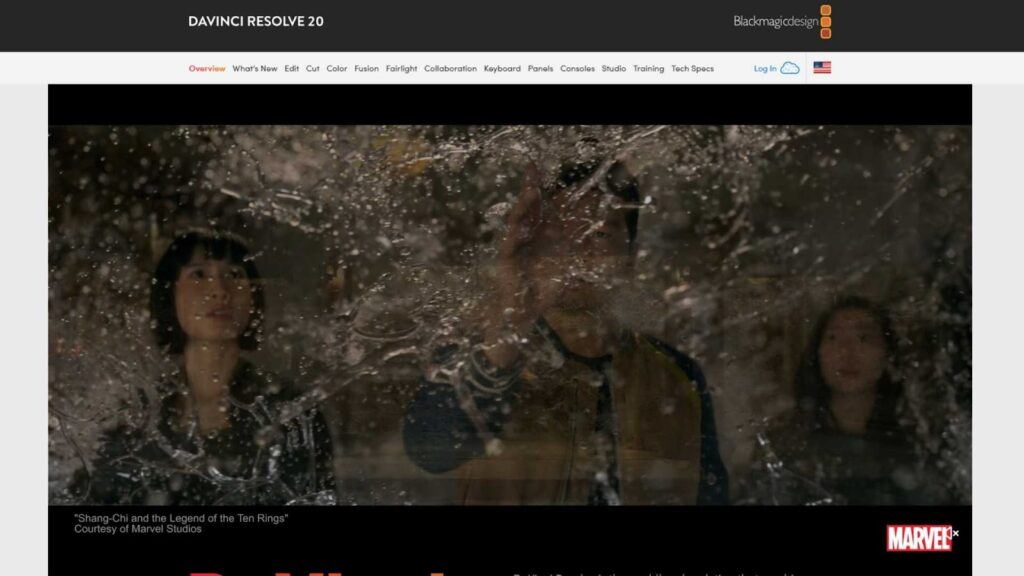
DaVinci Resolve – Best Overall for Color Correction
DaVinci Resolve is often considered the king of color grading, and for underwater footage, this is a huge advantage. It has one of the most advanced color correction systems in the world, even in its free version.
You can fix blue and green color casts, restore natural skin tones, and make coral reefs pop again using professional tools like color wheels, curves, and secondary color selection. Many marine filmmakers use DaVinci Resolve as their main platform because of this.
The software also includes built-in stabilization, noise reduction in the paid version, and full support for high-resolution footage. If you are serious about underwater videos and want the Best Underwater Video Editing Software without spending money, the free version is already powerful.
The only downside is that the interface can feel complex for beginners. There is a learning curve, but once you understand it, the results are amazing.
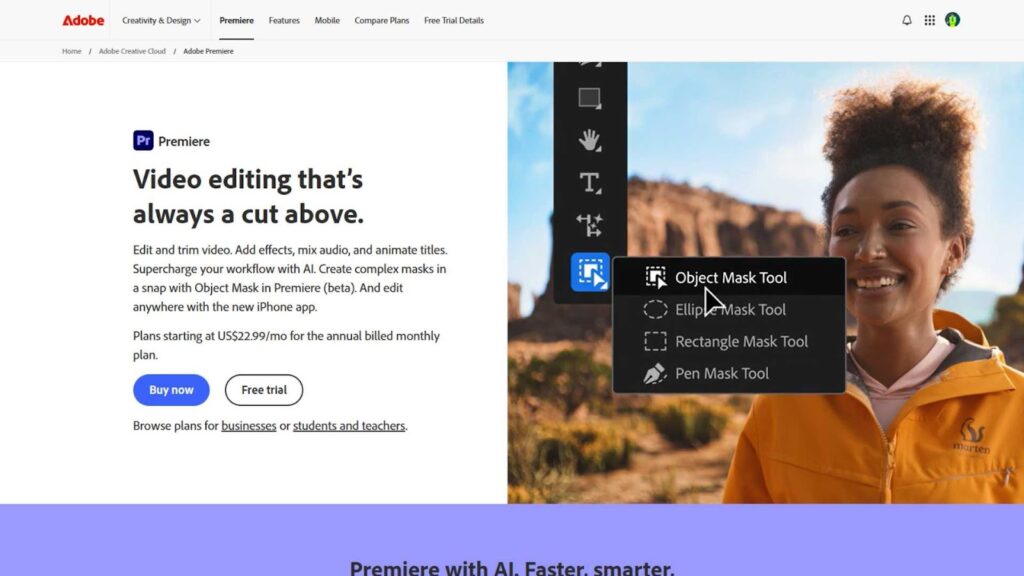
Adobe Premiere Pro – Best for YouTubers and Content Creators
Adobe Premiere Pro is one of the most popular video editors in the world. Many YouTubers, vloggers, and production studios rely on it daily.
For underwater footage, Premiere Pro offers excellent color correction through Lumetri Color tools. You can adjust temperature, tint, shadows, highlights, and apply LUTs designed specifically for underwater scenes.
It also works smoothly with After Effects for advanced effects and with Photoshop for thumbnail creation. If you already use Adobe products, this software fits perfectly into your workflow.
Premiere Pro is subscription-based, which may not be ideal for everyone. However, for creators uploading regularly, it can easily become their Best Underwater Video Editing Software due to flexibility and plugin support.
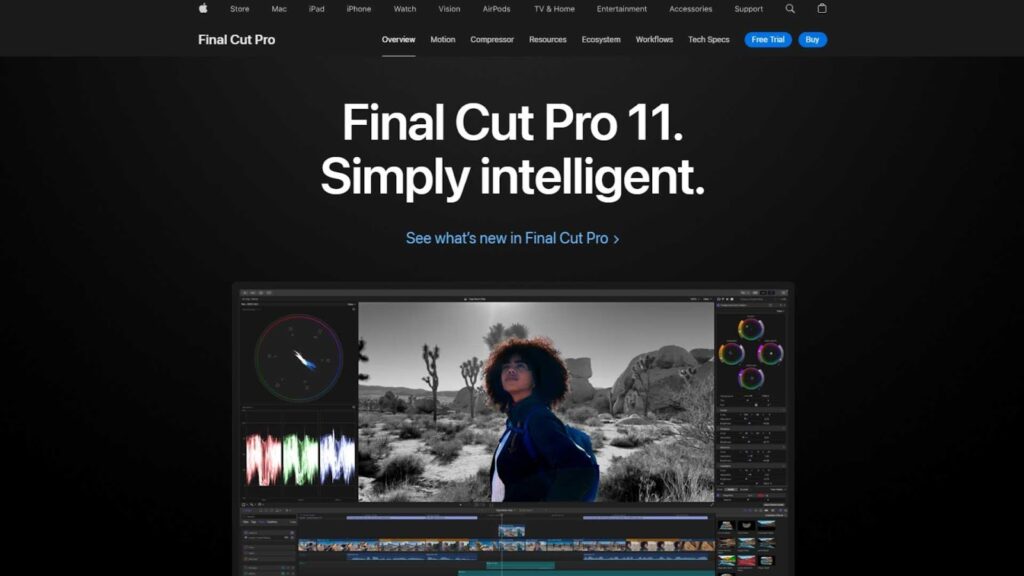
Final Cut Pro – Best Choice for Mac Users
Final Cut Pro is Apple’s professional editing software built specifically for macOS. It is fast, smooth, and optimized for Apple hardware.
Underwater editors love Final Cut Pro because it handles large 4K files very efficiently. Its color grading tools are strong, and third-party plugins can enhance underwater colors even more.
Unlike Adobe, this is a one-time purchase, not a monthly subscription. That makes it attractive for Mac users who want professional tools without long-term payments.
If you use a MacBook or iMac, this could easily be your Best Underwater Video Editing Software for long-term projects.
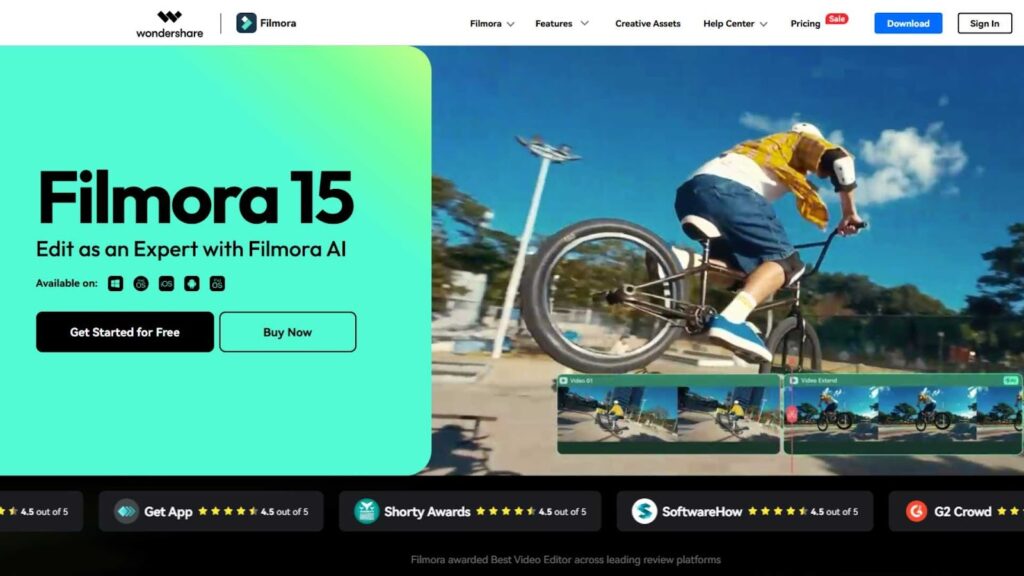
Filmora – Best Budget-Friendly Option for Beginners
Filmora is designed for people who want professional-looking results without technical complexity. It is simple, affordable, and perfect for beginners.
The software includes basic color correction, stabilization, and ready-made filters that can improve underwater scenes quickly. While it does not offer deep professional color grading like DaVinci Resolve, it is more than enough for social media and YouTube content.
If you are new to video editing and want something easy, Filmora may be your Best Underwater Video Editing Software to start with.
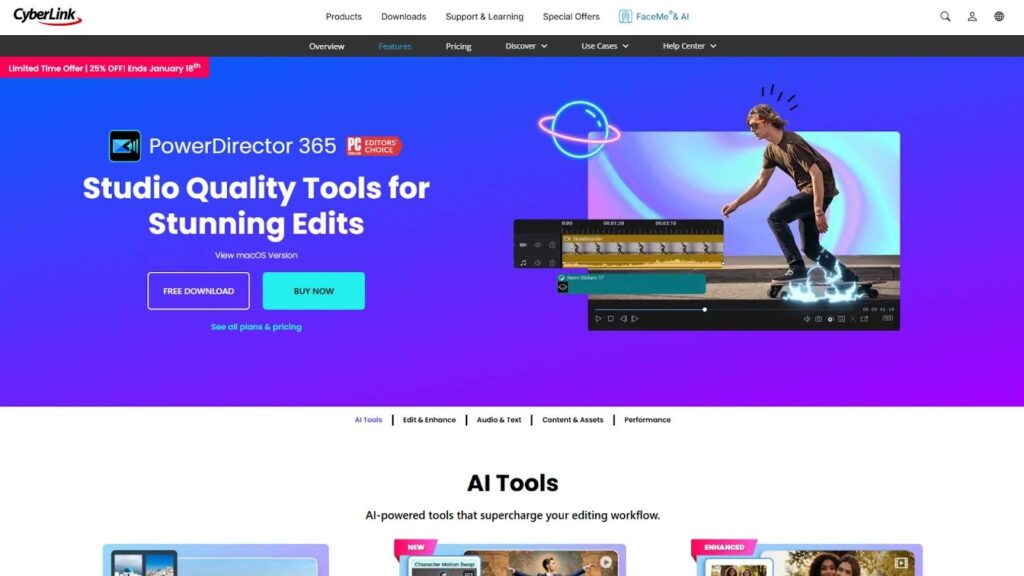
CyberLink PowerDirector – Best for Fast Editing
CyberLink PowerDirector is known for speed. It renders videos quickly and runs well even on mid-range computers. It includes AI stabilization, color enhancement, and underwater-style filters that can help restore colors lost under the sea. The interface is clean and easy to understand, which makes it a good choice for beginners who still want powerful tools.
If you record with action cameras like GoPro or DJI, PowerDirector handles those files smoothly. You can fix shaky clips, boost dull colors, and export in 4K without much effort. For many creators, this software becomes the Best Underwater Video Editing Software because it saves time while still delivering professional-looking results.
It is not as advanced as DaVinci Resolve when it comes to deep color grading, but for YouTube videos, travel vlogs, and social media content, it performs very well and keeps the editing process stress-free.
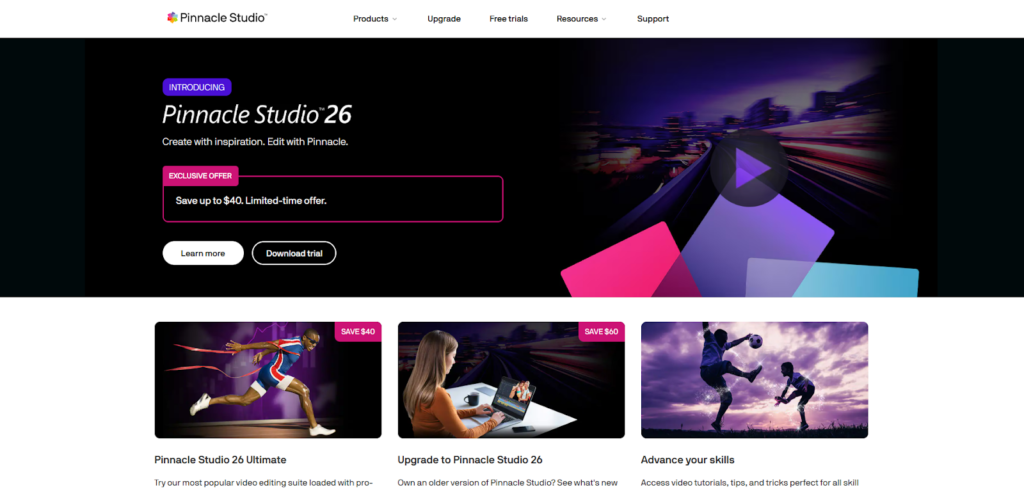
Pinnacle Studio – Best for Simple Professional Editing
Pinnacle Studio is a solid option for users who want more control than beginner software but do not want something overly complicated. It offers multi-track editing, color correction tools, motion tracking, and stabilization features that work nicely for underwater footage.
When editing underwater videos, being able to adjust brightness, contrast, and color balance is very important. Pinnacle Studio allows you to fine-tune these settings so your footage looks more natural and clear. Many hobby filmmakers and small content creators consider it one of the Best Underwater Video Editing Software options in the mid-price range.
The layout feels traditional, which some users prefer because everything is easy to find. If you are moving up from beginner software and want more creative freedom, this tool is worth considering.
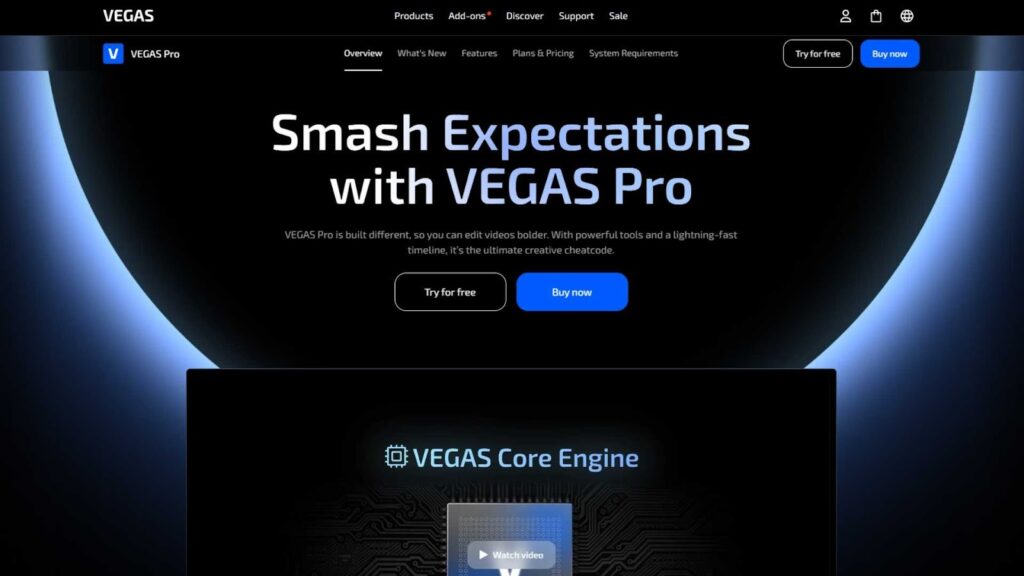
VEGAS Pro – Best for Creative Control
VEGAS Pro is popular among editors who enjoy detailed control over their timeline and effects. It is powerful, flexible, and works well for both short clips and long projects.
For underwater editing, VEGAS Pro provides strong color correction tools and reliable stabilization features. You can carefully restore natural colors, sharpen soft footage, and smooth camera movement. This level of control makes it one of the Best Underwater Video Editing Software choices for users who enjoy fine-tuning every detail.
It also handles audio very well, which is useful if your underwater video includes narration or background music. Although it may take some time to learn, the results can be very impressive once you get comfortable with the interface.
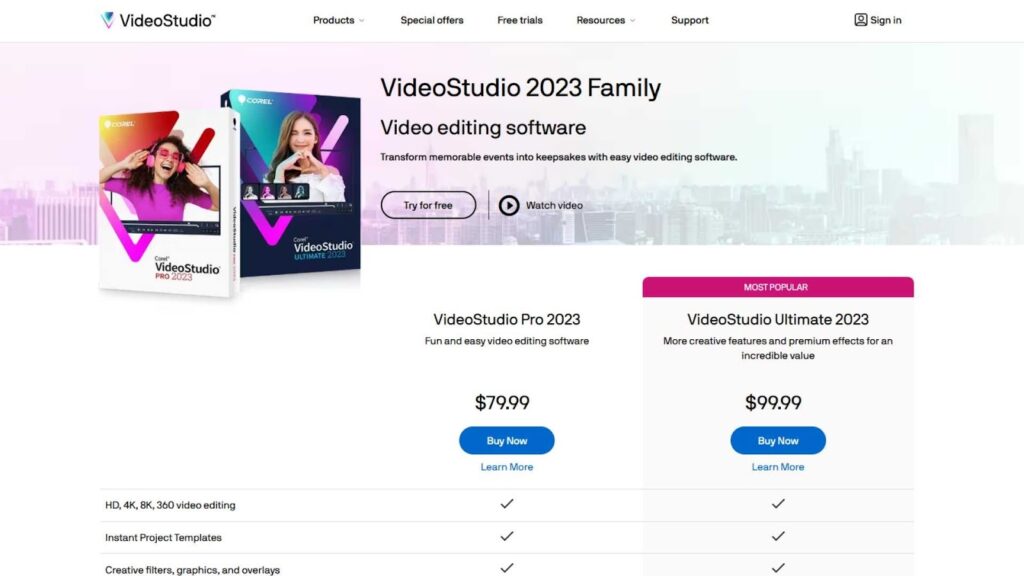
Corel VideoStudio – Best for Home Users
Corel VideoStudio is designed for people who want good results without spending weeks learning complicated software. It comes with simple editing tools, built-in effects, and easy color adjustments.
Underwater footage often looks dark and blue, and VideoStudio helps fix this with basic color controls and preset filters. You can improve visibility, reduce shakiness, and export videos for YouTube or Facebook in just a few steps.
For casual users, travel vloggers, and families who enjoy filming vacations and diving trips, this software can easily become their Best Underwater Video Editing Software because it is affordable and easy to use.
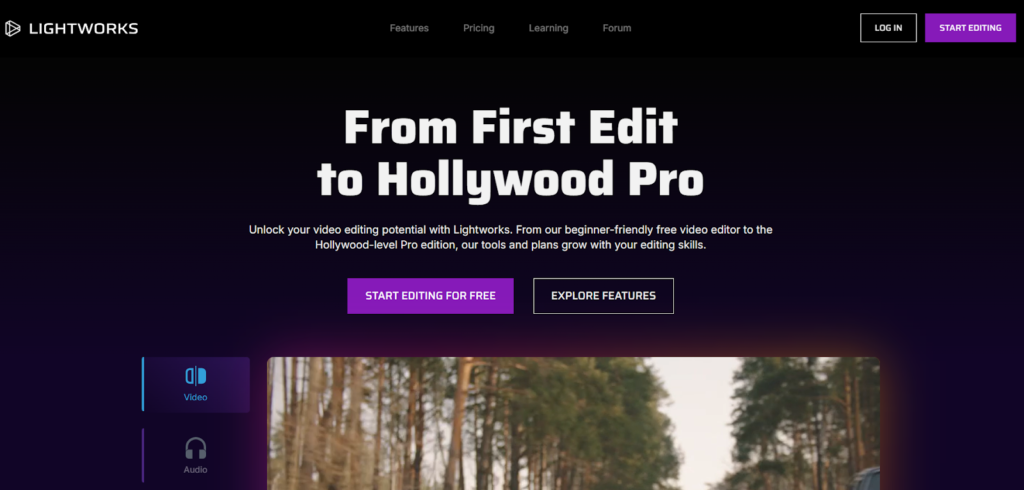
Lightworks – Best for Low-End Computers
Lightworks is a professional editor that surprisingly runs well on older or weaker computers. This is very helpful if you do not have a powerful PC but still want serious editing features.
It supports high-quality formats and offers advanced trimming, color correction, and timeline tools. Even though the interface looks different from most editors, it becomes comfortable once you learn the basics.
Many users choose Lightworks as their Best Underwater Video Editing Software because the free version already provides strong features. It allows you to clean up shaky clips, adjust underwater colors, and create smooth transitions without spending any money.
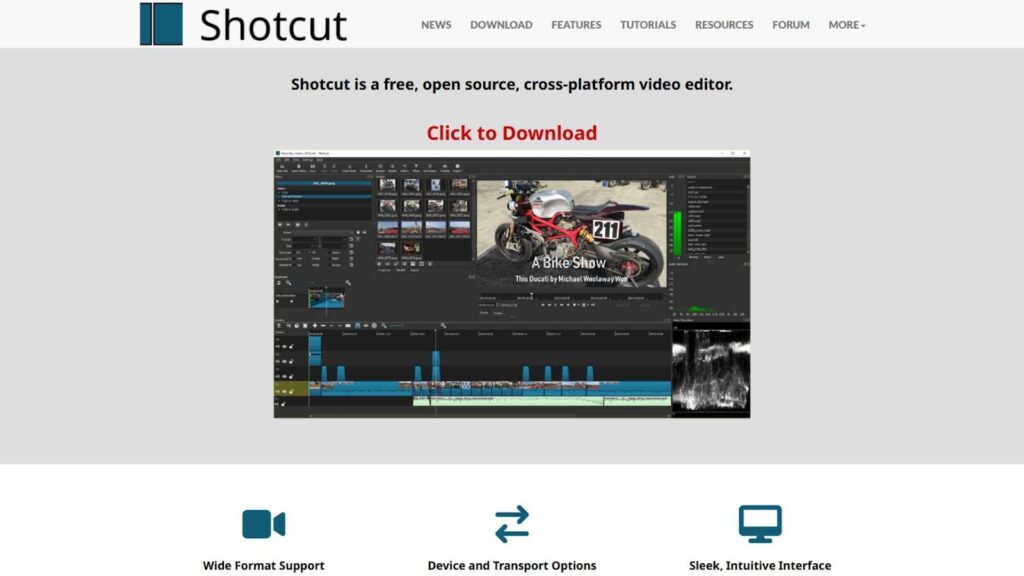
Shotcut – Best Free Open-Source Option
Shotcut is a free, open-source video editor that works on Windows, Mac, and Linux. It supports 4K video and includes filters for color correction, sharpening, and stabilization.
While the design is simple, the tools are powerful enough to fix most underwater video problems. You can reduce the blue tint, improve contrast, and make your footage clearer and more colorful.
If you are on a tight budget, Shotcut is often recommended as the Best Underwater Video Editing Software because it gives you full control without any cost. It is perfect for beginners who want to learn editing before upgrading to paid software.
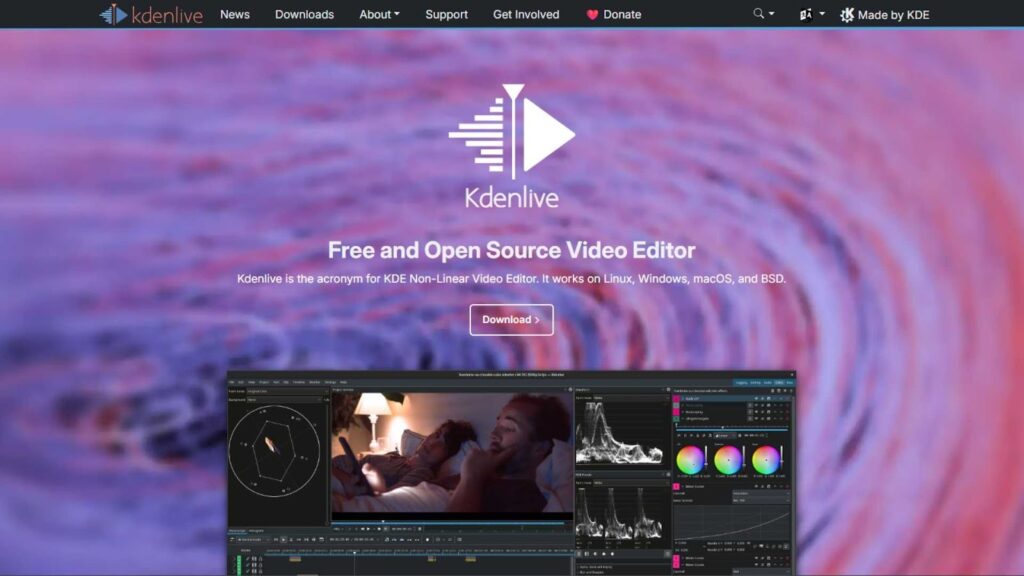
Kdenlive – Best Free Choice for Advanced Users
Kdenlive is another free editor that offers more advanced tools than most people expect. It supports multi-track editing, color grading, keyframes, and stabilization.
Underwater videographers who enjoy experimenting with color and effects will find this software very useful. You can manually correct color tones, adjust shadows, and enhance details hidden by water haze.
Because it is open-source and frequently updated, many creators consider Kdenlive one of the Best Underwater Video Editing Software options in the free category, especially for users who want more technical control.
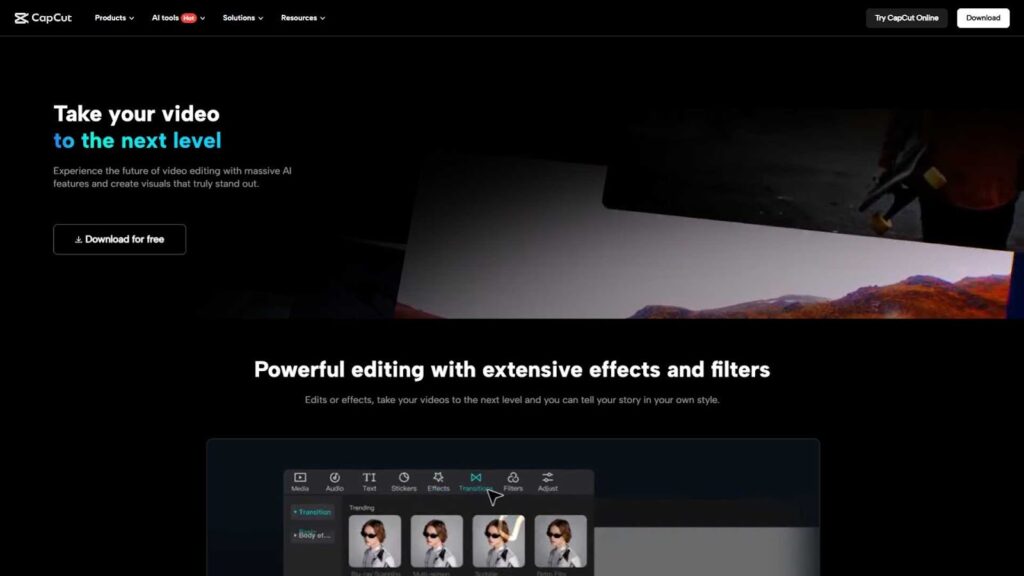
CapCut – Best for Mobile Editing
CapCut has become extremely popular for mobile editing, but it also works on desktop. It is simple, fast, and perfect for editing underwater clips directly from your phone.
You can adjust colors, apply filters, stabilize footage, add music, and export high-quality videos in minutes. This makes it ideal for social media creators who share diving or snorkeling videos regularly.
For short-form content, CapCut is often chosen as the Best Underwater Video Editing Software because it removes technical barriers and lets you focus on creativity.
How to Choose the Best Underwater Video Editing Software for You
Choosing the right tool depends on how serious you are about editing and what kind of videos you create.
If you want professional color grading and cinematic results, DaVinci Resolve or Adobe Premiere Pro are strong options. If you prefer something easier, Filmora or PowerDirector will give you fast and clean results. Free tools like Shotcut, Lightworks, and Kdenlive are excellent if you are learning or working with a small budget.
No matter which one you choose, the goal is the same: to make your underwater footage look natural, colorful, smooth, and enjoyable to watch. That is what truly defines the Best Underwater Video Editing Software.
Final Thoughts
Underwater videos capture a world that most people rarely experience. With the right editing tools, you can bring that world to life in stunning detail. Colors become richer, movements smoother, and stories more powerful.
Choosing the Best Underwater Video Editing Software depends on your experience, budget, and creative goals. Beginners may prefer simple tools, while professionals may want advanced color grading and cinematic control. There is no single perfect choice for everyone, but there is a perfect choice for you.
What truly matters is how you use the software to tell your story and share the beauty of the underwater world.
Let Inside Editors Handle Your Underwater Video Editing
If you want professional-quality underwater videos without learning complex software or spending countless hours editing, Inside Editors is here to help.
We specialize in professional video editing services, including underwater footage, travel videos, documentaries, YouTube content, and commercial projects. Our expert editors understand color correction, stabilization, noise reduction, and cinematic storytelling.
We use industry-level tools and proven techniques to turn raw underwater clips into visually stunning videos that attract viewers and keep them engaged.
Let Inside Editors transform your underwater footage into a powerful visual experience while you focus on creating and exploring.


