


Once you understand the core components that power video editing, the next step is choosing the type of computer that fits your workflow. Not every creator needs a massive workstation, and not everyone can rely on a lightweight laptop. Understanding how each form factor affects speed, portability, and long-term value helps you confidently choose the best video editing computer for your real needs-not just what looks powerful on paper.
1. Apple Mac Studio (M3 Max/Ultra): Best for Pros
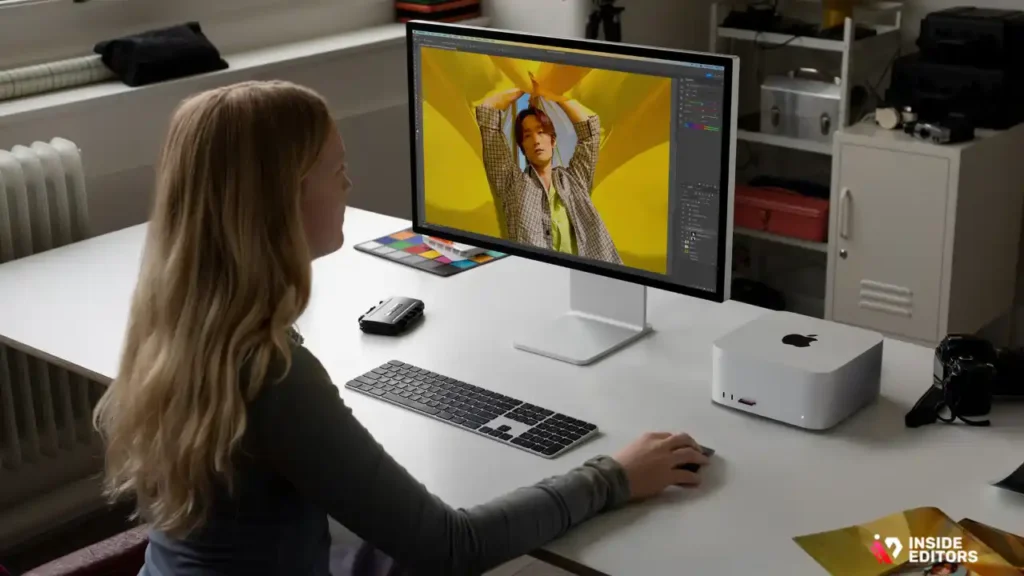
If you want the most stable, quiet, efficient system for video editing, the Mac Studio M3 Ultra is the top choice.
- Insanely fast timeline playback
- Handles 4K, 6K, and 8K ProRes effortlessly
- Best for Final Cut Pro, DaVinci Resolve & Adobe Premiere
Perfect for: YouTubers, filmmakers, commercial editors.
2. MacBook Pro 16″ (M3 Max): Best Portable Editor

Still unmatched for mobile editing.
- Battery lasts through heavy rendering
- Smooth HDR and color grading
- Handles 4K/6K projects better than many desktops
Perfect for: Travel editors, vloggers, documentary creators.
3. Dell XPS 8960 Creator: Best Windows Editing PC
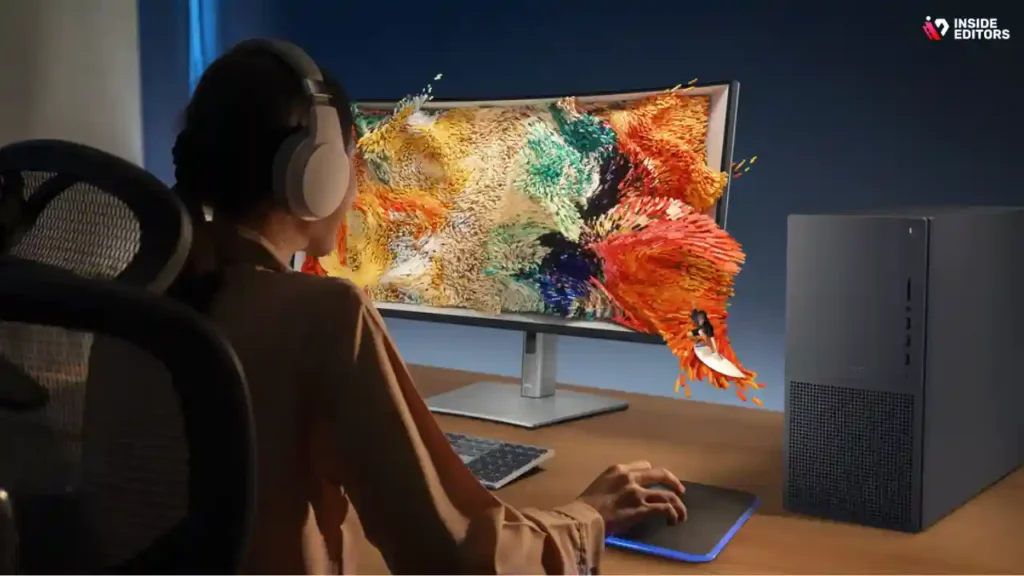
A powerhouse for Adobe Premiere and DaVinci Resolve.
- Intel i9 + RTX 4080/4090 options
- Great thermals and quiet performance
- Excellent for heavy effects & VFX
Perfect for: Premiere-heavy workflows, PC-based color grading.
4. HP Z2 G9 / Z4: Best for Studios & Agencies
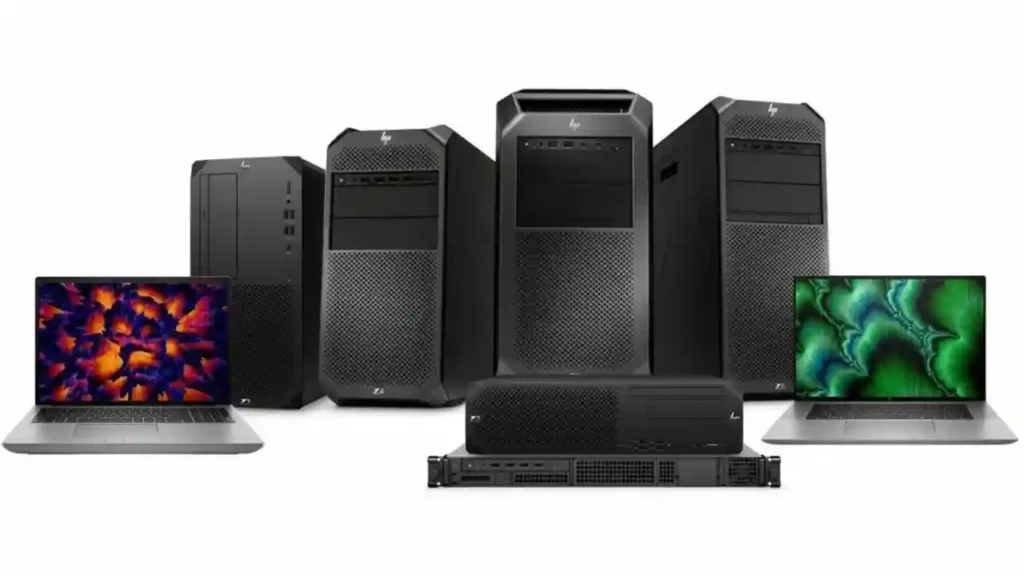
A true workstation used in production houses.
- ECC memory support for stability
- Quadro / RTX workstation GPU options
- Built for long editing sessions
Perfect for: Agencies, studios, production houses.
5. Apple iMac 24″ M3: Top Starter Pick
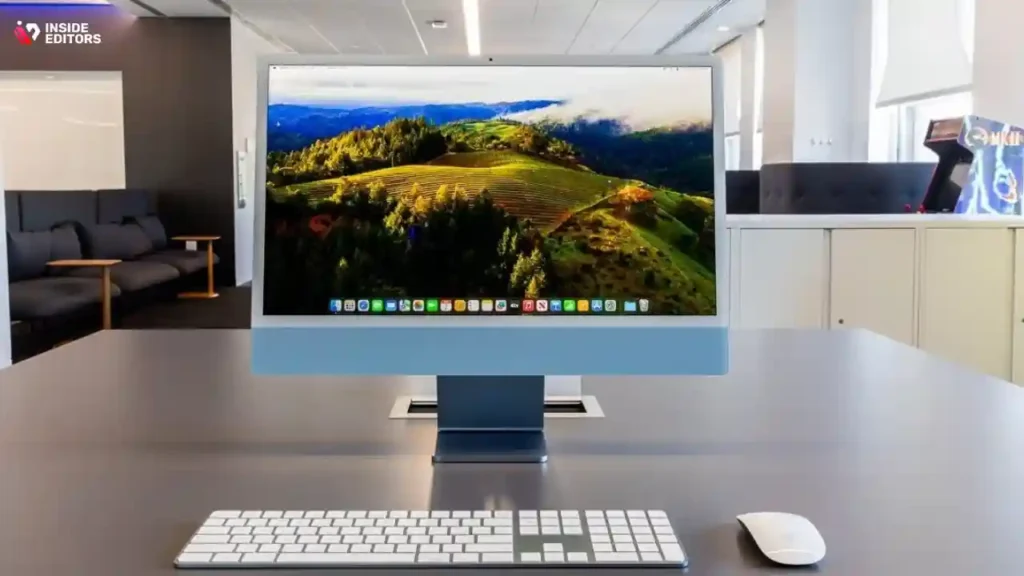
While not as powerful as the Mac Studio, it’s perfect for beginners.
- Great all-in-one design
- Quiet and efficient
- Excellent performance for 1080p & light 4K editing
Perfect for: Students, hobbyists, part-time YouTubers.
6. Custom PC (7950X + 4070/4080): Best Value
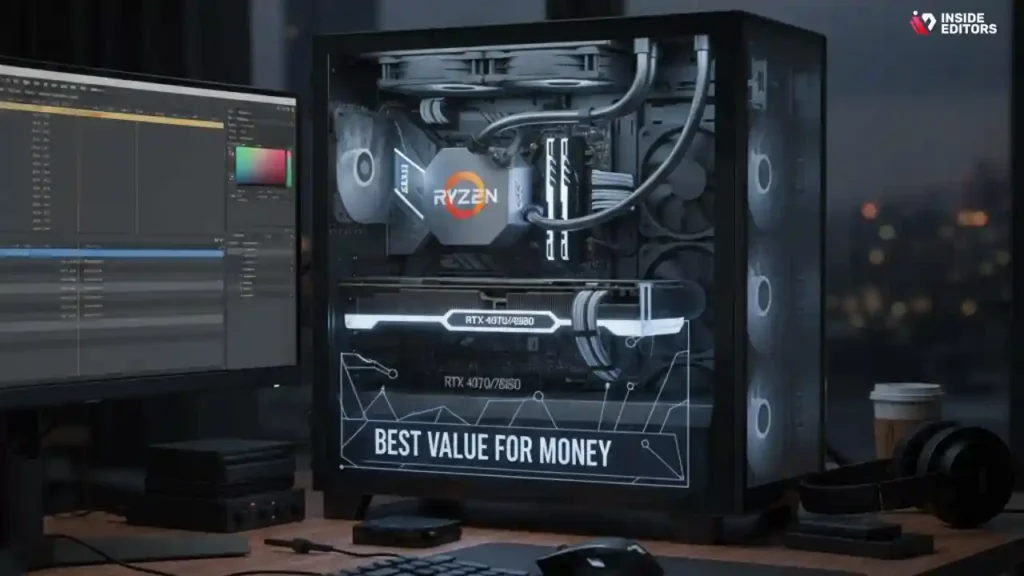
If you want maximum power per dollar, nothing beats a custom PC.
Recommended build:
- Ryzen 9 7950X
- RTX 4070 / 4080
- 64–128GB RAM
- 2TB NVMe SSD
Perfect for: Editors who want pure performance without Apple pricing.
7. Lenovo Legion 7i Gen 8: Top FX Pre-Built
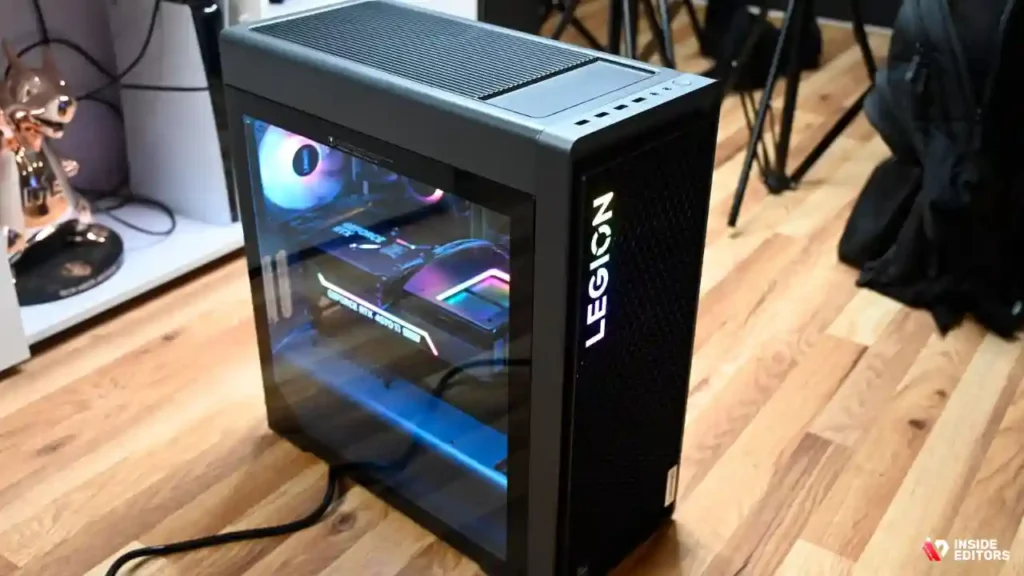
A gaming tower that doubles as a superb editing machine.
- Strong airflow
- RTX 4080/4090 options
- Great for After Effects, 3D & VFX
8. Mac mini M2 Pro: Top Small Budget Pick

Surprisingly powerful for its size.
- Great for 4K editing
- Silent and cool
- Affordable compared to Mac Studio
Perfect for: Editors on a tighter budget who still want Apple reliability.
Quick Comparison Table : Best Video Editing Computers
| Model | Best For | Key Strength | Potential Trade-off |
| Mac Studio (M3 Ultra) | High-end solo creator / filmmaker | Top performance + plug-and-play | Price, limited upgrade |
| Dell XPS 8960 Desktop | Windows creator needing flexibility | Strong GPU + upgrade path | More configuration needed |
| HP Z Workstation | Studio/agency heavy workloads | Reliability + pro features | Cost + some features may be excess |
Why Desktops Remain the Top Choice for Editors
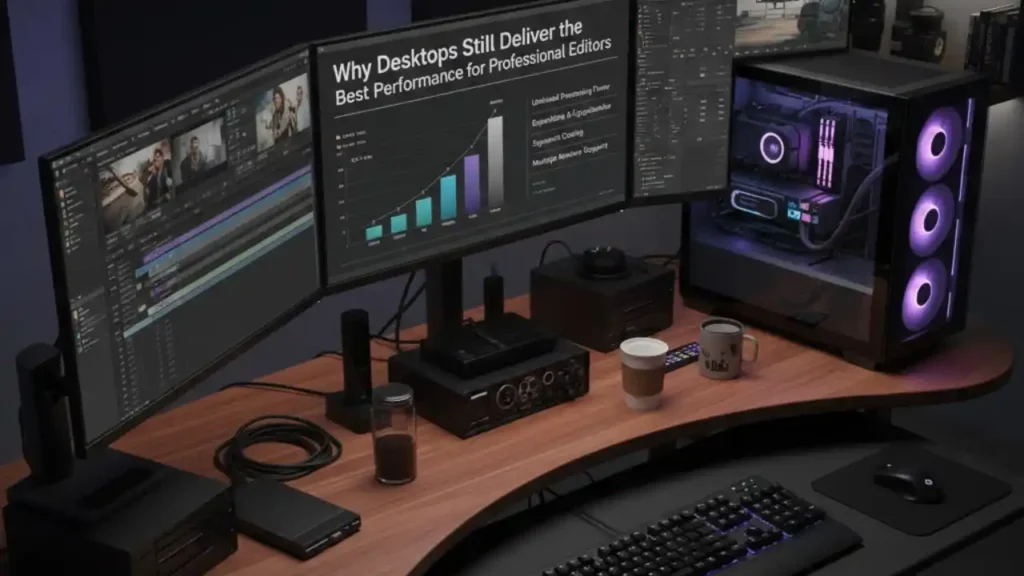
If raw power is your top priority, desktops remain unmatched in 2025. These machines offer larger cooling systems, upgradeable parts, and higher wattage components that laptops simply can’t match. That translates to higher sustained performance, especially during long renders or heavy color grading. A desktop can maintain its peak speed for hours without thermal throttling-a common issue in compact laptops.
Editors who work with 6K or 8K RAW footage often prefer desktops because they deliver consistent playback, faster export times, and smoother rendering of GPU-heavy effects. This stability is especially important for filmmakers, production teams, and full-time video editors who cannot afford interruptions. And because desktops are easy to upgrade, they offer better long-term value.
You can replace your GPU or add more RAM as your projects grow more demanding, extending your computer’s lifespan well beyond most portable options.
This doesn’t mean desktops are the only option for professionals, but if you’re building a home editing studio or want the highest performance per dollar, a well-configured desktop is hard to beat. In a moment, we’ll break down specific models that excel in each category-but first, let’s look at the type of computer most editors gravitate toward today.
Final Thoughts: Picking the Right Creative Machine
If you’re looking for the best video editing computer in 2025 and want to make an investment that lasts, choose based on your workflow and budget:
- For ultimate performance and simplified setup: go Mac Studio.
- For Windows-based editing with upgrade options: go Dell XPS 8960 or equivalent.
- For professional studio reliability and heavy duty workloads: go HP Z workstation class.
Once you’ve selected the right machine, you’ll find your editing workflow becomes smoother, more creative, and less frustrating.
FAQs : Best Video Editing Computer
Q1 : How can I trust a video editor with my footage and final rights?
A: Always check a service’s contract and sample work before sending raw footage. Look for an explicit clause on ownership and deliverables – a reputable editor or agency will state that you retain original footage and receive final-deliverable rights (usually “work for hire” or licensed per contract). If privacy is a concern, insist on an NDA and secure file transfer (SFTP or private cloud) to protect your content.
Q2 : What’s the difference between DIY editing and hiring a pro editor?
A: DIY editing saves money but costs time and often produces less-polished results; hiring a pro trades budget for speed, consistency and storytelling skill. For one-off social posts, DIY can be fine; for client work, monetized channels, or long-form storytelling, professional editors bring workflow systems, color accuracy and revision processes that reduce errors and save long-term hours.
Q3 : How much should I budget for a professional edit?
A: Pricing varies by scope: short social clips might cost $30–$150 per clip, YouTube episodes $200–$1,000 each, and full commercials or documentaries can run $1,500–$10,000+ depending on revisions, color grading, and motion graphics. Always confirm what’s included (number of revisions, file formats, source-file retention, and any stock music/licenses) so you aren’t surprised by extra fees.
Q4 : What are typical turnaround times and rush options?
A: Standard turnaround for a single short video is 2–7 business days; longer edits or multi-episode projects often take 1–4 weeks depending on complexity and feedback cycles. Many editors offer rush delivery for an extra fee (commonly 25–100% of the job) – confirm dependencies like client response times and whether color grading or VFX add days.
Q5 : What simple steps should I follow to prepare files for an editor?
A: Export high-quality source files (camera originals if possible), provide a short creative brief (length, mood, reference clips), timestamped revision notes, and clearly labeled folders for audio, video, and graphics. Use a cloud link (Dropbox/Google Drive) with organized folder names and include a project.js or list of formats; this saves hours and reduces revision rounds.
Q6 : Will the editor keep my project secure and who owns the final files?
A: Reputable editors store client projects in protected cloud folders and should clarify retention policy; ask how long they keep raw files and whether backups exist. Ownership is contractual – most services transfer final deliverables to the client while raw footage often remains the client’s property; confirm file delivery format and archival terms before starting.


