

Sports are filled with fast-paced action, adrenaline, and moments that disappear in seconds. Capturing these moments is one thing, but turning them into powerful, replay-worthy highlight reels is another skill on its own. Whether you’re a beginner recording your kid’s weekend match or a seasoned editor crafting highlight packages for professional teams, finding the Best Video Editing Software for Sports Highlights can make all the difference. The right software helps you move quickly, work efficiently, and produce crisp, energetic edits that bring the game to life.
This guide is written exactly for people like you-those who want a friendly, easy-to-follow breakdown of what actually works, not a bunch of confusing technical jargon. Sports editing is unique because it demands speed, precision, and the ability to cut through long recordings while keeping the energy intact. That means not every editing program will suit your workflow. Some tools are great for beginners who want to produce clean cuts with minimal effort, while others give professionals advanced controls for slow motion, stabilization, color work, audio detail, and multi-camera timelines.
You might be capturing football, basketball, soccer, tennis, cycling, martial arts, or fitness content. No matter the sport, highlights need to feel sharp, energetic, and replay-ready. That’s why choosing the Best Video Editing Software for Sports Highlights is so important. You don’t just want something that looks good-you want software that helps you edit faster, stay organized, and deliver crisp results without frustration.
Many editors also wonder if they should handle everything themselves or sometimes bring in outside help. That’s where services like Inside Editors come in. If you ever get overwhelmed or need professional-grade polishing, Inside Editors can step in and turn raw footage into high-impact sports highlight videos. But more on that later.
For now, let’s dive deep into the Best Video Editing Software for Sports Highlights, compare what makes each one stand out, and explore which options are truly worth your time-whether you’re brand-new or already editing like a pro.
Why Choosing the Right Software Matters for Sports Highlights
When you’re cutting wedding videos, travel vlogs, or educational content, you have the luxury of time. You can linger on scenes, adjust pacing slowly, and polish the visuals at your own pace. Sports editing is different. Everything is fast. Angles change rapidly. Camera shake is common. Lighting conditions are unpredictable. And viewers expect quick transitions, sharp action sequences, slow-motion replays, and clean storytelling.
This is why the Best Video Editing Software for Sports Highlights must offer more than basic cutting tools. You need real performance, strong stabilization, intuitive controls, and features that help you move through footage efficiently. The right program helps you stay organized when sorting long game recordings, marking highlight moments, and syncing audio with commentary.
Beginners often worry that advanced editing tools may be too complicated. Professionals, on the other hand, need deeper control and more customization. The good news is that the market offers beautiful options for every skill level, and we’ll explore them fully. Whether you want simple drag-and-drop editing or a complete finishing platform with color grading and motion graphics, your ideal solution is out there.
What Makes the Best Video Editing Software for Sports Highlights?
Sports highlight editing has very specific demands. Before we get into software comparisons, it’s helpful to understand the features that truly matter. If you’re looking for the Best Video Editing Software for Sports Highlights, these are the characteristics you should expect from top-tier tools.
High-quality slow motion is essential. Whether it’s a slam dunk, a sprint finish, or a powerful kick, slow-motion replays define sports storytelling. Not every editor handles frame interpolation well, and poor slow motion can ruin great footage.
Stabilization is another must-have feature. Sports are rarely shot from stationary tripods. You might be on the sidelines, in the bleachers, or walking with the camera. Strong stabilization helps smooth these movements without distorting the frame.
Speed matters too-not just the athlete’s speed, but your editing speed. Good timeline performance lets you scrub through long recordings without lag. Efficient media organization helps you quickly find key moments. Smooth playback allows you to judge timing accurately.
Color tools also play a big role. Gym lighting, stadium lights, outdoor glare, and shadows vary dramatically. The Best Video Editing Software for Sports Highlights will give you either automatic correction tools or manual grading options to make your footage sharp, consistent, and dynamic.
Finally, exporting must be fast and reliable. After all, sports content often has quick turnaround expectations. You might need to deliver reels the same day, upload highlights online, or present clips to a coach or team immediately.
Best Video Editing Software for Sports Highlights: Beginner to Pro
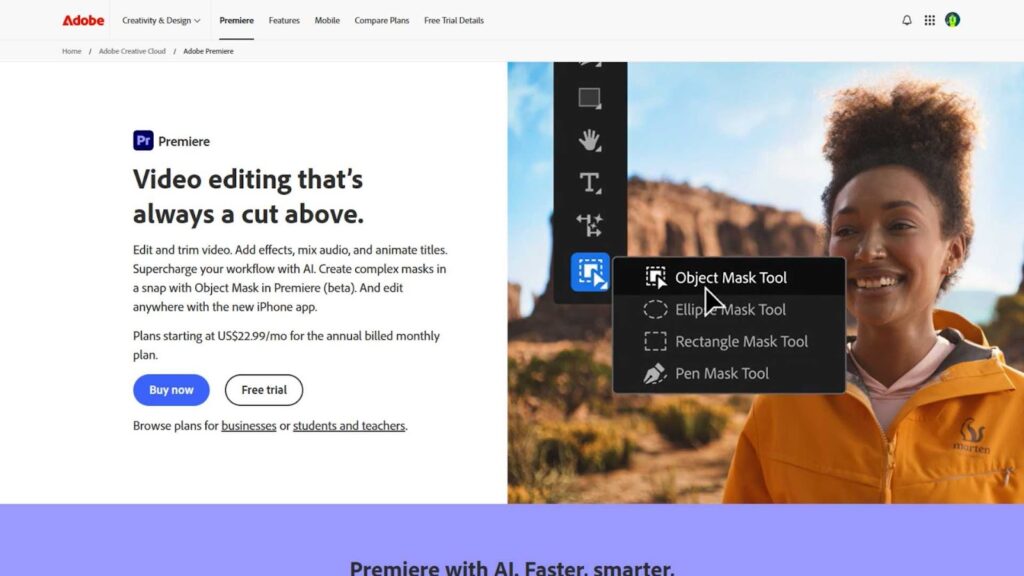
1. Adobe Premiere Pro – The Industry Standard
Adobe Premiere Pro is widely regarded as the gold standard in video editing, and it’s used by professionals across the globe for everything from sports highlights to feature films. Its robust feature set and seamless integration with other Adobe products make it a favorite among those who need advanced functionality.
Pros:
- Industry-grade tools with powerful editing capabilities.
- Wide range of effects, transitions, and color grading tools.
- Perfect for editing fast-paced sports footage with multi-camera editing options.
- Seamless integration with Adobe After Effects for added visual flair.
Cons:
- Steep learning curve for beginners.
- Subscription-based pricing might be too expensive for casual users.
Ideal for:
- Professionals and experienced video editors.
- Users working with large projects and requiring high-level customization.
If you’re serious about editing sports highlights and want full creative control, Adobe Premiere Pro is a top choice. However, if you’re just starting, you might find it a bit overwhelming at first.
2. Final Cut Pro X – Perfect for Mac Users
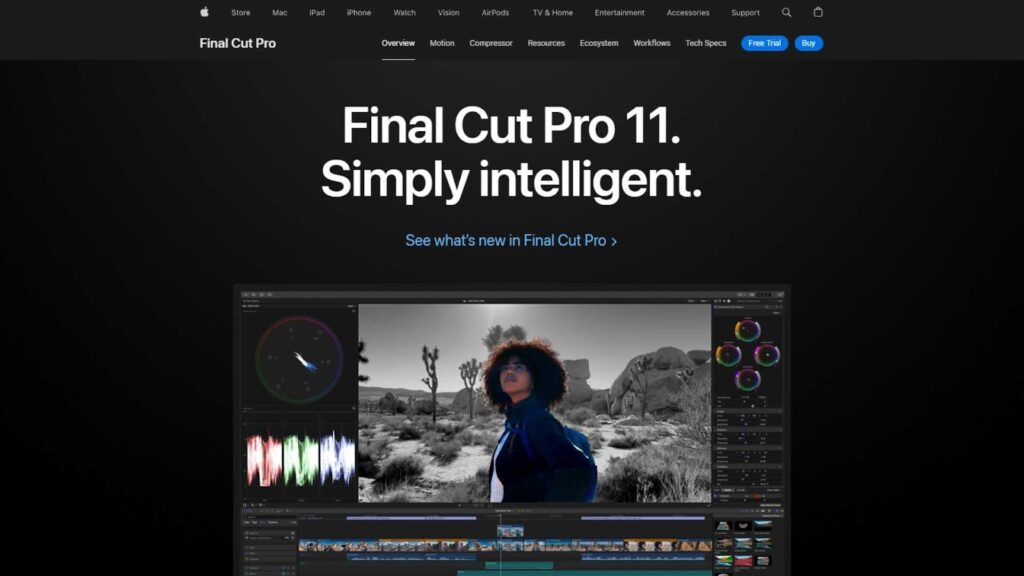
If you’re editing on a Mac, Final Cut Pro X is another fantastic option. This software is widely known for its speed and efficient workflow, which makes it a go-to for both seasoned editors and those who are still learning.
Pros:
- Fast and intuitive interface, ideal for beginners and professionals alike.
- Magnetic timeline makes editing quicker and less cluttered.
- Professional-grade tools for color grading, audio editing, and visual effects.
- Great for handling 4K and high-definition sports footage.
Cons:
- Only available for Mac, limiting accessibility for Windows users.
- Some users report occasional bugs, especially with large project files.
Ideal for:
- Mac users who want a powerful but easy-to-learn tool.
- Editors working with sports content who want to speed up the editing process.
If you’re looking for the best video editing software for sports highlights on a Mac, Final Cut Pro X is an excellent choice. Its fast rendering speed and user-friendly interface make it especially appealing for both beginners and seasoned professionals.
3. DaVinci Resolve – The Free Option with Pro Features
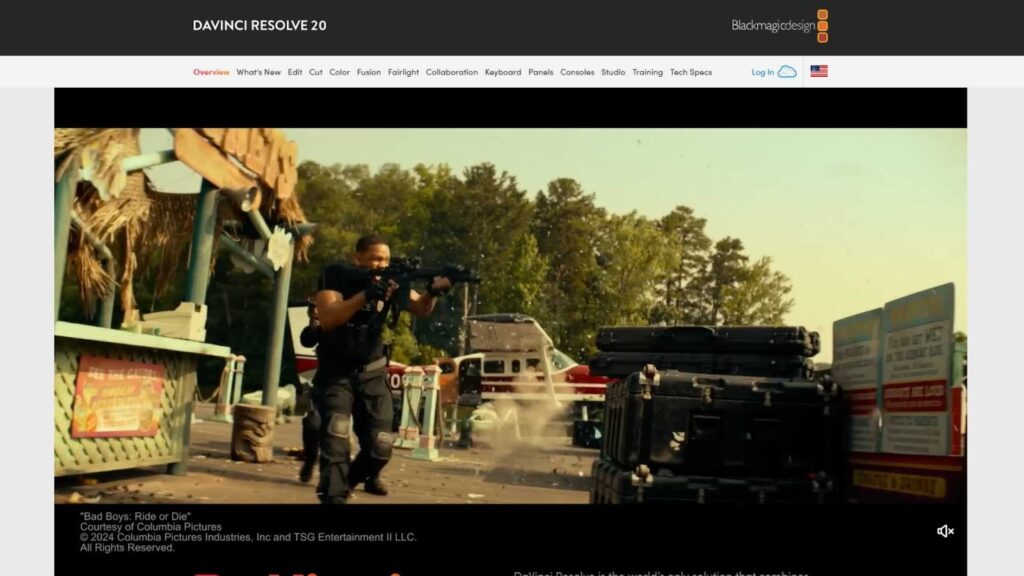
DaVinci Resolve is a favorite among many editors because it offers a range of high-end features at no cost. While it has a paid version with more advanced tools, the free version still packs a serious punch.
Pros:
- Outstanding color grading capabilities, perfect for sports footage.
- Professional-level audio tools through the Fairlight platform.
- Strong video editing features, including multi-camera editing and advanced transitions.
- Free version available with most features, making it accessible to beginners.
Cons:
- The interface can be overwhelming for those just starting out.
- Requires a powerful computer to run smoothly, especially with 4K footage.
Ideal for:
- Beginners who are willing to invest the time to learn.
- Professionals who need a no-cost solution with a wealth of features.
For those on a budget or just starting out, DaVinci Resolve is one of the best video editing software for sports highlights. It has the flexibility and advanced features of professional software but without the price tag. If you’re comfortable learning through tutorials and want to experiment with color grading and editing, it’s a great choice.
4. Filmora – A User-Friendly Choice for Beginners
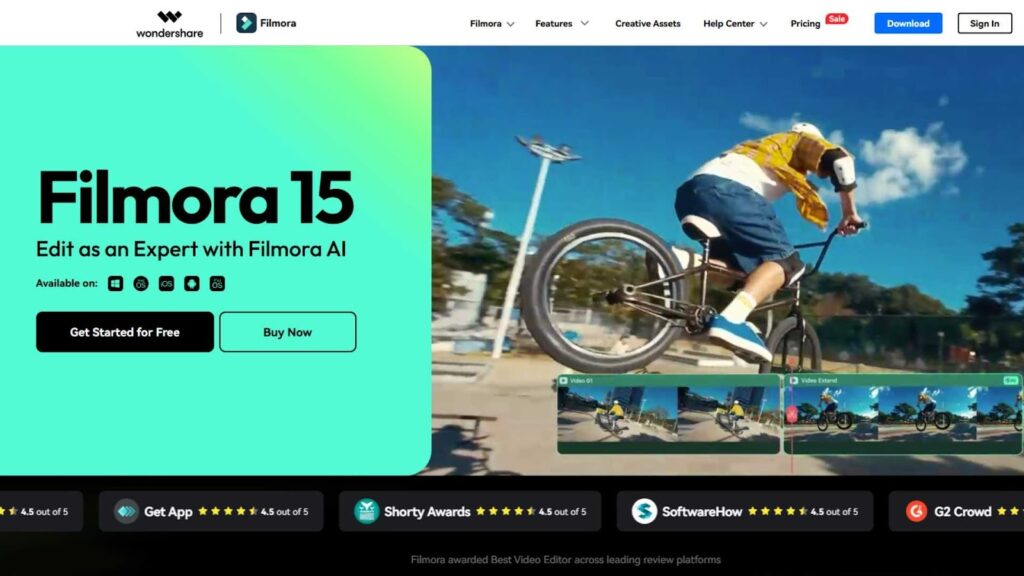
If you’re new to video editing, Filmora is one of the best options available. With an easy-to-use interface and a wide range of features, it makes editing sports highlights a straightforward process, even for those with no prior experience.
Pros:
- Simple drag-and-drop interface, ideal for beginners.
- Plenty of built-in transitions, effects, and titles.
- Great for quick edits and basic sports highlight videos.
- Affordable with a one-time purchase option.
Cons:
- Limited advanced editing tools compared to professional software.
- Not ideal for large-scale or complex projects.
Ideal for:
- Beginners who need a straightforward, easy-to-learn platform for editing sports highlights.
- Casual editors looking to create high-quality videos without a steep learning curve.
For those looking to create simple, effective sports highlight videos without a complicated process, Filmora offers great value. You won’t get the same deep control as Premiere Pro or Final Cut Pro, but you’ll be able to make quick edits and put together highlights in no time.
5. iMovie – The Best Entry-Level Option for Mac Users
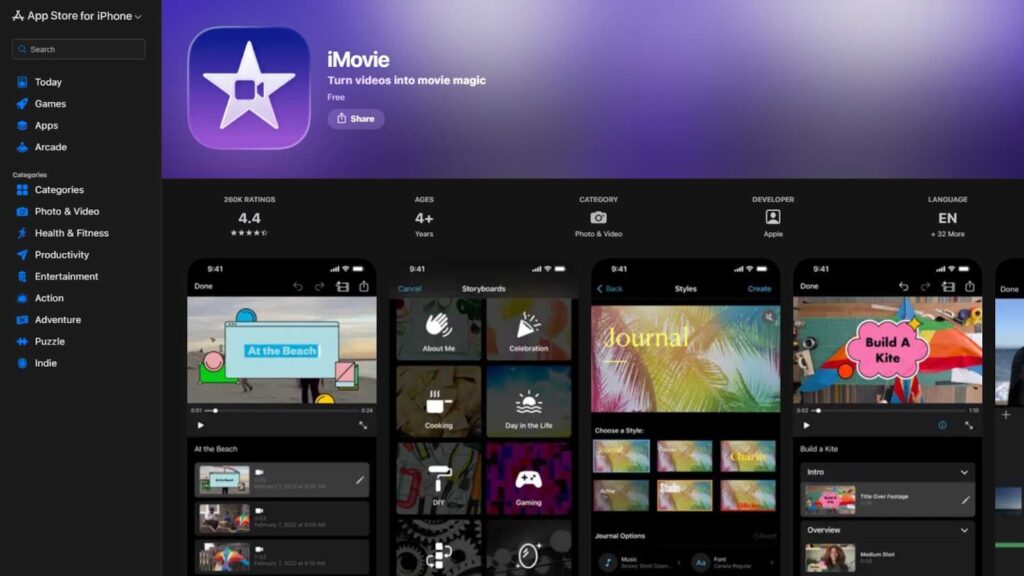
For those just starting out with sports editing and looking for a super simple tool, iMovie is a fantastic choice. It’s already built into most Macs, which makes it super accessible for anyone who owns an Apple device.
Pros:
- Free for Mac users.
- Simple and intuitive interface.
- Perfect for basic video trimming, transitions, and text overlay.
- Great for quick sports highlight videos with minimal editing.
Cons:
- Limited features compared to other software like Final Cut Pro X or Premiere Pro.
- Doesn’t support advanced video effects or multi-camera editing.
Ideal for:
- Absolute beginners or those who only need to make basic sports highlight videos.
- Casual video creators who don’t want to deal with complex software.
If you’re a beginner with a Mac and just need to make simple highlight reels, iMovie can get the job done without any extra cost. It’s a basic, no-fuss tool for getting started in sports video editing.
What Beginners Should Look for in Sports Editing Software
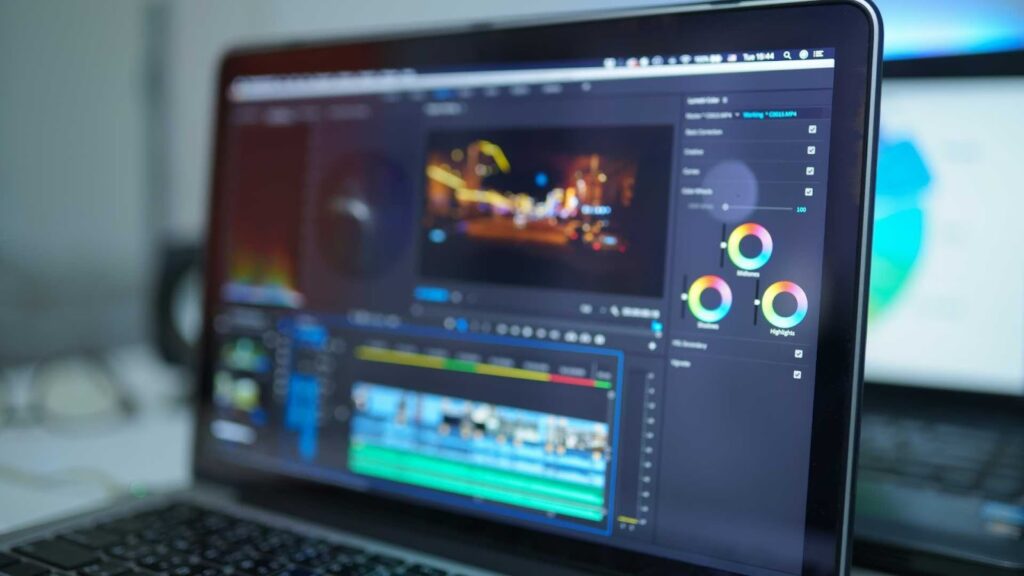
Beginners often get overwhelmed because they think they need the most advanced software to produce a good highlight reel. But that’s rarely the case. When you’re just starting, the Best Video Editing Software for Sports Highlights should feel comfortable to use and help you build confidence.
Beginners should look for editors that have:
– Simple trimming and cutting
– Easy audio controls
– Straightforward exporting options
– Good performance on average hardware
A program doesn’t need complex visual effects for you to create excellent sports content. Clean cuts, good pacing, stable footage, and clear visuals matter more. Once you develop your skills, you can always move to advanced tools like DaVinci Resolve or Premiere Pro.
This is part of the reason why many new editors start with Shotcut or CapCut before transitioning to more advanced platforms. They learn the fundamentals, gain speed, and eventually upgrade when they want deeper control.
What Pros Should Look for in Sports Editing Software
Professionals need more than basic trimming. For pros, the Best Video Editing Software for Sports Highlights should offer:
Strong stabilization
High-quality slow motion
Advanced color grading
Reliable multi-camera support
Fast timeline performance
Robust media organization
Powerful exporting options
Pros often handle hours of footage and must deliver polished highlight reels quickly. This is where DaVinci Resolve, Adobe Premiere Pro, or Final Cut Pro shine. They offer the extra features that make a huge difference in professional-level sports editing-motion graphics, smooth frame blending, precision color tools, and strong audio correction.
In many professional studios, these editors are the norm. Inside Editors also uses these high-level tools when creating sports highlight packages for clients. They help ensure consistent quality, clean visuals, and a fast pipeline.
The Role of Audio in Sports Highlights
When people think about the Best Video Editing Software for Sports Highlights, they often focus almost entirely on video features. But audio is equally important. Clean crowd noise, crisp commentary, and punchy music help create emotional impact.
Software with good audio tools allows you to remove background noise, boost clarity, and blend commentary with music. Resolve’s Fairlight is powerful for this, but even Shotcut and Kdenlive offer solid options for adjusting audio levels.
The key is balance. You want the viewer to feel the energy of the game, hear the ball bounce, the crowd cheering, or the athlete landing a strike. But you also need music or narration to help guide the story.
Unsuitable audio can undermine even the cleanest visuals. That’s why choosing the right editing software-especially one with strong audio tools-is essential for creating high-quality sports highlights.
Editing Speed and Workflow Efficiency
Sports editors often face tight deadlines. Coaches need clips quickly. Social media editors need highlights minutes after a game. Professional teams need recaps on the same night. This is why workflow efficiency is a major factor when choosing the Best Video Editing Software for Sports Highlights.
Fast import times, responsive timeline playback, and stable performance with high frame rate footage all matter. Tools like Final Cut Pro and DaVinci Resolve are known for speed, while Kdenlive’s proxy system is excellent for Linux users.
Your workflow should feel fluid-not frustrating. Whether you’re cutting small youth games or full tournaments, a smooth editing experience saves hours.
Stabilization and Slow Motion: Two Keys to Great Highlights
Almost every great highlight reel includes at least one slow-motion clip. Whether it’s a perfect spike, a winning goal, or a clean tackle, slow motion adds drama and clarity. The Best Video Editing Software for Sports Highlights should have clean slow-motion tools that avoid ghosting or distortion.
Stabilization is equally important. Handheld shots, sideline recordings, or fast player movements can create shaky footage. Without stabilization, highlights can look amateurish. Resolve, Premiere, and Final Cut offer excellent stabilization. Kdenlive and Shotcut also include it, though results vary.
When evaluating editors, test how well they handle slow motion and stabilization-they can make or break your highlight reel.
Color Grading and Visual Consistency
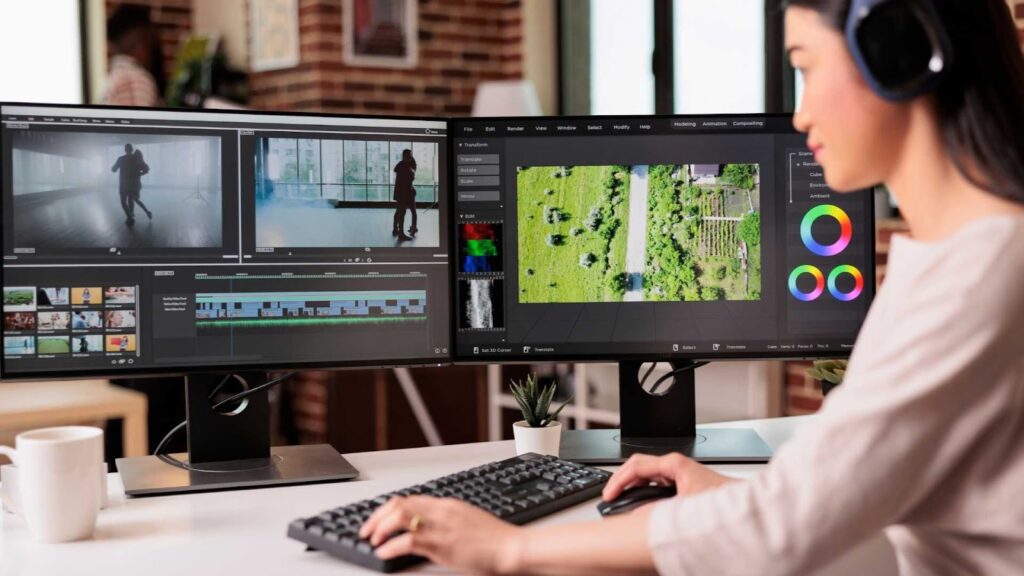
Sports fields, indoor arenas, and outdoor courts all create tricky lighting conditions. If you’re editing highlights from multiple angles, colors rarely match perfectly. The Best Video Editing Software for Sports Highlights should give you enough color tools to correct inconsistencies and make everything look unified.
Resolve is the most powerful in this area. Premiere’s Lumetri tools are strong and user-friendly. Final Cut also offers solid color tools with fast rendering.
Ubuntu editors like Kdenlive and Shotcut include basic and mid-level grading tools. They may not match the flexibility of premium editors, but they still help create clean, professional color results.
Motion Graphics, Titles, and Effects
Sports highlight videos often rely on motion graphics-player names, statistics, scoreboards, arrows, freeze-frame effects, and animated transitions. This is where advanced tools have a clear advantage.
Premiere Pro and After Effects create some of the best sports graphics. Resolve’s Fusion page is also very powerful, though it requires time to learn. Final Cut paired with Apple Motion gives editors an excellent graphics workflow.
Ubuntu editors don’t offer the same level of advanced motion graphics, but you can still add basic titles, overlays, and transitions. If your highlight style relies heavily on motion graphics, premium editing software will give you more flexibility.
When Should You Consider Outsourcing Sports Editing?
Not everyone has the time, skill, or desire to edit highlight videos themselves. Sometimes you need a polished highlight reel quickly, and learning software becomes a barrier. This is where outsourcing to professionals like Inside Editors can make a huge difference.
Inside Editors regularly handles sports highlight projects for athletes, coaches, parents, and sports teams. Whether you record matches on your phone or use professional cameras, the editors at Inside Editors can turn your raw footage into a clean, dynamic highlight reel. You still maintain full creative direction, but without spending hours editing.
Outsourcing helps when you:
Are too busy to edit
Want a polished professional look
Need fast turnaround
Lack experience with editing software
Want a consistent editing style for your team or brand
For some people, outsourcing even part of the workflow saves time and stress-especially when preparing college recruitment videos or promotional reels.
Final Tips for Choosing the Best Software
If you’ve made it this far, you understand how layered the decision can be. The Best Video Editing Software for Sports Highlights ultimately depends on your system, your skill level, your goals, and how much time you’re willing to invest in learning.
Beginners might start with simpler tools, while professionals often choose feature-rich platforms. Ubuntu users will appreciate open-source editors, while Mac users may prefer Final Cut Pro. The best part is that the editing world offers options for everyone.
Don’t feel pressured to master the most complex software immediately. Grow gradually. Start with ease of use, then move into advanced features as you gain confidence.
How Inside Editors Can Help You Create Amazing Sports Highlights
If you ever feel overwhelmed or simply want your sports footage to look as clean and exciting as possible, Inside Editors is here to help. Our team specializes in turning raw sports footage into compelling, high-energy highlight reels that athletes, families, and teams can be proud of.
Whether you shoot on a smartphone or a professional camera, we can handle color correction, stabilization, slow-motion effects, motion graphics, and complete storytelling. Inside Editors takes your vision and transforms it into a polished final video.
To learn more or get started, visit Inside Editors at insideeditors.com for professional video editing services. We are always ready to help you create highlight videos that stand out and capture the true excitement of the game.


