

Starting a video podcast in 2026 is more exciting than ever. Cameras are better, microphones are more affordable, and audiences are growing fast across YouTube, Spotify Video, and social platforms. But if you are just starting out, one thing can feel overwhelming very quickly, and that is editing. Choosing the Best Video Podcast Editing Software for Beginners can make the difference between enjoying the process and giving up too early.
If you are new to video podcasting, you probably want software that is easy to understand, doesn’t require months of training, and still delivers professional-looking results. You want clean cuts, clear audio, smooth transitions, captions, and export settings that actually make sense. At the same time, you may be comparing prices, features, and long-term value, which is exactly why this guide exists.
In this in-depth article, we will walk through the Best Video Podcast Editing Software for Beginners in 2026. This guide is written in a friendly, simple way, as if we are sitting together and figuring this out step by step. You will learn what makes each tool beginner-friendly, who it is best for, and where it might fall short. The goal is to help you confidently choose the right software for your video podcast journey.
Why Choosing the Right Video Podcast Editing Software Matters for Beginners
When you are just starting, editing is not only about cutting mistakes. It is about shaping your voice, your style, and your brand. The Best Video Podcast Editing Software for Beginners should help you grow without making things complicated. Many beginners quit not because podcasting is hard, but because the editing software feels confusing and frustrating.
Beginner-friendly software usually focuses on clean interfaces, drag-and-drop timelines, easy audio controls, and presets that save time. These tools allow you to focus on storytelling and conversation instead of technical problems. As your podcast grows, good beginner software should also grow with you, offering more advanced features when you are ready.
Another important reason to choose wisely is consistency. A good editing tool helps you maintain consistent audio levels, video quality, and branding across episodes. This builds trust with your audience and makes your podcast look more professional, even if you are recording from a home studio.
What Beginners Should Look for in Video Podcast Editing Software
Before diving into the tools, it helps to understand what actually matters when choosing the Best Video Podcast Editing Software for Beginners. Beginners often assume they need advanced features, but in reality, simplicity and stability matter much more.
Ease of use is the first thing. The software should feel intuitive within the first few hours. If you need to watch dozens of tutorials just to cut a clip, it may not be the right choice. Audio editing tools are also crucial for video podcasts. Clear voice, noise reduction, and simple audio leveling features make a huge difference.
Export options are another key factor. Beginner-friendly software should offer ready-made export settings for YouTube, Spotify Video, and social platforms. You should not have to guess frame rates or bitrates every time. Finally, pricing matters. Many beginners prefer affordable subscriptions or one-time purchases that offer real value.
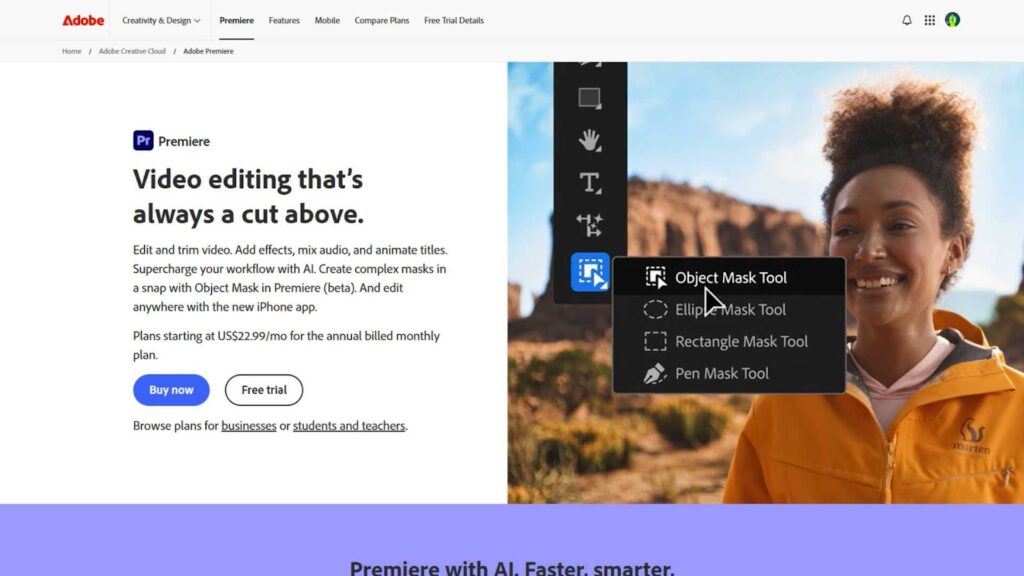
Adobe Premiere Pro – A Powerful Choice That Can Still Work for Beginners
Adobe Premiere Pro is often seen as a professional tool, but in 2026 it has become surprisingly accessible for beginners. With improved UI, smart automation, and AI-powered features, many creators now consider it one of the Best Video Podcast Editing Software for Beginners who want room to grow.
Premiere Pro offers excellent audio controls, which is essential for video podcasts. You can easily cut long conversations, sync audio from external microphones, and apply basic noise reduction. The learning curve exists, but Adobe has made templates, presets, and guided edits more beginner-friendly than ever.
For beginners who are serious about long-term podcasting, Premiere Pro can be a smart investment. It allows you to start simple and gradually explore advanced features as your confidence grows.
Pros
- Professional-grade editing tools that scale with your skills
- Excellent audio editing and syncing features
- Huge library of tutorials and community support
Cons
- Monthly subscription cost may feel high for beginners
- Can feel overwhelming at first without guidance
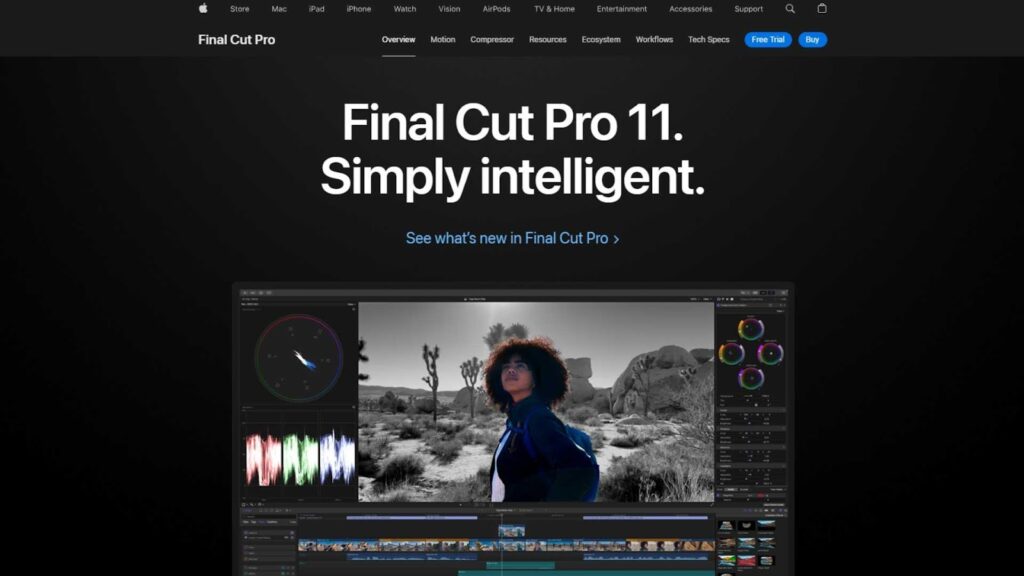
Final Cut Pro – Simple, Fast, and Beginner-Friendly for Mac Users
Final Cut Pro continues to be a favorite among Mac users, especially beginners who want speed and simplicity. Many creators consider it one of the Best Video Podcast Editing Software for Beginners because of its clean interface and smooth performance on Apple devices.
Final Cut Pro uses a magnetic timeline, which automatically adjusts clips as you move them. This helps beginners avoid common mistakes like gaps and sync issues. Audio editing is straightforward, making it easy to clean up podcast conversations and balance voice levels.
Another major advantage is the one-time purchase model. Unlike subscription-based tools, you pay once and own the software. This makes it attractive for beginners who want long-term value without recurring costs.
Pros
- Very fast performance on Mac devices
- Clean and intuitive interface for beginners
- One-time purchase with no monthly fees
Cons
- Only available on macOS
- Limited compatibility with non-Apple workflows
DaVinci Resolve – A Free Option That Still Feels Professional
DaVinci Resolve has become incredibly popular in recent years, and in 2026 it stands strong as one of the Best Video Podcast Editing Software for Beginners, especially for those on a budget. The free version offers an impressive set of features that many paid tools cannot match.
For beginners, Resolve’s interface may look advanced at first, but once you understand the basics, it becomes very manageable. Audio tools are powered by Fairlight, giving you strong control over voice clarity, noise reduction, and mixing. This is especially valuable for video podcasts where audio quality matters most.
The free version is often enough for beginners, but there is also a paid version if you want more advanced features later. This makes DaVinci Resolve a flexible long-term choice.
Pros
- Extremely powerful free version
- Strong audio and color correction tools
- Grows well with your editing skills
Cons
- Interface can feel complex at first
- Requires a fairly powerful computer
Filmora – Designed Specifically for Beginners
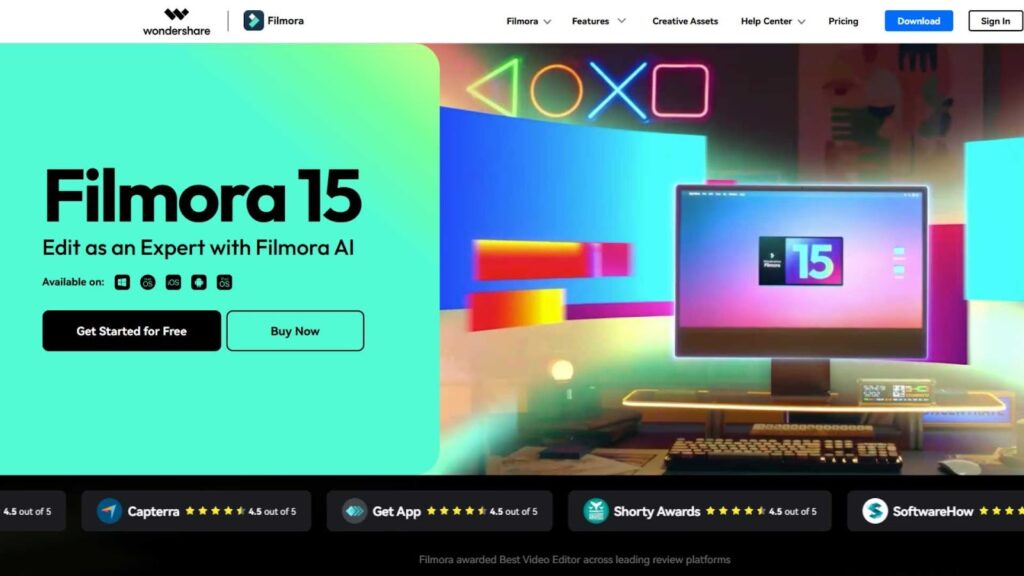
Wondershare Filmora is built with beginners in mind, which is why it consistently appears on lists of the Best Video Podcast Editing Software for Beginners. The interface is friendly, colorful, and easy to understand, even if you have never edited a video before.
Filmora offers drag-and-drop editing, built-in transitions, titles, and simple audio tools that work well for podcast-style content. It is especially popular among creators who want quick results without technical headaches. You can cut episodes, add intros, and export for YouTube in a very short time.
For beginners who value speed and simplicity over deep customization, Filmora can be a great starting point. It helps you publish consistently while you focus on improving your content.
Pros
- Very beginner-friendly interface
- Fast learning curve with ready-made effects
- Affordable pricing options
Cons
- Limited advanced audio control
- Less flexible for complex workflows
CapCut Desktop – A Surprisingly Strong Tool for Beginner Podcasters
CapCut Desktop has evolved far beyond its mobile-first reputation. In 2026, it has become a serious contender for the Best Video Podcast Editing Software for Beginners, especially for creators who want fast edits without a steep learning curve. CapCut is designed to feel simple, modern, and intuitive, which makes it very comfortable for first-time podcasters.
For video podcasts, CapCut shines in quick trimming, automatic captions, audio cleanup, and social-ready exports. If you are recording conversational content and want to remove pauses, mistakes, or awkward silences quickly, CapCut makes that process painless. The built-in templates and text styles are especially helpful if you want your podcast clips to look polished without designing everything from scratch.
CapCut is also attractive for beginners because it allows you to move fast. You can record, edit, caption, and export within a short time frame. While it may not replace high-end professional software, it absolutely earns its place among the Best Video Podcast Editing Software for Beginners.
Pros
- Extremely easy to learn for beginners
- Built-in captions and modern text styles
- Fast editing and export workflow
Cons
- Limited advanced audio control
- Less suitable for long, complex projects
Descript – Perfect for Podcasters Who Think in Words, Not Timelines
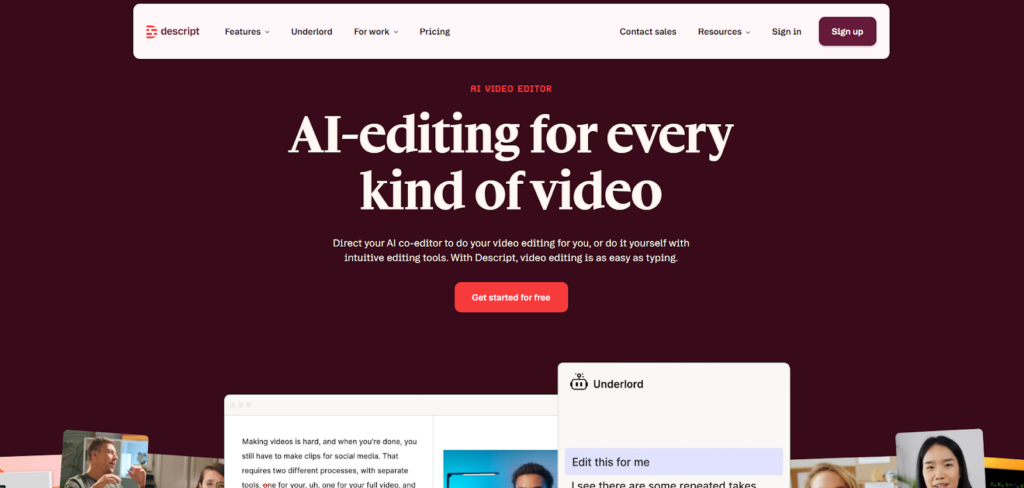
Descript is one of the most unique tools on this list and a favorite among beginner podcasters. It approaches editing in a completely different way, which is why many consider it one of the Best Video Podcast Editing Software for Beginners who feel intimidated by traditional timelines.
With Descript, you edit video and audio by editing text. Once your podcast is transcribed, you can delete words from the transcript, and those parts are removed from the video automatically. This feels incredibly natural for podcasters who are more comfortable with writing than technical editing.
Descript also includes features like filler word removal, screen recording, and basic video layouts. For beginner video podcasters who want clean, professional results without touching complex editing tools, Descript can be a game changer.
Pros
- Text-based editing is perfect for beginners
- Automatic transcription and filler word removal
- Great for podcast-style content
Cons
- Limited visual customization
- Requires good transcripts for best results
iMovie – A Simple Starting Point for Absolute Beginners
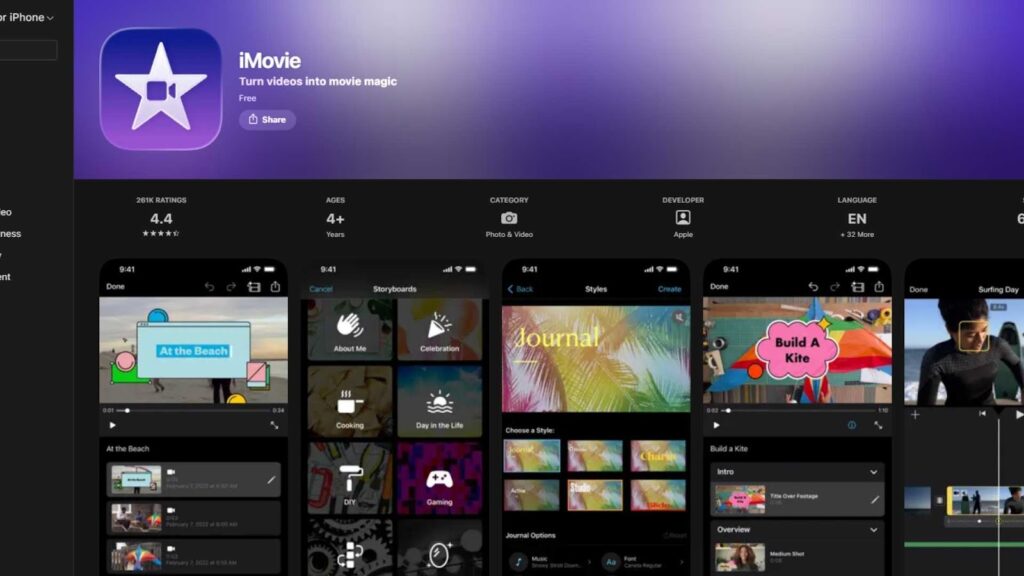
iMovie continues to be a solid entry-level option for Mac and iOS users. While it may not be the most powerful tool, it still earns a place in discussions about the Best Video Podcast Editing Software for Beginners, especially for those just starting out.
iMovie is clean, simple, and free for Apple users. It allows you to cut clips, add basic titles, adjust audio levels, and export in high quality without confusion. For beginners recording video podcasts at home, iMovie can handle the essentials without overwhelming you.
That said, iMovie has limitations. As your podcast grows, you may outgrow its feature set. But as a first step into video podcast editing, it offers a stress-free learning experience.
Pros
- Free and easy to use for Apple users
- Clean interface with no distractions
- Good for basic video podcast editing
Cons
- Limited advanced features
- Not suitable for growing or complex podcasts
Comparing the Best Video Podcast Editing Software for Beginners
Choosing the Best Video Podcast Editing Software for Beginners depends on how you like to work and how much time you want to spend learning. Some beginners enjoy visual timelines, while others prefer text-based editing. Some want full creative control, while others want speed and simplicity.
If you want long-term growth and professional control, Adobe Premiere Pro or DaVinci Resolve may be worth the effort. If you want speed and ease, Filmora or CapCut Desktop are excellent choices. If you think in words and scripts, Descript is hard to beat. For Mac users who want simplicity, Final Cut Pro or iMovie can be very comfortable options.
There is no single perfect choice. The best software is the one that helps you stay consistent, publish regularly, and enjoy the process. That is why the term Best Video Podcast Editing Software for Beginners is about fit, not just features.
Common Mistakes Beginners Make When Choosing Editing Software
One common mistake is choosing software that is too advanced too early. Beginners often think professional tools automatically mean better results, but complexity can slow you down. The Best Video Podcast Editing Software for Beginners should make editing easier, not harder.
Another mistake is ignoring audio quality. Video podcasts live or die by sound. If the software makes audio cleanup difficult, you will struggle no matter how good the visuals are. Beginners should prioritize tools with simple audio enhancement features.
Finally, many beginners underestimate the value of time. Learning software takes hours, sometimes weeks. If editing starts to steal time from content creation, it may be worth considering professional help.
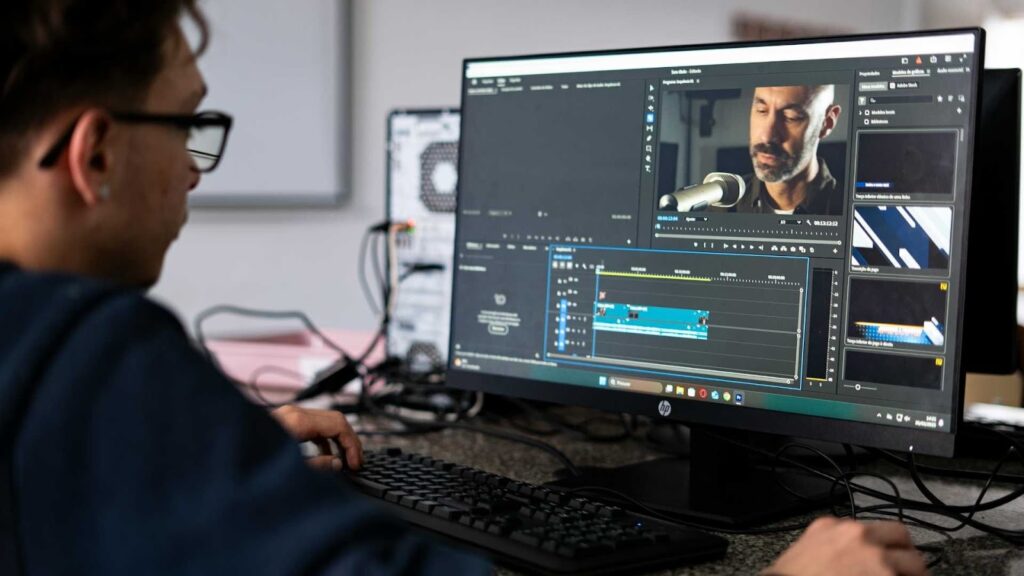
When It Makes Sense to Outsource Video Podcast Editing
As your podcast grows, editing can become a bottleneck. You may spend hours cutting episodes, fixing audio, adding captions, and exporting files. At that point, even the Best Video Podcast Editing Software for Beginners may not feel enough.
Outsourcing allows you to focus on recording, marketing, and growing your audience. Professional editors already know the tools, the shortcuts, and the best practices. This often results in better quality and faster turnaround.
This is where Inside Editors comes in. Inside Editors provides professional video editing services specifically designed for creators, podcasters, and brands. Whether you record weekly interviews or long-form video podcasts, the team handles everything from clean cuts to polished final exports.
Many podcasters start by editing themselves and later transition to professional services when consistency and quality become critical.
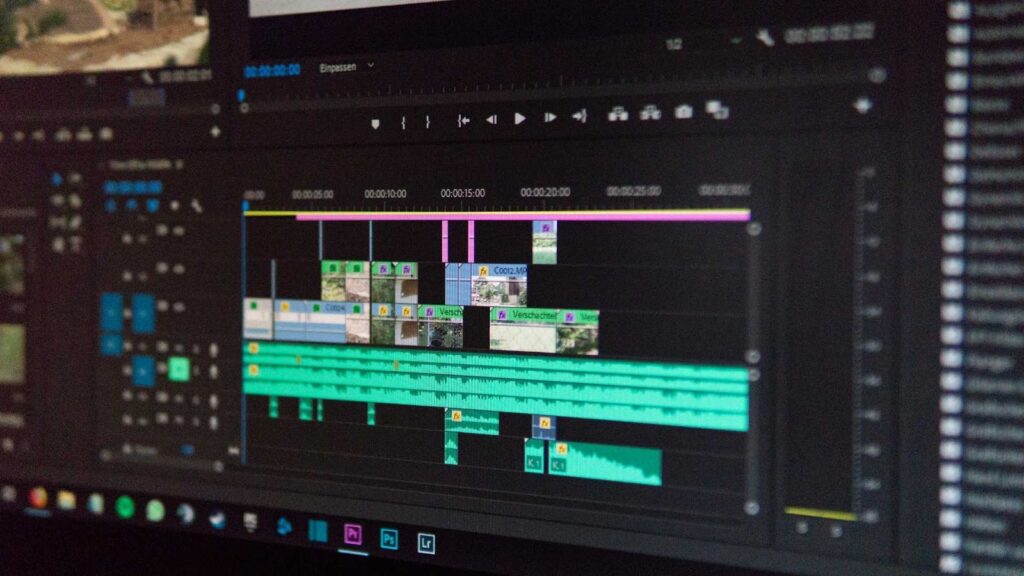
Final Thoughts on the Best Video Podcast Editing Software for Beginners
In 2026, beginners have more options than ever before. The Best Video Podcast Editing Software for Beginners is not about choosing the most expensive or the most popular tool. It is about choosing software that matches your comfort level, workflow, and goals.
If you enjoy hands-on editing and want to grow into advanced skills, tools like Premiere Pro, Final Cut Pro, or DaVinci Resolve are excellent. If you want simplicity and speed, Filmora, CapCut, or iMovie may be the better fit. If you prefer editing through text, Descript offers a refreshing alternative.
No matter which tool you choose, remember that great podcasts are built on consistency and clarity. Software is just a tool. If editing ever feels overwhelming or starts slowing your progress, professional help can make a big difference.
Inside Editors is here to support podcasters at every stage. From beginners to growing brands, Inside Editors provides reliable, high-quality video editing services so you can focus on creating great content. Visit our website to see how your video podcast can look more professional without the stress of editing.


