


If you’ve ever watched a wedding film that gave you goosebumps, you already know there’s a big difference between “we filmed the day” and “we told a story.” The cameras might be similar, the venue might be similar, but the edit changes everything. That’s exactly what this Inside Editors Guide to cinematic wedding video editing is here to unpack for you.
Maybe you’re a couple wondering what kind of wedding film you actually want, a new videographer trying to level up your edits, or a creator deciding whether to outsource your editing. Wherever you’re starting from, the goal is the same: a wedding film that feels cinematic, emotional, and rewatchable-not just another video file lost in a hard drive.
Let’s walk through it step by step, from story and pacing to color and sound, and finally to the big question: should you edit everything yourself or bring in a professional team like Inside Editors?
Why Your Wedding Video Deserves a Cinematic Edit
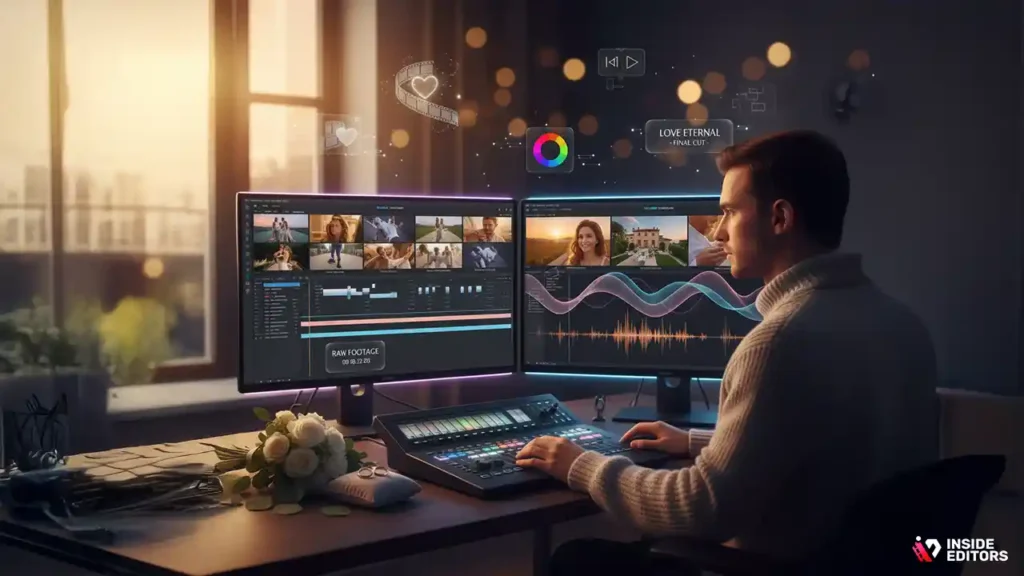
A wedding only happens once, but the way it’s edited decides how it’s remembered for decades. When you imagine watching your film ten years from now, you probably don’t want a shaky two-hour recording that everyone fast-forwards. You want something intentional, emotional, and watchable-even for people who weren’t there.
From Simple Recording to Emotional Storytelling
Picture two edits from the same footage. In the first, someone just drops everything on a timeline in the order it was shot, adds a random track on top, and exports. Technically, the full day is “covered,” but it feels long, flat, and easy to forget. In the second, the editor opens with a quiet shot of the venue at sunrise, layered with a line from the vows, then gradually builds to the ceremony, speeches, and first dance.
The raw ingredients are similar, but the experience is completely different. That’s the heart of cinematic wedding video editing: not more effects, but more feeling. Smart editors think in terms of story beats, emotional arcs, and how each cut will make the viewer feel, not just what they will see.
What “Cinematic” Really Means for Real Couples
“Cinematic” gets used so often it can start to sound like marketing fluff. In practice, it usually comes down to three things: the film looks polished, it sounds clean and emotional, and it tells a story that feels true to the couple. For some, that’s dreamy and romantic. For others, it’s fast-paced and fun. For a few, it might be raw, documentary-style and honest.
You don’t need constant slow motion or wild transitions to achieve that. In fact, overusing those tricks can make the film feel dated in just a year or two. What lasts is strong composition, clean audio, thoughtful pacing, and an edit that understands who the couple really is. When those elements are in place, the film feels cinematic even with a simple, timeless style.
Planning the Story Before You Touch the Timeline
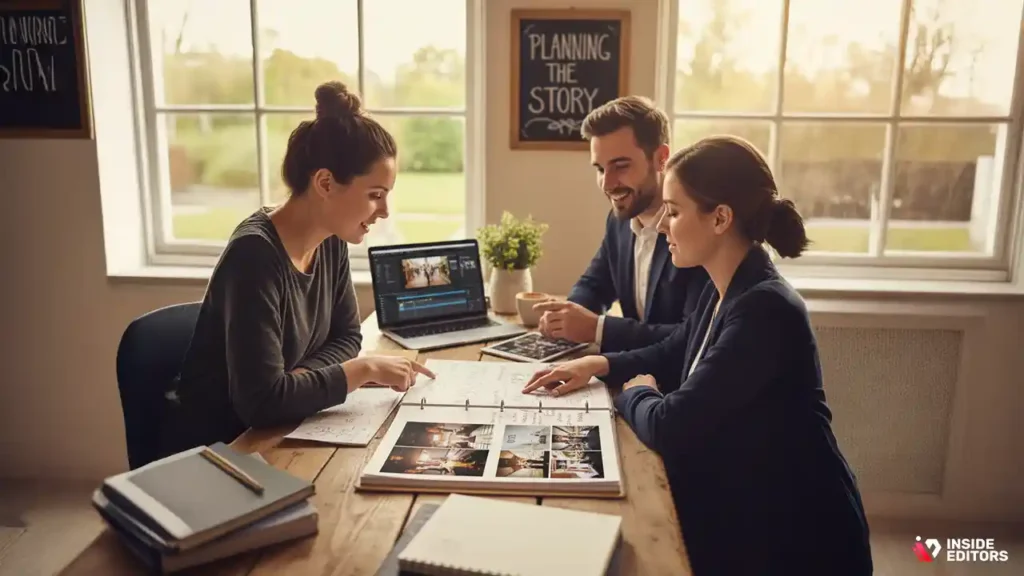
One of the easiest ways to ruin your editing experience is to jump straight into your software without a plan. The editors who make this look effortless almost always do their thinking before they start cutting. Planning saves time, reduces stress, and leads to a film that feels coherent instead of chaotic.
Understanding the Couple’s Vision and Priorities
Every wedding day is packed with moments: morning preparations, details, ceremony, family interactions, speeches, dancing, quiet conversations in the corner of the reception. But not every couple values the same moments equally. Some care deeply about the vows and emotions. Others want the energy of the party. Some want a film focused on them; others want more of their family and friends.
If you’re an editor, this is where clear communication matters. Ask what they care about most. Are there people who absolutely must be featured? Are there moments they’re nervous about seeing on camera? Do they prefer something soft and romantic, or modern and upbeat? If you’re the couple, this is the time to get honest with yourself and tell your editor what “perfect” looks like to you.
Once that vision is clear, the job of the edit changes. You’re no longer trying to include everything; you’re deliberately building a story around what matters most.
Building a Narrative Structure That Actually Flows
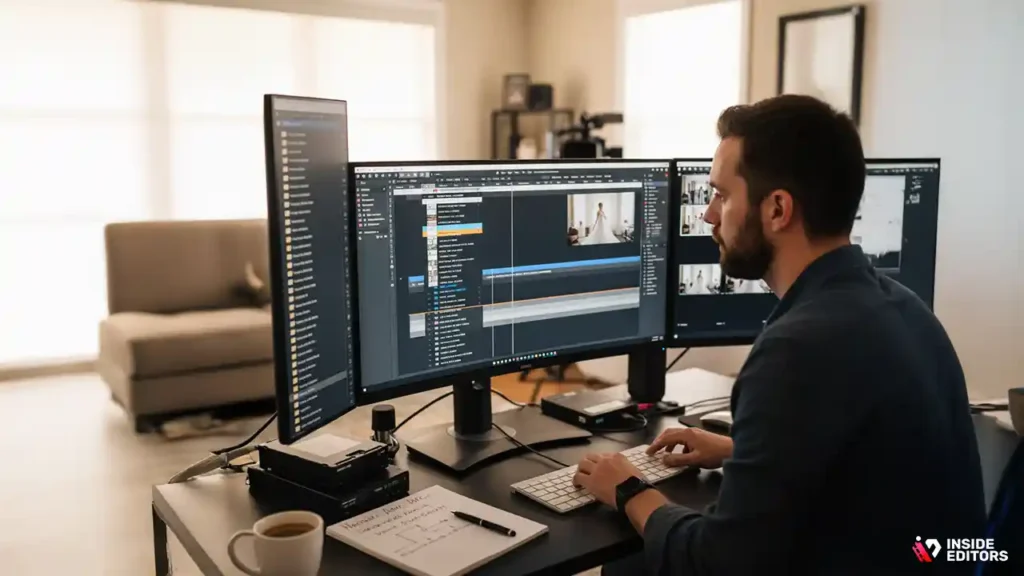
A wedding day doesn’t have to be told in strict chronological order. In fact, some of the most powerful films bend the timeline a little. You might open with vows or a voiceover from a speech, then flash back to preparations and the walk down the aisle, then return to that line later for emotional payoff.
Common structures include:
- Chronological with emotional highlights – largely in order, but tightened and focused.
- Vow-driven storytelling – vows or letters provide the spine; visuals weave around them.
- Speech-driven storytelling – key lines from speeches shape the narrative.
You don’t have to pick a complicated structure, but you should pick one consciously. That way, every decision-where to put the first look, when to reveal the kiss, when to cut to parents reacting-supports a clear story instead of fighting it.
Organizing Footage So Editing Feels Less Overwhelming
Good organization sounds boring until you try to edit a whole wedding without it. Before you do any serious cutting, take time to sort footage into logical bins or folders: preparations, details, ceremony, couple session, reception, speeches, dancing, and so on. If there were multiple cameras, sync and label them.
This is like cleaning your kitchen before you cook a big meal. It doesn’t feel creative, but it makes creativity smoother and faster later. When you’re deep in the storytelling stage, you’ll be grateful you can find the perfect reaction shot in seconds instead of digging through hundreds of unlabeled clips.
Core Techniques That Make a Wedding Film Feel Cinematic
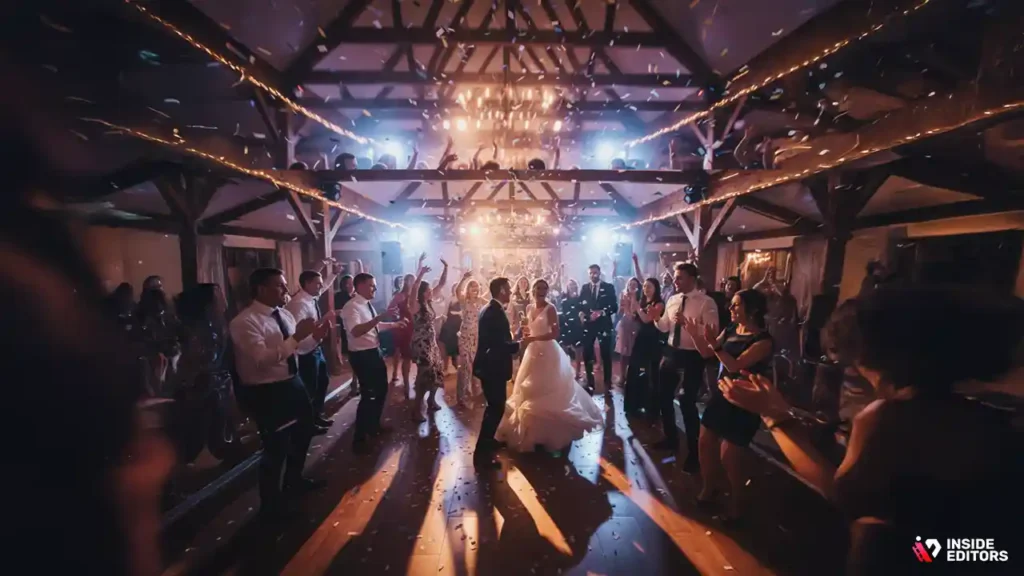
Once your story is planned and your footage is organized, it’s time for the part most people think of when they hear “editing.” This is where pacing, music, sound, and color transform raw material into a film couples will want to rewatch, not just politely sit through.
Using Pacing and Rhythm to Shape Emotion
Pacing is one of your most powerful tools. A wedding day naturally moves through different emotional speeds: calm, nervous preparation; focused, emotional ceremony; joyful, high-energy reception. If your edit feels like one long, flat tempo, you lose the natural drama of those shifts.
For emotional moments-the vows, the first look, quiet interactions-slower pacing with longer shots gives viewers space to feel. For high-energy parts-entrances, dancing, cake cutting-shorter clips, tighter cuts, and rhythmic sequencing keep things lively. The best edits rarely keep every shot the same length; they mix wide shots, medium shots, and close-ups so the viewer always feels engaged but never overwhelmed.
If you’re building a highlight reel, try to think in phrases and movements, almost like music. Let quieter moments lead into bigger ones. Let tension build before you release it. That’s what turns a collection of clips into something that feels like a movie.
Music, Vows and Natural Sound as Emotional Anchors
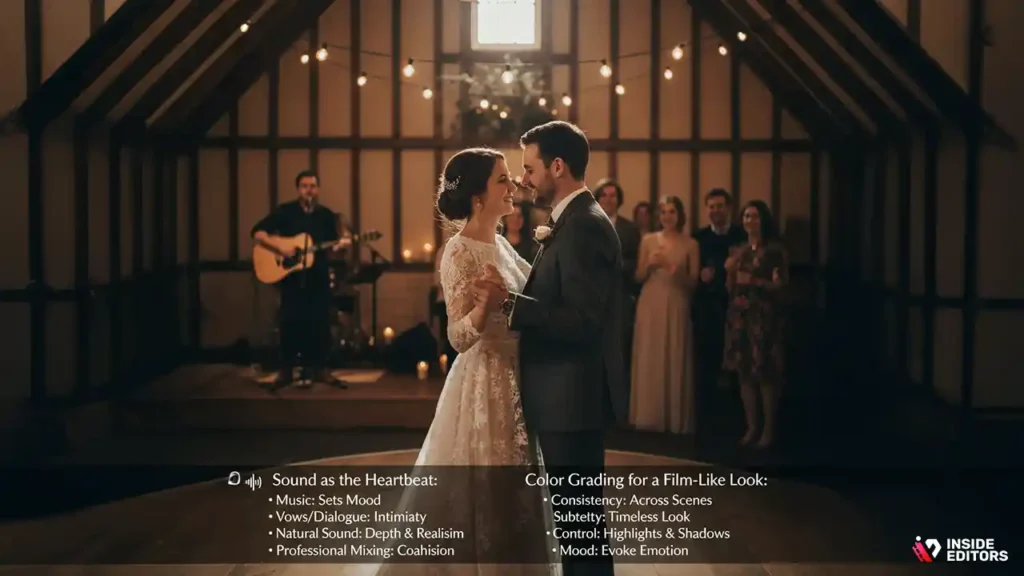
If the visuals are the bones of your film, sound is the heartbeat. The exact same footage can feel completely different depending on the audio choices behind it. A soft piano track paired with clean vows and gentle ambient sound creates a romantic, intimate mood. A more upbeat track with crowd noise, laughter, and applause leans into celebration.
Clean ceremony audio, carefully chosen licensed music, and thoughtful mixing separate professional edits from “someone just dropped a song on top.” Don’t be afraid to layer natural sound-footsteps, laughter, clinking glasses-quietly under music. Done well, it adds depth and realism without becoming distracting.
In short: never treat sound as an afterthought. In cinematic wedding video editing, it’s half the storytelling.
Color Grading for a Cohesive, Film-Like Look
Color grading is where many edits cross the line from “home video” to “cinematic.” It’s not about heavy filters; it’s about consistency and mood. Are skin tones natural from shot to shot? Does the ceremony match the reception, or do colors jump around? Are highlights controlled, or are important details blown out?
A subtle, consistent grade does more for your film than an extreme, trendy look that will age quickly. Small adjustments to contrast, white balance, and saturation can make your footage feel more intentional and expensive. The goal is to make the viewer feel something, not to make them think about the grade itself.
If you’re new to grading, start simple: correct exposure, balance white balance, and give the film a gentle, cohesive look. As you grow more confident, you can experiment with stylized grades-but always with the couple’s taste and the timelessness of the film in mind.
Tools, Workflow and Common Mistakes to Avoid
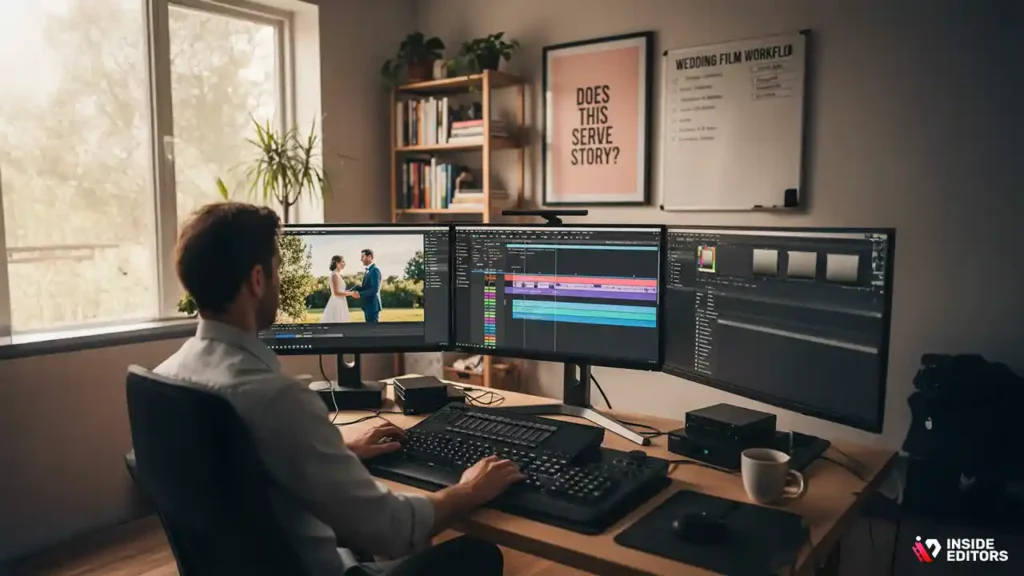
Now let’s talk about practicalities. You don’t need the world’s most powerful machine and the most complex software to create a beautiful wedding film, but the tools you choose do shape your workflow and your stress levels.
Choosing Editing Software That Fits Your Goals
Editors often gravitate toward tools like Adobe Premiere Pro, Final Cut Pro, or DaVinci Resolve. Premiere offers strong integration with other Adobe apps. Final Cut is highly optimized for Mac users and feels fast even on modest machines. DaVinci Resolve is famous for its color grading tools and now offers a full editing suite for free with a paid Studio upgrade for advanced features.
If you’re a beginner, don’t feel pressured to jump straight into the deepest end of the pool. What matters most is that your software is stable, supports your camera files, and gives you control over multi-cam editing, audio mixing, and color correction. Once you’re comfortable, you can decide whether you want to stay hands-on or hand off complex projects to a team like Inside Editors when deadlines, client expectations, or sheer workload demand it.
A Simple, Reliable Workflow From Import to Export
A solid workflow might look like this:
- Back up all your footage in at least two places.
- Create a clearly labeled project with folders/bins for each part of the day.
- Sync multi-cam footage and audio.
- Build a rough story cut using the strongest moments.
- Refine pacing and transitions.
- Design sound: music, vows, speeches, ambient audio.
- Apply color correction and grading.
- Add titles, credits, and minor polish.
- Export in the correct formats for delivery (full-resolution plus web-friendly versions).
Following this sequence protects you from “redoing” work and keeps your mental energy focused on creative decisions rather than constant technical firefighting.
Common Editing Mistakes (And Quick Fixes)
Almost every new or rushed editor makes similar mistakes at some point:
- Overusing flashy transitions instead of clean, motivated cuts
- Letting clips run too long without purpose
- Ignoring audio quality in favor of visual effects
- Piling on too many songs in one short film
- Grading heavily before the story edit is locked
The fix is simple but powerful: before adding anything, ask, “Does this serve the story, or is it just showing off?” If it doesn’t serve the story or emotion, remove it or tone it down. Clean, confident editing nearly always feels more professional than a timeline packed with gimmicks.
DIY vs Professional Help: When to Call in Inside Editors
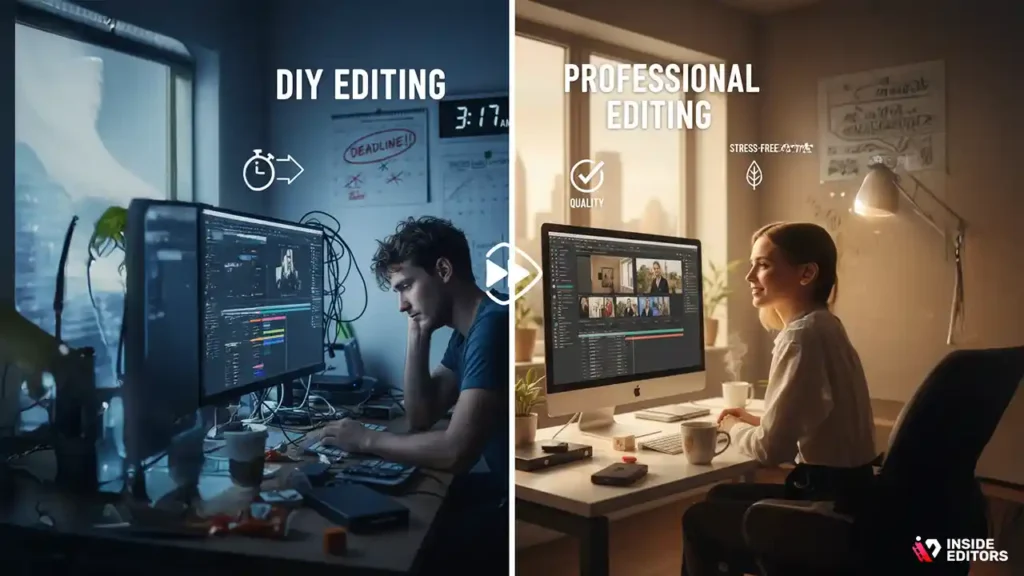
At some point, you’ll likely face a practical question: Should I edit this myself, or is this the moment to bring in a professional editor? There’s no universal answer, but there are clear trade-offs in time, quality, and stress.
Comparing DIY Editing and Professional Services
DIY editing is appealing if you love learning new tools and have time to experiment. You get full creative control, and there’s a real sense of pride in finishing your own film. The trade-off is time: editing a full cinematic wedding can easily stretch into many evenings and weekends, especially while you’re still learning.
Professional editing, on the other hand, costs more upfront but saves enormous amounts of time and emotional energy. You get the benefit of an experienced eye, a refined workflow, and someone who already lives and breathes cinematic wedding video editing.
A simple way to think about it is this: if the footage is precious and your free time is limited, professional help is often the calmer, safer path.
How Inside Editors Turns Raw Footage Into a Polished Story
At Inside Editors, our role isn’t to slap a template onto your footage. It’s to understand the couple, the mood of the day, and the story you want to tell-then bring professional craft to every step of the edit. That includes everything from organizing and syncing multi-cam footage to sound design, pacing, and color.
We also understand that weddings don’t exist in isolation anymore. Many couples want both a “main” film and shorter versions tailored for platforms like Instagram Reels, YouTube Shorts, or TikTok. Our editors can shape your footage into multiple formats without losing the emotional core, so your story feels consistent whether someone watches for 20 seconds or 20 minutes.
If you’d like to see how that looks in practice, you can explore our dedicated wedding video editing services and also browse related services like talking head video editing, testimonial video editing, or ecommerce video editing to understand how we approach different formats with the same level of care.
Choosing the Approach That Fits Your Vision (and Your Life)
By now, you’ve seen that great cinematic wedding video editing is a balance of planning, craft, and empathy. You start by understanding the couple’s story and priorities. You organize the footage so the work feels manageable instead of overwhelming. You shape the film with pacing, sound, and color. Then you decide who is best placed to do that work: you, someone on your team, or a specialized partner like Inside Editors.
If you’re leaning toward DIY, treat this guide as your roadmap. Take it step by step, don’t rush your learning, and remember that “simple but honest” will always age better than “complex but gimmicky.” If, on the other hand, you’re already feeling the weight of time, deadlines, or expectations, it may be kinder to yourself-and kinder to the footage-to bring in professional help.
Either way, the goal is the same: a film you’re proud to press play on. A film you send to family without a second thought. A film that doesn’t just show what happened, but reminds you how it felt.
And if you’re ready to turn a folder full of raw clips into a cinematic story without sacrificing your evenings and weekends, you can explore Inside Editors’ wedding video editing services as your next step. Think of us as the quiet partner in the background, doing the heavy lifting so you can simply enjoy the result.
FAQs (PAA-Style)
What is cinematic wedding video editing?
Cinematic wedding video editing is the process of turning raw wedding footage into a story-driven film with intentional pacing, music, and color. An editor carefully selects the best moments, balances audio, and applies light color grading (the creative “look” of the image) so everything feels cohesive. The goal is a wedding film that feels emotional, polished, and rewatchable, not just a long recording.
How much does cinematic wedding video editing cost?
Pricing for cinematic wedding video editing usually ranges from around $300–$700 for short highlight films to $1,500+ for longer, multi-camera edits with advanced sound design and grading. Costs depend on footage length, project complexity, and how many deliverables you need (full film, highlights, vertical cuts). Most professional wedding video editing services will give a clear quote that outlines what is and isn’t included, such as music licensing or extra revision rounds.
Is it better to edit my wedding video myself or hire a professional?
DIY editing can save money and gives you full control, but it often requires dozens of hours learning software, organizing files, and troubleshooting exports. Hiring a professional wedding video editor costs more upfront, yet you gain experience, consistency, and a smoother process from raw footage to finished film. If your time is limited or the footage is especially important, a professional service is usually the safer, less stressful choice.
How long does cinematic wedding video editing usually take?
Most cinematic wedding video editing projects take about 2–6 weeks from the moment all files and creative notes are received. Timelines depend on project size, the number of deliverables, and how quickly you approve drafts and revisions. Many studios offer rush options at an additional fee if you need your wedding film delivered in time for an anniversary, watch party, or social media launch.
How do revisions work for my wedding film?
Revisions are typically handled in clear rounds, such as one main revision and one final polish, where you can request timing tweaks, clip swaps, or small audio and color changes. Larger structural changes (for example, adding a second storyline) may be treated as extra work and priced separately. A good provider of wedding video editing services will explain revision limits, expected feedback format, and typical turnaround for updates before you commit.
Who owns the footage and final edited wedding video?
In most professional agreements, you as the client retain ownership of your original wedding footage and the final edited film, while the editor holds limited rights to use short samples in a portfolio if you agree. Always check the contract to confirm how ownership, backup, and usage rights are handled. If you prefer full privacy, you can request that your cinematic wedding video editing project not be used for any public showcase.
How is my privacy protected during the editing process?
Reputable editors protect your privacy by using encrypted file transfer, secure cloud storage, and restricted internal access to your wedding project. Any sensitive moments can be flagged so they’re excluded from the final edit or from shorter social clips. If privacy is a top concern, choose cinematic wedding video editing services that outline their data policies and are willing to sign a non-disclosure agreement or similar document.
What do I need to send to start cinematic wedding video editing with Inside Editors?
To begin, you typically provide all raw video files, any separate audio recordings, and a brief creative brief describing your preferred mood, music style, and must-include moments. Sharing reference links to wedding films you like helps your editor match pacing and style. Once everything is uploaded securely, Inside Editors can organize the footage, propose a structure, and start crafting your cinematic wedding video editing project from first draft to final delivery.


