

In today’s digital landscape, video is no longer optional-it is essential. Businesses, regardless of size or industry, are recognizing that high-quality video content drives engagement, builds trust, and converts leads. However, the phrase Corporate Video Creation often conjures images of expensive studios and complex production teams. This perception is outdated. Modern tools and streamlined processes mean that effective, professional-grade Corporate Video Creation is accessible to everyone.
This comprehensive guide breaks down the process into a manageable, five-step success plan. We will move beyond the technical jargon and focus on strategic planning, efficient execution, and professional polish. Whether you are launching a new product, training employees, or enhancing your brand narrative, mastering simple Corporate Video Creation techniques will unlock significant growth for your organization. We will explore the necessary tools, common pitfalls, and the critical role of professional editing in ensuring your message resonates.
Purpose of Corporate Videos

Before pressing the record, you must clearly define the purpose of your video. Successful Corporate Video Creation begins with strategic intent. Are you aiming to educate, entertain, persuade, or inform? Different goals require different approaches, styles, and distribution channels. Failing to define your audience and objective is the most common mistake organizations make.
Defining Your Audience and Objectives
Every great video speaks directly to a specific viewer. Identify who you are trying to reach-potential customers, internal stakeholders, or industry peers. Once the audience is clear, establish a measurable objective. A video designed for brand awareness will look very different from a video intended to drive sign-ups for a specific service.
Think about the desired outcome. Do you want viewers to click a link, share the video, or simply understand a complex concept? This clarity dictates your script, visual style, and call-to-action (CTA).
“The biggest mistake in corporate video is making a video about what you want to say, rather than what your audience needs to hear.” – Simon Sinek, Author and Motivational Speaker
Choosing the Right Video Format
The term Corporate Video Creation covers a vast range of formats. Selecting the correct format ensures your message is delivered efficiently. Here is a brief comparison of common types:
| Format | Primary Goal | Typical Length | Production Complexity |
| Explainer Video | Simplify complex services/products | 60-90 seconds | Medium (often animation) |
| Testimonial/Case Study | Build trust and credibility | 90-180 seconds | Low to Medium (interviews) |
| Internal Training | Educate employees on processes | 3-10 minutes | Low (screen recording/talking head) |
| Brand Story | Connect emotionally with the audience | 30-120 seconds | Medium to High (cinematic) |
| Live Event Recap | Share highlights and energy | 45-60 seconds | Medium (requires on-site filming) |
For many businesses starting out, a simple talking-head video or an animated explainer offers the highest return on investment for minimal effort.
Step 1: Strategic Planning & Scripting
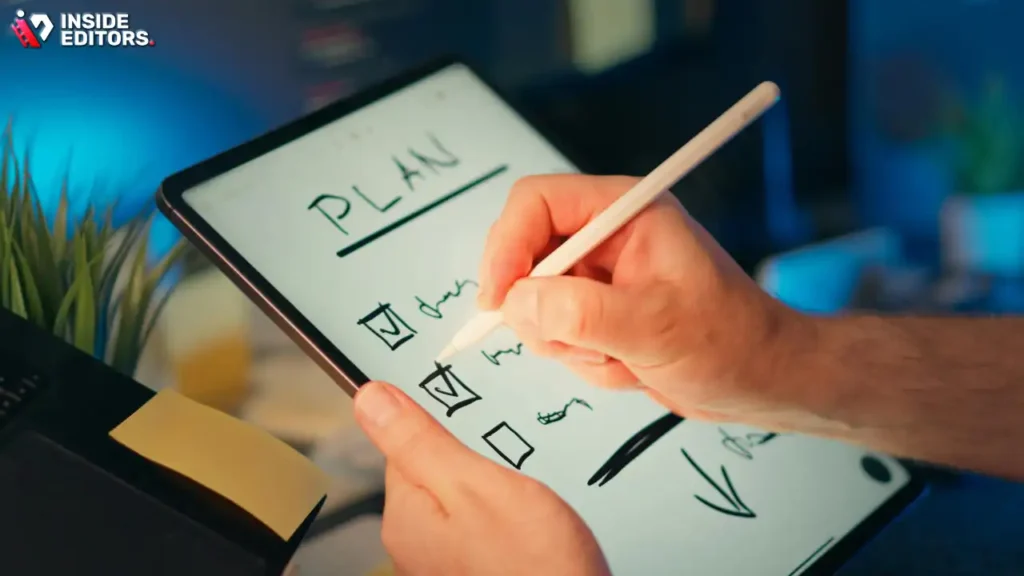
The quality of your pre-production determines the success of your final video. Planning involves more than just writing dialogue; it includes visual mapping, setting the tone, and ensuring brand consistency. A well-structured script and storyboard save hours during filming and editing.
Crafting a Compelling Narrative
Every corporate video, even a technical one, needs a narrative arc. Start with a hook that immediately grabs attention, typically within the first five seconds. Then, introduce the problem your audience faces. Next, present your solution-your product or service. Finally, conclude with a strong, clear call-to-action.
Keep the language concise and focused. Avoid corporate jargon that alienates viewers. Remember the Hemingway rule: short, punchy sentences are more impactful than long, complex clauses.
Storyboarding and Shot Lists
A storyboard is a visual map of your video, showing key scenes, camera angles, and corresponding dialogue. You do not need to be an artist; simple sketches or even descriptive text paired with reference images suffice. A detailed shot list ensures you capture every necessary angle during filming, preventing costly reshoots.
This meticulous planning is especially crucial for complex projects. It ensures that the final video flows seamlessly and meets the initial strategic goals of your Corporate Video Creation project.
Step 2: Tools & Equipment Selection
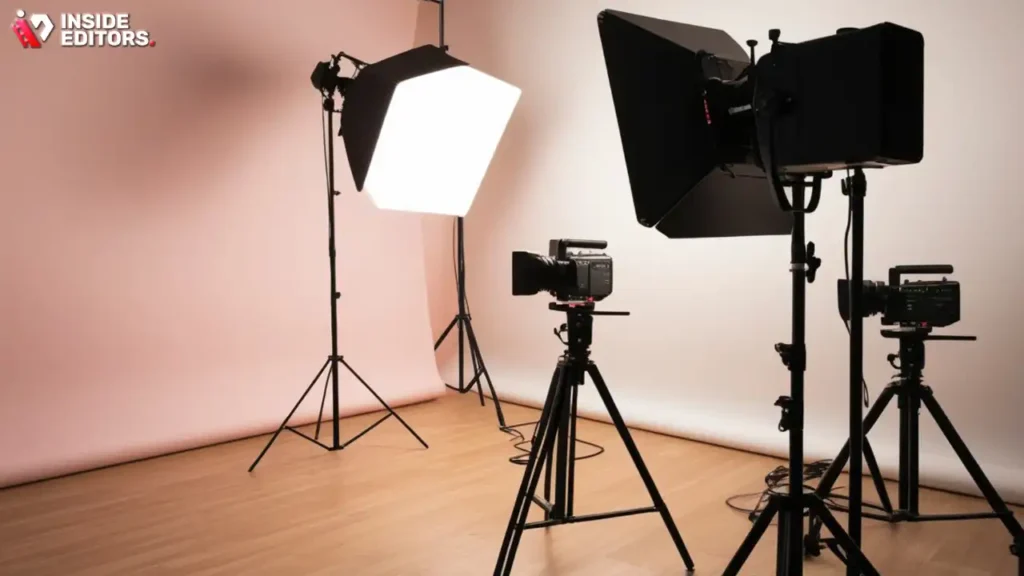
Simple Corporate Video Creation does not require a massive budget, but it does require reliable tools. You need three main components: a camera, lighting, and audio equipment. Audio quality is often more important than video resolution. Viewers tolerate slightly blurry visuals, but they quickly abandon videos with poor sound.
Essential Equipment for Quality Production
| Equipment Category | Budget Option | Mid-Range Option | Why It Matters |
| Camera | Modern Smartphone (iPhone/Android) | Mirrorless DSLR (e.g., Sony a6400) | High-resolution capture is standard today. |
| Audio | Lavalier Microphone (wired) | USB Condenser Mic or Wireless Lav | Clear, crisp voice recording is non-negotiable. |
| Lighting | Natural light near a window | Simple 2-point LED Softbox Kit | Eliminates harsh shadows and provides a professional look. |
| Stabilization | Tabletop Tripod | Full-size Fluid Head Tripod | Prevents shaky footage, making it easier to watch. |
For many small business applications, a modern smartphone paired with a quality external microphone (lavalier or USB) is more than sufficient. Focus your investment on audio first.
Software Selection for Post-Production
While the filming stage is critical, post-production is where the magic happens. Your choice of editing software depends on your technical skill and budget.
- Beginner/Budget: Tools like DaVinci Resolve (free version) or CapCut offer powerful features without the price tag.
- Intermediate/Professional: Adobe Premiere Pro or Final Cut Pro are industry standards, offering comprehensive control over color grading, effects, and complex timelines.
Remember, the goal is efficiency. Choose Corporate Video Editing Software you can master quickly. If the editing process becomes a bottleneck, it defeats the purpose of simple Corporate Video Creation.
Step 3: Efficient Filming Techniques
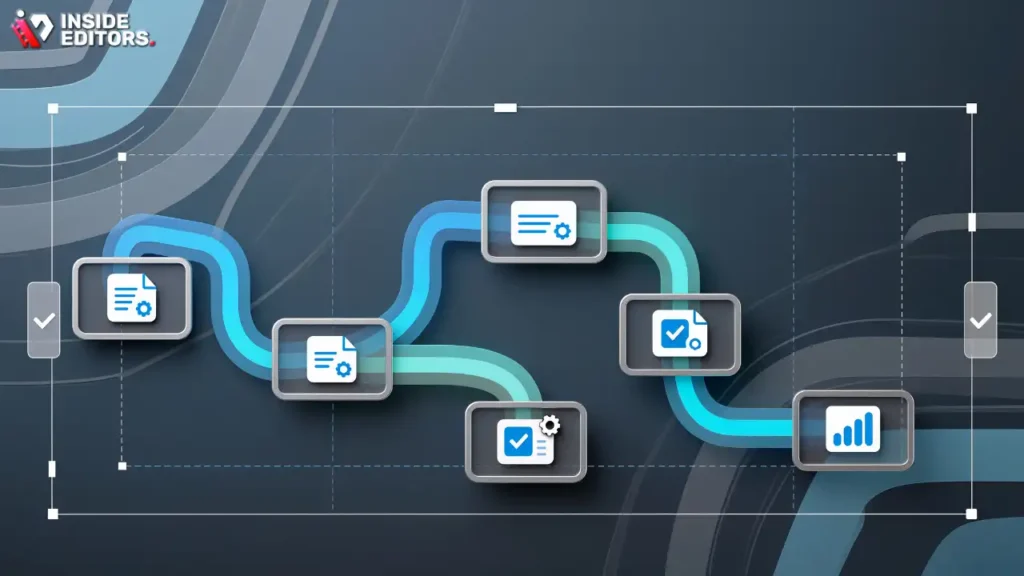
With your script ready and equipment set up, the production phase needs to be executed efficiently. Time is money, especially in a corporate setting. Efficient filming minimizes disruption and maximizes the quality of the raw footage.
Mastering Lighting and Framing
Good lighting is the difference between a homemade video and a professional production. Use the “three-point lighting” technique: key light (main source), fill light (softens shadows), and backlight (separates the subject from the background). If you only have one light, position it slightly off-center and above the subject.
When framing, use the rule of thirds. Position the subject’s eyes on the upper third line of the frame. This creates a balanced and visually appealing composition. Always film multiple takes and vary your shots (wide, medium, close-up) to give the editor flexibility.
“If you want to tell a story visually, you must respect the frame. Every element within that frame should serve the narrative.” – Steven Spielberg, Film Director (paraphrased for context)
Ensuring Flawless Audio Recording
Audio recording requires vigilance. Always record a few seconds of “room tone”-the ambient silence of your location-before starting. This helps the editor seamlessly patch gaps or reduce background noise. Monitor your audio levels constantly, ensuring they peak around -12dB to avoid distortion.
Common audio pitfalls include HVAC noise, distant traffic, and echo. Choose locations with soft furnishings (carpets, curtains) to absorb sound, and always turn off air conditioning units during recording.
Step 4: Professional Editing Importance
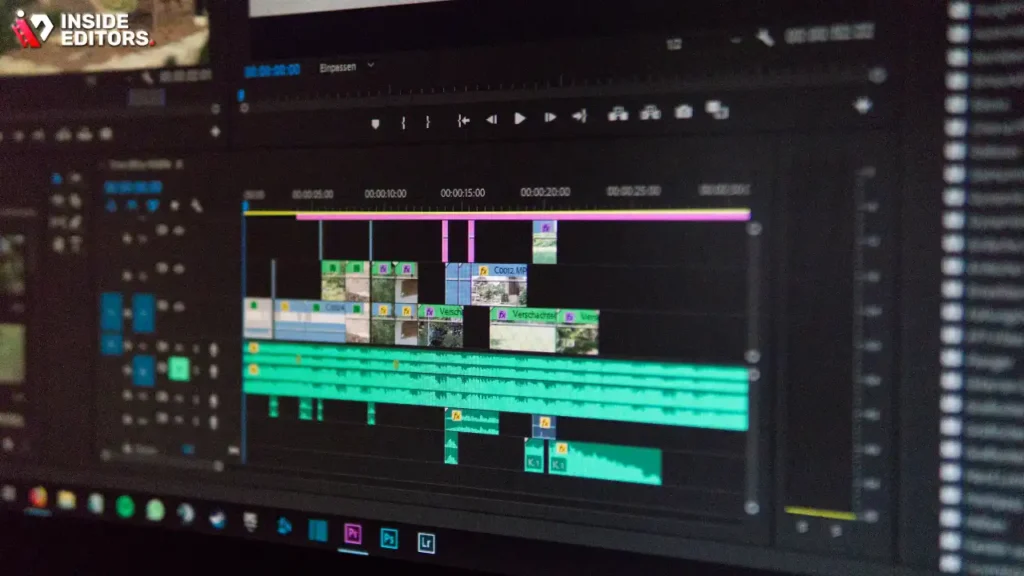
The raw footage is just the beginning. Editing is where the story is refined, the pace is set, and the final professional polish is applied. This stage transforms disparate clips into a cohesive, engaging piece of content. If you are focused on simple Corporate Video Creation, outsourcing the Corporate Video Editing can be the most strategic decision you make.
Why Editing Makes or Breaks Your Video
Editing involves more than just cutting clips together. It includes color correction to ensure visual consistency, audio mixing to balance voice and music, adding graphics and titles, and ensuring the video adheres to brand guidelines. A professional editor can salvage imperfect footage and drastically improve the viewer experience.
Key Editing Elements:
- Pacing: Removing unnecessary pauses and speeding up slow segments keeps viewers engaged.
- Color Grading: Applying a consistent look and feel enhances professionalism.
- Motion Graphics: Adding lower thirds, titles, and animated elements reinforces branding.
- Sound Design: Integrating music, sound effects, and ensuring clear voiceover.
When to Outsource Your Editing Needs
For businesses focused on content volume and speed, Corporate Video Editing Services offer a massive advantage. You save time, guarantee quality, and maintain consistency across all your videos. This is particularly true for organizations scaling their Corporate Video Creation efforts.
Inside Editors provides Professional Corporate Video Editing services designed specifically for businesses, content creators, and marketing teams. Our professional editing team, with over 10 years of experience, ensures your content is polished, engaging, and ready for distribution. We offer fast turnaround times (typically 24-72 hours) and unlimited revisions until you are completely satisfied. This affordable, scalable solution allows you to focus solely on content creation and strategy, leaving the technical polish to experts.
Step 5: Distribution, Optimization, and Analysis
The final step in successful Corporate Video Creation is ensuring your video reaches the right audience and achieves its objectives. This requires strategic distribution and diligent performance analysis.
Optimizing for Search and Engagement
Treat your video like any other piece of content-optimize it for search engines. This is crucial whether you host it on YouTube, Vimeo, or your own website.
- Title and Description: Use relevant keywords in your title and the first few lines of your description.
- Thumbnails: A compelling, high-quality thumbnail is the single most important factor in driving clicks.
- Transcripts and Captions: Providing accurate captions improves accessibility and helps search engines understand the content.
“Video optimization is not just about views; it’s about connecting the right content with the right viewer at the right time.” – HubSpot Research on Video Marketing Trends
Analyzing Performance Metrics
Once your video is live, you must track its performance. Key metrics reveal what works and what needs adjustment for future Corporate Video Creation projects.
Critical Video Metrics:
- Retention Rate: Where do viewers drop off? This indicates boring sections or a weak narrative.
- Click-Through Rate (CTR): How effective is your thumbnail and title?
- Conversion Rate: Did the video achieve its objective (e.g., product sign-up, lead generation)?
Use these insights to refine your next script and production approach. Continuous analysis ensures your investment in Corporate Video Creation yields measurable results.
Comparison: DIY vs Professional Editing
When scaling your Corporate Video Creation, the decision between in-house editing and professional outsourcing is critical. While DIY saves money upfront, it often costs significantly more in time and quality control.
| Feature | DIY In-House Editing | Professional Outsourcing (e.g., Inside Editors) |
| Time Investment | High (Learning software, cutting, color grading, revisions) | Low (Focus on filming and strategy only) |
| Quality & Consistency | Varies widely based on internal skill level | High, consistent, professional standards guaranteed |
| Cost Structure | Software subscriptions, hardware upgrades, staff salary | Predictable, affordable per-video pricing |
| Turnaround Speed | Slow, subject to internal workload and delays | Fast (often 24-72 hours) |
| Skill Set Required | Editing, color, audio engineering, motion graphics | Content creation and filming only |
For organizations prioritizing speed, scalability, and professional quality, outsourcing the post-production stage is often the most efficient path to high-volume Corporate Video Creation.
Avoiding Common Video Pitfalls

Even with a solid plan, mistakes happen. Being aware of common pitfalls can save significant time and resources during your next Corporate Video Creation project.
Pitfall 1: Overly Promotional Content
The Mistake: Focusing too heavily on selling rather than providing value. Modern viewers are resistant to overt advertising. The Fix: Adopt an educational or problem-solving approach. Frame your product as the solution to a genuine viewer problem. Aim for a 80/20 rule: 80% value, 20% promotion.
Pitfall 2: Neglecting Audio Quality
The Mistake: Using the built-in microphone on a camera or phone, resulting in muffled, echoing, or noisy audio. The Fix: Always invest in an external microphone. Even a $50 lavalier mic provides a massive leap in quality. Clear audio conveys authority and professionalism.
Pitfall 3: Lack of a Clear Call-to-Action (CTA)
The Mistake: Producing a great video but failing to tell the viewer what to do next. The Fix: Every video must end with a single, clear, and compelling CTA. Use on-screen graphics and verbal cues to direct viewers to the next step, whether it is visiting a specific URL or subscribing to a channel.
Pitfall 4: Inconsistent Branding
The Mistake: Videos having different color palettes, font styles, or logo placements, confusing the audience and diluting brand identity. The Fix: Create a detailed video style guide. If you use a professional editing service, provide them with your brand guidelines to ensure every video maintains a consistent look and feel.
Conclusion: Elevating Video Creation Strategy
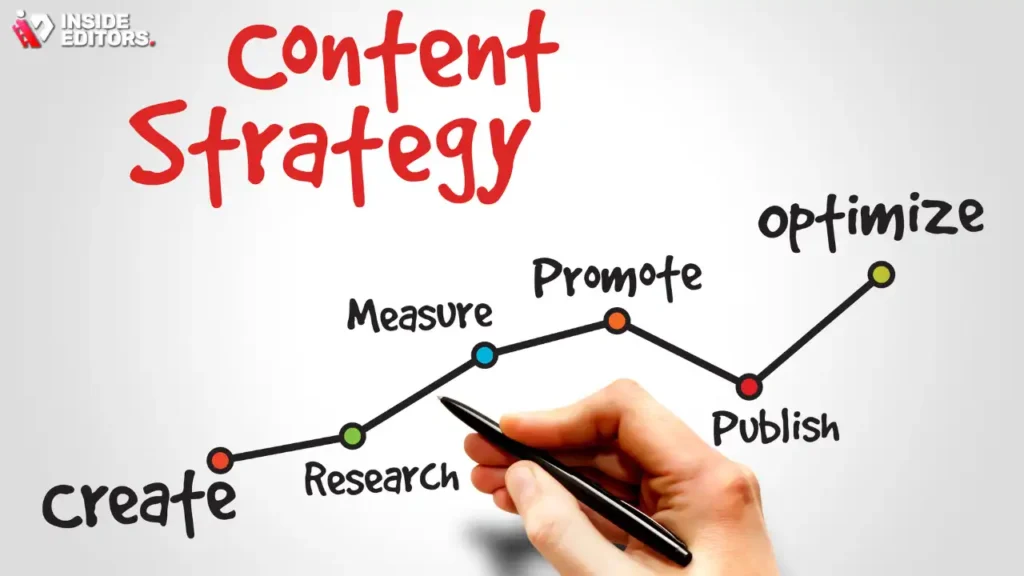
Mastering Corporate Video Creation is an achievable goal for any business willing to invest in strategic planning and quality execution. By following this five-step plan-from defining intent and scripting, to efficient production and meticulous analysis-you can transform your video output from a daunting task into a powerful marketing asset.
Remember that simplicity and clarity are your greatest tools. Focus on delivering genuine value to your audience, and ensure the technical quality reflects your brand’s professionalism.
If you find that the post-production phase-the cutting, color grading, audio enhancement, and graphic integration-is slowing down your content pipeline, consider leveraging professional expertise. Services like Inside Editors provide the high-quality editing necessary to polish your raw footage into compelling, professional videos. Our process is designed to be scalable and affordable, ensuring that your Corporate Video Editing efforts always result in polished, impactful content delivered with a fast turnaround. By partnering with professional editors, you save time and guarantee the consistent, high-quality output required to build trust and grow your business in the competitive digital landscape.
Frequently Asked Questions
What is the most important step in video creation?
The most important step is strategic planning, which involves defining your audience and setting clear, measurable objectives. Successful Corporate Video Creation starts with knowing exactly who you are talking to and what action you want them to take after watching your video.
How can I improve my video’s audio quality?
The easiest way to improve audio quality is by using an external microphone, such as a lavalier or USB condenser mic, instead of the camera’s built-in mic. Clear audio is vital for professional Corporate Video Creation.
Why is a good script necessary?
A good script ensures your video has a clear narrative arc, keeps the message concise, and maintains viewer engagement. It prevents rambling and ensures your Corporate Video Creation stays focused on its core objective.
Can I use my smartphone for filming?
Yes, modern smartphones are capable of capturing high-resolution video suitable for most corporate needs. Pair it with good lighting and an external microphone for professional-level Corporate Video Creation results.
Should I handle editing myself or outsource it?
If you prioritize fast turnaround, consistent quality, and scalability, outsourcing editing to professionals is often the best choice. This allows you to focus on content strategy and filming for your Corporate Video Creation projects.
What is the ideal length for a corporate video?
The ideal length depends on the format and goal. Explainer videos should be 60-90 seconds, while training videos can be longer. Viewer retention drops quickly, so keep your Corporate Video Creation as concise as possible.
How do I measure video success?
Measure success using key metrics like the viewer retention rate, click-through rate (CTR), and conversion rate. These metrics show if your Corporate Video Creation is achieving its intended business objective.
What is the rule of thirds in filming?
The rule of thirds is a compositional guideline where you divide the frame into nine equal parts. Placing key elements, like the subject’s eyes, along these lines or intersections creates visually balanced and engaging Corporate Video Creation.


