


Corporate video has become one of the most effective communication tools for businesses in the USA. Whether your organization is training new employees, launching products, sharing leadership updates, or explaining internal processes, video delivers information faster and more clearly than text. But producing polished, consistent videos depends heavily on the software behind them. Choosing the right Corporate Video Editing Software USA can transform your workflow, reduce editing time, and help your team maintain strong branding across all content.
If you’ve ever opened an editing program and felt overwhelmed-too many controls, too many tracks, or too many menus-you’re not alone. Corporate editors operate on deadlines, handle multiple revisions, and work across different departments. The wrong tool can slow the entire process down, while the right one can make your workflow feel effortless. Before reviewing the top 10 tools, it’s important to understand why software selection matters.
Why Reliable Tools Matter
Corporate video production isn’t the same as social content creation or hobby editing. These videos reflect your brand’s identity and professionalism. A single rough cut, mismatched colour tone, or audio problem can change how employees or clients perceive your message.
USA businesses require editing software that is:
- Stable during long edits and heavy rendering
- Consistent with brand colours and quality
- Flexible enough for teams with mixed skill levels
- Efficient for recurring projects and updates
If your team publishes monthly CEO updates, onboarding modules, or customer education videos, you need tools that won’t freeze, crash, or force you to restart work. Reliability ensures your final product looks polished every time.
Workflow Features That Save Time
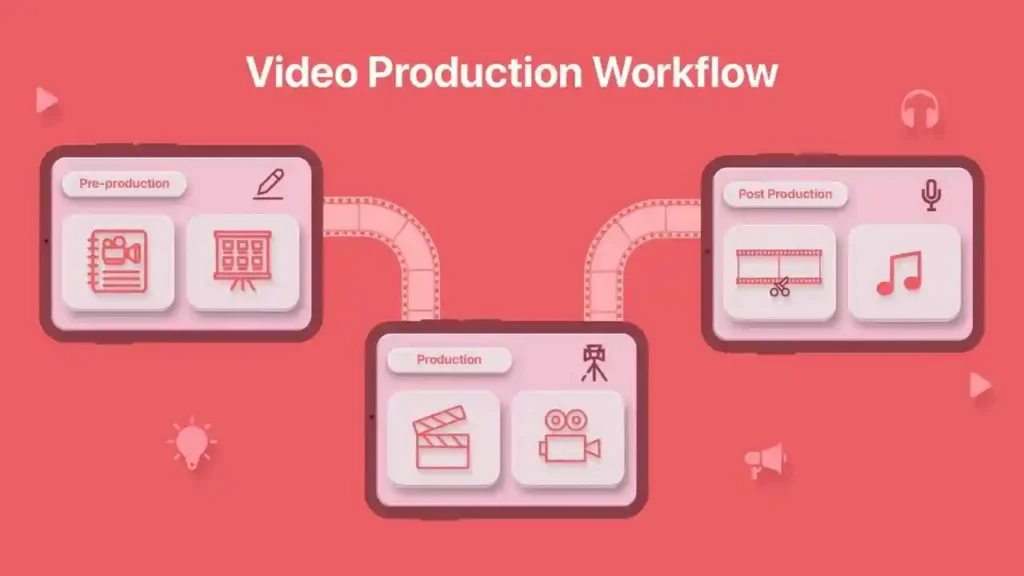
Corporate video teams handle multiple projects at once-HR explainers, marketing spots, compliance training, and sales content. Workflow-focused features make all the difference.
Time-saving tools include:
- Auto-captioning
- Brand templates
- Cloud project syncing
- Shared media libraries
- Reviewer comments directly on the timeline
- AI trimming, enhancement, and noise removal
For example, auto-captioning reduces hours of manual transcription. Cloud collaboration eliminates messy email threads by allowing teams to comment directly on the project. These workflow improvements quickly add up, reducing time lost on repetitive tasks.
How Better Editors Help Teams
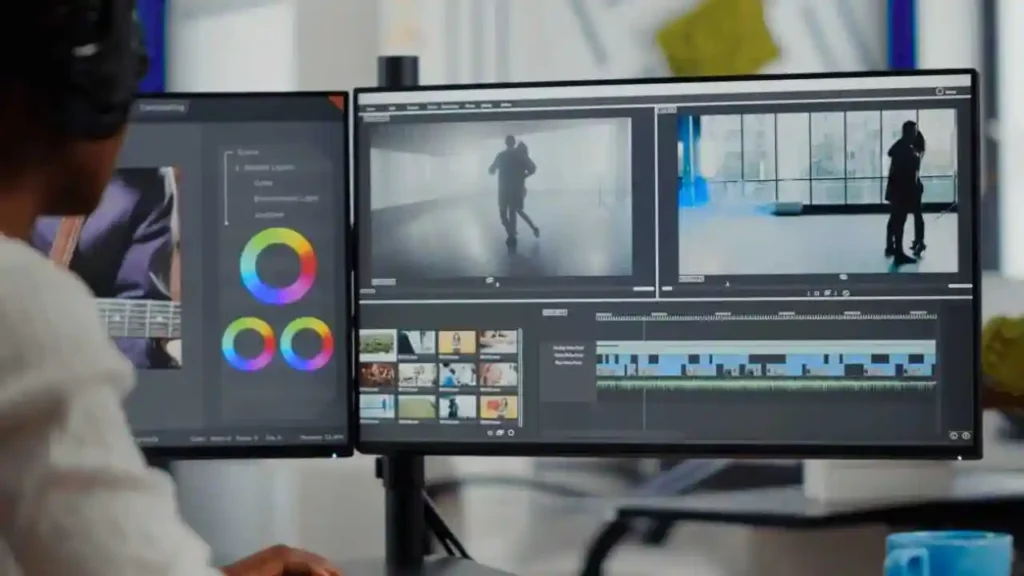
Corporate video projects often involve feedback from multiple departments. Marketing might change visuals, HR might update messaging, leadership may adjust tone, and brand teams might modify colors. Without the right software, revision cycles get frustrating.
The right tool helps teams by providing:
- Structured project files
- Autosaves for safety
- Clear timeline markers
- Reusable templates
- Shared style elements
When editors don’t waste time searching for assets or recreating graphics, they can focus on storytelling and quality.
Top Editing Software for USA
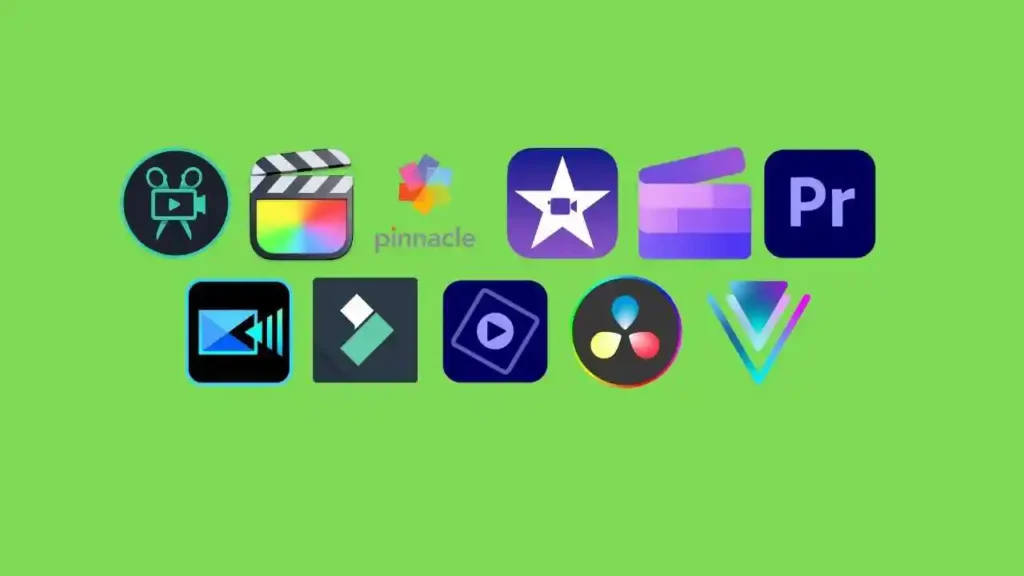
Here are the 10 best editors for USA businesses:
- Adobe Premiere Pro
- DaVinci Resolve Studio
- Final Cut Pro
- Premiere Rush
- Filmora Business
- VEGAS Pro
- Camtasia
- Clipchamp Business
- WeVideo for Business
- Kapwing Pro (Teams)
Let’s look at each tool and what makes it effective for corporate workflows.
Adobe Premiere Pro
Adobe Premiere Pro is one of the most widely used editing platforms among USA businesses, known for its flexibility and professional-grade features. Whether you’re producing training modules, interviews, or polished marketing videos, Premiere adapts to your team’s needs.
Its biggest strength is the Adobe ecosystem. If your team uses After Effects, Photoshop, or Illustrator, everything integrates smoothly. Colour control, audio enhancement, and multi-layer timelines allow teams to maintain consistent branding across multiple projects.
If your organization relies heavily on Adobe tools, you can also outsource complex projects through
Corporate Video Editing Services.
DaVinci Resolve Studio
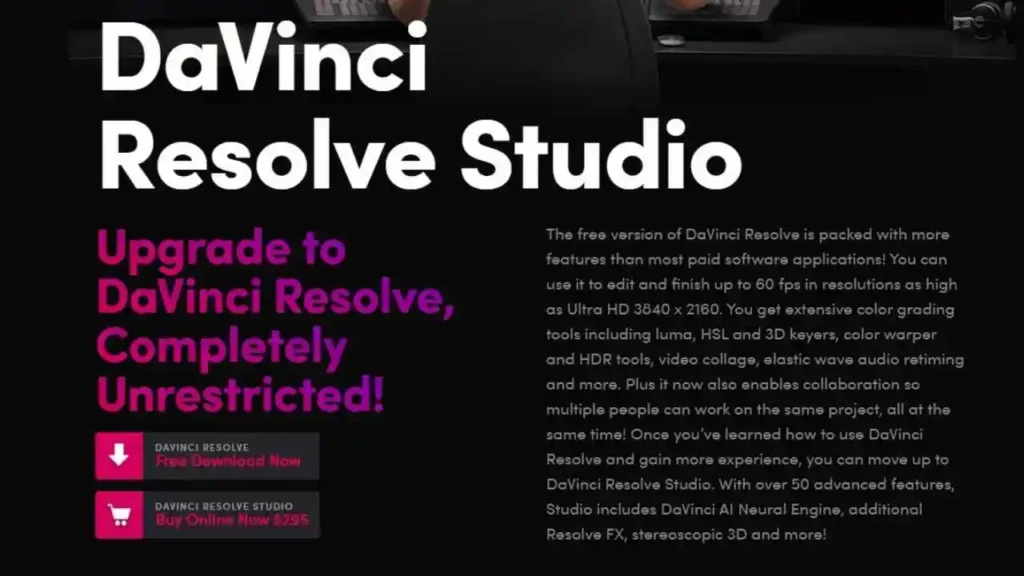
DaVinci Resolve Studio is the industry leader in colour grading and visual refinement. USA companies creating higher-end brand films, product videos, or cinematic promotional content often choose Resolve for its unmatched visual precision.
Resolve combines editing, colour, effects, audio, and motion graphics into one unified environment. Many teams start with the free version, then upgrade to Studio when they need more advanced features.
Final Cut Pro
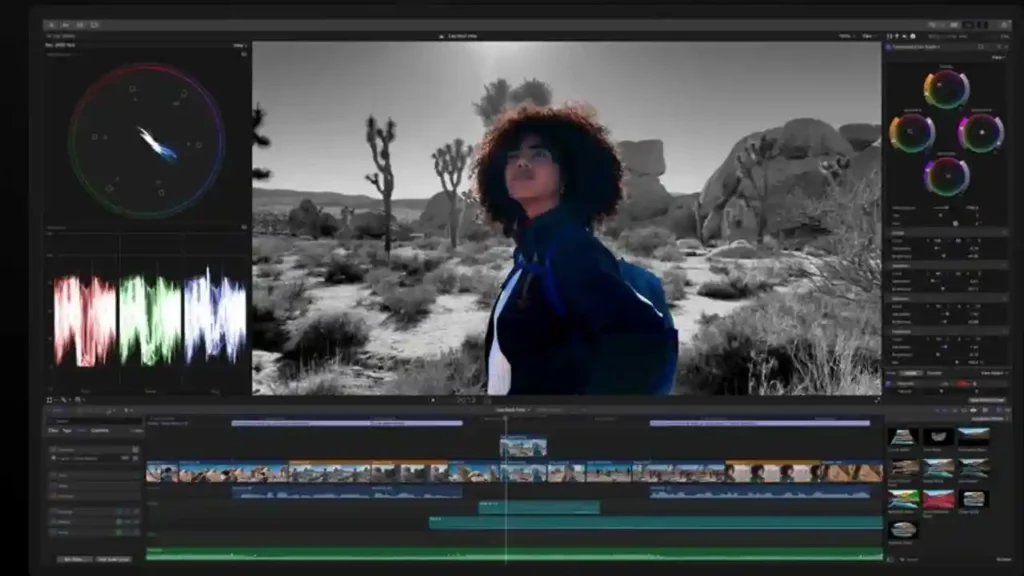
Final Cut Pro is extremely popular in USA businesses that operate on a Mac-based workflow. Its magnetic timeline makes editing fast and intuitive, and the software is known for smooth playback-even with 4K and 8K footage.
Final Cut integrates closely with Motion (for graphics) and Compressor (for exporting), which helps teams that produce weekly or monthly video content maintain a fast workflow.
Premiere Rush
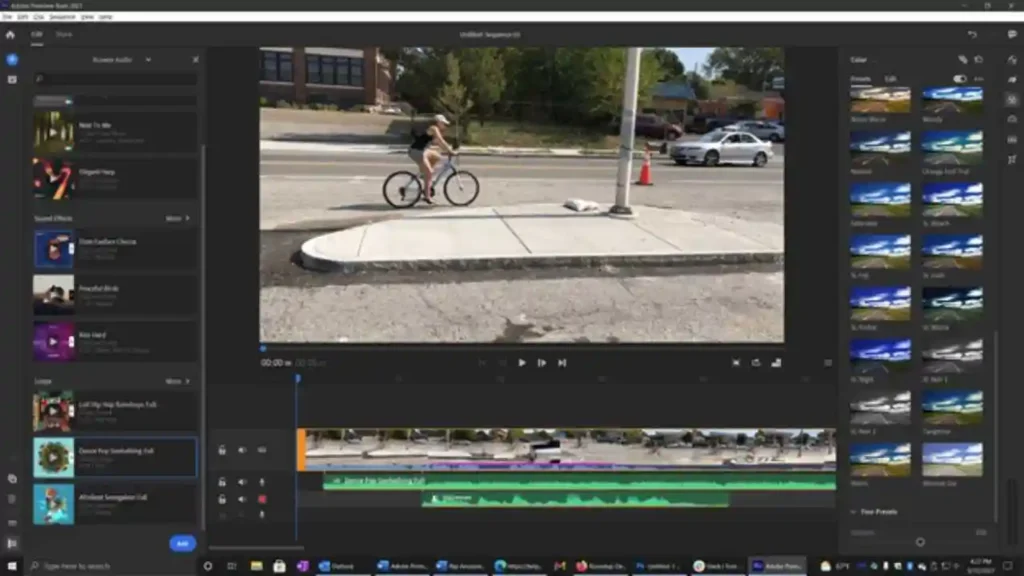
Premiere Rush is a simplified editor built for quick-turn corporate content. Internal updates, short announcements, product teasers, and fast social-ready clips are easy to create with Rush’s minimal interface.
Because project files sync across devices, teams can shoot on mobile and finish edits on desktop without losing progress-perfect for fast-moving USA communication teams.
Filmora Business – simple, fast corporate editing
Filmora Business is ideal for teams that want clean, professional videos without a steep learning curve. HR teams, trainers, and marketing departments often prefer Filmora because it makes editing feel approachable for non-specialists.
Filmora’s built-in templates, drag-and-drop transitions, AI tools, and ready-made graphic elements help teams maintain brand consistency while reducing editing time. USA businesses producing frequent internal videos-onboarding modules, training explainers, and educational content-benefit from its speed and simplicity.
VEGAS Pro
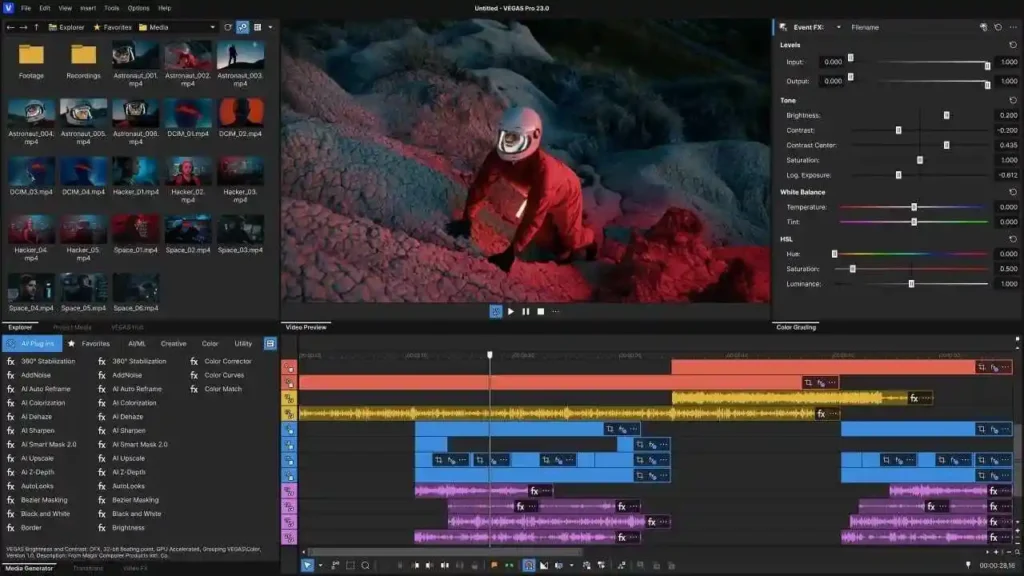
VEGAS Pro is a long-standing favourite among editors who want deep timeline precision and advanced audio tools. USA companies producing technical content, multi-camera event edits, or product walkthroughs appreciate how responsive VEGAS feels during heavy workloads. Editors can perform fast cutting, trimming, and rearranging without lag, even when working with complex corporate projects.
Under the surface, VEGAS includes powerful motion tracking, colour correction, and HDR support, making it suitable for higher-end visuals while maintaining an easy-to-learn layout. Its audio handling-powered by integrated sound tools-helps teams produce cleaner narration and consistent voiceovers, which are crucial for training videos and formal corporate communication.
Camtasia
Camtasia is one of the most widely used tools in the USA for training videos, software tutorials, onboarding modules, and educational content. Its built-in screen recorder is one of the best available, which makes it perfect for companies producing step-by-step walkthroughs or software training materials.
The editing interface is clean and intuitive, allowing HR teams, trainers, and internal communication specialists to build professional videos without needing advanced editing experience. Callouts, cursor effects, annotations, and template-based lower thirds help explain ideas clearly. USA organizations with hybrid or remote teams rely on Camtasia to produce clear, instructional content quickly.
Clipchamp Business
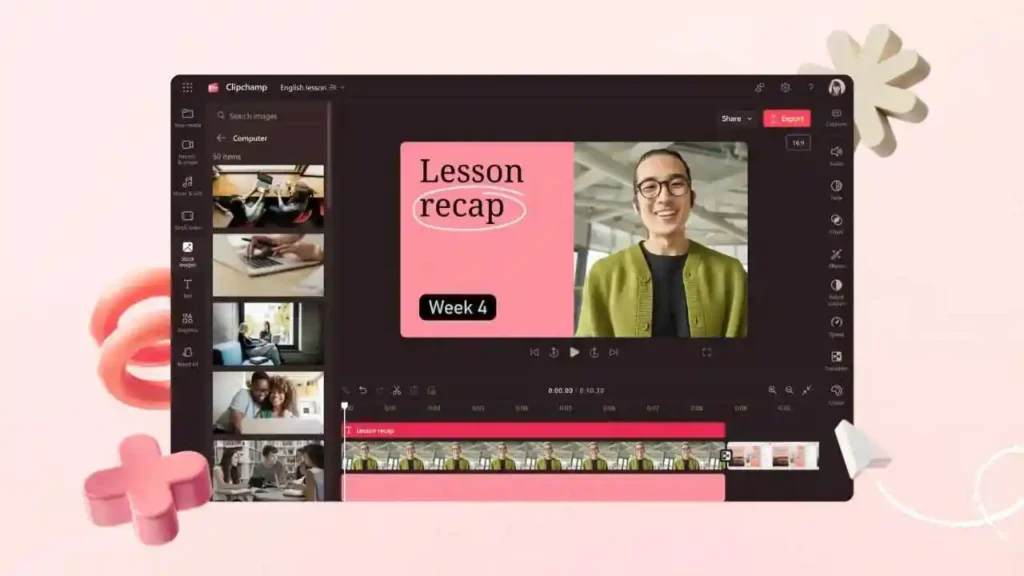
Clipchamp Business has rapidly grown in popularity among USA companies, especially those using Microsoft 365. Since it’s cloud-based, Clipchamp eliminates the need for heavy desktop installations while keeping projects accessible from any device. Teams working in hybrid or remote environments can collaborate smoothly without requiring powerful hardware.
Clipchamp’s brand kits, templates, and drag-and-drop interface help non-editors create clean, consistent internal content. USA teams producing fast updates, internal communications, simple announcements, and client-ready previews appreciate how quickly Clipchamp turns raw footage into polished output.
WeVideo for Business
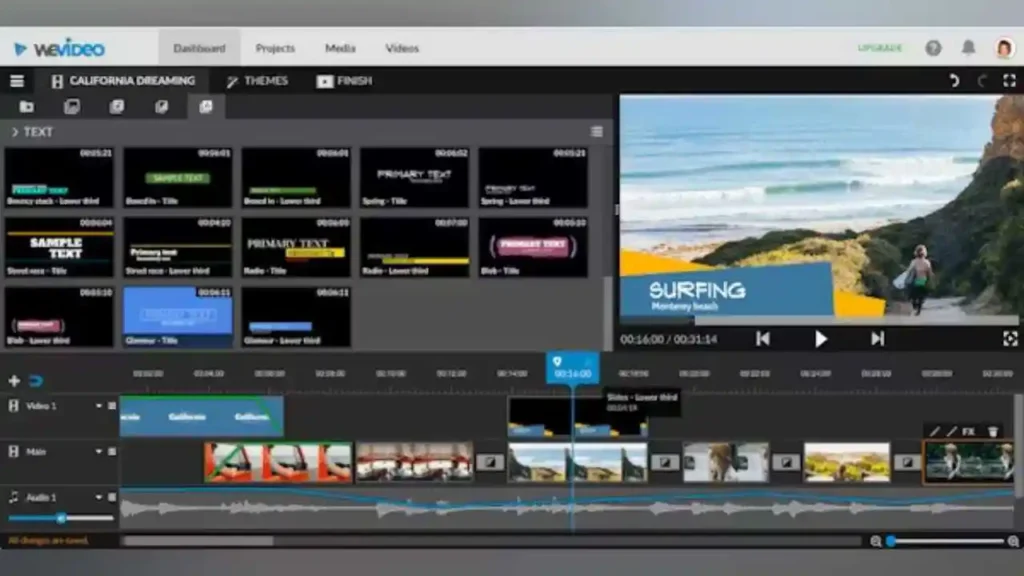
WeVideo for Business is built specifically for collaborative work. Because everything runs in the cloud, USA teams across different locations can access, edit, and review videos in real time. This makes WeVideo ideal for organizations managing multiple content creators or departments.
One of WeVideo’s biggest strengths is its brand asset library. Instead of storing graphics and templates across individual drives, WeVideo lets teams create shared spaces for logos, intros, brand colours, and fonts. USA marketing teams use this feature to maintain consistency across weekly or monthly content. With simple publishing tools, companies can send finished videos directly to internal platforms or external channels.
Kapwing Pro (Teams)
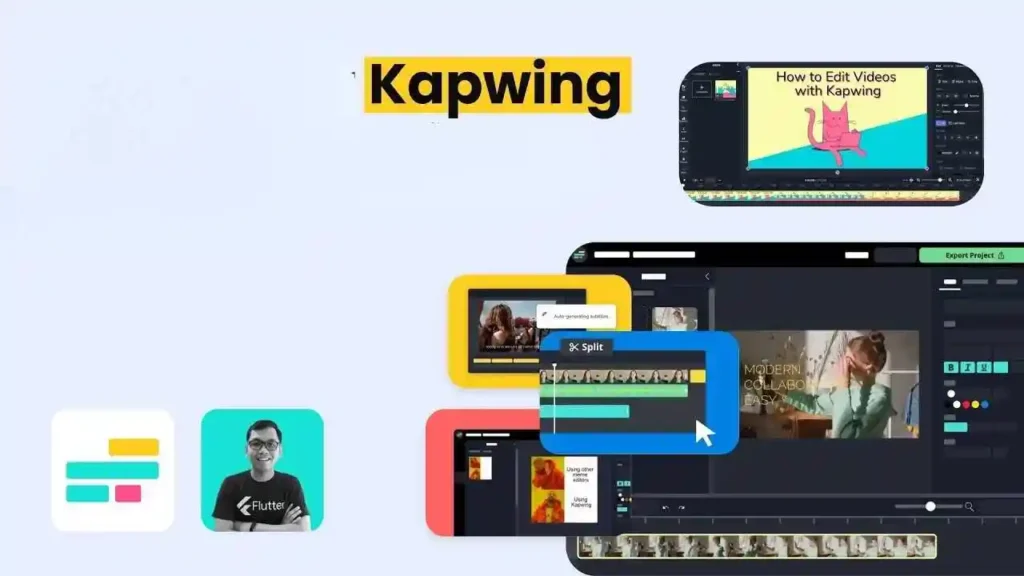
Kapwing Pro has become a favourite among USA businesses that want fast, simple, cloud-based editing without the need for installation. Kapwing’s browser-based editor works on any computer and is perfect for quick branded clips, training snippets, product explainers, and event highlights.
Kapwing’s AI tools-automatic subtitles, smart resizing, and background removal-save teams hours when repurposing videos for multiple formats. Because everything is cloud-synced, teams can share drafts instantly, leave comments, and export versions without sending large files. USA businesses with tight timelines rely on Kapwing for quick turnaround corporate content.
Choosing the Right Editor
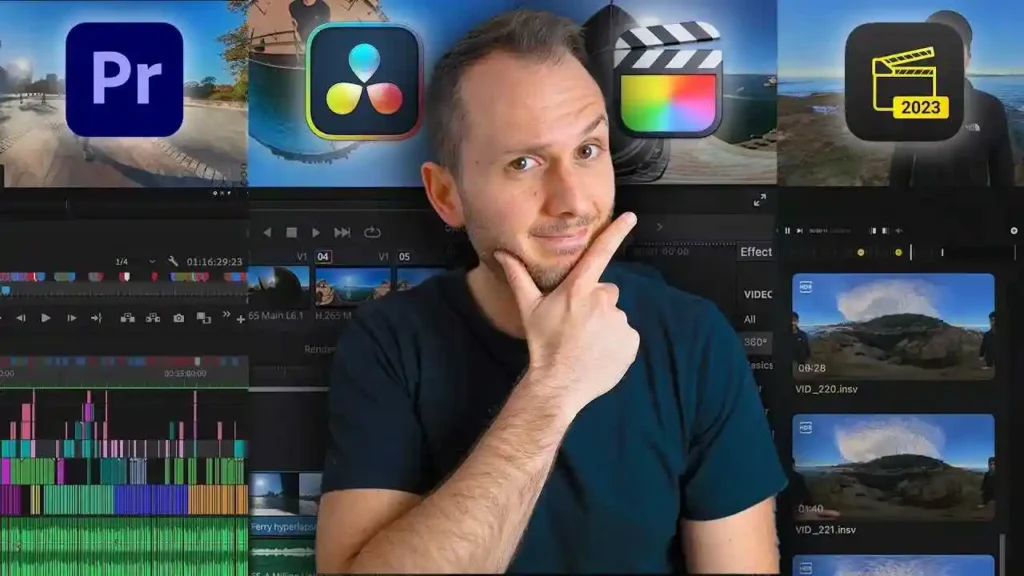
Every USA organization has unique requirements, so the best software depends on your workflow. If you need cinema-level colour and precision, DaVinci Resolve Studio is ideal. For teams using Macs, Final Cut Pro ensures fast exports and smooth performance. Premiere Pro is perfect for larger teams already using Adobe tools. For easy internal communications, Filmora Business and Clipchamp provide unmatched simplicity.
Here’s a simplified comparison to help guide your choice.
Comparison Table (USA Edition)
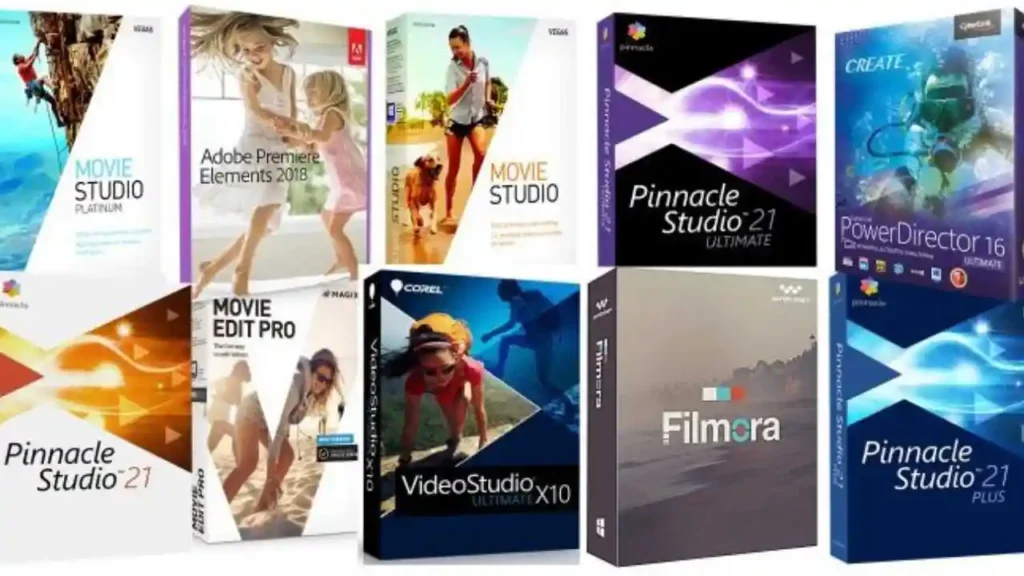
| Software | Best For | Skill Level | Collaboration | Cloud-Based |
| Adobe Premiere Pro | Professional corporate videos | Intermediate–Advanced | Limited | No |
| DaVinci Resolve Studio | High-quality visuals & colour | Intermediate–Advanced | Limited | No |
| Final Cut Pro | Fast Mac-based editing | Intermediate | Limited | No |
| Premiere Rush | Quick internal updates | Beginner–Intermediate | Yes | Yes |
| Filmora Business | Training & internal videos | Beginner | Limited | No |
| VEGAS Pro | Timeline precision | Intermediate–Advanced | No | No |
| Camtasia | Screen recording & tutorials | Beginner | Limited | No |
| Clipchamp Business | Marketing & office workflows | Beginner | Medium | Yes |
| WeVideo | Team collaboration | Beginner–Intermediate | Strong | Yes |
| Kapwing Pro | Fast branded videos | Beginner | Strong | Yes |
If your company produces training-heavy content, Camtasia or Filmora Business may be the best fit. For hybrid teams, cloud editors like Clipchamp, WeVideo, and Kapwing Pro optimize collaboration. For high-end marketing visuals, Resolve and Premiere Pro offer unmatched depth.
When Expert Help Is Useful
Even with the best editing software, some projects require more time, skill, or consistency than your team can provide internally. When videos need professional polish-or when deadlines are tight-outsourcing becomes a smart solution.
Inside Editors provides expert support for USA businesses that need high-quality editing without overloading internal teams. You can explore professional help here:
- Corporate Video Editing Services
- Travel Video Editing Services
- Comparison Video Editing Services
- Adventure Video Editing Services
- Fitness Training Video Editing Services
- Vertical Video Editing Services
- Product Video Editing Services
If your team wants consistent, polished results without spending hours editing internally, professional support can lift the workload instantly.
Final Thoughts

Corporate video editing doesn’t have to feel confusing or time-consuming. With the right tools, USA businesses can create smooth, on-brand, and professional videos that communicate clearly and effectively. Whether you’re building training modules, product demos, event highlights, or internal updates, this list of editors gives you everything you need to work faster and smarter.
Choosing the right editor creates a foundation for efficient workflows, strong branding, and long-term consistency. And if you ever need expert help, Inside Editors is ready to support your video production goals with precision and creativity.
FAQs Corporate Video Editing Software Usa
Q1 -How can I trust a corporate video editor with my footage, revisions, and data?
Trust depends on clear terms: check revision limits, ownership rights, and data-retention policies before starting. Reputable providers give full ownership of final files, offer 1–3 revision rounds, and store projects on encrypted servers. If your company handles sensitive content, request an NDA and confirm where your assets are stored.
Q2 -Should we use DIY tools or hire pro editors for corporate videos?
DIY software works well for simple internal videos, while professional editors deliver higher polish for client-facing or brand-critical content. DIY costs are typically under $100/year per user, while pro editing starts at a few hundred dollars per video. If you need consistent branding or advanced visuals, working with professionals often saves time and boosts ROI.
Q3 -What are typical pricing ranges and what’s included/excluded?
Desktop licenses range from $80–$400, subscriptions run $8–$30/month, and professional editing services cost $200–$600 per finished minute depending on complexity. Most packages include editing, basic colour correction, and one revision. Extra motion graphics, rush delivery, or scripting usually cost more, so confirm details in writing.
Q4 -How long does corporate video editing take, and are rush options available?
Small corporate videos (2–5 minutes) typically take 3–10 business days, while more complex edits may take 2–4 weeks. Rush options (24–72 hours) are available at a 25–100% surcharge depending on project readiness. Providing organized files and a clear brief speeds delivery significantly.
Q5 -What steps should a team follow to ensure a smooth edit?
Start with a clear brief outlining goals, audience, tone, and examples. Provide well-organized footage, brand assets, and timestamps for key scenes. Assign one decision-maker for revisions-this reduces confusion and shortens the timeline. If using professional editors, share a reference video so they match your style perfectly.
Q6 -Who owns the final videos, and how is privacy handled?
Most services transfer full ownership once the final invoice is paid-confirm this in writing to avoid confusion. For privacy, ask about encryption, GDPR/CCPA compliance, and storage deletion timelines. Sensitive assets should always be protected with an NDA and a clear data-retention policy.


