

Choosing the right soundtrack is one of the most critical decisions in corporate video production. The music sets the tone, reinforces the brand message, and deeply influences how the audience perceives the content. Whether you are creating an internal training module, a high-stakes investor presentation, or a dynamic marketing campaign, selecting the best Corporate Video Music requires a strategic approach.
This guide provides a comprehensive framework for evaluating music options, navigating licensing complexities, and ensuring your soundtrack perfectly aligns with your video’s objectives. We will explore the essential steps, common pitfalls, and expert insights necessary to elevate your production quality. Understanding how to source and implement effective Corporate Video Music is paramount for achieving professional results that resonate with viewers and drive business goals.
1. Defining Your Sonic Identity
Before searching for tracks, you must first define the emotional and stylistic requirements of your video. Music is not just background noise; it is a powerful non-verbal communicator that shapes viewer interpretation. A mismatch between the visual message and the audio tone can instantly undermine credibility and confuse the audience.
The Psychology of Corporate Video Music
Every piece of music carries inherent emotional weight. Upbeat, major-key tracks suggest optimism, innovation, and energy, often suitable for product launches or motivational content. Conversely, slower, more ambient tracks in minor keys can convey seriousness, reliability, or introspection, fitting for corporate social responsibility reports or detailed explainer videos. The goal is to find music that amplifies the intended emotional response.
Think about your target audience and what feelings you want to evoke. Are you trying to build trust (requiring warm, analog sounds) or demonstrate cutting-edge technology (suggesting clean, synthetic sounds)?
“Music is the emotional glue that binds the visuals and the message together. If the glue is weak, the whole structure collapses.” – Dr. Sarah Jenkins, Media Psychologist
Aligning Tone and Tempo with Objectives
The tempo (BPM) of your chosen track must match the pacing of your edit. Fast-paced videos with quick cuts demand higher BPM music to maintain energy. Slower, narrative-driven videos benefit from lower BPM tracks that allow the viewer time to absorb information.
For example, a video showcasing a company’s history might start with a measured, orchestral piece and transition to a more modern, driving rhythm as it discusses future initiatives. This deliberate use of Corporate Video Music ensures a seamless narrative flow. Always test the track against the rough cut to check for synchronization points-moments where the music beats align perfectly with visual transitions or key reveals.
2. Music Licensing & Usage Rights

The biggest hurdle in sourcing music is ensuring you have the legal right to use it. Using unlicensed music, even inadvertently, exposes your company to significant legal and financial risks. For business use, you almost always need a synchronization license (sync license) and a master use license.
Understanding Royalty-Free vs. Rights-Managed
Many businesses opt for “royalty-free” music libraries. This term is often misunderstood. It does not mean the music is free of charge; it means you pay a single, upfront fee for a license that grants you broad usage rights, and you don’t owe ongoing royalties for each play or broadcast.
- Royalty-Free: Pay once, use forever (within the license terms). Ideal for most standard Corporate Video Music needs, offering affordability and simplicity.
- Rights-Managed: Licensing fees are calculated based on specific usage parameters (e.g., duration, geographical reach, platform, audience size). This is often used for high-budget campaigns or broadcast television.
For the vast majority of corporate videos-including internal communications, website content, and social media marketing-royalty-free libraries provide the best balance of quality and cost-effectiveness.
Essential Licensing Checklist
Before downloading any track, confirm the license covers the following critical aspects:
| Feature | Royalty-Free (Standard Corp.) | Rights-Managed (Broadcast/High-Tier) |
| Usage Term | Perpetual (usually) | Fixed duration (e.g., 1 year) |
| Distribution | Web, social media, internal use | Specific territories, defined media |
| Audience Size | Unlimited | Capped or tiered |
| Monetization | Allowed (e.g., YouTube monetization) | Often requires specific add-ons |
| Cost Structure | Single, upfront fee (e.g., $49/track) | Negotiated fee based on scope |
Always read the fine print. Some licenses restrict use in “for-profit” advertising or require attribution. Ensure your license explicitly covers commercial use by a business entity.
3. Top Music Libraries Compared
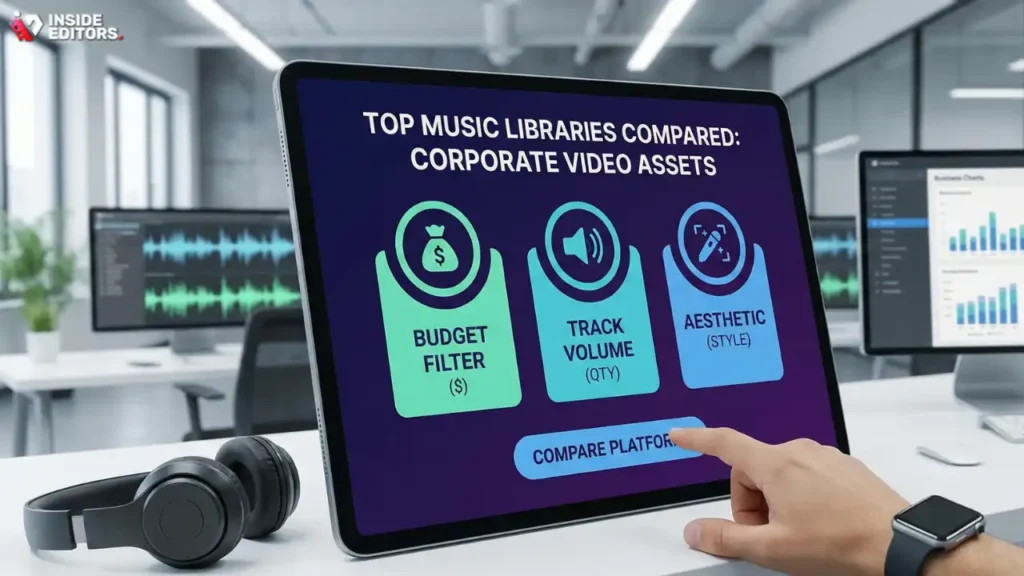
The market is saturated with platforms offering Corporate Video Music. Choosing the right library depends on your budget, the required volume of tracks, and the specific aesthetic you seek.
Feature Comparison of Leading Platforms
While specific brand names are avoided here, music libraries generally fall into three categories: subscription services, pay-per-track services, and free public domain archives.
| Criteria | Subscription Model (e.g., Monthly Fee) | Pay-Per-Track Model |
| Cost Predictability | High (fixed monthly budget) | Low (variable based on usage) |
| Library Size | Very large, diverse catalogs | Curated, often higher quality/niche |
| Workflow Speed | Excellent (instant downloads) | Slower (requires individual purchase) |
| Best For | High-volume content creators, agencies, frequent video production | One-off, high-profile projects, specific aesthetic needs |
| Pros | Unlimited downloads, easy budgeting, fast access to new music. | Higher quality control, unique sounds, simpler single-use licensing. |
| Cons | Requires ongoing commitment, potential for lower track quality overall. | Can be expensive for high volume, tracks may feel less unique over time. |
Expert Filtering and Search Strategies
Searching generic terms like “upbeat corporate” yields thousands of results. To find the best track efficiently, use advanced filtering:
- Instrumentation: Filter by specific instruments (e.g., piano, acoustic guitar, synths) to match your desired tone. Avoid tracks with prominent vocals unless the lyrics are explicitly relevant.
- Mood and Genre: Use specific combinations like “Ambient + Motivational” or “Jazz + Lighthearted.”
- Stems and Variations: Look for tracks that offer “stems” (separated instrument tracks) or variations (60-second, 30-second, loopable). This allows your editor to customize the track length and mix the audio perfectly.
“A good editor can make a mediocre track work, but a great track gives the editor the tools to create magic. Always prioritize tracks with flexible stems.” – Marcus Chen, Award-Winning Video Editor
4. Audio Integration & Mixing

Selecting the music is only half the battle; integrating it seamlessly into the final video is crucial for professional results. Poor mixing can ruin even the best choice of Corporate Video Music.
Key Audio Mixing Techniques
The primary rule of corporate video audio is that the dialogue must always be clear and intelligible. Music should support the dialogue, never compete with it.
- Ducking: This is the process of automatically lowering the music volume when dialogue or voiceover begins and raising it again when the speaker stops. A professional editor will use subtle ducking techniques to ensure smooth transitions.
- EQ (Equalization): Use EQ to carve out frequency space for the music that doesn’t clash with the human voice (typically 200 Hz to 4 kHz). This prevents the music from sounding muddy or overwhelming the vocals.
- Master Volume Levels: Aim for a final mix where the music sits comfortably in the background, typically 10-15 dB lower than the peak dialogue volume. According to a study on audio perception, consistent volume levels across different sections significantly improve viewer retention (Source: Journal of Audio Engineering Society, 2021).
Common Mistakes to Avoid
- Overly Complex Music: Avoid tracks that are too busy or have sudden, jarring changes in tempo or volume. Simple, repetitive, and ambient tracks often work best for supporting professional content.
- Looping Poorly: If you need to extend a track, ensure the loop point is seamless. A poorly executed loop sounds amateurish and distracts the viewer immediately.
- Ignoring Sound Effects (SFX): Even the best Corporate Video Music needs complementary SFX (e.g., whooshes, clicks, ambient room tone) to make the video feel polished and grounded.
The entire process-from selecting the track to the final mix-requires specialized expertise and tools. Many businesses find that outsourcing the final polish saves time and guarantees professional quality.
5. Professional Polish Through Editing
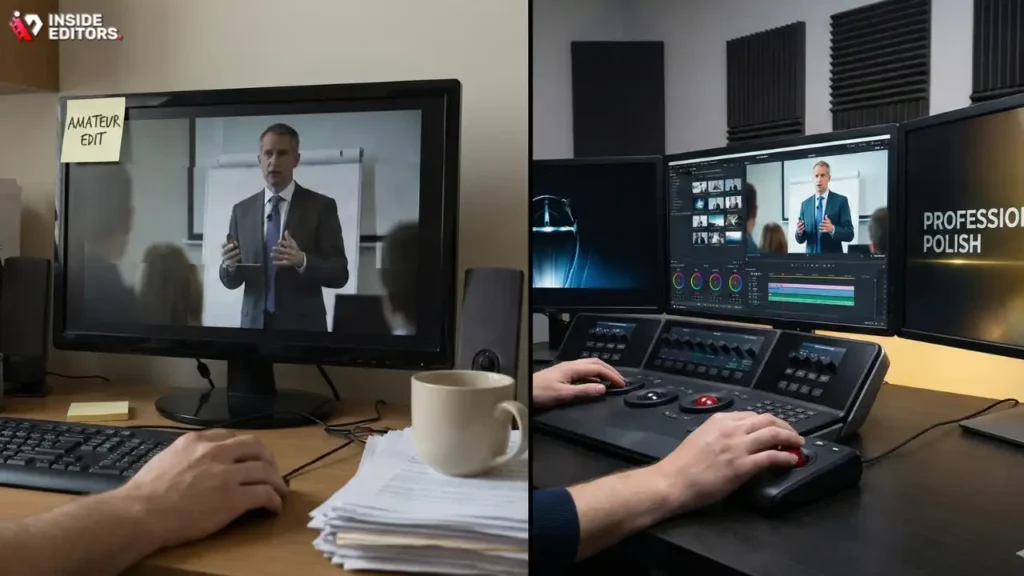
The final quality of your corporate video hinges on the expertise of the post-production team. Even with perfect footage and the ideal track, amateur editing or poor audio enhancement can severely diminish the impact of your message.
The Value of Professional Video Editing Services
A dedicated editing team brings more than just technical skill; they bring an objective eye and years of experience in storytelling and pacing. They ensure that the chosen Corporate Video Music hits emotional cues precisely when needed and that the audio mix is flawless across all playback devices.
Choosing a professional service means benefiting from:
- Pacing and Flow: Expert editors know how to cut to the beat of the music, creating a rhythmic, engaging viewing experience.
- Color Grading and Consistency: They ensure visual quality matches the mood set by the music, maintaining a consistent brand aesthetic.
- Audio Enhancement: Beyond mixing the music, they handle noise reduction, voice equalization, and mastering the final output volume to industry standards.
If you are struggling to achieve that high-quality finish, consider leveraging professional video editing services. Inside Editors offers comprehensive solutions for businesses, marketers, and content creators. Our professional editing team, boasting 10+ years of experience, specializes in integrating elements like Corporate Video Music seamlessly. We provide fast turnaround (24-72 hours) and affordable pricing starting at $29/video, including color grading and essential audio enhancement. This scalable solution ensures your growing channel or business maintains a professional quality that builds trust and reinforces your brand.
Conclusion: The Final Note
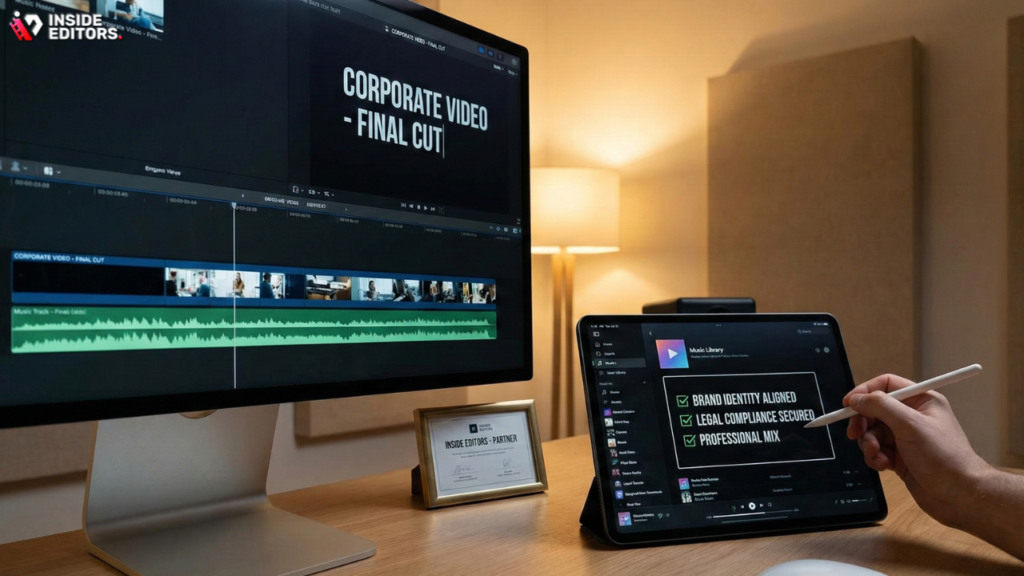
Selecting the best Corporate Video Music is a strategic decision that demands careful consideration of brand identity, legal compliance, and technical execution. By following a structured approach-defining your sonic goals, securing the correct licenses, utilizing advanced search filters, and prioritizing professional audio mixing-you can ensure your soundtrack elevates your video content rather than detracting from it.
Remember, the music should be felt, not necessarily heard. It is the invisible force that guides the viewer’s emotional journey. Investing in high-quality, legally sound music and professional editing ensures your corporate message is delivered with maximum impact and credibility.
For businesses seeking to streamline their content production and guarantee professional results, partnering with experienced editors is the most efficient path. Inside Editors provides the expertise needed to handle the complex technical aspects, allowing you to focus on content creation while we ensure your videos, including the critical selection and mixing of your Corporate Video Music, are polished, professional, and perfectly aligned with your brand standards.
Frequently Asked Questions
What is Corporate Video Music?
Corporate Video Music refers to licensed, background tracks used in business-related videos, such as training materials, marketing content, or internal communications. It is essential for setting the appropriate tone and enhancing the professional quality of the final product.
How do I choose the right tempo?
Match the music tempo (BPM) to the visual pacing of your video. Fast-paced, energetic content requires higher BPM tracks, while serious or narrative-driven videos benefit from slower, more measured Corporate Video Music to allow for better information absorption.
Why is licensing so important?
Licensing is critical because using unlicensed Corporate Video Music exposes your company to legal risks, fines, and copyright claims. Always secure a commercial or synchronization license that explicitly covers business use and distribution platforms.
Should I use vocals in my music?
Generally, avoid tracks with prominent vocals in Corporate Video Music, as they often compete with dialogue or voiceovers. Instrumental tracks, especially those with stems, offer greater flexibility in the final audio mix.
What is audio ducking?
Audio ducking is a post-production technique where the music volume is automatically lowered when dialogue begins and raised when the speaker stops. This ensures the voiceover remains clear and intelligible over the background Corporate Video Music.
How much should I budget for tracks?
Budgeting varies widely. Subscription services offer unlimited downloads for a fixed monthly fee (e.g., $15-$50), while pay-per-track licenses for high-quality Corporate Video Music can range from $30 to over $100 per track, depending on usage scope.
Can I use free YouTube music?
You can use music from free archives, but you must strictly adhere to the specific terms of use. Always verify that the license allows for commercial use by a business entity and check if attribution is required for your Corporate Video Music.


