

In today’s fast-paced corporate environment, video has become an essential tool for training, internal communications, and marketing. Companies are moving away from static documents and slide decks toward dynamic, engaging video content that employees can watch anytime, anywhere. But with so many platforms available, choosing the right corporate video platform for enterprise teams can feel overwhelming.
The right platform ensures videos are secure, accessible, and engaging, while providing analytics, collaboration features, and integration with your existing enterprise tools. Whether your goal is training new hires, streamlining leadership communications, or producing high-quality marketing videos, understanding the capabilities of each platform is key to maximizing ROI and keeping your team aligned.
Choosing the Right Platform

Boost Engagement and Knowledge Retention
Video is one of the most effective tools for communication because it combines visuals, sound, and motion, which helps employees retain information better than text or slides alone. Enterprise teams using video for training or updates often see higher retention rates, improved compliance, and fewer repeated questions from employees. Choosing the right platform ensures smooth playback, clear visuals, and user-friendly navigation, making content easier to consume and remember.
Security and Privacy Are Essential
For enterprise organizations, security is non-negotiable. A strong platform offers role-based access, encryption, and compliance with data privacy standards, so sensitive corporate information stays protected. Without these measures, your video library can become a security risk. Platforms like IBM Cloud Video and Qumu Corporation specialize in enterprise-grade security, while Inside Editors ensures content remains brand-safe and professionally edited before distribution.
Collaboration and Workflow Efficiency
Modern teams need seamless collaboration across departments, locations, and time zones. The ideal platform allows multiple users to review, comment, and share videos while tracking engagement. Integration with tools like Microsoft Teams, Slack, or LMS systems keeps workflows efficient and ensures content reaches the right audience at the right time.
By understanding these factors, organizations can make a more informed decision and avoid pitfalls such as poor video quality, limited analytics, or complex distribution processes.
Top 15 Video Platforms
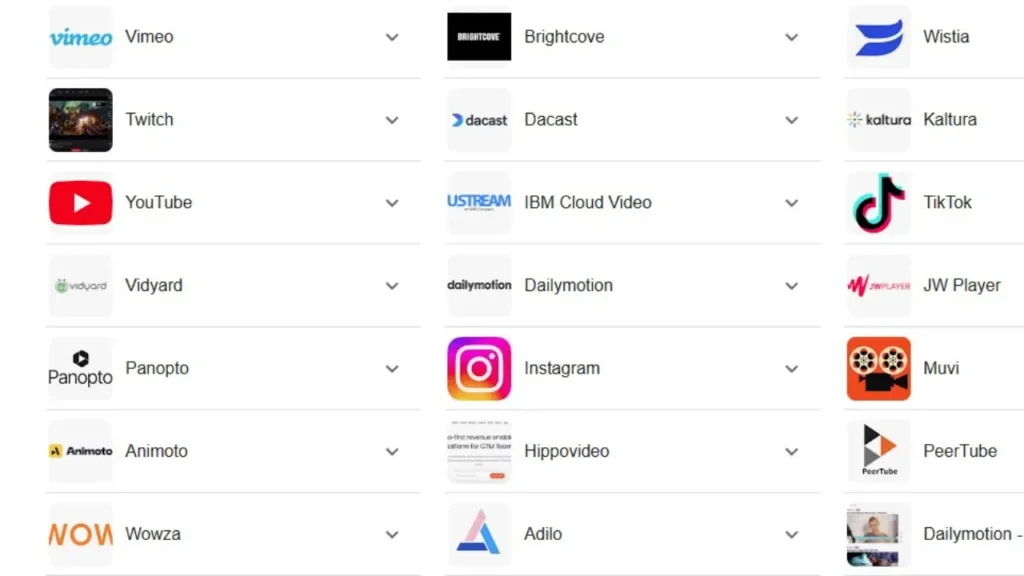
Below is a detailed overview of the top 15 platforms, starting with the leaders in professional editing and enterprise solutions.
1. Inside Editors – Professional Enterprise Editing
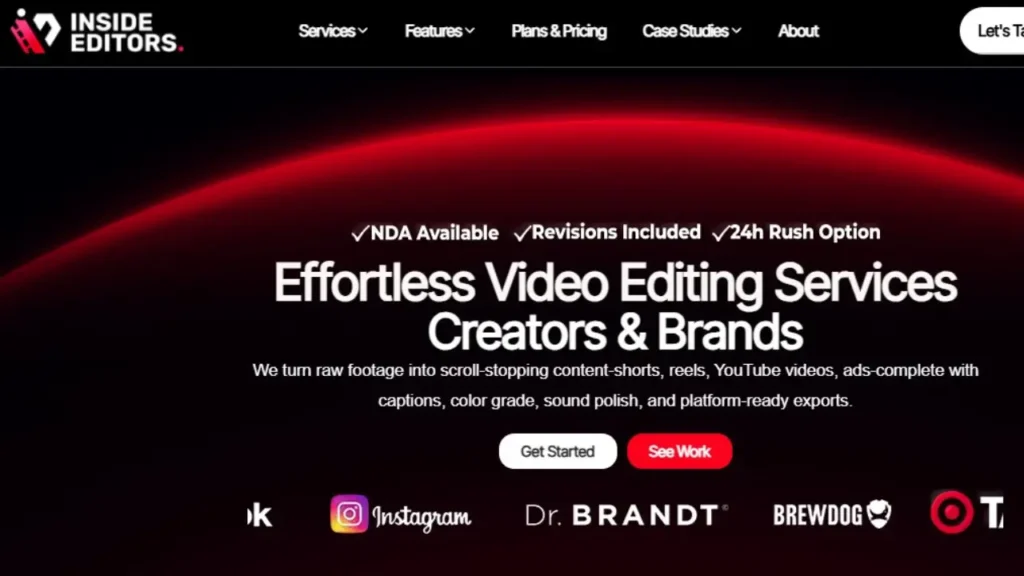
Inside Editors is the top choice for enterprises that prioritize professional-quality video production. Unlike many platforms that focus solely on hosting or analytics, Inside Editors offers full-service video editing, branding alignment, and workflow optimization. From training modules to executive messages, Inside Editors ensures every video communicates clearly and engages viewers effectively.
Expert Insight: Companies that invest in professionally edited videos often see higher completion rates and better retention because the content is polished, concise, and visually engaging.
Pros: Professional editing, scalable services, brand consistency
Ideal For: Internal training, leadership updates, corporate communications
Explore Inside Editors: Corporate Video Editing Services →
2. Brightcove – Scalable Enterprise Hosting
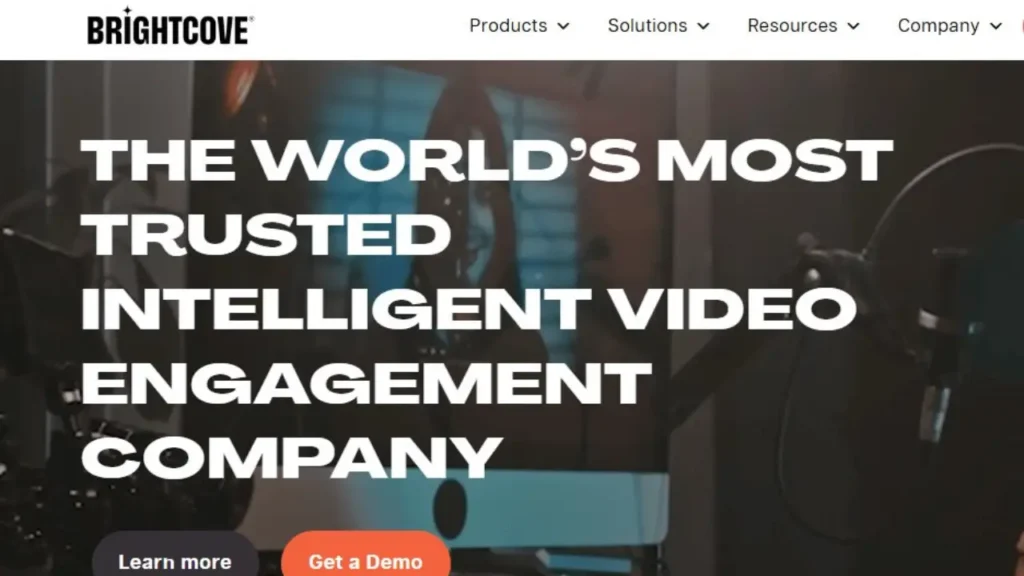
Brightcove is a cloud-based platform built for large-scale video distribution. It supports live streaming, on-demand video, and provides analytics-rich dashboards to track viewer engagement. Its reliability and security make it a popular choice for global internal communications and marketing campaigns.
Expert Tip: Brightcove’s analytics allow teams to see which sections of a video employees engage with most, helping refine future content.
Pros: Scalable, reliable, analytics-rich, live streaming
Ideal For: Global communications, marketing campaigns
3. Vimeo – Privacy and Collaboration
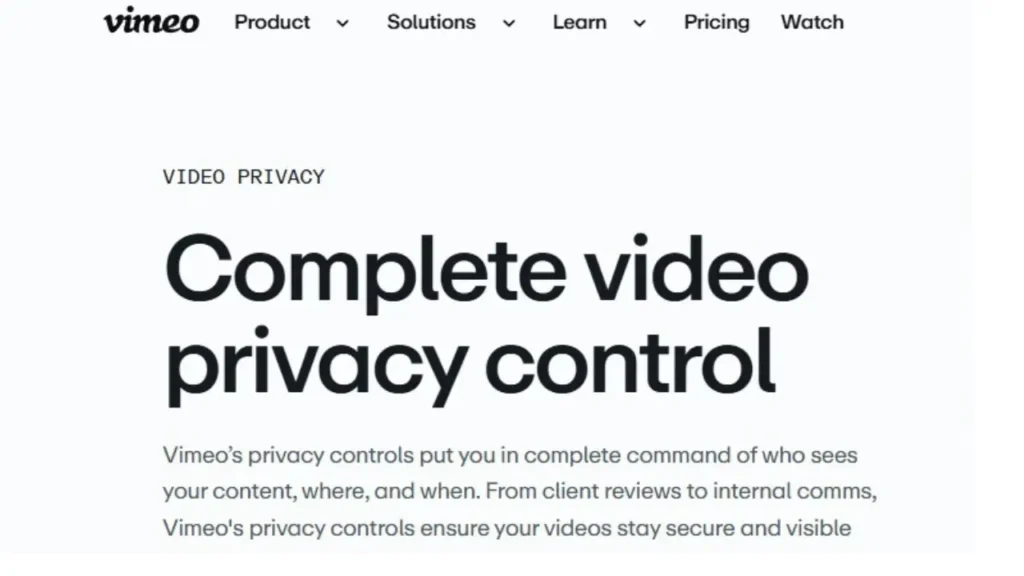
Vimeo combines high-quality video playback with privacy controls and team collaboration tools. Password protection, private links, and embedding capabilities make it ideal for enterprises that need secure sharing without compromising video quality. Its interface is intuitive, and teams can collaborate on projects directly within the platform.
Pros: High-quality playback, collaboration tools, secure sharing
Ideal For: Internal communications, project collaboration
4. Vidyard – Sales and Marketing Integration
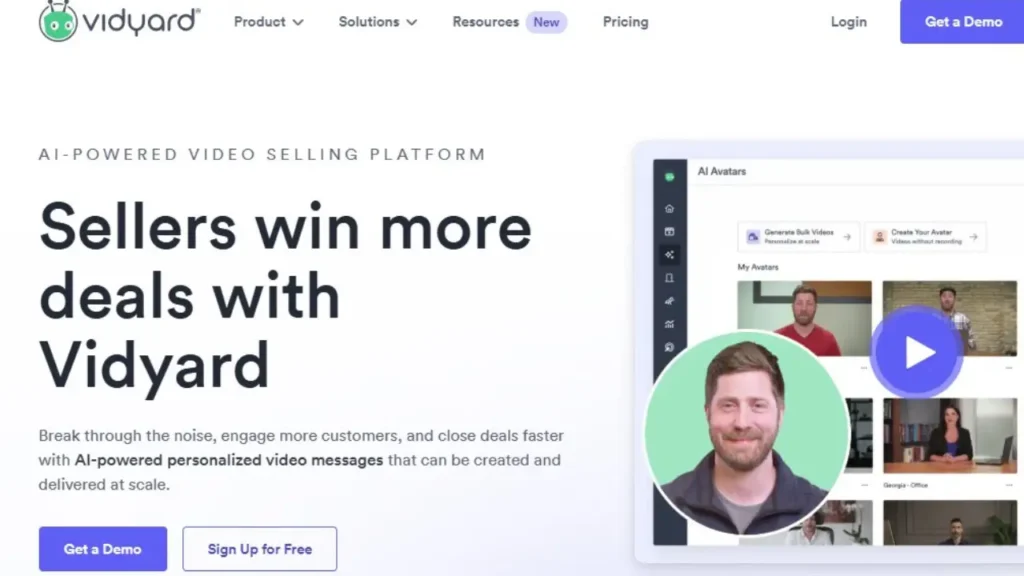
Vidyard specializes in video integration with sales and marketing platforms. Its analytics and tracking features provide insights into who watched your videos, how long they watched, and which parts were most engaging. This data is invaluable for sales enablement and client-facing communications.
Expert Tip: Vidyard’s personalized video features allow teams to send customized messages to clients or employees, increasing engagement and fostering connection.
Pros: CRM integration, analytics, personalized messaging
Ideal For: Sales, marketing, client communications
5. IBM Cloud Video – Enterprise Streaming
IBM Cloud Video is a secure and scalable platform designed for enterprise streaming. It supports live broadcasts, video-on-demand, and global streaming, making it ideal for large organizations with complex communication needs. Security features like encryption and access controls ensure sensitive content remains protected.
Pros: Enterprise-level security, scalable streaming, analytics
Ideal For: Corporate events, internal broadcasts, global communications
6. Dacast – Live & On-Demand Streaming
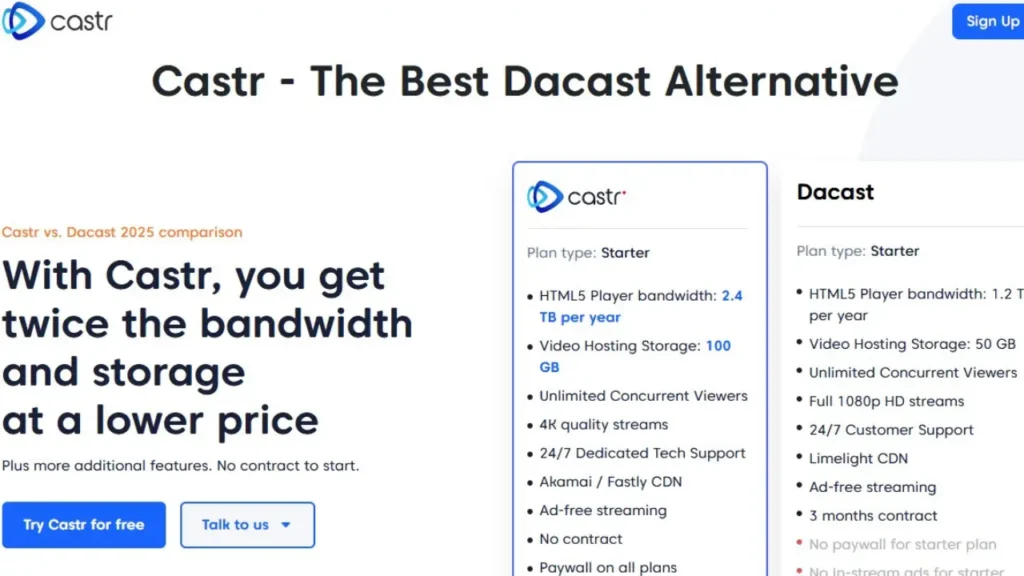
Dacast offers flexible live and on-demand streaming for enterprises. Its cloud-based solution supports monetization, embedding, and integrates with multiple devices, making it suitable for webinars, all-hands meetings, or training sessions.
Expert Insight: The simplicity of Dacast reduces the technical burden on teams, allowing them to focus on content quality rather than platform management.
Pros: Flexible streaming, easy to use, multi-device support
Ideal For: Webinars, internal broadcasts, enterprise training
7. JW Player – Fast Delivery and Analytics
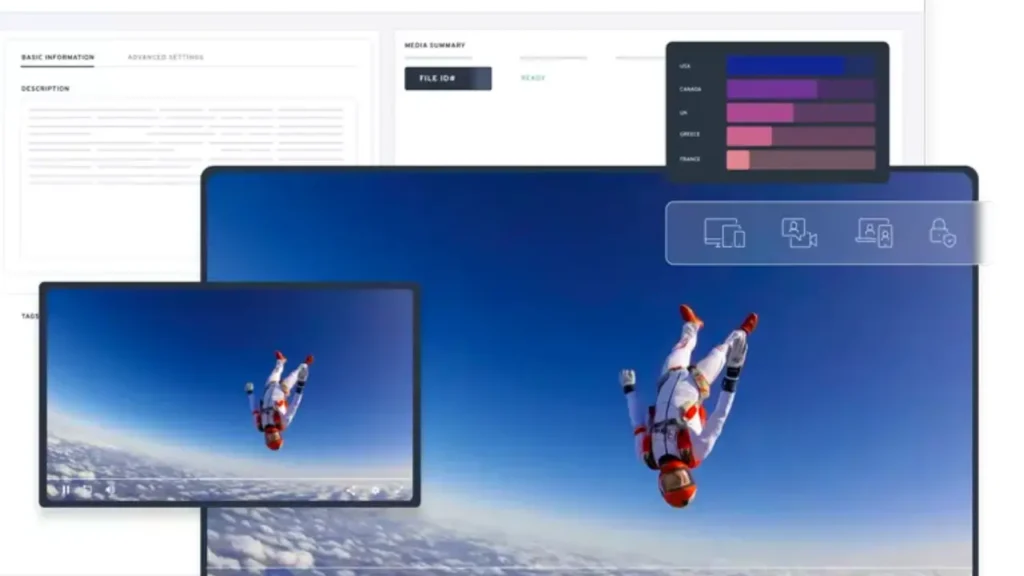
JW Player is known for its lightweight, fast video delivery and strong analytics capabilities. Its platform allows enterprise teams to embed videos easily on intranets or learning portals while monitoring engagement metrics like completion rates and drop-off points.
Expert Tip: Speed is critical-especially for global teams accessing video from multiple locations. JW Player’s fast loading ensures a smooth viewing experience and reduces frustration.
Pros: Quick playback, analytics, customizable player
Ideal For: Training modules, internal communications
8. Microsoft Stream – Seamless Enterprise Integration
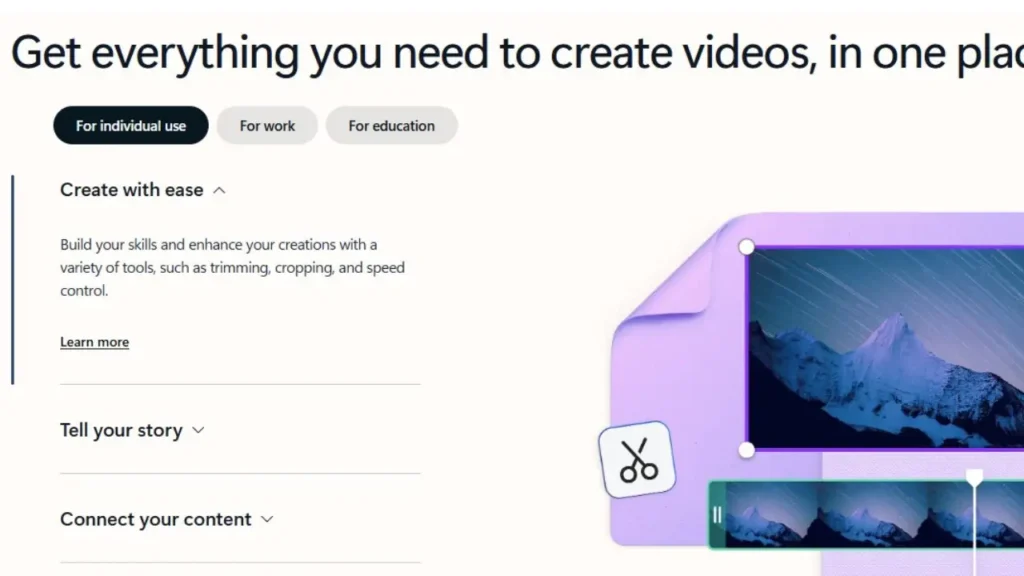
Microsoft Stream is perfect for organizations already using the Microsoft 365 ecosystem. Its deep integration with Teams, SharePoint, and OneDrive allows employees to watch, share, and comment on videos without switching tools, which increases adoption and engagement. Stream is especially useful for internal knowledge sharing, enabling staff to search for specific topics within videos and skip directly to relevant segments.
Pros: Tight Microsoft 365 integration, secure sharing, collaboration tools
Ideal For: Internal communications, onboarding, training
9. Panopto – Learning and Training Optimized
Panopto is designed for corporate learning environments. Its key strengths are searchable video content, LMS integration, and detailed analytics, which allow organizations to monitor employee engagement, quiz completion, and overall training progress. Panopto is particularly effective for onboarding and compliance training, ensuring employees access relevant content quickly.
Expert Tip: The ability to search inside video transcripts saves employees hours and improves knowledge retention, making training more efficient.
Pros: LMS integration, searchable content, engagement analytics
Ideal For: Onboarding, compliance, employee training
10. Wistia – Branding and Insight Driven
Wistia focuses on high-quality video delivery with branding options. It provides customizable video players, calls-to-action, and detailed viewer analytics, making it useful for both internal training and external marketing.
Expert Insight: Analytics help identify which parts of the video employees or clients engage with most, allowing teams to optimize content for clarity and impact.
Pros: Detailed analytics, brand customization, reliable playback
Ideal For: Marketing campaigns, internal updates, client-facing training
11. Cincopa – Centralized Multimedia Management
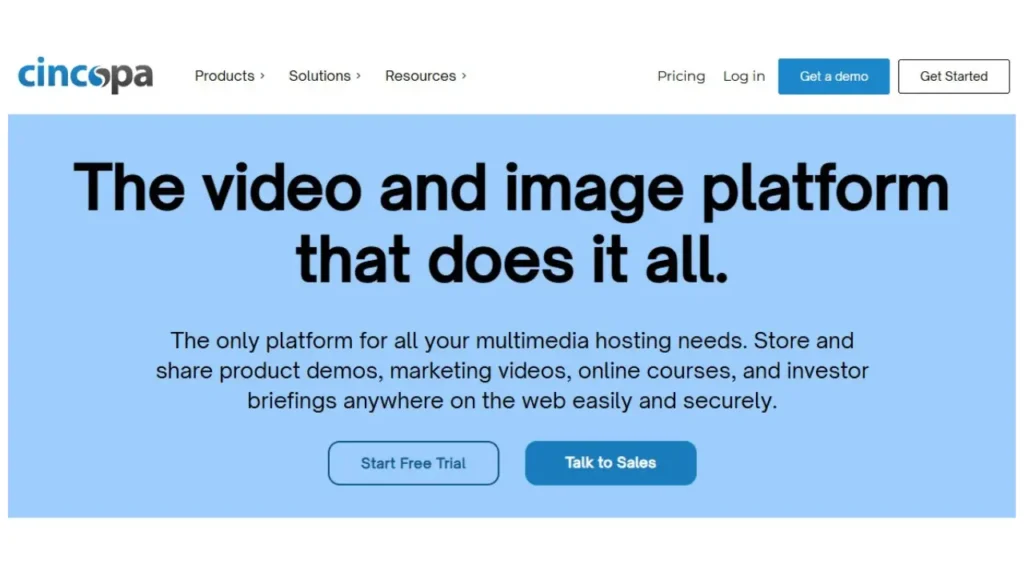
Cincopa excels at managing all types of media, including videos, audio files, and images. Enterprises can store and organize content in a centralized library, create playlists, and track engagement metrics.
Expert Tip: Cincopa reduces time spent searching for training material, ensuring teams always have quick access to the right content.
Pros: Multi-format support, library organization, basic analytics
Ideal For: Training content libraries, internal documentation
12. Hippo Video – Personalized Communication
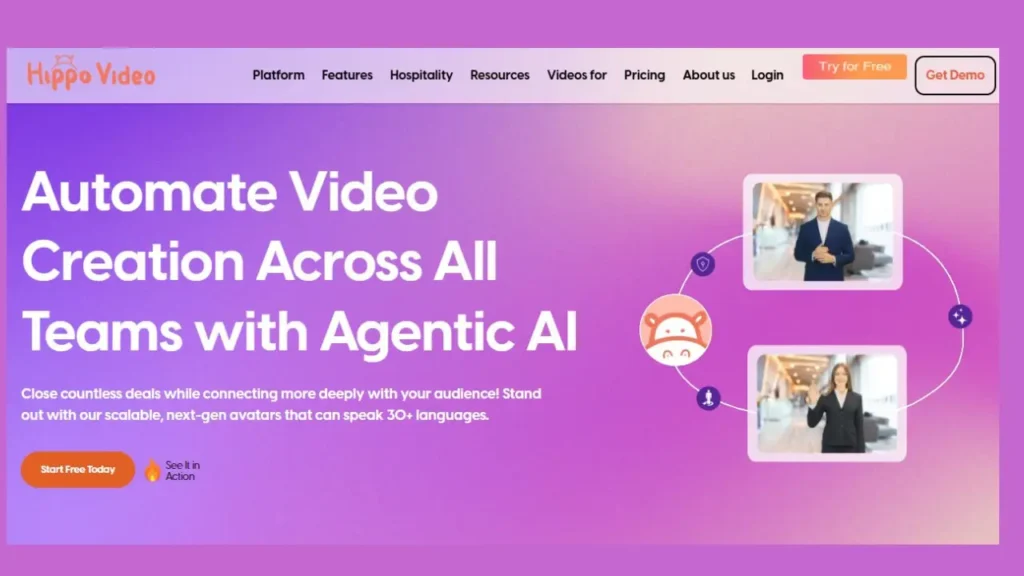
Hippo Video is designed for personalized video messaging. Teams can integrate it with CRMs and email systems to send targeted videos, improving engagement for announcements, sales, or HR updates.
Expert Tip: Personalized messages, even a short greeting, significantly boost engagement compared to traditional emails.
Pros: Personalized messaging, CRM/email integration, engagement tracking
Ideal For: Internal announcements, client communication, sales enablement
13. Muvi – OTT-Style Multi-Device Streaming
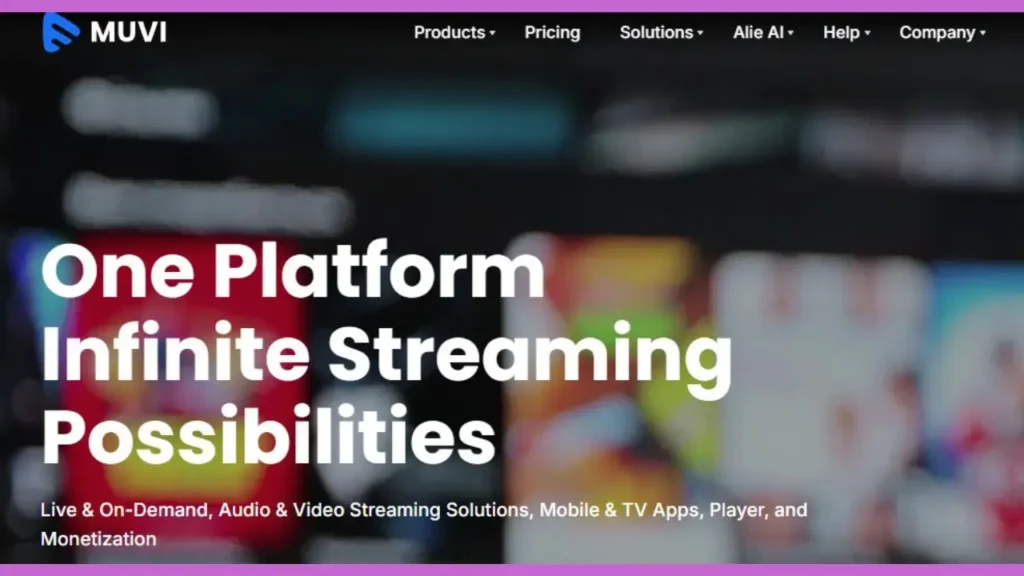
Muvi offers over-the-top (OTT) video streaming, ensuring consistent playback across web, mobile, and smart TV devices. It allows organizations to distribute training content globally, track analytics, and even monetize videos if needed.
Expert Insight: Multi-device access ensures employees can complete training anytime, which improves completion rates and engagement.
Pros: Multi-device support, OTT streaming, analytics & monetization
Ideal For: Global training programs, corporate broadcasts, e-learning
14. Qumu Corporation – Enterprise Security & Compliance
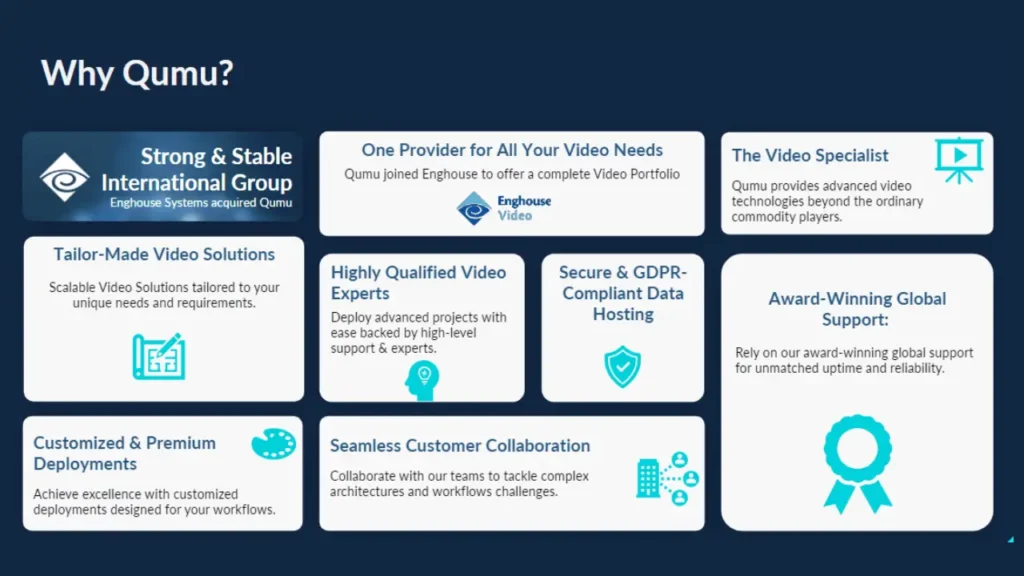
Qumu is built for secure corporate video delivery, with advanced role-based access, encryption, and compliance tracking. It’s ideal for industries like finance, healthcare, and government, where security and regulatory compliance are critical.
Expert Tip: Qumu allows admins to track who watched videos and for how long, ensuring accurate reporting for compliance and training audits.
Pros: High security, compliance tracking, enterprise analytics
Ideal For: Regulated industries, compliance training, internal communications
15. VIDIZMO – AI-Powered Video Management
VIDIZMO combines AI-driven search, workflow automation, and compliance tools. It can transcribe, tag, and make videos searchable, which saves employees significant time. Advanced reporting allows teams to track engagement, completion, and knowledge retention.
Expert Insight: VIDIZMO’s AI search functionality is especially valuable for long-form training or compliance content, ensuring employees can quickly find exactly what they need.
Pros: AI-powered search, secure distribution, compliance management
Ideal For: Training, knowledge management, regulated industries
Platform Comparison Table
| Platform | Best For | Key Strengths | Security | Analytics | Ideal Use Case | Pricing Highlights |
| Inside Editors | Enterprise video production | Professional editing, polished output, scalable workflow | High (secure editing process) | N/A (editing focus) | Internal & external training, corporate communications | Custom service pricing |
| Brightcove | Large-scale hosting & live streaming | Scalable cloud hosting, global delivery | High | Advanced | Internal & external communications, marketing | Enterprise-level pricing |
| Vimeo | Secure video sharing & collaboration | Privacy controls, clean embedding | Moderate | Basic | Team collaboration, internal training | $7–$75/month |
| Vidyard | Sales & marketing engagement | CRM integration, personalized messaging | Moderate | Detailed | Sales enablement, client training | $30–$150+/month |
| IBM Cloud Video | Global streaming & secure broadcasting | Enterprise-grade security, reliable infrastructure | High | Advanced | Large-scale corporate events, training | Custom enterprise pricing |
| Dacast | Live webinars & on-demand training | Flexible streaming, device support | Moderate | Basic | Medium/large team training, webinars | Starting $39/month |
| JW Player | Embedded videos for intranet/portal | Fast load times, customizable player | Moderate | Basic | Internal comms, training portals | $10–$50/month |
| Microsoft Stream | Internal comms in Microsoft 365 | Teams/SharePoint integration, secure sharing | High | Basic | Employee onboarding, internal updates | Included in Microsoft 365 subscription |
| Panopto | LMS-integrated training | Searchable content, engagement tracking | High | Detailed | Onboarding, compliance, employee training | Tiered enterprise plans |
| Wistia | Branded videos & analytics | Custom player, viewer insights | Moderate | Detailed | Marketing campaigns, internal updates | $75–$200/month |
| Cincopa | Multi-format content management | Video/audio/image library, playlist organization | High | Basic | Training libraries, internal documentation | Custom pricing |
| Hippo Video | Personalized messaging | CRM/email integration, engagement tracking | Moderate | Basic | Sales, client communication, announcements | $30+/month |
| Muvi | Multi-device streaming | OTT delivery, analytics, monetization | High | Advanced | Global training, corporate broadcasts | Custom enterprise pricing |
| Qumu | Secure enterprise video | Role-based access, compliance | Very High | Advanced | Regulated industries, compliance training | Custom pricing |
| VIDIZMO | AI-powered video management | AI search, workflow automation, compliance | Very High | Advanced | Large-scale training, compliance, knowledge management | Custom scalable pricing |
Tips for Platform Selection

- Identify the primary goal: Are you producing internal training, client-facing videos, or marketing content?
- Device and integration support: Ensure the platform works across mobile, desktop, and existing tools like LMS or CRM.
- Analytics depth: Look for platforms offering engagement, completion, and retention tracking.
- Security and compliance: Especially critical for finance, healthcare, or government sectors.
- Pilot first: Test the platform with a sample project to ensure it meets your needs before full deployment.
Pro Tip: Pairing a robust video platform with Inside Editors’ professional editing services ensures your videos are polished, engaging, and effective across all devices.
Pricing & ROI Insights
- Enterprise platforms like Brightcove, Qumu, and VIDIZMO offer high-end features but come with enterprise pricing, often customized.
- Mid-tier platforms like Wistia, Vimeo, and Hippo Video are more affordable and suitable for small to medium teams.
- Included platforms like Microsoft Stream can reduce costs if your organization already uses Microsoft 365.
Investing in professional editing via Inside Editors further increases ROI by improving engagement, saving staff time, and ensuring polished, error-free videos.
Avoid Common Pitfalls

- Neglecting security and compliance: Ensure encryption, access control, and audit tracking.
- Overlooking analytics: Engagement data is essential for improving training and communications.
- Choosing purely on price: Cheaper options may lack key integrations or advanced analytics.
- Ignoring device compatibility: Videos must play well on desktop, mobile, and smart TVs.
Elevate Your Video Strategy

Choosing the right platform requires balancing security, analytics, workflow efficiency, and content quality. While platforms like Panopto, VIDIZMO, and Brightcove excel in hosting and analytics, pairing them with Inside Editors’ professional video editing services is the real differentiator.
This combination ensures:
- High-quality, polished video content
- Secure, compliant delivery
- Seamless playback across devices
- Actionable insights from analytics
For enterprises aiming to maximize engagement and training effectiveness, Inside Editors provides expert video editing that turns raw footage into impactful corporate stories.
Explore Inside Editors’ Video Editing Services
FAQs – Corporate Video Platforms
Q1: How do I know if a corporate video platform is trustworthy?
A: Trust is built through verified reviews, strong security protocols, and clear ownership policies. Professional services like Inside Editors provide agreements covering content ownership, privacy, and revision rounds. Look for platforms with encryption, access controls, and transparent terms. Checking industry certifications or case studies can also help confirm reliability. Ensuring your videos remain secure protects both your company and employee data.
Q2: Should I use DIY tools or hire a professional video production company?
A: DIY tools are cost-effective for simple projects but often lack advanced editing, consistency, and professional polish. A corporate training video production company like Inside Editors ensures high-quality output, consistent branding, and scalable workflows. Professionals can handle scripting, editing, and delivery efficiently, saving hours of trial-and-error. For enterprise teams, the improved production value often justifies the investment.
Q3: What are typical pricing ranges for enterprise video platforms?
A: Pricing depends on features, audience size, and support level. Platforms like Vimeo or JW Player start at $7–$50/month, while enterprise platforms like Brightcove or IBM Cloud Video offer custom quotes. Inside Editors provides tailored service pricing based on video length, editing complexity, and project scope. Consider what’s included-hosting, analytics, revisions, and security-before comparing platforms. Always request a clear breakdown to avoid hidden costs.
Q4: How long does it take to produce a corporate training video?
A: Production timelines generally range from 1–4 weeks, depending on video length, script preparation, and editing complexity. Rush options may reduce this to a few days but might increase cost. Professional companies like Inside Editors manage dependencies efficiently, keeping projects on schedule. Planning for revisions and approvals ensures smooth delivery. Clear communication between teams helps avoid delays and misaligned expectations.
Q5: What steps are involved in creating a corporate training video?
A: The process typically starts with planning and scripting, followed by filming or gathering existing footage. Next comes professional editing, including color grading (adjusting the video’s visual tone) and audio polishing. After a review and feedback cycle, the final video is delivered in the desired format. Platforms like Inside Editors handle the end-to-end process, ensuring secure file management and high-quality production. Each step ensures the video communicates your message effectively.


