


In today’s fast-paced digital landscape, video is no longer optional-it’s essential. Businesses rely on video for everything from internal communications and training to marketing and sales. However, producing professional, high-quality videos consistently can drain resources and time, especially for busy teams. The solution lies in leveraging a strong corporate video template. Using a well-designed corporate video template streamlines the production process, ensures brand consistency, and drastically reduces the time from concept to final delivery.
This article explores the best strategies for selecting, customizing, and implementing a corporate video template system. We will focus on practical, actionable advice that allows teams to maintain high standards without sacrificing speed or efficiency. Understanding how to utilize a predefined corporate video template is the key to scaling your video output successfully.
Strategic Advantage of Templates
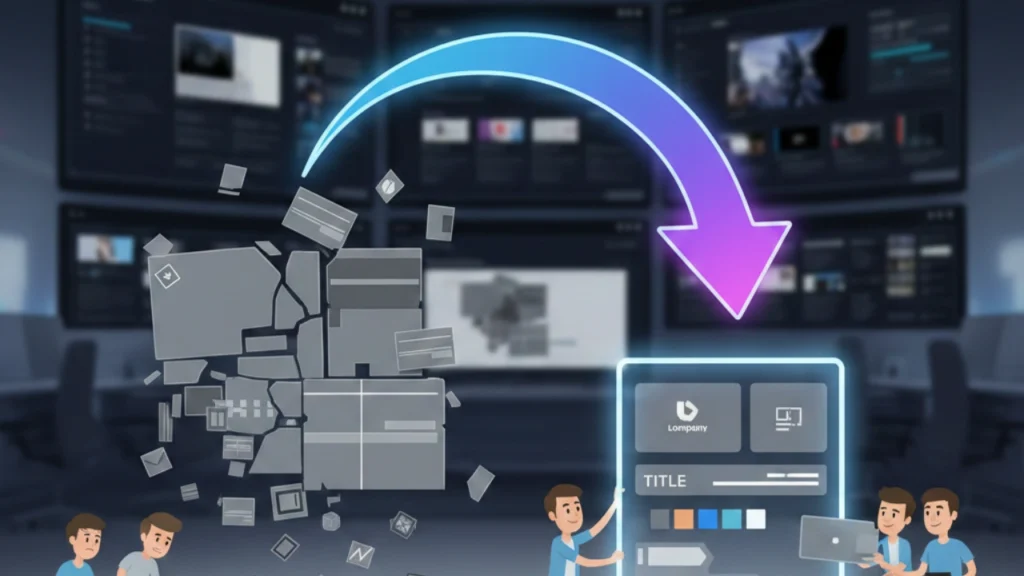
For many organizations, the biggest hurdle in video creation isn’t the camera work-it’s the post-production and maintaining a consistent brand aesthetic. Every time a new video project starts from scratch, teams waste valuable hours recreating title cards, lower thirds, color palettes, and music cues. A standardized corporate video template eliminates this inefficiency.
Defining the Corporate Video Template
A corporate video template is a pre-designed project file containing all the necessary structural and aesthetic elements required for a specific type of video. Think of it as a blueprint for your video content. It includes placeholders for footage, pre-set text styles, branded colors, approved music tracks, and standardized intro/outro sequences. This structure ensures that every video, whether a quarterly report or a quick social media announcement, adheres to the company’s visual identity.
“Consistency builds trust. When audiences recognize your brand instantly through visual cues, the message lands faster and deeper. Templates are the engine of visual consistency.” – Marketing Director, Global Communications Firm
The primary benefit is speed. By using a template, content creators only need to swap in the specific footage and script, bypassing the repetitive design work. This is particularly crucial for teams needing to produce high volumes of content quickly.
Identifying the Need for Standardization
Before adopting any template system, teams must audit their current video needs. Are you primarily producing internal training videos, or is your focus on customer testimonials? The type of content dictates the type of corporate video template you need.
For instance, a training video template might prioritize clear, readable text overlays and screen recordings, while a marketing template would focus on dynamic transitions and strong calls-to-action. Standardization ensures that the tone, pace, and visual language of the video align perfectly with its intended purpose. This strategic approach saves time and ensures maximum impact for every piece of content produced.
Choosing the Right Platform
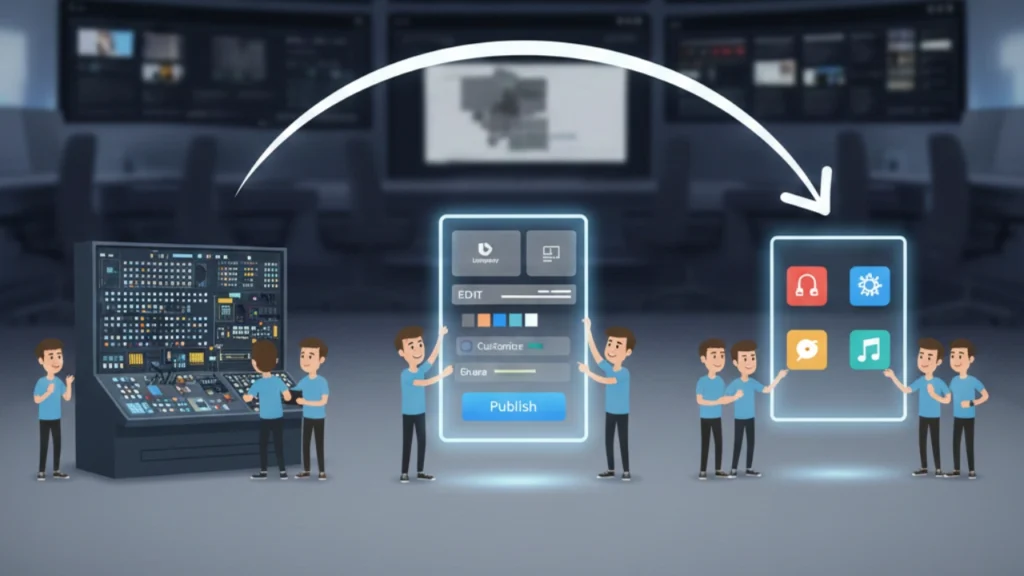
The effectiveness of a corporate video template depends heavily on the software platform used to create and edit it. Different platforms offer varying levels of complexity, customization, and accessibility. Busy teams need to select a platform that balances power with ease of use.
Desktop-Based Professional Software

For teams with dedicated video editors or those requiring complex motion graphics and high-end color grading, professional desktop software remains the standard. Programs like Adobe Premiere Pro and Apple Final Cut Pro offer unparalleled flexibility in creating intricate templates.
Pros:
- Maximum customization and control over every element.
- High-quality output suitable for broadcast or large-screen presentations.
- Robust features for advanced audio mixing and color correction.
Cons:
- Steeper learning curve requiring specialized training.
- Higher software licensing costs.
- Templates can be complex to share and update across different users.
When utilizing these powerful tools, it is vital to establish strict naming conventions and project file structures. A well-organized corporate video template in Premiere Pro, for example, should clearly label all placeholder sequences and assets to prevent confusion when handed off to another editor.
Web-Based Template Solutions
The rise of cloud-based video editing tools has made templates accessible to non-editors. Platforms like Canva, Lumen5, and specialized corporate video tools offer vast libraries of pre-built templates that can be customized directly in a web browser.
Pros:
- Extremely easy to use, requiring minimal technical skill.
- Fast turnaround times for simple, social-ready videos.
- Collaboration features allow multiple team members to access and edit the same template.
Cons:
- Limited creative control over advanced animations or unique visual styles.
- Output quality may be restricted depending on the platform’s rendering capabilities.
- Reliance on the platform’s asset library (music, stock footage).
These web-based solutions are ideal for marketing teams needing rapid content deployment or internal communications staff who require simple, branded announcements without involving the dedicated media department. They provide a quick and efficient way to deploy a standardized corporate video template across the organization.
Comparison of Template Platform Types
| Feature | Desktop Professional Software | Web-Based Template Solutions |
| Customization | Unlimited, highly detailed | Limited to template structure |
| User Skill Level | Expert required | Beginner to Intermediate |
| Cost | High licensing fees | Subscription-based, often tiered |
| Turnaround Speed | Moderate to Slow (due to complexity) | Fast |
| Ideal Use Case | High-stakes marketing, complex training | Social media, internal announcements |
High-Performing Template Elements

A truly effective corporate video template is more than just an intro and an outro. It must incorporate several key elements that ensure brand compliance, readability, and engagement across various platforms.
1. Branding and Visual Identity
The core purpose of any corporate video template is to enforce branding. This includes:
- Color Palette: Pre-set color swatches matching the company’s brand guidelines for text, backgrounds, and graphic overlays.
- Typography: Approved fonts and sizes for titles, lower thirds, and body text, ensuring legibility and consistency.
- Logo Placement: Designated, safe zones for the company logo, typically in the corner or integrated into the intro/outro.
2. Standardized Graphic Overlays
Graphics are crucial for conveying information quickly. Templates should include pre-built, easy-to-update graphic elements:
- Lower Thirds: Templates for identifying speakers, titles, or key facts. These should be designed to be aesthetically pleasing but not distract from the main video content.
- Call-to-Action (CTA) Screens: Standardized end screens with clear placeholders for website URLs, social handles, or QR codes.
- Statistics and Data Visualization: Simple, branded templates for bar graphs, pie charts, or key metrics that can be quickly updated with new data.
3. Audio and Music Tracks
Audio consistency is often overlooked but is vital for professionalism. A good corporate video template includes:
- Approved Music Bed: A pre-licensed, non-distracting music track that can be looped or faded out, ensuring all videos have a consistent sonic identity.
- Sound Effects: Standardized sound effects for transitions or text reveals, used sparingly to enhance professionalism.
- Audio Mix Presets: Pre-set levels for voiceover, music, and sound effects to ensure clarity and avoid jarring volume shifts.
4. Placeholder Structure and Instructions
The most critical element for busy teams is the clarity of the template structure.
- Sequences/Timelines: Clearly labeled sections (e.g., “Insert Main Footage Here,” “Title Card Edit,” “CTA Text”).
- Example Content: Include dummy footage and text so the user can see exactly how the final product should look before replacing the placeholders.
- Instructional Notes: Brief, embedded notes within the template project file explaining usage limitations, required aspect ratios, or maximum text lengths.
Customizing Templates for Needs
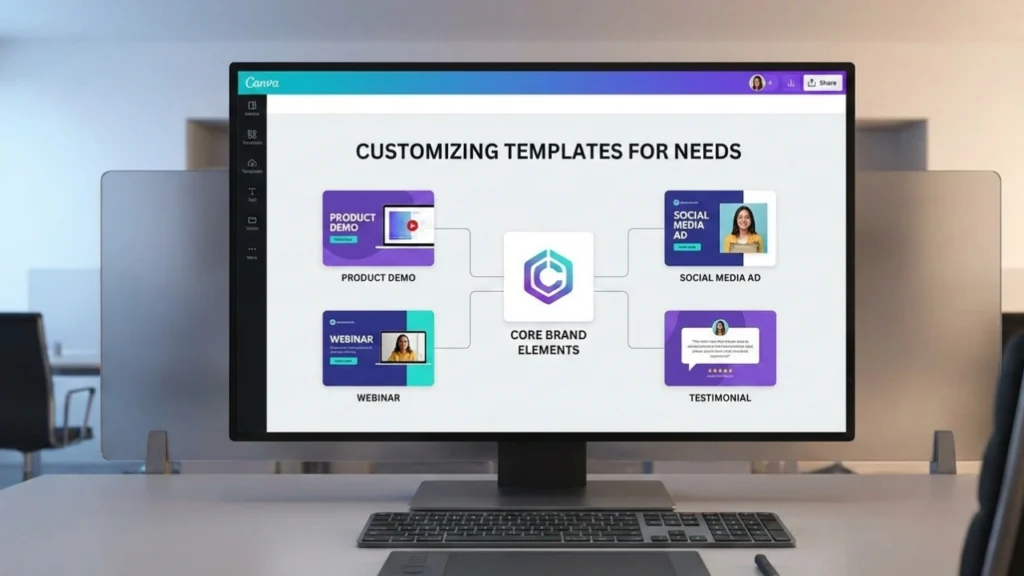
While standardization is the goal, a single, monolithic template rarely works for all video types. Teams should develop a small suite of specialized templates based on their most common video needs. This ensures that the core brand elements remain consistent while the structure adapts to the content’s purpose.
Template 1: The Explainer Video Template
This template is designed for tutorials, product demos, or complex process explanations.
- Focus: Clarity and information retention.
- Key Features: Ample space for screen recordings, numbered list overlays, and defined sections for “Problem,” “Solution,” and “Summary.” The pace is generally slower, allowing viewers time to absorb the information.
Template 2: The Social Media Snippet Template
Built for rapid consumption on platforms like Instagram or LinkedIn.
- Focus: Engagement and rapid delivery.
- Key Features: Vertical or square aspect ratios, large, bold text overlays (since many users watch without sound), short duration (15-60 seconds), and a fast-paced music track. This template often requires a very tight edit structure.
Template 3: The Internal Communications Template
Used for company announcements, HR updates, or quarterly reports.
- Focus: Professionalism and internal tone.
- Key Features: Clean, minimal design, emphasis on speaker identification (lower thirds), and integration of company-specific imagery or internal branding elements. These templates typically use a more formal, neutral color palette.
Avoiding Template Pitfalls: The Danger of Over-Customization
While templates should be flexible, allowing users to drastically alter core elements defeats the purpose of standardization. Teams must establish clear boundaries on what can be changed.
For example, users should be able to change the text and the footage, but they should not be able to change the font, the color palette, or the position of the logo. This adherence to guidelines is what makes the corporate video template a powerful tool for brand governance.
“A template is a guardrail, not a cage. It guides creativity within established boundaries, ensuring that every piece of content reinforces the brand identity, even when produced by different people.” – Senior Brand Strategist, Tech Industry
Streamlining Production With Editing
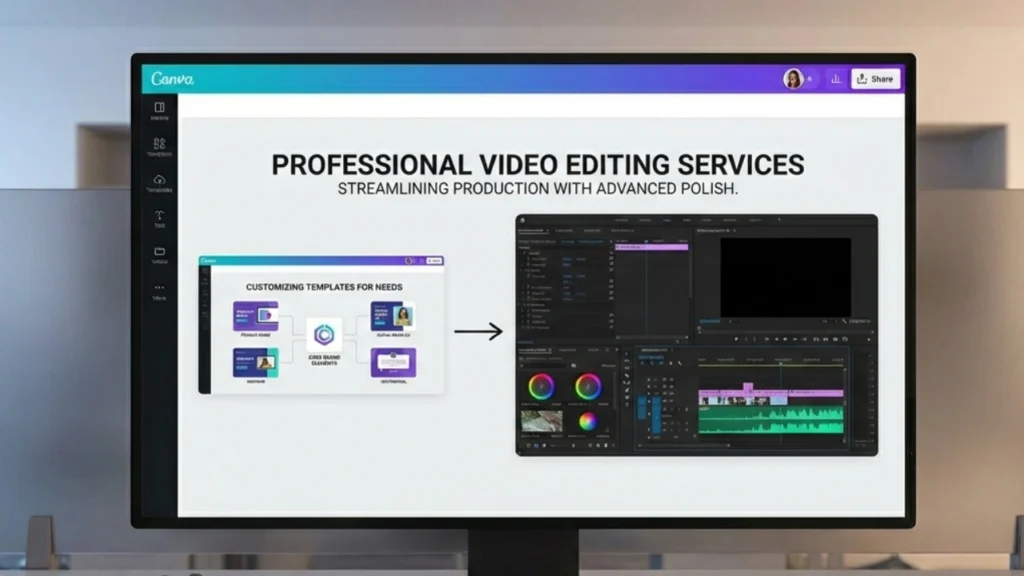
Even with the best corporate video template in place, busy teams often face bottlenecks when scaling production. Time constraints, lack of specialized software licenses, or the need for advanced polish can slow down the process. This is where professional video editing services become invaluable.
When to Outsource Template Execution
While your team may handle the filming and scripting, outsourcing the final assembly and polish ensures consistent, high-quality results delivered quickly. This is particularly useful for complex videos or when the in-house team is overwhelmed.
A professional service can take your raw footage and apply your existing corporate video template with expert precision, handling tasks such as:
- Color Grading and Correction: Ensuring all footage matches the template’s aesthetic, regardless of filming conditions.
- Advanced Audio Enhancement: Cleaning up dialogue, removing background noise, and mastering the final audio mix.
- Complex Motion Graphics: Executing intricate template elements that might be too difficult for a novice user.
The Inside Editors Advantage
For businesses seeking a reliable partner to execute their video strategy, services like Inside Editors offer a compelling solution. Inside Editors specializes in professional video editing services tailored for businesses, content creators, and marketing teams.
We understand the importance of maintaining brand consistency, which is why we seamlessly integrate your existing corporate video template into our workflow. Our professional editing team, boasting over 10 years of experience, ensures that every video meets the highest standards of quality.
Our Key Features and Benefits:
- Expertise: Our editors are seasoned professionals who can handle complex template customization and technical requirements.
- Speed and Efficiency: We offer a fast turnaround time, typically 24-72 hours, allowing your busy team to meet tight deadlines.
- Affordable and Scalable: With affordable pricing starting at $29 per video, we provide a cost-effective, scalable solution for growing channels and high-volume needs.
- Quality Assurance: We include color grading, audio enhancement, and unlimited revisions until you are completely satisfied, guaranteeing a professional quality that builds trust with your audience.
By partnering with a dedicated service like Inside Editors, your team can save valuable time and focus entirely on content creation and strategy, knowing that the final execution of your corporate video template is in expert hands.
Implementing Template Systems
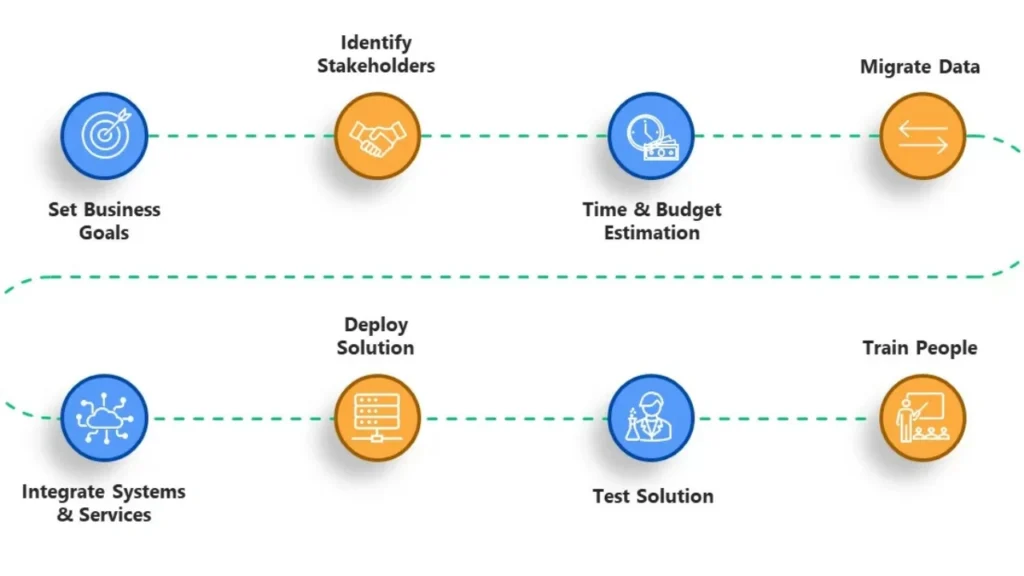
The successful rollout of a template system requires clear documentation, training, and a feedback loop. A template is only as good as its usability.
Step-by-Step Template Deployment
- Develop the Master Template: Create the core set of templates (e.g., Explainer, Social, Internal) on your chosen platform.
- Create Usage Guidelines: Document strict rules regarding font usage, color codes, maximum text length, and required aspect ratios. Include a “Do’s and Don’ts” section.
- Conduct Training Sessions: Train all potential users-not just editors-on how to access, use, and export the templates correctly. Focus on the “swap and replace” workflow.
- Establish a Central Repository: Store all master templates and associated assets (music, stock footage) in a single, easily accessible cloud location (e.g., Google Drive, Dropbox, or a dedicated DAM system).
- Review and Update: Schedule quarterly reviews to assess if the templates still meet current branding and platform requirements. Update the corporate video template as necessary.
Checklist for Template Maintenance
- Are all fonts licensed and installed correctly? Ensure legal compliance and accessibility.
- Is the logo placement still accurate for new social media formats? Platforms frequently change their safe zones.
- Has the music license expired or been updated? Avoid legal issues by tracking asset licenses.
- Are the instructions clear enough for a new hire to use the template successfully? Test usability frequently.
“The biggest mistake companies make is treating templates as static assets. They are living documents that must evolve with the brand and the platforms they serve. Regular audits are non-negotiable.” – Digital Media Consultant
Future of Video Templates
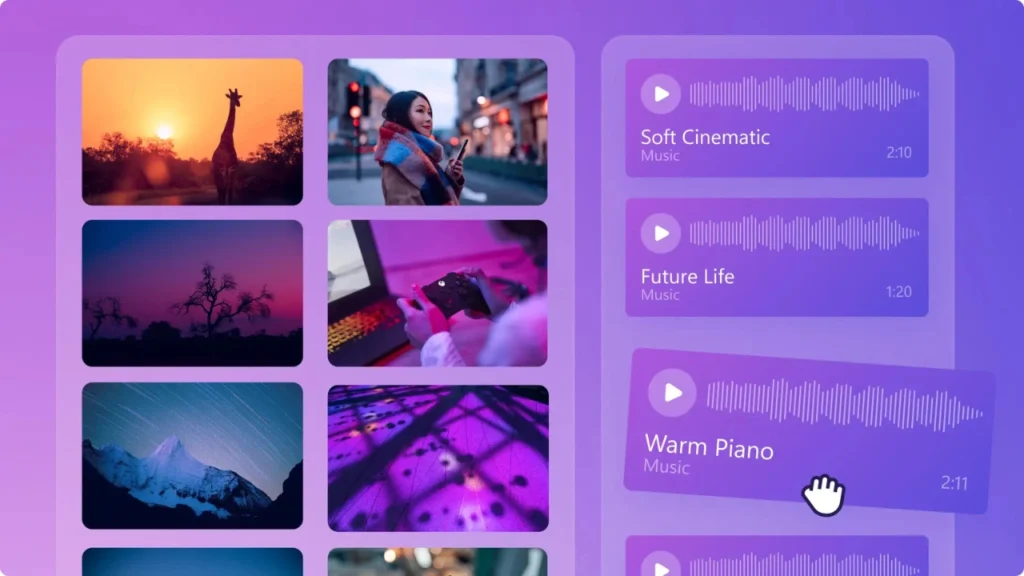
As artificial intelligence and automation continue to advance, the complexity of the corporate video template will shift. Future templates will likely be even more dynamic, allowing for automatic adjustments based on input data.
For example, an AI-powered template could automatically adjust the video length and aspect ratio based on whether the input footage is destined for YouTube or TikTok, while still enforcing the core brand guidelines. This level of automation will further reduce the workload on busy teams.
Ultimately, mastering the use of a corporate video template is about working smarter, not harder. It frees up creative resources to focus on compelling storytelling and high-quality content, rather than repetitive technical tasks. By investing in standardized templates and utilizing professional support when needed, your organization can achieve scalable, consistent, and impactful video production.
Frequently Asked Questions
What is a corporate video template?
A corporate video template is a pre-designed project file that contains standardized branding elements, graphic overlays, and audio settings. It acts as a blueprint, allowing busy teams to quickly swap in footage and text while ensuring every video maintains brand consistency and professional quality.
Why use a template for corporate videos?
Using a corporate video template significantly accelerates production time by eliminating repetitive design work. It guarantees visual consistency across all content, which is crucial for brand recognition, and allows teams to scale their video output efficiently and affordably.
How often should templates be updated?
Templates should be reviewed and updated at least quarterly, or immediately following any major brand refresh or change in platform requirements. Regular maintenance ensures the corporate video template remains compliant with current branding and technical standards.
What are the best platforms for templates?
The best platform depends on your needs. Professional desktop software (like Premiere Pro) offers maximum customization for expert users, while web-based solutions (like Canva) provide speed and ease of use for quick deployment of a simple corporate video template.
Can I outsource template execution?
Yes, many busy teams outsource the execution of their templates to professional editing services. This ensures that the final video adheres perfectly to the corporate video template, receiving expert color grading and audio enhancement for a polished, high-quality result.


