


Starting a YouTube channel is an exciting venture, but the journey from idea to upload can be fraught with pitfalls. Many aspiring creators stumble right out of the gate, often making easily avoidable errors that derail their momentum. If you are preparing to shoot your First YouTube Video, understanding these common missteps is the key to launching successfully.
This guide, written by experienced editors and content strategists, will walk you through the five most critical mistakes beginners make. We will provide actionable strategies to ensure your debut video not only meets professional standards but also resonates with your target audience. Your First YouTube Video sets the tone for your entire channel, so let’s make it count.
“The biggest mistake a creator can make is waiting for perfection. Done is better than perfect, especially when you are starting out.” – Casey Neistat, Filmmaker and YouTuber
Mistake 1: Ignoring the Audience and Search Intent
The most common error when planning your First YouTube Video is focusing solely on what you want to talk about, rather than what your audience wants to watch. YouTube is a search engine, and successful videos answer specific questions or fulfill clear search intent.
Failing to Define Your Niche and Viewer Persona
Before you press record, you must know who you are talking to. A vague topic like “travel” is too broad. A specific niche, such as “budget backpacking tips for solo female travelers in Southeast Asia,” gives you a clear audience persona and a defined content lane.
Think about the problems your audience faces and the solutions you can offer. Your First YouTube Video should be a direct response to a common search query within your chosen niche. If you try to appeal to everyone, you will appeal to no one.
Overlooking Keyword Research and Title Optimization
Many beginners upload their video with a generic title, hoping YouTube will figure out the topic. This is a crucial mistake. YouTube’s algorithm relies heavily on metadata-the title, description, and tags-to understand and categorize your content.
Use tools like Google Keyword Planner or TubeBuddy to find high-traffic, low-competition keywords related to your topic. Integrate your primary keyword naturally into your title and the first few lines of your description. Remember, a compelling title promises a clear benefit to the viewer.
Actionable Tip: Structure your video title as a solution: “How to [Achieve Goal] Without [Common Pain Point].”
Mistake 2: Prioritizing Gear Over Content Quality
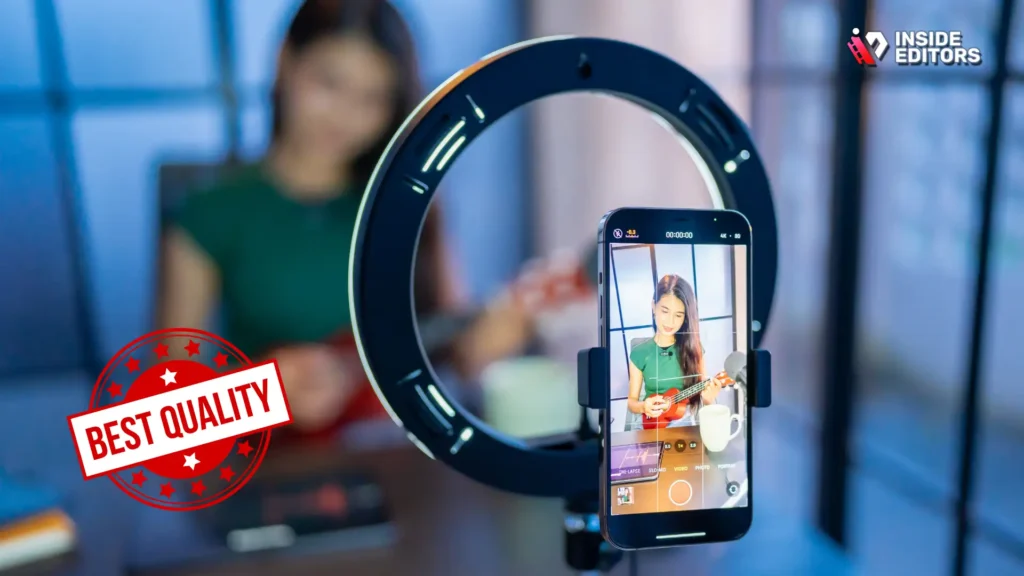
New creators often fall into the trap of believing they need expensive cameras, lighting kits, and microphones before they can start. While technical quality matters, compelling content always outweighs high-end gear, especially for your First YouTube Video.
The Myth of Expensive Equipment
You do not need a $5,000 camera setup to launch a successful channel. Modern smartphones shoot in 4K and can produce broadcast-quality video. The quality of your audio is far more important than the resolution of your video. Viewers will tolerate slightly grainy video, but they will click away instantly if the sound is muffled, echoing, or distorted.
Invest your initial budget in a reliable external microphone-a lavalier mic or a USB desktop microphone-before upgrading your camera. Clear audio demonstrates professionalism and respect for the viewer’s time.
Neglecting the Script and Hook
Content quality is defined by structure and engagement, not pixel count. A common mistake is improvising the entire video. While spontaneity has its place, a lack of structure leads to rambling, confusing videos that lose viewer retention quickly.
Your script should include a powerful “hook” in the first 15 seconds. This hook must clearly state the video’s value proposition and promise the viewer exactly what they will gain by watching until the end. If you fail to capture attention immediately, YouTube’s algorithm will penalize your video’s performance.
| Feature | Low-Quality Content (Mistake) | High-Quality Content (Strategy) |
|---|---|---|
| Focus | What I want to say | What the viewer needs to hear |
| Audio | Built-in camera mic | External lavalier or USB mic |
| Structure | Unscripted rambling | Clear hook, defined sections, strong conclusion |
| Editing | Long, unedited pauses | Fast-paced, intentional cuts, B-roll usage |
Mistake 3: Overlooking the Critical Role of Editing
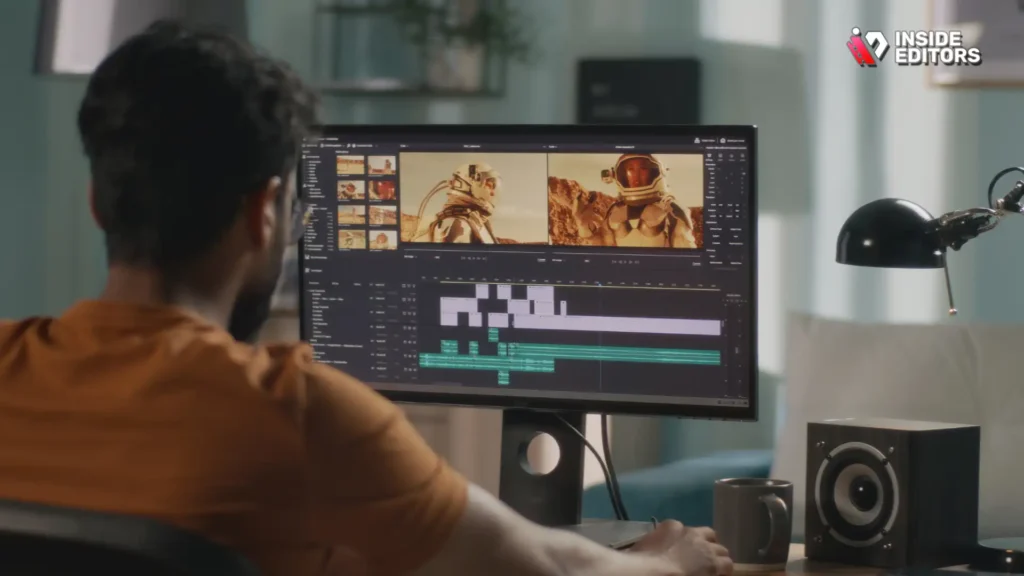
Many creators focus heavily on shooting but treat editing as an afterthought. Editing is where the magic happens; it transforms raw footage into a cohesive, engaging story. Poor editing can make even the best content unwatchable.
Leaving in Long, Awkward Pauses
The biggest editing mistake beginners make is leaving in long silences, “ums,” “ahs,” and unnecessary pauses between thoughts. YouTube viewers have notoriously short attention spans. If the pace slows down, they leave.
Implement “jump cuts” to remove dead air and tighten the pacing of your dialogue. Aim for a quick, energetic rhythm, especially in the introduction. This technique keeps the viewer engaged and increases your average view duration-a critical metric for YouTube success.
Skipping Color Grading and Audio Sweetening
Technical polish is non-negotiable for building trust. Your video should look and sound consistent. Color grading involves adjusting the colors to give your footage a professional, uniform look. Audio sweetening involves removing background noise, leveling volumes, and adding compression to make your voice sound rich and clear.
If editing feels overwhelming, consider outsourcing this technical step. For many creators, the time spent learning complex software is better spent creating more content. Professional editing services can provide the polish needed to compete in a crowded space.
Inside Editors offers professional video editing services designed specifically for content creators and businesses. Our team of professional editors, with over 10 years of experience, ensures your content achieves a consistent, high-quality look. We handle color grading and audio enhancement, offering fast turnaround times (24-72 hours) and unlimited revisions until you are satisfied. This scalable solution allows you to focus on filming your next great idea, knowing your First YouTube Video will look professional.
“The edit is where the story is truly found. You can shoot a masterpiece, but if you edit it poorly, you have nothing.” – Walter Murch, Film Editor
Mistake 4: Neglecting the Visual Packaging (Thumbnail and Title)
The thumbnail and title are the two most important elements determining whether your video gets clicked. They are the packaging, and if the packaging is weak, no one will ever see the excellent content inside. This is a common failure point for a creator’s First YouTube Video.
Creating a Generic or Text-Heavy Thumbnail
A thumbnail is essentially an advertisement for your video. It needs to be visually striking and communicate the video’s core concept at a glance, even on a small mobile screen.
Avoid these thumbnail mistakes:
- Too much text: Use 3-5 high-impact words maximum.
- Low contrast: The image should pop against the YouTube interface.
- Unclear emotion: Use expressive facial reactions to draw curiosity.
The best thumbnails use high-contrast colors, clear images of the creator, and a compelling visual element that creates a “curiosity gap”-making the viewer want to click to find out more.
Failing the “Click-Through Rate” Test
YouTube measures the success of your packaging through the Click-Through Rate (CTR). If YouTube shows your video to 100 people and only 3 click on it, the algorithm assumes your packaging is weak and stops promoting it. A strong CTR (aim for 5% or higher initially) signals to YouTube that your video is worth pushing out further.
Test different thumbnail designs and titles. Do not be afraid to change them days or weeks after uploading if the initial CTR is low.
Pros and Cons of DIY vs. Professional Thumbnails:
| DIY Thumbnail Creation | Professional Thumbnail Design |
|---|---|
| Pros: Free, immediate control, fast iteration. | Pros: Higher quality, optimized for CTR, consistent branding. |
| Cons: Requires design skills, often looks amateurish, time-consuming. | Cons: Requires budget, slight delay in turnaround. |
| Recommendation: Use simple design software (like Canva) initially, but study successful creators’ thumbnails rigorously. | Recommendation: Consider hiring a designer once you have a clear channel brand identity. |
Mistake 5: Failing to Plan for Consistency and Scale
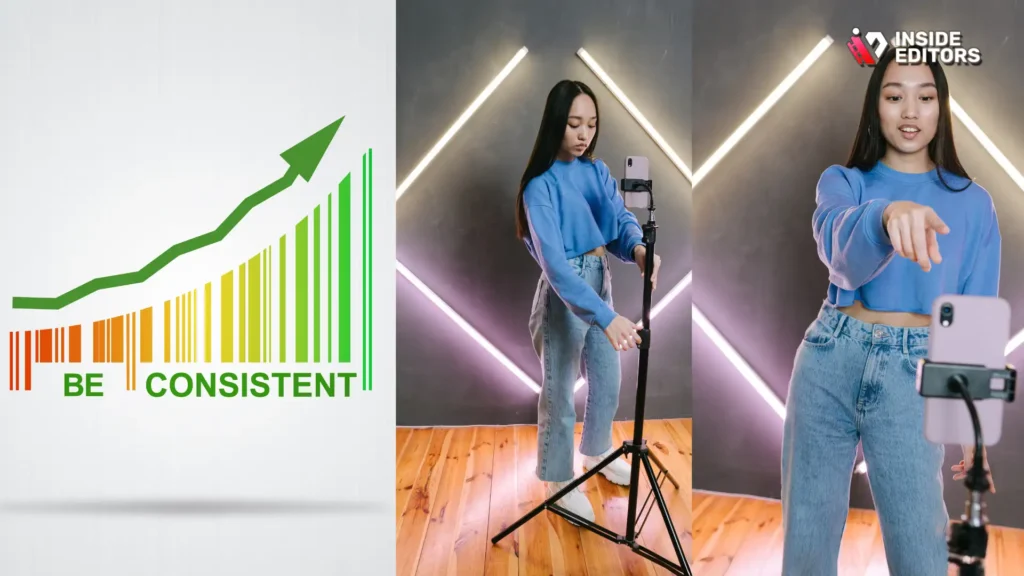
Your First YouTube Video is just the beginning. Many creators upload their debut video, receive a few views, and then become discouraged because they did not plan for the long game. Consistency is the single most important factor for long-term channel growth.
The One-Hit Wonder Trap
A common mistake is putting all your energy into one spectacular video and having nothing prepared for the following week. YouTube rewards consistency. The algorithm prefers channels that upload reliably, whether that is weekly, bi-weekly, or monthly.
Before you launch, plan out at least 5-10 video ideas. Batch filming and editing can dramatically improve your consistency. Shoot two videos on the same day, and then edit them over the following week. This workflow ensures you always have content in the pipeline.
Ignoring Calls to Action and End Screens
Your video needs to tell the viewer what to do next. If you do not ask them to subscribe, comment, or watch another video, most viewers will simply leave.
Essential Elements to Include:
- Verbal CTA: Ask viewers to subscribe and hit the notification bell.
- End Screen: Use YouTube’s end screen feature to promote your next most relevant video or a playlist.
- Comment Prompt: Ask a specific question in the video to encourage comments and engagement.
Engagement signals (likes, comments, shares) are crucial. They tell YouTube that your content sparks conversation, making it more valuable to push out to new viewers.
“Consistency is the currency of growth on YouTube. Show up, deliver value, and the audience will find you.” – Roberto Blake, Creative Entrepreneur
The Road to Success: Focusing on Polish and Professionalism
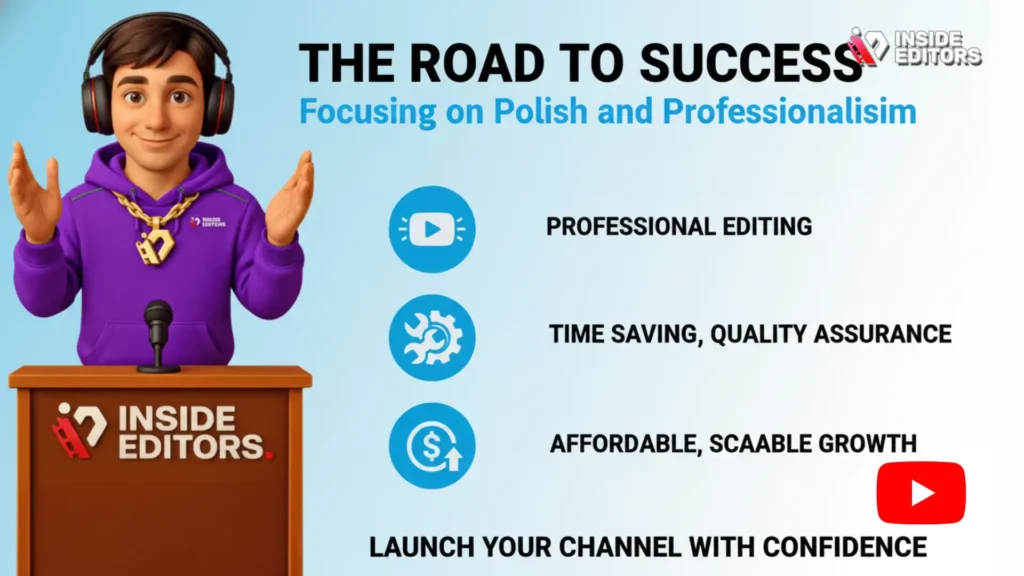
Launching your First YouTube Video is an accomplishment. However, the competition is fierce, and viewers expect a high level of polish. If you find yourself struggling with the technical demands of editing, color correction, and audio mastering, remember that professional help is available.
Inside Editors specializes in taking raw footage and delivering a final product that meets industry standards. Our video editing services are built on a foundation of expertise, affordability, and reliability. We understand the pressures of maintaining a consistent upload schedule and offer a solution that saves you time while guaranteeing professional quality.
By partnering with our team, you gain access to professional editors who ensure your brand style is consistent across all videos. This is a scalable solution perfect for growing channels, starting at affordable pricing per video. Let us handle the technical polish so you can focus entirely on creating engaging content for your audience.
If you are ready to launch your channel with confidence and avoid the common pitfalls of a rushed debut, consider leveraging our expertise. Your First YouTube Video deserves to be seen, and professional editing ensures it makes the strongest possible impact.
Disclaimer: Inside Editors provides professional video editing services for content creators, businesses, and marketers. We offer fast turnaround, unlimited revisions, and quality assurance, allowing creators to focus on content production.
Frequently Asked Questions
What is the most critical mistake?
The most critical mistake when creating your First YouTube Video is ignoring the audience’s search intent. Focus on solving a specific problem or answering a clear question relevant to your niche to ensure your First YouTube Video gets discovered.
How important is audio quality?
Audio quality is far more important than video resolution. Viewers will tolerate mediocre visuals, but poor audio causes immediate abandonment. Invest in a quality external microphone for your First YouTube Video to ensure clarity and professionalism.
Should I script my first video?
Yes, scripting your First YouTube Video is highly recommended. A script ensures a clear structure, strong pacing, and eliminates rambling. It also helps you craft a powerful ‘hook’ in the first 15 seconds to maximize viewer retention.
What is a good starting CTR?
A good starting Click-Through Rate (CTR) for a new video is generally 5% or higher. Your thumbnail and title are responsible for this metric, so ensure they are high-contrast, visually compelling, and clearly communicate the video’s value.
Can editing services help beginners?
Yes, professional editing services can significantly help beginners by providing high technical polish, including color grading and audio sweetening. Outsourcing editing for your First YouTube Video saves time and ensures a professional launch quality.


