

Underwater videos are magical. The movement of water, the marine life, the calm blue environment – everything looks cinematic. But if you have ever recorded underwater footage, you already know the biggest problem. The colors look wrong. Reds disappear, greens take over, and everything feels dull or washed out. This is where Free Underwater Video Color Correction Software becomes extremely important.
Many creators, divers, vloggers, and even professional filmmakers search for Free Underwater Video Color Correction Software before deciding whether to invest in paid tools or services. In this article, I’ll walk you through everything you need to know in a simple, friendly, and practical way. We’ll compare popular tools, explain how they work, and help you decide which option is right for you before spending money.
This guide is written as if we’re having a conversation. No heavy jargon. No confusing technical talk. Just clear information to help you make a smart choice.
Why Underwater Videos Need Color Correction
When you shoot underwater, light behaves very differently compared to land. Water absorbs colors as depth increases. Red disappears first, then orange and yellow. What remains is mostly blue and green, which makes your footage look cold and unnatural.
This is why Free Underwater Video Color Correction Software is so valuable. These tools help restore lost colors, balance white levels, and bring life back into underwater footage. Whether you’re shooting snorkeling videos, scuba dives, coral reefs, or underwater product shots, proper color correction can completely transform your video.
Many beginners assume that buying an expensive camera will fix color issues. But even high-end cameras struggle underwater without proper correction. Software plays a much bigger role than most people realize.
What Makes a Good Free Underwater Video Color Correction Software
Not all tools are created equal. When users compare Free Underwater Video Color Correction Software, they usually look for ease of use, results, and flexibility. A good tool should help you fix colors without making the video look fake or overprocessed.
Here are a few important qualities people look for, explained simply.
A good underwater color correction tool should automatically reduce blue or green color casts. It should allow manual adjustment for users who want more control. It should support common video formats and work smoothly without crashing. And finally, it should produce export quality good enough for YouTube, social media, or even professional projects.
Free tools may have limitations, but some are surprisingly powerful when used correctly.
Best Free Underwater Video Color Correction Software Options
Let’s talk about some popular Free Underwater Video Color Correction Software options people often compare before choosing a solution. Instead of listing them in a dry way, I’ll explain how each one feels to use and who it’s best for.
DaVinci Resolve Free Version
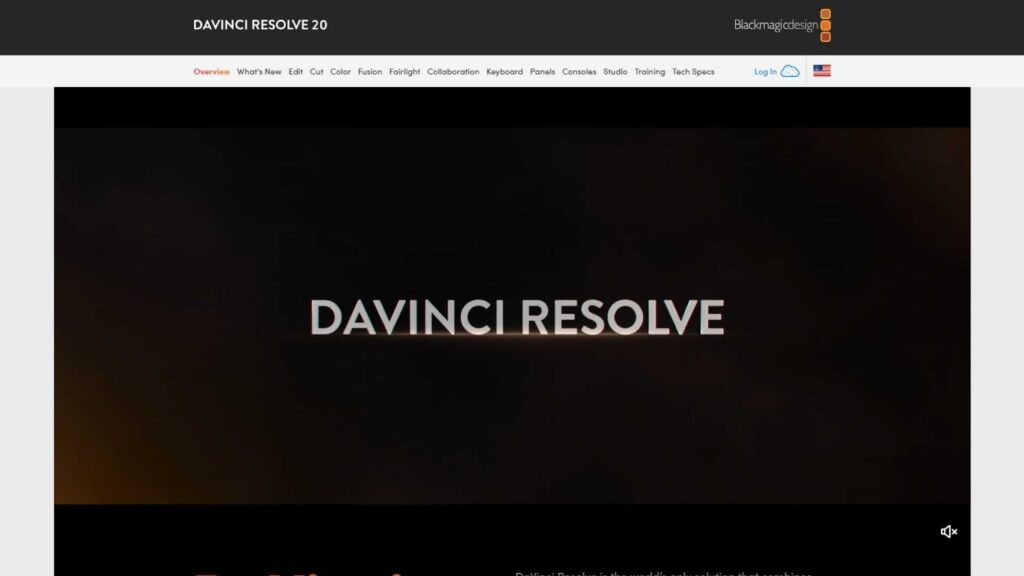
DaVinci Resolve is often considered the king of color correction, even among paid software. The free version is incredibly powerful and widely used by professionals.
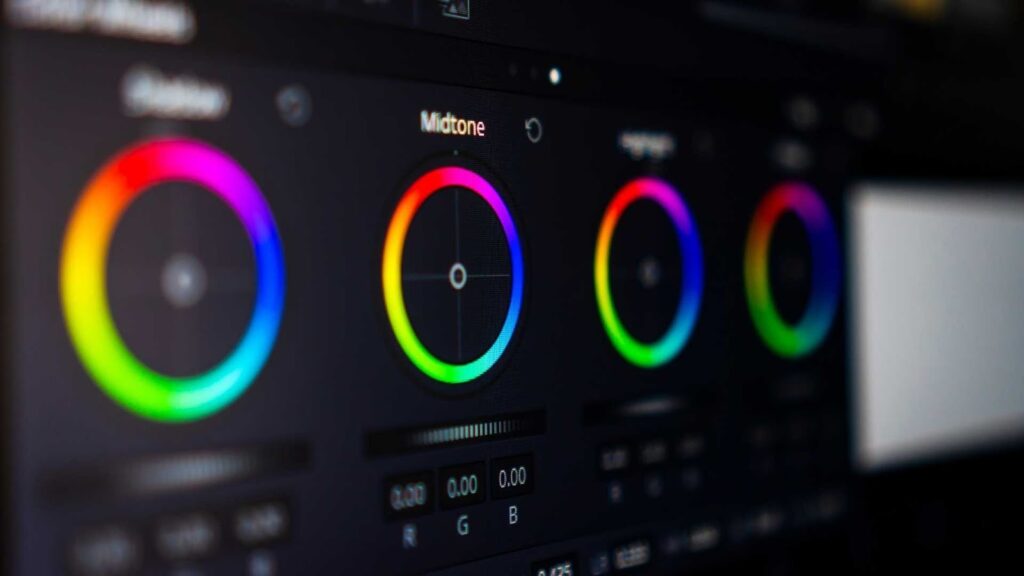
It gives you full control over white balance, color wheels, curves, and saturation. For underwater footage, this means you can manually bring back reds, balance skin tones, and fine-tune every detail. While it doesn’t have a one-click underwater fix, many creators prefer it because of the quality.
However, beginners may feel overwhelmed at first. It takes time to learn. But if you’re serious about video quality, this Free Underwater Video Color Correction Software is worth the effort.
Shotcut
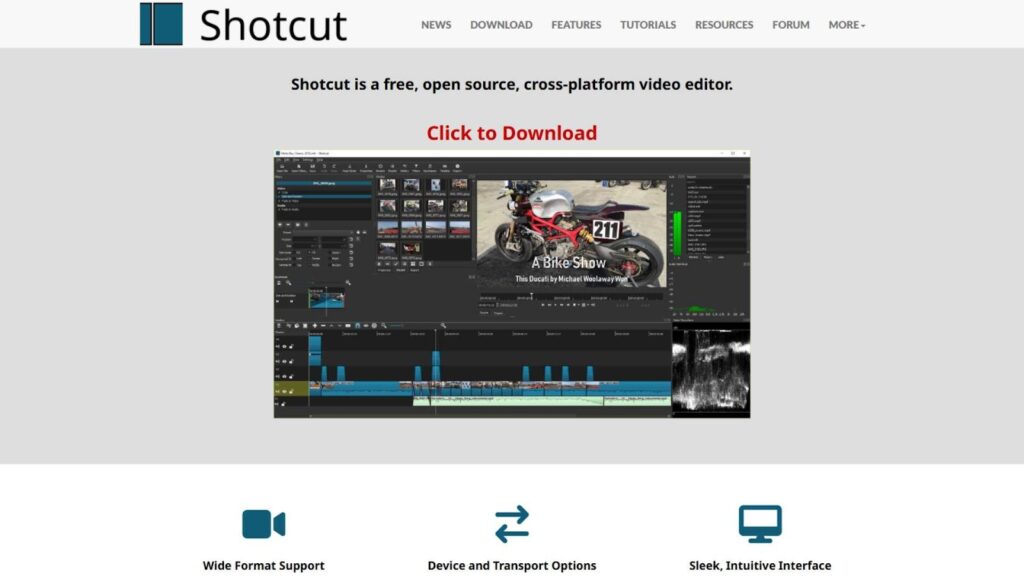
Shotcut is another popular free option. It’s open-source and much simpler than DaVinci Resolve. The interface is clean, and basic color correction tools are easy to find.
For underwater videos, Shotcut allows you to adjust brightness, contrast, saturation, and color balance. It’s not specifically designed for underwater footage, but with some tweaking, you can get decent results. This makes Shotcut a good option for beginners who want something lightweight and free.
If you are comparing simple Free Underwater Video Color Correction Software, Shotcut is often on the shortlist.
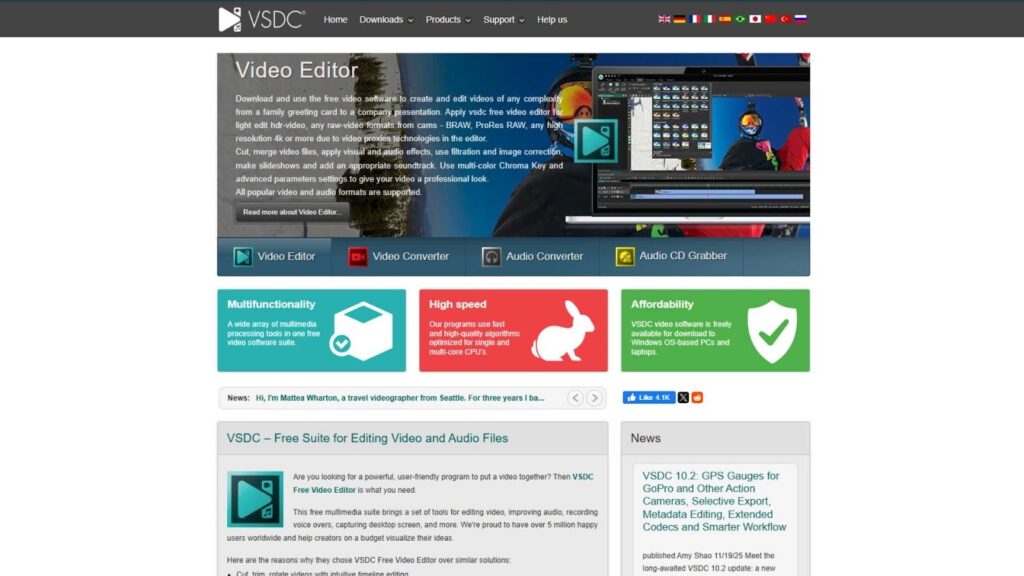
VSDC Free Video Editor
VSDC is a Windows-only editor that many users choose because it runs well on low-end systems. It offers color correction filters and basic grading tools.
Underwater footage can be improved by adjusting hue and saturation, though the results may not be as refined as DaVinci Resolve. Still, for quick projects or casual editing, it’s a practical free solution.
VSDC is often chosen by users who want Free Underwater Video Color Correction Software without heavy system requirements.
Dedicated Underwater Color Correction Tools
Some tools are built specifically for underwater footage. These are usually easier to use because they understand underwater color loss automatically.
AquaColorFix
AquaColorFix is designed with underwater creators in mind. It offers automatic color restoration and manual fine-tuning. The software analyzes the footage and tries to restore natural colors.
This type of Free Underwater Video Color Correction Software is ideal for people who don’t want to spend hours adjusting sliders. While free versions may have export limitations, the speed and ease of use attract many users.
Online Underwater Color Correction Tools
There are also browser-based tools that offer quick underwater color correction. These tools usually allow short clips and basic corrections. They are great for testing, previews, or social media clips.
However, online tools may compress video quality or limit resolution. Still, they are useful when comparing Free Underwater Video Color Correction Software before downloading anything.
Automatic vs Manual Color Correction for Underwater Videos
One of the biggest decisions users make when choosing Free Underwater Video Color Correction Software is whether to go automatic or manual.
Automatic tools are fast. You upload your video, click one button, and get corrected colors. These are perfect for beginners or creators who value speed. The downside is that automatic correction may not always be accurate for different water conditions.
Manual correction takes more time but gives better control. You can adjust red channels, balance shadows, and fine-tune highlights. This approach is preferred by professionals and serious creators.
Many users start with automatic tools and later switch to manual software as they gain experience.
Common Mistakes When Using Free Underwater Video Color Correction Software
People often expect miracles from free tools. While Free Underwater Video Color Correction Software can do a lot, there are some common mistakes to avoid.
Over-saturating the video is one big mistake. Adding too much red can make footage look unnatural. Another mistake is ignoring white balance completely. Many users focus only on saturation and forget overall color balance.
Another common issue is exporting in low quality. Some free tools reduce resolution unless settings are adjusted carefully. Always check export options.
Understanding these mistakes helps users get better results without upgrading to paid software immediately.
When Free Software Is Not Enough
Free tools are great, but they have limits. If you are working on commercial projects, brand videos, or professional underwater documentaries, free tools may not deliver consistent results.
This is where professional video editing services become valuable. Instead of struggling with complex tools, many creators choose to outsource underwater color correction to experts.
At Inside Editors, we specialize in video editing services, including underwater color correction. We understand how light behaves underwater and how to restore natural, cinematic colors without overprocessing. If your footage matters, professional editing can save you time and deliver better results.
How Free Underwater Video Color Correction Software Fits into a Workflow
Understanding workflow is important when choosing Free Underwater Video Color Correction Software. A smooth workflow saves time and improves results.
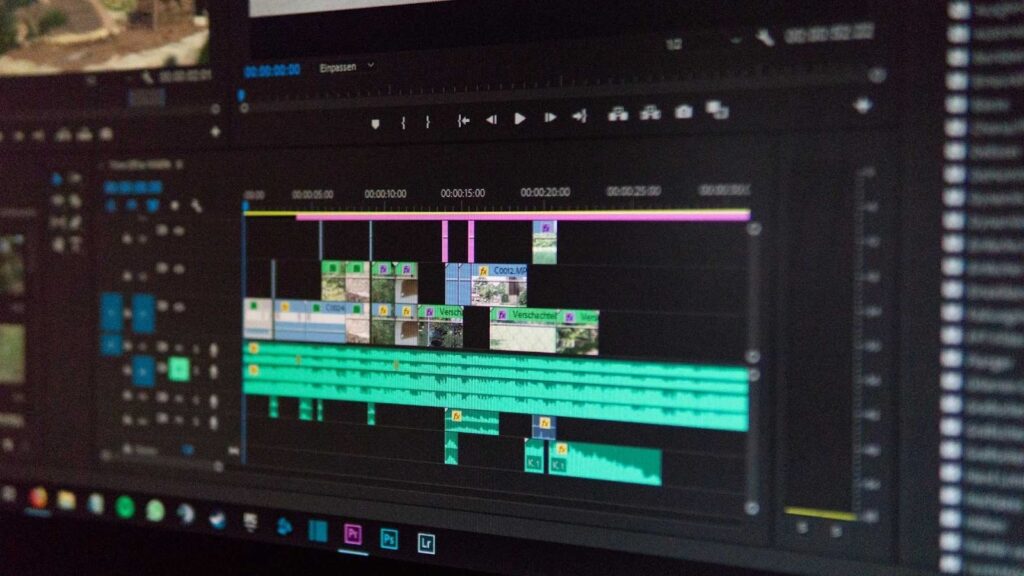
Most creators follow a simple process. First, they import raw footage. Then they correct exposure and contrast. After that, color correction is applied to remove blue or green casts. Finally, they fine-tune saturation and export.
Free tools usually handle basic steps well. However, advanced workflows like matching colors across multiple clips, correcting mixed lighting, or handling very deep-water footage can be challenging. This is where limitations start to appear.
Many editors use free software for initial corrections and then upgrade later or outsource final grading.

Comparing Free Software vs Professional Editing Services
When people search for Free Underwater Video Color Correction Software, they are often comparing cost versus quality. Free tools cost nothing but require time and learning. Professional services cost money but save time and deliver consistent results.
Here’s how this comparison usually looks in real-world decision-making.
Free software is ideal if you enjoy learning, experimenting, and have flexible deadlines. You control everything, but you also carry the responsibility for quality.
Professional services are ideal if your footage is valuable, time-sensitive, or meant for commercial use. You get expertise, advanced tools, and reliable output.
Many creators start with free tools and later choose professional services when their content grows.
Benefits of Using Free Underwater Video Color Correction Software
There are many reasons why people continue to use Free Underwater Video Color Correction Software, even when paid options exist.
- It allows beginners to learn color correction without financial risk
- It helps creators test workflows before investing in paid software
- It works well for social media, personal projects, and learning purposes
Free tools also help users understand what they actually need. Once you know your limitations, you can make better purchasing or outsourcing decisions.
Limitations You Should Be Aware Of
While Free Underwater Video Color Correction Software is powerful, it’s important to be realistic.
Free tools often lack advanced features like AI-based color matching, scene-based correction, or high-end export codecs. Some free versions limit resolution, watermark exports, or restrict certain features.
Another limitation is time. Manual correction takes patience. If you’re editing multiple underwater clips regularly, free tools may slow you down.
Understanding these limitations helps you decide whether free tools are a long-term solution or a stepping stone.
Tips to Get Better Results with Free Underwater Video Color Correction Software
You can achieve surprisingly good results if you use Free Underwater Video Color Correction Software correctly.
Always start with proper exposure before touching colors. Avoid pushing saturation too far. Use reference footage if possible to compare natural colors. If your software supports it, adjust individual color channels instead of global saturation.
Shooting techniques also matter. Using proper white balance underwater, shooting in flatter color profiles, and using external lights can significantly improve results, even with free software.
Why Many Creators Eventually Choose Inside Editors
As content quality expectations grow, many creators realize that tools alone are not enough. This is where professional editing services make a real difference.
Inside Editors provides professional video editing services tailored for creators, businesses, and brands. We work with advanced color grading tools and understand underwater footage challenges deeply. Instead of struggling with Free Underwater Video Color Correction Software, many clients choose to focus on content creation while we handle the technical work.
We help restore natural colors, maintain consistency, and deliver high-quality videos ready for commercial use.
You can explore our services at insideeditors.com and see how we can elevate your underwater videos.
Final Thoughts on Free Underwater Video Color Correction Software
Free Underwater Video Color Correction Software is an excellent starting point for anyone working with underwater footage. It allows you to experiment, learn, and improve your videos without spending money upfront.
For beginners and hobbyists, free tools are often enough. For professionals and businesses, free tools help in understanding needs before investing in paid software or professional services.
If your goal is high-quality, consistent, and commercial-ready videos, combining your knowledge of free tools with professional editing support can give you the best of both worlds.
At Inside Editors, we’re always ready to help creators turn underwater footage into stunning visual stories. Visit insideeditors.com to learn more about our video editing services and take your content to the next level.


