

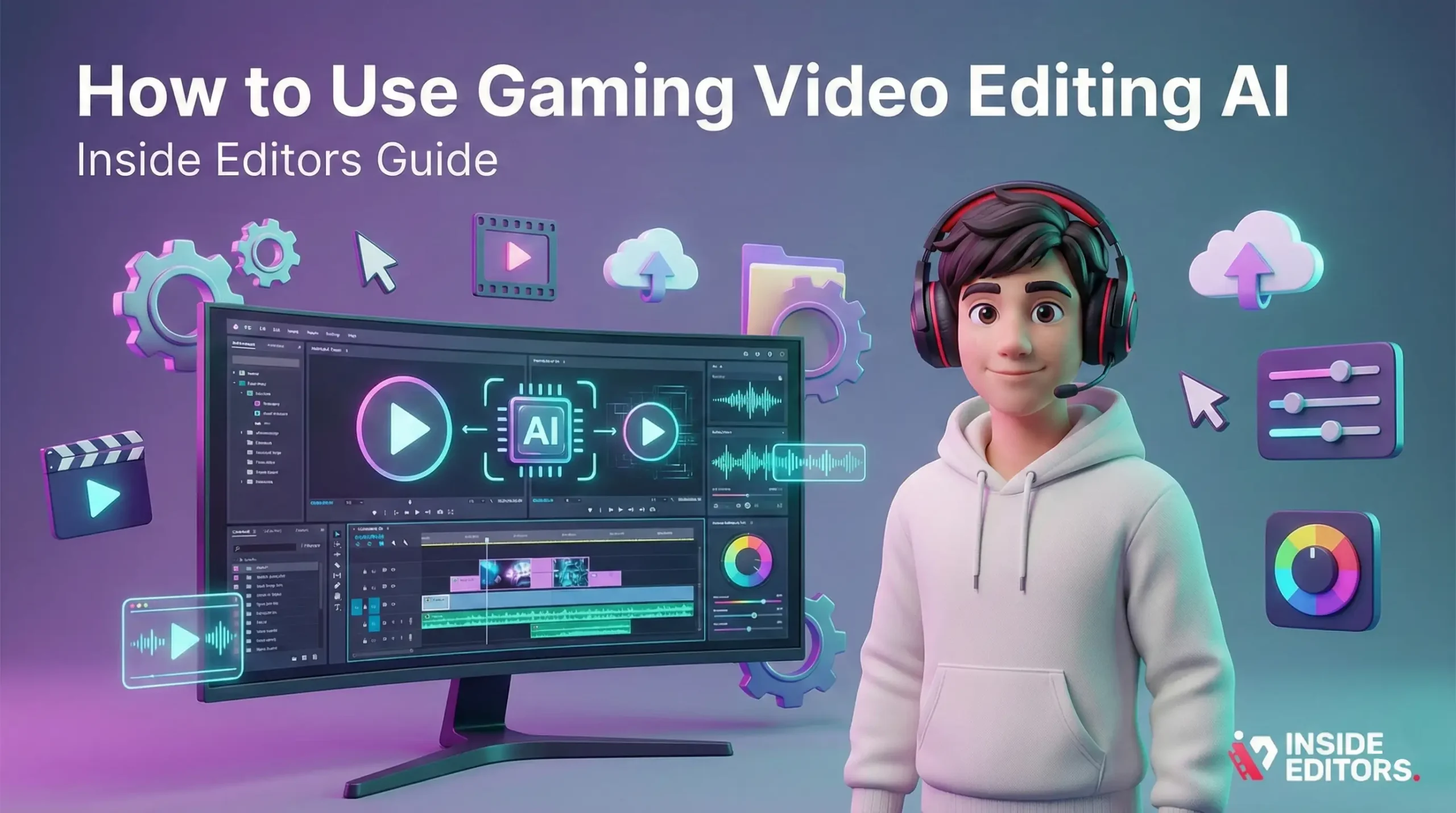
Creating great gaming videos is part craft, part storytelling, and increasingly part smart automation. If you’ve been wondering how to speed up edits, polish highlights, and scale content without losing your voice, this guide walks you through practical steps for using gaming video editing AI-from choosing tools to avoiding common mistakes-so you can spend more time creating and less time wrestling timelines.
Why use AI for gaming edits (and when to avoid it)

Faster rough cuts and smarter highlights
AI tools excel at taking long gameplay recordings and finding the moments that matter: kills, clutch plays, funny reactions, and intense sound spikes. That means you can turn hours of raw footage into a tight draft in minutes, rather than manually scrubbing through every clip. For streamers and creators who publish frequently, that time savings compounds-letting you keep upload cadence and creative momentum.
When human skill still matters
AI can’t replace taste, pacing, or brand voice. Use AI to handle repetitive tasks-cutting, syncing, basic color correction-then apply human judgment for storytelling, joke timing, and music choices. If your content relies heavily on crafted narratives, emotional beats, or complex sound design, plan AI as a speed layer, not a full replacement.
Choosing the right AI workflow for your channel
Define your goals before picking tools
Start by asking what you want the AI to do: auto-trim highlights, remove dead air, stabilize footage, or auto-generate captions. Clarifying goals prevents tool overload and keeps your workflow simple. If your priority is fast uploads to YouTube Shorts or TikTok, focus on tools that output vertical edits and clip recommendations. If you want polished long-form videos, look for AI that integrates with professional NLEs (non-linear editors) or exports high-quality timelines.
Match tool capabilities to your budget and output
Not all AI tools are equal. Some are cloud-first and easy to use but charge per minute; others are add-ons for Premiere or DaVinci Resolve and require a one-time fee. Consider ongoing cost (per-minute or monthly), export quality, file security, and how easy it is to edit the AI’s suggestions. For many creators, a hybrid approach-AI for first pass, human for finishing-hits the balance between speed and quality.
Practical step-by-step: a sample AI-assisted editing workflow
From raw footage to publish-ready video
First, organize your footage and label files clearly with session dates or game titles. Upload or point your AI tool to the recorded folder and choose your target output (e.g., 10-12 minute YouTube video or five 30-60 second reels). Let the AI analyze gameplay to create a draft timeline: it will detect highlights, remove long pauses, and sync audio. Export the AI timeline into your editor and spend time refining pacing, adding voiceover, and selecting music. Finally, run a quick quality pass-check sync, color, and copyright-safe audio-then render.
Quick tweaks that make a big difference
Don’t accept the AI’s default cut completely. Trim a little more before key moments to build tension; add a subtle beat for transitions; and prefer a consistent intro template across videos to strengthen brand recognition. Small, human-driven edits often transform an acceptable AI draft into a memorable video.
The key tools and features to prioritize
What features actually save you time
Look for automatic highlight detection, multi-camera sync, noise reduction, auto-captioning, and smart color balance. Tools that let you tag or reject AI-suggested clips quickly will speed your iteration loop. If you collaborate with others, choose software with cloud projects or simple timeline sharing to avoid export-import friction.
Comparison: AI features vs human-only workflows
| Task | AI Advantage | Human Advantage |
| Highlight selection | Fast detection of action spikes | Superior sense of narrative and context |
| Noise reduction | Quick remove background hiss | Tailored sound design and music balancing |
| Color correction | Auto-balance across clips | Creative color grading and mood setting |
| Captions | Fast, auto-generated subtitles | Edited captions for tone and timing |
Use the table as a reminder that AI speeds production, while human editors refine personality and intent.
Common mistakes and how to avoid them

Overreliance on default AI settings
One of the most common errors is trusting AI defaults. Default cut lengths or transition choices are generic-customize thresholds for action detection, silence trimming, and clip lengths to better match your channel’s style. Test changes on a single video before applying them across a batch.
Ignoring audio nuance and copyright
AI can remove noise, but it won’t always catch audio cues you want to keep-like a soft in-game audio cue that sets a mood. Likewise, automated music selection may propose copyrighted tracks. Always review audio decisions and prefer royalty-free or licensed music for publishing.
Case scenario: a small creator scaling weekly uploads
Imagine a solo creator who records 3 hours of gameplay each week. Using AI to generate a first-pass draft reduces editing time from 8-10 hours to about 2-3 hours. The creator then spends another hour polishing-adding intros, reaction cuts, and captions-so weekly output jumps from one video to three short-form pieces plus a full-length upload. That extra visibility often leads to faster audience growth without burnout.
How to evaluate results and iterate
Track time saved and viewer response
Measure hours saved per video and track viewer metrics-watch time, retention at key moments, and click-through rates. If AI edits increase uploads but retention drops, tweak cut thresholds and pacing. Small A/B tests (two versions of a short with different pacing) reveal what your audience prefers.
Keep improving the pipeline
Make a short checklist for every edit: review highlight accuracy, confirm audio sync, apply branding overlays, and validate captions. Over weeks, refine presets in your AI tool so the first-pass edit requires fewer manual fixes.
When to bring in professional help (and how Inside Editors fits)
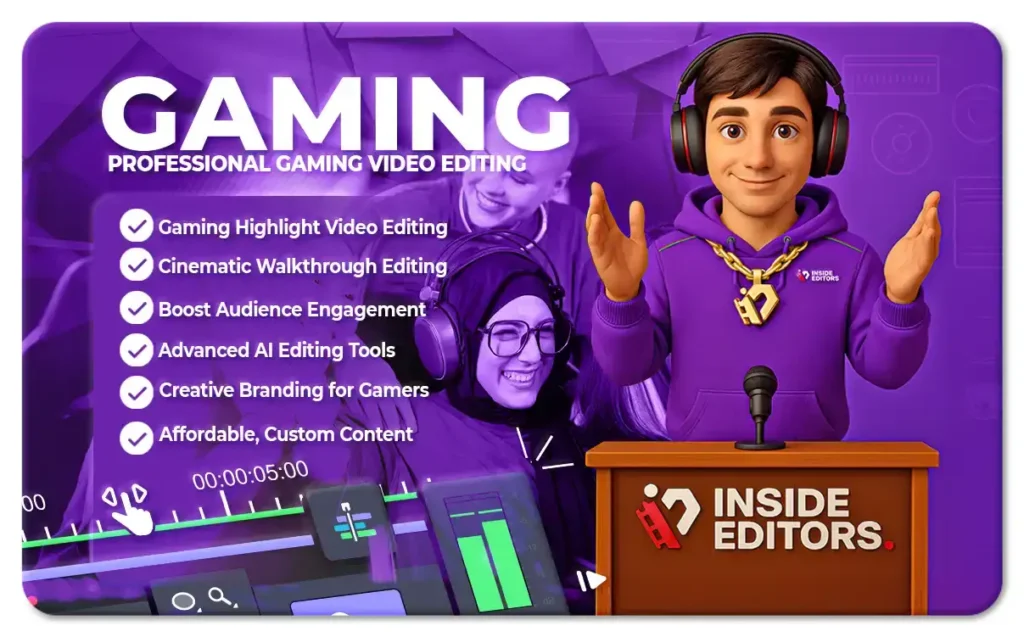
AI speeds production, but professional editors bring storytelling, consistency, and quality that scale audience trust. If you’re ready to prioritize growth, reduce turnaround time, or need platform-specific optimization, a professional team can translate your raw clips into content that performs. Inside Editors helps by combining efficient workflows with human creativity-taking AI drafts and turning them into polished videos that connect with viewers. Explore Inside Editors’ gaming video editing services to see how expert finishing can lift your channel while preserving the speed benefits of AI: https://insideeditors.com/gaming-video-editing-services/.
The AI Tools Most Creators Trust for Gaming Content
Understanding which platforms are built specifically for gamers
As AI continues to expand across the editing world, not all tools are designed with gaming content in mind. Some focus on corporate videos, others on podcasts, and some try to do everything at once. Gaming AI editors stand out because they recognize game sounds, motion patterns, score spikes, and even popular in-game events-from kill streaks to ultimate activations. When choosing software, look for tools that explicitly support your game title or genre. A Battle Royale editor won’t track skills the same way a MOBA or FPS tool will. Narrowing your choices early prevents wasted time and mismatched outputs later.
How game-aware AI improves speed and highlight accuracy
Game-aware models don’t just detect loud moments-they identify meaningful events. Think of a Valorant clutch, a Fortnite build battle, or a perfect parry in Elden Ring. AI trained on gaming datasets picks up these nuances and tags them with better precision, giving you a cleaner first draft. This reduces manual searching, keeps your best reactions intact, and preserves intensity. Over time, you’ll see the AI understand your habits too-how aggressively you play, your typical reactions, and the moments your audience tends to engage with. That personalization is what transforms AI from a tool into a real workflow partner.
Building a Smart Editing Pipeline That Fits Your Style
Start with clean footage and consistent recording habits
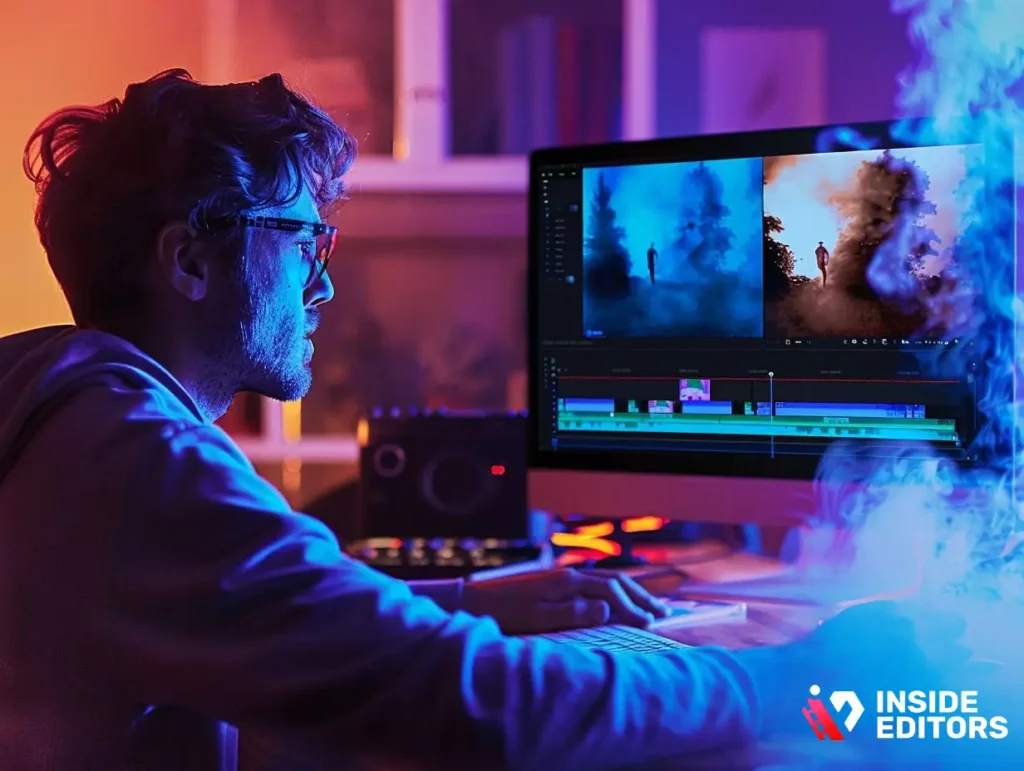
Even the most advanced gaming video editing AI performs better when the source material is clean. Stable frame rates, uncluttered overlays, and balanced microphone levels give the model clear data to read. If your audio is too low or your game is running at inconsistent FPS, the AI may misread highlight cues or cut sections too aggressively. Spend time refining your recording settings-resolution, bitrate, audio gain, and in-game HUD placement. A well-recorded session is like a well-lit scene for a photographer: it sets everything up for success.
Build repeatable templates to speed up your workflow
Consistency is the secret to scaling gaming content. Once you find an intro style, color tone, and caption approach you like, save them as templates. Many AI platforms let you store presets for clip length, silence trimming, pacing, and subtitle style. This helps AI produce drafts that are already close to your final aesthetic. When your videos follow a predictable structure, your audience forms stronger habits around your content-you become recognizable even before your name appears. Templates also help AI predict what you value most in your edits, improving accuracy over time.
What AI Still Struggles With – and How You Can Easily Fix It
Emotional nuance and humor timing
AI is fast, but humor, sarcasm, and emotional cues are still deeply human skills. A punchline delivered half a second early can break the joke; a reaction trimmed too closely can weaken the moment. This is where your personal touch matters. Review AI cuts and ask yourself: “Does this feel like me?” If not, adjust timing slightly. These micro-edits take seconds but drastically improve viewer satisfaction.
Complex storytelling and narrative pacing
Long-form videos rely on rising action, payoff moments, and thoughtful pacing. AI typically treats all spikes as equally important, which can disrupt rhythm. When editing story-based playthroughs or commentary videos, take the AI’s timeline as a foundation only. Reorder events manually, add transition narration, or include cinematic music to guide mood. AI gives you structure, but you provide the soul.
Optimizing Your Videos for Each Platform Using AI

Tailoring edits for YouTube, TikTok, and Instagram
Not every platform favors the same edit style. YouTube values longer retention and clean pacing; TikTok and Reels reward punchy cuts, bright captions, and rapid movement. Many gaming video editing AI tools now include “platform templates,” automatically adjusting aspect ratios, safe zones, caption placement, and pacing. If you’re repurposing a horizontal YouTube video into vertical short-form content, use AI to identify segments that naturally fit a vertical format-like intense fights or funny reactions with centered motion.
Why multiformat editing boosts discovery
One gameplay session can produce dozens of micro-moments for short-form edits. By turning one long upload into multiple clips, you multiply your exposure across platforms. AI speeds this transformation significantly. Instead of manually selecting clips, the model offers a list of potential shorts ranked by energy, clarity, or viewer interest. This gives you content variety without added recording or editing effort. Creators using this strategy often see faster growth because each clip reaches different segments of the algorithm.
How AI Helps You Maintain Quality While Posting Consistently
The power of batching your edits
Batch editing-working on several videos at once-is far easier with AI. Instead of processing clips individually, upload multiple gameplay sessions and let the model generate first-pass drafts simultaneously. Once the drafts are ready, you can polish them one by one with a clear sense of pacing and continuity. This approach is especially useful for weekly series or challenge runs, where stylistic consistency matters. AI ensures every episode has aligned volume levels, similar color tone, and matched caption style.
Reducing burnout without lowering your creative standards
Creators often struggle between content quality and upload frequency. AI helps bridge that gap. By automating the repetitive parts-trimming, syncing, captioning-you save energy for the creative parts you enjoy most. When editing feels lighter, your ideas flow better, and your content retains authenticity. Viewers can feel that difference. This balance is what enables long-term growth without exhaustion, especially for solo creators or small teams.
When Outsourcing Beats DIY A Realistic Look for Growing Creators
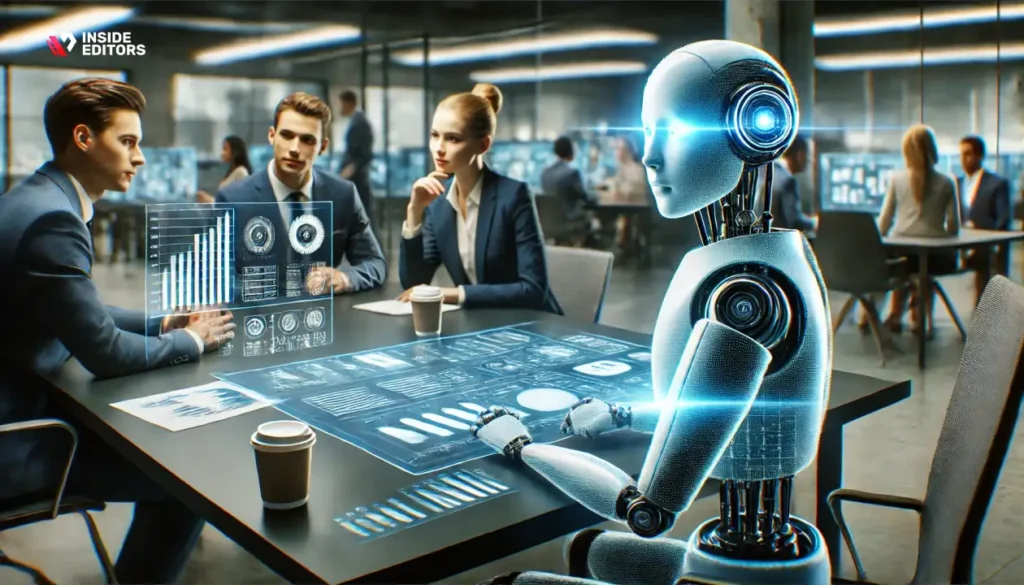
Why hybrid workflows outperform AI-only or human-only approaches
AI alone gives speed. Human editors alone give artistry. Combining the two gives scalability. For example, you can use AI to produce highlight drafts and then pass these drafts to a professional editor for final polish. This keeps costs down while maximizing quality. Inside Editors takes this exact approach-refining your AI-generated timelines into cohesive, platform-optimized videos with better pacing, transitions, sound design, and consistency.
Why many creators eventually add a professional editor
As channels grow, creators often face new demands: sponsorship deadlines, multi-platform uploads, and increasing viewer expectations. At this stage, relying solely on gaming video editing AI can feel limiting. A professional editing partner ensures you maintain quality even under pressure. The editor becomes an extension of your voice-handling the technical side while you focus on personality, ideas, and recording. If you ever reach this point, Inside Editors’ gaming video editing services provide a smooth transition from DIY to a fully supported workflow.
A Quick Checklist to Keep Improving Your AI Editing Results
- Review pacing on every draft.
- Adjust highlight sensitivity every few videos.
- Keep captions readable and platform-appropriate.
- Refresh templates every 2-3 months to match trends.
- Compare viewer retention before and after AI adoption.
This simple routine helps ensure your edits stay sharp, modern, and aligned with your brand.
Conclusion: AI Is Your Assistant, Not Your Replacement
Gaming video editing AI is incredibly powerful when used strategically. It cuts your workload, speeds your upload cycle, and helps you experiment more often. But your creativity, personality, and sense of timing are what make the video worth watching. Let AI handle the busywork, let your storytelling carry the video, and let experts step in when you want to elevate your content even further.
If you’re ready to take your gaming videos to the next level, explore Inside Editors’ professional gaming video editing services. A stronger workflow starts with smart tools-but great content grows with great partners.
FAQs
Q1: Can I trust AI to edit my gaming videos without losing quality or style?
AI can handle routine tasks-highlight selection, basic color correction, and noise reduction-quickly and consistently, but quality depends on presets and source footage. For consistent brand style, use AI for first-pass drafts and apply human finishing (timing, tone, music). This hybrid approach keeps speed without sacrificing the creative decisions that define your channel.
Q2: How does Inside Editors ensure edit quality and revisions?
Inside Editors combines AI-assisted first passes with human review, so every output receives creative polishing and quality checks. Revision policies typically include 1-3 rounds depending on the package; changes cover timing, cuts, and basic color/audio tweaks. If you need more extensive reworks, the team provides clear scope and pricing upfront.
Q3: Who owns the final video and assets after editing?
You retain ownership of your raw footage and the final delivered files unless a custom contract states otherwise. Inside Editors grants you full rights to publish and monetize the videos; any licensed music or third-party assets used will be disclosed so you can confirm usage rights. Always confirm ownership terms in the service agreement.
Q4: How does Inside Editors protect my privacy and footage security?
Professional services use encrypted uploads, access controls, and limited project folders to protect your files during transfer and storage. Teams also delete or archive footage according to agreed timelines, and NDAs are available for creators with sensitive content. Ask for specific security options (SFTP, cloud ACLs) if you need higher assurance.
Q5: What’s the difference between DIY AI tools and hiring a pro editor?
DIY tools reduce time by automating repetitive edits and are cost-efficient for quick turnarounds; they’re ideal for creators who want control and lower costs. Hiring pro editors adds storytelling, advanced sound design, and brand consistency that AI alone often misses. Many creators use AI for first passes and pros for polish-this hybrid model balances cost and quality.
Q6: What pricing ranges should I expect for AI-assisted vs full human edits?
AI-assisted self-service tools often cost $10-$50 per month or $0.01-$0.10 per edited minute for cloud services; basic human-finished packages usually start around $50-$200 per video depending on length and complexity. Full-service or rush edits with specialist sound/design commonly range $250-$1,000+. Always check what’s included (revisions, captions, formats).
Q7: How long does an AI-assisted gaming video edit typically take?
AI can produce a first-pass draft within minutes to a few hours depending on file size and server queues; a polished human finish usually adds 24-72 hours for standard orders. Rush options (same-day) are sometimes available for additional fees and depend on footage length and editor availability. Factor in review time when scheduling releases.
Q8: What are the simplest steps to try gaming video editing AI on my next project?
Export one session with clear file naming, upload to a trial AI editor, and choose a template (platform and length). Review the AI draft, tweak highlight sensitivity or clip lengths, then perform quick human polish-adjust timing, captions, and music-before exporting final files. This small experiment shows time savings and identifies what you still want humans to handle.
Q9: Which common mistakes should creators avoid when using AI editing tools?
Don’t trust default settings blindly–AI thresholds for highlights or silence trimming often need tuning to match your style. Avoid low-quality recording (unstable FPS, poor audio) because AI struggles with noisy inputs, and always review captions and music for copyright. Small manual tweaks after AI passes make a big difference.
Q10: How can Inside Editors help me scale production while keeping creative control?
Inside Editors offers hybrid workflows: AI speeds the draft stage and human editors apply brand voice, pacing, and platform optimization. This reduces turnaround and preserves creative control through revision rounds, presets, and consistent templates. If you need ongoing support, Inside Editors can set up recurring workflows to maintain quality while increasing output.


