


In today’s digital landscape, video is no longer optional-it is essential. For busy teams striving to communicate effectively, corporate video production might seem like a daunting, expensive task reserved for large agencies. However, modern technology and streamlined workflows have made it entirely possible for internal teams to produce high-quality, impactful videos. Understanding the process is the first step toward leveraging this powerful medium. This comprehensive guide will walk you through the essential stages of planning, production, and post-production, showing you exactly How to Create a Corporate Video that resonates with your audience and achieves your business goals.
The secret to successful video creation lies in meticulous planning and smart resource allocation. Whether you are producing a training module, a client testimonial, or an internal communication piece, the fundamental steps remain the same. By breaking down the process into manageable phases, even the leanest teams can master How to Create a Corporate Video efficiently and affordably.
Phase 1: Strategic Planning & Pre-Production

The foundation of any great corporate video is a solid plan. Skipping the planning stage inevitably leads to costly revisions and wasted time during filming. Pre-production is where you define your “why,” “who,” and “what.”
Defining Your Video’s Purpose and Audience
Before touching a camera, you must clearly define the video’s objective. Is the goal to increase sales, educate customers, or improve internal morale? The purpose dictates the tone, length, and style. Once the purpose is clear, identify your target audience. A video aimed at C-suite executives will require a different approach than one targeting entry-level employees or general consumers.
Understanding the audience helps shape the message. For example, if you are targeting potential customers, focus on solving their pain points. If you are communicating internally, focus on clarity and actionable steps.
“A video without a clear goal is just a moving picture. Define the single most important action you want the viewer to take before you write the first line of the script.” – Andrew Davis, Marketing Strategist
Crafting the Script and Storyboard
The script is the blueprint for your video. It should be concise, engaging, and directly address the defined objective. Remember that corporate videos should typically be short-aim for 60 to 120 seconds for marketing content, as attention spans are limited. For every minute of video, expect about 150 words of spoken script.
The storyboard visualizes the script scene by scene. It doesn’t need to be professional artwork; simple sketches showing camera angles, lighting notes, and transitions are sufficient. This step saves significant time on set by eliminating guesswork and ensuring everyone on the production team is aligned on the visual narrative.
Key Script Elements:
- The Hook: Grab attention within the first five seconds.
- The Problem: Clearly state the challenge the audience faces.
- The Solution: Introduce your product, service, or message as the answer.
- The Call to Action (CTA): Tell the viewer exactly what to do next (e.g., visit a website, download a guide).
Budgeting and Resource Allocation Comparison
When learning How to Create a Corporate Video, busy teams often face the dilemma of internal production versus outsourcing. The decision usually boils down to budget, time, and required quality level.
| Feature | Internal Production (DIY) | Outsourced Production (Agency/Freelancer) |
| Cost | Low (primarily equipment rental/software) | High (includes labor, equipment, expertise) |
| Time Investment | High (requires team members to dedicate significant hours) | Low (team only manages review cycles) |
| Quality Control | Dependent on internal skill level and available gear | Professional, consistent quality guaranteed |
| Turnaround | Variable, often slower due to competing priorities | Fast and reliable, based on contract |
| Expertise | Requires existing in-house skills (editing, lighting, sound) | Access to specialized professionals |
For many teams, a hybrid approach works best: shooting the footage internally and then outsourcing the time-consuming and technically demanding post-production phase.
Phase 2: Production and Filming Best Practices
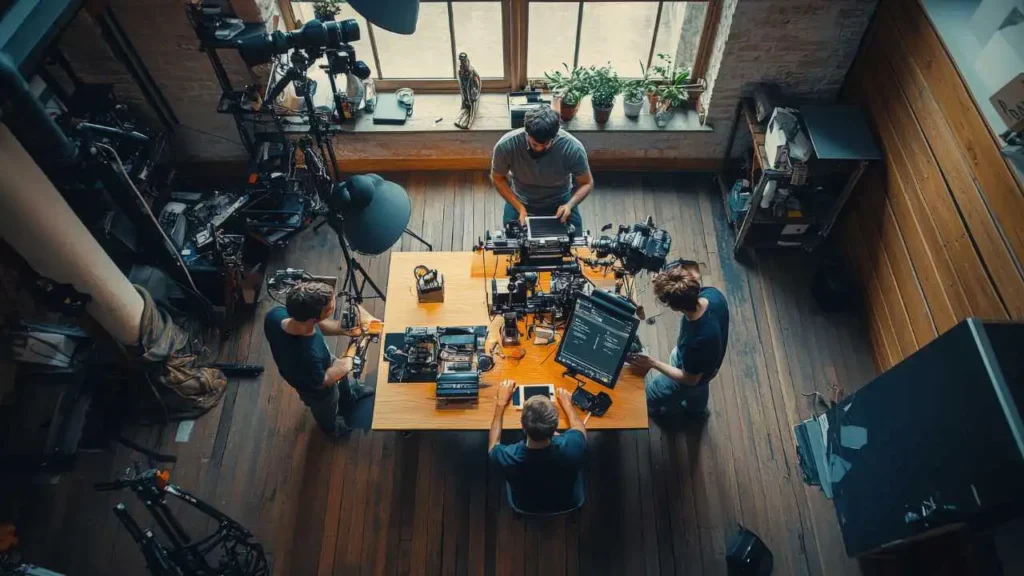
Production is where the script comes to life. While professional gear is helpful, modern smartphones and consumer cameras can achieve excellent results if fundamental filming principles are followed.
Mastering Lighting and Sound
Two elements instantly distinguish amateur video from professional content: lighting and sound quality. Viewers will tolerate slightly shaky video, but they will immediately tune out poor audio.
Lighting: Natural light is your best friend. Position your subject near a large window, ensuring the light hits their face evenly (avoiding harsh shadows). If using artificial lighting, employ the three-point lighting technique (key light, fill light, and back light) to add depth and dimension.
Sound: Always use an external microphone, even a simple lavalier mic plugged into a phone. The built-in microphone on a camera or laptop is rarely adequate for clear, professional speech. Record in a quiet environment, turning off air conditioning units, phones, and any other sources of background noise.
“If the audio is bad, the video is bad. It’s that simple. Invest in a decent microphone before you upgrade your camera.” – Tom Antos, Filmmaker and Educator
Camera Techniques for Professional Results
Even if you are using a smartphone, adopt professional habits. Always stabilize your camera using a tripod or a stable surface. Shaky footage is distracting and unprofessional.
Shoot multiple takes and angles (e.g., a wide shot and a close-up) to give the editor flexibility. When interviewing a subject, follow the “rule of thirds,” positioning the subject slightly off-center and ensuring they look into the empty space of the frame, rather than directly at the edge. This makes the composition more dynamic and visually appealing.
Post-Production and Polish
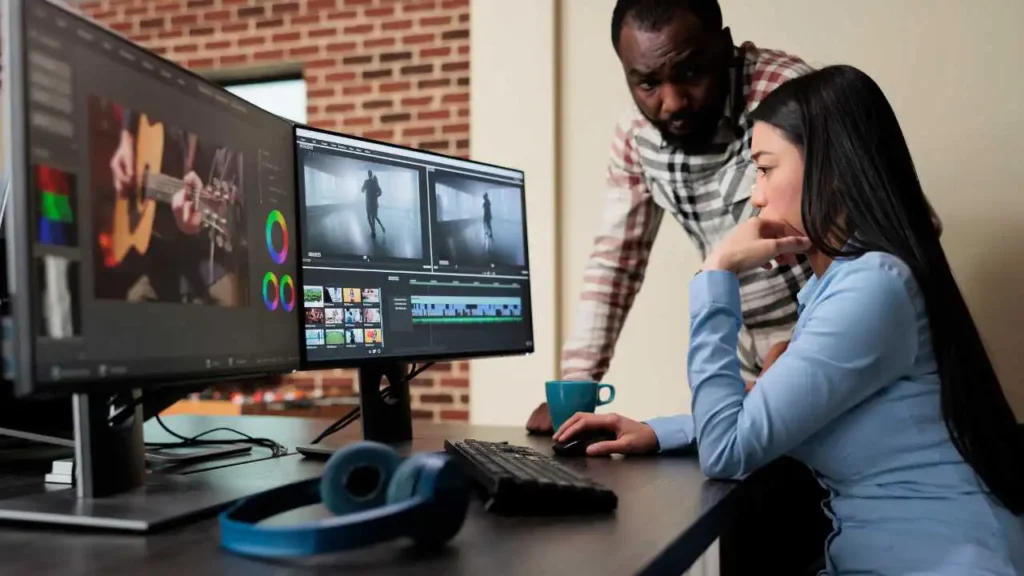
The post-production phase is crucial. This is where raw footage is transformed into a polished, cohesive narrative. It involves editing, color correction, sound mixing, and adding graphics. This phase is often the biggest bottleneck for busy teams.
Editing Workflow and Software Evaluation
Choosing the right editing software depends on your team’s skill level and budget.
| Software | Target User | Key Features | Pros | Cons |
| Adobe Premiere Pro | Professionals/Advanced Users | Multi-cam editing, advanced color grading | Industry standard, robust features | Steep learning curve, subscription cost |
| DaVinci Resolve | Advanced Users/Budget Conscious | Best-in-class color correction, powerful free version | Free version is highly capable, excellent color tools | Resource-intensive, complex interface |
| Camtasia/Filmora | Beginners/Internal Comms | Screen recording, easy drag-and-drop interface | User-friendly, fast for simple projects | Limited advanced features, less professional output |
Regardless of the software, the workflow should prioritize efficiency. Start with a rough cut, focusing only on the timing and sequence of clips. Then, move to the fine cut, polishing transitions and pacing. Finally, focus on audio and color correction.
The Critical Role of Professional Editing
For teams that need consistent, high-quality results without the internal time commitment, outsourcing editing is a smart strategic move. This is particularly true when learning How to Create a Corporate Video under tight deadlines.
A professional editing service ensures that your video benefits from experienced color grading, seamless transitions, and professional audio enhancement. For example, services like Inside Editors specialize in providing professional video editing services for businesses and marketing teams. They offer a professional editing team with over 10 years of experience, promising a fast turnaround (typically 24–72 hours) and unlimited revisions until you are completely satisfied. This affordable, scalable solution allows busy teams to save time and focus entirely on content creation, maintaining a consistent brand style across all video assets.
Common Pitfalls and How to Avoid Them
Even experienced teams make mistakes. Knowing how to recognize and avoid these common pitfalls will dramatically improve your final product.
Pros and Cons of DIY Video Production:
| Pros | Cons |
| Full creative control over the message. | Production quality is often inconsistent. |
| Lower direct cost outlay. | Requires significant internal time investment. |
| Faster turnaround for simple, internal videos. | Lack of professional editing and sound mixing. |
| Builds internal skills and expertise. | Can quickly burn out internal team members. |
A major mistake is neglecting legal clearances. Ensure all music, stock footage, and images used are properly licensed to avoid future legal issues. Another common error is failing to optimize the video for the intended platform (e.g., square aspect ratio for Instagram, vertical for TikTok).
Finalizing & Distribution

The final steps involve quality assurance, optimization, and strategic distribution. You’ve mastered How to Create a Corporate Video; now you need to ensure it gets seen.
Quality Assurance and Feedback Loops
Before publishing, gather feedback from a small, diverse group of stakeholders. Check the video on different devices (desktop, mobile) to ensure consistent quality. Pay close attention to the audio mix-is the music too loud? Is the voiceover clear?
- Checklist for Final Review:
- Is the CTA clear and visible?
- Are all graphics and titles spelled correctly?
- Is the video length appropriate for the platform?
- Is the audio balanced and free of distortion?
Optimizing for Search and Engagement
Optimization goes beyond just the video content itself. Use descriptive titles and detailed descriptions that include relevant keywords. Upload a custom, engaging thumbnail-this is often the most critical factor in determining click-through rates.
For hosting platforms like YouTube or Vimeo, use closed captions (CC) or subtitles. This improves accessibility and provides search engines with text content to index, boosting your video’s search visibility.
“Video is the most powerful medium for storytelling, but its effectiveness is capped by its distribution strategy. A great video poorly distributed is a wasted effort.” – Gary Vaynerchuk, CEO of VaynerMedia
Conclusion and Expert Recommendation

Understanding How to Create a Corporate Video is a journey that blends strategic planning, technical execution, and professional polish. For busy teams, the key is recognizing where internal resources are best spent (planning and filming) and where outsourcing provides the greatest return on investment (editing and post-production).
By following this structured approach-defining the goal, scripting meticulously, focusing on lighting and sound, and prioritizing professional editing-your team can consistently produce high-impact corporate videos. If your team is struggling to keep up with the demand for video content, consider leveraging the expertise of professional video editing services. They offer the speed, quality, and reliability necessary to scale your video output without overstretching your internal resources.
Frequently Asked Questions
What is the first step in creating a corporate video?
The essential first step is defining your video’s goal and target audience. This clarity ensures the content, tone, and call-to-action align with your business objectives. For busy teams, a simple brief outlining the ‘why’ and ‘who’ saves significant time during production and editing later on.
How long should a corporate video be?
Most corporate videos should be concise, ideally 60 to 90 seconds, especially for web or social media distribution. Viewers often drop off quickly; keeping it short maximizes engagement. Longer videos (2-5 minutes) are generally reserved for detailed training or complex product demonstrations.
Can busy teams create high-quality videos in-house?
Yes, busy teams can produce quality content using modern tools and smartphones, provided they focus on good lighting and clear audio. While professional production offers polish, in-house creation is faster and more cost-effective. Use simple editing software like Canva or iMovie to maintain efficiency.
What are the essential elements of a good corporate video?
A good corporate video needs a compelling hook within the first five seconds, clear messaging, professional visuals, and high-quality sound. Crucially, it must include a single, strong call-to-action (CTA) telling the viewer exactly what to do next, such as visiting a specific landing page.
Should we hire a professional or use internal staff?
Hiring a professional ensures cinematic quality and handles complex logistics, but it takes longer and costs more (often $5,000+). Internal staff are quicker and cheaper for routine updates or quick announcements. Busy teams should outsource complex projects but handle simple, frequent content internally.


