

Sharing YouTube content on Instagram Stories has become one of the simplest ways to extend your reach without creating entirely new videos. If you’ve ever uploaded a great YouTube video and wondered how to bring that same content to your Instagram audience, you’re not alone. Creators, businesses, and brands all face the same challenge-how to repurpose long-form video into short, engaging Story content that actually gets views and clicks.
In this Inside Editors 2025 guide, we’ll walk you through exactly how to share YouTube video on Instagram Story the right way. Not just the “tap this, paste that” basics-but the smart, strategic approach that protects quality, avoids common mistakes, and helps your content feel native to Instagram. By the end, you’ll know which method fits your goals, when links work best, and when editing makes all the difference.
Why YouTube Videos Still Perform on Instagram Stories
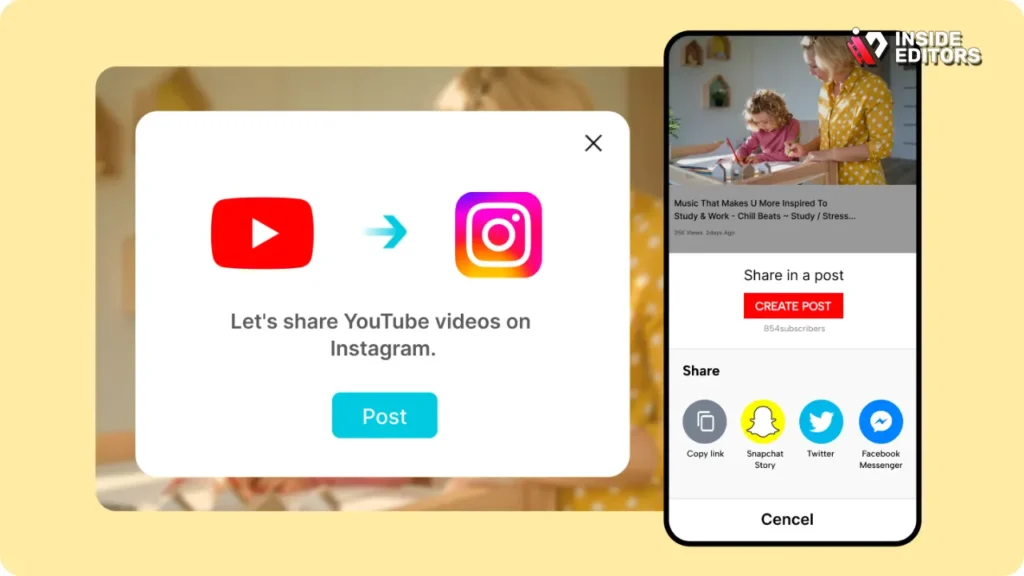
Instagram Stories remain one of the most effective ways to grab attention quickly. With over two billion monthly users on Instagram as of 2025, Stories continue to outperform regular posts when it comes to immediacy and engagement. Unlike feed posts, Stories feel casual, personal, and time-sensitive-exactly the environment where short video teasers thrive.
How Stories Drive Traffic Back to YouTube
Instagram Stories aren’t just for views; they’re powerful traffic drivers. When you share a YouTube video via a Story link sticker, you’re creating a direct bridge between platforms. Viewers don’t need to search for your channel-they tap once and land exactly where you want them. According to a 2025 HubSpot social media engagement report, creators who consistently use Story links see up to 35% higher click-through rates than those relying only on bio links.
That’s why understanding how to share YouTube videos on Instagram properly matters. A rushed or poorly formatted Story can lose attention in seconds, while a well-timed, visually clean Story can send steady traffic to your long-form content.
Why Short-Form Teasers Outperform Full Uploads
Instagram Stories are built for quick consumption. Uploading a full horizontal YouTube clip without adjustment often feels awkward and cramped. Smart creators treat Stories as previews-not full videos. A 10–15 second highlight gives viewers just enough curiosity to tap the link, while keeping the Story visually comfortable to watch on mobile.
This shift toward teaser-first thinking sets the stage for choosing the right sharing method, which we’ll explore next.
Understanding Your Options Before You Share
Before jumping into the “how,” it’s important to understand the different ways you can share YouTube content on Instagram Stories. Each method serves a different purpose, and choosing the wrong one can limit reach or reduce engagement.
Sharing a Direct YouTube Link in Instagram Stories
The simplest option is using Instagram’s link sticker. You copy your YouTube video URL, paste it into the Story link sticker, and publish. This approach works well when your audience already trusts your content and is likely to click without much persuasion.
However, link-only Stories rely heavily on context. Without a visual preview or strong hook, viewers may skip past. That’s why many creators pair link stickers with eye-catching text, motion graphics, or short captions that explain why the video is worth watching.
Uploading a Short Video Clip with a Link Sticker
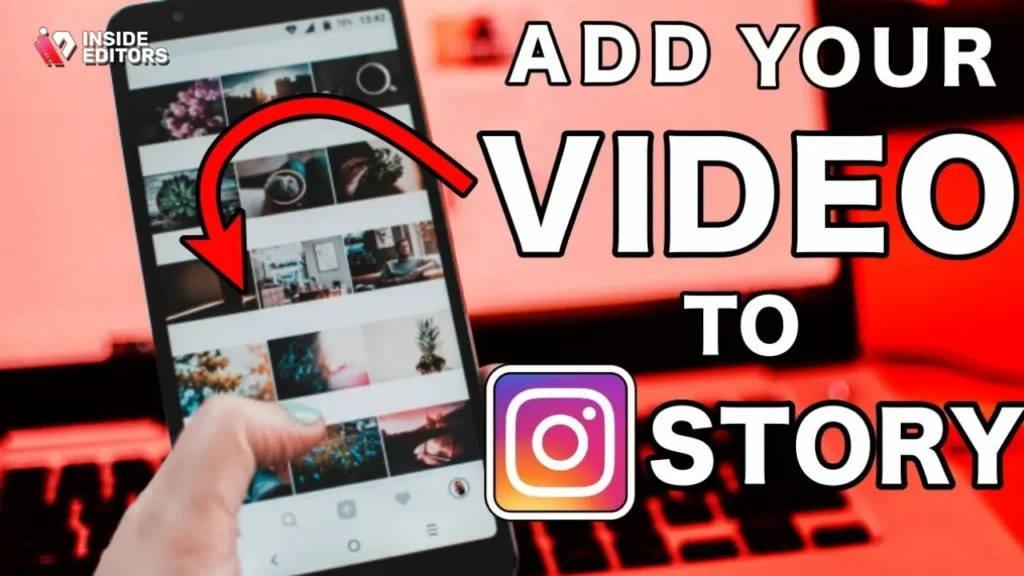
A more effective method is combining a short video clip with a YouTube link sticker. Instead of a static background, you upload a trimmed portion of your YouTube video-ideally one that highlights the most interesting moment. This creates motion, builds curiosity, and naturally draws the viewer’s eye toward the link.
This hybrid approach consistently performs better because it mirrors how people already consume Stories: quick visuals first, action second. It also gives you more creative control over pacing, captions, and branding.
Why Screen Recording Is Usually the Worst Choice
Some creators still rely on screen recording their YouTube video and uploading it directly to Stories. While this technically works, it often results in poor quality, awkward framing, and visible UI elements that distract from the content. Instagram’s compression can further degrade the video, making it feel unprofessional.
Understanding these options helps you choose the right method before diving into step-by-step execution.
How to Post a YouTube Video to Instagram Story
If you want the fastest, cleanest method, Instagram’s link sticker is your starting point. It’s simple, flexible, and available to all accounts in 2025.
Step-by-Step Process Explained Simply
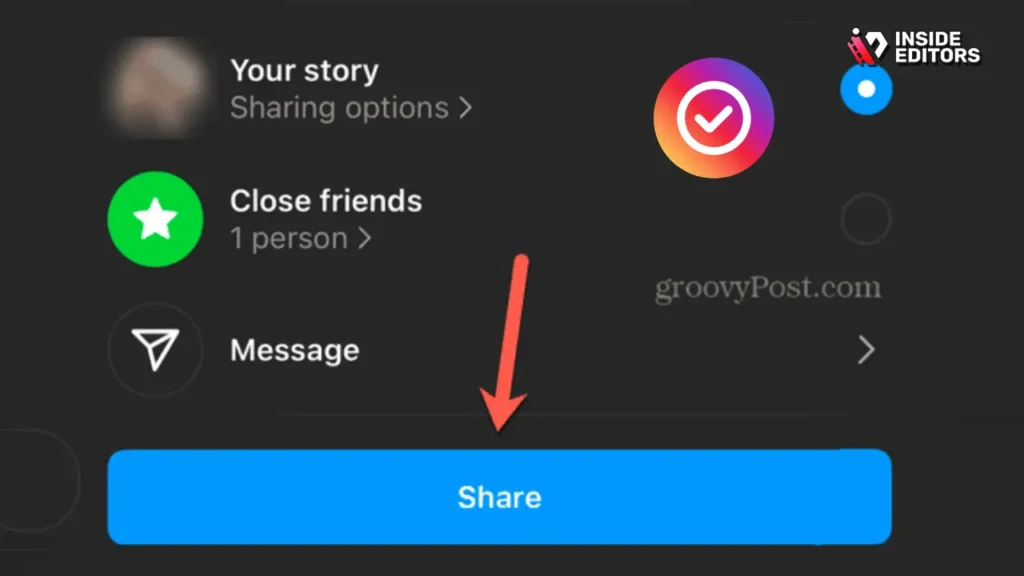
First, open your Instagram Story creation screen and choose a background. This can be a photo, a solid color, or a short video clip. Tap the sticker icon, select the link sticker, and paste your YouTube video URL. Instagram allows you to customize the sticker text, which is where strategy comes in.
Instead of leaving the default “Visit link,” use a clear call-to-action like “Watch Full Video” or “See the Full Story.” This small change can significantly improve tap-through rates because it tells viewers exactly what will happen next.
Making the Link Feel Natural, Not Pushy
One common mistake is making the link feel like an ad. Instagram users scroll quickly, and anything that feels promotional without context often gets ignored. Add a short caption that frames the video as helpful or interesting. For example, instead of “New video out now,” try “This changed how I edit my videos-full breakdown on YouTube.”
This approach feels conversational, not sales-driven. It builds trust, which is critical if you want consistent engagement rather than one-off clicks.
When Link-Only Stories Are Enough
If your audience already follows your YouTube channel closely, link-only Stories can work surprisingly well. Many established creators use this method daily because their followers know what to expect. For newer accounts, though, adding visual context usually delivers better results.
Once you’ve mastered link stickers, the next level is using video clips to increase attention-and that’s where editing becomes essential.
How to Share a YouTube Video Clip on Instagram Story
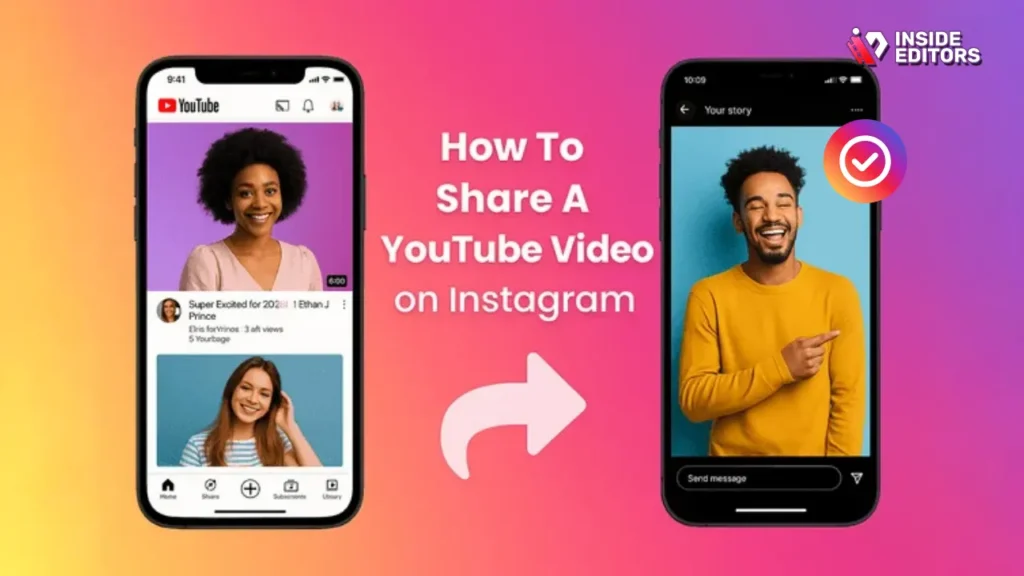
Uploading a short clip from your YouTube video creates immediate engagement. It shows, rather than tells, why your content is worth watching.
Choosing the Right Clip Length and Moment
Instagram Stories allow up to 15 seconds per slide, which means you need to be selective. The best clips usually start mid-action-right where curiosity peaks. Avoid long intros, logos, or greetings. Instead, jump straight into the most compelling sentence or visual moment.
Think of this clip as a movie trailer, not a summary. Its job is to make viewers want more, not explain everything.
Formatting for Vertical Viewing
YouTube videos are typically horizontal, while Instagram Stories are vertical. Simply uploading a horizontal clip without adjustment leaves black bars and wastes screen space. This is where basic editing-or professional help-makes a noticeable difference.
By reframing the clip vertically, adding subtle captions, or zooming intelligently on key moments, you make the Story feel native to Instagram. This small improvement can dramatically increase watch time and link taps.
Why Professional Editing Changes the Outcome
Many creators underestimate how much editing affects Story performance. Even a great YouTube video can fall flat in Stories if the pacing feels slow or the visuals feel cramped. This is where professional editors, like those at Inside Editors, help bridge the gap.
Instead of struggling with cropping and timing, creators can focus on ideas while editors turn long-form content into polished, Story-ready clips that feel intentional and engaging.
Common Mistakes That Kill Story Engagement
Even when creators understand how to share YouTube video on Instagram Story, small mistakes can quietly sabotage results. These issues don’t always feel obvious-but they show up in low taps and quick skips.
Overloading the Story With Text
It’s tempting to explain everything in one Story slide. Unfortunately, dense text pushes viewers away. Instagram Stories work best when text supports visuals, not replaces them. A short headline and one clear message usually outperform long explanations.
Ignoring Captions and Silent Viewing
Many users watch Stories with sound off. If your video clip relies entirely on audio, viewers may scroll past without understanding what’s happening. Adding simple captions ensures your message lands-even in silence.
Posting Without a Clear Goal
Every Story should answer one question: what do you want the viewer to do next? If the goal is to watch your YouTube video, everything-from the clip choice to the caption-should guide them toward that action. When the goal is unclear, engagement drops naturally.
Avoiding these mistakes sets the foundation for more advanced strategies, which we’ll explore next.
Pro Tips to Increase Story Clicks and Watch Time
Once you’ve learned the basics, the real growth happens in how you present your Story. Small strategic tweaks can significantly improve how many people watch, tap, and actually follow through to YouTube.
Using Story Sequencing to Build Curiosity
Instead of posting a single Story slide, consider using a short sequence. The first slide sets context, the second builds intrigue, and the third includes the link. This mirrors natural storytelling and keeps viewers engaged longer.
For example, the first slide might introduce a problem or question your YouTube video answers. The second slide shows a quick visual highlight or reaction moment. The third slide delivers the payoff with the link sticker. This flow feels intentional rather than promotional, which is exactly how Instagram’s algorithm prefers content to behave.
Timing Your Stories for Maximum Visibility
Posting time matters more than many creators realize. Stories appear in chronological order, which means timing affects how long your content stays visible near the front. A 2025 Later Media study found that Stories posted during peak activity hours received up to 27% higher completion rates.
While every audience is different, consistency matters more than perfection. When followers expect your Stories at certain times, engagement becomes habitual. That habit is what drives steady YouTube traffic-not one-off spikes.
Why Clear Calls-to-Action Still Matter
Even in 2025, people respond better when they’re told what to do next. Simple phrases like “Watch the full breakdown,” “See the full video,” or “Tap to continue” remove hesitation. Without a call-to-action, viewers may enjoy the clip but keep scrolling.
When learning how to share YouTube videos on Instagram Story effectively, clarity always beats cleverness.
Copyright, Fair Use, and Platform Rules Explained
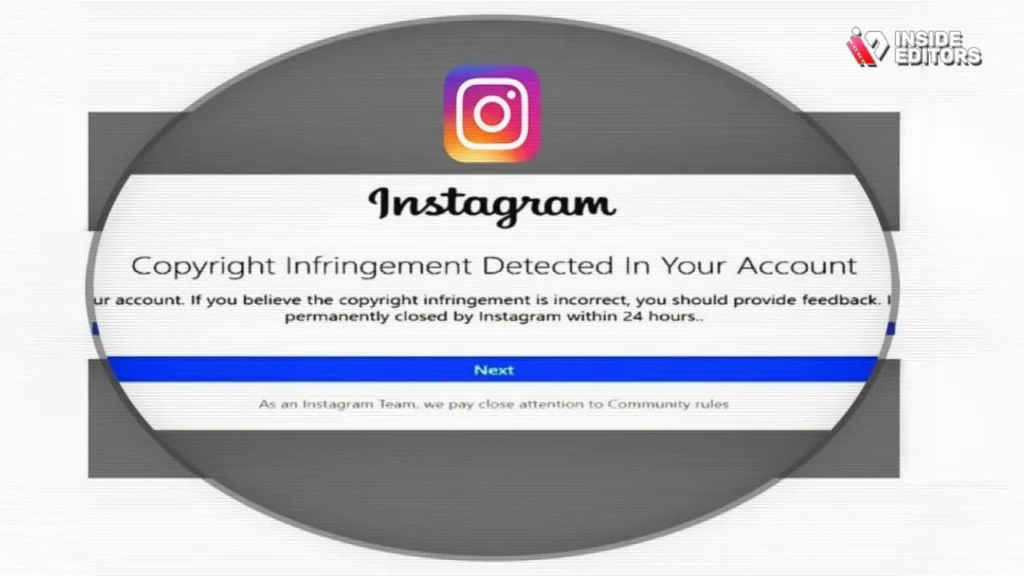
Sharing YouTube content on Instagram Stories isn’t just a technical process-it also comes with legal and platform considerations that creators often overlook.
When It’s Safe to Share Your Own Content
If you own the YouTube video, you’re generally safe to share clips or links to it on Instagram. YouTube and Instagram allow cross-promotion of original content, and this is common practice among creators and brands.
Problems usually arise when creators share content they don’t own. Even if a video is public on YouTube, that doesn’t automatically grant permission to repost it elsewhere.
Fair Use Isn’t a Guarantee
Fair use laws vary by region and are often misunderstood. Short clips used for commentary or education may qualify, but there’s no automatic protection. Instagram’s content detection systems don’t evaluate intent-they evaluate ownership.
If you rely heavily on third-party clips, linking to the original YouTube video rather than uploading the clip directly is the safer option. This approach avoids copyright strikes while still allowing you to share value with your audience.
Platform-Specific Risks to Avoid
Instagram may mute, restrict, or remove Stories that include copyrighted music or video without permission. These actions can reduce reach temporarily, even if no formal strike occurs. Staying cautious protects both your content and your account health in the long run.
Understanding these boundaries gives you confidence-and confidence shows in how you present your content.
Instagram Stories: DIY Editing vs Professional
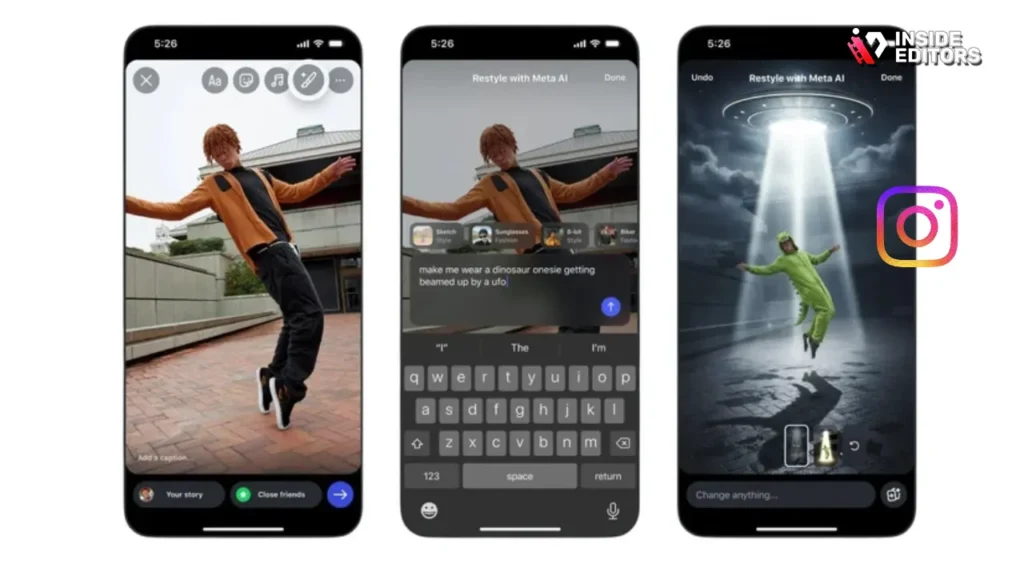
At some point, every creator faces the same question: should I edit these clips myself, or should I hand them off to a professional?
When DIY Editing Makes Sense
If you’re just starting out, basic editing tools can be enough. Simple trimming, resizing, and captions are often all you need to test ideas and learn what resonates. DIY editing also helps you understand your content style, which is valuable knowledge early on.
However, DIY editing comes with trade-offs. It takes time, requires constant learning, and often leads to inconsistent visual quality-especially when you’re repurposing long-form YouTube videos into vertical formats.
Where Professional Editing Saves Time and Stress
Professional editors approach Stories differently. They don’t just resize a video; they reframe it. They identify the most engaging moment, adjust pacing, and design the clip specifically for vertical viewing.
For creators publishing regularly, this difference compounds quickly. Instead of spending hours editing multiple versions of the same video, you can focus on planning, filming, or engaging with your audience-while editors handle the technical execution.
How Inside Editors Fits Naturally Into This Workflow
At Inside Editors, professional video editors specialize in transforming raw YouTube footage into polished, platform-ready content. Whether you’re sharing tutorials, reactions, travel vlogs, or business insights, experienced editors ensure your Stories feel native to Instagram without losing the essence of your original video.
This approach doesn’t replace your creative voice-it amplifies it.
From One YouTube Video to a Week of Stories
Imagine you upload a 10-minute YouTube video on Monday. Instead of sharing it once and moving on, you repurpose it into multiple Story clips across the week.
On day one, you share a teaser clip with a link. On day three, you share a different highlight with a new angle. On day five, you post a reaction or behind-the-scenes moment. Each Story points back to the same YouTube video, but feels fresh.
Creators using this approach often see longer content lifespans and higher total views. It’s not about spamming-it’s about giving your audience multiple entry points to the same value.
This strategy becomes even easier when professional editors help you extract multiple clips from one recording session.
Success Metrics Without the Obsession
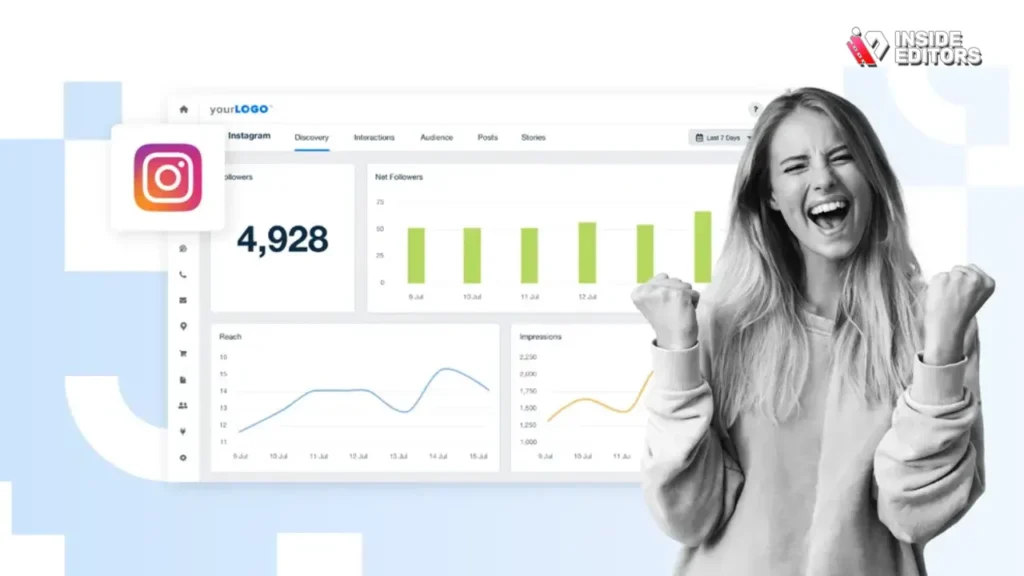
Metrics matter, but they shouldn’t control your creativity. Understanding what to track-and what to ignore-keeps your strategy healthy.
The Metrics That Actually Matter
Story link taps, completion rate, and replies tell you more than raw views. A Story with fewer views but higher taps is often more successful than a widely viewed Story that leads nowhere.
Instagram’s built-in insights provide enough data to spot patterns. You don’t need advanced analytics tools to understand what’s working-just consistency and attention.
Learning From Low-Performing Stories
Not every Story will perform well, and that’s okay. Low engagement often points to unclear messaging, weak hooks, or poor timing. Treat these moments as feedback, not failure.
Over time, you’ll notice patterns: certain clip styles perform better, certain captions get more taps. These insights guide smarter decisions moving forward.
How Inside Editors Goes Beyond Simple Sharing
Knowing how to share YouTube video on Instagram Story is only the first step. The real growth happens when sharing becomes part of a larger content system.
Inside Editors works with creators and businesses to build that system-turning one video into multiple high-performing assets. From Instagram Stories to Reels, LinkedIn videos, and promotional clips, professional editing ensures consistency, quality, and efficiency.
You can explore Inside Editors’ video editing services across different niches, including business, gaming, travel, fitness, and product-focused content. Each service is designed to help your videos feel intentional rather than improvised.
Final Take: Share Confidently, Skip the Guesswork
By now, you understand not just how to share YouTube video on Instagram Story, but why certain approaches work better than others. You’ve seen how link stickers, video clips, editing choices, and timing all shape engagement.
Great Stories aren’t about tricks or algorithms-they’re about clarity. When your message is clear and your visuals feel natural, viewers respond.
If you’re ready to take your content from simple sharing to polished storytelling, professional editors can make that transition smoother and more rewarding.
If you’d like help turning your YouTube videos into engaging Instagram Stories, explore Inside Editors’ professional video editing services and see how expert editing can elevate your content-without adding stress to your workflow.
FAQs: Sharing YouTube Videos on Instagram Story
Is it safe to share a YouTube video on Instagram Story?
Yes, it’s safe when you share your own content or use Instagram’s link sticker to direct viewers to YouTube. Uploading clips you don’t own can trigger copyright claims, even if the video is public. To avoid issues, link to the YouTube video instead of reposting third-party clips. This approach protects your account and keeps your reach stable.
Will sharing a YouTube link reduce Instagram Story reach?
No, Instagram does not penalize Stories for external links in 2025. However, engagement depends on presentation-Stories with short video previews typically perform better than link-only slides. A 10–15 second teaser often increases taps compared to static backgrounds. The trade-off is extra editing time.
Can I share a full YouTube video directly to Instagram Story?
Not effectively. Instagram Stories support short, vertical clips, while most YouTube videos are long and horizontal. Uploading full videos leads to heavy cropping and lower quality. The best practice is sharing a short highlight clip with a link sticker to the full YouTube video.
Should I edit the video myself or hire a professional editor?
DIY editing works for basic trimming and testing ideas, but it takes time and often leads to inconsistent results. Professional editors reframe videos for vertical viewing, add captions, and optimize pacing for Stories. The trade-off is cost, but it saves hours and usually improves engagement. Many creators use both-DIY early, professional editing as they scale.
How much does professional editing for Instagram Stories cost?
Pricing typically ranges from $10–$50 per Story clip, depending on complexity, captions, and revisions. Packages often include resizing, basic color grading (creative visual look), and text overlays, while advanced motion graphics may cost extra. Always confirm what’s included before starting. Turnaround time also affects price.
How long does it take to prepare a Story-ready YouTube clip?
Basic clips can be ready within 24–48 hours, while more polished edits may take 2–3 days. Rush options are sometimes available for same-day delivery. Timelines depend on video length, revision rounds, and caption requirements. Planning ahead keeps costs and stress lower.


