

Editing a wedding video is an art that combines technical skills with a creative touch. In Indian wedding video editing, the challenge is even more significant. You’re not just editing a video – you’re capturing emotions, traditions, and vibrant celebrations that are steeped in cultural significance. Whether you’re a novice editor or a professional looking to sharpen your skills, mastering Indian wedding video editing requires a unique blend of expertise and creativity.
In this guide, we’ll walk you through the best tips and tricks to help you create stunning wedding videos that reflect the beauty and emotional depth of Indian weddings. From understanding the unique cultural elements to using the best tools for seamless editing, this article is designed to provide you with all the knowledge you need. Let’s dive into the world of Indian wedding video editing and explore the best practices for editing a video that will tell a captivating and memorable story.
Why Indian Wedding Video Editing is Unique
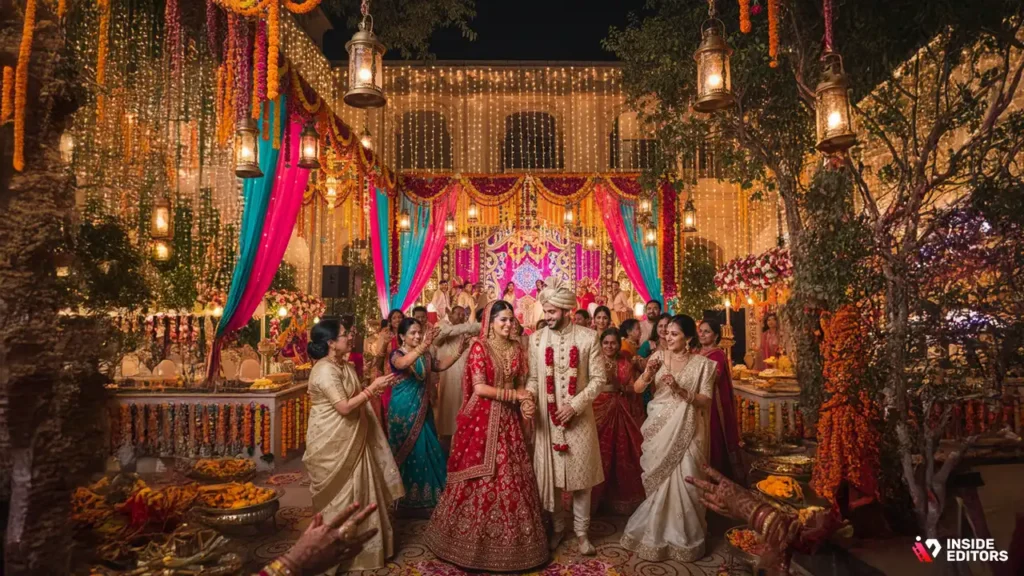
Indian weddings are known for their grandeur, elaborate rituals, and rich cultural traditions. The editing process for such weddings goes beyond simple video enhancement; it’s about capturing moments that reflect the joyous atmosphere and emotional depth of the ceremony.
Indian weddings can last for several days and include numerous events such as pre-wedding rituals (like Mehendi and Sangeet), the main wedding ceremony, and post-wedding celebrations. Each event carries its own significance and set of emotions that need to be highlighted in the video. Thus, understanding the cultural nuances and the importance of each moment is crucial for editing Indian wedding videos.
The Key Editing Tools That Make Your Videos Stand Out
When it comes to editing Indian wedding videos, using the right tools is half the battle. Here are the key tools that will help you create a polished and professional-looking video:
1. Adobe Premiere Pro

Adobe Premiere Pro is one of the most popular video editing software used by professionals across the globe. It offers a range of advanced features, including color correction, multi-camera editing, and special effects. The software also supports a wide variety of video formats, making it ideal for editing the diverse footage you’ll encounter in an Indian wedding.
Pro Tip: Use the Lumetri Color panel in Adobe Premiere Pro to enhance the vibrancy of the wedding attire and decorations, a key element in Indian wedding videos.
2. Final Cut Pro
For Mac users, Final Cut Pro is an excellent choice for editing wedding videos. It provides powerful features like magnetic timelines, advanced color grading, and 360-degree video editing capabilities. It’s known for its user-friendly interface and quick rendering time, making it ideal for professional video editors.
Pro Tip: Leverage the multi-cam editing feature to seamlessly switch between different angles of key moments like the exchange of vows or the first dance.
3. DaVinci Resolve
DaVinci Resolve is a favorite among video editors for color correction and grading. The software offers a comprehensive suite of editing tools, with a particular focus on color enhancement. In Indian weddings, where vibrant colors and intricate details play a key role, DaVinci Resolve can help elevate the footage by adjusting skin tones, balancing vibrant decorations, and enhancing natural light.
Pro Tip: Use DaVinci Resolve’s color wheels to balance skin tones and bring out the rich colors of the wedding attire and environment, ensuring that the final video is visually striking.
4. Filmora

Filmora is an excellent beginner-friendly video editing tool. While it may not offer as many advanced features as Adobe Premiere Pro or Final Cut Pro, it has all the essential tools needed for creating beautiful Indian wedding videos. Its easy-to-use interface allows you to add transitions, music, and effects quickly, making it ideal for editors who want to focus more on storytelling.
Pro Tip: Utilize the software’s built-in templates to create professional transitions for important moments, such as the arrival of the bride or the wedding vows.
Indian Wedding Video Editing: Step-by-Step Guide
Now that we’ve covered the tools, let’s dive into the step-by-step editing process for Indian wedding videos. Every wedding is unique, but following these steps will ensure that your final video captures the essence of the celebration.
1. Organize Your Footage
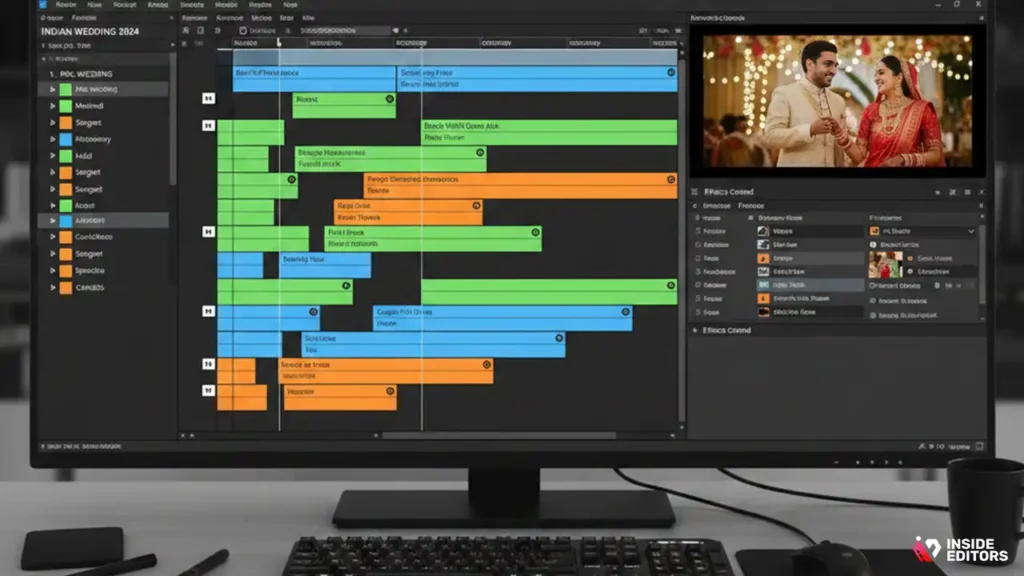
Indian weddings typically generate hours of footage, so organization is key. Start by sorting your clips into categories, such as the ceremony, reception, pre-wedding rituals, and candid moments. Label each folder or timeline with specific events (e.g., “Mehendi,” “Sangeet,” “Baraat”) so you can quickly access the footage you need.
Pro Tip: Use color labels or tags in your editing software to categorize clips. This way, you can easily identify key moments like the bride’s walk down the aisle or the couple’s first dance.
2. Create a Storyboard
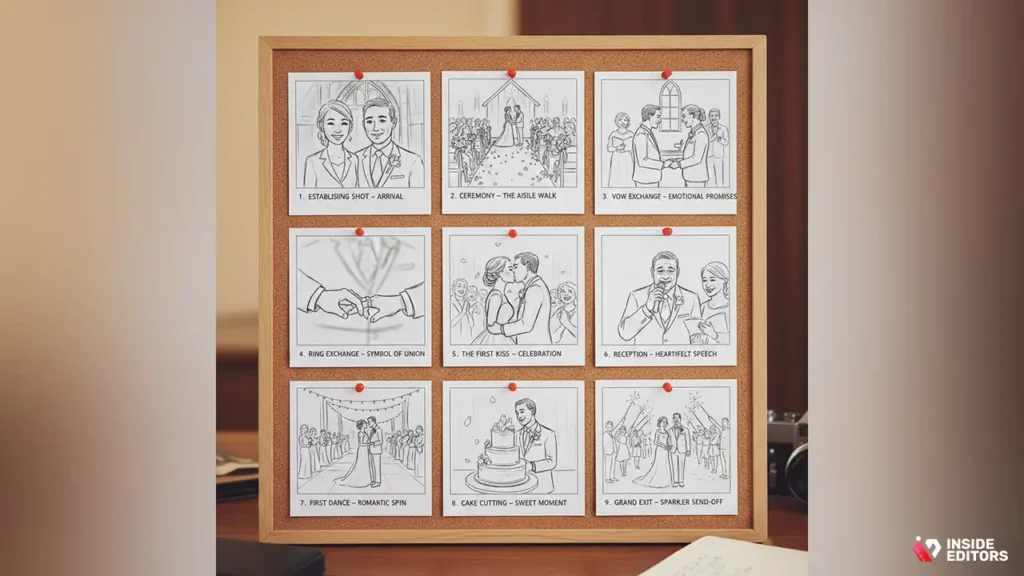
Before diving into editing, it’s helpful to create a rough storyboard of how you want the final video to flow. Identify the most important moments that need to be highlighted, such as the exchange of vows, the first kiss, or emotional speeches.
Pro Tip: Use the storyboard as a reference to create a cohesive narrative – remember, wedding videos are not just a collection of random clips but a story that takes the viewer on a journey through the day.
3. Select the Best Clips
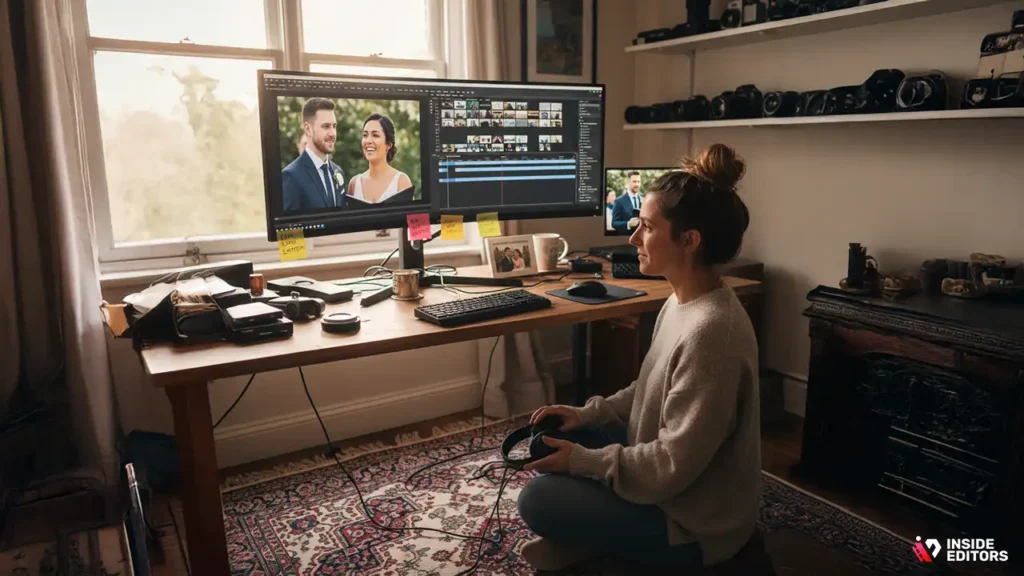
As you begin reviewing your footage, carefully select the best clips for your final video. Look for moments that show raw emotion, such as laughter, tears, and heartfelt vows. Pay attention to lighting and camera angles to ensure the clips are visually appealing.
Pro Tip: Avoid using repetitive shots. Instead, focus on unique angles and candid moments to keep the video engaging and dynamic.
4. Trim and Arrange the Clips
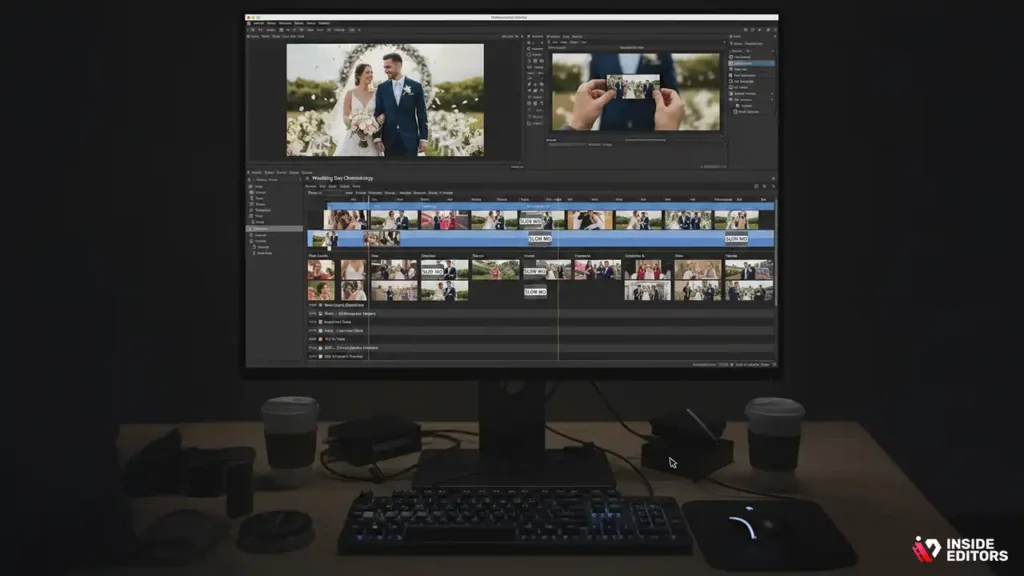
Now it’s time to trim the footage to remove any unnecessary scenes. Arrange the clips in a way that tells the story of the wedding day. Consider creating a timeline with a natural flow, from the pre-wedding rituals to the main ceremony and finally the post-wedding celebration.
Pro Tip: Use slow motion for key moments, such as the bride and groom walking down the aisle or the first kiss. This helps emphasize the significance of these moments.
5. Add Transitions and Effects
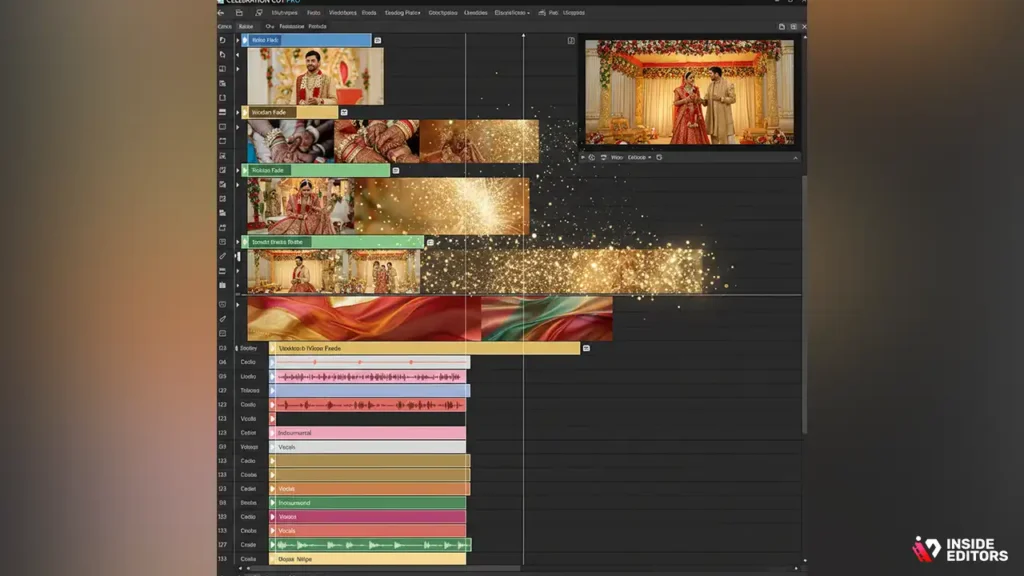
Transitions are an essential part of video editing. Smooth transitions help the video flow seamlessly from one scene to the next. You can use cross-dissolves, wipes, or even custom effects that align with the wedding’s theme (e.g., a golden fade to match traditional Indian colors).
Pro Tip: Don’t overdo the transitions. Subtle, smooth effects work best in wedding videos, as they help maintain the emotional tone of the video.
6. Color Grading
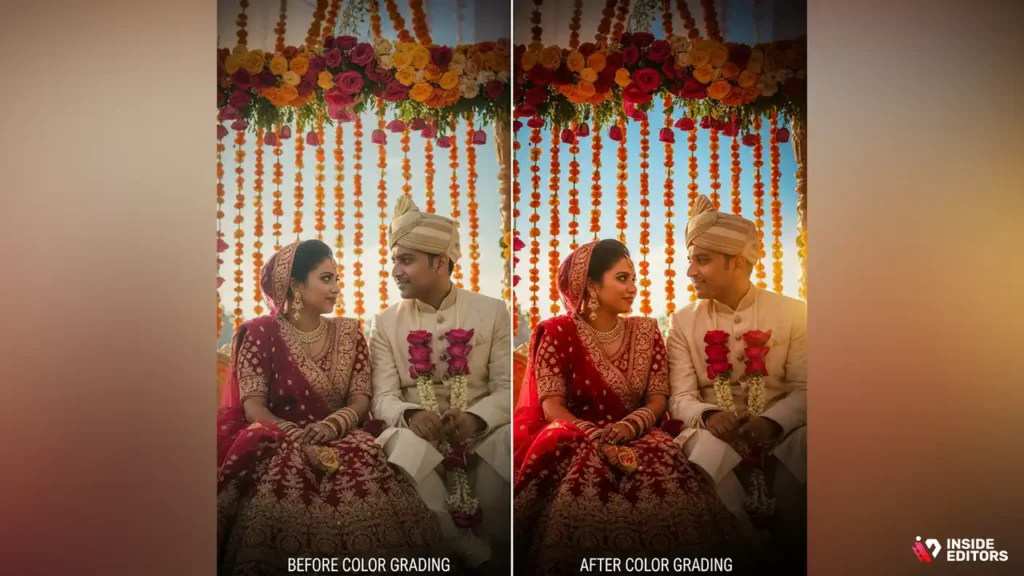
Indian wedding videos are known for their vibrant colors. Color grading helps bring out the beauty of the setting, the wedding attire, and the decorations. Adjust the brightness, contrast, and saturation to enhance the visual appeal of the footage.
Pro Tip: Pay attention to the skin tones of the bride and groom. Ensuring they look natural and flattering should be a priority during color grading.
7. Add Music and Sound Design
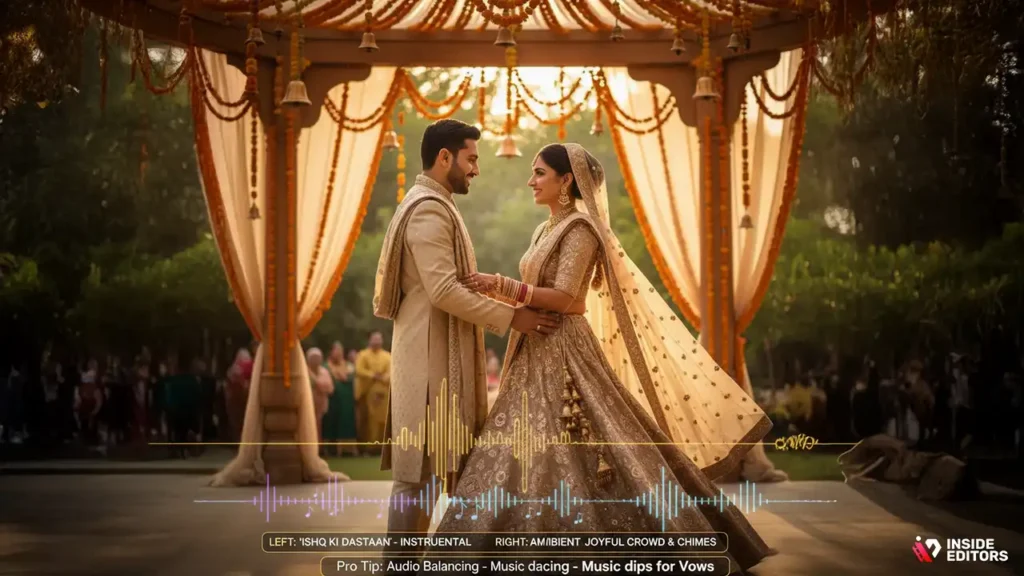
Music plays a crucial role in Indian wedding videos. It sets the mood, enhances emotional moments, and helps transition between scenes. When selecting music, choose tracks that resonate with the cultural elements of the wedding, such as traditional Indian wedding songs, Bollywood hits, or even contemporary tracks that reflect the couple’s personality.
1. Sync Music with Key Moments
One of the best ways to keep the video engaging is by syncing the music with significant moments. For instance, as the bride walks down the aisle, a soft, instrumental piece can play, gradually building to a more celebratory tune during the vows or the reception.
Pro Tip: Sync the beats of the music with the transitions and key movements, such as the couple’s first dance or the exchange of rings. This enhances the impact of those moments, making them feel more cinematic.
2. Incorporate Ambient Sounds
Ambient sounds, such as the sound of laughter, conversations, and natural elements like wind or birds chirping, can add a layer of authenticity to the video. These sounds help ground the viewer in the moment, making the video feel more immersive.
Pro Tip: Use ambient sounds subtly in the background to enhance the emotion. For example, a subtle wedding guest’s laughter can amplify the joy during the couple’s first dance.
3. Audio Balancing
Wedding videos can have multiple audio tracks, such as the wedding vows, speeches, and background music. Balancing these audio tracks is essential to ensure clarity. You don’t want background music to overpower speeches or vows.
Pro Tip: Lower the volume of background music during speeches or vows and gradually raise it for dance sequences or celebrations.
8. Add Text and Titles
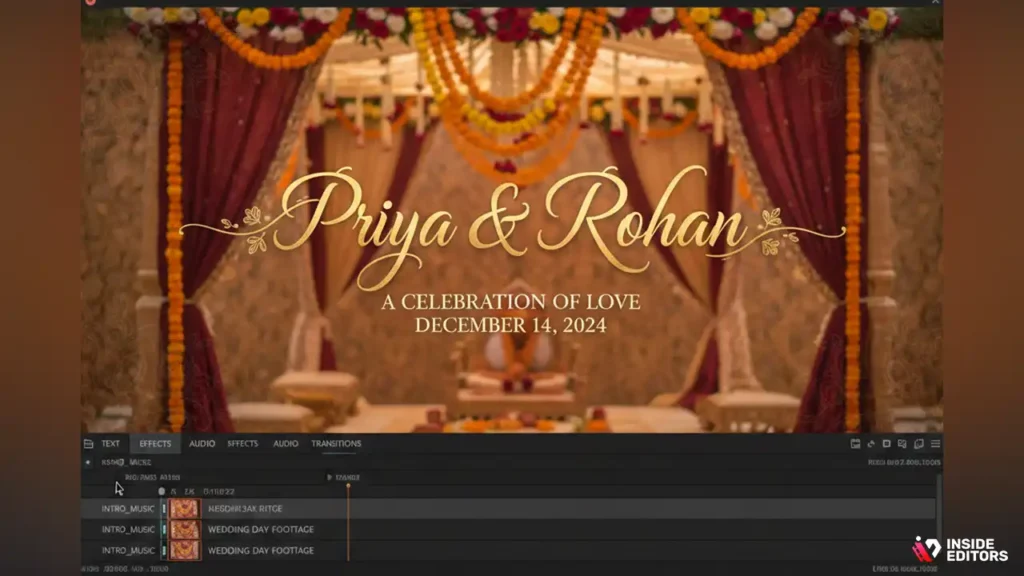
While the main focus of an Indian wedding video is the visuals and the emotions they convey, adding text can provide context or highlight significant moments. This is especially helpful when introducing key parts of the wedding or setting the scene.
1. Use Elegant Titles
Start the video with a title screen introducing the couple and their wedding date. Use elegant fonts that match the wedding’s theme (e.g., gold or red fonts for a traditional look).
Pro Tip: Keep text minimal and sophisticated. You don’t want the titles to distract from the wedding itself, so choose fonts that are legible but stylish.
2. Subtitles for Speeches
If you are editing speeches or vows, consider adding subtitles. Not only does this make the content more accessible, but it can also help emphasize emotional words or phrases that add depth to the video.
Pro Tip: Ensure that the subtitle font is readable against the background. Use a semi-transparent background for text to make it stand out without overwhelming the visuals.
9. Finalize the Video and Export
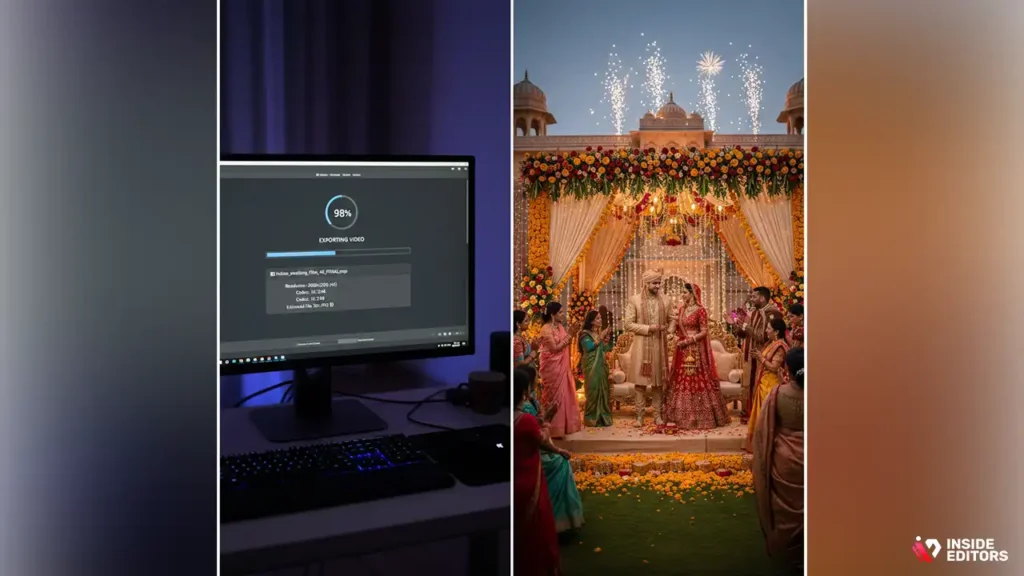
After you’ve completed the editing process, it’s time to review the final video and make necessary adjustments. Go through the video several times, checking for consistency in transitions, color grading, audio balancing, and pacing.
1. Watch the Video Multiple Times
Watching the video multiple times will help you catch small details you might have missed. Pay close attention to the pacing – wedding videos should never feel rushed. The editing should reflect the slow, emotional moments of the wedding, while also building energy during the celebrations.
2. Export the Video
When exporting, choose a high-quality format. For most Indian wedding videos, 4K resolution is ideal, as it ensures that every detail, from the intricate decorations to the guests’ expressions, is captured in sharp detail. You may also want to export in various formats for different platforms – for example, a smaller resolution for social media sharing and a larger one for Blu-ray or personal storage.
Pro Tip: Use the H.264 codec for video export. It offers a good balance of quality and file size, which is ideal for web and social media uploads.
How Indian Wedding Video Editors Elevate the Final Film
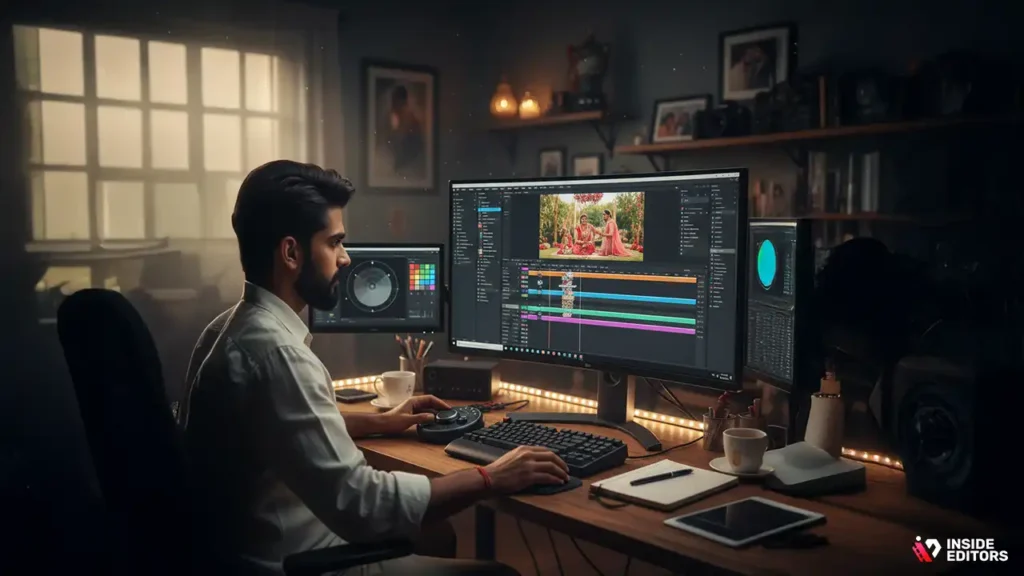
While editing Indian wedding videos on your own can be a rewarding experience, sometimes it’s worth considering professional services for the final touch. Professional editors bring years of experience and creative vision to the table, elevating the video beyond what you might be able to do on your own.
1. Expertise in Cultural Nuances
Professional editors are familiar with the cultural significance of various wedding rituals. This expertise ensures that key moments are highlighted and that the final video reflects the emotional depth of the ceremony. They understand how to work with the unique challenges posed by Indian weddings, such as intricate rituals, large guest lists, and a variety of locations.
2. Seamless Storytelling
Editing a wedding video is about more than just trimming footage and adding effects. It’s about telling a cohesive story. Professional editors have an eye for pacing and structure, ensuring that the video flows smoothly from one event to the next. They’ll create a video that not only captures the wedding day but also tells a compelling story of the couple’s love and commitment.
3. Time Efficiency
Editing a wedding video can be a time-consuming process, especially if you’re working with hours of footage. By hiring a professional, you free up your time to focus on other aspects of the wedding, knowing that your video will be handled with care and precision.
Pro Tip: If you’re looking for professional editing services, Inside Editors can help. We specialize in Indian wedding video editing, delivering stunning, personalized results that capture the essence of your big day.
Conclusion: Bringing Your Indian Wedding Video to Life
Editing an Indian wedding video is more than just a technical task – it’s about capturing the emotions, the grandeur, and the cultural beauty of one of the most important days of someone’s life. Whether you’re using advanced editing software like Adobe Premiere Pro or opting for a user-friendly tool like Filmora, the key is to focus on the moments that truly matter.
Remember, it’s not just about putting together a collection of clips; it’s about telling a story that reflects the personalities of the couple and the significance of their wedding. From color grading to music selection, each step in the process plays a role in creating a video that will be cherished for years to come.
If you’re looking to take your wedding video editing to the next level, Inside Editors offers expert services to ensure that your wedding footage becomes a cinematic masterpiece. We’re here to help you every step of the way, from organizing your footage to delivering a final product that tells your story beautifully.
Explore Inside Editors’ Video Editing Services
FAQs:
1. What should I expect in terms of revisions?
Most professional video editing services, including Inside Editors, offer 1–2 rounds of revisions to ensure the final video meets your vision. Additional revisions can be requested, but may incur extra fees. Be clear about your preferences upfront to minimize the need for revisions and ensure a smoother editing process.
2. How does professional editing compare to DIY editing?
While DIY editing tools like Filmora or iMovie offer basic functionality, professional editors bring advanced skills, such as color grading, seamless transitions, and storytelling. With professional services, you can expect a polished video that highlights key moments and reflects the cultural richness of the wedding. The trade-off is usually in cost and turnaround time.
3. What’s the typical cost of Indian wedding video editing?
The cost for professional Indian wedding video editing typically ranges from $500 to $2,500, depending on the length of the footage, complexity of the edits, and the service package. Most packages include color grading, transitions, and audio adjustments, with additional charges for extra revisions or advanced effects like VFX. For precise pricing, it’s best to get a personalized quote.
4. How long does it take to edit an Indian wedding video?
Typically, the turnaround for an Indian wedding video is 4–6 weeks, depending on the length and complexity of the footage. Rush services are available for an additional fee, which can reduce the editing time to 1–2 weeks. However, keep in mind that more complex edits like color grading or multi-camera setups can extend the timeline.
5. What’s the process for getting my wedding video edited?
Start by submitting your raw footage to the editor, along with any specific preferences or requests (such as music choices or highlight moments). The editor will organize and review the footage, then draft an initial version. After receiving your feedback, they’ll make necessary revisions before delivering the final product. You can expect 1–2 rounds of revisions in most cases.


